Ana Sayfa / Favoriler
Favoriler
This menu opens navigation, a report or a custom screen; it has no standard form field binding. Explore its related screens in the menu.
Qbitlos / Help Center
Choose a module to explore screens, form fields and usage steps.
Based on active form definitions. Field names retain their original application labels.
The home page provides entry to modules and dashboards. Widget groups define dashboard code, role, column layout and default dashboard. Individual widgets specify data source, chart type, value/category/label fields, table columns and refresh interval.
Ana Sayfa / Favoriler
This menu opens navigation, a report or a custom screen; it has no standard form field binding. Explore its related screens in the menu.
Ana Sayfa / Yenilikler
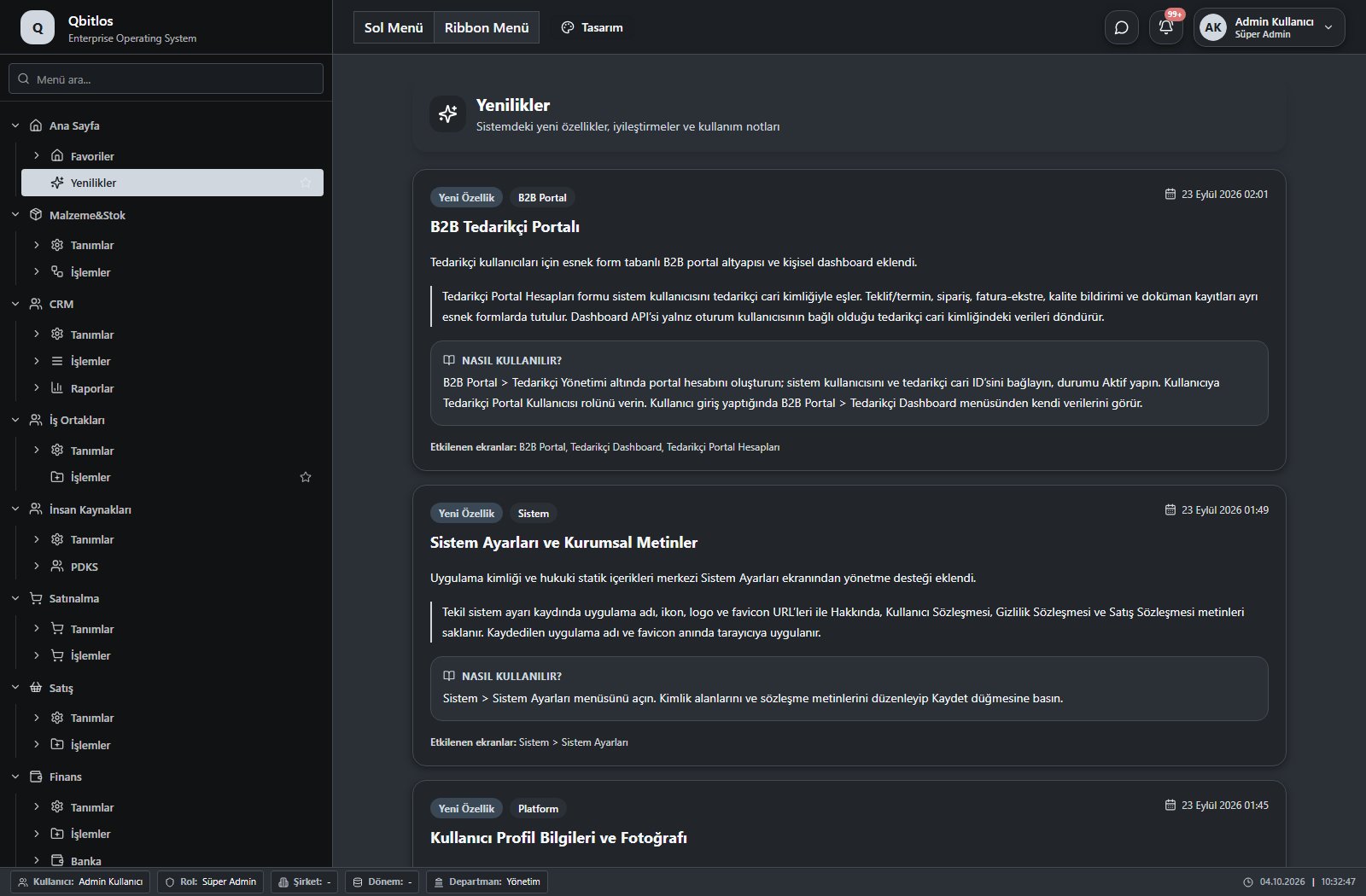
This menu opens navigation, a report or a custom screen; it has no standard form field binding. Explore its related screens in the menu.
Material cards include barcode, brand, groups, stock unit, conversion factor, minimum stock, cost, VAT, shelf life and control plan. Packaging quantities, weight and volume support shipment preparation. Movements track warehouse, quantity, lot and document; counts and transfers identify their warehouses, dates and responsible people.
Malzeme&Stok / Tanımlar
This menu opens navigation, a report or a custom screen; it has no standard form field binding. Explore its related screens in the menu.
Malzeme&Stok / Tanımlar / Ambar/Depo Tanımları
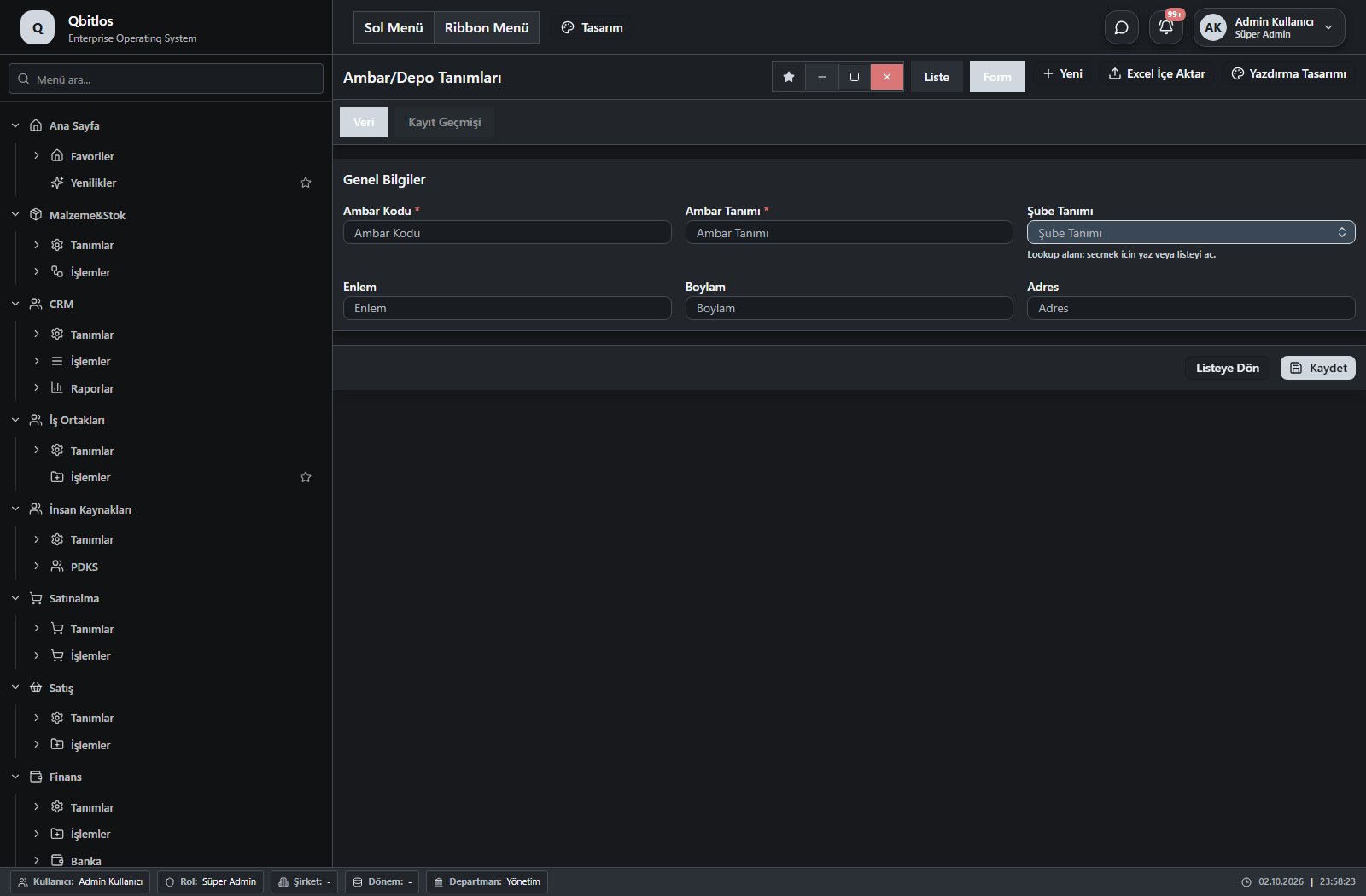
Ambar Tanımları · 7 field guide
| Field | Type | Usage and rules |
|---|---|---|
| Ambar Kodu | text | Ambar Tanımları alanı Required Shown in the list view. |
| Ambar Tanımı | text | Ambar Tanımları alanı Required Shown in the list view. |
| Şube Tanımı | lookup | Ambar Tanımları alanı Optional Select from related records. Şube Tanımları Shown in the list view. |
| AmbarID | hidden | Optional Shown in the list view. |
| Enlem | text | Optional Shown in the list view. |
| Boylam | text | Optional Shown in the list view. |
| Adres | text | Optional Shown in the list view. |
Malzeme&Stok / Tanımlar / Stok Birimleri
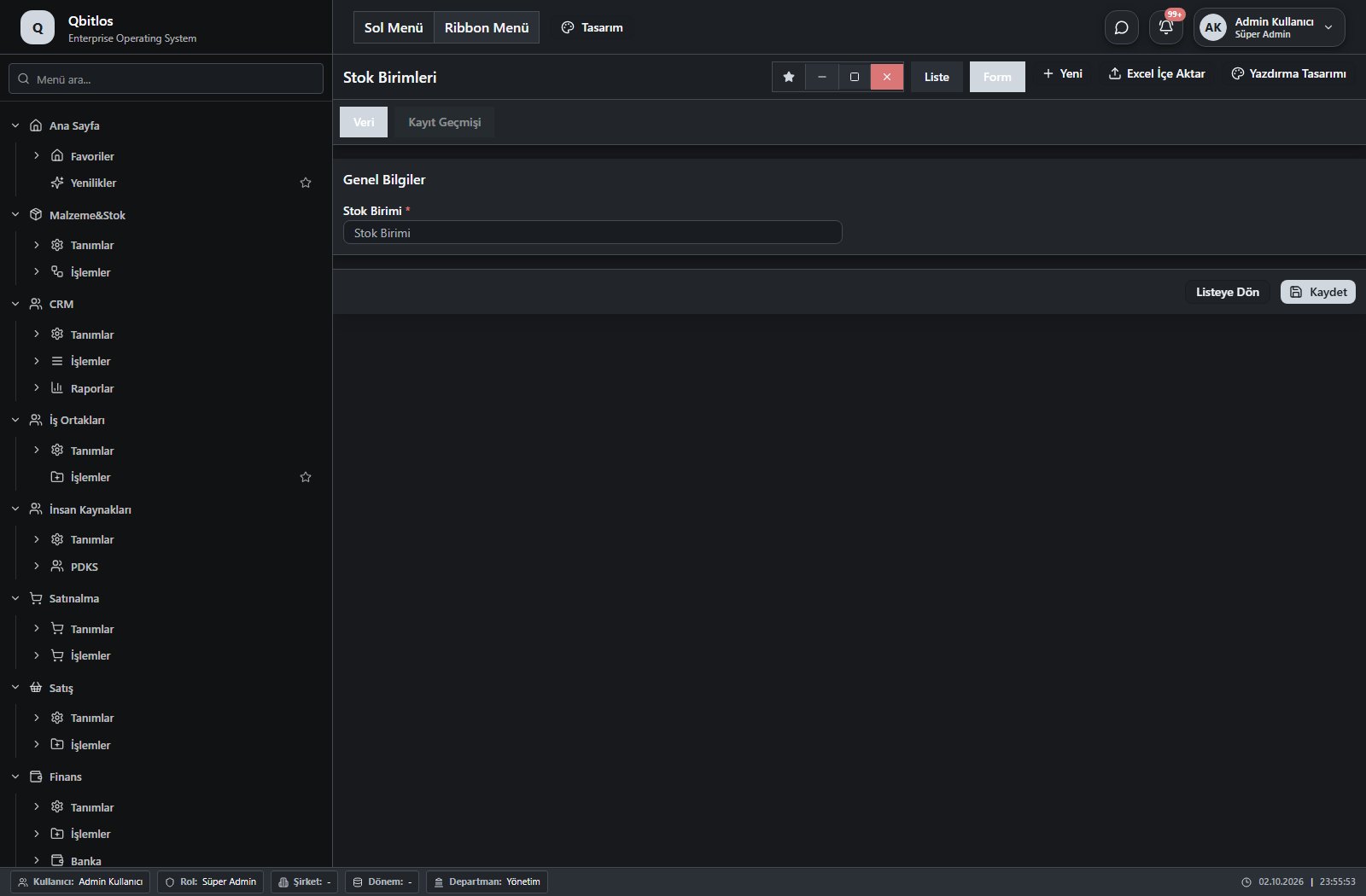
Stok Birimleri · 1 field guide
| Field | Type | Usage and rules |
|---|---|---|
| Stok Birimi | text | stokbirimleri alanı Required Shown in the list view. |
Malzeme&Stok / Tanımlar / Malzeme Grupları
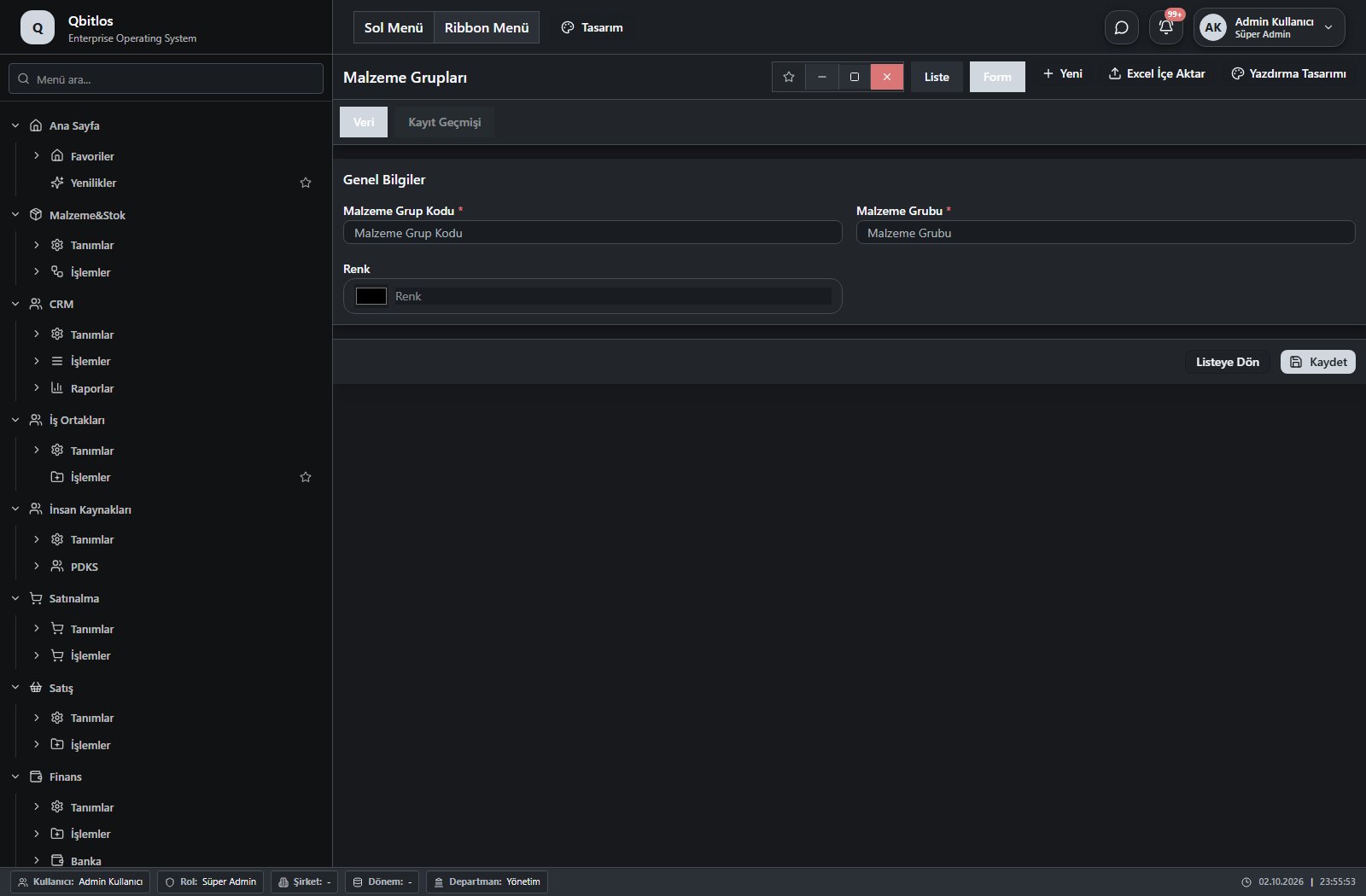
Malzeme Grupları · 3 field guide
| Field | Type | Usage and rules |
|---|---|---|
| Malzeme Grup Kodu | text | malzemegruplari alanı Required Shown in the list view. |
| Malzeme Grubu | text | malzemegruplari alanı Required Shown in the list view. |
| Renk | color | malzemegruplari alanı Optional Shown in the list view. |
Malzeme&Stok / Tanımlar / Kalıplar
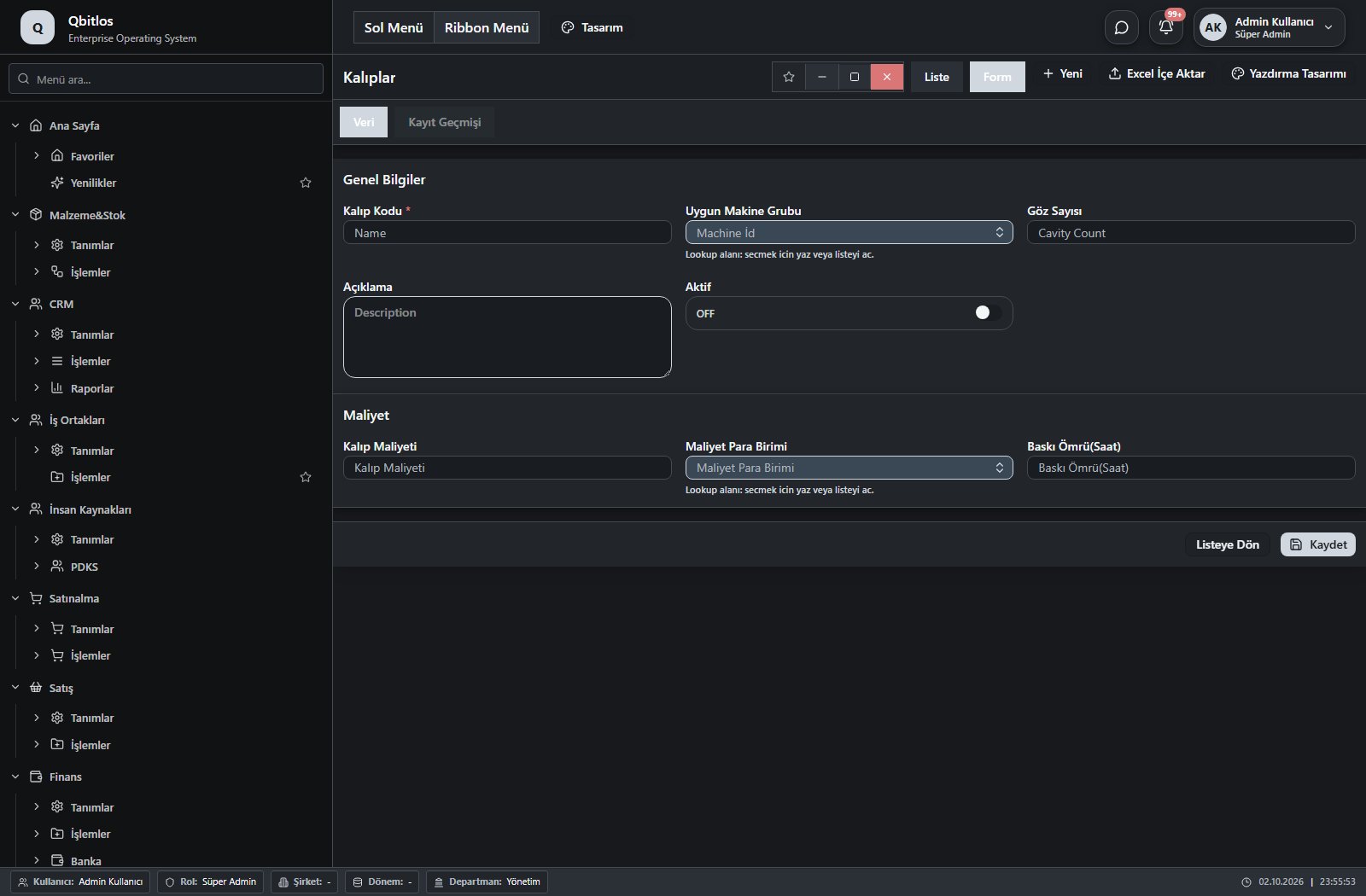
Kalıplar · 8 field guide
| Field | Type | Usage and rules |
|---|---|---|
| Göz Sayısı | number | Cavity Count alanı Optional Shown in the list view. |
| Açıklama | textarea | Description alanı Optional Shown in the list view. |
| Aktif | checkbox | İs Active alanı Optional Shown in the list view. |
| Kalıp Kodu | text | Name alanı Required Shown in the list view. |
| Uygun Makine Grubu | lookup | Machine İd alanı Required Select from related records. Makine Grupları Shown in the list view. |
| Kalıp Maliyeti | number | Optional Shown in the list view. |
| Maliyet Para Birimi | lookup | Optional Select from related records. Para Birimleri Shown in the list view. Options: TRY · USD · EUR · GBP |
| Baskı Ömrü(Saat) | number | Optional Shown in the list view. |
Malzeme&Stok / Tanımlar / Malzeme Alt Grupları
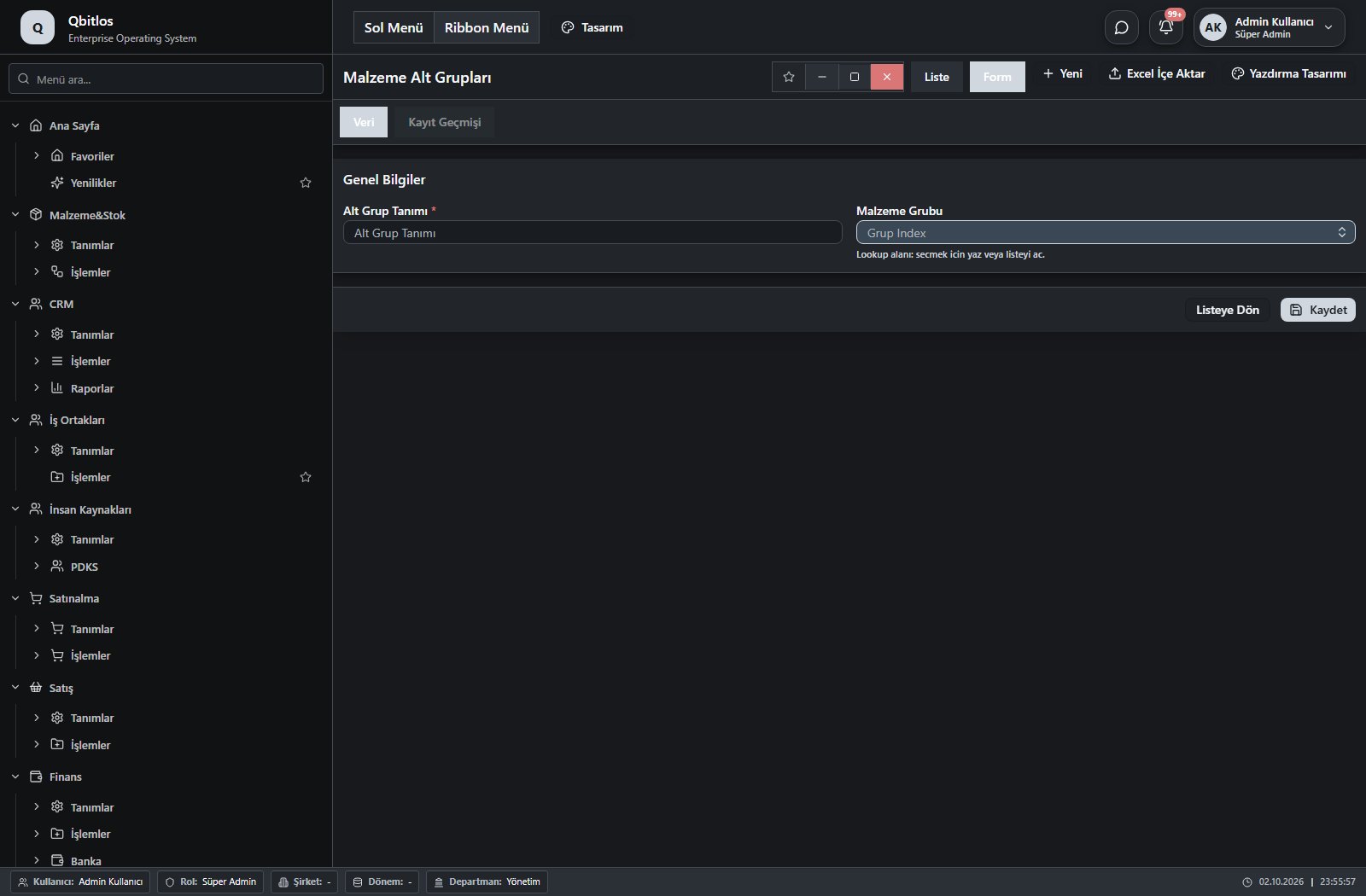
Malzeme Alt Grupları · 2 field guide
| Field | Type | Usage and rules |
|---|---|---|
| Alt Grup Tanımı | text | malzemealtgruplari alanı Required Shown in the list view. |
| Malzeme Grubu | lookup | malzemealtgruplari alanı Required Select from related records. Malzeme Grupları Shown in the list view. |
Malzeme&Stok / Tanımlar / Marka Tanımları
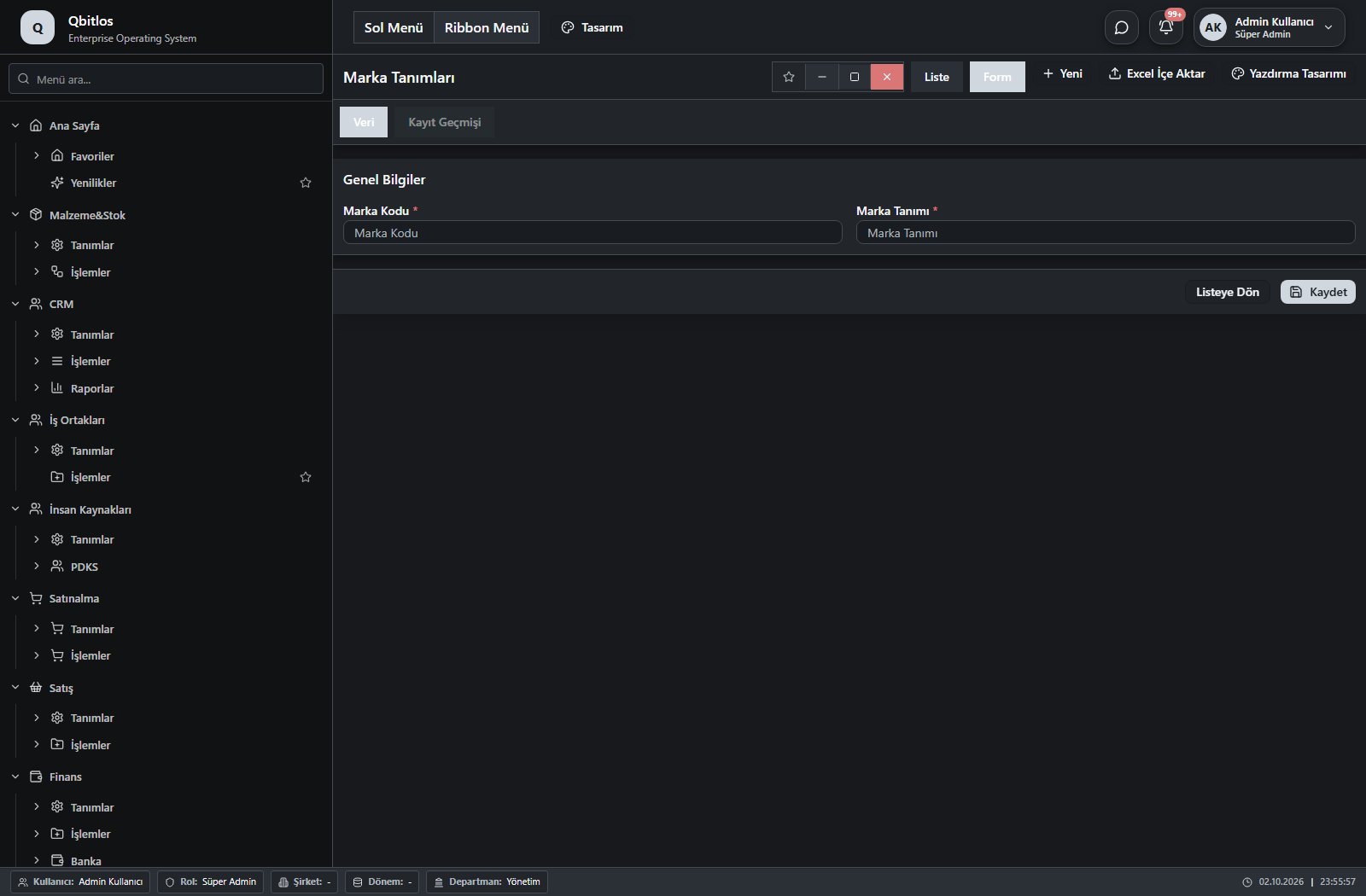
Marka Tanımları · 2 field guide
| Field | Type | Usage and rules |
|---|---|---|
| Marka Kodu | text | markatanimlari alanı Required Shown in the list view. |
| Marka Tanımı | text | markatanimlari alanı Required Shown in the list view. |
Malzeme&Stok / Tanımlar / Reçeteler
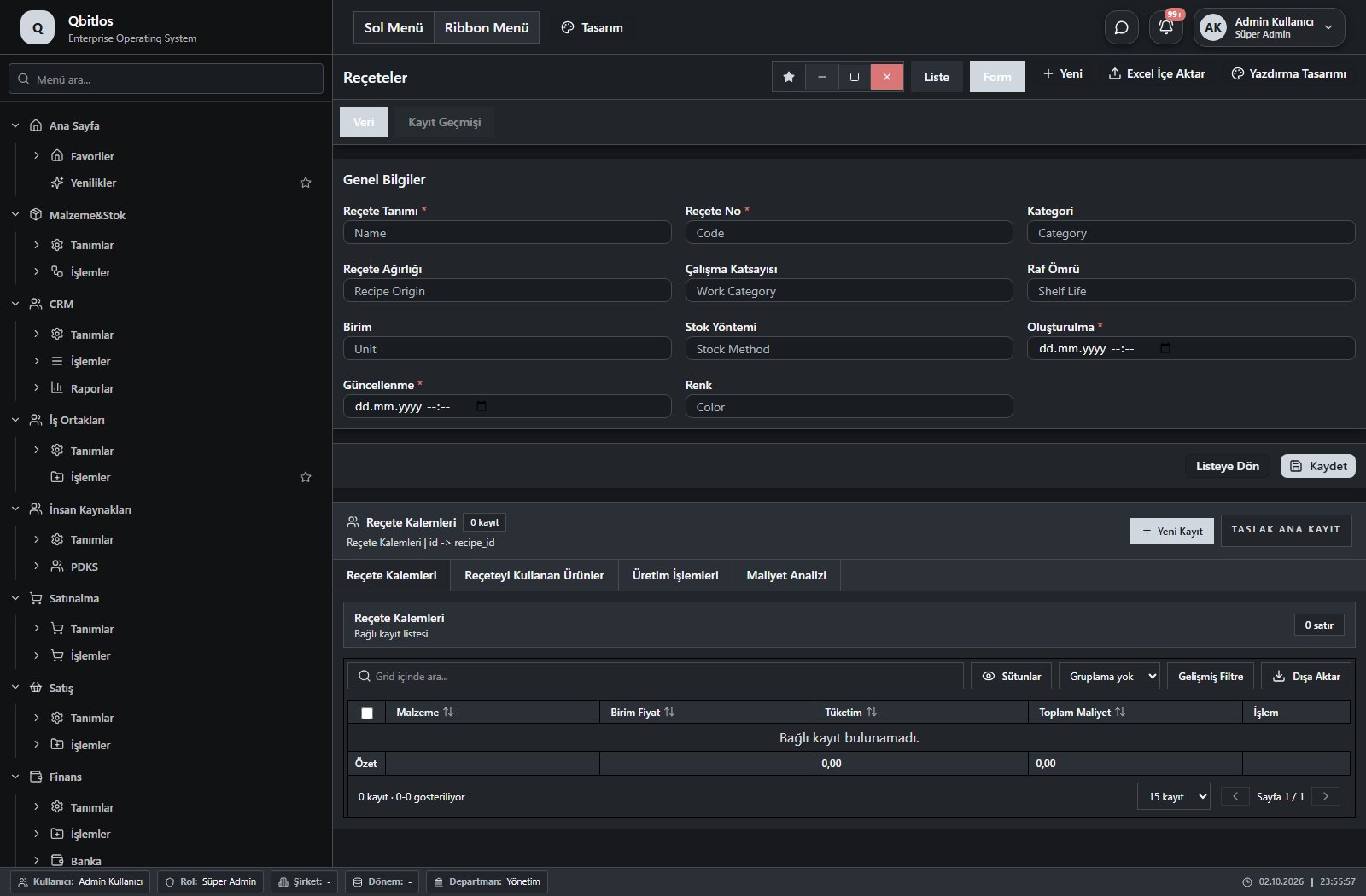
Reçeteler · 11 field guide
| Field | Type | Usage and rules |
|---|---|---|
| Reçete Tanımı | text | Name alanı Required Shown in the list view. |
| Reçete No | text | Code alanı Required Shown in the list view. |
| Kategori | text | Category alanı Optional Shown in the list view. |
| Reçete Ağırlığı | number | Recipe Origin alanı Optional Shown in the list view. |
| Çalışma Katsayısı | number | Work Category alanı Optional Shown in the list view. |
| Raf Ömrü | number | Shelf Life alanı Optional Shown in the list view. |
| Birim | text | Unit alanı Optional Shown in the list view. |
| Stok Yöntemi | text | Stock Method alanı Optional Shown in the list view. |
| Oluşturulma | datetime | Created At alanı Required Shown in the list view. |
| Güncellenme | datetime | Updated At alanı Required Shown in the list view. |
| Renk | text | Color alanı Optional |
Malzeme&Stok / Tanımlar / Koli Türleri
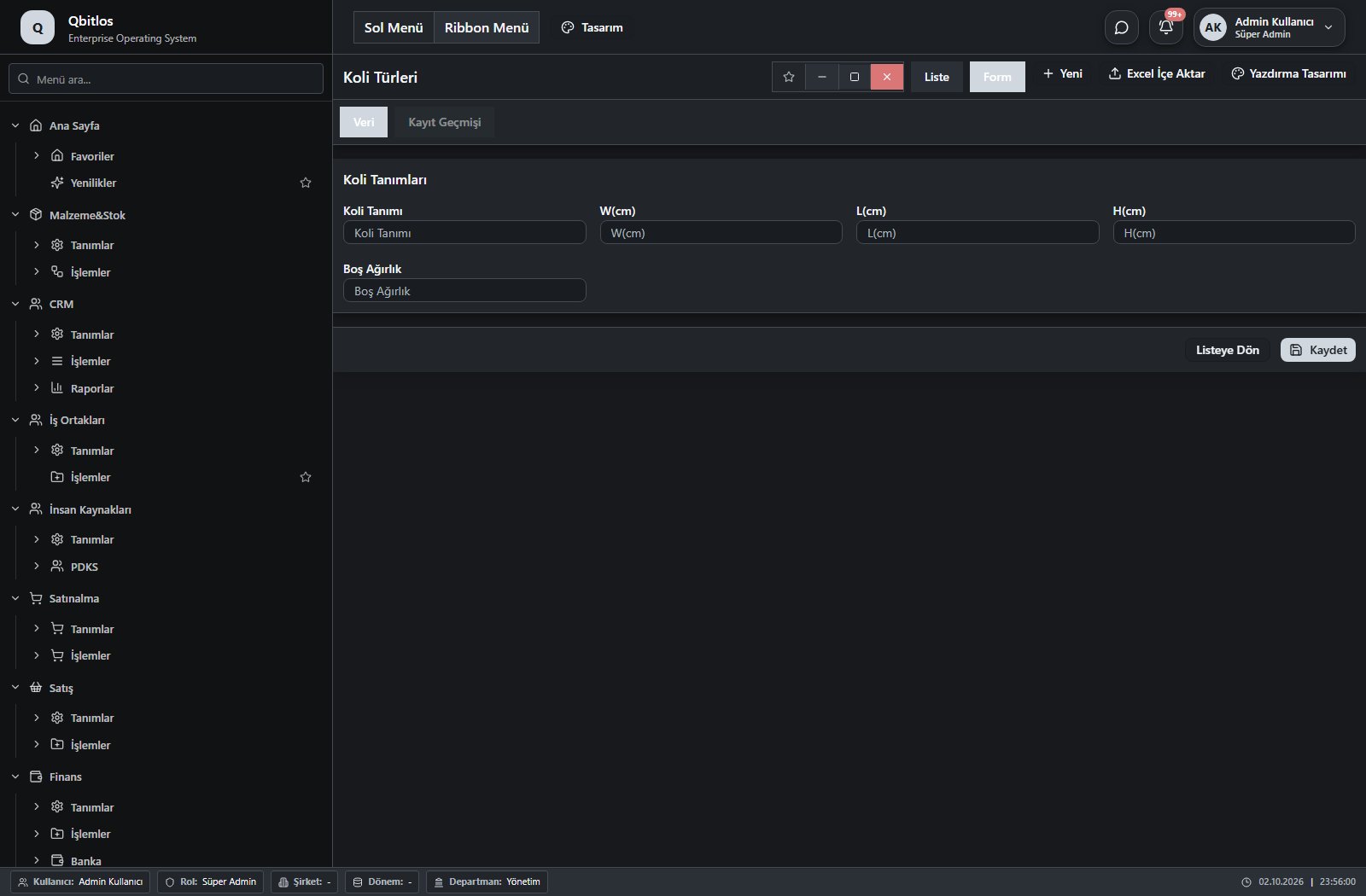
Koli Türleri · 6 field guide
| Field | Type | Usage and rules |
|---|---|---|
| Koli Tanımı | text | Optional Shown in the list view. |
| H(cm) | number | Optional Shown in the list view. |
| W(cm) | number | Optional Shown in the list view. |
| L(cm) | number | Optional Shown in the list view. |
| Hacim(m3) | calculated | Optional A calculation rule is configured; review the calculated result. Shown in the list view. |
| Boş Ağırlık | number | Optional Shown in the list view. |
Malzeme&Stok / İşlemler
This menu opens navigation, a report or a custom screen; it has no standard form field binding. Explore its related screens in the menu.
Malzeme&Stok / İşlemler / Malzemeler
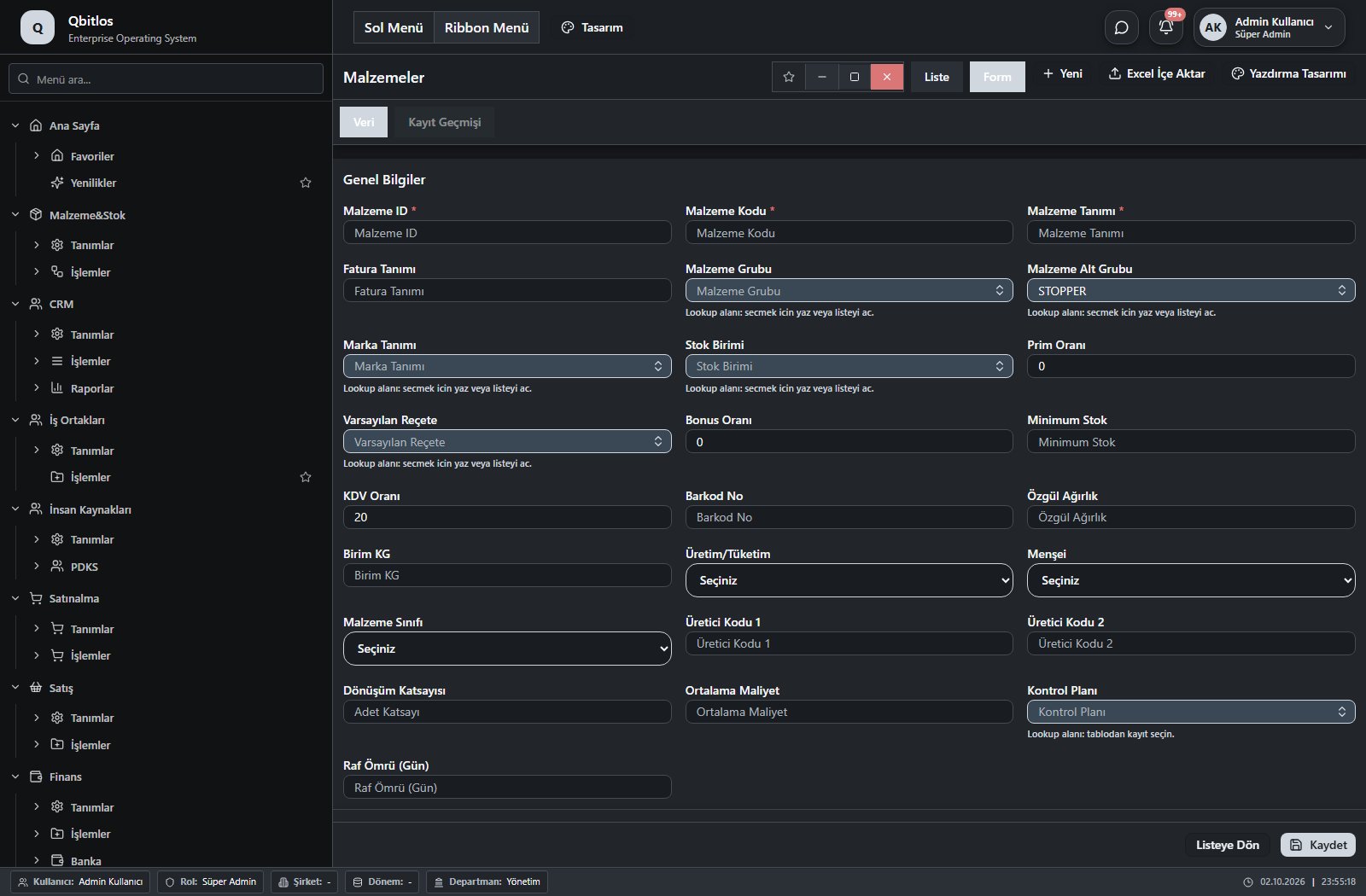
Malzemeler · 32 field guide
| Field | Type | Usage and rules |
|---|---|---|
| KDV Oranı | text | malzemeler alanı Optional Shown in the list view. |
| Barkod No | text | malzemeler alanı Optional Shown in the list view. |
| Özgül Ağırlık | text | malzemeler alanı Optional |
| Birim KG | text | malzemeler alanı Optional |
| Üretim/Tüketim | select | malzemeler alanı Optional Options: ÜRETİM · TÜKETİM · ÜRETİM/TÜKETİM · AL-SAT |
| Malzeme Alt Grubu | lookup | malzemeler alanı Optional Select from related records. Malzeme Alt Grupları Fields filtering available options: Malzeme Grubu. Shown in the list view. |
| Menşei | select | malzemeler alanı Optional Options: YERLİ · İTHAL |
| Malzeme Sınıfı | select | malzemeler alanı Optional Shown in the list view. Options: HAMMADDE · YARIMAMUL · MAMUL · TİCARİ MAL |
| Üretici Kodu 1 | text | malzemeler alanı Optional |
| Üretici Kodu 2 | text | malzemeler alanı Optional |
| Dönüşüm Katsayısı | number | malzemeler alanı Optional |
| Ortalama Maliyet | text | malzemeler alanı Optional |
| Sıcak Satış | checkbox | POS ekranında görünsün mü Optional Shown in the list view. |
| Birim Tipi | select | Adet veya Kg ile satış Optional Shown in the list view. |
| Varsayılan Reçete | lookup | Optional Select from related records. Reçeteler Shown in the list view. |
| Kontrol Planı | lookup | Optional Select from related records. Kontrol Planları |
| Raf Ömrü (Gün) | number | Optional |
| Koli/Paket Hacmi(m3) | number | Optional |
| Koli Türü | lookup | Optional Select from related records. Koli Türleri Fields populated by selection: Koli/Paket Hacmi(m3). |
| Malzeme ID | number | malzemeler alanı Required |
| Malzeme Kodu | text | malzemeler alanı Required Shown in the list view. |
| Malzeme Tanımı | text | malzemeler alanı Required Shown in the list view. |
| Marka Tanımı | lookup | malzemeler alanı Optional Select from related records. Marka Tanımları Shown in the list view. |
| Brüt Ağırlık | number | Optional Shown in the list view. |
| Paket İçi Miktar | number | Optional Shown in the list view. |
| Koli İçi Paket | number | Optional Shown in the list view. |
| Malzeme Grubu | lookup | malzemeler alanı Optional Select from related records. Malzeme Grupları Shown in the list view. |
| Stok Birimi | lookup | malzemeler alanı Optional Select from related records. Stok Birimleri Shown in the list view. |
| Prim Oranı | text | malzemeler alanı Optional |
| Bonus Oranı | text | malzemeler alanı Optional |
| Fatura Tanımı | text | malzemeler alanı Optional |
| Minimum Stok | text | malzemeler alanı Optional Shown in the list view. |
Malzeme&Stok / İşlemler / Stok Hareketleri
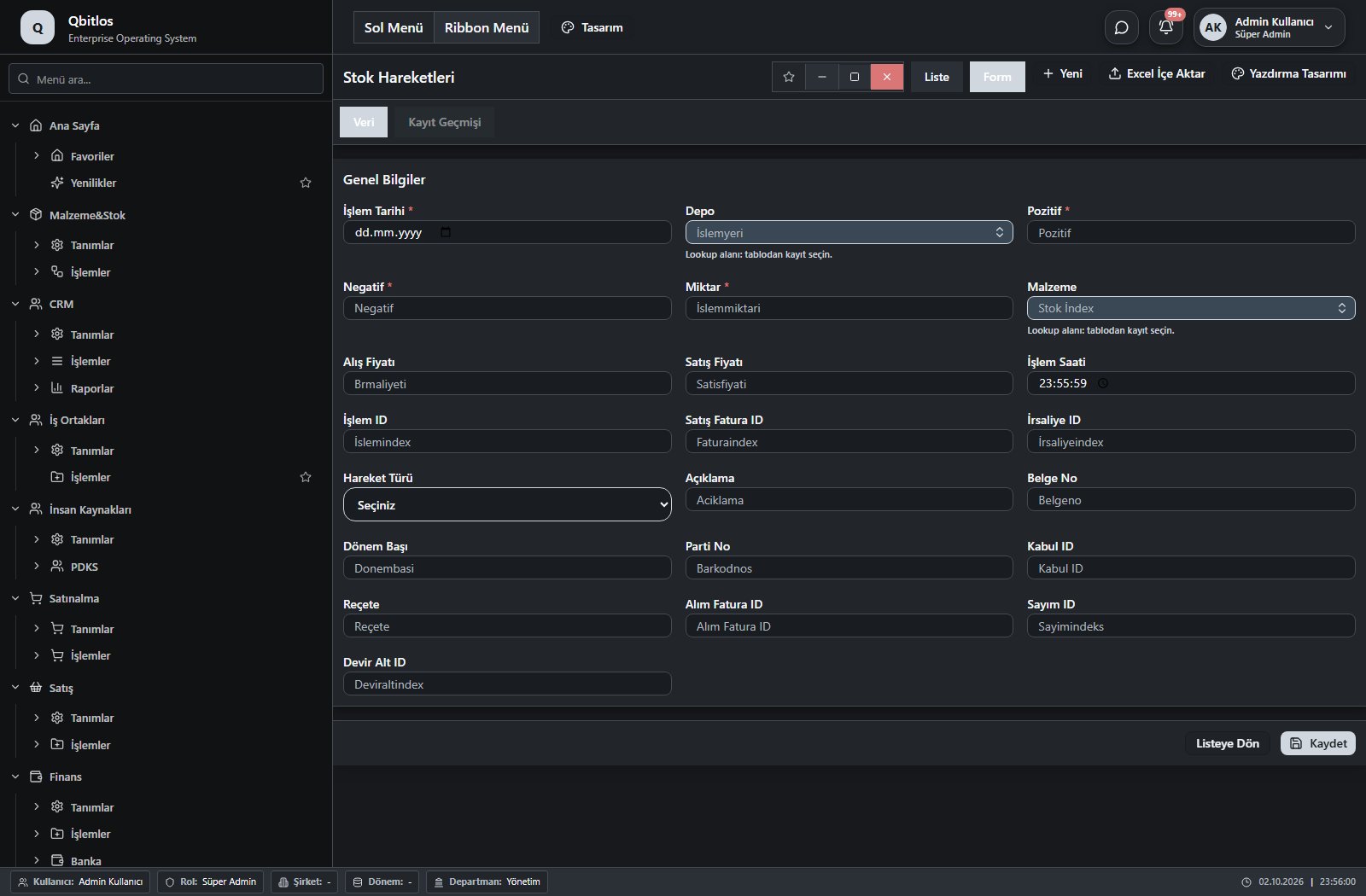
Stok Hareketleri · 25 field guide
| Field | Type | Usage and rules |
|---|---|---|
| İşlem Tarihi | date | stokhareketleri alanı Required Shown in the list view. |
| Depo | lookup | stokhareketleri alanı Required Select from related records. Ambar Tanımları Shown in the list view. |
| Pozitif | text | stokhareketleri alanı Required Shown in the list view. |
| Negatif | text | stokhareketleri alanı Required Shown in the list view. |
| Miktar | text | stokhareketleri alanı Required Shown in the list view. |
| Malzeme | lookup | stokhareketleri alanı Required Select from related records. Malzemeler |
| Alış Fiyatı | text | stokhareketleri alanı Optional Shown in the list view. |
| Satış Fiyatı | text | stokhareketleri alanı Optional Shown in the list view. |
| İşlem Saati | time | stokhareketleri alanı Optional Shown in the list view. |
| İşlem ID | number | stokhareketleri alanı Optional |
| Satış Fatura ID | number | stokhareketleri alanı Optional |
| İrsaliye ID | number | stokhareketleri alanı Optional |
| Hareket Türü | select | stokhareketleri alanı Optional Shown in the list view. Options: Üretim · Tüketim · Satınalma · Satış · Depoya Giren · Depodan Çıkan · Iskarta · Dönem Başı Stok |
| Açıklama | text | stokhareketleri alanı Optional |
| Belge No | text | stokhareketleri alanı Optional |
| Dönem Başı | number | stokhareketleri alanı Optional |
| Parti No | text | stokhareketleri alanı Optional |
| Sayım ID | number | stokhareketleri alanı Optional |
| Devir Alt ID | number | stokhareketleri alanı Optional |
| Kümülatif | calculated | Optional A calculation rule is configured; review the calculated result. Shown in the list view. |
| Kabul ID | text | Optional |
| Alış Para Birimi | lookup | Optional Select from related records. Para Birimleri Shown in the list view. |
| Satış Para Birimi | lookup | Optional Select from related records. Para Birimleri Shown in the list view. |
| Reçete | number | Optional Shown in the list view. |
| Alım Fatura ID | linkedlookup | Optional Shown in the list view. |
Malzeme&Stok / İşlemler / Sayımlar
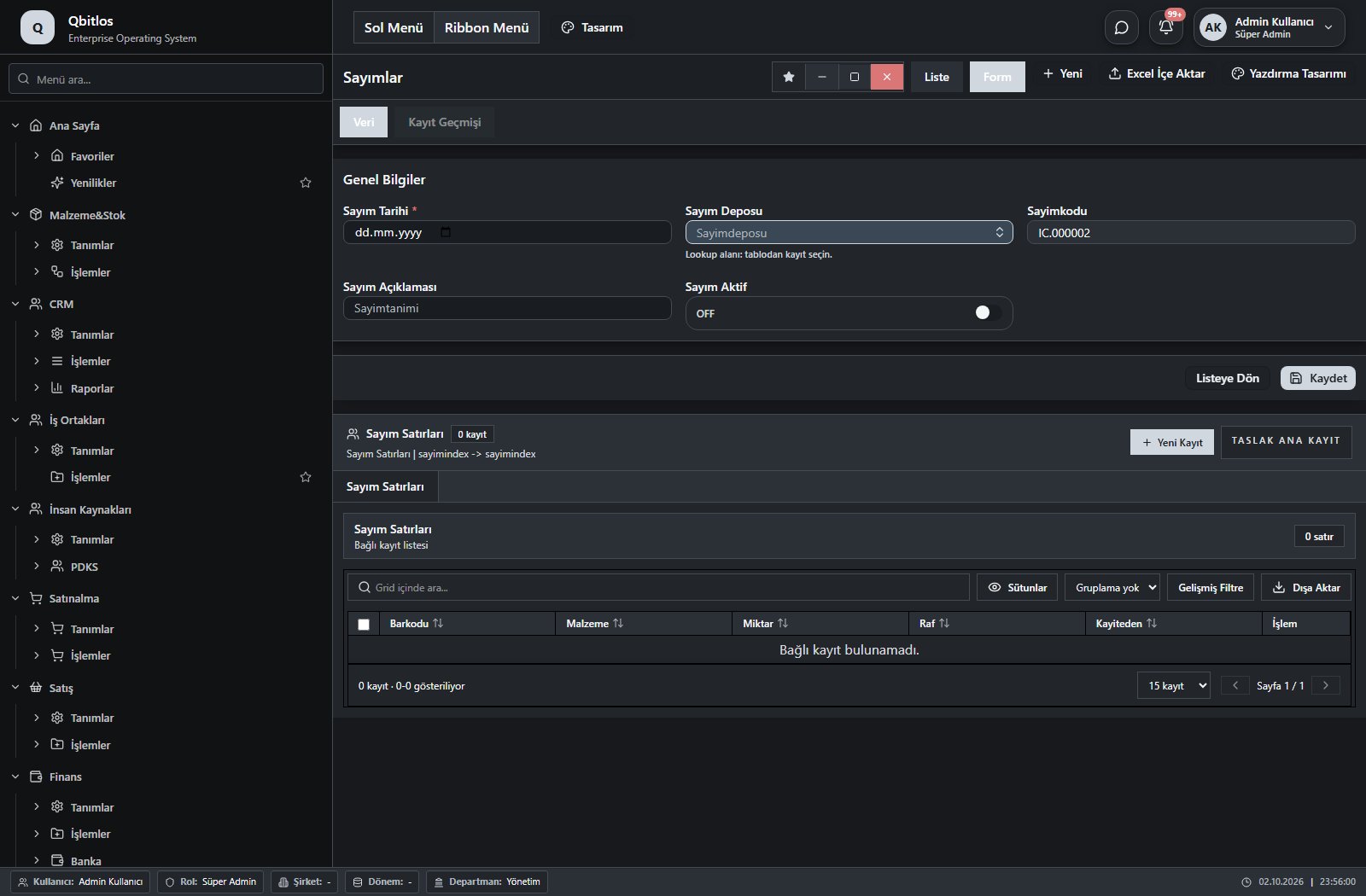
Sayımlar · 6 field guide
| Field | Type | Usage and rules |
|---|---|---|
| Sayım Tarihi | date | Sayımlar alanı Required Shown in the list view. |
| Sayım Deposu | lookup | Sayımlar alanı Optional Select from related records. Ambar Tanımları Shown in the list view. |
| Donemindex | hidden | Sayımlar alanı Optional |
| Sayimkodu | autofield | Sayımlar alanı Optional Automatic value generation is configured. Shown in the list view. |
| Sayım Açıklaması | text | Sayımlar alanı Optional Shown in the list view. |
| Sayım Aktif | checkbox | Sayımlar alanı Optional Shown in the list view. |
Malzeme&Stok / İşlemler / Stok Devir
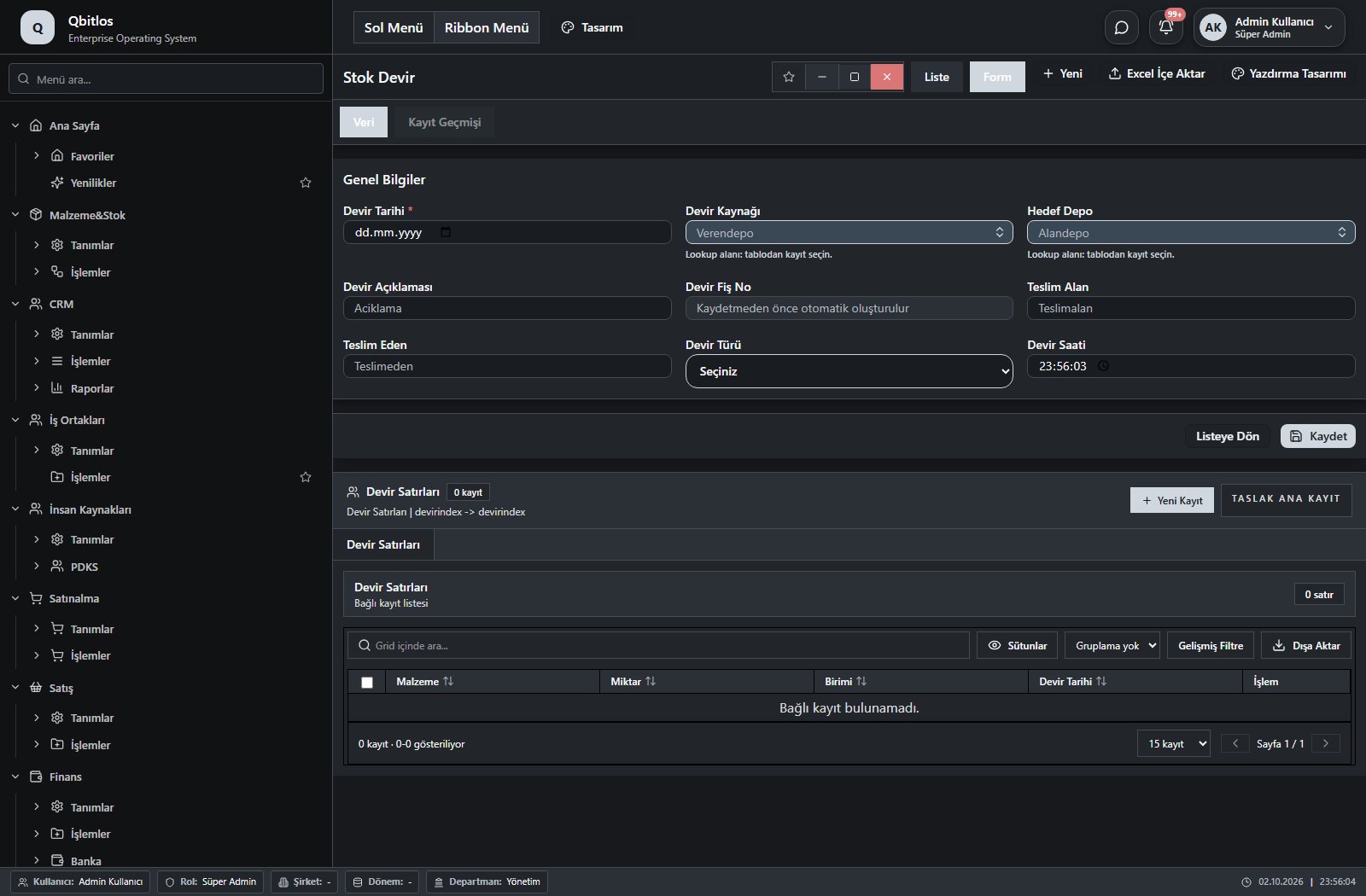
Devirler · 9 field guide
| Field | Type | Usage and rules |
|---|---|---|
| Devir Tarihi | date | Devirler alanı Required Shown in the list view. |
| Devir Kaynağı | lookup | Devirler alanı Optional Select from related records. Ambar Tanımları Shown in the list view. |
| Hedef Depo | lookup | Devirler alanı Optional Select from related records. Ambar Tanımları Shown in the list view. |
| Devir Açıklaması | text | Devirler alanı Optional Shown in the list view. |
| Devir Fiş No | autofield | Devirler alanı Optional Automatic value generation is configured. Shown in the list view. |
| Teslim Alan | text | Devirler alanı Optional Shown in the list view. |
| Teslim Eden | text | Devirler alanı Optional Shown in the list view. |
| Devir Türü | select | Devirler alanı Optional Shown in the list view. Options: Depolar Arası Devir · Üretime Devir |
| Devir Saati | time | Devirler alanı Optional |
Malzeme&Stok / İşlemler / Paketleme
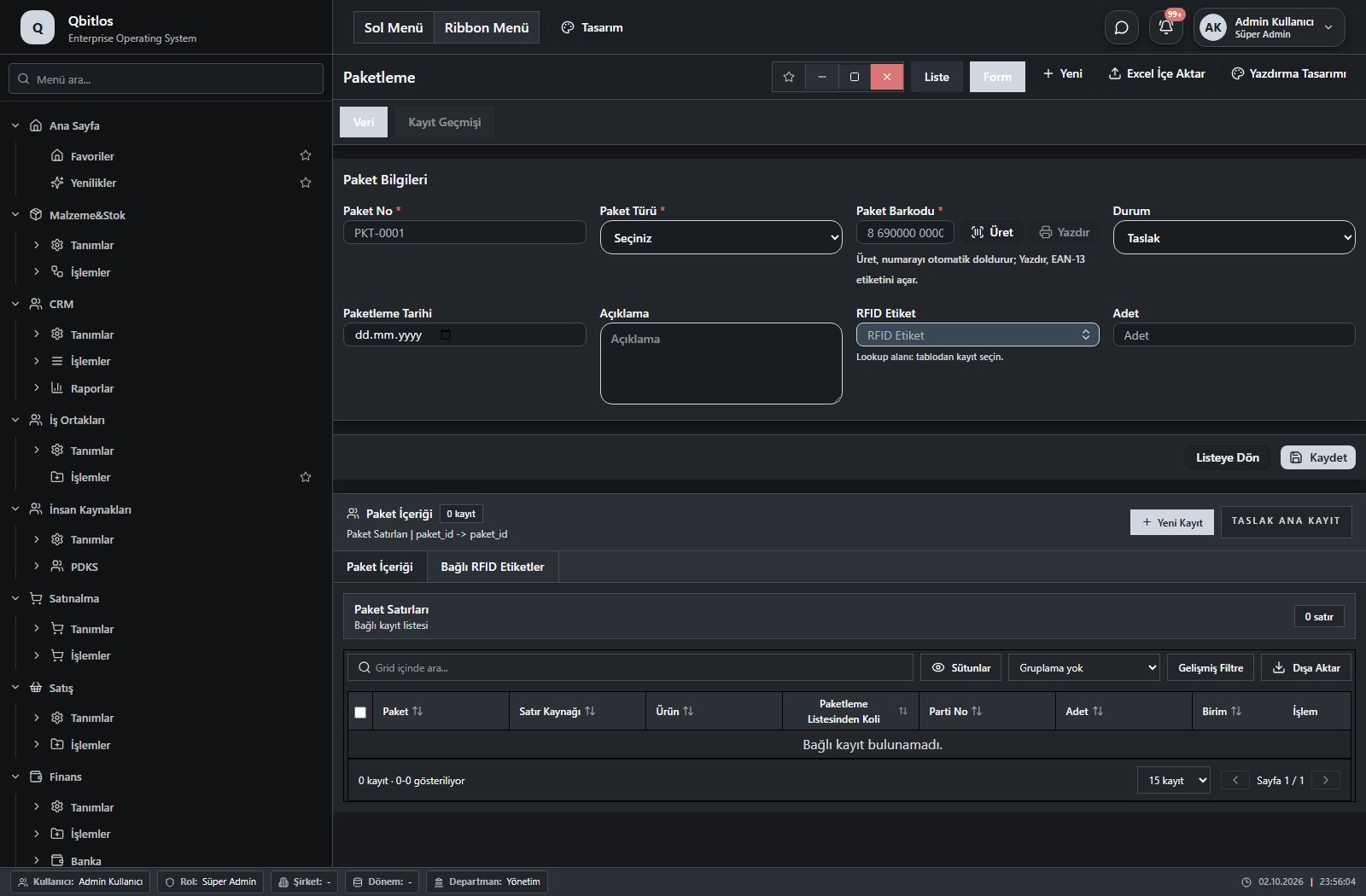
Paketler (Paketleme) · 11 field guide
| Field | Type | Usage and rules |
|---|---|---|
| Paket No | text | Required Unique value Automatic value generation is configured. Shown in the list view. |
| Paket Türü | select | Required Shown in the list view. Options: Koli · Poşet · Palet · Diğer |
| Koli Türü | lookup | Optional Select from related records. Koli Türleri Shown according to a visibility rule. Shown in the list view. |
| Poşet Ölçü / Not | text | Optional Shown according to a visibility rule. |
| Palet Türü | lookup | Optional Select from related records. Palet Türleri Shown according to a visibility rule. Shown in the list view. |
| Paket Barkodu | barcode | Required Unique value Shown in the list view. |
| Durum | select | Optional Shown in the list view. Options: Taslak · Hazır · Sevk Edildi · İptal |
| Paketleme Tarihi | date | Optional Shown in the list view. |
| Açıklama | textarea | Optional |
| RFID Etiket | lookup | Optional Select from related records. RFID Etiketler Shown in the list view. |
| Adet | number | Optional Shown in the list view. |
Opportunities connect customers, source, campaign, estimated value, currency, priority, closing date and sales stage. Interactions record calls, email, visits, meetings and next actions. The calendar records assigned staff, appointment unit, topic, start/end, duration and cancellation or postponement notes. Campaigns track budget, audience and dates.
CRM / Tanımlar
This menu opens navigation, a report or a custom screen; it has no standard form field binding. Explore its related screens in the menu.
CRM / Tanımlar / Kampanyalar
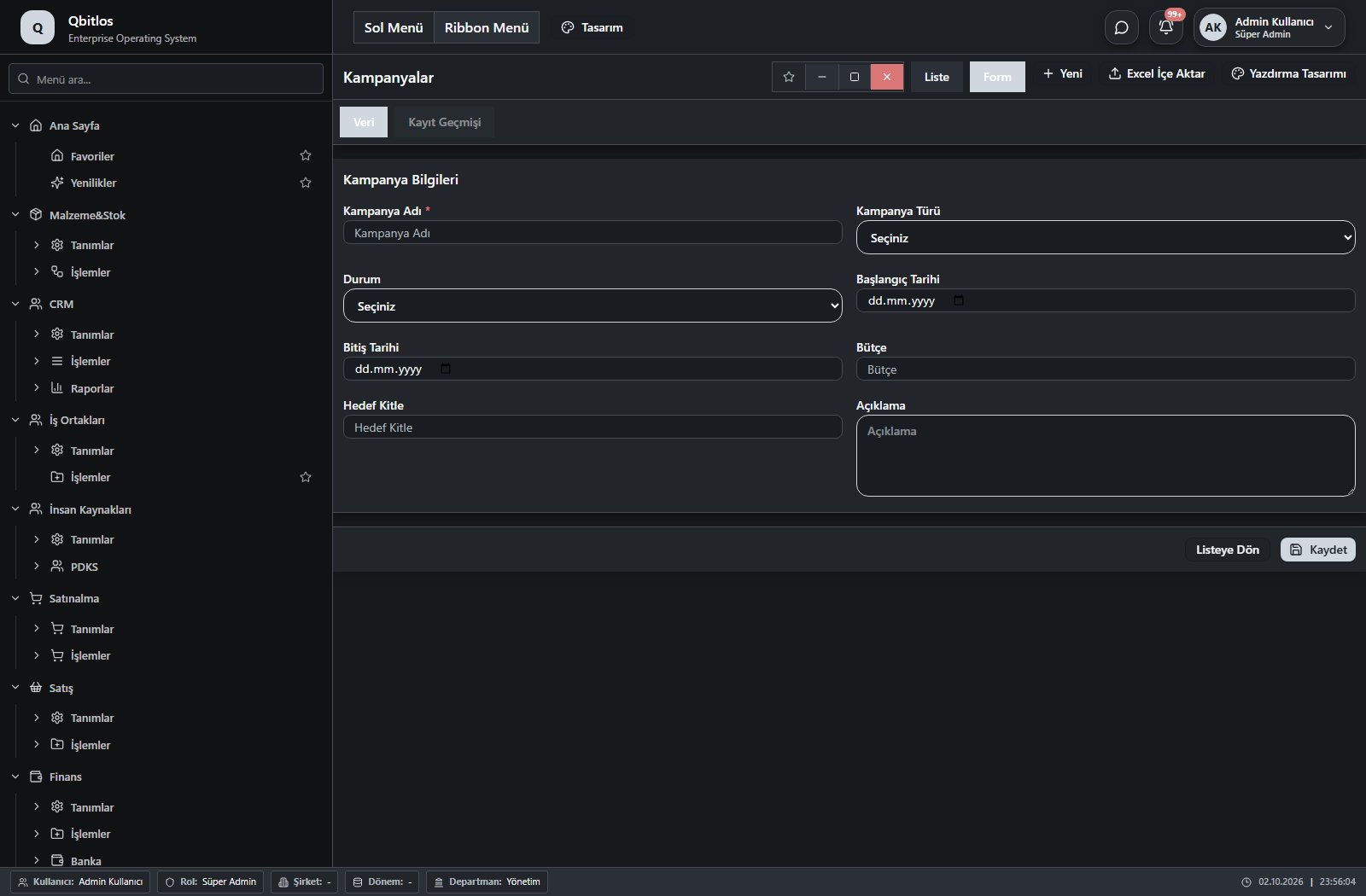
Kampanyalar · 8 field guide
| Field | Type | Usage and rules |
|---|---|---|
| Kampanya Adı | text | Required |
| Kampanya Türü | select | Optional Options: E-posta Kampanyası · SMS Kampanyası · Sosyal Medya · Etkinlik · İndirim · Diğer |
| Durum | select | Optional Options: Taslak · Aktif · Tamamlandı · İptal |
| Başlangıç Tarihi | date | Optional |
| Bitiş Tarihi | date | Optional |
| Bütçe | number | Optional |
| Hedef Kitle | text | Optional |
| Açıklama | textarea | Optional |
CRM / Tanımlar / Randevu Birimleri
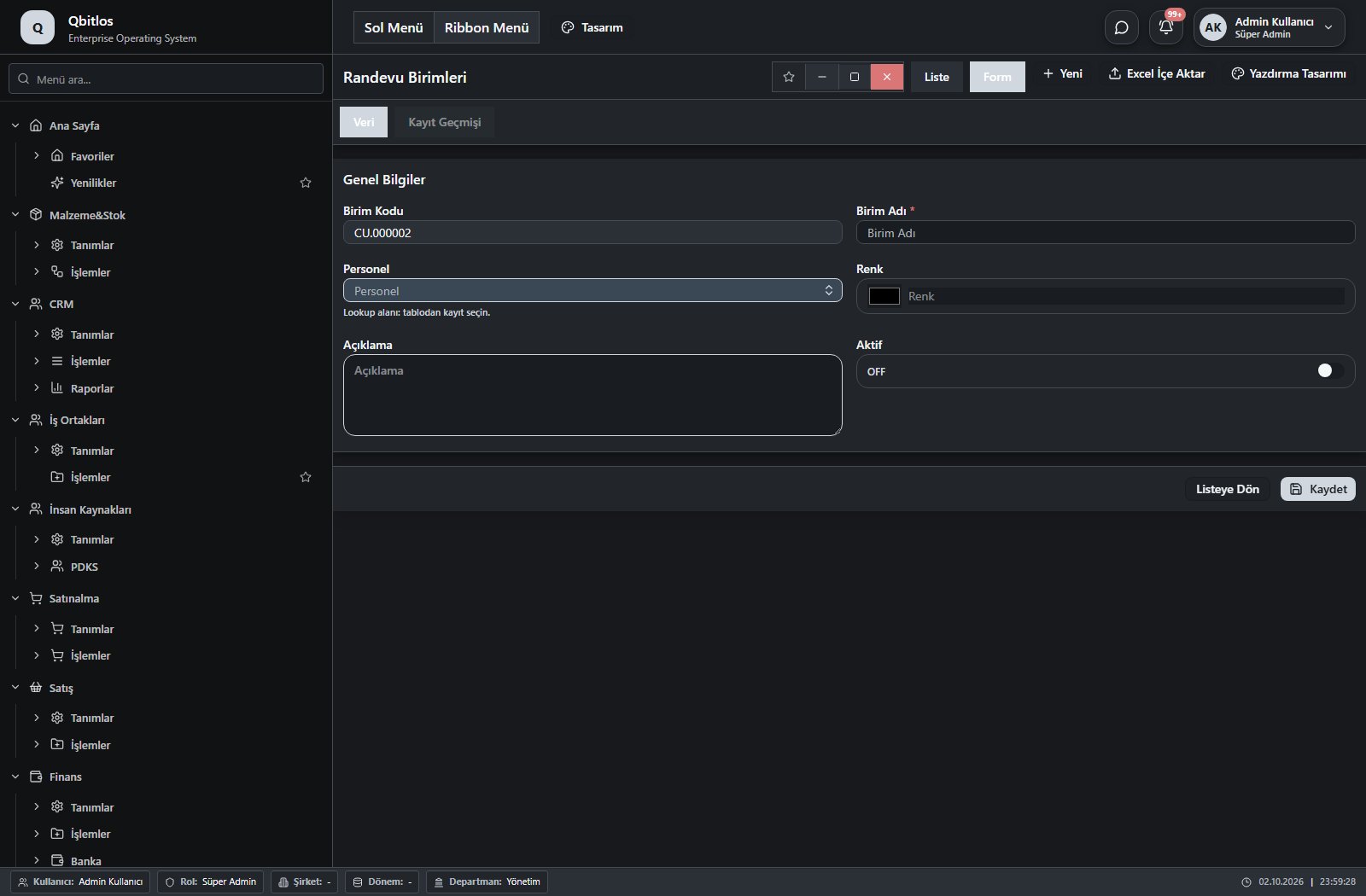
Randevu Birimleri · 6 field guide
| Field | Type | Usage and rules |
|---|---|---|
| Birim Adı | text | Required Shown in the list view. |
| Birim Kodu | autofield | Optional Automatic value generation is configured. Shown in the list view. |
| Renk | color | Optional Shown in the list view. |
| Açıklama | textarea | Optional |
| Aktif | checkbox | Optional Shown in the list view. |
| Personel | lookup | Optional Select from related records. Personel Özlük Bilgileri Shown in the list view. |
CRM / Tanımlar / Randevu Konuları
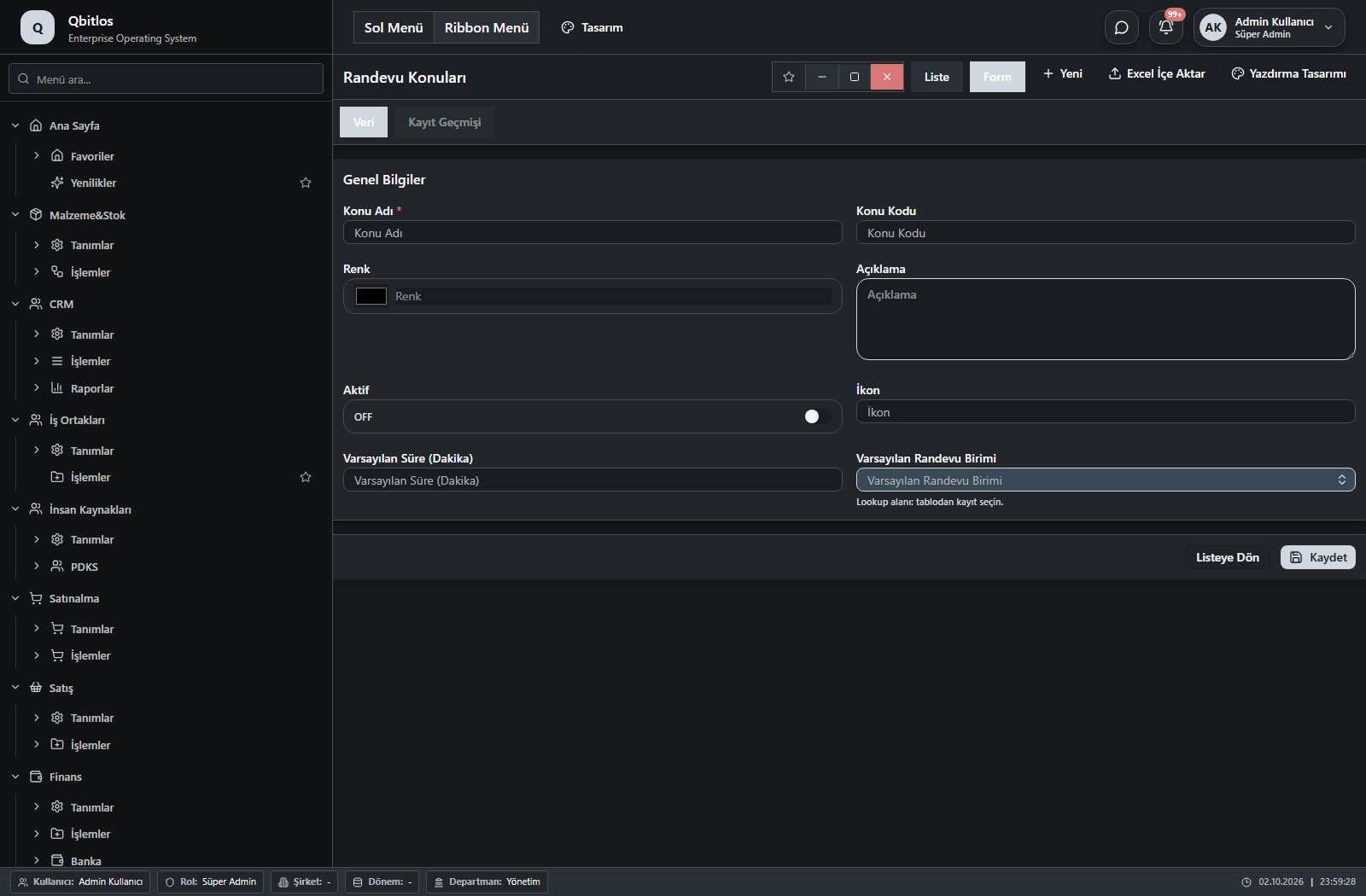
Randevu Konuları · 8 field guide
| Field | Type | Usage and rules |
|---|---|---|
| Konu Adı | text | Required Shown in the list view. |
| Konu Kodu | text | Optional Shown in the list view. |
| Renk | color | Optional Shown in the list view. |
| Açıklama | textarea | Optional |
| Aktif | checkbox | Optional Shown in the list view. |
| İkon | text | Optional Shown in the list view. |
| Varsayılan Süre (Dakika) | number | Optional Shown in the list view. |
| Varsayılan Randevu Birimi | lookup | Optional Select from related records. Randevu Birimleri Shown in the list view. |
CRM / İşlemler
This menu opens navigation, a report or a custom screen; it has no standard form field binding. Explore its related screens in the menu.
CRM / İşlemler / Fırsatlar
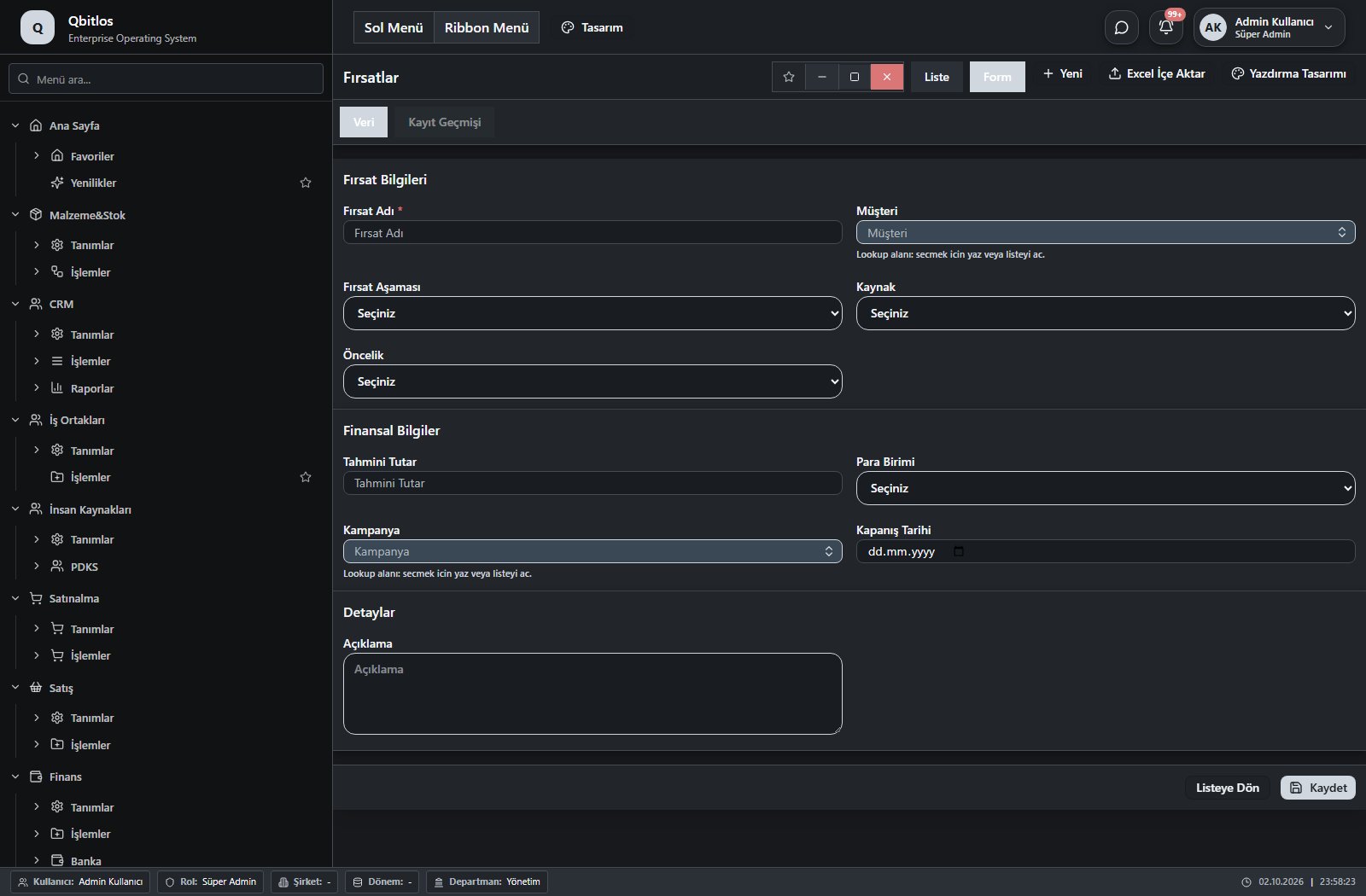
Fırsatlar · 10 field guide
| Field | Type | Usage and rules |
|---|---|---|
| Fırsat Adı | text | Required |
| Müşteri | lookup | Required Select from related records. Müşteriler |
| Fırsat Aşaması | select | Optional Options: İlk Temas · Tanımlama · Teklif Hazırlama · Müzakere · Kazanıldı · Kaybedildi |
| Kaynak | select | Optional Options: Web Sitesi · Referans · Reklam · Sosyal Medya · Fuar · Telefon · E-posta · Diğer |
| Öncelik | select | Optional Options: Düşük · Orta · Yüksek · Acil |
| Tahmini Tutar | number | Optional |
| Para Birimi | select | Optional Options: TRY · USD · EUR · GBP · CHF · CNY |
| Kampanya | lookup | Optional Select from related records. Kampanyalar |
| Kapanış Tarihi | date | Optional |
| Açıklama | textarea | Optional |
CRM / İşlemler / Takvim
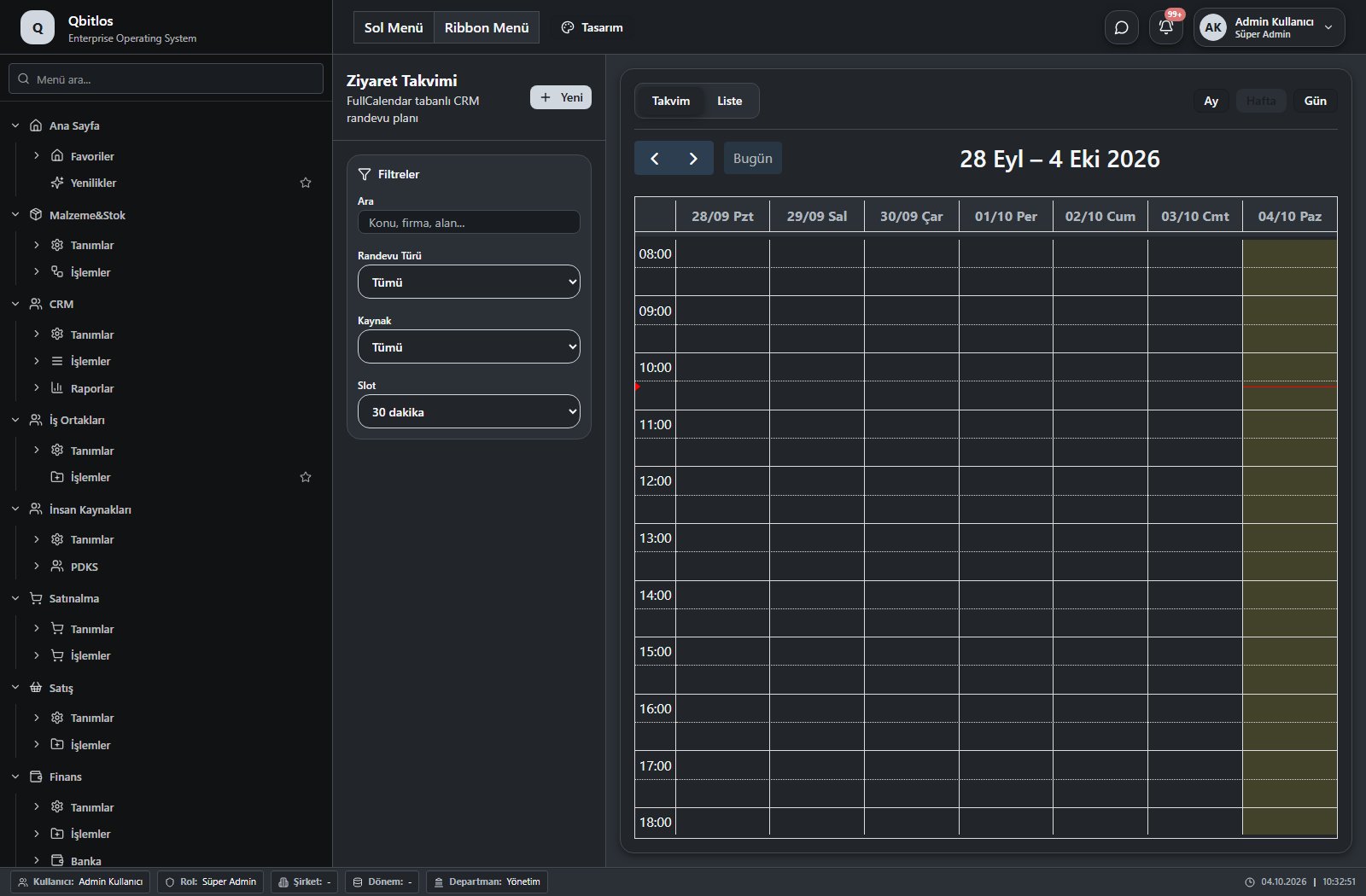
Ziyaretler · 19 field guide
| Field | Type | Usage and rules |
|---|---|---|
| Müşteri | lookup | Required Select from related records. Müşteriler Shown according to a visibility rule. |
| Fırsat | lookup | Optional Select from related records. Fırsatlar Shown according to a visibility rule. |
| Randevu Tarihi | date | Görüşme Tarihi alanı Required |
| Randevu Türü | select | Ziyaret Türü alanı Optional Options: Müşteri Ziyareti · Potansiyel Müşteri · Takip · Sunum · Denetim · Diğer |
| Durum | select | Optional Options: Planlandı · Tamamlandı · İptal · Ertelendi |
| Konu | text | Required |
| Notlar | textarea | Optional |
| Sonuç | text | Sonraki Aksiyon alanı Optional |
| Gelecek Hatırlatma | date | Sonraki Tarih alanı Optional |
| Randevu Başlangıç | datetime | Optional |
| Randevu Bitiş | datetime | Optional |
| Randevu Süre (Dakika) | number | Optional Options: 15 · 30 · 60 · 90 · 120 · 150 · 180 · 210 · 240 |
| İptal Nedeni | textarea | Optional Shown according to a visibility rule. |
| Erteleme Notu | textarea | Optional Shown according to a visibility rule. |
| Sorumlu Personel | lookup | Optional Select from related records. Kullanıcılar |
| Ek Personeller | multilookup | Optional Select from related records. Kullanıcılar |
| Tedarikçi | lookup | Optional Select from related records. Hesap Planı Shown according to a visibility rule. |
| Randevu Birimi | lookup | Required Select from related records. Randevu Birimleri Shown in the list view. |
| Randevu Konusu | lookup | Required Select from related records. Randevu Konuları Fields populated by selection: Konu, Randevu Süre (Dakika), Randevu Birimi. Shown in the list view. |
CRM / İşlemler / Etkileşimler
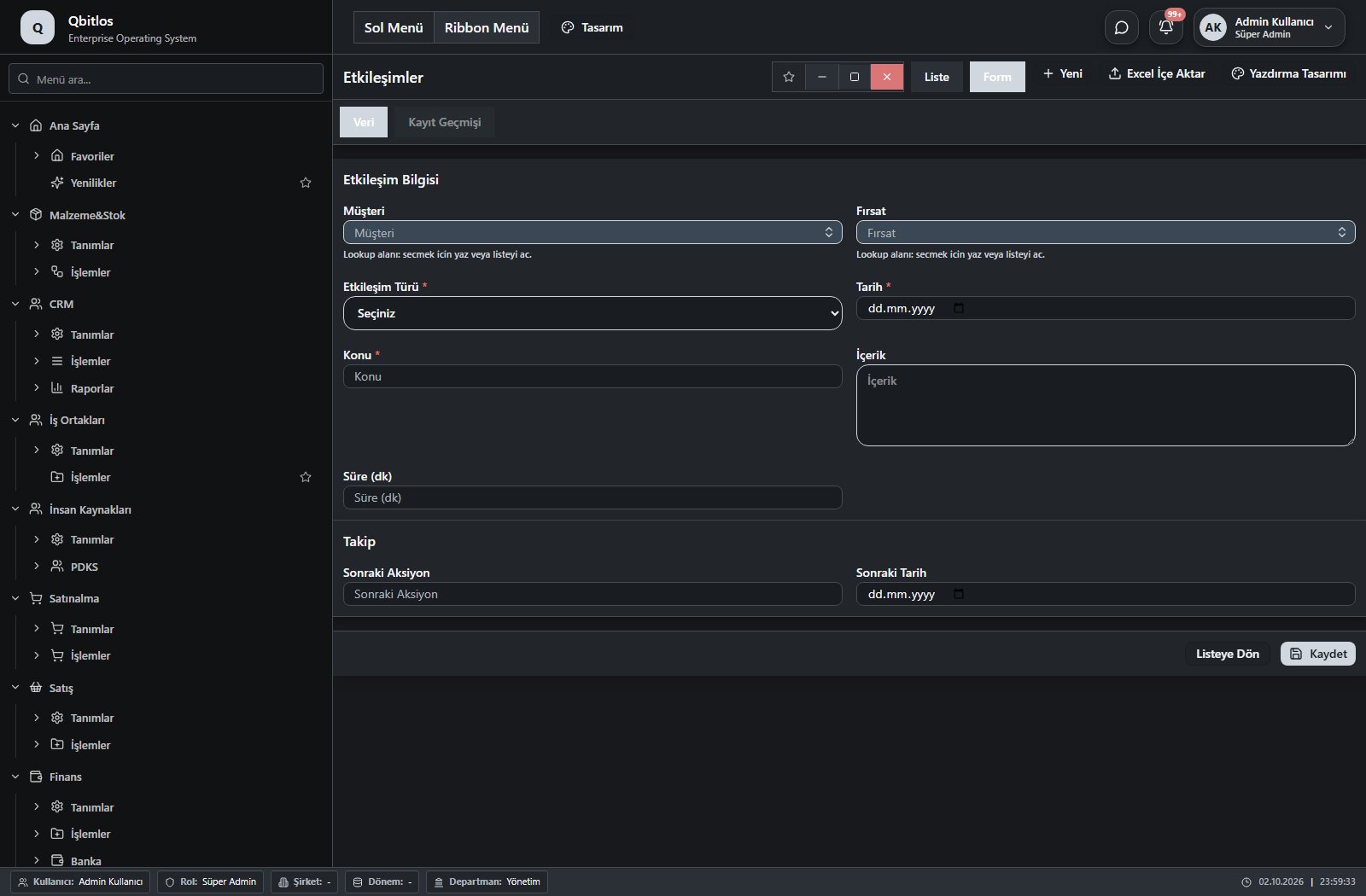
Etkileşimler · 9 field guide
| Field | Type | Usage and rules |
|---|---|---|
| Müşteri | lookup | Required Select from related records. Müşteriler |
| Fırsat | lookup | Optional Select from related records. Fırsatlar |
| Etkileşim Türü | select | Required Options: Telefon Görüşmesi · E-posta · Ziyaret · Toplantı · Not |
| Tarih | date | Required |
| Konu | text | Required |
| İçerik | textarea | Optional |
| Süre (dk) | number | Optional |
| Sonraki Aksiyon | text | Optional |
| Sonraki Tarih | date | Optional |
CRM / İşlemler / Görev Yönetimi
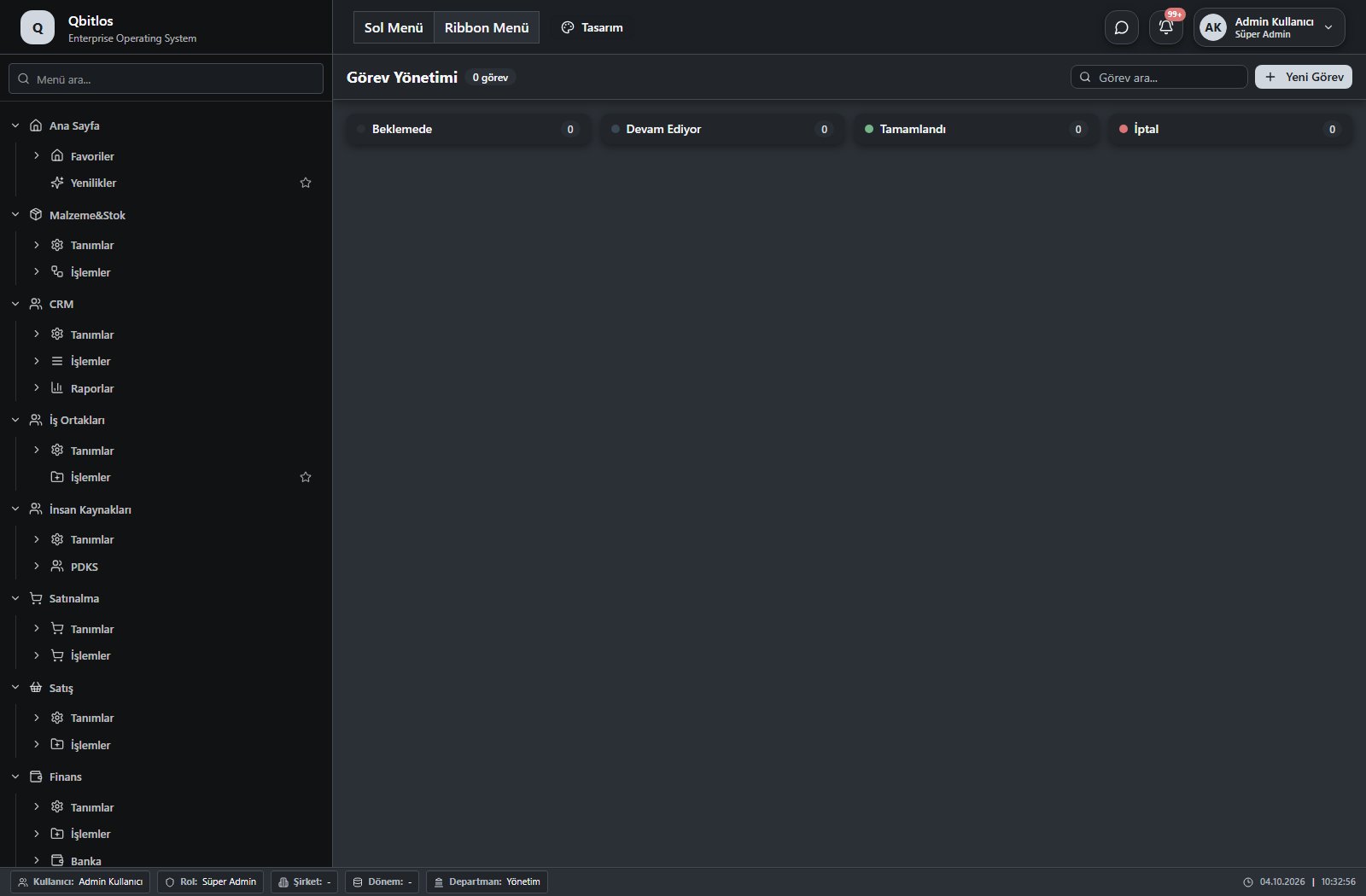
This menu opens navigation, a report or a custom screen; it has no standard form field binding. Explore its related screens in the menu.
CRM / İşlemler / WhatsApp
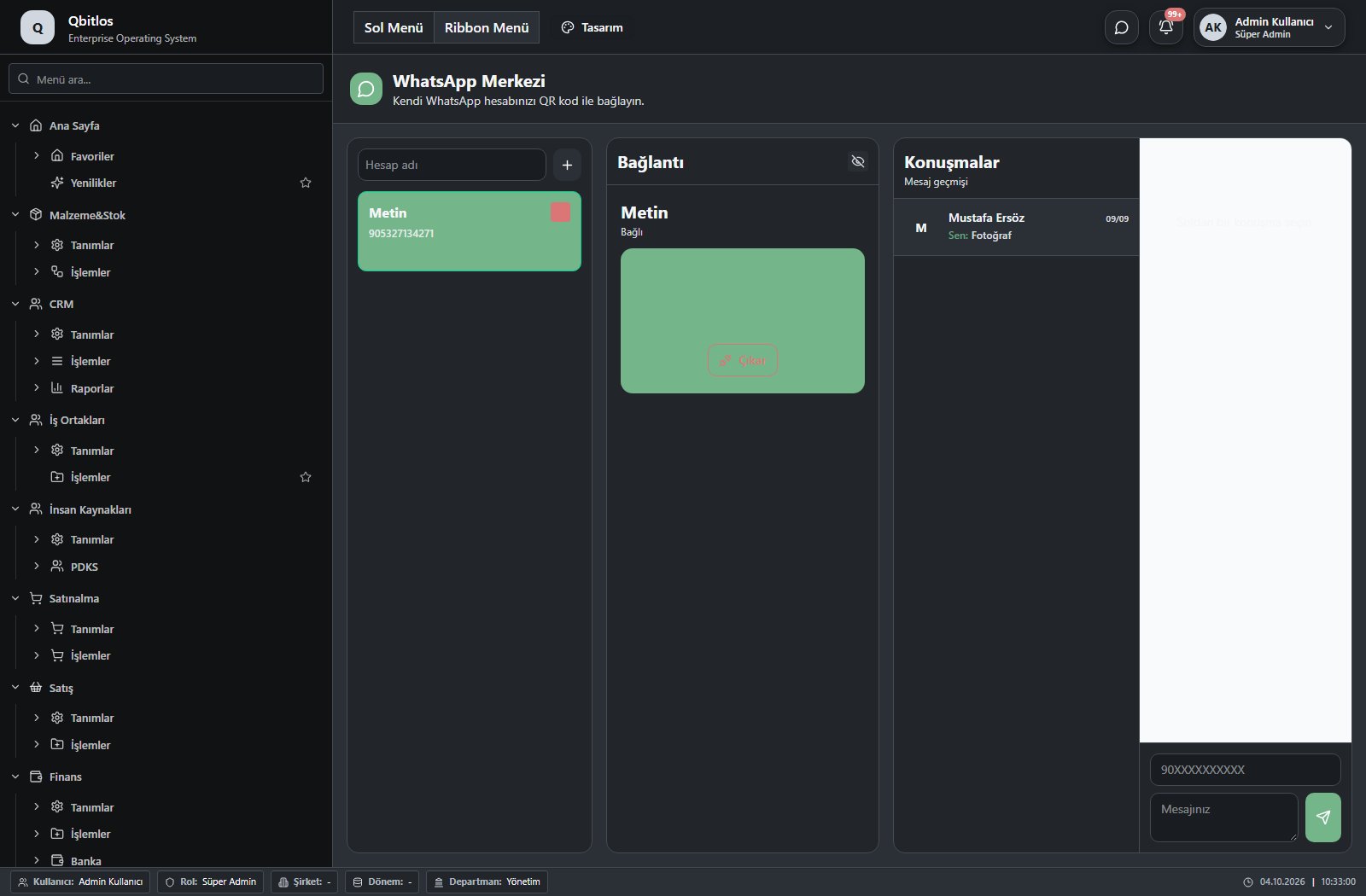
This menu opens navigation, a report or a custom screen; it has no standard form field binding. Explore its related screens in the menu.
CRM / Raporlar
This menu opens navigation, a report or a custom screen; it has no standard form field binding. Explore its related screens in the menu.
CRM / Raporlar / Fırsat Raporu
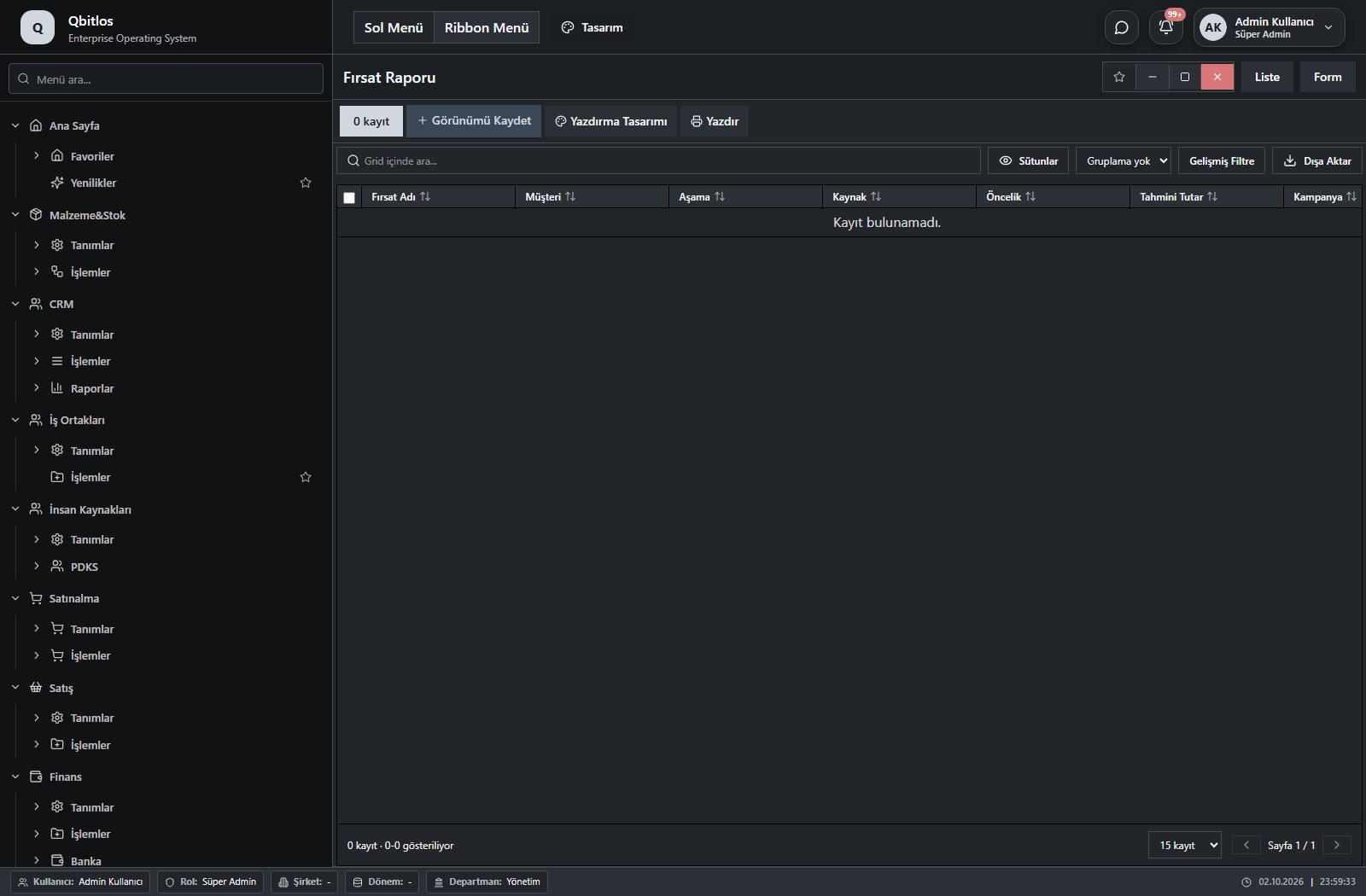
Fırsat Raporu · 7 field guide
| Field | Type | Usage and rules |
|---|---|---|
| Fırsat Adı | text | Optional |
| Müşteri | text | Optional |
| Aşama | text | Optional |
| Kaynak | text | Optional |
| Öncelik | text | Optional |
| Tahmini Tutar | number | Optional |
| Kampanya | text | Optional |
CRM / Raporlar / Ziyaret Raporu
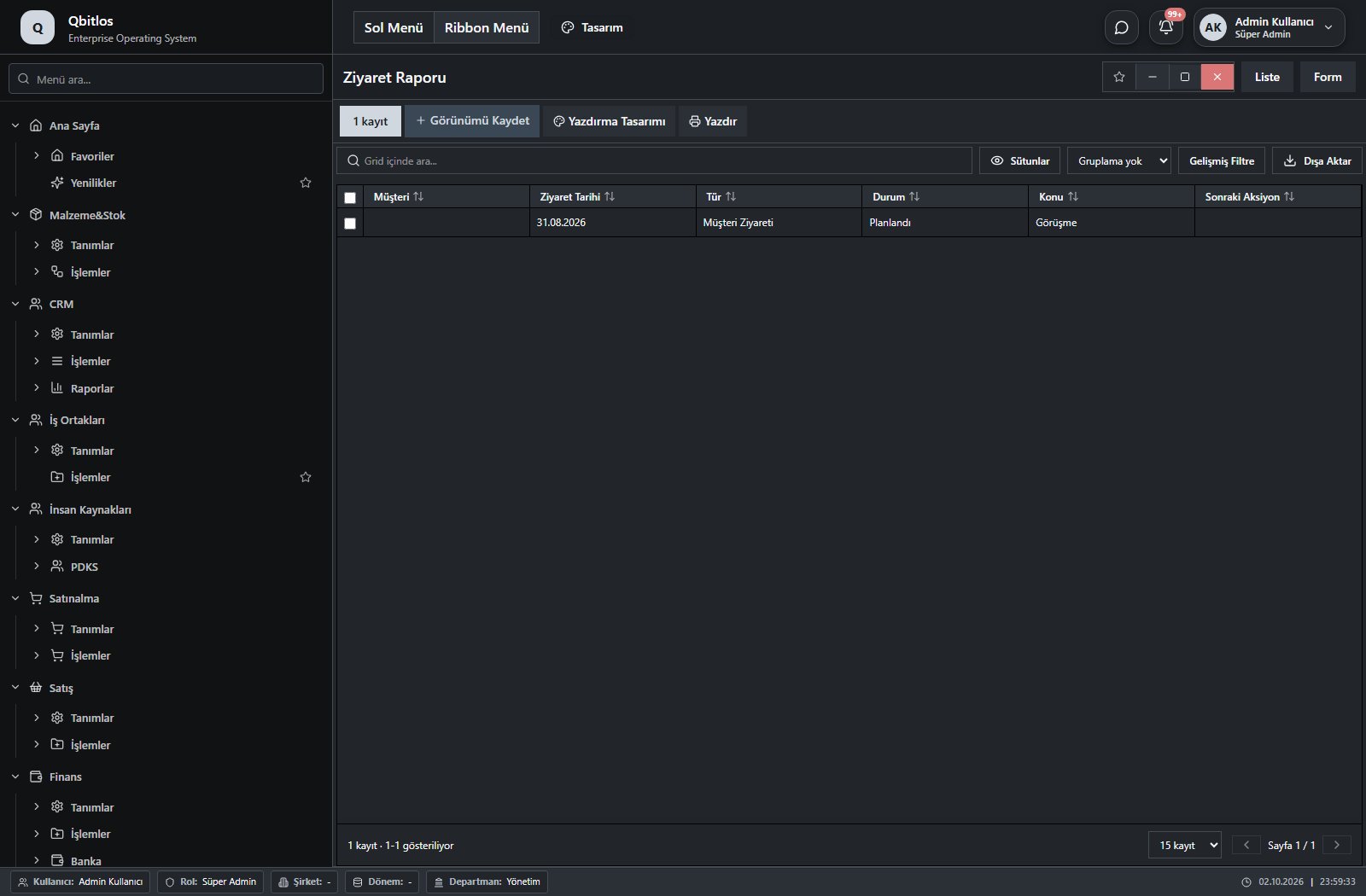
Ziyaret Raporu · 6 field guide
| Field | Type | Usage and rules |
|---|---|---|
| Müşteri | text | Optional |
| Ziyaret Tarihi | text | Optional |
| Tür | text | Optional |
| Durum | text | Optional |
| Konu | text | Optional |
| Sonraki Aksiyon | text | Optional |
CRM / Raporlar / Destek Talep Raporu
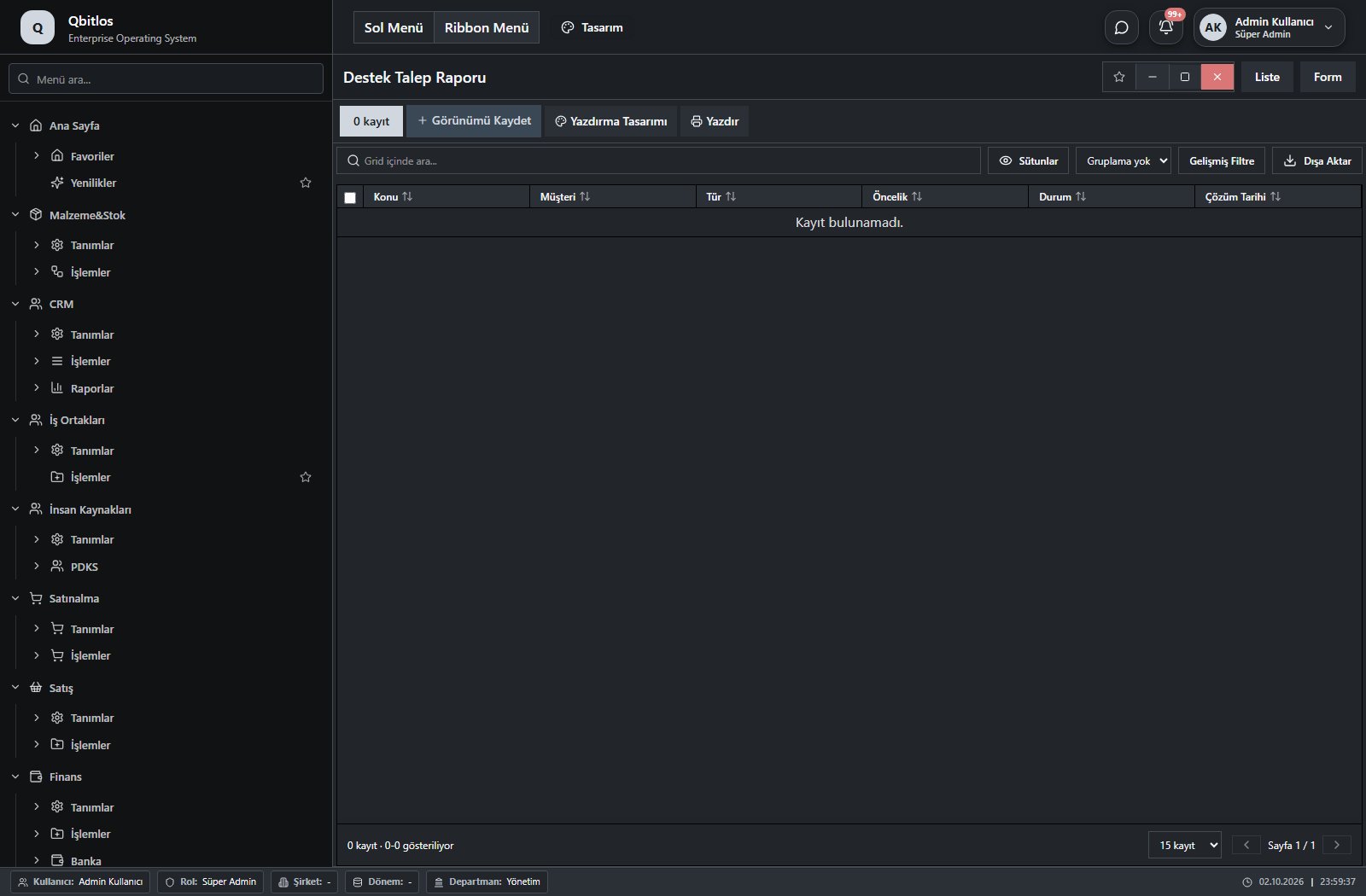
Destek Talep Raporu · 6 field guide
| Field | Type | Usage and rules |
|---|---|---|
| Konu | text | Optional |
| Müşteri | text | Optional |
| Tür | text | Optional |
| Öncelik | text | Optional |
| Durum | text | Optional |
| Çözüm Tarihi | text | Optional |
Customer, supplier and dealer cards combine account code, company name, contact, address and tax details. Account groups, commercial classification, default discount and payment method define trade settings. Customer records also identify a sales representative and dealer; account statements use party and date-range criteria.
İş Ortakları / Tanımlar
This menu opens navigation, a report or a custom screen; it has no standard form field binding. Explore its related screens in the menu.
İş Ortakları / Tanımlar / Müşteriler
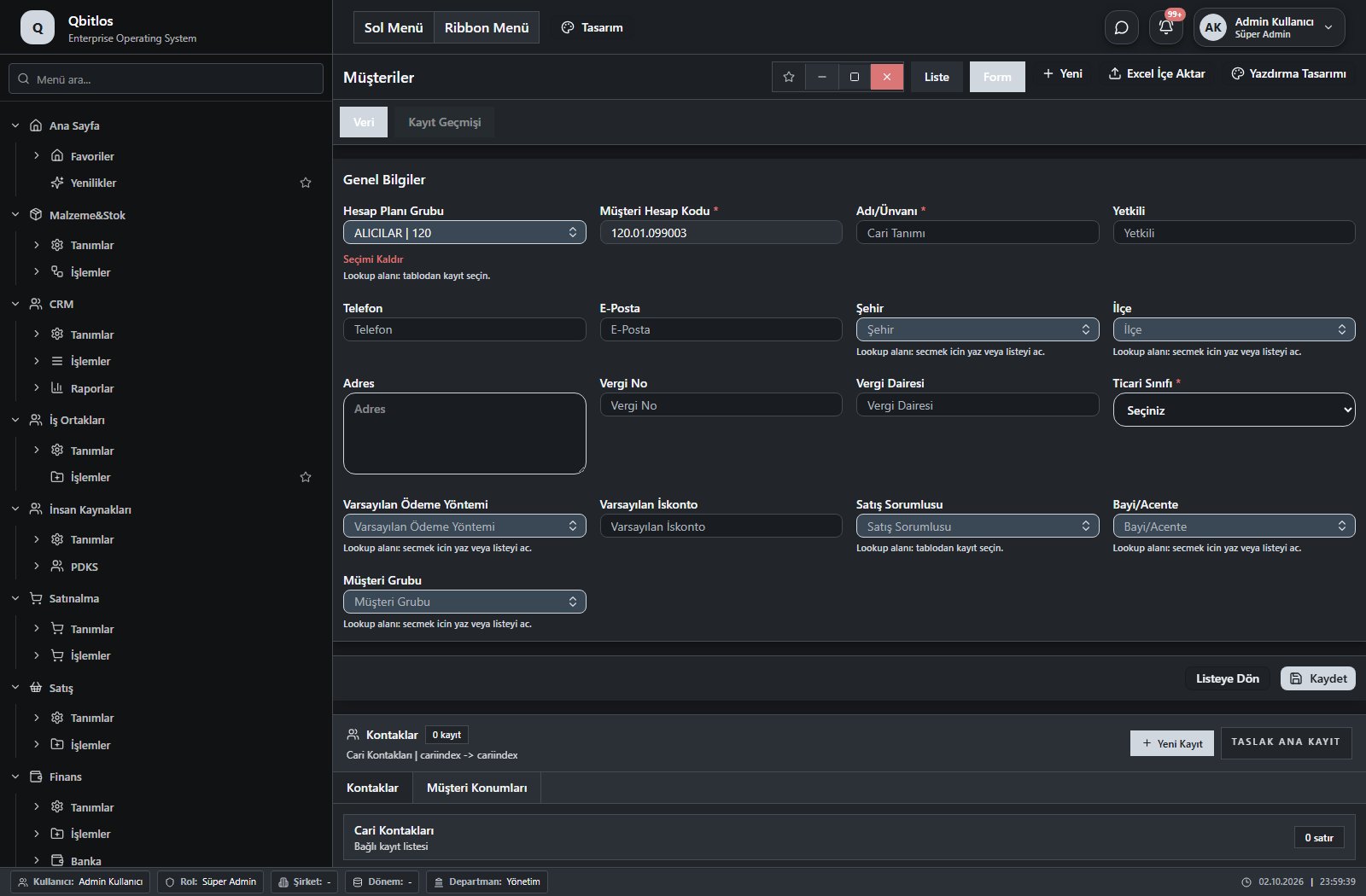
Müşteriler · 17 field guide
| Field | Type | Usage and rules |
|---|---|---|
| Müşteri Hesap Kodu | autofield | Cari Hesaplar alanı Required Automatic value generation is configured. Shown in the list view. |
| Adı/Ünvanı | text | Cari Hesaplar alanı Required Shown in the list view. |
| Yetkili | text | Cari Hesaplar alanı Optional Shown in the list view. |
| Telefon | text | Cari Hesaplar alanı Optional Shown in the list view. |
| E-Posta | text | Cari Hesaplar alanı Optional Shown in the list view. |
| Şehir | lookup | Cari Hesaplar alanı Optional Select from related records. İller Shown in the list view. |
| İlçe | lookup | Cari Hesaplar alanı Optional Select from related records. İlçeler Fields filtering available options: Şehir. Shown in the list view. |
| Adres | textarea | Cari Hesaplar alanı Optional Shown in the list view. |
| Vergi No | text | Cari Hesaplar alanı Optional Shown in the list view. |
| Vergi Dairesi | text | Cari Hesaplar alanı Optional Shown in the list view. |
| Hesap Planı Grubu | lookup | Cari Hesaplar alanı Required Select from related records. Hesap Planı Grupları Shown in the list view. |
| Ticari Sınıfı | select | Cari Hesaplar alanı Required Shown in the list view. Options: ALICI(A) · SATICI(S) · ALICI-SATICI(AS) |
| Varsayılan Ödeme Yöntemi | lookup | Optional Select from related records. Ödeme Terimleri Shown in the list view. |
| Varsayılan İskonto | number | Optional Shown in the list view. |
| Satış Sorumlusu | lookup | Optional Select from related records. Personel Özlük Bilgileri Shown in the list view. |
| Müşteri Grubu | lookup | Optional Select from related records. Müşteri Grupları Shown in the list view. |
| Bayi/Acente | lookup | Optional Select from related records. Bayiler Shown in the list view. |
İş Ortakları / Tanımlar / Tedarikçiler
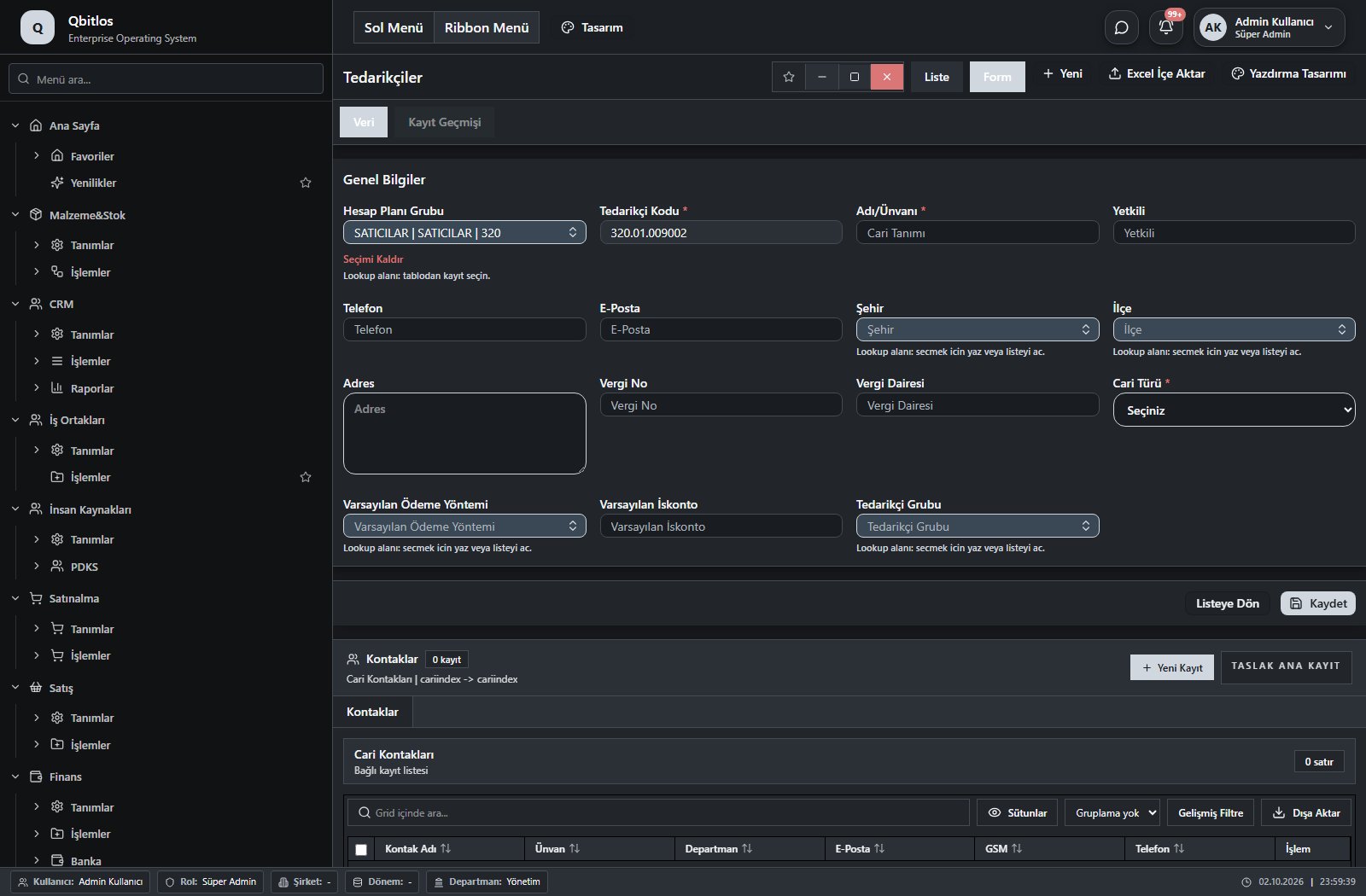
Tedarikçiler · 15 field guide
| Field | Type | Usage and rules |
|---|---|---|
| Tedarikçi Kodu | autofield | Cari Hesaplar alanı Required Automatic value generation is configured. Shown in the list view. |
| Adı/Ünvanı | text | Cari Hesaplar alanı Required Shown in the list view. |
| Yetkili | text | Cari Hesaplar alanı Optional Shown in the list view. |
| Telefon | text | Cari Hesaplar alanı Optional Shown in the list view. |
| E-Posta | text | Cari Hesaplar alanı Optional Shown in the list view. |
| Şehir | lookup | Cari Hesaplar alanı Optional Select from related records. İller Shown in the list view. |
| İlçe | lookup | Cari Hesaplar alanı Optional Select from related records. İlçeler Fields filtering available options: Şehir, il, faturail. Shown in the list view. |
| Adres | textarea | Cari Hesaplar alanı Optional Shown in the list view. |
| Vergi No | text | Cari Hesaplar alanı Optional Shown in the list view. |
| Vergi Dairesi | text | Cari Hesaplar alanı Optional Shown in the list view. |
| Hesap Planı Grubu | lookup | Cari Hesaplar alanı Required Select from related records. Hesap Planı Grupları Shown in the list view. |
| Cari Türü | select | Cari Hesaplar alanı Required Shown in the list view. Options: ALICI(A) · SATICI(S) · ALICI-SATICI(AS) |
| Varsayılan Ödeme Yöntemi | lookup | Optional Select from related records. Ödeme Terimleri Shown in the list view. |
| Varsayılan İskonto | number | Optional Shown in the list view. |
| Tedarikçi Grubu | lookup | Optional Select from related records. Tedarikçi Grupları Shown in the list view. |
İş Ortakları / Tanımlar / Müşteri Grupları
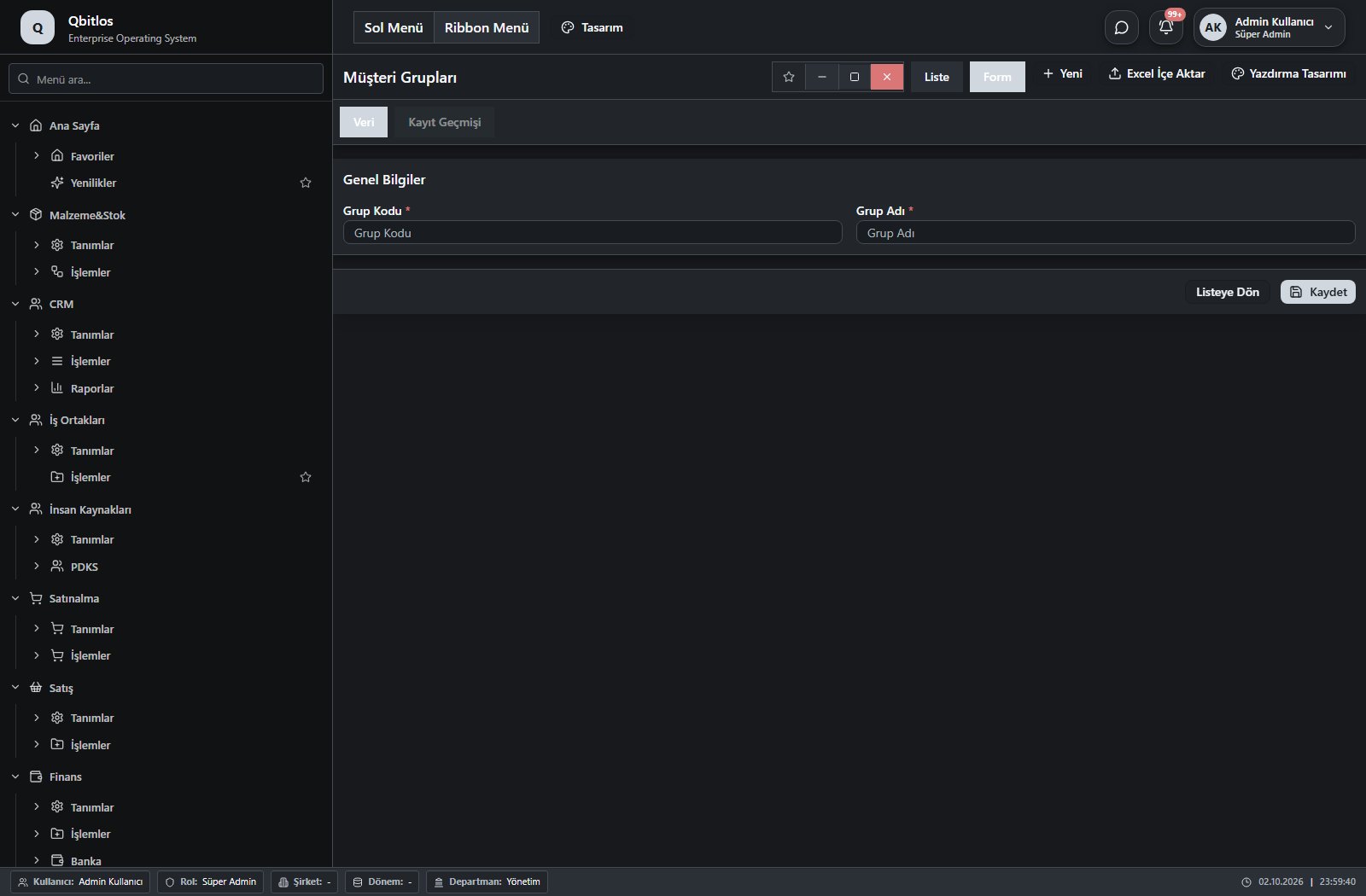
Müşteri Grupları · 3 field guide
| Field | Type | Usage and rules |
|---|---|---|
| Grup Kodu | text | Müşteri Grupları Grup Kodu alanı Required Unique value Shown in the list view. |
| Grup Adı | text | Müşteri Grupları Grup Adı alanı Required Shown in the list view. |
| ID | number | Optional |
İş Ortakları / Tanımlar / Tedarikçi Grupları
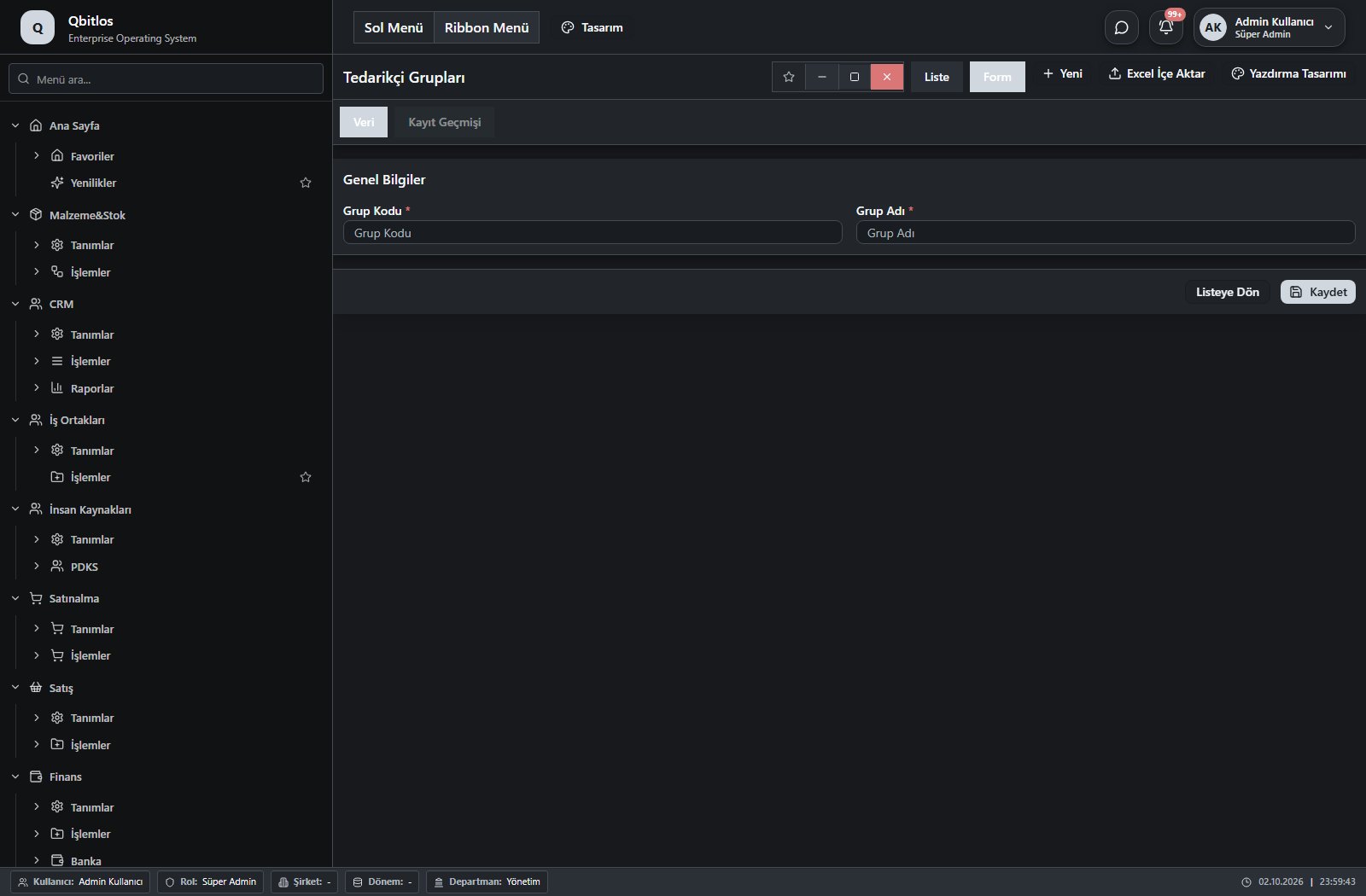
Tedarikçi Grupları · 3 field guide
| Field | Type | Usage and rules |
|---|---|---|
| Grup Kodu | text | Tedarikçi Grupları Grup Kodu alanı Required Unique value Shown in the list view. |
| Grup Adı | text | Tedarikçi Grupları Grup Adı alanı Required Shown in the list view. |
| ID | number | Optional |
İş Ortakları / Tanımlar / Bayiler
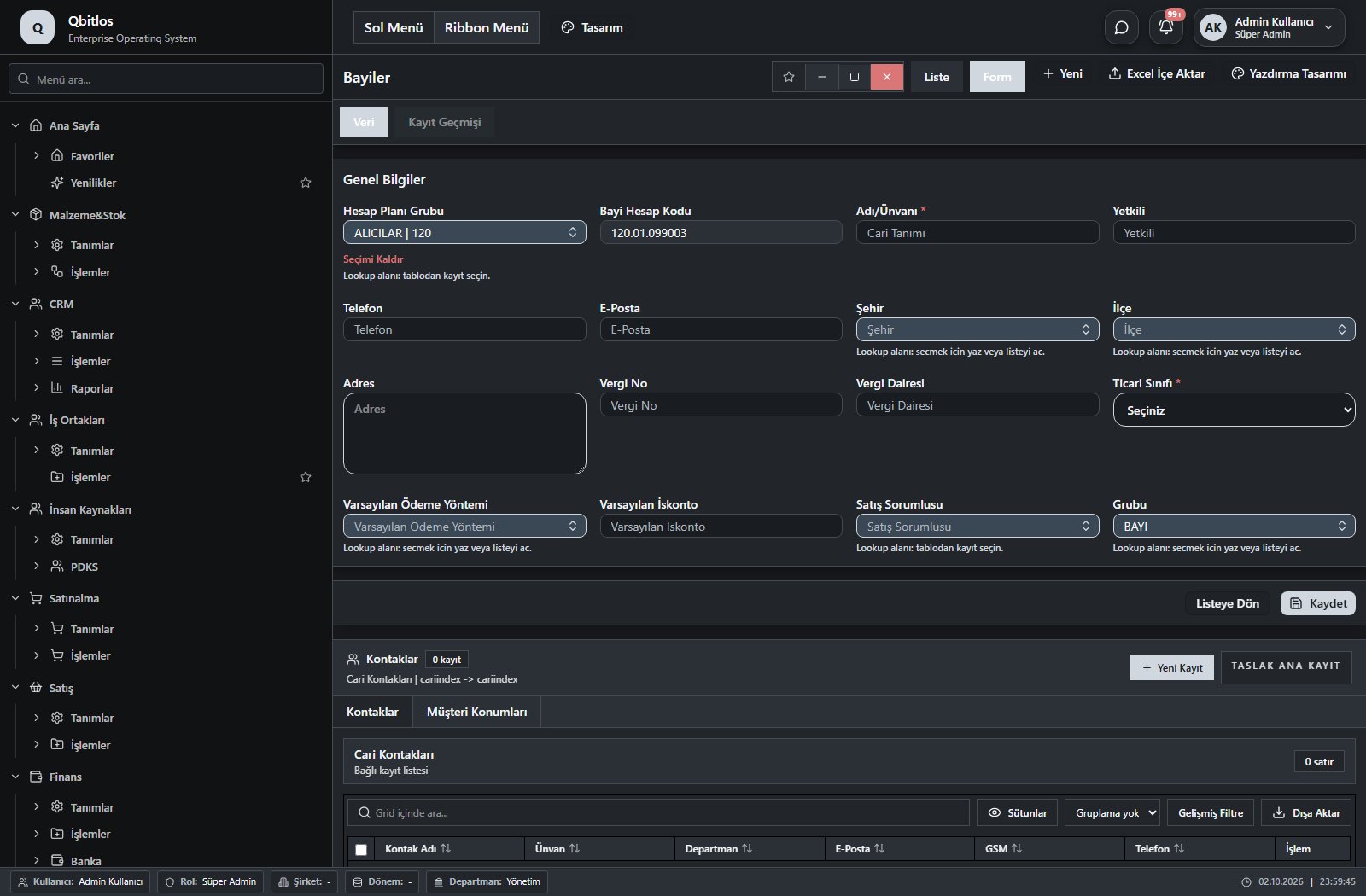
Bayiler · 16 field guide
| Field | Type | Usage and rules |
|---|---|---|
| Bayi Hesap Kodu | autofield | Cari Hesaplar alanı Optional Automatic value generation is configured. Shown in the list view. |
| Adı/Ünvanı | text | Cari Hesaplar alanı Required Shown in the list view. |
| Yetkili | text | Cari Hesaplar alanı Optional Shown in the list view. |
| Telefon | text | Cari Hesaplar alanı Optional Shown in the list view. |
| E-Posta | text | Cari Hesaplar alanı Optional Shown in the list view. |
| Şehir | lookup | Cari Hesaplar alanı Optional Select from related records. İller Shown in the list view. |
| İlçe | lookup | Cari Hesaplar alanı Optional Select from related records. İlçeler Fields filtering available options: Şehir. Shown in the list view. |
| Adres | textarea | Cari Hesaplar alanı Optional Shown in the list view. |
| Vergi No | text | Cari Hesaplar alanı Optional Shown in the list view. |
| Vergi Dairesi | text | Cari Hesaplar alanı Optional Shown in the list view. |
| Hesap Planı Grubu | lookup | Cari Hesaplar alanı Required Select from related records. Hesap Planı Grupları Shown in the list view. |
| Ticari Sınıfı | select | Cari Hesaplar alanı Required Shown in the list view. Options: ALICI(A) · SATICI(S) · ALICI-SATICI(AS) |
| Varsayılan Ödeme Yöntemi | lookup | Optional Select from related records. Ödeme Terimleri Shown in the list view. |
| Varsayılan İskonto | number | Optional Shown in the list view. |
| Satış Sorumlusu | lookup | Optional Select from related records. Personel Özlük Bilgileri Shown in the list view. |
| Grubu | lookup | Müşteri Grubu alanı Optional Select from related records. Müşteri Grupları Shown in the list view. |
İş Ortakları / İşlemler
This menu opens navigation, a report or a custom screen; it has no standard form field binding. Explore its related screens in the menu.
Personnel records cover employment dates, department, job, education, social security and emergency contacts. Work calendars define shifts, working days and overtime factors. Leave rules specify seniority, age and entitlement; balances separate earned, used and remaining days. Payroll lines distinguish regular hours, holidays, overtime, leave, deductions and net pay.
İnsan Kaynakları / Tanımlar
This menu opens navigation, a report or a custom screen; it has no standard form field binding. Explore its related screens in the menu.
İnsan Kaynakları / Tanımlar / Departmanlar
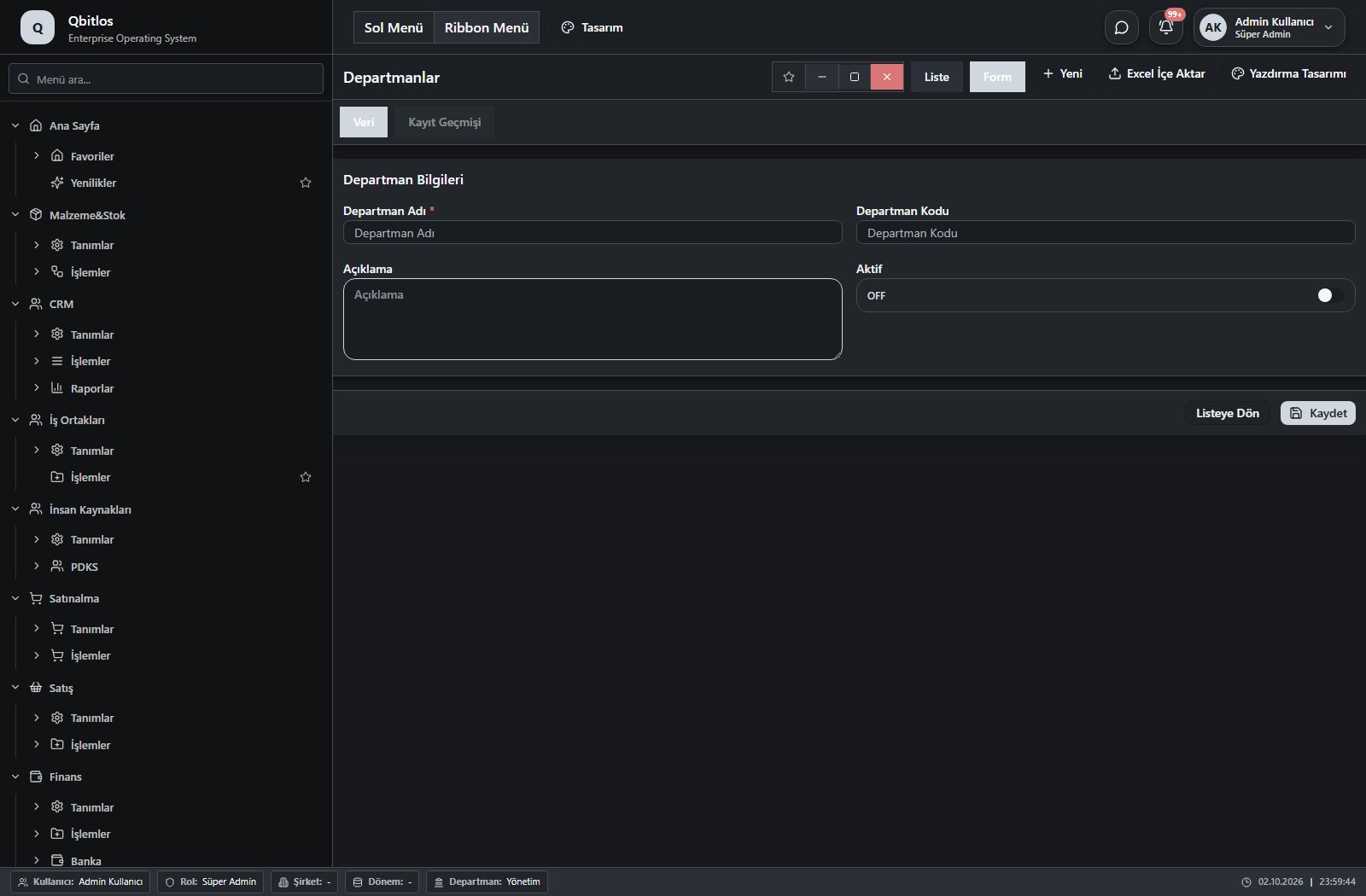
Departmanlar · 4 field guide
| Field | Type | Usage and rules |
|---|---|---|
| Departman Adı | text | Required Shown in the list view. |
| Departman Kodu | text | Optional Shown in the list view. |
| Açıklama | textarea | Optional Shown in the list view. |
| Aktif | checkbox | Optional Shown in the list view. |
İnsan Kaynakları / Tanımlar / Personel Özlük Bilgileri
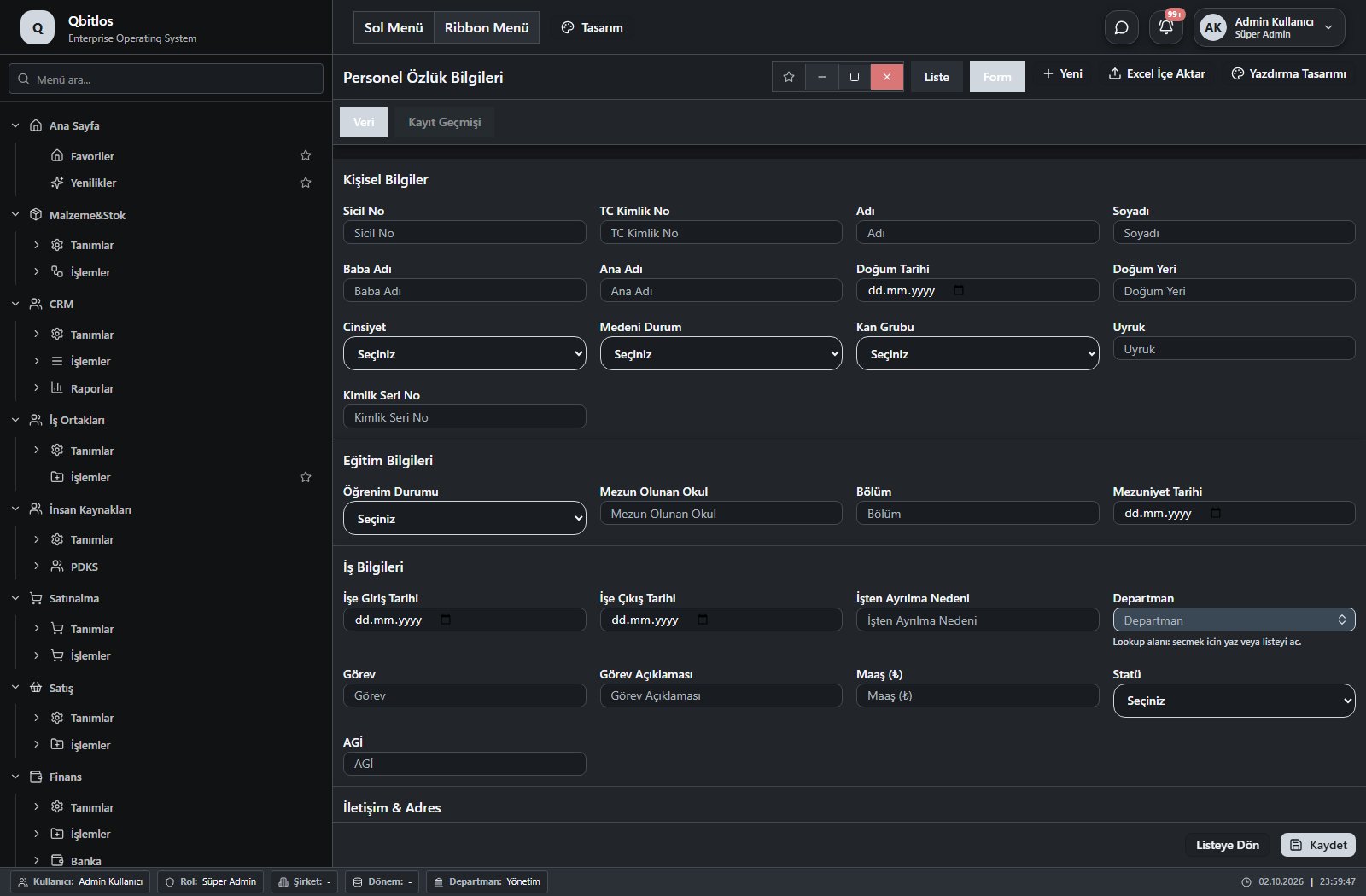
Personel Özlük Bilgileri · 50 field guide
| Field | Type | Usage and rules |
|---|---|---|
| Sicil No | text | Optional Shown in the list view. |
| TC Kimlik No | text | Optional Shown in the list view. |
| Adı | text | Optional Shown in the list view. |
| Soyadı | text | Optional Shown in the list view. |
| Baba Adı | text | Optional |
| Ana Adı | text | Optional |
| Doğum Tarihi | date | Optional |
| Doğum Yeri | text | Optional |
| Cinsiyet | select | Optional Shown in the list view. Options: Erkek · Kadın |
| Medeni Durum | select | Optional Shown in the list view. Options: Bekar · Evli · Boşanmış · Dul |
| Kan Grubu | select | Optional Shown in the list view. Options: A+ · A- · B+ · B- · AB+ · AB- · 0+ · 0- |
| Uyruk | text | Optional Shown in the list view. |
| Kimlik Seri No | text | Optional |
| Öğrenim Durumu | select | Optional Shown in the list view. Options: İlkokul · Ortaokul · Lise · Ön Lisans · Lisans · Yüksek Lisans · Doktora |
| Mezun Olunan Okul | text | Optional |
| Bölüm | text | Optional |
| Mezuniyet Tarihi | date | Optional |
| İşe Giriş Tarihi | date | Optional Shown in the list view. |
| İşe Çıkış Tarihi | date | Optional Shown in the list view. |
| İşten Ayrılma Nedeni | text | Optional |
| Departman | lookup | Optional Select from related records. Departmanlar Shown in the list view. |
| Görev | text | Optional |
| Görev Açıklaması | text | Optional |
| Maaş (₺) | number | Optional |
| Statü | select | Optional Options: Aktif · İzinli · Ayrılmış · Emekli |
| Cep Telefonu | text | Optional Shown in the list view. |
| E-Posta | text | Optional Shown in the list view. |
| Ev Adresi | text | Optional |
| İl | text | Optional |
| İlçe | text | Optional |
| Acil İrtibat Kişi | text | Optional |
| Acil İrtibat Telefon | text | Optional |
| Yakınlık | text | Optional |
| SGK No | text | Optional |
| SGK Giriş Tarihi | date | Optional |
| SGK Çıkış Tarihi | date | Optional |
| Askerlik Durumu | select | Optional Options: Yapıldı · Yapılmadı · Erteleme · Muaf |
| Askerlik Bitiş Tarihi | date | Optional |
| Ehliyet Sınıfı | select | Optional Shown in the list view. Options: A · B · C · D · E |
| Ehliyet Bitiş Tarihi | date | Optional |
| Engel Durumu | select | Optional Options: Yok · %40 Altı · %40 Üstü · Engelli |
| Engel Oranı (%) | number | Optional |
| Özgeçmiş | Optional | |
| Notlar | text | Optional |
| Aktif | checkbox | Optional Shown in the list view. |
| AGİ | number | Optional Shown in the list view. |
| Önceki Tecrübe Gün | number | Optional Shown in the list view. |
| Başlangıç İzin Hakkı Gün | number | Optional Shown in the list view. |
| Ek İzin Hakkı Gün | number | Optional Shown in the list view. |
| Ehliyet No | text | Optional Shown in the list view. |
İnsan Kaynakları / Tanımlar / Personel Mesai Takvimi
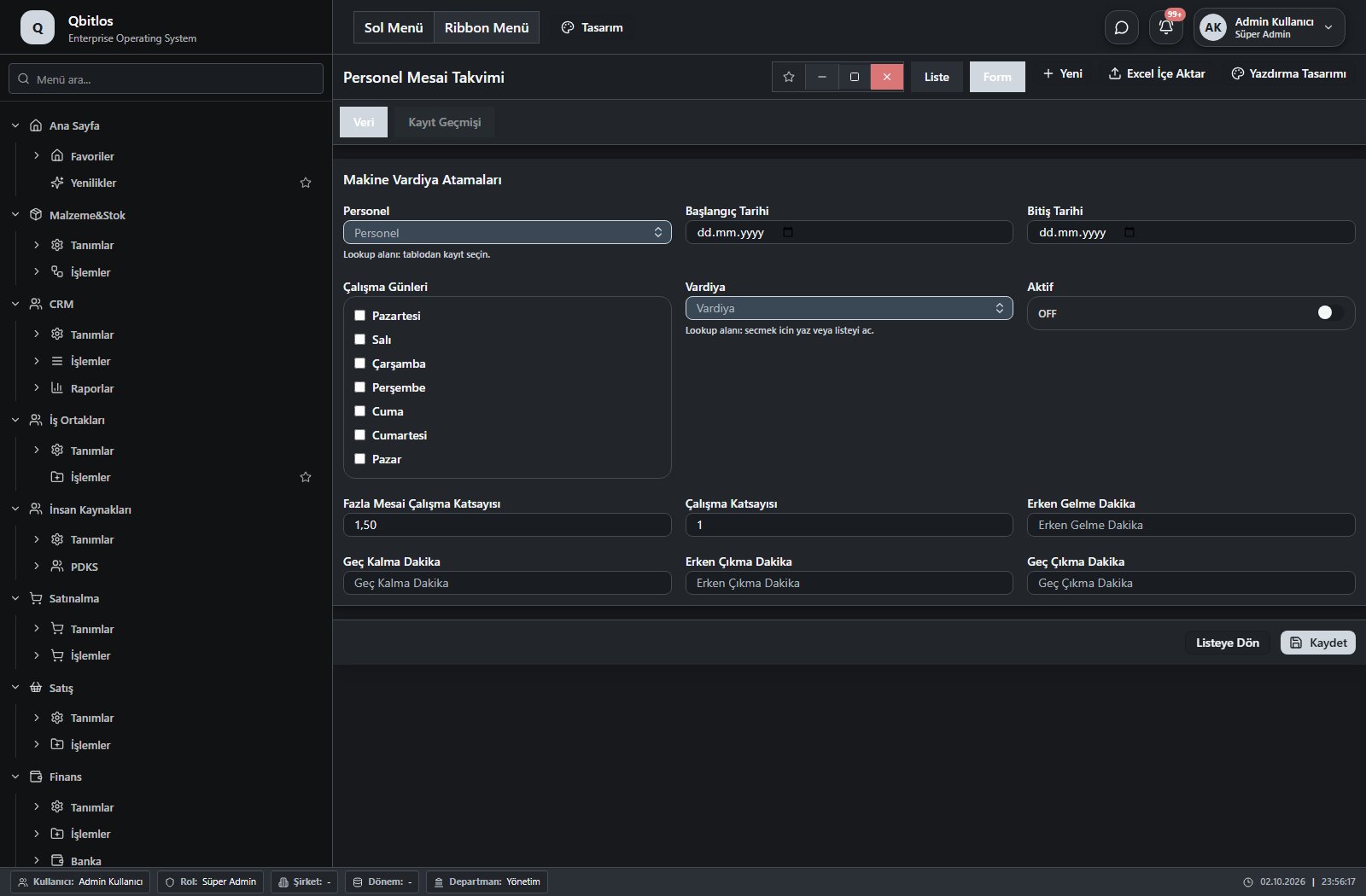
Personel Mesai Takvimi · 12 field guide
| Field | Type | Usage and rules |
|---|---|---|
| Personel | lookup | Optional Select from related records. Personel Özlük Bilgileri Shown in the list view. |
| Vardiya | lookup | Optional Select from related records. Vardiyalar Shown in the list view. |
| Başlangıç Tarihi | date | Optional Shown in the list view. |
| Bitiş Tarihi | date | Optional Shown in the list view. |
| Çalışma Günleri | multiselect | Optional Shown in the list view. Options: Pazartesi · Salı · Çarşamba · Perşembe · Cuma · Cumartesi · Pazar |
| Aktif | checkbox | Optional Shown in the list view. |
| Çalışma Katsayısı | number | Optional Shown in the list view. |
| Fazla Mesai Çalışma Katsayısı | text | Optional Shown in the list view. |
| Geç Kalma Dakika | number | Optional Shown in the list view. |
| Erken Çıkma Dakika | number | Optional Shown in the list view. |
| Erken Gelme Dakika | number | Optional Shown in the list view. |
| Geç Çıkma Dakika | number | Optional Shown in the list view. |
İnsan Kaynakları / Tanımlar / Polivalans
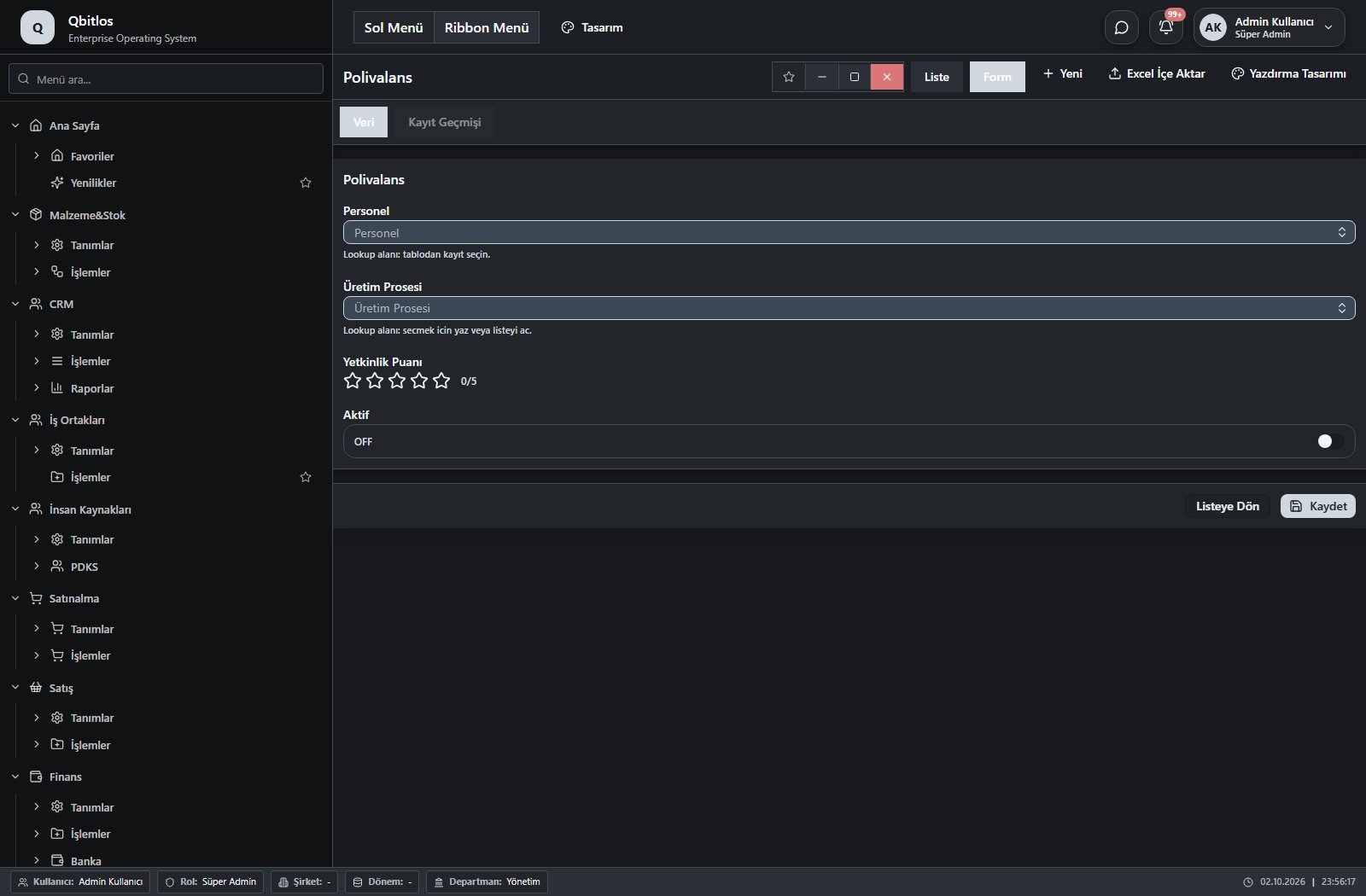
Polivalans · 4 field guide
| Field | Type | Usage and rules |
|---|---|---|
| Personel | lookup | Optional Select from related records. Personel Özlük Bilgileri Shown in the list view. |
| Üretim Prosesi | lookup | Optional Select from related records. Üretim Prosesleri Shown in the list view. |
| Yetkinlik Puanı | rating | Optional Shown in the list view. |
| Aktif | checkbox | Optional Shown in the list view. |
İnsan Kaynakları / Tanımlar / İzin Türleri
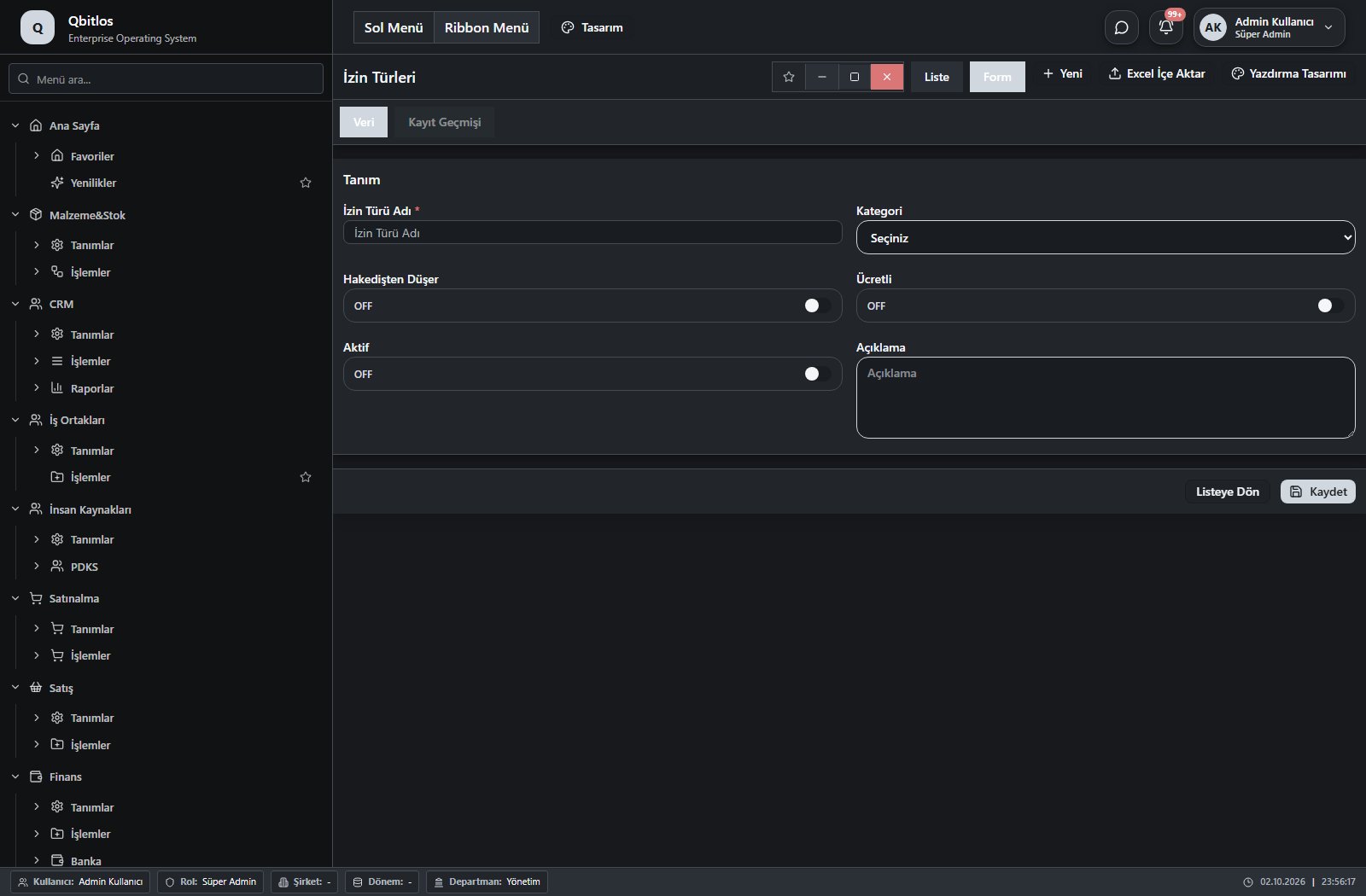
İzin Türleri · 6 field guide
| Field | Type | Usage and rules |
|---|---|---|
| İzin Türü Adı | text | Required Shown in the list view. |
| Kategori | select | Optional Shown in the list view. Options: Yıllık · Mazeret · Hastalık · Ücretsiz · Diğer |
| Hakedişten Düşer | checkbox | Optional Shown in the list view. |
| Ücretli | checkbox | Optional Shown in the list view. |
| Aktif | checkbox | Optional Shown in the list view. |
| Açıklama | textarea | Optional |
İnsan Kaynakları / Tanımlar / İzin Hakediş Kuralları
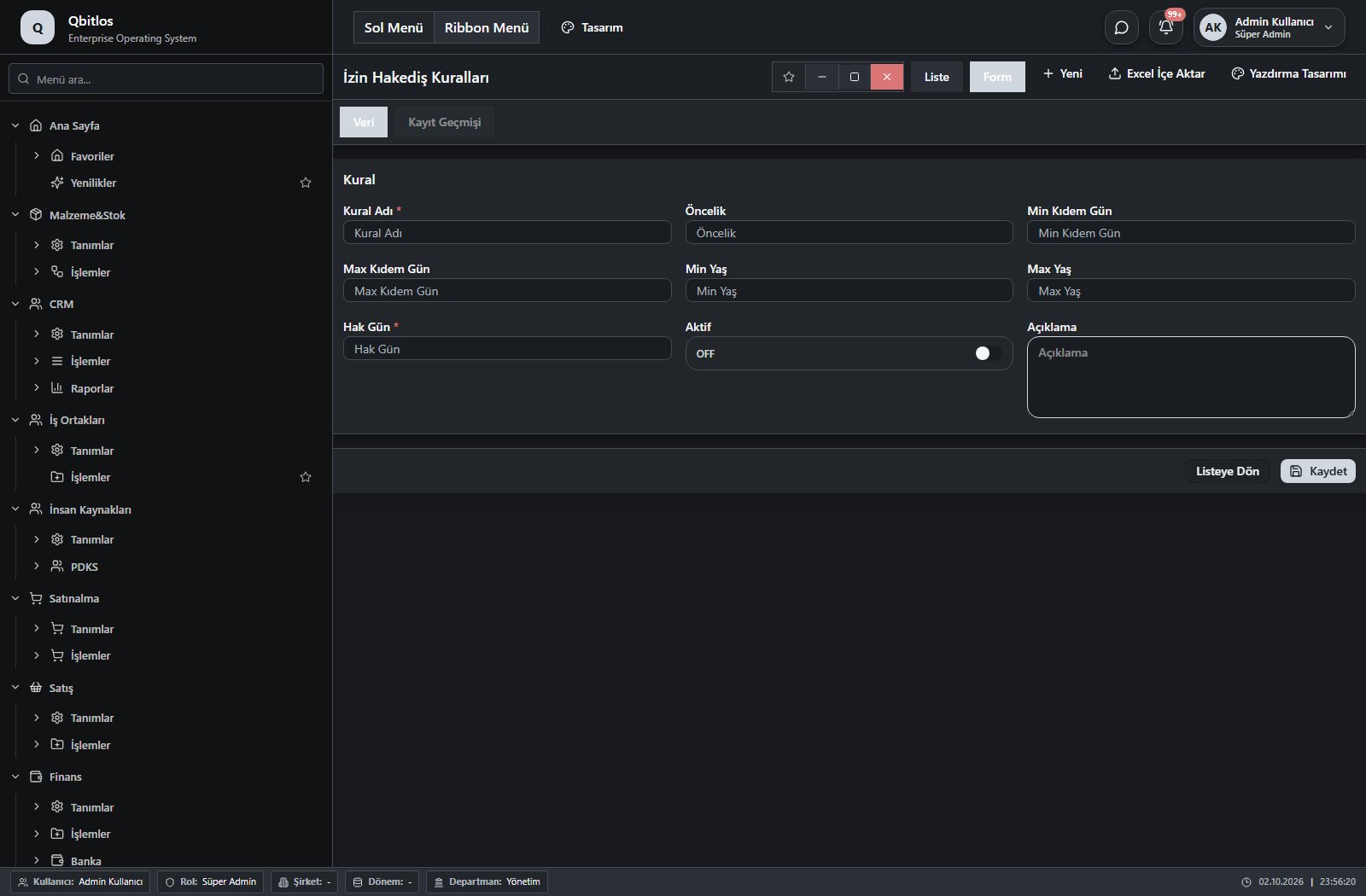
İzin Hakediş Kuralları · 9 field guide
| Field | Type | Usage and rules |
|---|---|---|
| Kural Adı | text | Required Shown in the list view. |
| Öncelik | number | Optional Shown in the list view. |
| Min Kıdem Gün | number | Optional Shown in the list view. |
| Max Kıdem Gün | number | Optional Shown in the list view. |
| Min Yaş | number | Optional Shown in the list view. |
| Max Yaş | number | Optional Shown in the list view. |
| Hak Gün | number | Required Shown in the list view. |
| Aktif | checkbox | Optional Shown in the list view. |
| Açıklama | textarea | Optional |
İnsan Kaynakları / PDKS
This menu opens navigation, a report or a custom screen; it has no standard form field binding. Explore its related screens in the menu.
İnsan Kaynakları / PDKS / Giriş-Çıkış Takibi
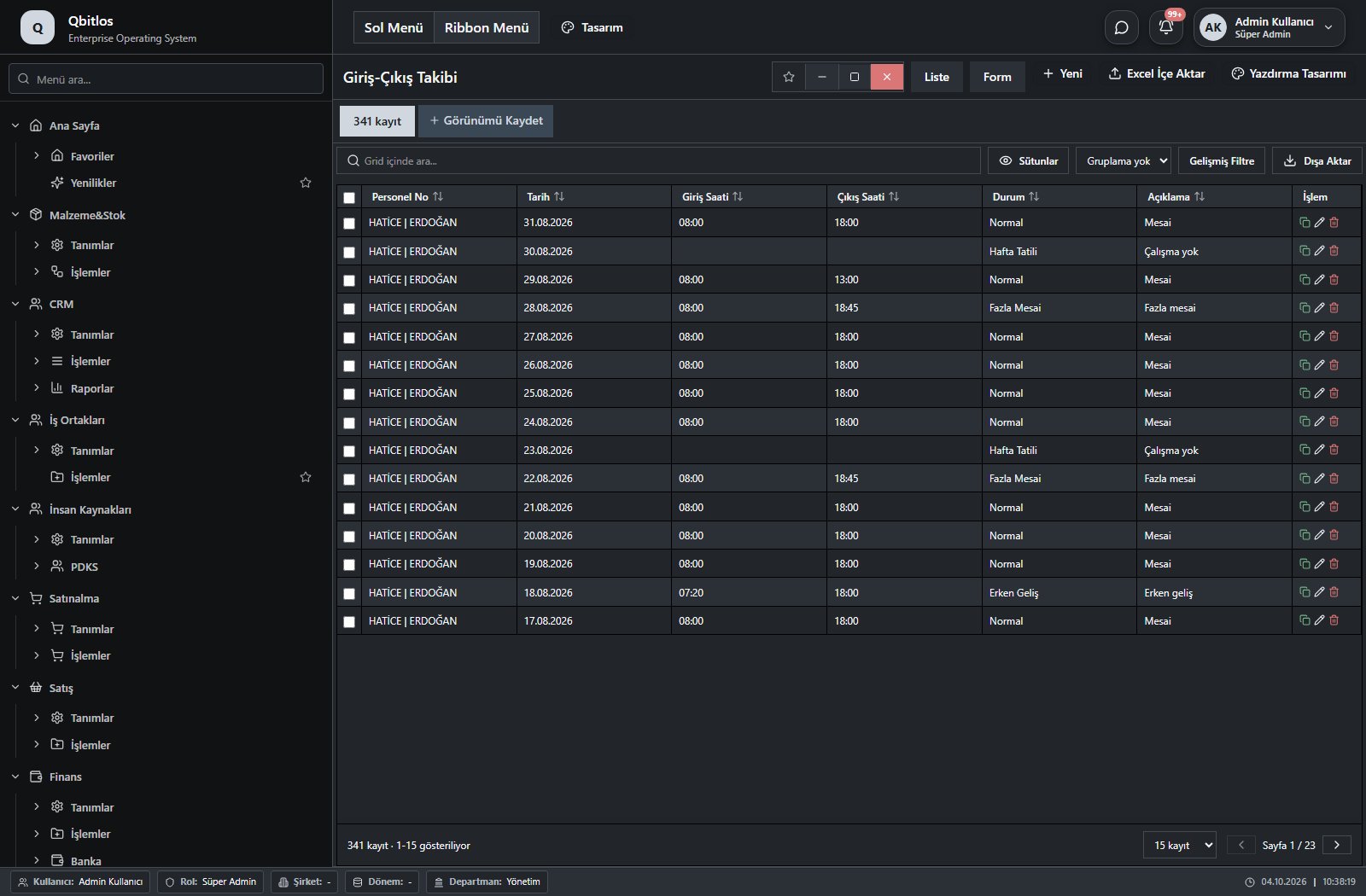
Personel Giriş Çıkış Takibi · 8 field guide
| Field | Type | Usage and rules |
|---|---|---|
| Personel No | lookup | Optional Select from related records. Personel Özlük Bilgileri Shown in the list view. |
| Tarih | date | Required Shown in the list view. |
| Giriş Saati | time | Optional Shown in the list view. |
| Çıkış Saati | time | Optional Shown in the list view. |
| Durum | select | Optional Shown in the list view. Options: Giriş Yaptı · Çıkış Yaptı · Gelmedi |
| Açıklama | textarea | Optional Shown in the list view. |
| Giriş Kaynağı | select | Giriş kaydının kaynağı (Manuel, QR, Cihaz) Optional Shown in the list view. Options: Manuel · QR · Cihaz |
| Çıkış Kaynağı | select | Çıkış kaydının kaynağı (Manuel, QR, Cihaz) Optional Shown in the list view. Options: Manuel · QR · Cihaz |
İnsan Kaynakları / PDKS / İzin Yönetimi
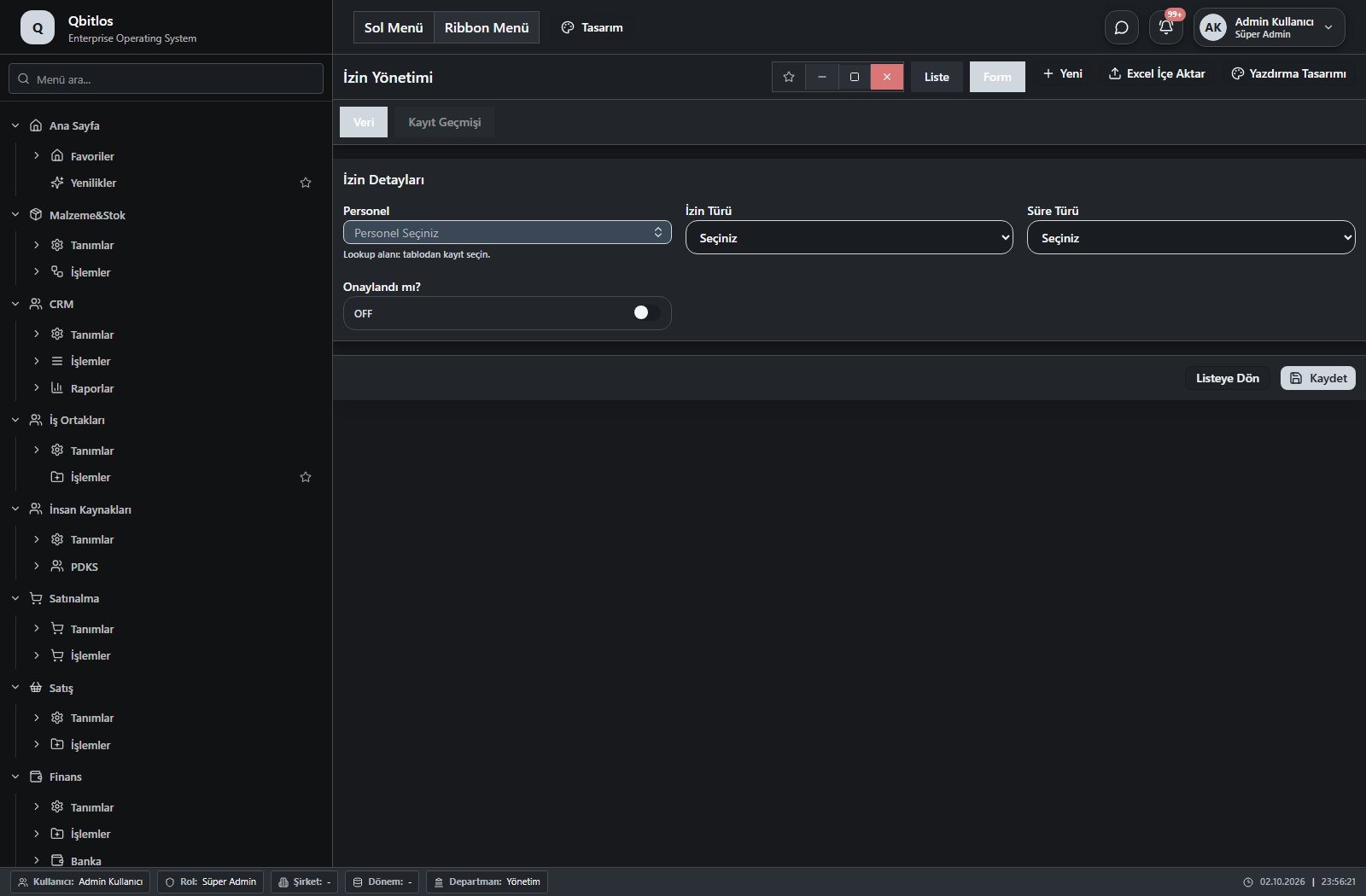
İzin Yönetimi · 7 field guide
| Field | Type | Usage and rules |
|---|---|---|
| Personel | lookup | Personel Seçimi yapınız Required Select from related records. Personel Özlük Bilgileri Shown in the list view. |
| İzin Tarih Aralığı | takvim | Tatil Dönemi alanı Required Shown according to a visibility rule. Shown in the list view. |
| İzin Türü | select | Açıklama alanı Optional Shown in the list view. Options: Yıllık İzin · Ücretsiz İzin · Raporlu · İdari İzin · Ücretli İzin |
| Onaylandı mı? | checkbox | Aktif alanı Optional Shown in the list view. |
| Süre Türü | select | Optional Shown in the list view. Options: Günlük · Saatlik |
| Başlama Saati | time | Optional Shown according to a visibility rule. Shown in the list view. |
| Bitiş Saati | time | Optional Shown according to a visibility rule. Shown in the list view. |
İnsan Kaynakları / PDKS / Kesinti/Ceza
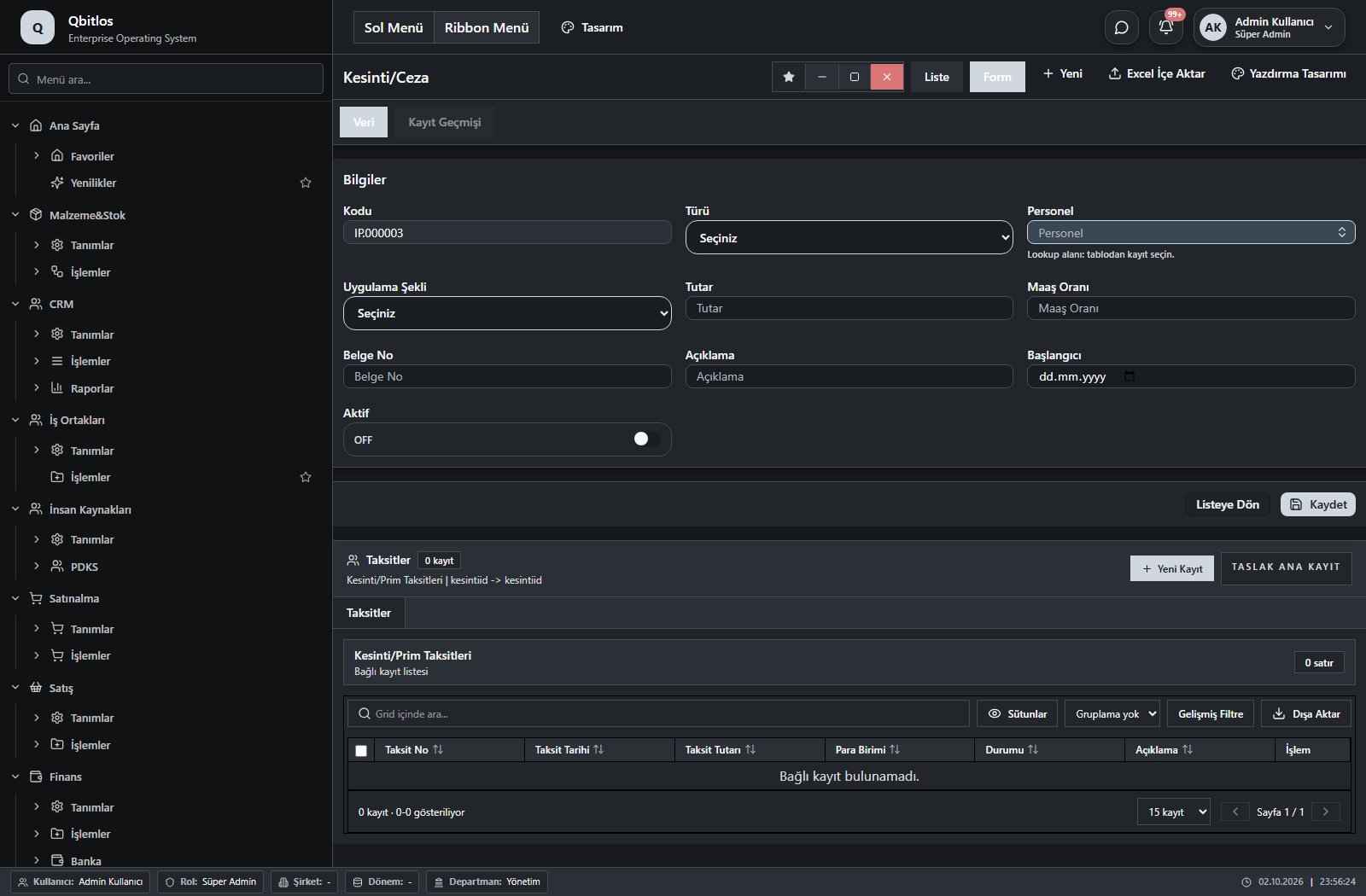
Kesinti/Ceza/Prim Bilgileri · 13 field guide
| Field | Type | Usage and rules |
|---|---|---|
| Kesinti/Ceza/Prim ID | hidden | Optional Shown in the list view. |
| Türü | select | Optional Shown in the list view. Options: Kesinti · Ceza · İcra · Prim |
| Personel | lookup | Optional Select from related records. Personel Özlük Bilgileri Shown in the list view. |
| Tutar | number | Optional Shown in the list view. |
| Para Birimi | lookup | Optional Select from related records. Para Birimleri Shown in the list view. |
| Açıklama | text | Optional Shown in the list view. |
| Başlangıcı | date | Optional Shown in the list view. |
| Belge No | text | Optional Shown in the list view. |
| Uygulama Şekli | select | Optional Shown in the list view. Options: Taksitli · Sürekli |
| Maaş Oranı | number | Optional Shown in the list view. |
| Aktif | checkbox | Optional Shown in the list view. |
| Kodu | autofield | Optional Unique value Automatic value generation is configured. Shown in the list view. |
| Bitişi | date | Optional Shown in the list view. |
İnsan Kaynakları / PDKS / Resmi Tatiller
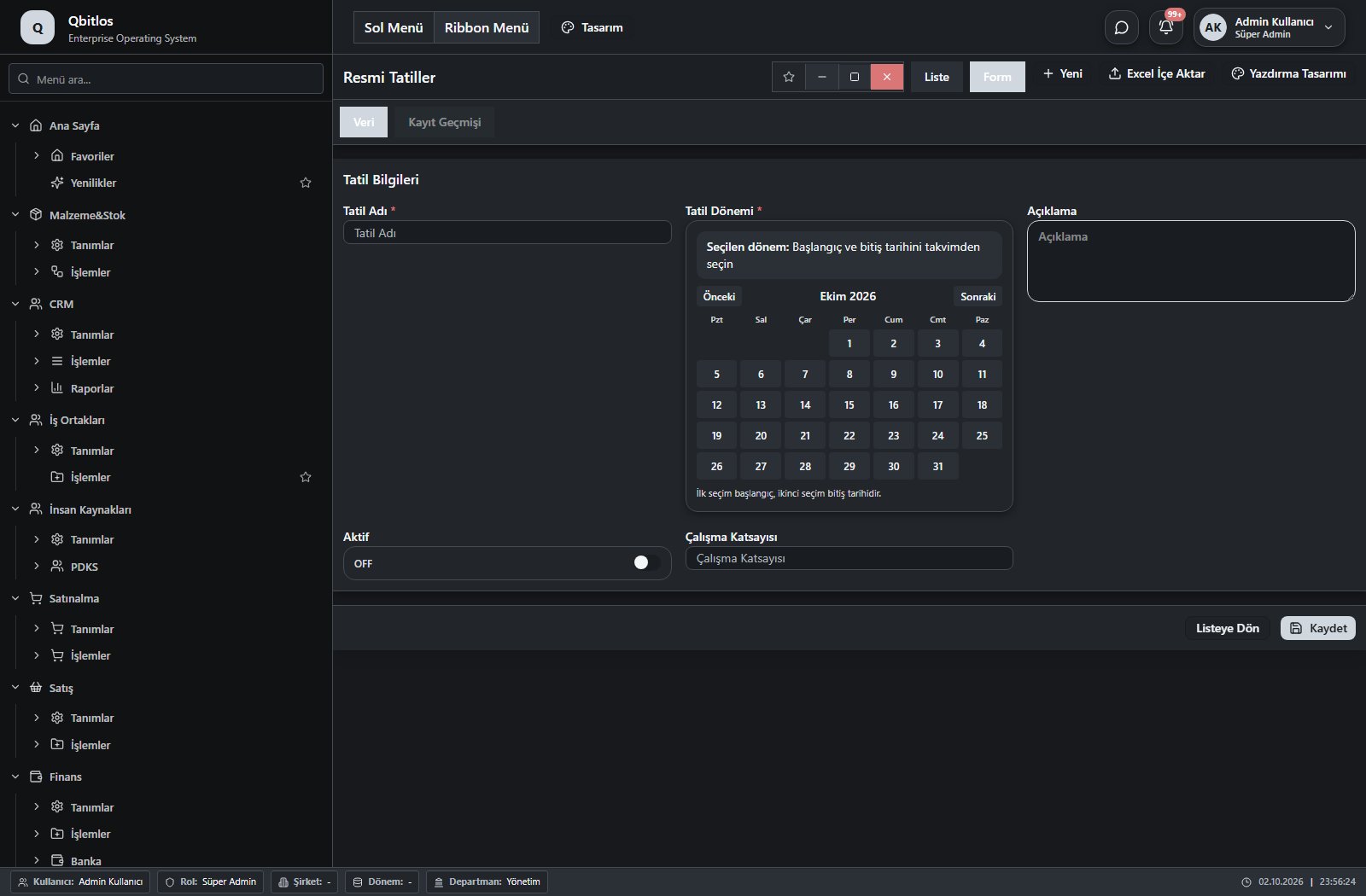
Resmi Tatiller · 5 field guide
| Field | Type | Usage and rules |
|---|---|---|
| Tatil Adı | text | Required Shown in the list view. |
| Tatil Dönemi | takvim | Required Shown in the list view. |
| Çalışma Katsayısı | number | Optional Shown in the list view. |
| Açıklama | textarea | Optional Shown in the list view. |
| Aktif | checkbox | Optional Shown in the list view. |
İnsan Kaynakları / PDKS / Personel İzin Talepleri
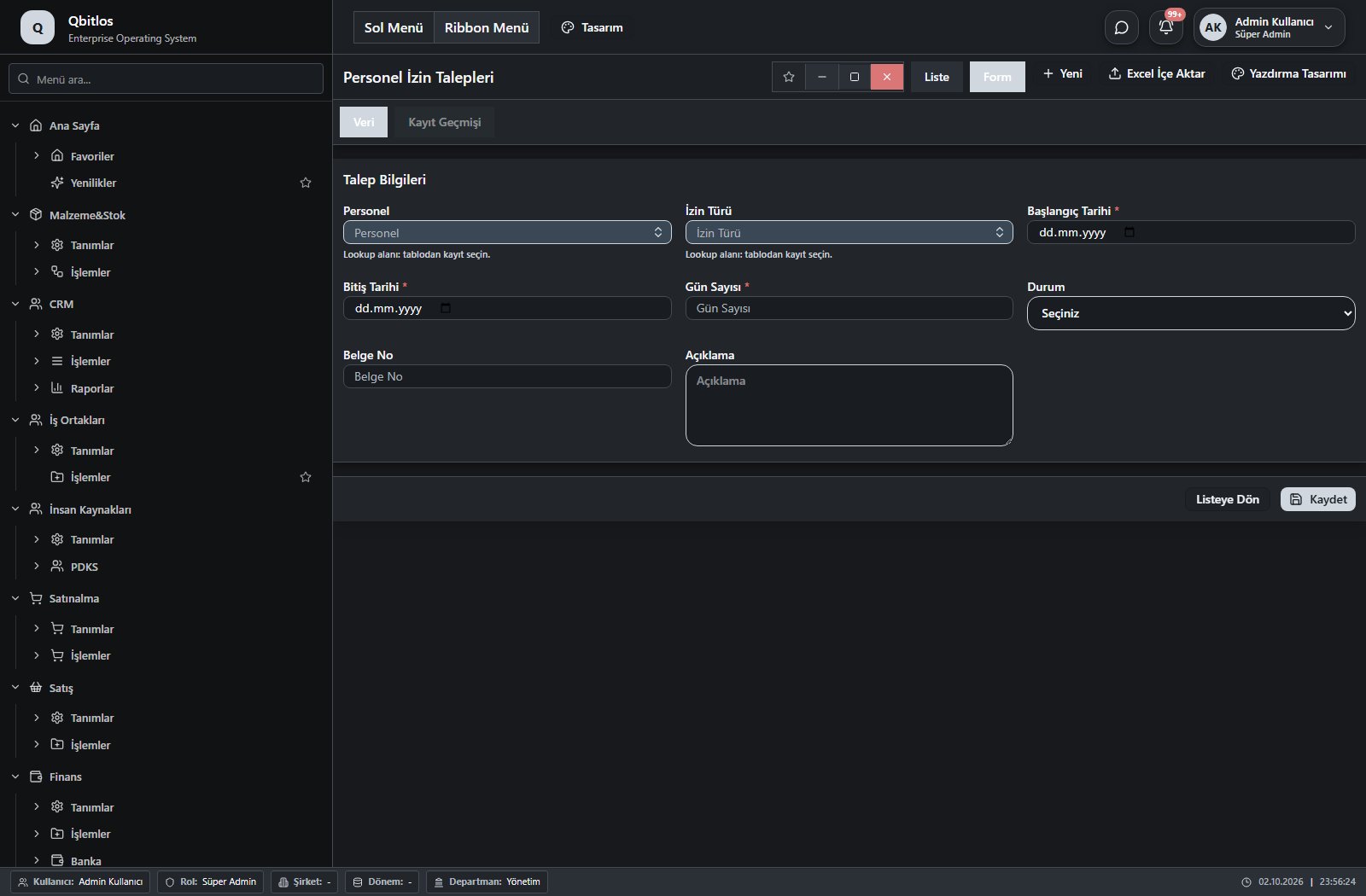
Personel İzin Talepleri · 8 field guide
| Field | Type | Usage and rules |
|---|---|---|
| Personel | lookup | Required Select from related records. Personel Özlük Bilgileri Shown in the list view. |
| İzin Türü | lookup | Required Select from related records. İzin Türleri Shown in the list view. |
| Başlangıç Tarihi | date | Required Shown in the list view. |
| Bitiş Tarihi | date | Required Shown in the list view. |
| Gün Sayısı | number | Required Shown in the list view. |
| Durum | select | Optional Shown in the list view. Options: Taslak · Onay Bekliyor · Onaylandı · Reddedildi · İptal |
| Belge No | text | Optional Shown in the list view. |
| Açıklama | textarea | Optional |
İnsan Kaynakları / PDKS / Personel İzin Bakiyeleri
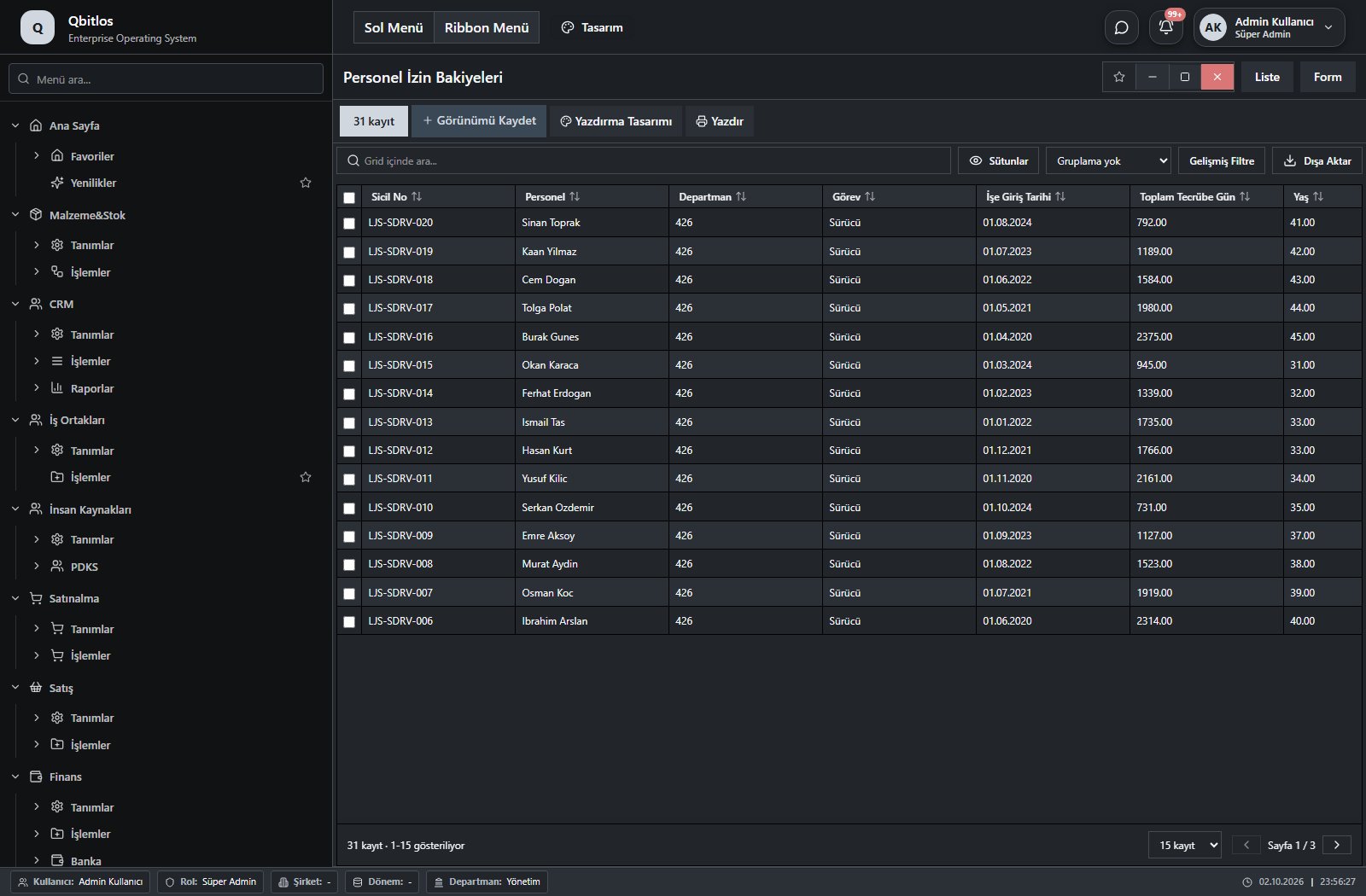
Personel İzin Bakiyeleri · 12 field guide
| Field | Type | Usage and rules |
|---|---|---|
| Sicil No | text | Optional Shown in the list view. |
| Personel | text | Optional Shown in the list view. |
| Departman | text | Optional Shown in the list view. |
| Görev | text | Optional Shown in the list view. |
| İşe Giriş Tarihi | date | Optional Shown in the list view. |
| Toplam Tecrübe Gün | number | Optional Shown in the list view. |
| Yaş | number | Optional Shown in the list view. |
| Yasal Hak Gün | number | Optional Shown in the list view. |
| Başlangıç Hak Gün | number | Optional Shown in the list view. |
| Ek Hak Gün | number | Optional Shown in the list view. |
| Kullanılan Gün | number | Optional Shown in the list view. |
| Kalan Gün | number | Optional Shown in the list view. |
İnsan Kaynakları / PDKS / Maaş Bordro Dönemleri
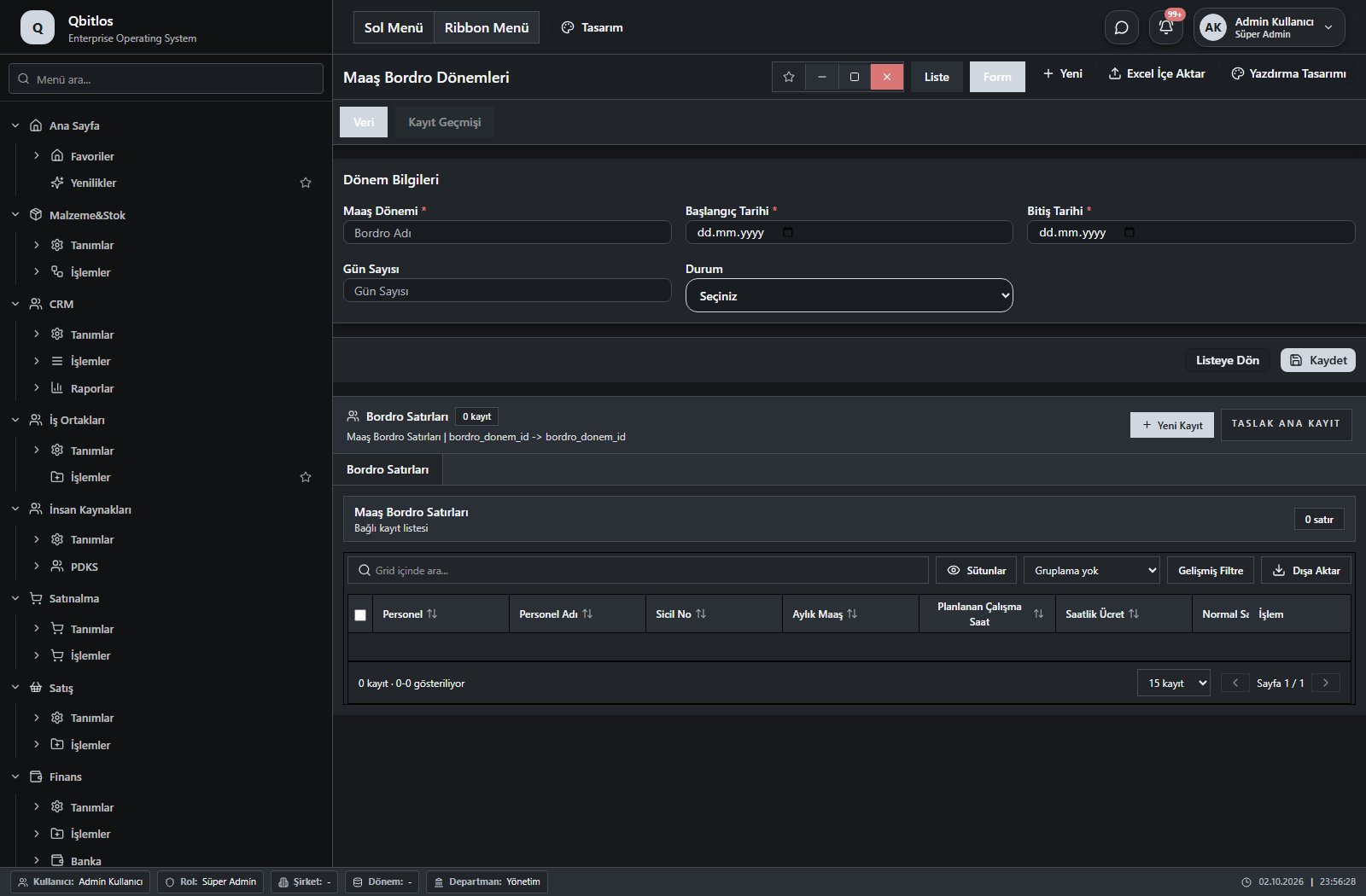
Maaş Bordro Dönemleri · 6 field guide
| Field | Type | Usage and rules |
|---|---|---|
| ID | hidden | Optional |
| Maaş Dönemi | text | Bordro Adı alanı Required Shown in the list view. |
| Başlangıç Tarihi | date | Required Shown in the list view. |
| Bitiş Tarihi | date | Required Shown in the list view. |
| Durum | select | Optional Shown in the list view. Options: Taslak · Hesaplandı · Onaylandı |
| Gün Sayısı | number | Optional Shown in the list view. |
İnsan Kaynakları / PDKS / Maaş Bordro Satırları
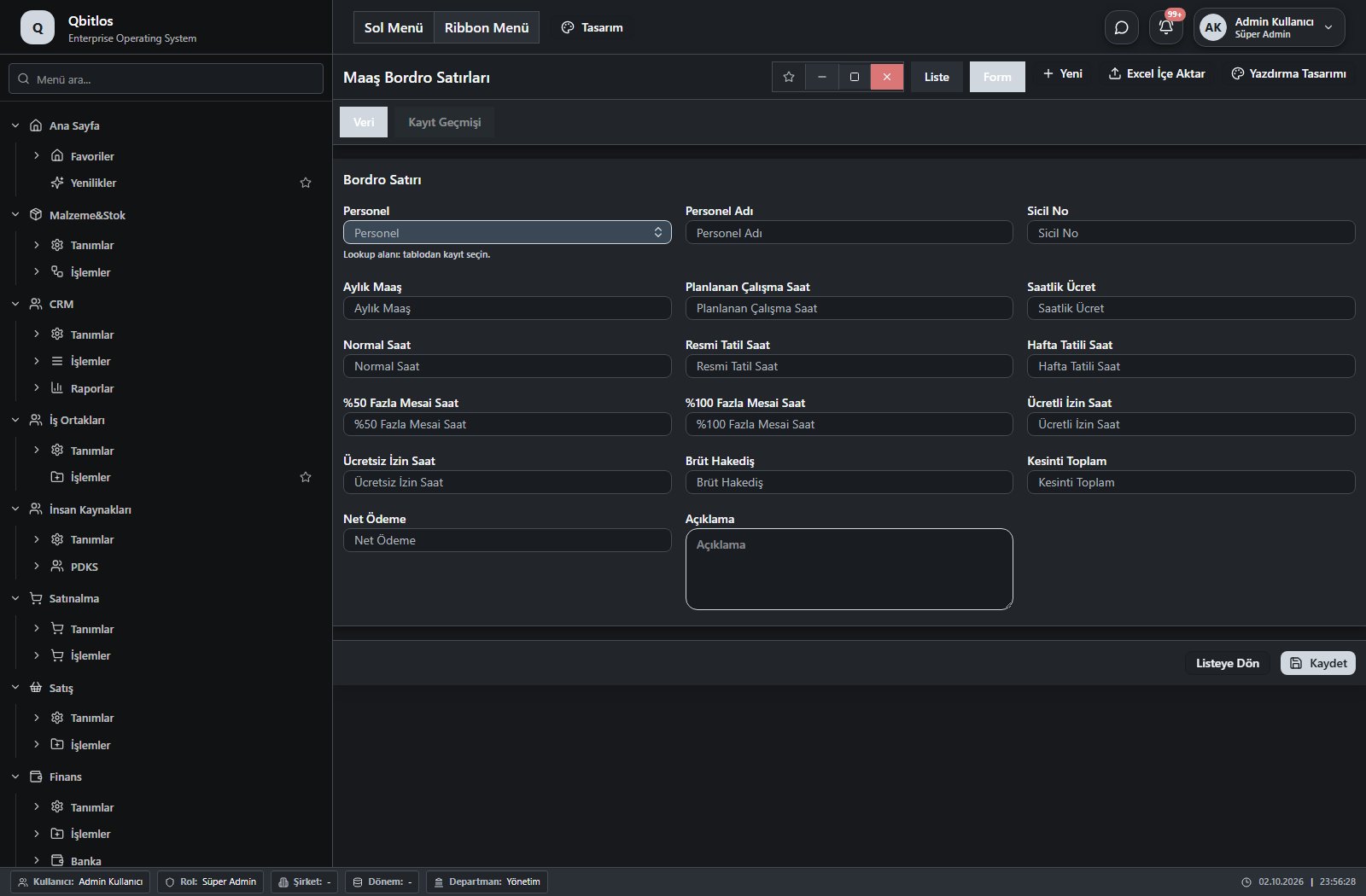
Maaş Bordro Satırları · 17 field guide
| Field | Type | Usage and rules |
|---|---|---|
| Personel | lookup | Required Select from related records. Personel Özlük Bilgileri Shown in the list view. |
| Personel Adı | text | Optional Shown in the list view. |
| Sicil No | text | Optional Shown in the list view. |
| Aylık Maaş | number | Optional Shown in the list view. |
| Planlanan Çalışma Saat | number | Optional Shown in the list view. |
| Saatlik Ücret | number | Optional Shown in the list view. |
| Normal Saat | number | Optional Shown in the list view. |
| Resmi Tatil Saat | number | Optional Shown in the list view. |
| Hafta Tatili Saat | number | Optional Shown in the list view. |
| %50 Fazla Mesai Saat | number | Optional Shown in the list view. |
| %100 Fazla Mesai Saat | number | Optional Shown in the list view. |
| Ücretli İzin Saat | number | Optional Shown in the list view. |
| Ücretsiz İzin Saat | number | Optional Shown in the list view. |
| Brüt Hakediş | number | Optional Shown in the list view. |
| Kesinti Toplam | number | Optional Shown in the list view. |
| Net Ödeme | number | Optional Shown in the list view. |
| Açıklama | textarea | Optional |
İnsan Kaynakları / PDKS / QR Giriş / Çıkış
This menu opens navigation, a report or a custom screen; it has no standard form field binding. Explore its related screens in the menu.
Purchase requests specify material or service, quantity, requester, approver and estimated cost range. Supplier quotations record price, currency, terms, lead time and accepted price. Receipt records track expected delivery, received quantity, warehouse, lot and document reference. Orders and invoices capture payment, tax, currency and stock/account effects.
Satınalma / Tanımlar
This menu opens navigation, a report or a custom screen; it has no standard form field binding. Explore its related screens in the menu.
Satınalma / Tanımlar / Alınan Hizmetler
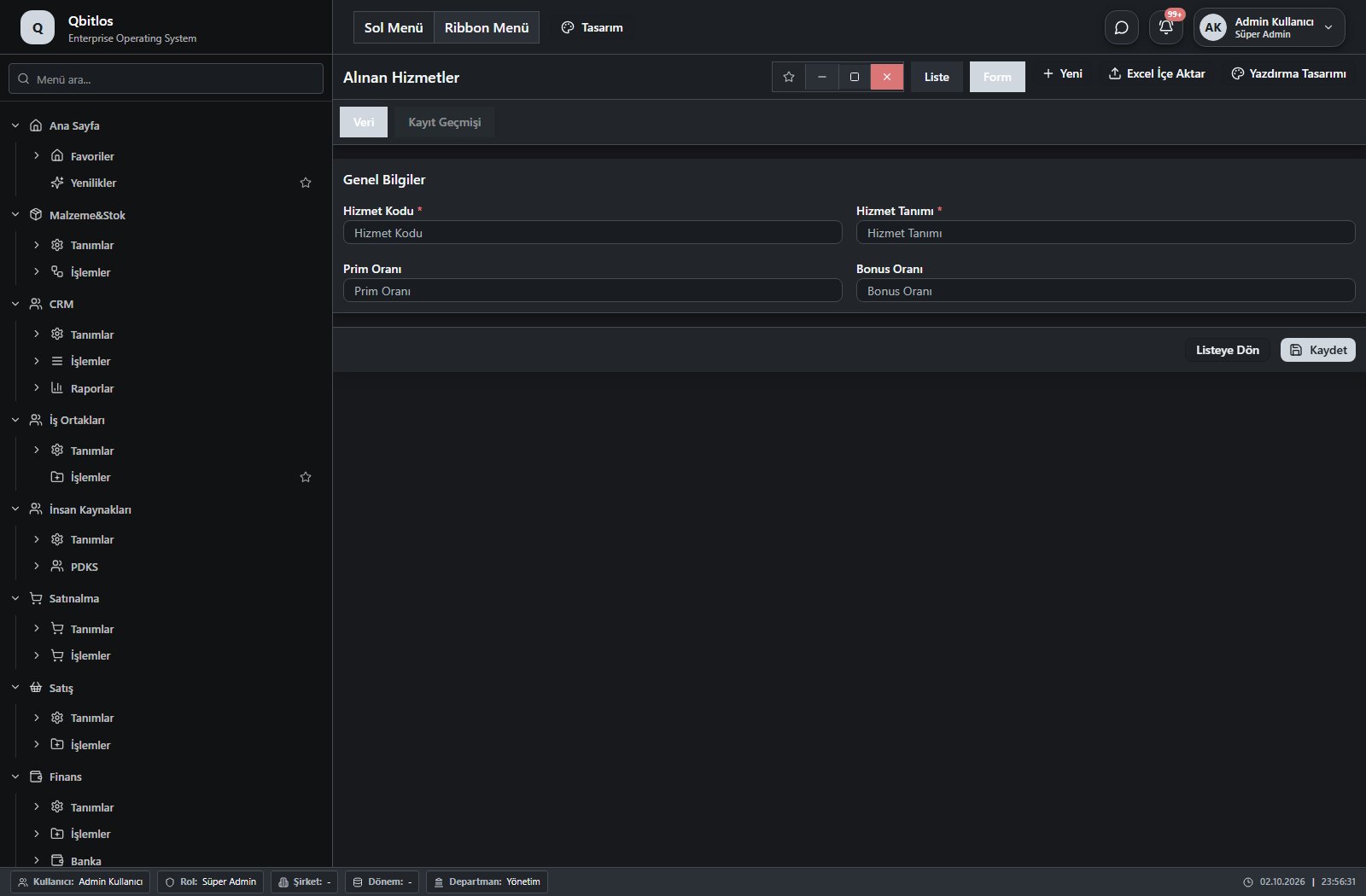
Alınan Hizmetler · 5 field guide
| Field | Type | Usage and rules |
|---|---|---|
| Hizmet Kodu | text | hizmettanimlari alanı Required Shown in the list view. |
| Hizmet Tanımı | text | hizmettanimlari alanı Required Shown in the list view. |
| Hizmet Türü | hidden | hizmettanimlari alanı Optional |
| Prim Oranı | text | hizmettanimlari alanı Optional Shown in the list view. |
| Bonus Oranı | text | hizmettanimlari alanı Optional Shown in the list view. |
Satınalma / İşlemler
This menu opens navigation, a report or a custom screen; it has no standard form field binding. Explore its related screens in the menu.
Satınalma / İşlemler / Satınalma Yönetimi
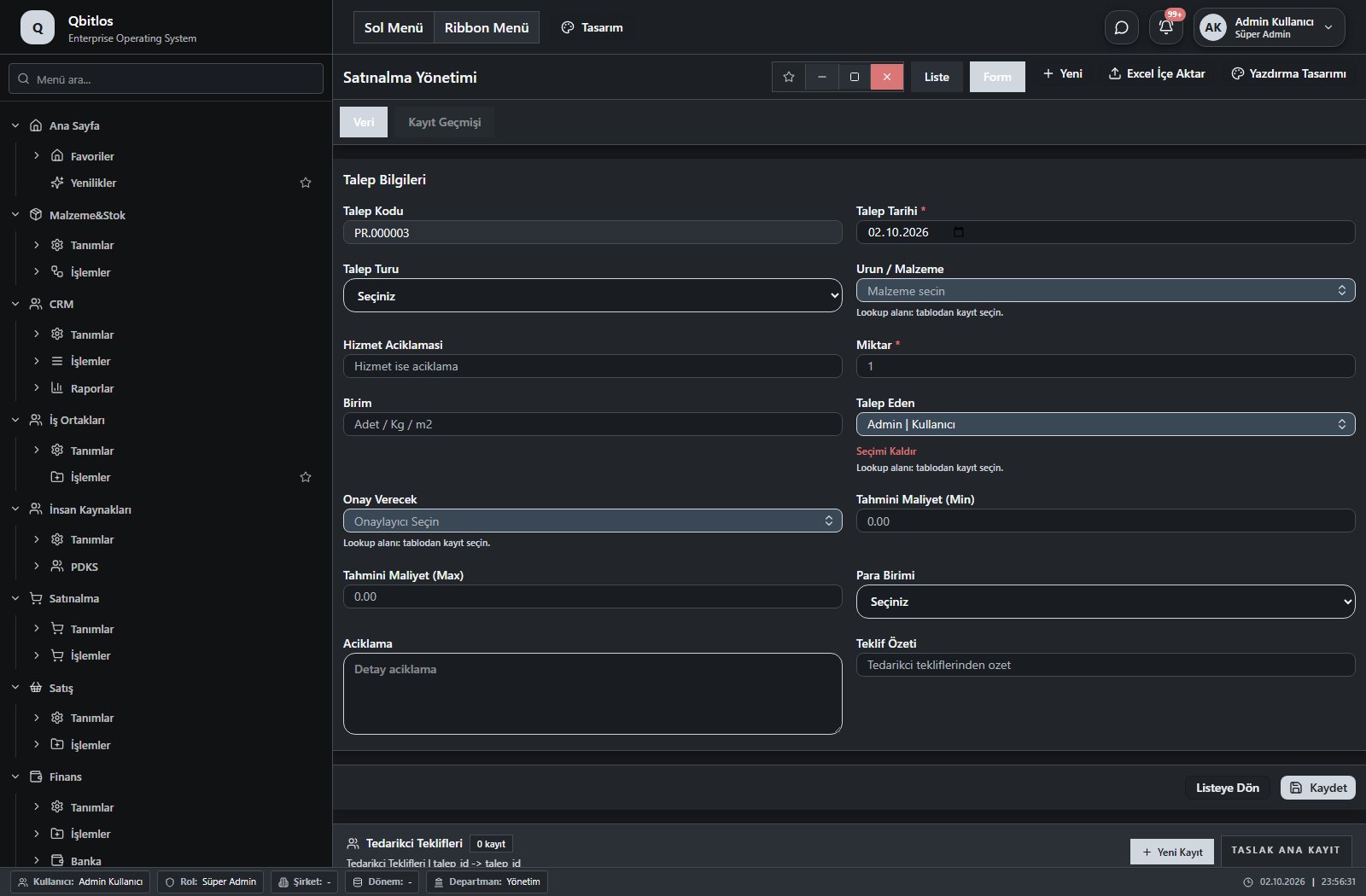
Satınalma Talep · 20 field guide
| Field | Type | Usage and rules |
|---|---|---|
| ID | hidden | ID Optional |
| Talep Kodu | autofield | Talep Kodu Optional Automatic value generation is configured. Shown in the list view. |
| Talep Tarihi | date | Talep Tarihi Required Shown in the list view. |
| Talep Turu | select | Talep Turu Optional Shown in the list view. Options: Hammadde · Yardimci Malzeme · Ambalaj · Kismi Malzeme · Hizmet · Diger |
| Urun / Malzeme | lookup | Urun / Malzeme Required Select from related records. Malzemeler Shown in the list view. |
| Hizmet Aciklamasi | text | Hizmet Aciklamasi Optional Shown in the list view. |
| Miktar | number | Miktar Required Shown in the list view. |
| Birim | text | Birim Optional Shown in the list view. |
| Talep Eden | lookup | Talep Eden Required Select from related records. Kullanıcılar Shown in the list view. |
| Onay Verecek | lookup | Onaylayıcı Seçin Required Select from related records. Kullanıcılar Shown in the list view. |
| Durum | select | Durum Optional Shown in the list view. Options: Taslak · Onay Bekliyor · Teklif Topla · Tedarikçi Seçildi · Onaylandı · Sipariş Verildi · Tamamlandı · İptal |
| Tahmini Maliyet (Min) | number | Tahmini Maliyet (Min) Optional Shown in the list view. |
| Tahmini Maliyet (Max) | number | Tahmini Maliyet (Max) Optional Shown in the list view. |
| Para Birimi | select | Para Birimi Optional Shown in the list view. Options: TRY · USD · EUR · GBP · CHF · CNY |
| Onay Tarihi | date | Onay Tarihi Optional Shown in the list view. |
| Siparis Tarihi | date | Siparis Tarihi Optional Shown in the list view. |
| Aciklama | textarea | Aciklama Optional |
| Onaylayan | lookup | Optional Select from related records. Kullanıcılar |
| Teklif Özeti | text | Tedarikci ozet bilgisi Optional Shown in the list view. |
| Seçilen Tedarikçiler | multilookup | Optional Select from related records. Tedarikçiler Shown in the list view. |
Satınalma / İşlemler / Tedarikçi Teklifleri
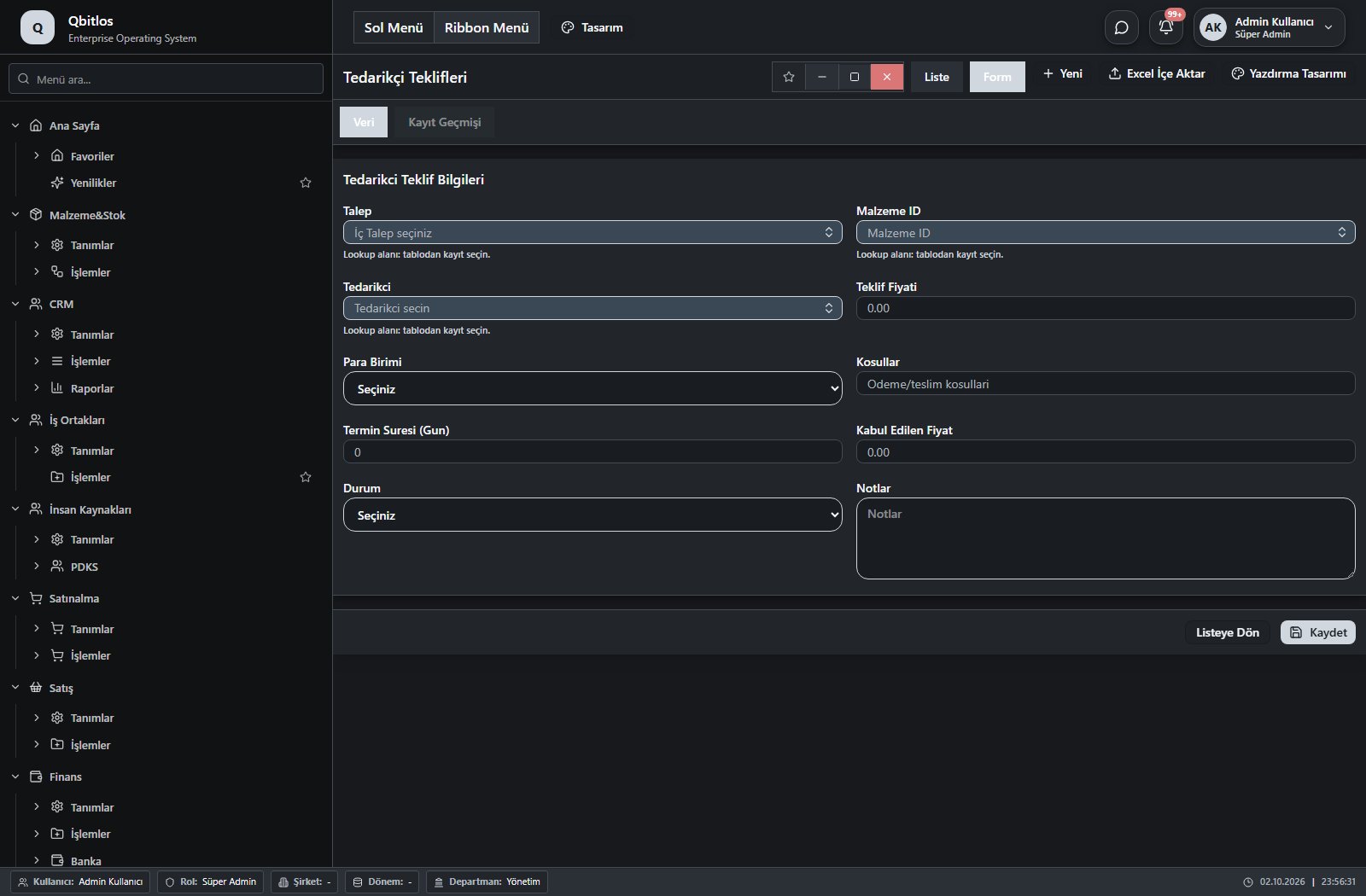
Tedarikci Teklifleri · 10 field guide
| Field | Type | Usage and rules |
|---|---|---|
| Talep | lookup | İç Talep Required Select from related records. Satınalma Talep Fields populated by selection: Malzeme ID. Shown in the list view. |
| Tedarikci | lookup | Tedarikci Required Select from related records. Tedarikçiler Shown in the list view. |
| Teklif Fiyati | number | Teklif Fiyati Optional Shown in the list view. Summary operation: min |
| Para Birimi | select | Para Birimi Optional Shown in the list view. Options: TRY · USD · EUR · GBP · CHF · CNY |
| Kosullar | text | Kosullar Optional Shown in the list view. |
| Termin Suresi (Gun) | number | Termin Suresi (Gun) Optional Shown in the list view. Summary operation: min |
| Kabul Edilen Fiyat | number | Kabul Edilen Fiyat Optional Shown in the list view. |
| Durum | select | Durum Optional Shown in the list view. Options: Bekleniyor · Geldi · Kabul Edildi · Reddedildi |
| Notlar | textarea | Notlar Optional |
| Malzeme ID | lookup | Optional Select from related records. Malzemeler Shown in the list view. |
Satınalma / İşlemler / Satınalma Siparişleri
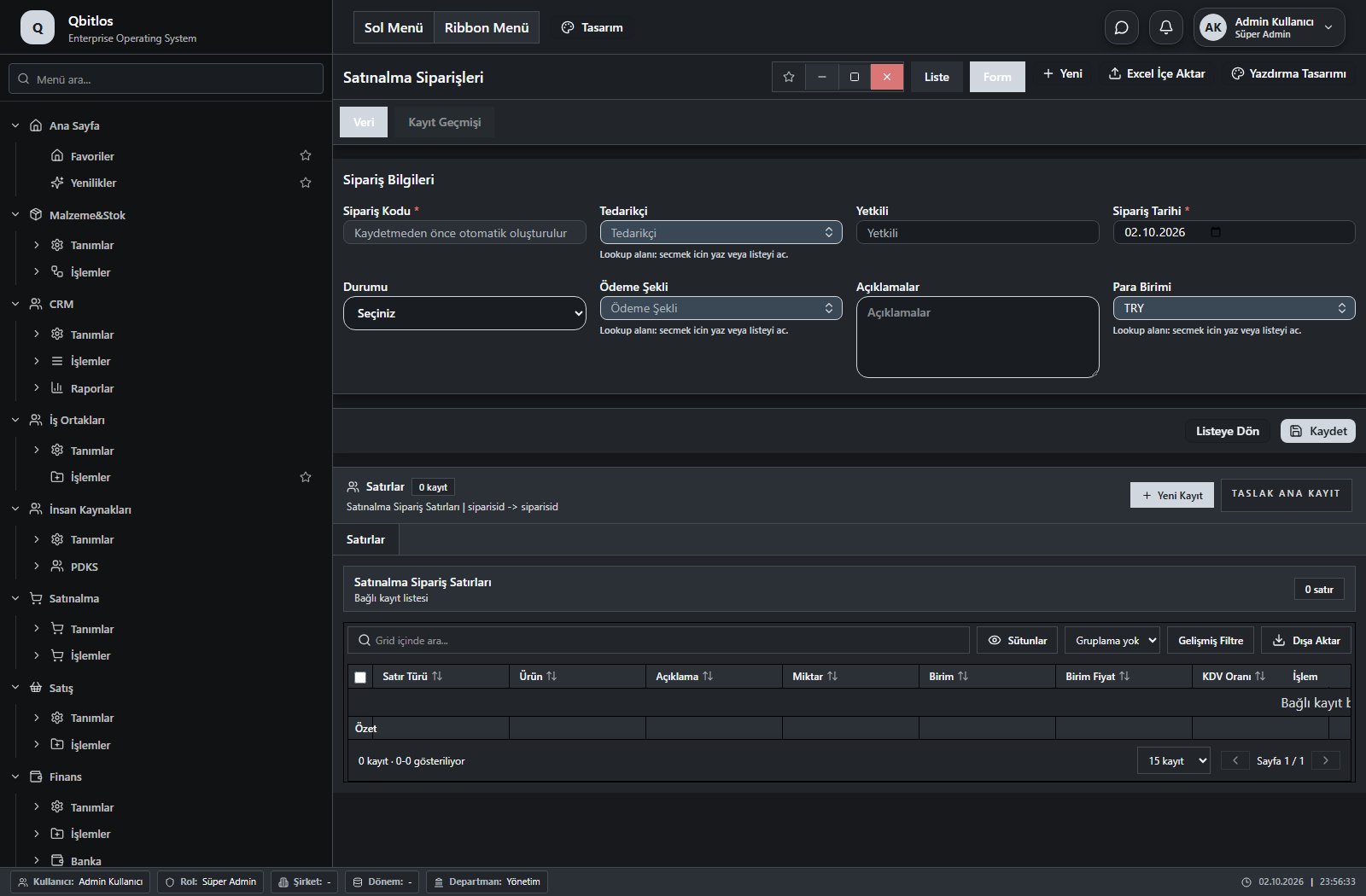
Satınalma Siparişleri · 12 field guide
| Field | Type | Usage and rules |
|---|---|---|
| Sipariş Kodu | autofield | Required Automatic value generation is configured. Shown in the list view. |
| Yetkili | text | Optional Shown in the list view. |
| Sipariş Tarihi | date | Required Shown in the list view. |
| Ödeme Şekli | lookup | Optional Select from related records. Ödeme Terimleri Shown in the list view. |
| Açıklamalar | textarea | Optional Shown in the list view. |
| Ara Toplam | disabled | Optional Shown in the list view. |
| İskonto Toplamı | disabled | Optional Shown in the list view. |
| KDV Toplamı | disabled | Optional Shown in the list view. |
| Genel Toplam | disabled | Optional Shown in the list view. |
| Tedarikçi | lookup | Optional Select from related records. Hesap Planı Fields populated by selection: Yetkili, Ödeme Şekli. Shown in the list view. |
| Durumu | select | Optional Shown in the list view. Options: Tamamlandı · Beklemede · Hazırlanıyor · Onaylandı · Red |
| Para Birimi | lookup | Optional Select from related records. Para Birimleri Shown in the list view. |
Satınalma / İşlemler / Satınalma Kabul
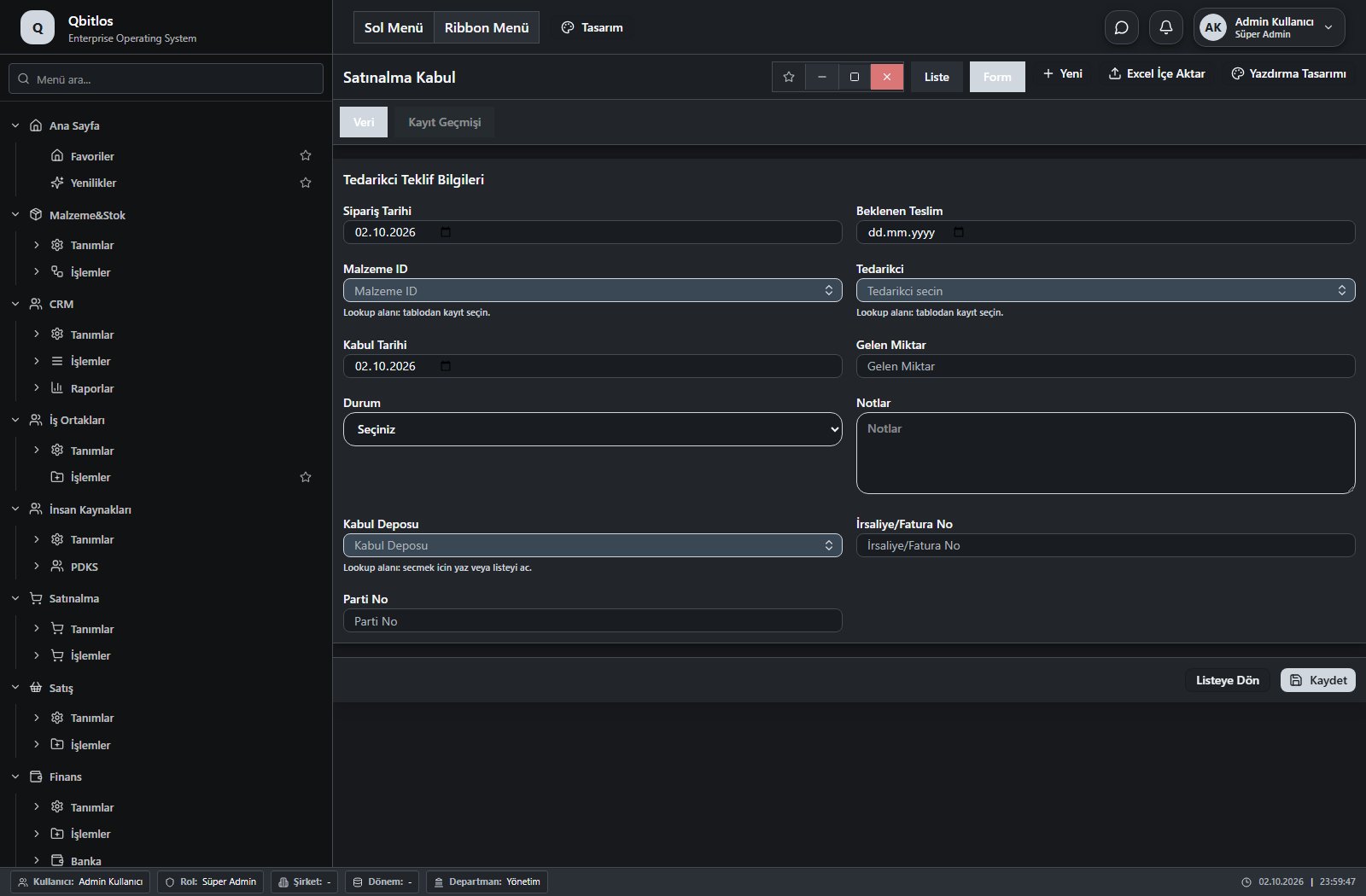
Satınalma Kabul · 16 field guide
| Field | Type | Usage and rules |
|---|---|---|
| Talep | lookup | İç Talep Required Select from related records. Satınalma Talep Fields populated by selection: Malzeme ID. Shown in the list view. |
| Tedarikci | lookup | Tedarikci Required Select from related records. Tedarikçiler Shown in the list view. |
| Kosullar | text | Kosullar Optional Shown in the list view. |
| Termin Suresi (Gun) | number | Termin Suresi (Gun) Optional Shown in the list view. |
| Durum | select | Durum Optional Options: Bekleniyor · Geldi · Kabul Edildi · Reddedildi |
| Notlar | textarea | Notlar Optional |
| Malzeme ID | lookup | Optional Select from related records. Malzemeler Shown in the list view. |
| Beklenen Teslim | date | Optional Shown in the list view. |
| Kabul Tarihi | date | Optional Shown in the list view. |
| Gelen Miktar | text | Optional Shown in the list view. |
| Sipariş Tarihi | date | Optional Shown in the list view. |
| Kabul Deposu | lookup | Optional Select from related records. Ambar Tanımları Shown in the list view. |
| Fiyat | hidden | Optional Shown in the list view. |
| Para Birimi | hidden | Optional Shown in the list view. |
| İrsaliye/Fatura No | text | Optional Shown in the list view. |
| Parti No | text | Optional Shown in the list view. |
Quotes and orders capture customer, contact, date, payment terms and currency, with separate subtotal, discount, VAT and total. Selecting a customer populates contact/payment fields; delivery locations depend on that customer. Order tracking compares ordered, invoiced, outstanding and planned shipment quantities against available stock.
Satış / Tanımlar
This menu opens navigation, a report or a custom screen; it has no standard form field binding. Explore its related screens in the menu.
Satış / Tanımlar / Pazar Yerleri
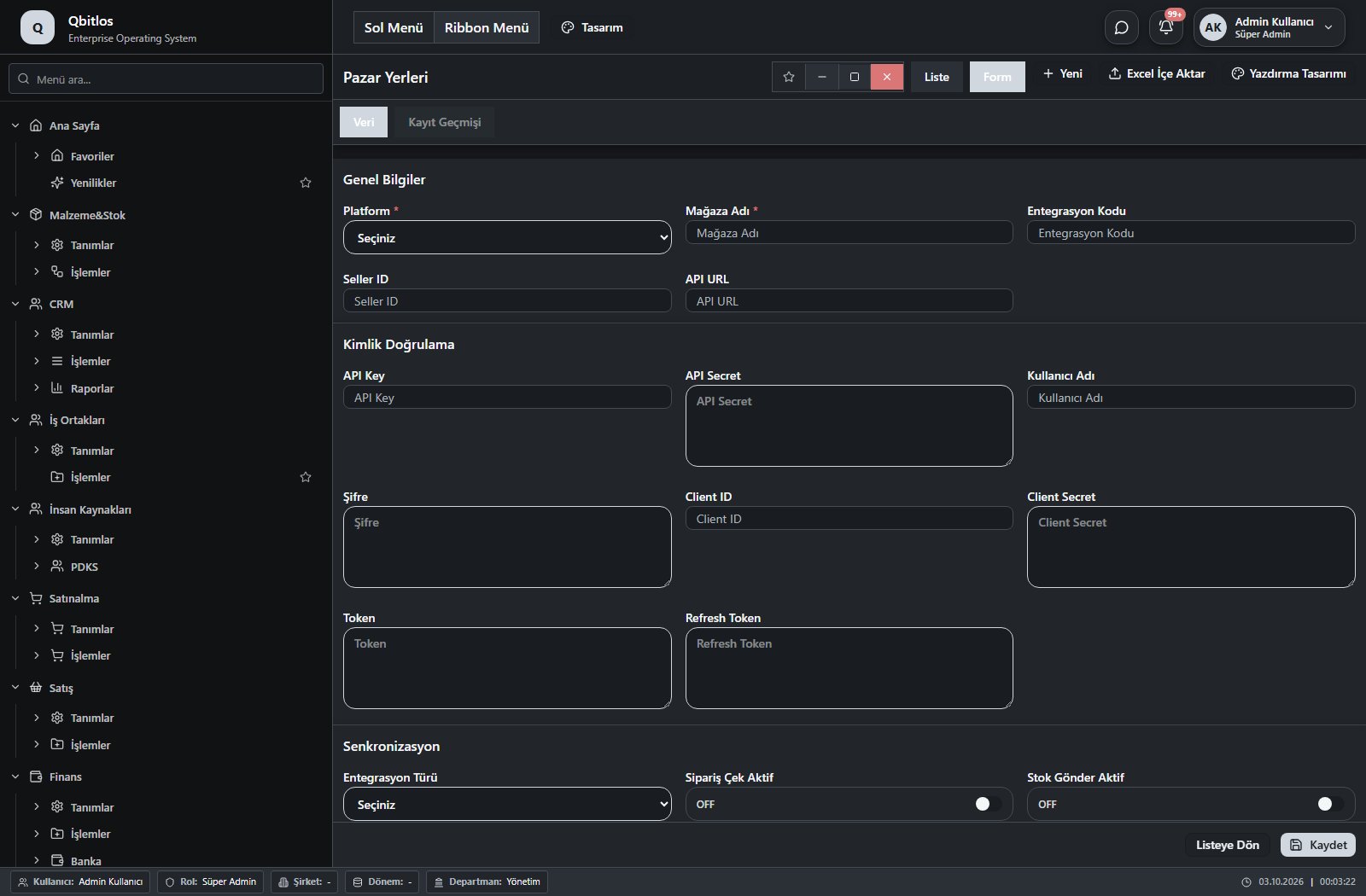
Pazar Yerleri · 21 field guide
| Field | Type | Usage and rules |
|---|---|---|
| Platform | select | Required Shown in the list view. Options: Trendyol · Hepsiburada · PTTAVM · N11 · Amazon · ÇiçekSepeti · Diğer · Pazarama |
| Mağaza Adı | text | Required Shown in the list view. |
| Entegrasyon Kodu | text | Optional Shown in the list view. |
| Seller ID | text | Optional Shown in the list view. |
| API URL | text | Optional |
| API Key | text | Optional |
| API Secret | textarea | Optional |
| Kullanıcı Adı | text | Optional |
| Şifre | textarea | Optional |
| Client ID | text | Optional |
| Client Secret | textarea | Optional |
| Token | textarea | Optional |
| Refresh Token | textarea | Optional |
| Entegrasyon Türü | select | Optional Shown in the list view. Options: API · XML · FTP · Manuel |
| Sipariş Çek Aktif | checkbox | Optional Shown in the list view. |
| Stok Gönder Aktif | checkbox | Optional Shown in the list view. |
| Fiyat Gönder Aktif | checkbox | Optional Shown in the list view. |
| Fatura Aktar Aktif | checkbox | Optional Shown in the list view. |
| Son Senkron Tarihi | datetime | Optional Shown in the list view. |
| Aktif | checkbox | Optional Shown in the list view. |
| Açıklama | textarea | Optional |
Satış / Tanımlar / Verilen Hizmetler
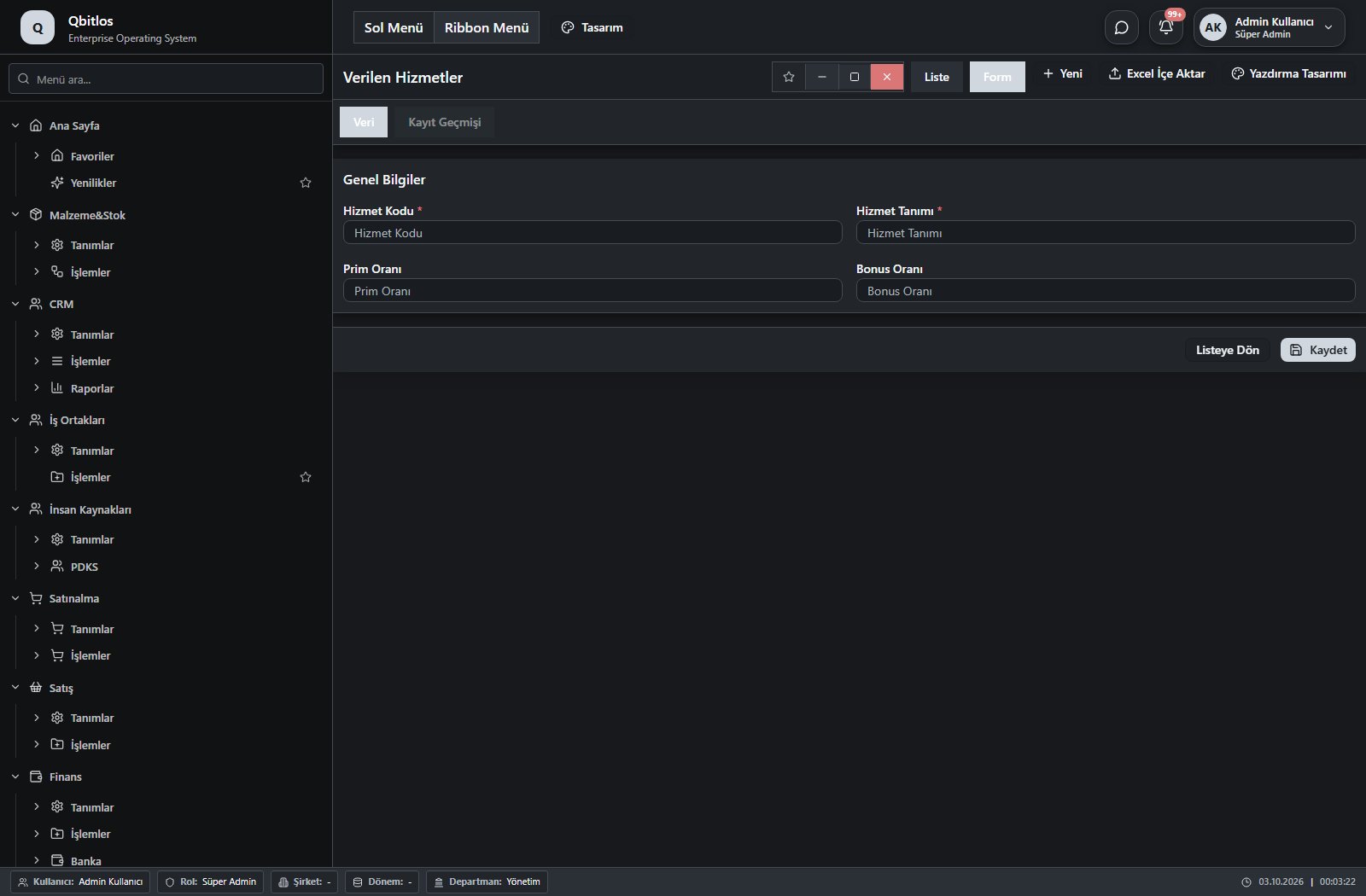
Verilen Hizmetler · 5 field guide
| Field | Type | Usage and rules |
|---|---|---|
| Hizmet Kodu | text | hizmettanimlari alanı Required Shown in the list view. |
| Hizmet Tanımı | text | hizmettanimlari alanı Required Shown in the list view. |
| Hizmet Türü | hidden | hizmettanimlari alanı Optional |
| Prim Oranı | text | hizmettanimlari alanı Optional Shown in the list view. |
| Bonus Oranı | text | hizmettanimlari alanı Optional Shown in the list view. |
Satış / İşlemler
This menu opens navigation, a report or a custom screen; it has no standard form field binding. Explore its related screens in the menu.
Satış / İşlemler / Satış Teklifleri
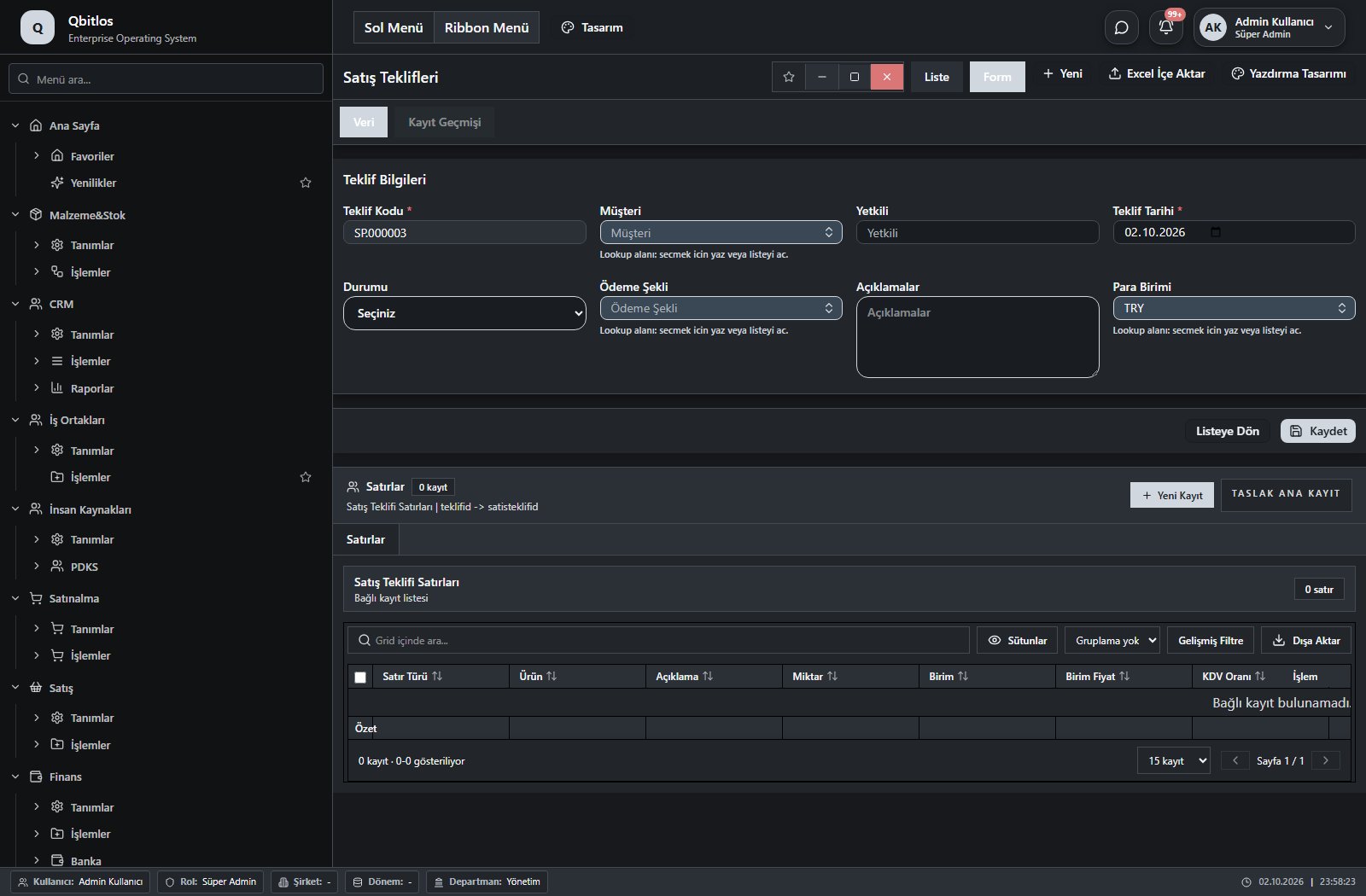
Satış Teklifleri · 12 field guide
| Field | Type | Usage and rules |
|---|---|---|
| Teklif Kodu | autofield | Required Automatic value generation is configured. Shown in the list view. |
| Yetkili | text | Optional Shown in the list view. |
| Teklif Tarihi | date | Required Shown in the list view. |
| Ödeme Şekli | lookup | Optional Select from related records. Ödeme Terimleri Shown in the list view. |
| Açıklamalar | textarea | Optional |
| Ara Toplam | disabled | Optional Shown in the list view. |
| İskonto Toplamı | disabled | Optional Shown in the list view. |
| KDV Toplamı | disabled | Optional Shown in the list view. |
| Genel Toplam | disabled | Optional Shown in the list view. |
| Müşteri | lookup | Optional Select from related records. Hesap Planı Fields populated by selection: Yetkili, Ödeme Şekli. Shown in the list view. |
| Durumu | select | Optional Shown in the list view. Options: Tamamlandı · Beklemede · Hazırlanıyor · Onaylandı · Red |
| Para Birimi | lookup | Optional Select from related records. Para Birimleri Shown in the list view. |
Satış / İşlemler / Perakende Fişleri
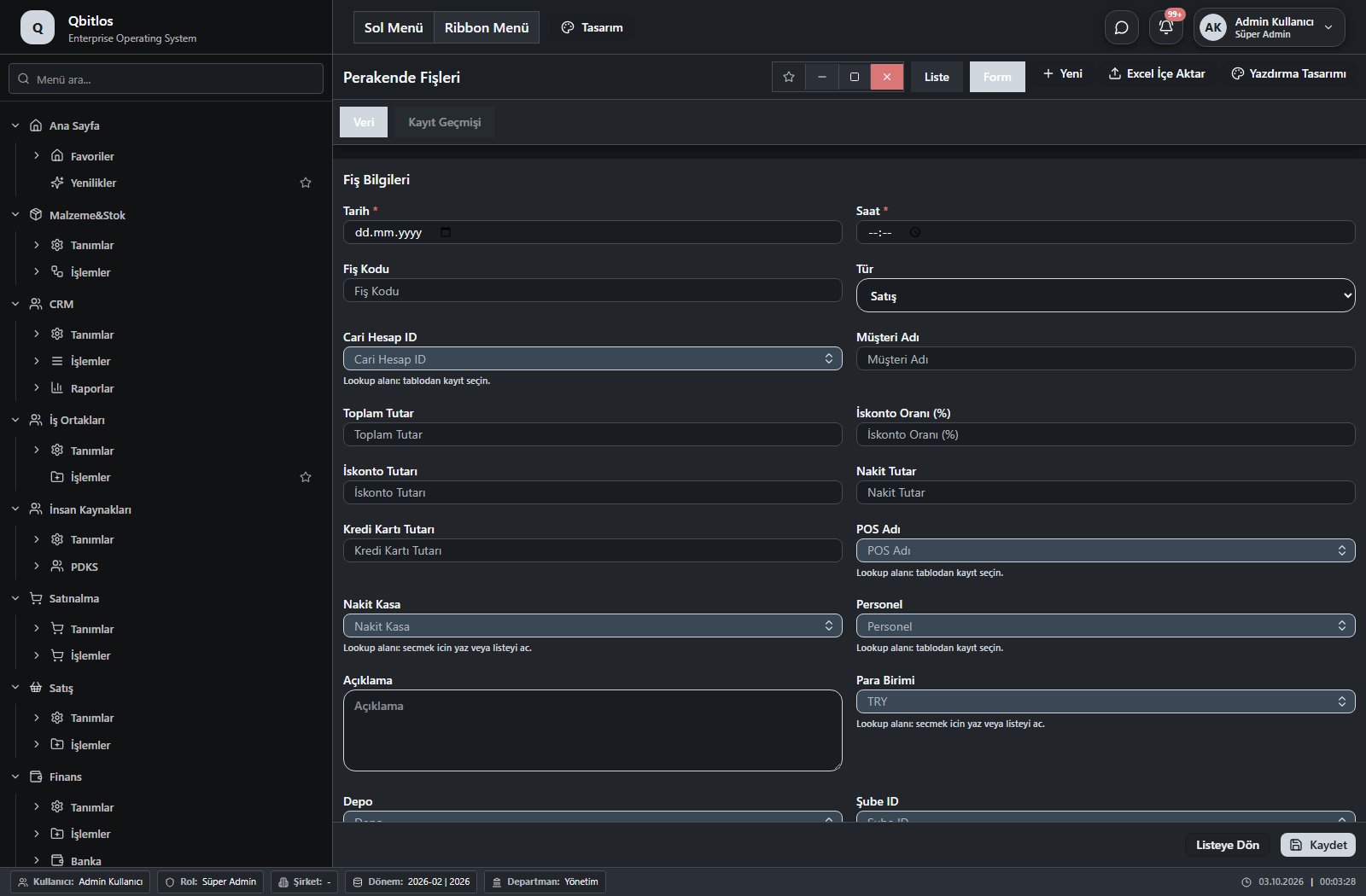
Perakende Fişleri · 22 field guide
| Field | Type | Usage and rules |
|---|---|---|
| Tarih | date | Fiş tarihi Required Shown in the list view. |
| Saat | time | Fiş saati Required Shown in the list view. |
| Fiş Kodu | text | Perakende fiş kodu Optional Shown in the list view. |
| Tür | select | Fiş türü Optional Shown in the list view. Options: Satış · İade |
| Cari Hesap ID | lookup | Cari hesap index Optional Select from related records. Hesap Planı |
| Müşteri Adı | text | Müşteri / Cari hesap adı Optional Shown in the list view. |
| Toplam Tutar | number | Fiş toplam tutarı Optional Shown in the list view. |
| İskonto Oranı (%) | number | Genel iskonto oranı Optional |
| İskonto Tutarı | number | İskonto tutarı Optional |
| Nakit Tutar | number | Nakit ödeme tutarı Optional Shown in the list view. |
| Kredi Kartı Tutarı | number | Kredi kartı ile ödeme tutarı Optional Shown in the list view. |
| POS Adı | lookup | Kredi kartı POS cihaz adı Optional Select from related records. POS Tanımları Shown in the list view. |
| Nakit Kasa | lookup | Nakit kasa bilgisi Optional Select from related records. Hesap Planı |
| Personel | lookup | Satış yapan personel Optional Select from related records. Personel Özlük Bilgileri Shown in the list view. |
| Açıklama | textarea | Fiş açıklaması Optional Shown in the list view. |
| Para Birimi | lookup | Para birimi kodu Optional Select from related records. Para Birimleri |
| Depo | lookup | Depo bilgisi Optional Select from related records. Ambar Tanımları |
| Şube ID | lookup | Şube index Optional Select from related records. Şube Tanımları |
| Dönem | lookup | Dönem Optional Select from related records. Dönemler |
| Ödenen | number | Ödenen tutar Optional |
| Para Üstü | number | Para üstü tutarı Optional |
| Banka Hesabı | lookup | Optional Select from related records. Hesap Planı Shown in the list view. |
Satış / İşlemler / Satış Siparişleri
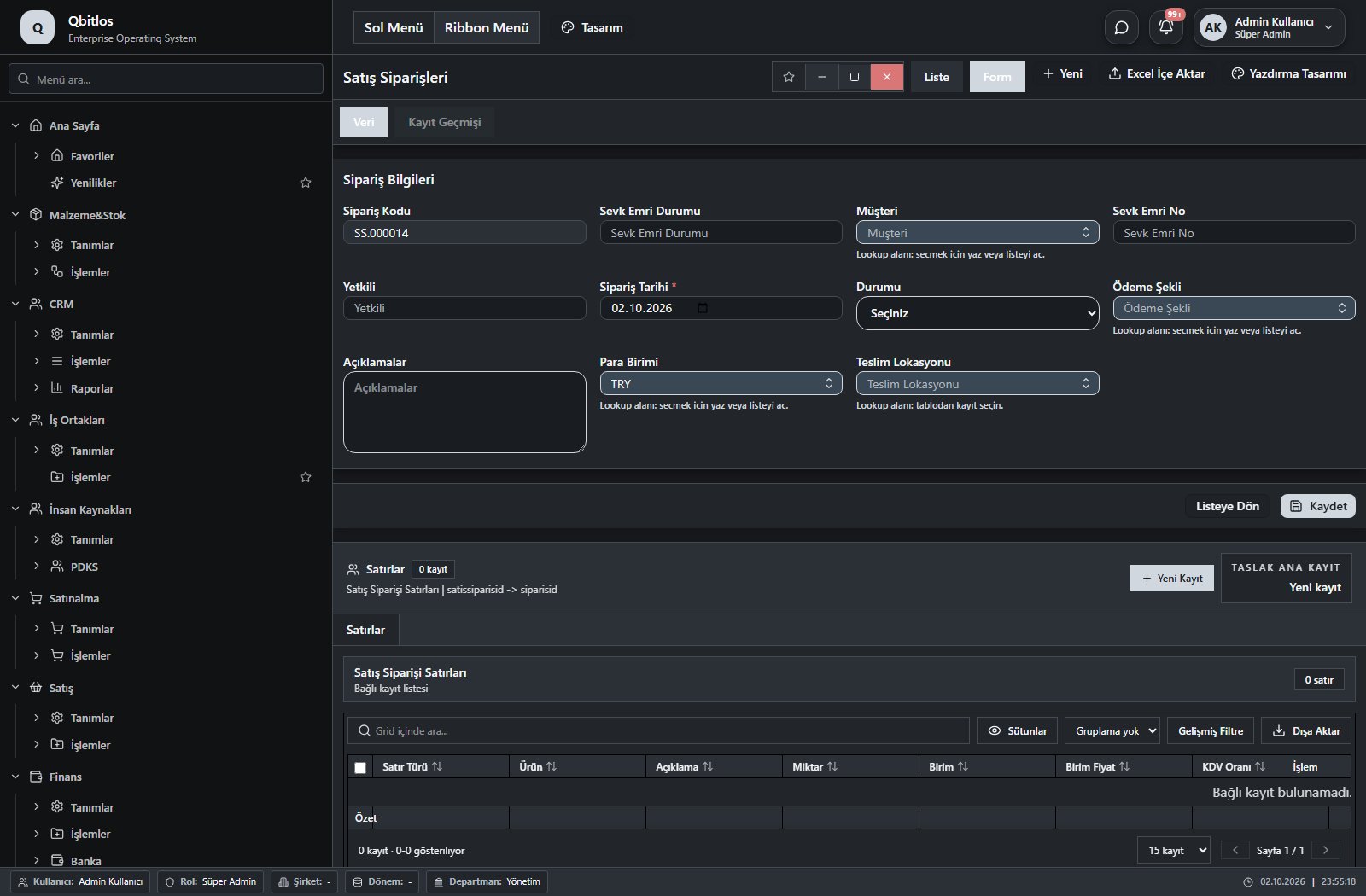
Satış Siparişleri · 15 field guide
| Field | Type | Usage and rules |
|---|---|---|
| Sipariş Kodu | autofield | Optional Automatic value generation is configured. Shown in the list view. |
| Yetkili | text | Optional Shown in the list view. |
| Sipariş Tarihi | date | Required Shown in the list view. |
| Ödeme Şekli | lookup | Optional Select from related records. Ödeme Terimleri Shown in the list view. |
| Açıklamalar | textarea | Optional |
| Ara Toplam | disabled | Optional Shown in the list view. |
| İskonto Toplamı | disabled | Optional Shown in the list view. |
| KDV Toplamı | disabled | Optional Shown in the list view. |
| Genel Toplam | disabled | Optional Shown in the list view. |
| Müşteri | lookup | Optional Select from related records. Hesap Planı Fields populated by selection: Yetkili, Ödeme Şekli. Shown in the list view. |
| Durumu | select | Optional Shown in the list view. Options: Tamamlandı · Beklemede · Hazırlanıyor · Onaylandı · Red |
| Para Birimi | lookup | Optional Select from related records. Para Birimleri Shown in the list view. |
| Teslim Lokasyonu | lookup | Optional Select from related records. Müşteri Konumları Fields filtering available options: Müşteri. Shown in the list view. |
| Sevk Emri Durumu | text | Sevk Emri Durumu Optional Shown in the list view. |
| Sevk Emri No | text | Sevk Emri No Optional Shown in the list view. |
Satış / İşlemler / Satış Teklif Takibi
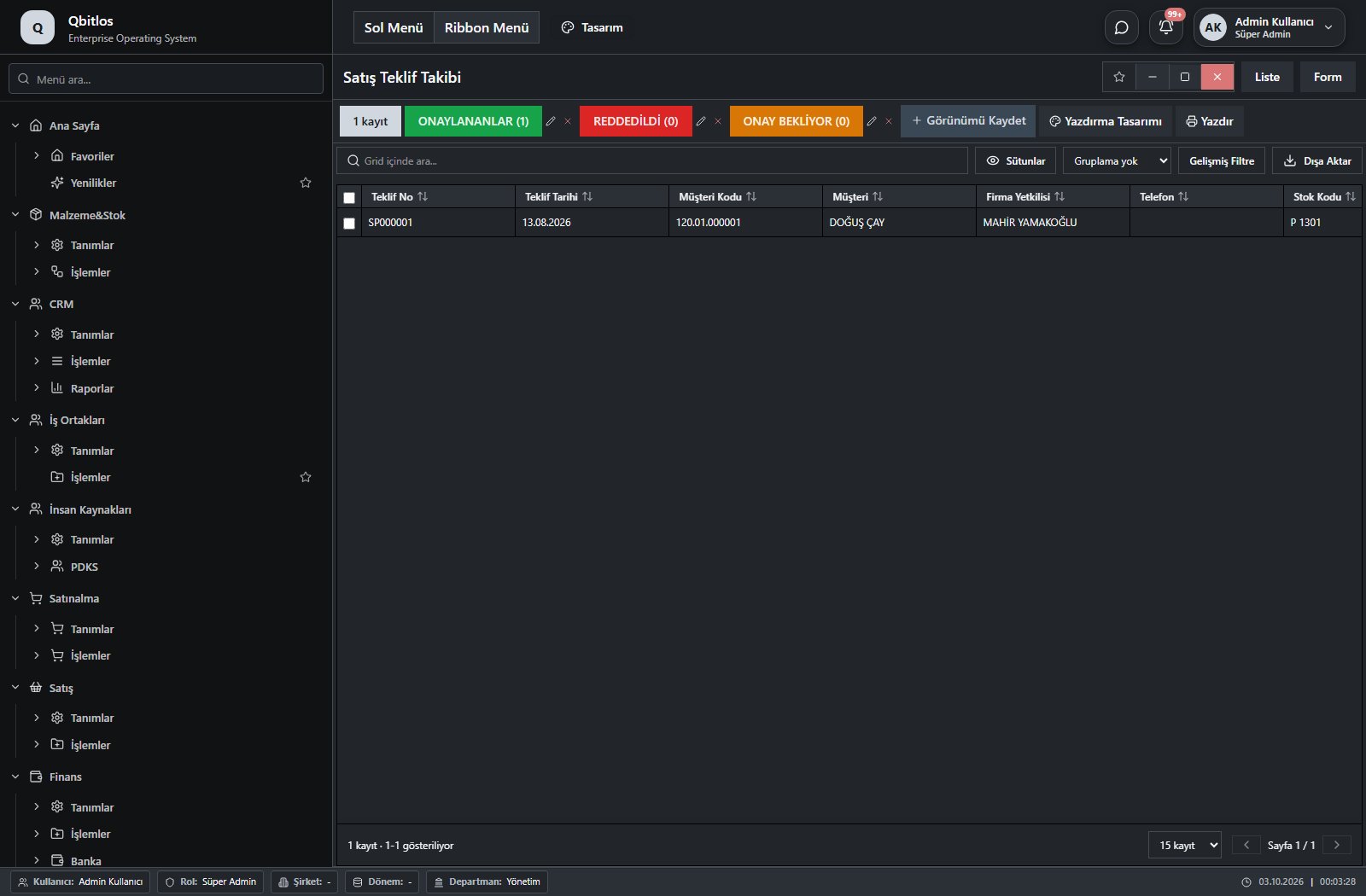
Satış Teklif Takibi · 28 field guide
| Field | Type | Usage and rules |
|---|---|---|
| Teklif No | disabled | Optional Shown in the list view. |
| Teklif Tarihi | disabled | Optional Shown in the list view. |
| Müşteri Kodu | disabled | Optional Shown in the list view. |
| Müşteri | disabled | Optional Shown in the list view. |
| Firma Yetkilisi | disabled | Optional Shown in the list view. |
| Telefon | disabled | Optional Shown in the list view. |
| Stok Kodu | disabled | Optional Shown in the list view. |
| Marka | disabled | Optional Shown in the list view. |
| Malzeme Grubu | disabled | Optional Shown in the list view. |
| Para Birimi | disabled | Optional Shown in the list view. |
| Teklif Durumu | disabled | Optional Shown in the list view. |
| Kalem Durumu | disabled | Optional Shown in the list view. |
| TeklifSatirID | disabled | Optional Shown in the list view. |
| Sira | disabled | Optional Shown in the list view. |
| Malzeme | disabled | Optional Shown in the list view. |
| Miktar | disabled | Optional Shown in the list view. |
| Birim | disabled | Optional Shown in the list view. |
| BirimFiyat | disabled | Optional Shown in the list view. |
| IskontoYuzde | disabled | Optional Shown in the list view. |
| KDVYuzde | disabled | Optional Shown in the list view. |
| BrutTutar | disabled | Optional Shown in the list view. |
| IskontoTutari | disabled | Optional Shown in the list view. |
| IskontoSonrasi | disabled | Optional Shown in the list view. |
| KDVTutari | disabled | Optional Shown in the list view. |
| KDVDahilToplam | disabled | Optional Shown in the list view. |
| OdemeSekli | disabled | Optional Shown in the list view. |
| Aciklama | disabled | Optional Shown in the list view. |
| TeklifYasi | disabled | Optional Shown in the list view. |
Satış / İşlemler / Sıcak Satış
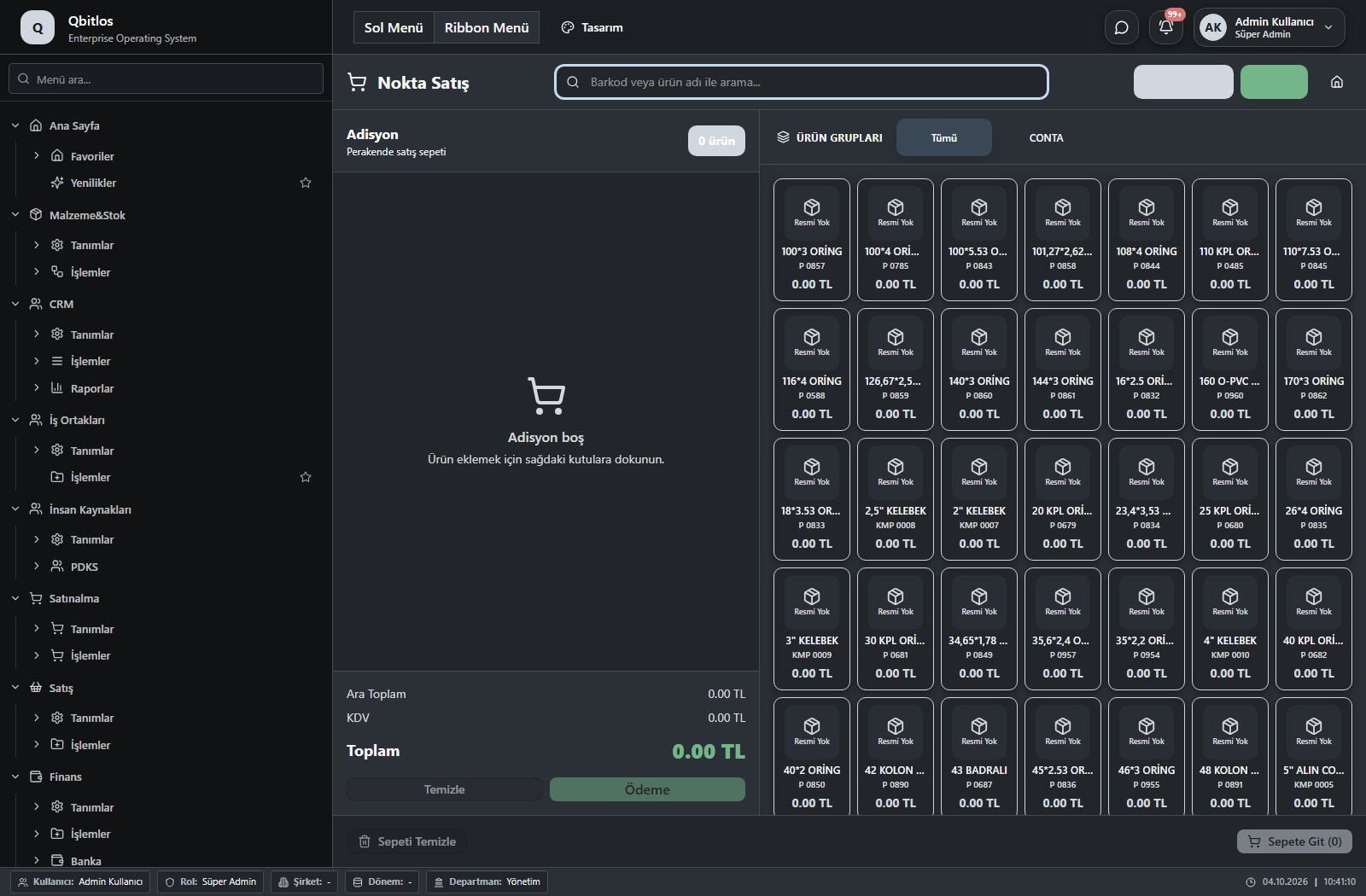
This menu opens navigation, a report or a custom screen; it has no standard form field binding. Explore its related screens in the menu.
Satış / İşlemler / Sipariş Takibi
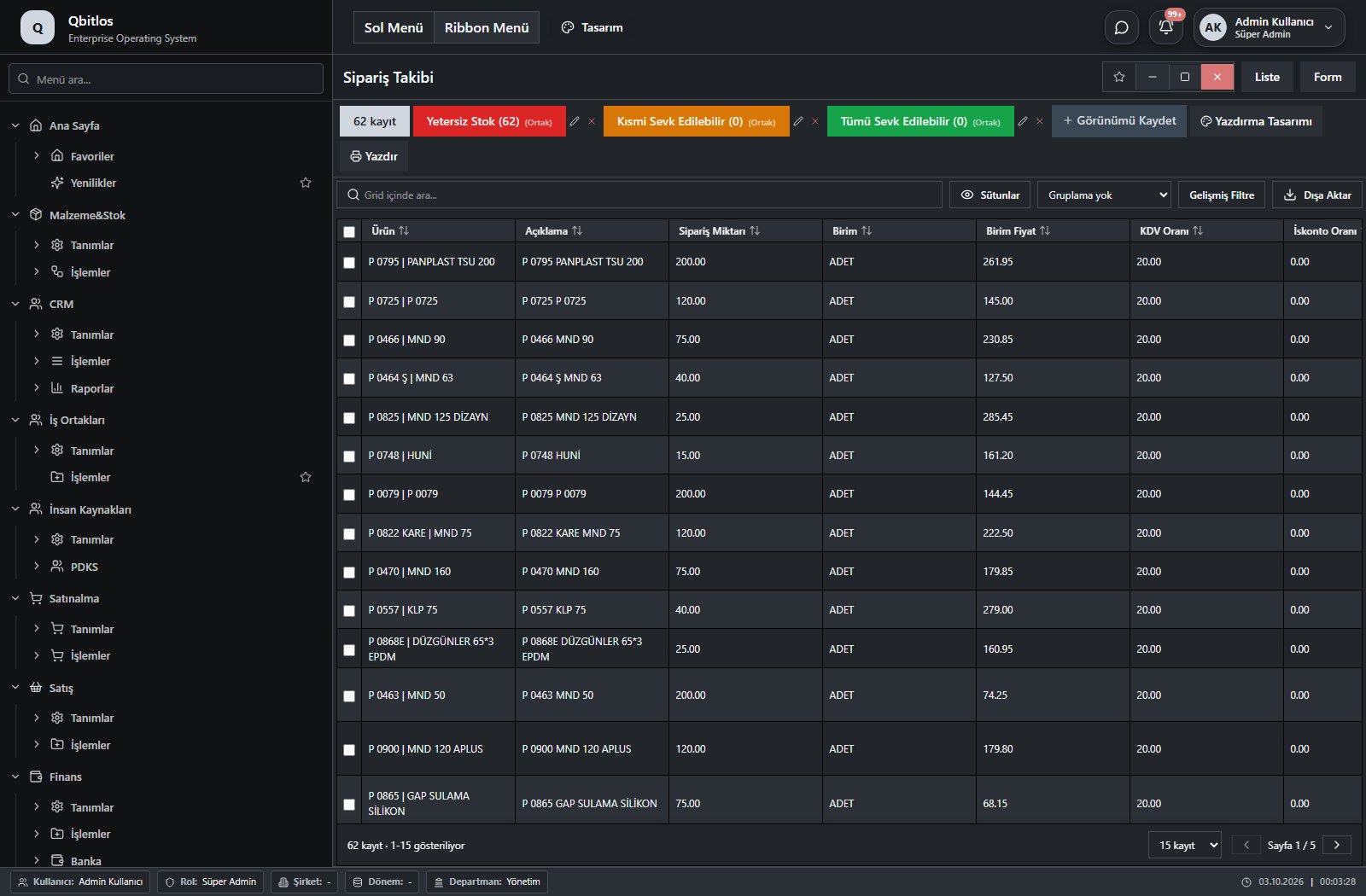
Sipariş Takibi · 25 field guide
| Field | Type | Usage and rules |
|---|---|---|
| Sipariş ID | hidden | Sipariş ID Required |
| Ürün | lookup | Kod alanı Required Select from related records. Malzemeler Fields populated by selection: Birim. Shown in the list view. |
| Açıklama | text | Required Shown in the list view. |
| Sipariş Miktarı | number | Miktar alanı Required Shown in the list view. |
| Birim | lookup | Optional Select from related records. Stok Birimleri Shown in the list view. |
| Birim Fiyat | number | Required Shown in the list view. |
| KDV Oranı | number | Required Shown in the list view. |
| İskonto Oranı | number | Required Shown in the list view. |
| Satır Tutarı | number | Optional Shown in the list view. |
| KDV | number | Optional Shown in the list view. |
| Satır Toplamı | number | Optional Shown in the list view. |
| İskonto Tutarı | number | Optional Shown in the list view. |
| Sipariş Kodu | text | Optional Shown in the list view. |
| Sipariş Tarihi | date | Optional Shown in the list view. |
| Müşteri | lookup | Optional Select from related records. Müşteriler Shown in the list view. |
| Müşteri Adı | text | Optional Shown in the list view. |
| Teslim Lokasyonu | text | Optional Select from related records. Müşteri Konumları Shown in the list view. |
| Satır Türü | text | Optional Shown in the list view. |
| Sevk Emri Durumu | text | Optional Shown in the list view. |
| Faturalanan Miktar | number | Optional Shown in the list view. |
| Stok Deposu | linkedlookup | Optional Shown in the list view. |
| Sipariş Bakiyesi | number | Optional Shown in the list view. |
| Eldeki Stok | number | Optional Shown in the list view. |
| Sevk Durumu | text | Optional Shown in the list view. |
| Planlanan Sevk Miktarı | number | Optional Shown in the list view. |
Satış / İşlemler / Sözleşmeler
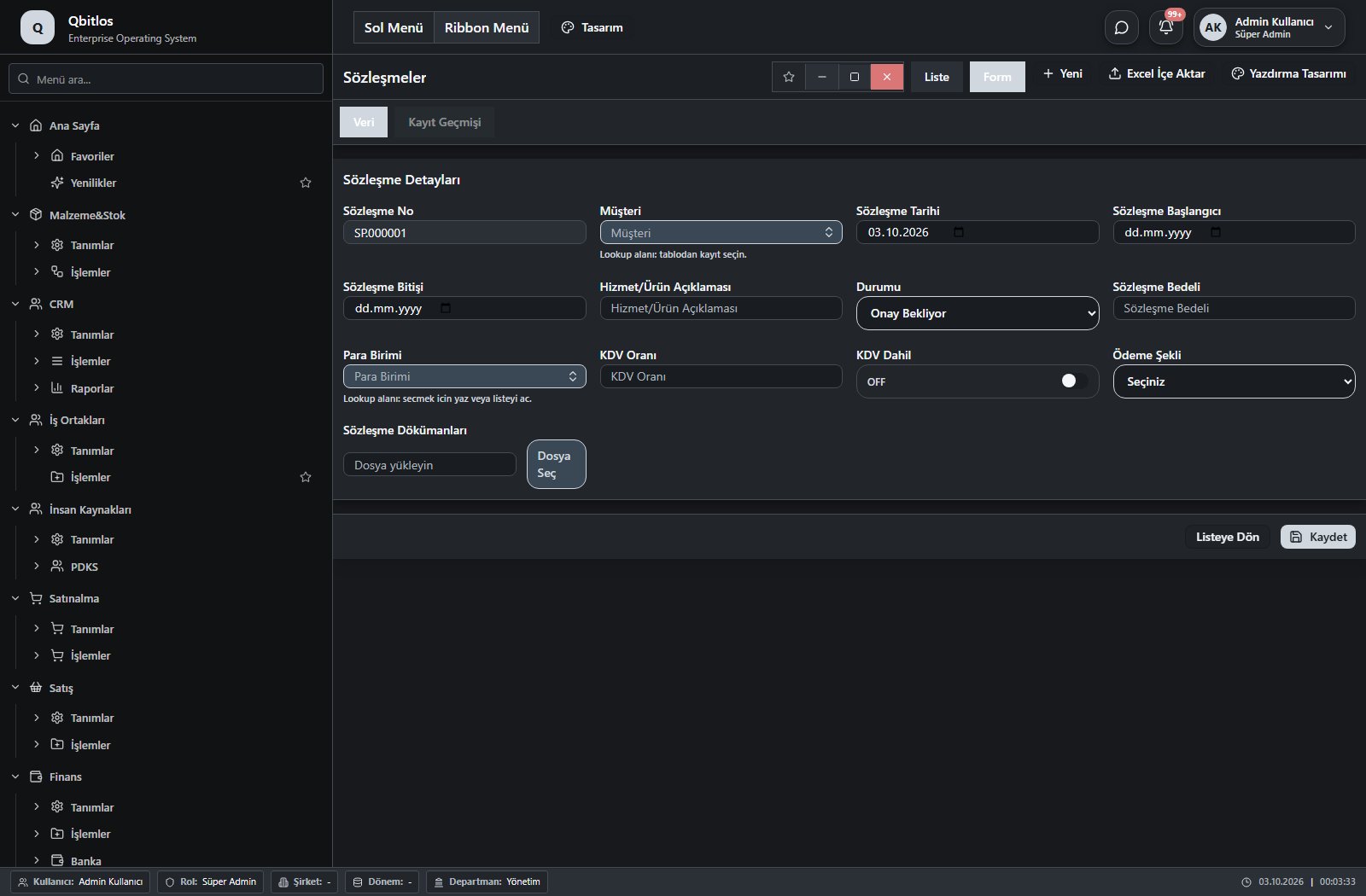
Sözleşmeler · 16 field guide
| Field | Type | Usage and rules |
|---|---|---|
| Sözleşme ID | hidden | Optional Shown in the list view. |
| Sözleşme No | autofield | Optional Automatic value generation is configured. Shown in the list view. |
| Sözleşme Tarihi | date | Optional Shown in the list view. |
| Müşteri | lookup | Optional Select from related records. Müşteriler Shown in the list view. |
| Sözleşme Başlangıcı | date | Optional Shown in the list view. |
| Sözleşme Bitişi | date | Optional Shown in the list view. |
| Ödeme Şekli | select | Optional Shown in the list view. Options: Aylık · Yıllık |
| Sözleşme Bedeli | number | Optional Shown in the list view. |
| Para Birimi | lookup | Optional Select from related records. Para Birimleri Shown in the list view. |
| KDV Oranı | number | Optional Shown in the list view. |
| KDV Dahil | checkbox | Optional Shown in the list view. |
| Hizmet/Ürün Açıklaması | text | Optional Shown in the list view. |
| Sözleşme Türü | select | Optional Shown in the list view. Options: Teknik Destek · Satış |
| Sözleşme Dökümanları | Optional Shown in the list view. | |
| Notlar | textarea | Optional |
| Durumu | select | Optional Shown in the list view. Options: Devam Ediyor · Sona Erdi · İptal Edildi · Onay Bekliyor |
Receipt/payment vouchers identify source and destination accounts, transaction type, date, currency, exchange rate and total. Bank accounts record IBAN and currency; POS definitions include installment commissions and settlement information. Scheduled payments track due dates, installments and amounts. Cash summaries separate receipts, payments and net balance.
Finans / Tanımlar
This menu opens navigation, a report or a custom screen; it has no standard form field binding. Explore its related screens in the menu.
Finans / Tanımlar / Gider Yerleri Tanımları
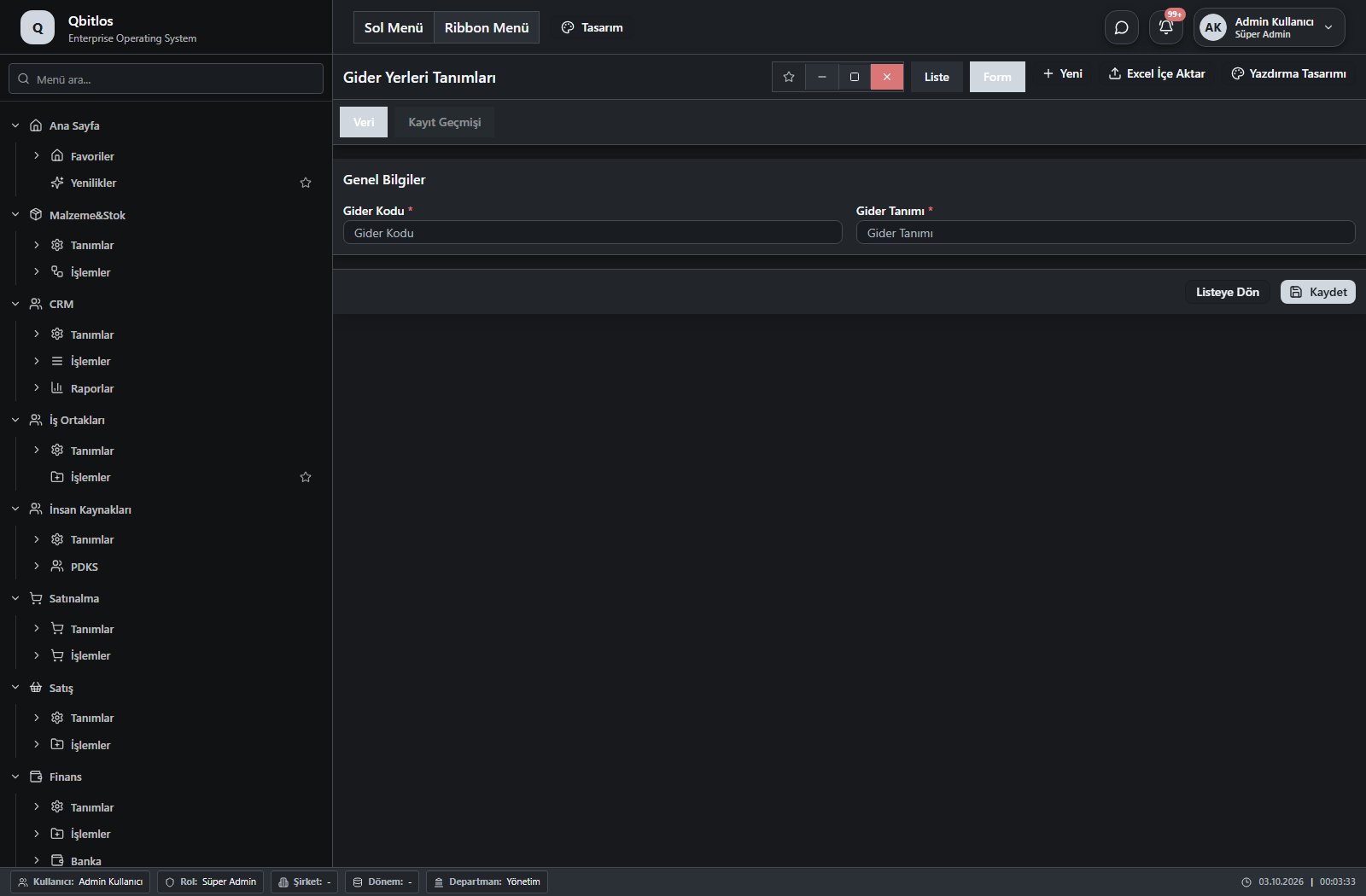
Gider Yerleri Tanımları · 2 field guide
| Field | Type | Usage and rules |
|---|---|---|
| Gider Kodu | text | gideryerleri alanı Required Shown in the list view. |
| Gider Tanımı | text | gideryerleri alanı Required Shown in the list view. |
Finans / Tanımlar / Gelir Grubu Tanımları
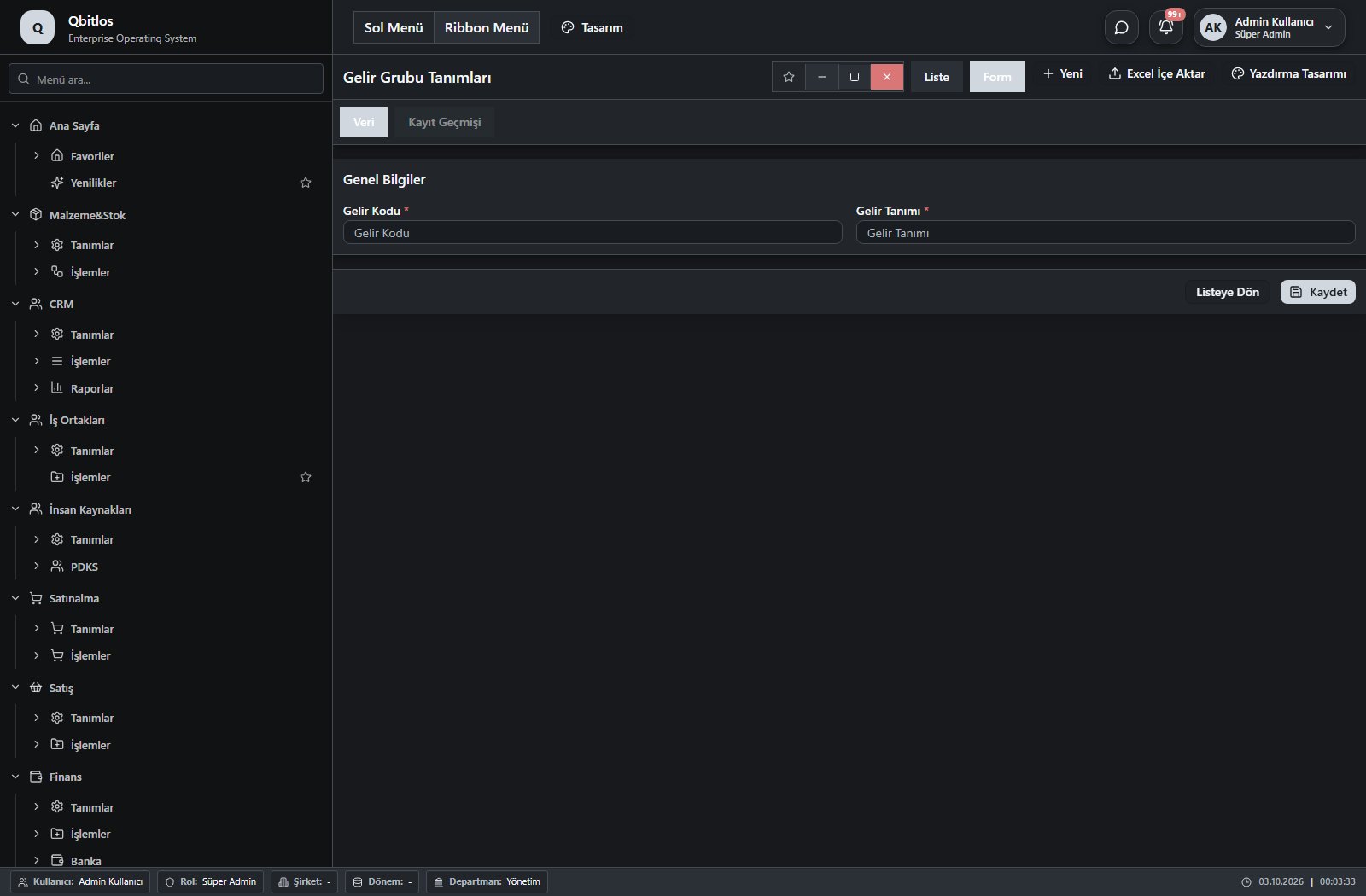
Gelir Grubu Tanımları · 2 field guide
| Field | Type | Usage and rules |
|---|---|---|
| Gelir Kodu | text | gelirgrubu alanı Required Shown in the list view. |
| Gelir Tanımı | text | gelirgrubu alanı Required Shown in the list view. |
Finans / İşlemler
This menu opens navigation, a report or a custom screen; it has no standard form field binding. Explore its related screens in the menu.
Finans / İşlemler / Tahsilat/Tediye
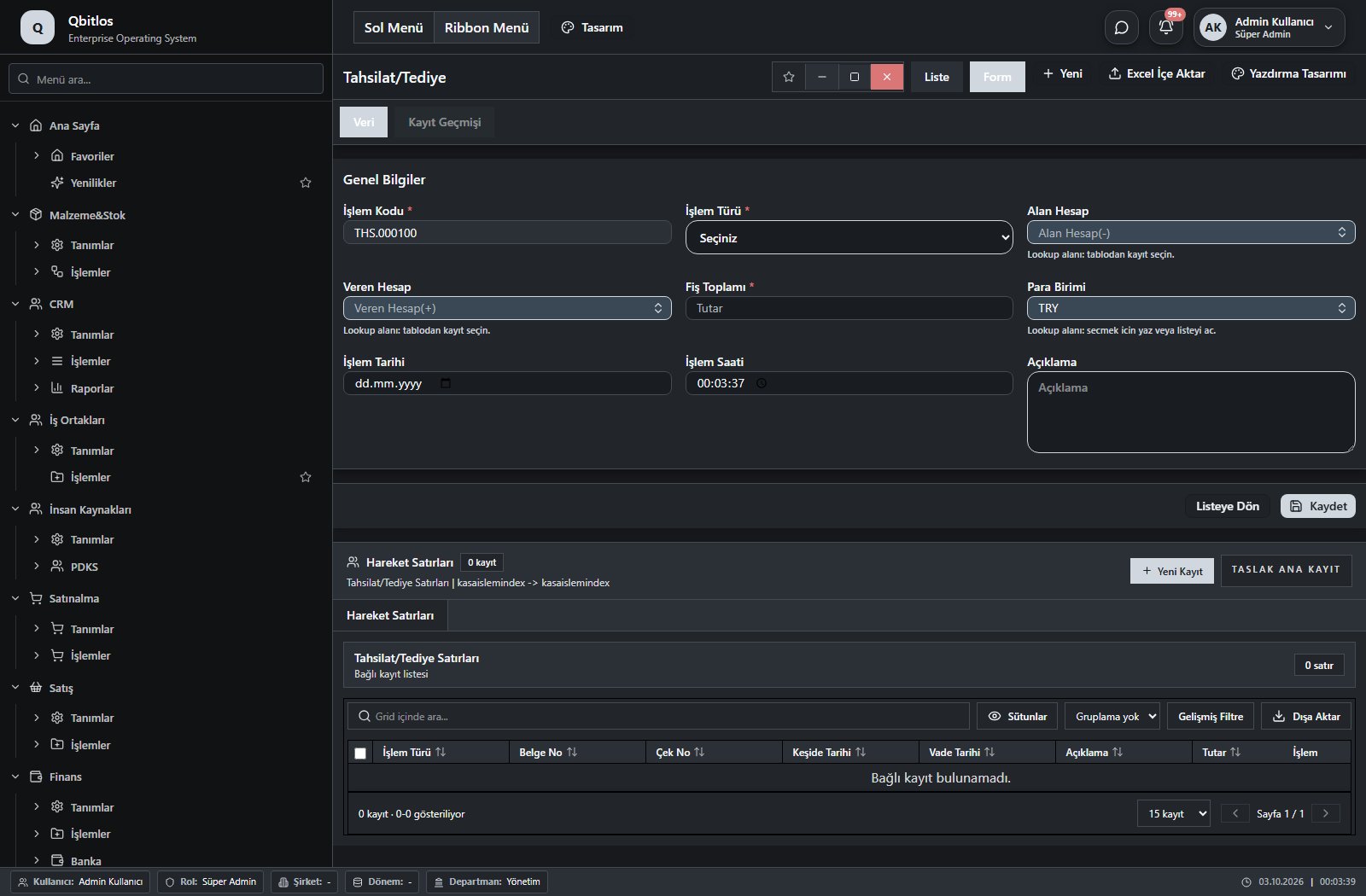
Tahsilat/Tediye · 11 field guide
| Field | Type | Usage and rules |
|---|---|---|
| İşlem Kodu | autofield | Tahsilat/Tediye alanı Required Automatic value generation is configured. Shown in the list view. |
| İşlem Türü | select | Tahsilat/Tediye alanı Required Shown in the list view. Options: Tahsilat · Tediye · Mahsup · Virman · Borç · Alacak |
| Alan Hesap | lookup | Tahsilat/Tediye alanı Required Select from related records. Hesap Planı |
| Veren Hesap | lookup | Tahsilat/Tediye alanı Optional Select from related records. Hesap Planı Shown in the list view. |
| Fiş Toplamı | text | Tahsilat/Tediye alanı Required Shown in the list view. |
| Para Birimi | lookup | Tahsilat/Tediye alanı Required Select from related records. Para Birimleri Shown in the list view. |
| İşlem Tarihi | date | Tahsilat/Tediye alanı Optional Shown in the list view. |
| Açıklama | textarea | Tahsilat/Tediye alanı Optional Shown in the list view. |
| Dönem | hidden | Tahsilat/Tediye alanı Optional Shown in the list view. |
| İşlem Saati | time | Optional Shown in the list view. |
| Kur | lookup | Optional Select from related records. Günlük Kur Fields filtering available options: Para Birimi, İşlem Tarihi. Shown according to a visibility rule. Shown in the list view. |
Finans / İşlemler / Zamanlanmış Ödemeler
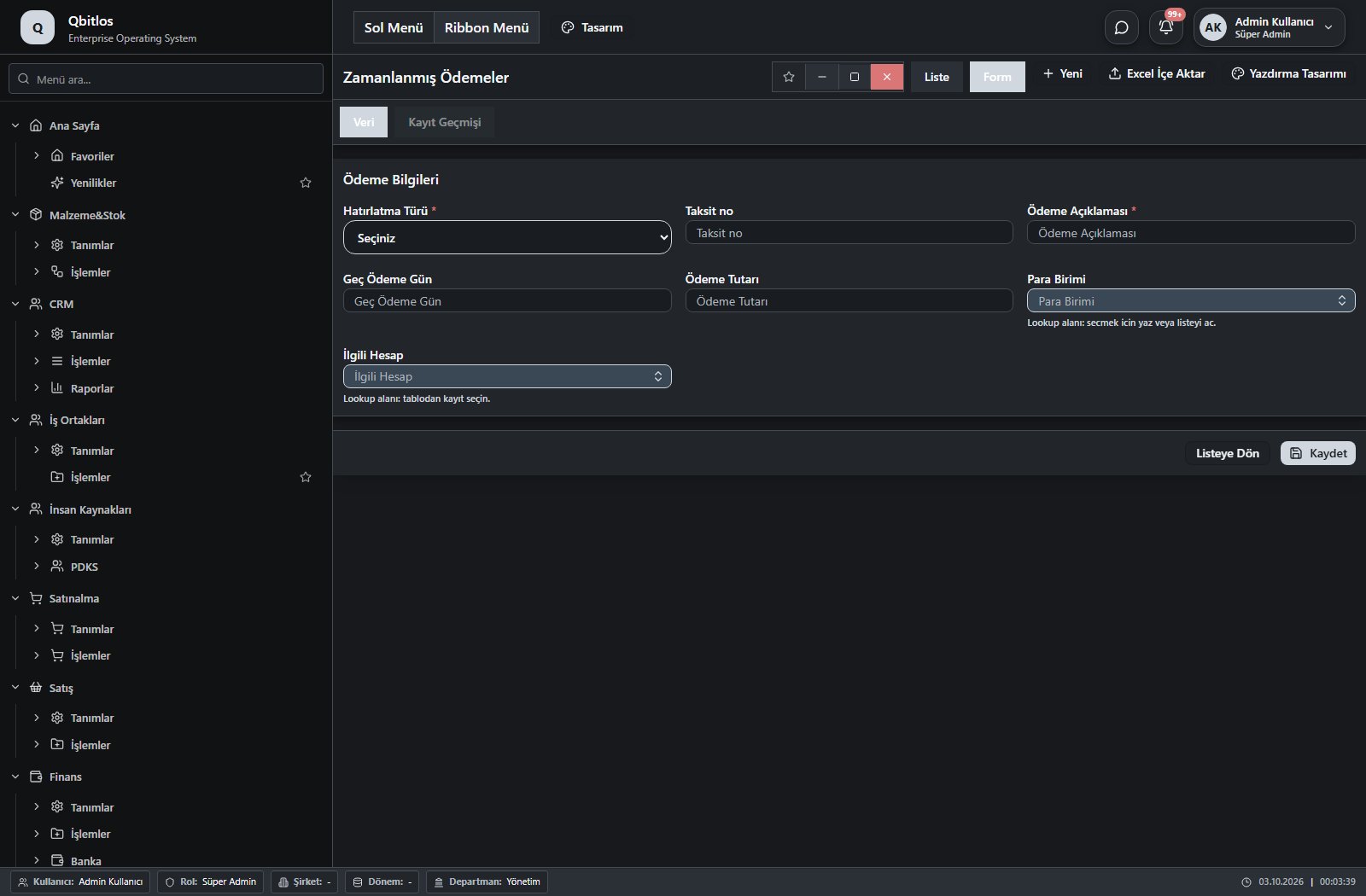
Ödeme Hatırlatmaları · 10 field guide
| Field | Type | Usage and rules |
|---|---|---|
| Hatırlatma ID | number | Optional Unique value |
| Hatırlatma Türü | select | Required Shown in the list view. Options: Tarih · Aylık |
| Vade Tarihi | date | Optional Shown according to a visibility rule. Shown in the list view. |
| Taksit Günü | number | Optional Shown according to a visibility rule. Shown in the list view. |
| Ödeme Açıklaması | text | Required Shown in the list view. |
| Geç Ödeme Gün | number | Optional Shown in the list view. |
| Ödeme Tutarı | number | Optional Shown in the list view. |
| Para Birimi | lookup | Optional Select from related records. Para Birimleri Shown in the list view. |
| Taksit no | text | Optional Shown in the list view. |
| İlgili Hesap | lookup | Optional Select from related records. Hesap Planı Shown in the list view. |
Finans / İşlemler / Aylık Genel Giderler
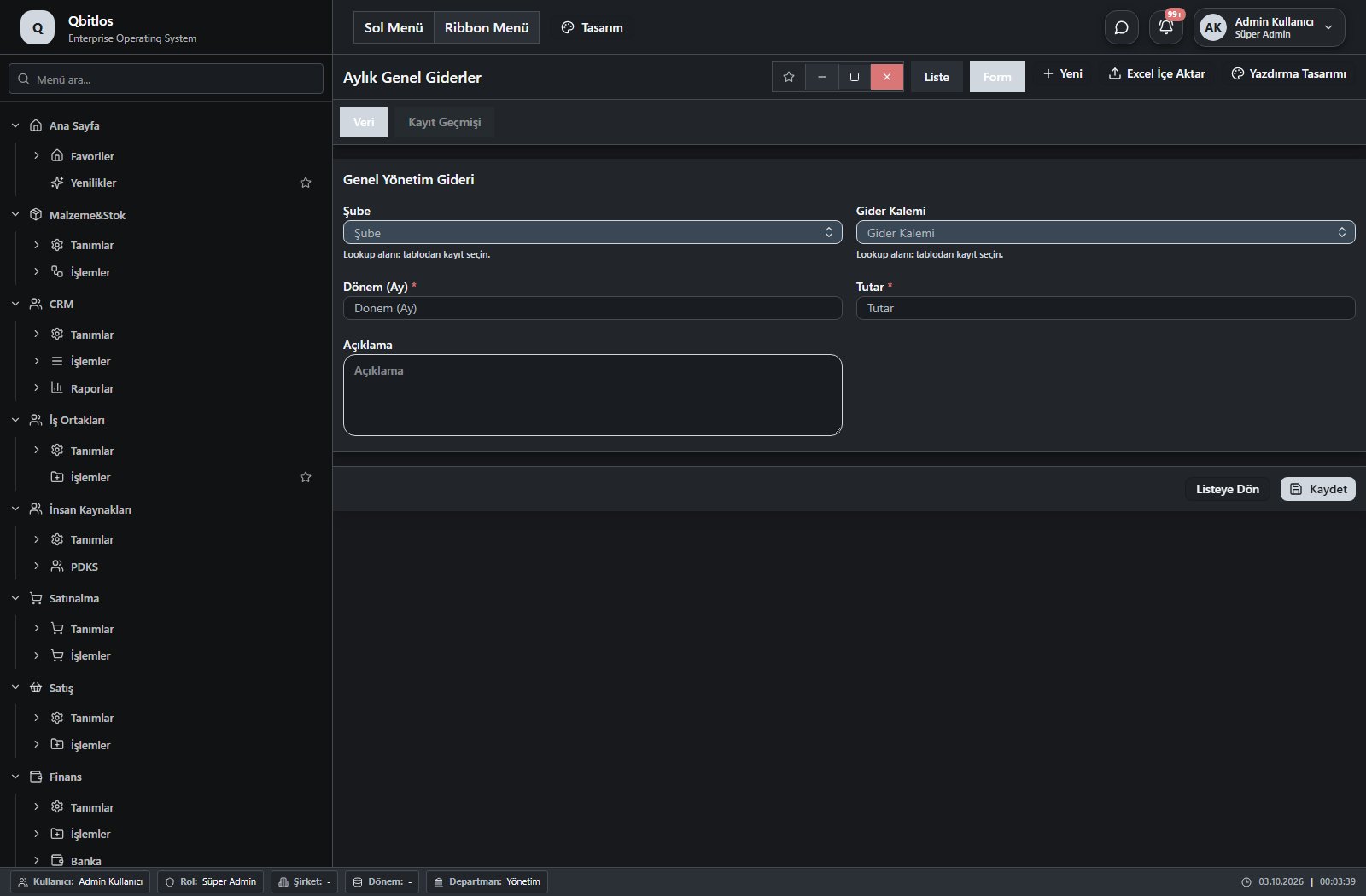
Aylık Genel Giderler · 5 field guide
| Field | Type | Usage and rules |
|---|---|---|
| Şube | lookup | Required Select from related records. Şube Tanımları Shown in the list view. |
| Gider Kalemi | lookup | Required Select from related records. Gider Yerleri Tanımları Shown in the list view. |
| Dönem (Ay) | text | Required Shown in the list view. |
| Tutar | number | Required Shown in the list view. |
| Açıklama | textarea | Optional Shown in the list view. |
Finans / Banka
This menu opens navigation, a report or a custom screen; it has no standard form field binding. Explore its related screens in the menu.
Finans / Banka / Banka Hesapları
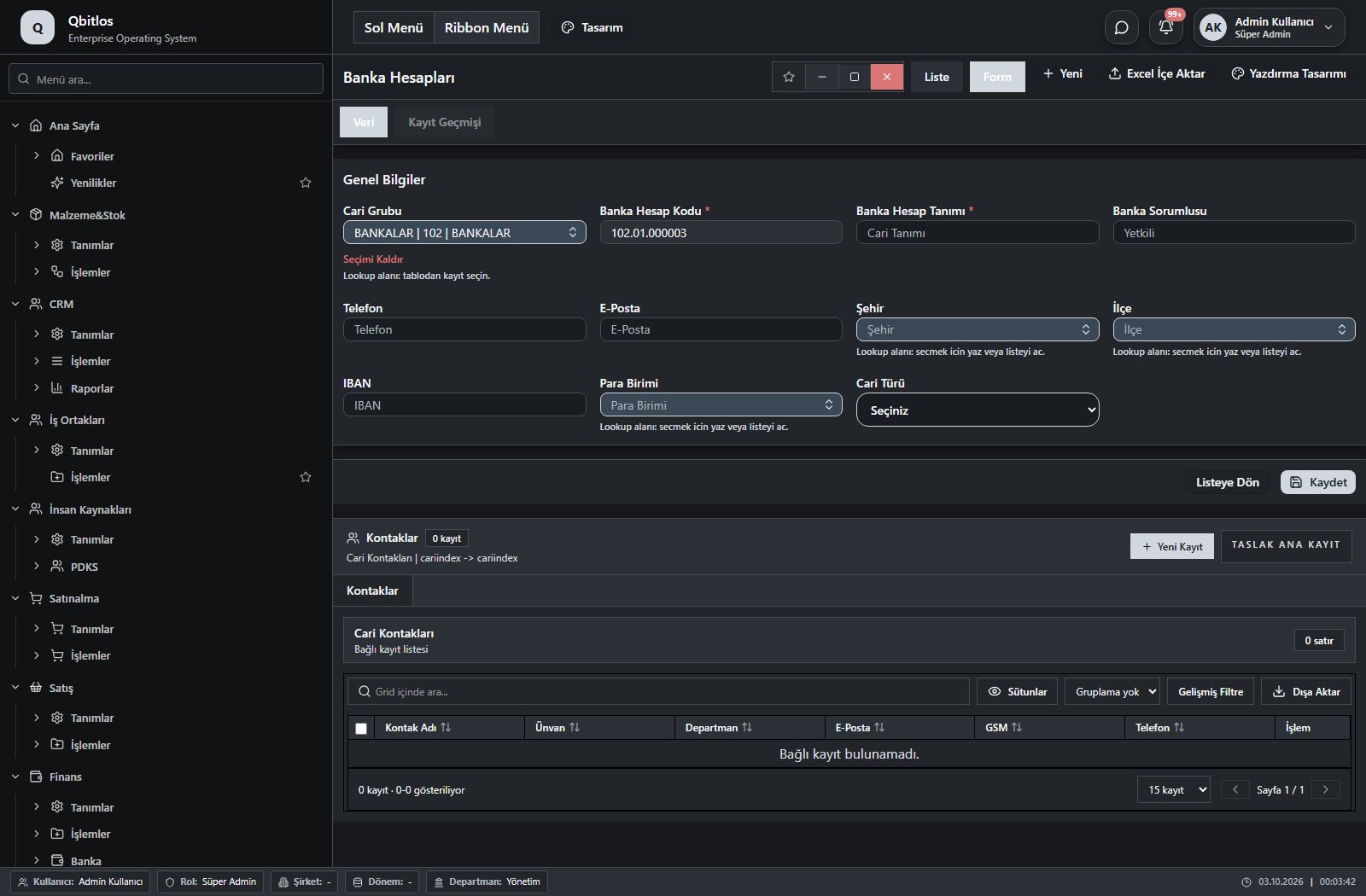
Banka Hesapları · 11 field guide
| Field | Type | Usage and rules |
|---|---|---|
| Banka Hesap Kodu | autofield | Cari Hesaplar alanı Required Automatic value generation is configured. Shown in the list view. |
| Banka Hesap Tanımı | text | Cari Hesaplar alanı Required Shown in the list view. |
| Banka Sorumlusu | text | Cari Hesaplar alanı Optional Shown in the list view. |
| Telefon | text | Cari Hesaplar alanı Optional Shown in the list view. |
| E-Posta | text | Cari Hesaplar alanı Optional Shown in the list view. |
| Şehir | lookup | Cari Hesaplar alanı Optional Select from related records. İller Shown in the list view. |
| İlçe | lookup | Cari Hesaplar alanı Optional Select from related records. İlçeler Fields filtering available options: Şehir, il, faturail. Shown in the list view. |
| Cari Grubu | lookup | Cari Hesaplar alanı Optional Select from related records. Hesap Planı Grupları |
| IBAN | text | Optional Shown in the list view. |
| Para Birimi | lookup | Optional Select from related records. Para Birimleri Shown in the list view. |
| Cari Türü | select | Optional Shown in the list view. Options: ALICI(A) · SATICI(S) · ALICI-SATICI(AS) |
Finans / Banka / POS Tanımları
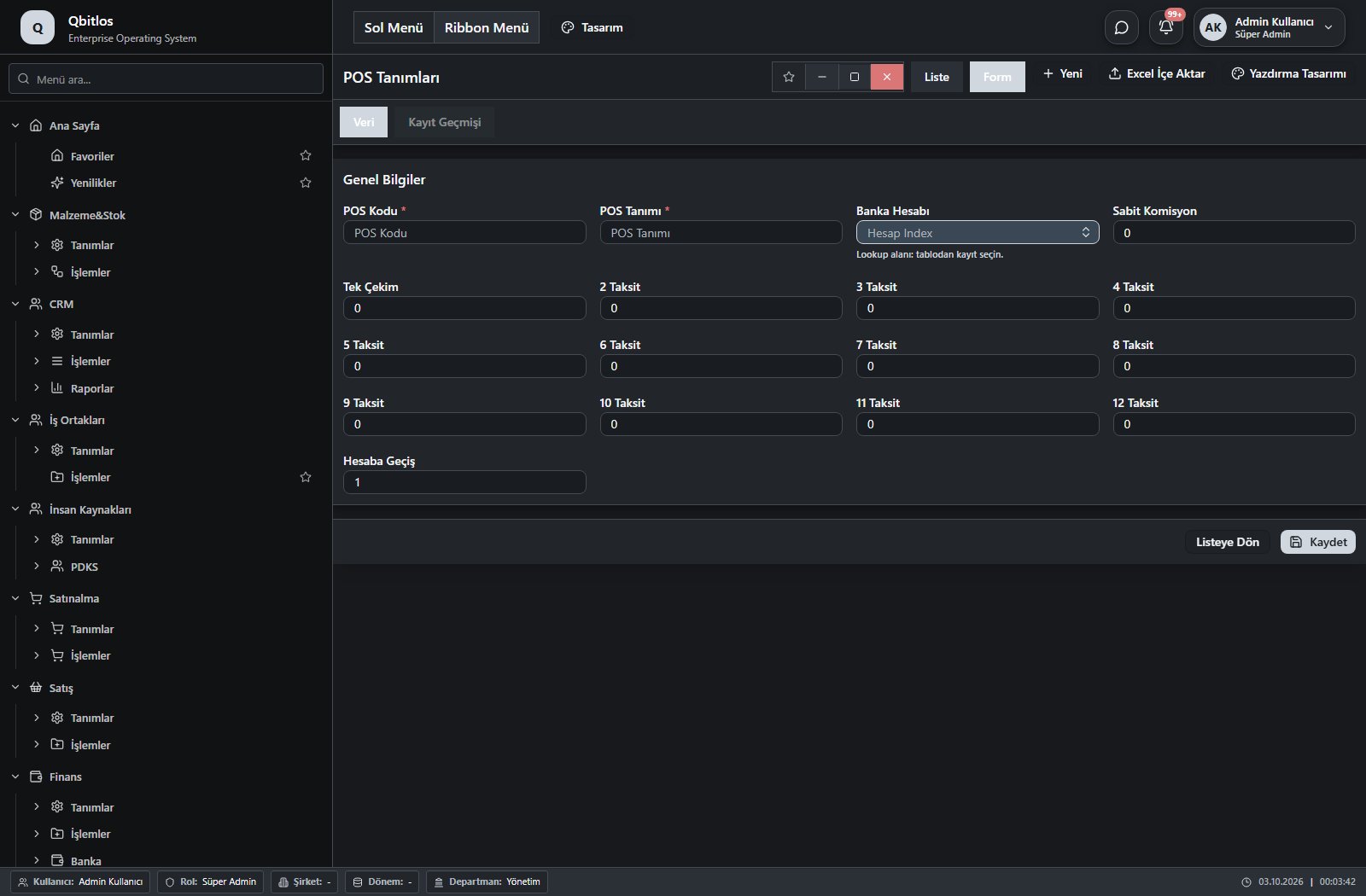
POS Tanımları · 17 field guide
| Field | Type | Usage and rules |
|---|---|---|
| POS Kodu | text | postanimlari alanı Required Shown in the list view. |
| POS Tanımı | text | postanimlari alanı Required Shown in the list view. |
| Banka Hesabı | lookup | postanimlari alanı Optional Select from related records. Banka Hesapları Shown in the list view. |
| Sabit Komisyon | text | postanimlari alanı Optional Shown in the list view. |
| Tek Çekim | text | postanimlari alanı Optional Shown in the list view. |
| 2 Taksit | text | postanimlari alanı Optional Shown in the list view. |
| 3 Taksit | text | postanimlari alanı Optional Shown in the list view. |
| 4 Taksit | text | postanimlari alanı Optional |
| 5 Taksit | text | postanimlari alanı Optional |
| 6 Taksit | text | postanimlari alanı Optional |
| 7 Taksit | text | postanimlari alanı Optional |
| 8 Taksit | text | postanimlari alanı Optional |
| 9 Taksit | text | postanimlari alanı Optional |
| 10 Taksit | text | postanimlari alanı Optional |
| 11 Taksit | text | postanimlari alanı Optional |
| 12 Taksit | text | postanimlari alanı Optional |
| Hesaba Geçiş | number | postanimlari alanı Optional Shown in the list view. |
The master production schedule defines planning period, dates and status. Planned requirements link schedule, recipe, material/product and planned, produced and remaining quantities. Material planning displays stock, internal demand, orders, planned production and net requirements together. Machine-shift assignments specify dates and working days.
Planlama / Kurulum
This menu opens navigation, a report or a custom screen; it has no standard form field binding. Explore its related screens in the menu.
Planlama / Kurulum / Vardiyalar
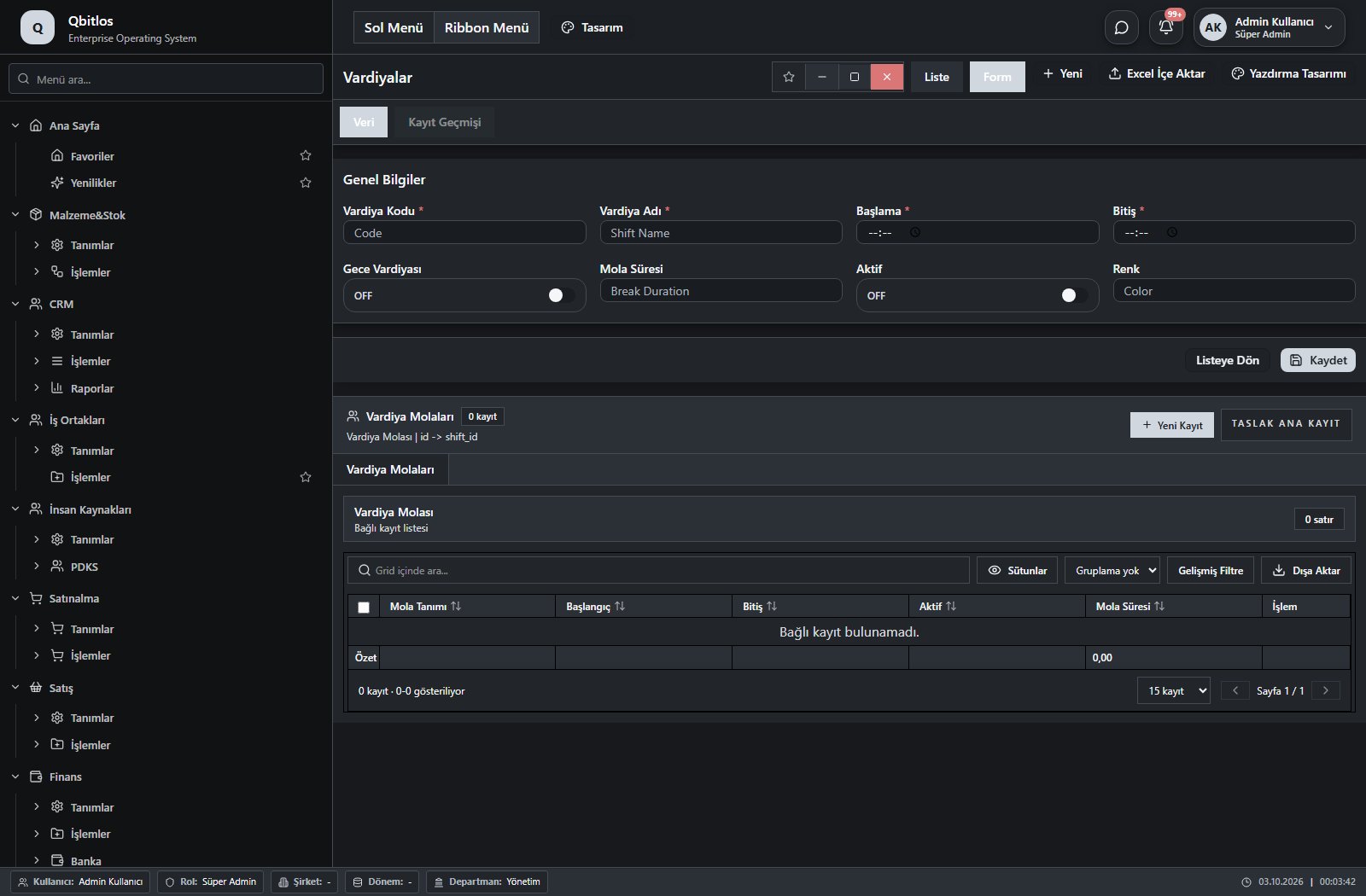
Vardiyalar · 8 field guide
| Field | Type | Usage and rules |
|---|---|---|
| Vardiya Adı | text | Shift Name alanı Required Shown in the list view. |
| Vardiya Kodu | text | Code alanı Required Shown in the list view. |
| Başlama | time | Start Time alanı Required Shown in the list view. |
| Bitiş | time | End Time alanı Required Shown in the list view. |
| Gece Vardiyası | checkbox | İs Overnight alanı Optional Shown in the list view. |
| Mola Süresi | number | Break Duration alanı Optional Shown in the list view. |
| Aktif | checkbox | İs Active alanı Optional Shown in the list view. |
| Renk | text | Color alanı Optional |
Planlama / Kurulum / Makine Vardiya Atamaları
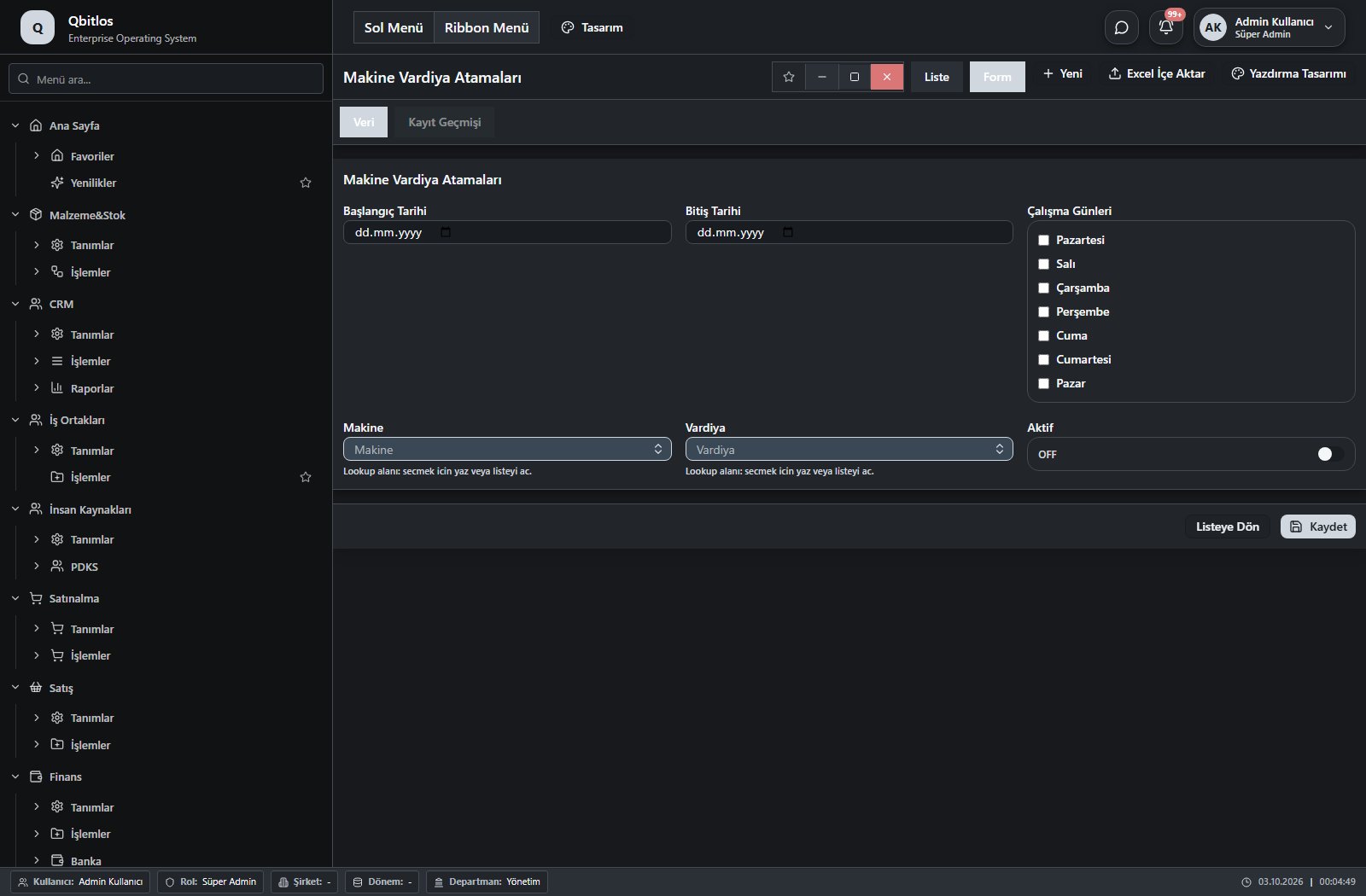
Makine Vardiya Atamaları · 6 field guide
| Field | Type | Usage and rules |
|---|---|---|
| Makine | lookup | Optional Select from related records. Makineler Shown in the list view. |
| Vardiya | lookup | Optional Select from related records. Vardiyalar Shown in the list view. |
| Başlangıç Tarihi | date | Optional Shown in the list view. |
| Bitiş Tarihi | date | Optional Shown in the list view. |
| Çalışma Günleri | multiselect | Optional Shown in the list view. Options: Pazartesi · Salı · Çarşamba · Perşembe · Cuma · Cumartesi · Pazar |
| Aktif | checkbox | Optional Shown in the list view. |
Planlama / Kurulum / Üretim Prosesleri
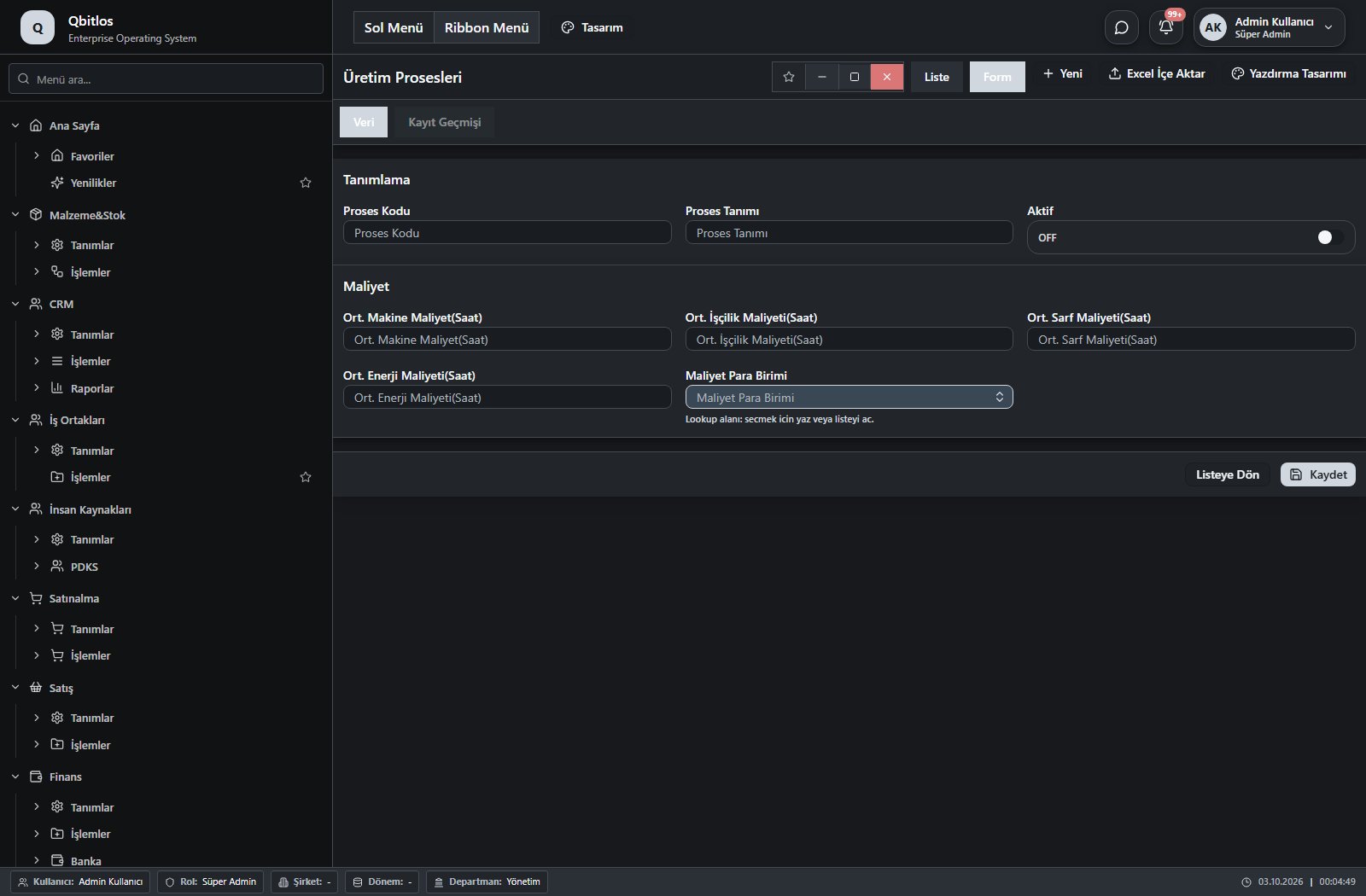
Üretim Prosesleri · 8 field guide
| Field | Type | Usage and rules |
|---|---|---|
| Proses Kodu | text | Optional Shown in the list view. |
| Proses Tanımı | text | Optional Shown in the list view. |
| Aktif | checkbox | Optional Shown in the list view. |
| Ort. Makine Maliyet(Saat) | number | Optional Shown in the list view. |
| Ort. İşçilik Maliyeti(Saat) | number | Optional Shown in the list view. |
| Ort. Sarf Maliyeti(Saat) | number | Optional Shown in the list view. |
| Ort. Enerji Maliyeti(Saat) | number | Optional Shown in the list view. |
| Maliyet Para Birimi | lookup | Optional Select from related records. Para Birimleri Shown in the list view. |
Planlama / Kontrol
This menu opens navigation, a report or a custom screen; it has no standard form field binding. Explore its related screens in the menu.
Planlama / Kontrol / Girdi Kalite Kontrol
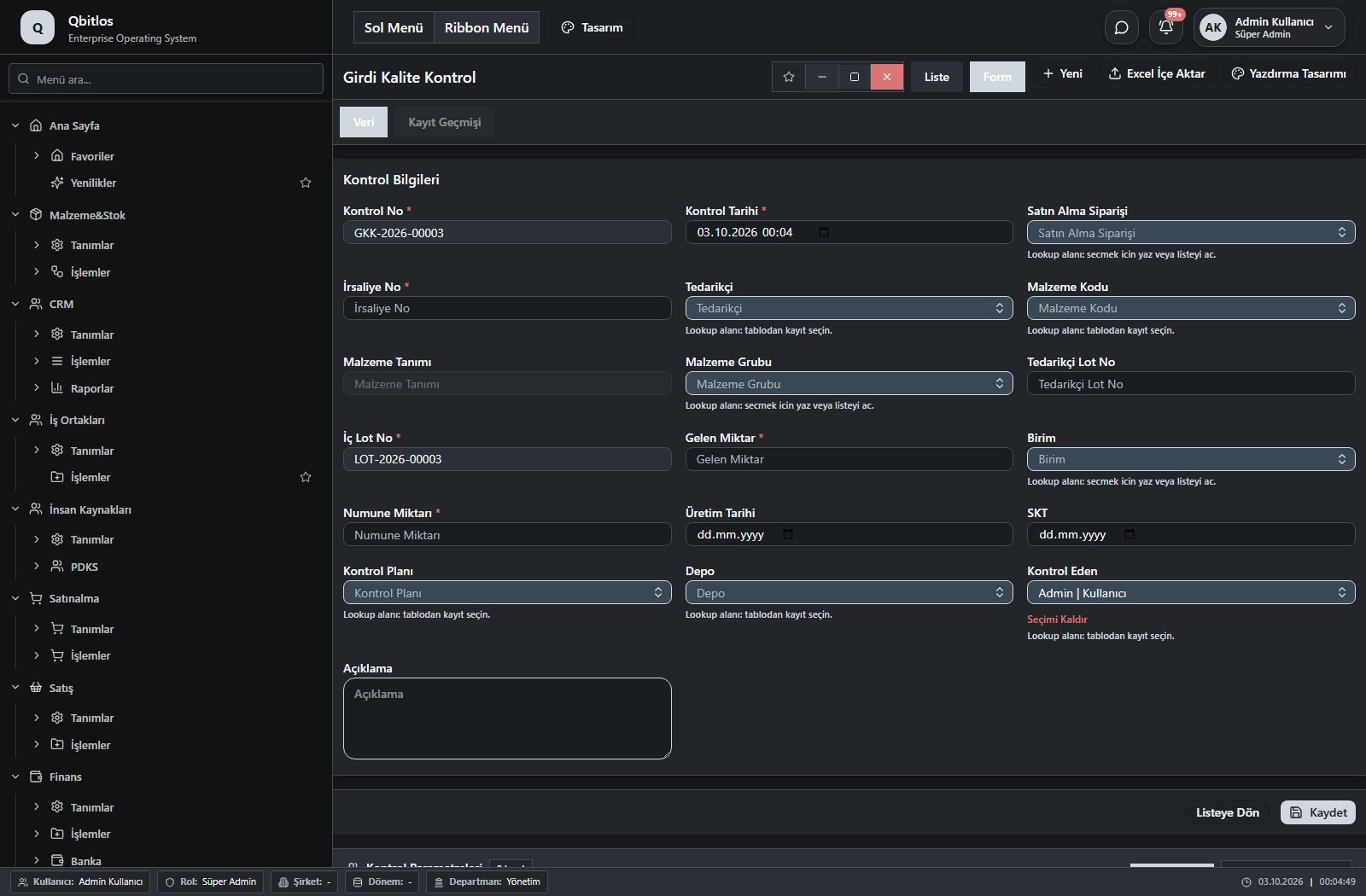
Girdi Kalite Kontrol · 19 field guide
| Field | Type | Usage and rules |
|---|---|---|
| Kontrol No | autofield | Required Unique value Automatic value generation is configured. Shown in the list view. |
| Kontrol Tarihi | datetime | Required Shown in the list view. |
| Satın Alma Siparişi | lookup | Required Select from related records. Satınalma Siparişleri Fields populated by selection: Tedarikçi. Shown in the list view. |
| İrsaliye No | text | Required Shown in the list view. |
| Tedarikçi | lookup | Required Select from related records. Tedarikçiler Shown in the list view. |
| Malzeme Kodu | lookup | Required Select from related records. Malzemeler Fields populated by selection: Malzeme Tanımı, Malzeme Grubu, Birim, Kontrol Planı. Shown in the list view. |
| Malzeme Tanımı | disabled | Optional Shown in the list view. |
| Malzeme Grubu | lookup | Optional Select from related records. Malzeme Grupları Shown in the list view. |
| Tedarikçi Lot No | text | Optional Shown in the list view. |
| İç Lot No | autofield | Required Unique value Automatic value generation is configured. Shown in the list view. |
| Gelen Miktar | number | Required Shown in the list view. |
| Birim | lookup | Required Select from related records. Stok Birimleri Shown in the list view. |
| Numune Miktarı | number | Required Shown in the list view. |
| Üretim Tarihi | date | Optional Shown in the list view. |
| SKT | date | Optional Shown in the list view. |
| Kontrol Planı | lookup | Required Select from related records. Kontrol Planları Shown in the list view. |
| Depo | lookup | Required Select from related records. Ambar Tanımları Shown in the list view. |
| Kontrol Eden | lookup | Required Select from related records. Kullanıcılar Shown in the list view. |
| Açıklama | textarea | Optional |
Planlama / Kontrol / Ana Üretim Çizelgesi
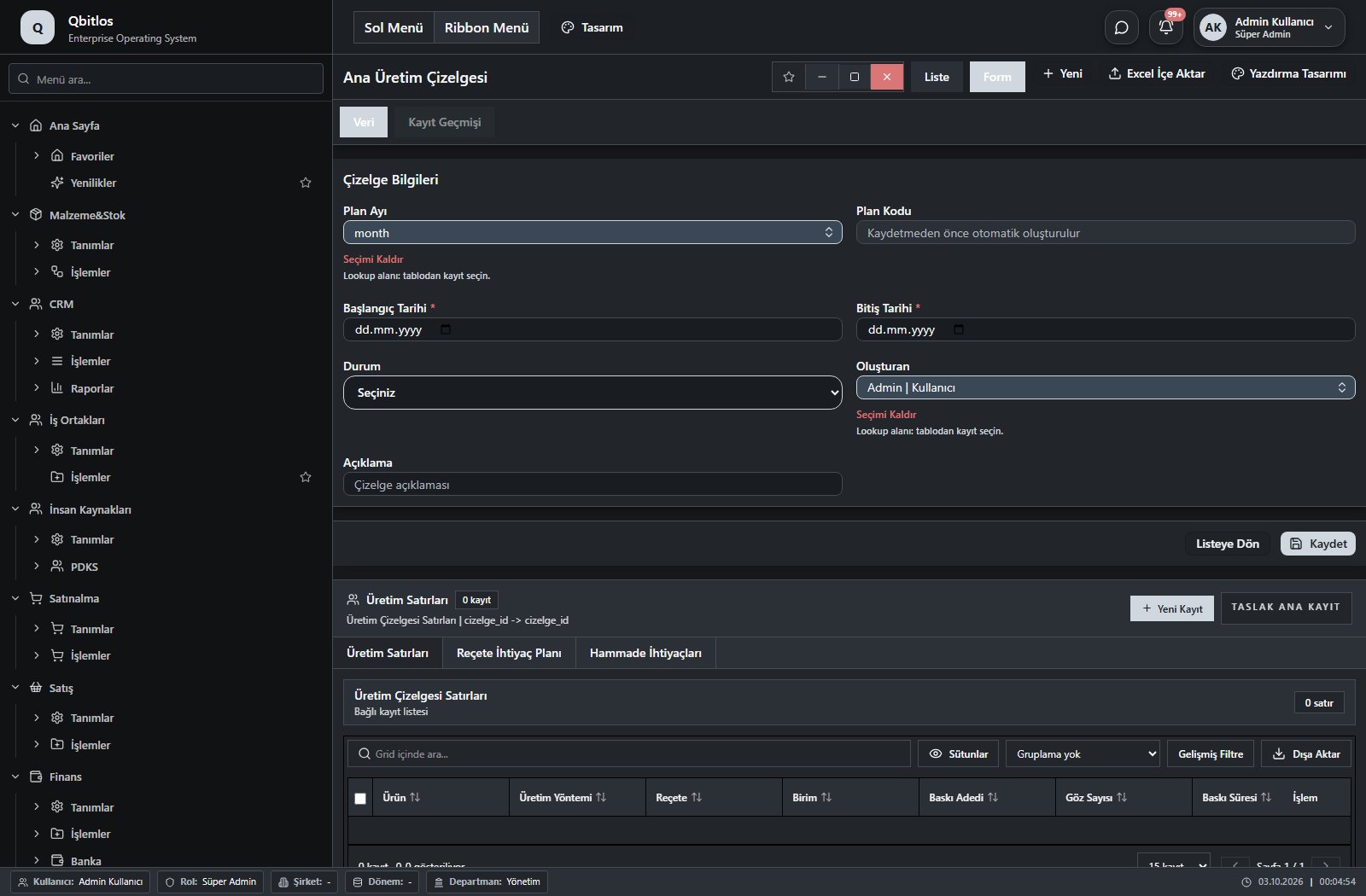
Ana Üretim Çizelgesi · 8 field guide
| Field | Type | Usage and rules |
|---|---|---|
| ID | hidden | ID Optional |
| Plan Ayı | lookup | Optional Select from related records. Aylar Shown in the list view. |
| Plan Kodu | autofield | Çizelge Kodu Optional Unique value Automatic value generation is configured. Shown in the list view. |
| Başlangıç Tarihi | date | Başlangıç Tarihi Required Shown in the list view. |
| Bitiş Tarihi | date | Bitiş Tarihi Required Shown in the list view. |
| Durum | select | Durum Optional Shown in the list view. Options: Taslak · Onay Bekliyor · Aktif · Tamamlandı · İptal |
| Oluşturan | lookup | Oluşturan Optional Select from related records. Kullanıcılar Shown in the list view. |
| Açıklama | text | Açıklama Optional |
Planlama / MRP
This menu opens navigation, a report or a custom screen; it has no standard form field binding. Explore its related screens in the menu.
Planlama / MRP / Planlanmış İhtiyaçlar
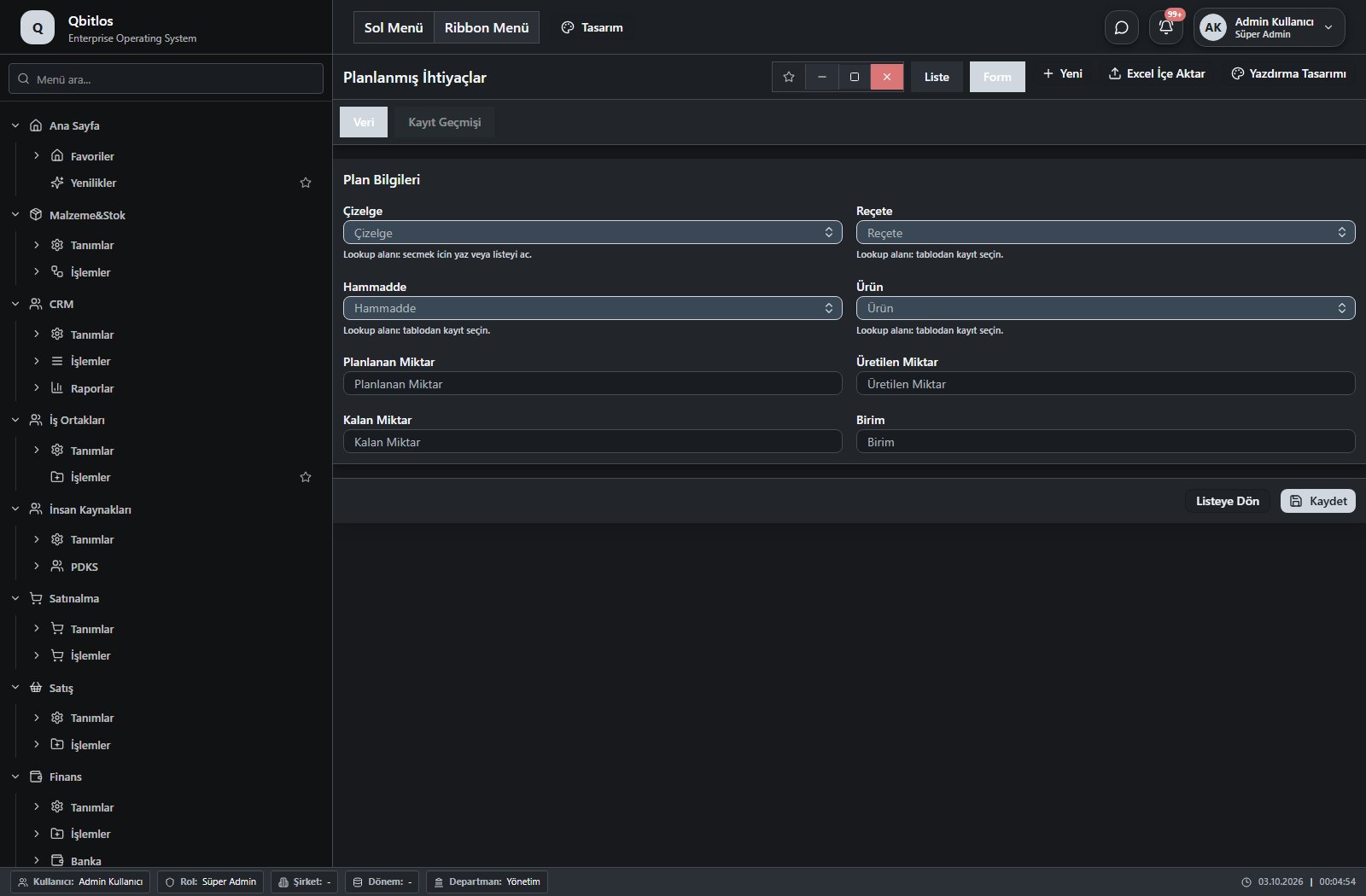
Planlanmış İhtiyaçlar · 8 field guide
| Field | Type | Usage and rules |
|---|---|---|
| Çizelge | lookup | Optional Select from related records. Ana Üretim Çizelgesi Shown in the list view. |
| Reçete | lookup | Optional Select from related records. Reçeteler Shown in the list view. |
| Hammadde | lookup | Optional Select from related records. Malzemeler Shown in the list view. |
| Ürün | lookup | Optional Select from related records. Malzemeler Shown in the list view. |
| Planlanan Miktar | number | Optional Shown in the list view. |
| Üretilen Miktar | number | Optional Shown in the list view. |
| Kalan Miktar | number | Optional Shown in the list view. |
| Birim | text | Optional Shown in the list view. |
Planlama / MRP / Malzeme İhtiyaç Yönetimi
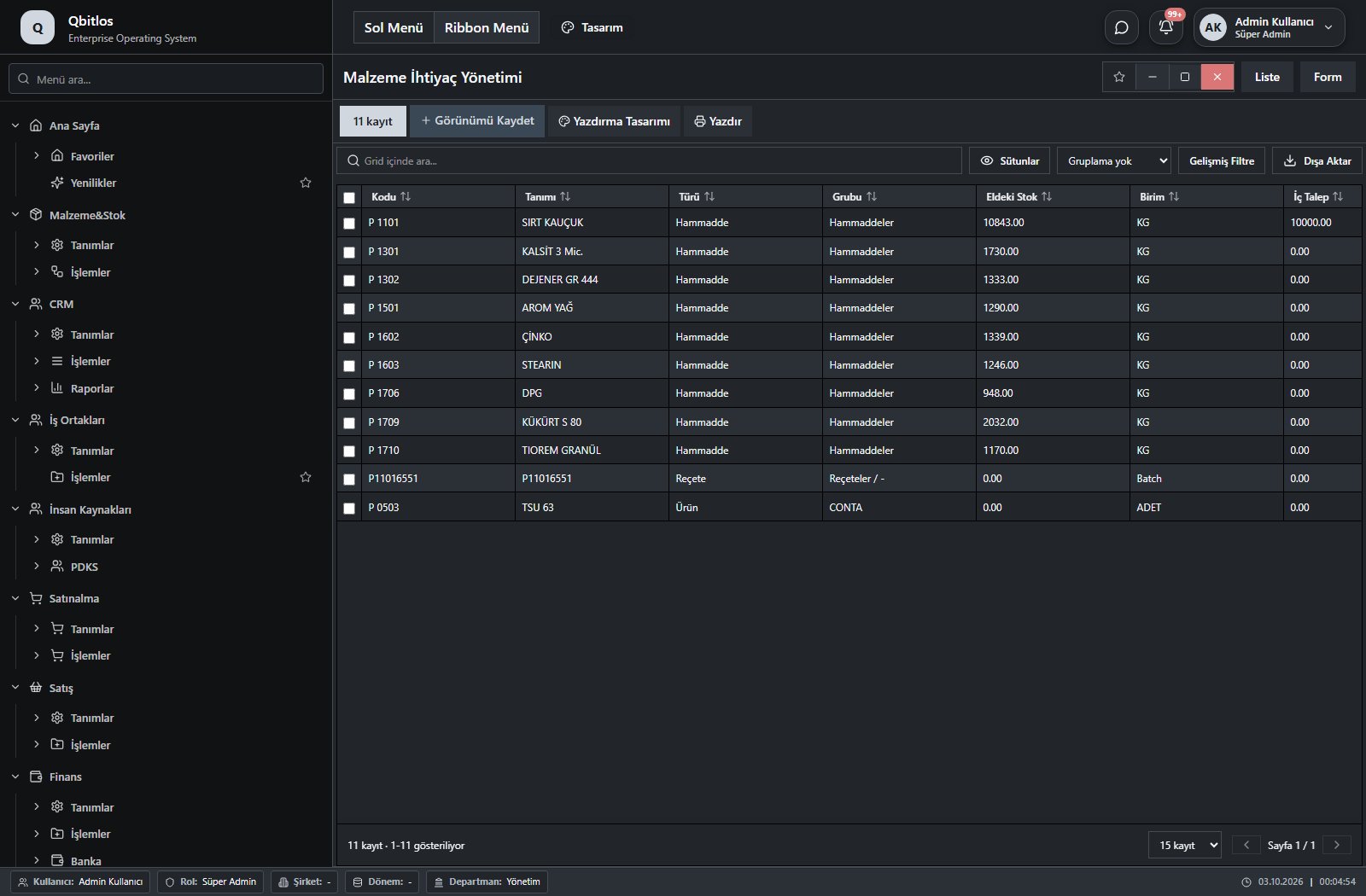
Malzeme İhtiyaç Yönetimi · 12 field guide
| Field | Type | Usage and rules |
|---|---|---|
| Kayıt ID | text | Optional |
| Kodu | text | Optional Shown in the list view. |
| Tanımı | text | Optional Shown in the list view. |
| Türü | text | Optional Shown in the list view. |
| Grubu | text | Optional Shown in the list view. |
| Birim | text | Optional Shown in the list view. |
| Eldeki Stok | number | Optional Shown in the list view. |
| İç Talep | number | Optional Shown in the list view. |
| Verilen Sipariş | number | Optional Shown in the list view. |
| Planlanmış Üretim | number | Optional Shown in the list view. |
| Planlanan İhtiyaç | number | Optional Shown in the list view. |
| Net İhtiyaç | number | Optional Shown in the list view. |
Production orders connect product, recipe, machine, process, shift and operators. Separate fields track planned quantity, strokes, cavities, output, scrap and transfers to the next process. Start/end timestamps record execution. Machine and mold definitions include capacity, compatible groups, cavity count, cost and service life.
Üretim / Tanımlar
This menu opens navigation, a report or a custom screen; it has no standard form field binding. Explore its related screens in the menu.
Üretim / Tanımlar / Maliyet Merkezleri
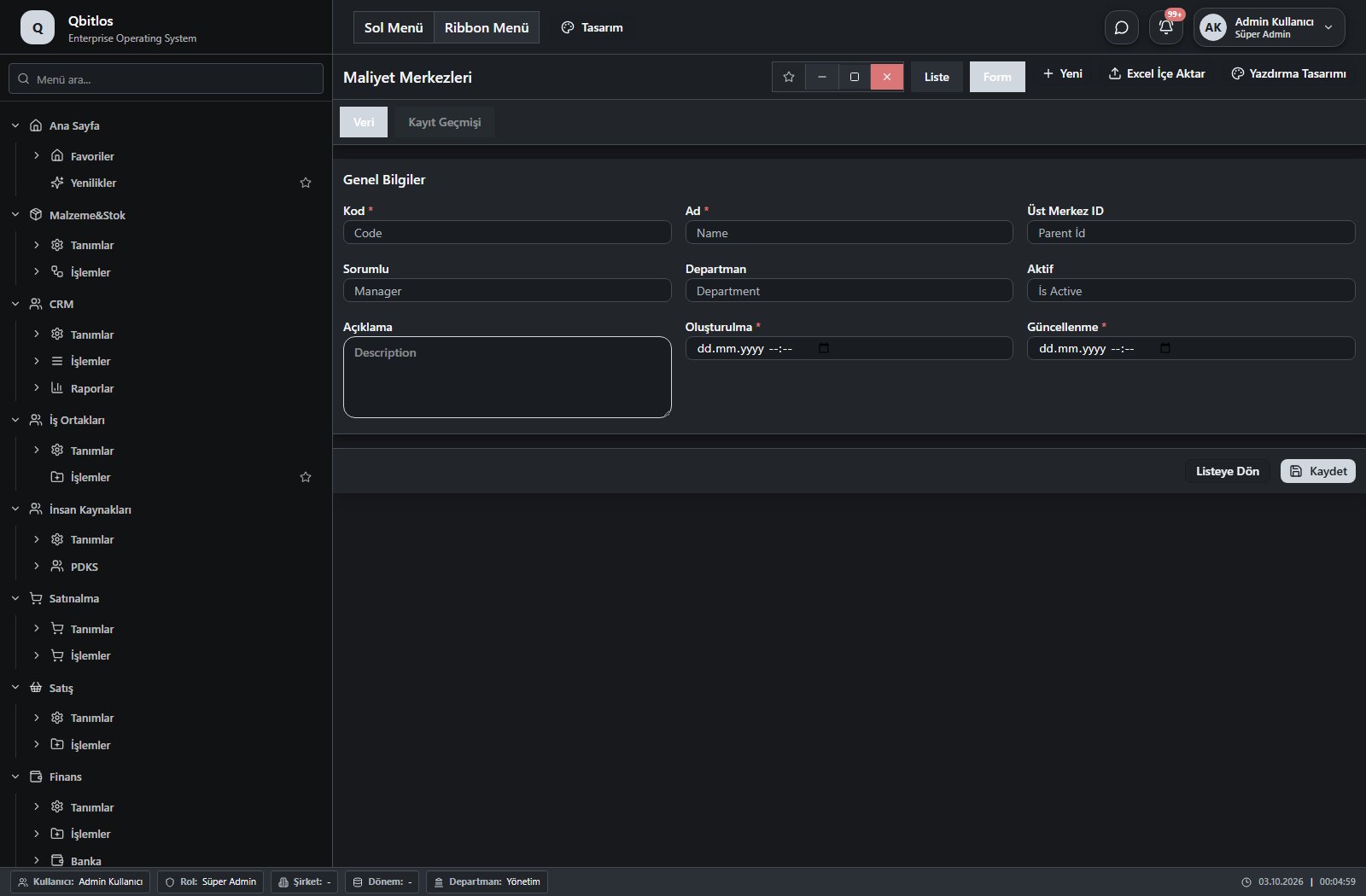
Maliyet Merkezleri · 9 field guide
| Field | Type | Usage and rules |
|---|---|---|
| Kod | text | Code alanı Required Shown in the list view. |
| Ad | text | Name alanı Required Shown in the list view. |
| Üst Merkez ID | number | Parent İd alanı Optional Shown in the list view. |
| Sorumlu | text | Manager alanı Optional Shown in the list view. |
| Departman | text | Department alanı Optional Shown in the list view. |
| Aktif | number | İs Active alanı Optional Shown in the list view. |
| Açıklama | textarea | Description alanı Optional Shown in the list view. |
| Oluşturulma | datetime | Created At alanı Required Shown in the list view. |
| Güncellenme | datetime | Updated At alanı Required Shown in the list view. |
Üretim / Tanımlar / Makineler
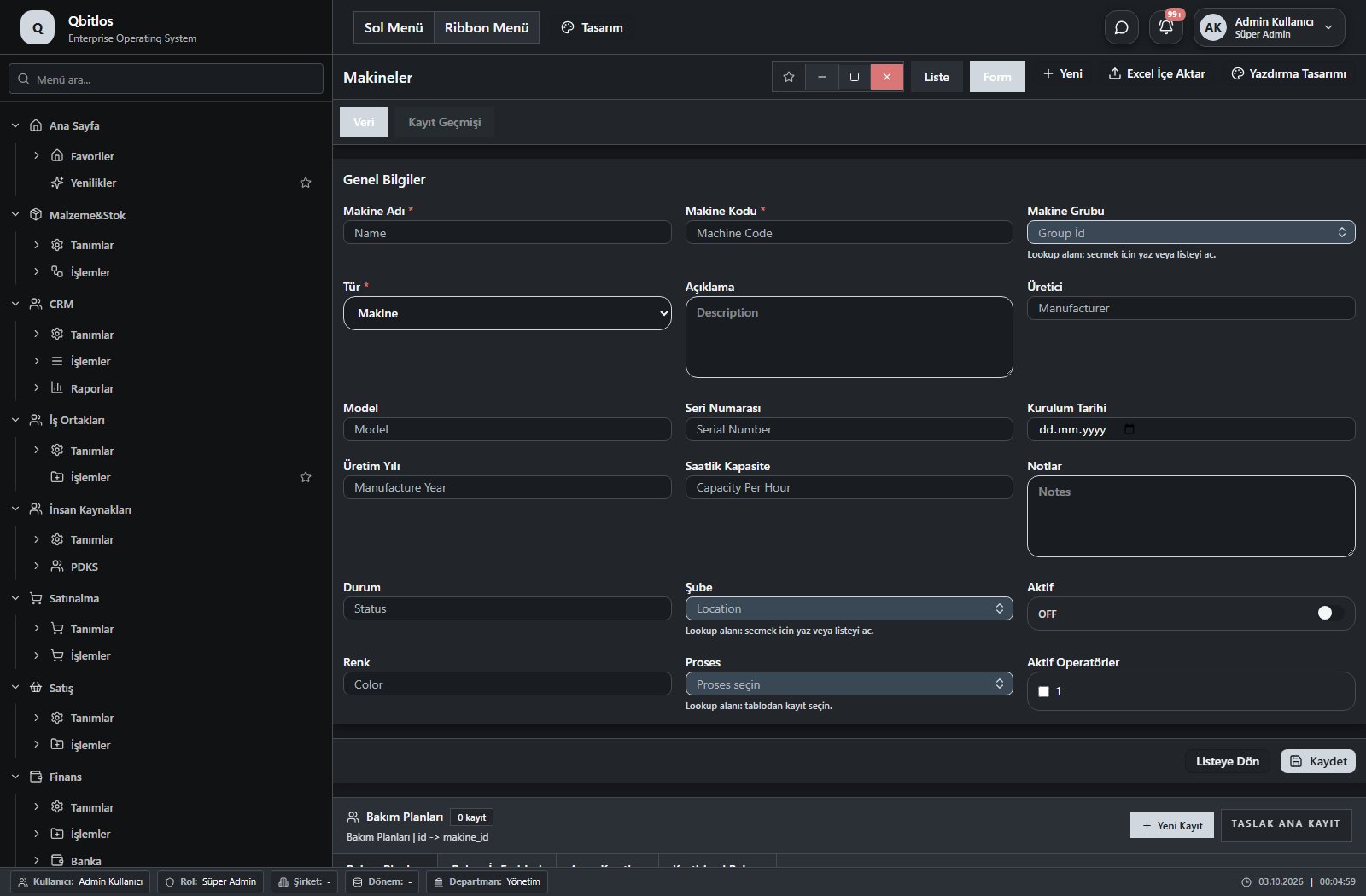
Makineler · 18 field guide
| Field | Type | Usage and rules |
|---|---|---|
| Makine Adı | text | Name alanı Required Shown in the list view. |
| Makine Kodu | text | Machine Code alanı Required Shown in the list view. |
| Makine Grubu | lookup | Group İd alanı Optional Select from related records. Makine Grupları Shown in the list view. |
| Tür | select | Type alanı Required Shown in the list view. Options: Makine · Tezgah · İstasyon |
| Açıklama | textarea | Description alanı Optional |
| Üretici | text | Manufacturer alanı Optional |
| Model | text | Optional |
| Seri Numarası | text | Serial Number alanı Optional |
| Kurulum Tarihi | date | İnstallation Date alanı Optional |
| Üretim Yılı | number | Manufacture Year alanı Optional |
| Saatlik Kapasite | number | Capacity Per Hour alanı Optional |
| Notlar | textarea | Notes alanı Optional |
| Durum | number | Status alanı Optional |
| Şube | lookup | Location alanı Optional Select from related records. Şube Tanımları Shown in the list view. |
| Aktif | checkbox | İs Active alanı Optional Shown in the list view. |
| Renk | text | Color alanı Optional |
| Proses | lookup | Makine proses seçimi Optional Select from related records. Üretim Prosesleri Shown in the list view. |
| Aktif Operatörler | multilookup | Optional Select from related records. Polivalans Fields filtering available options: Proses. Shown in the list view. |
Üretim / Tanımlar / Makine Grupları
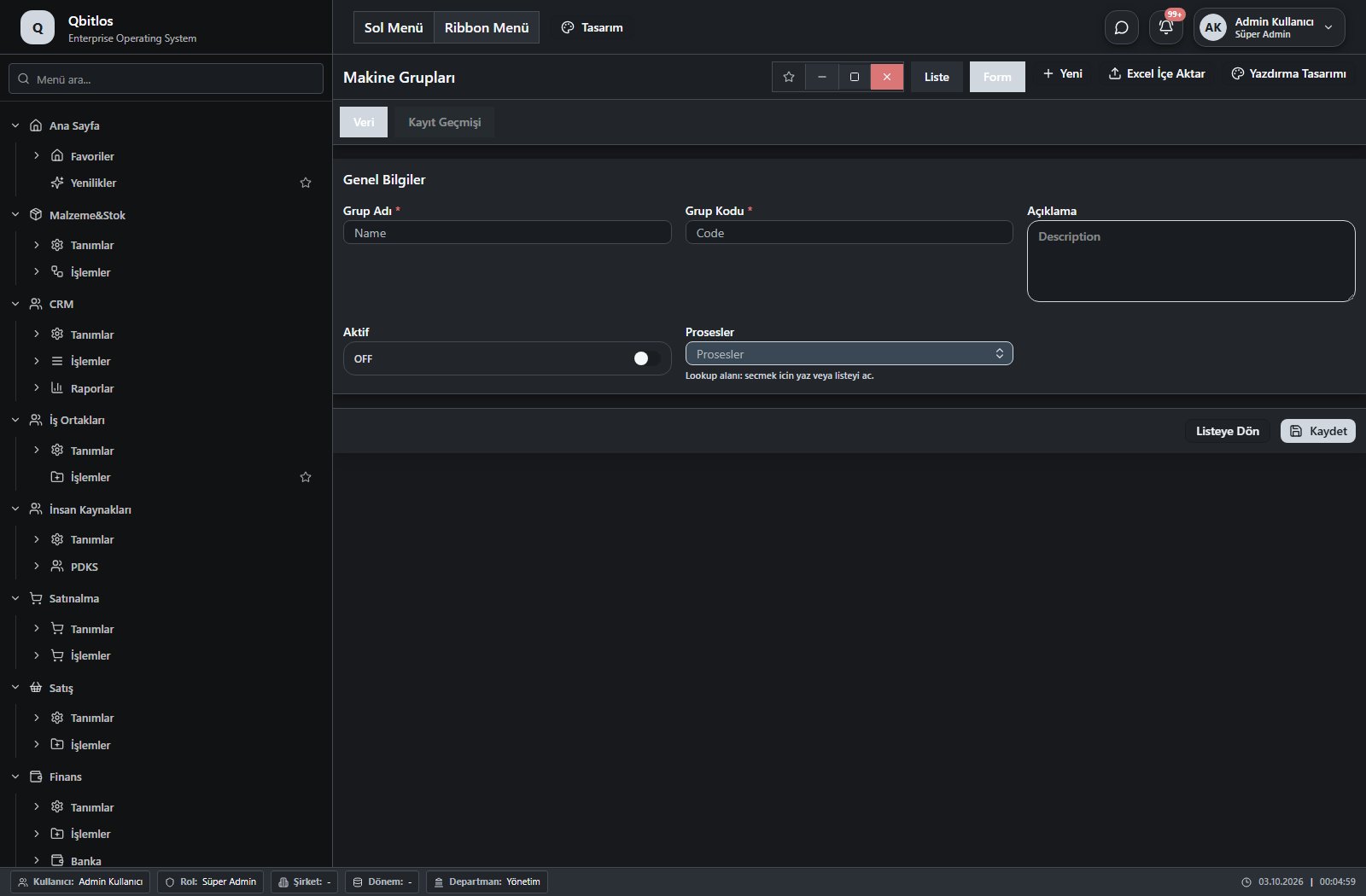
Makine Grupları · 5 field guide
| Field | Type | Usage and rules |
|---|---|---|
| Grup Adı | text | Name alanı Required Shown in the list view. |
| Grup Kodu | text | Code alanı Required Shown in the list view. |
| Açıklama | textarea | Description alanı Optional Shown in the list view. |
| Aktif | checkbox | İs Active alanı Optional Shown in the list view. |
| Prosesler | lookup | Optional Select from related records. Üretim Prosesleri Shown in the list view. |
Üretim / Tanımlar / Duruş Nedenleri
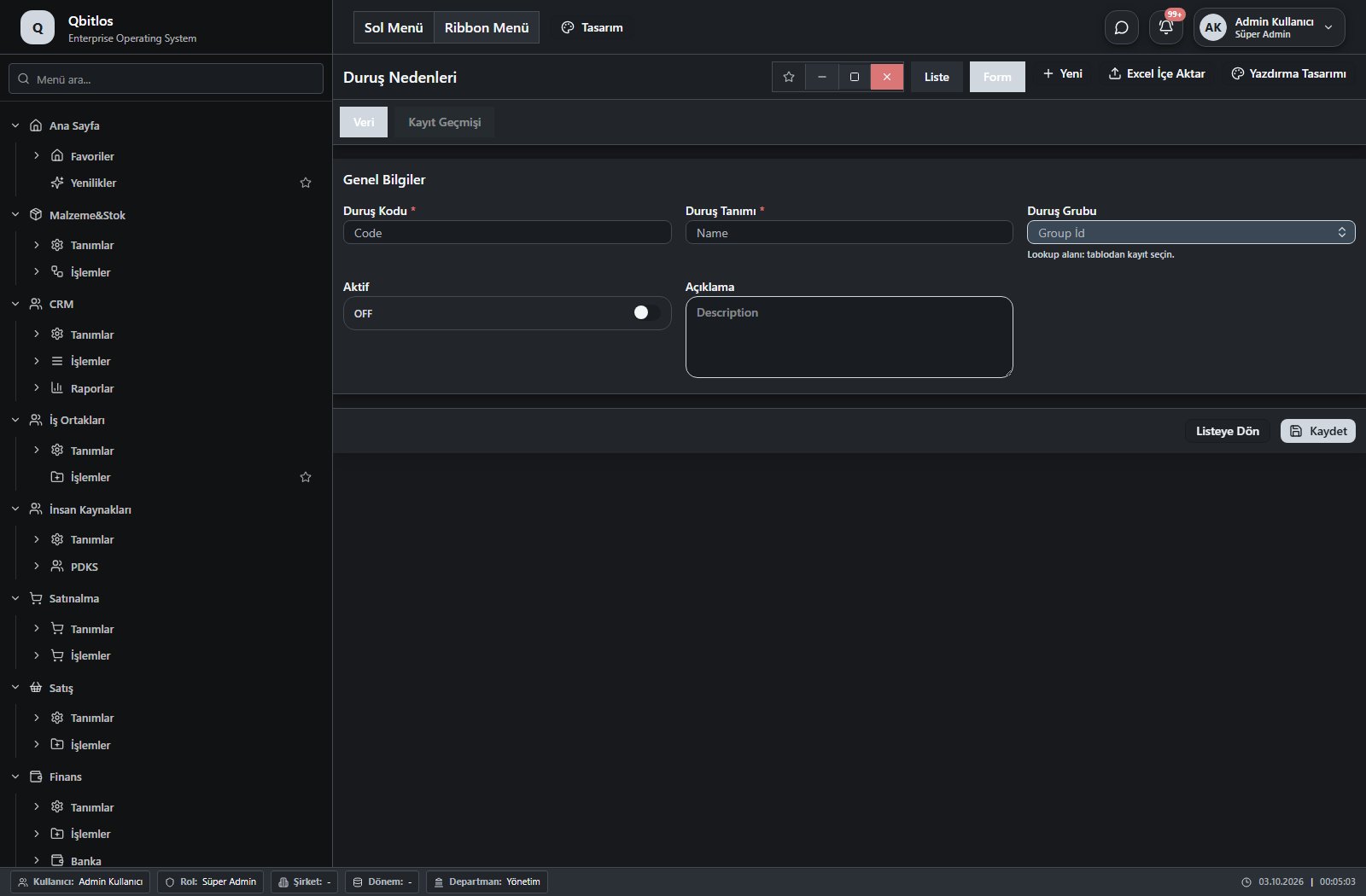
Duruş Nedenleri · 5 field guide
| Field | Type | Usage and rules |
|---|---|---|
| Duruş Grubu | lookup | Group İd alanı Required Select from related records. Duruş Neden Grupları Shown in the list view. |
| Açıklama | textarea | Description alanı Optional |
| Aktif | checkbox | İs Active alanı Optional Shown in the list view. |
| Duruş Kodu | text | Code alanı Required Shown in the list view. |
| Duruş Tanımı | text | Name alanı Required Shown in the list view. |
Üretim / Tanımlar / Duruş Neden Grupları
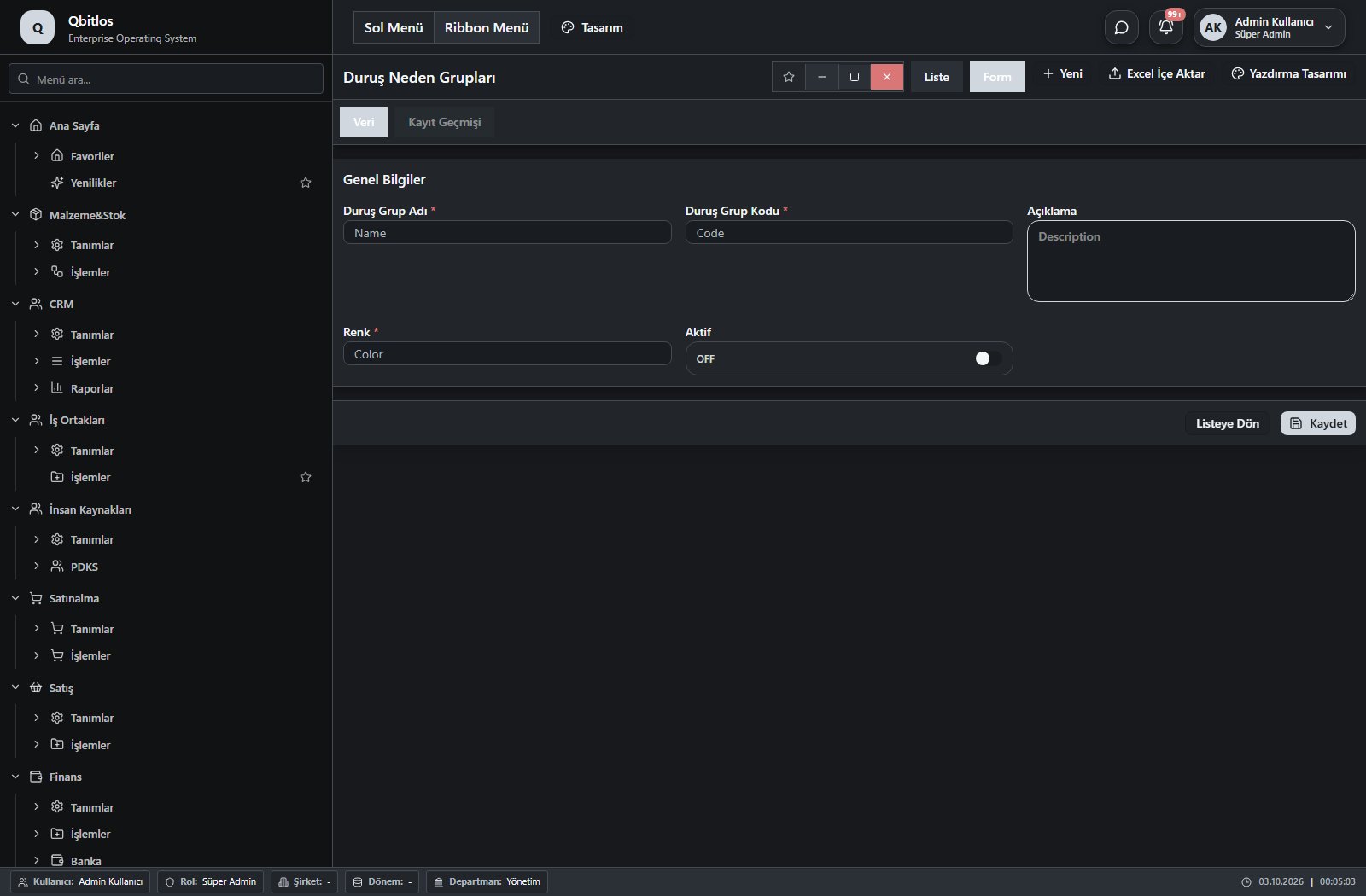
Duruş Neden Grupları · 5 field guide
| Field | Type | Usage and rules |
|---|---|---|
| Açıklama | textarea | Description alanı Optional Shown in the list view. |
| Renk | text | Color alanı Required Shown in the list view. |
| Aktif | checkbox | İs Active alanı Optional Shown in the list view. |
| Duruş Grup Kodu | text | Code alanı Required Shown in the list view. |
| Duruş Grup Adı | text | Name alanı Required Shown in the list view. |
Üretim / Tanımlar / Makine Vardiyaları
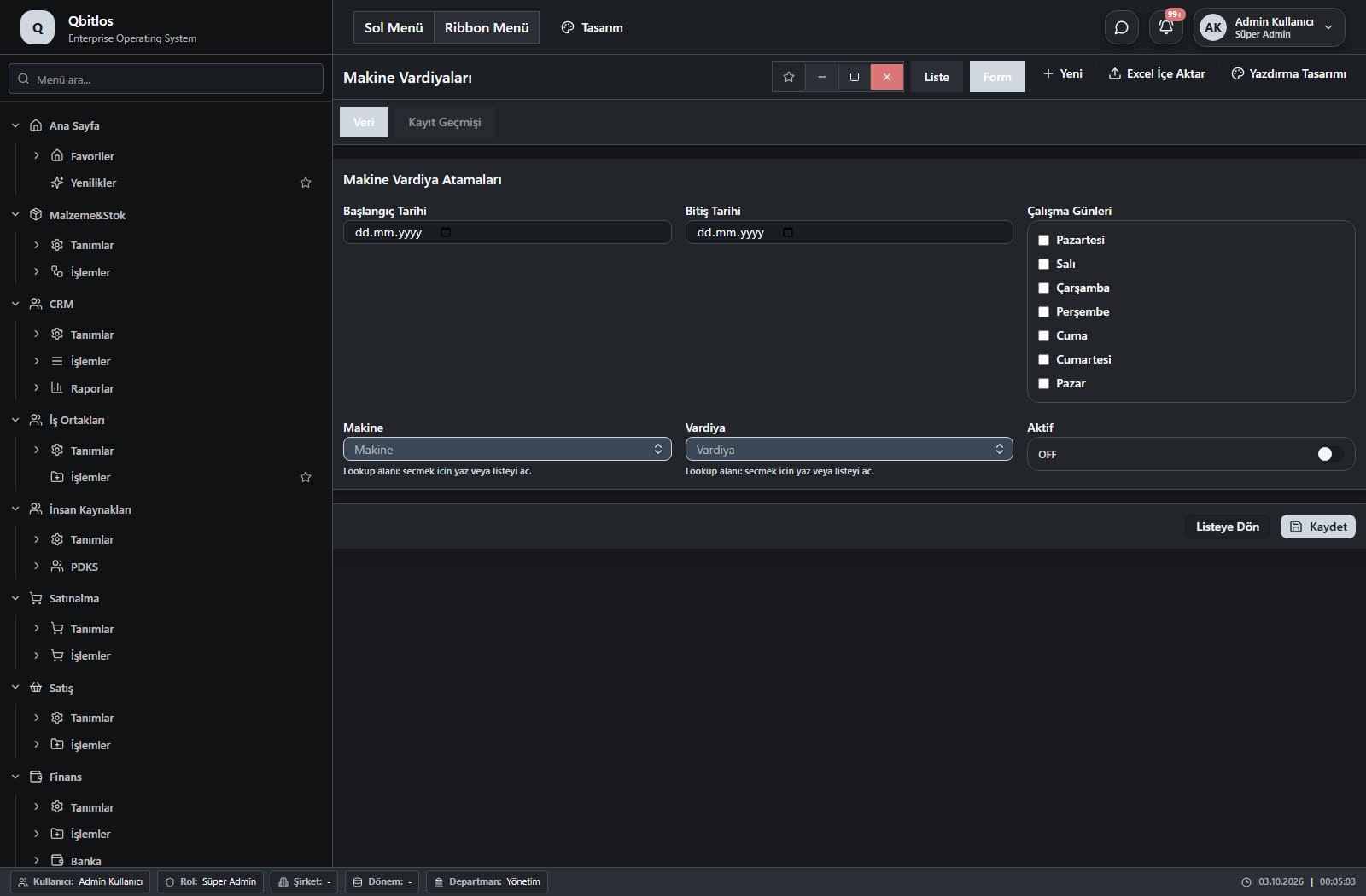
Makine Vardiya Atamaları · 6 field guide
| Field | Type | Usage and rules |
|---|---|---|
| Makine | lookup | Optional Select from related records. Makineler Shown in the list view. |
| Vardiya | lookup | Optional Select from related records. Vardiyalar Shown in the list view. |
| Başlangıç Tarihi | date | Optional Shown in the list view. |
| Bitiş Tarihi | date | Optional Shown in the list view. |
| Çalışma Günleri | multiselect | Optional Shown in the list view. Options: Pazartesi · Salı · Çarşamba · Perşembe · Cuma · Cumartesi · Pazar |
| Aktif | checkbox | Optional Shown in the list view. |
Üretim / İşlemler
This menu opens navigation, a report or a custom screen; it has no standard form field binding. Explore its related screens in the menu.
Üretim / İşlemler / Üretim Emirleri
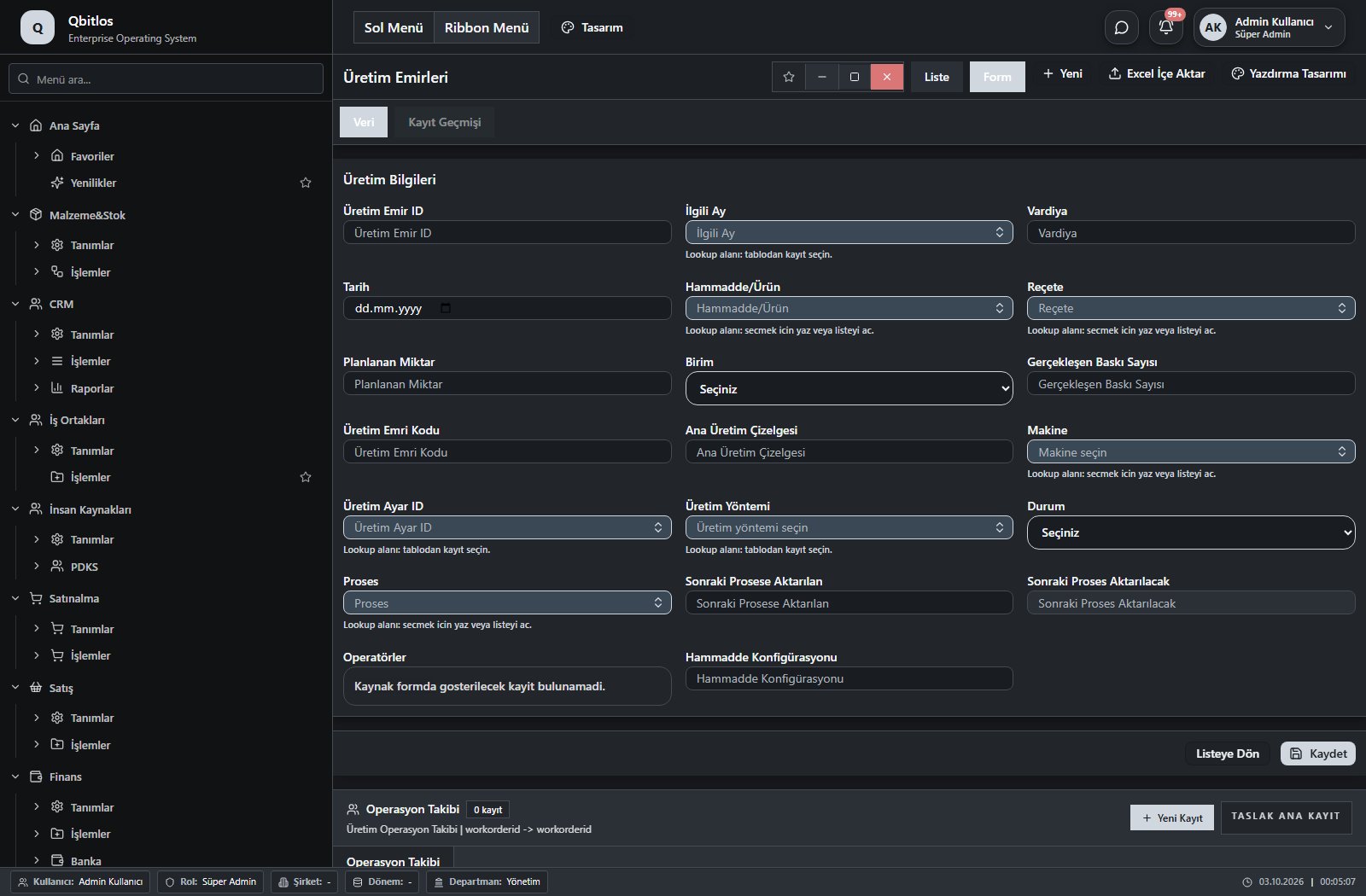
Üretim Emirleri · 29 field guide
| Field | Type | Usage and rules |
|---|---|---|
| Üretim Emri Kodu | text | Optional Shown in the list view. |
| Hammadde/Ürün | lookup | Optional Select from related records. Malzemeler Shown in the list view. |
| Makine | lookup | Optional Select from related records. Makineler Shown in the list view. |
| Üretim Emir ID | number | Optional |
| İlgili Ay | lookup | Optional Select from related records. Dönemler Shown in the list view. |
| Vardiya | text | Optional Shown in the list view. |
| Tarih | date | Optional Shown in the list view. |
| Reçete | lookup | Optional Select from related records. Reçeteler Shown in the list view. |
| Planlanan Miktar | text | Optional Shown in the list view. |
| Birim | select | Optional Shown in the list view. Options: Adet · Baskı · Batch |
| Gerçekleşen Baskı Sayısı | text | Optional Shown in the list view. |
| Ana Üretim Çizelgesi | text | Optional |
| Üretim Ayar ID | lookup | Optional Select from related records. Üretim Ayarları Fields filtering available options: Hammadde/Ürün. |
| Üretim Yöntemi | lookup | Üretim yöntemi alanı Optional Select from related records. Üretim Ayarları |
| Durum | select | Üretim durumu Optional Shown in the list view. Options: Beklemede · Uretime Hazir · Uretiliyor · Tamamlandi · Iptal |
| Göz Adedi | number | Optional Shown in the list view. |
| Üretilen Miktar | number | Optional Shown in the list view. |
| Planlanan Üretim | number | Optional Shown in the list view. |
| Proses | lookup | Optional Select from related records. Üretim Prosesleri Shown in the list view. |
| İskarta Miktarı | number | Optional Shown in the list view. |
| Gerçekleşen Adet | calculated | Optional A calculation rule is configured; review the calculated result. Shown according to a visibility rule. Shown in the list view. |
| Sonraki Prosese Aktarılan | number | Optional Shown in the list view. |
| Sonraki Proses Aktarılacak | calculated | Optional A calculation rule is configured; review the calculated result. Shown in the list view. |
| Hammadde Konfigürasyonu | text | Hammadde konfigurasyon bilgisi Optional Shown in the list view. |
| Başlama Tarihi | date | Optional Shown in the list view. |
| Başlama Saati | text | Optional Shown in the list view. |
| Bitiş Tarihi | date | Optional Shown in the list view. |
| Bitiş Saati | text | Optional Shown in the list view. |
| Operatörler | multilookup | Optional Select from related records. Polivalans Shown in the list view. |
Üretim / İşlemler / Malzeme İhtiyaç Yönetimi
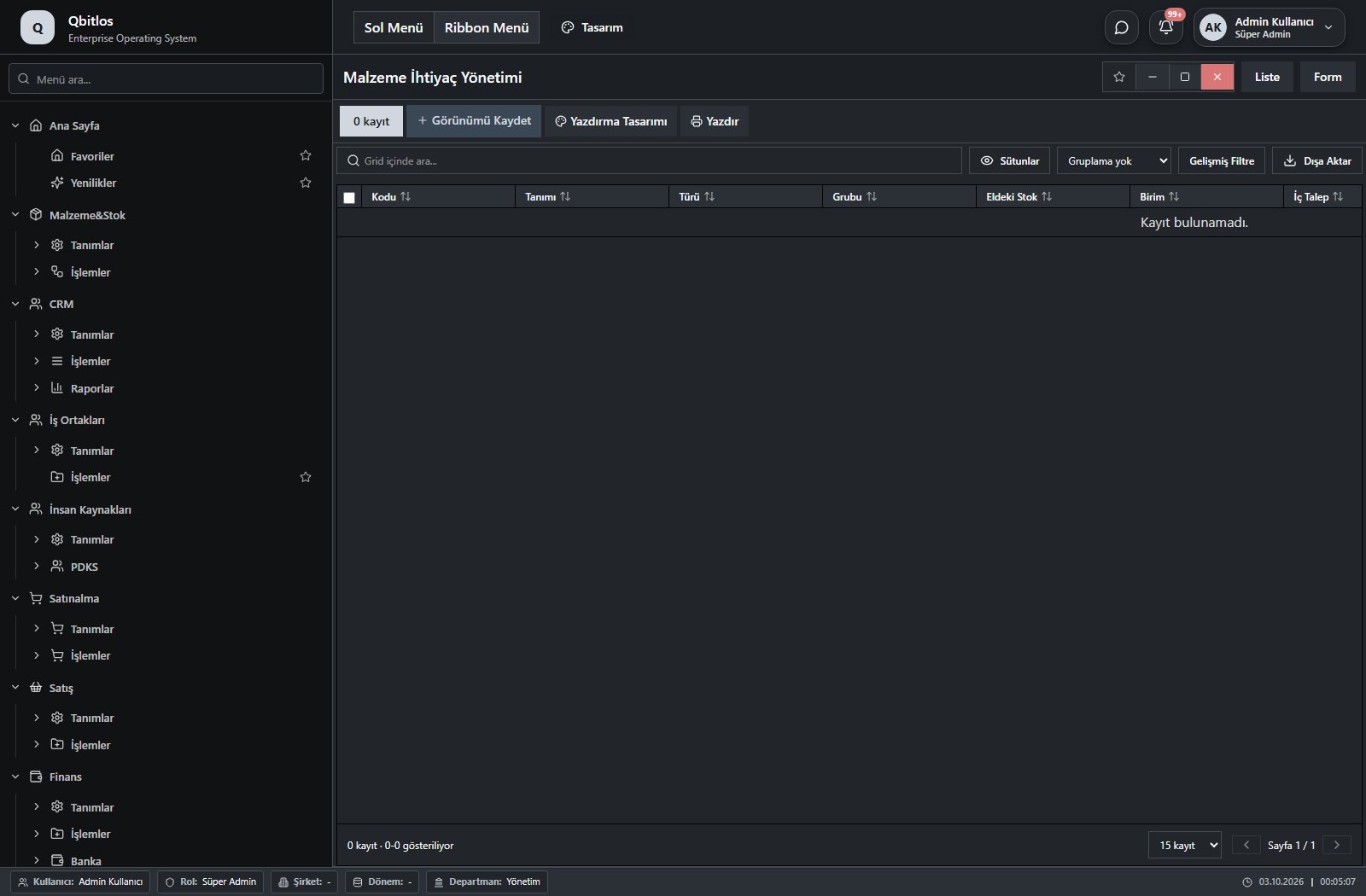
Malzeme İhtiyaç Yönetimi · 12 field guide
| Field | Type | Usage and rules |
|---|---|---|
| Kayıt ID | text | Optional |
| Kodu | text | Optional Shown in the list view. |
| Tanımı | text | Optional Shown in the list view. |
| Türü | text | Optional Shown in the list view. |
| Grubu | text | Optional Shown in the list view. |
| Birim | text | Optional Shown in the list view. |
| Eldeki Stok | number | Optional Shown in the list view. |
| İç Talep | number | Optional Shown in the list view. |
| Verilen Sipariş | number | Optional Shown in the list view. |
| Planlanmış Üretim | number | Optional Shown in the list view. |
| Planlanan İhtiyaç | number | Optional Shown in the list view. |
| Net İhtiyaç | number | Optional Shown in the list view. |
Üretim / İşlemler / Üretim Çizelgesi
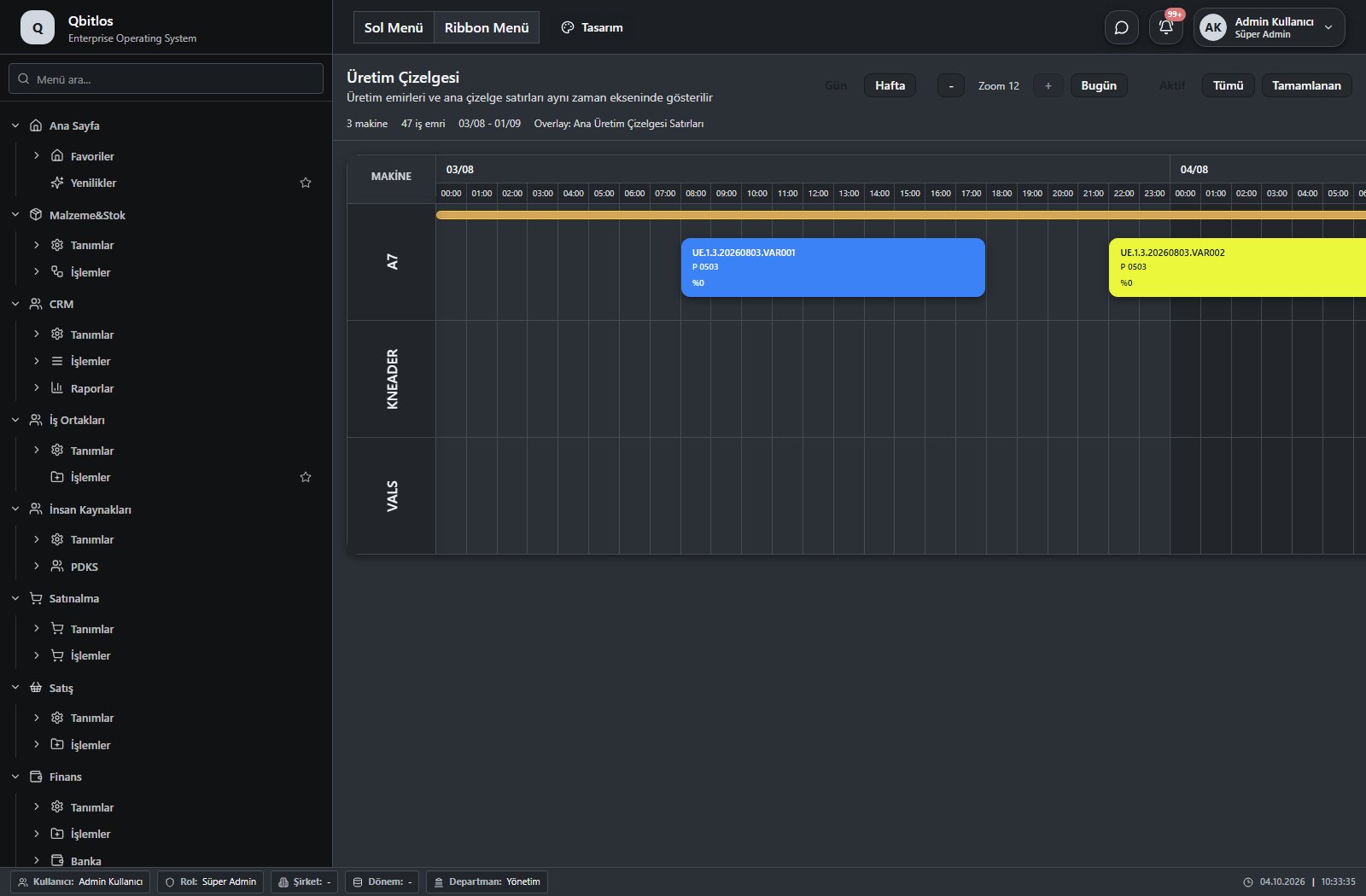
This menu opens navigation, a report or a custom screen; it has no standard form field binding. Explore its related screens in the menu.
The chart of accounts defines code, name, group, account type and currency. Cost centers identify parent center, department and owner. Monthly expenses record period, branch, expense item and amount; cost analysis compares these dimensions. Invoice fields expose tax accounts, revenue/expense groups and account effects.
Muhasebe / Tanımlar
This menu opens navigation, a report or a custom screen; it has no standard form field binding. Explore its related screens in the menu.
Muhasebe / Tanımlar / Hesap Planı
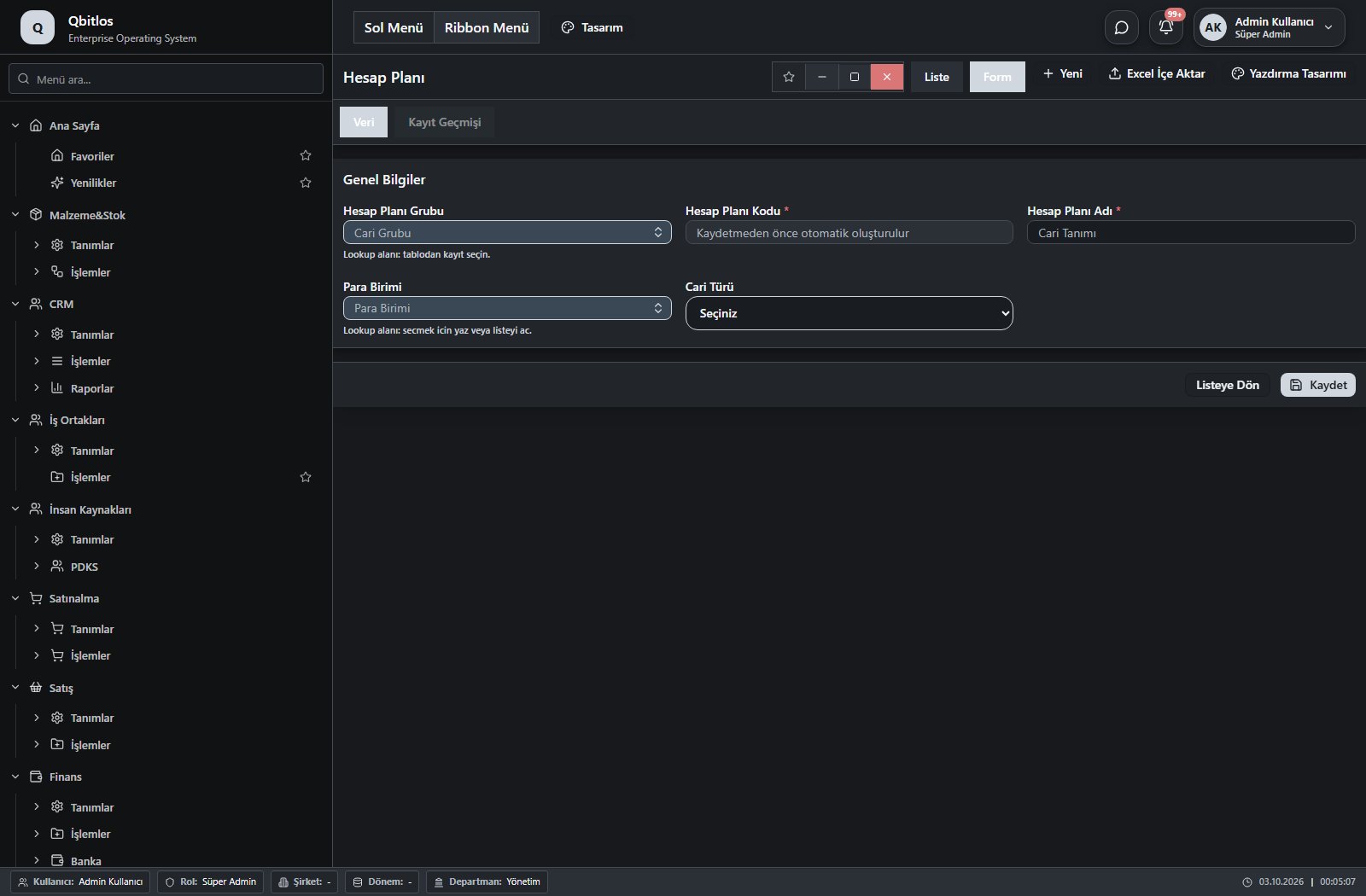
Hesap Planı · 5 field guide
| Field | Type | Usage and rules |
|---|---|---|
| Hesap Planı Kodu | autofield | Cari Hesaplar alanı Required Automatic value generation is configured. Shown in the list view. |
| Hesap Planı Adı | text | Cari Hesaplar alanı Required Shown in the list view. |
| Hesap Planı Grubu | lookup | Cari Hesaplar alanı Required Select from related records. Hesap Planı Grupları Shown in the list view. |
| Para Birimi | lookup | Optional Select from related records. Para Birimleri Shown in the list view. |
| Cari Türü | select | Optional Shown in the list view. Options: ALICI(A) · SATICI(S) · ALICI-SATICI(AS) |
Muhasebe / Tanımlar / Hesap Planı Grupları
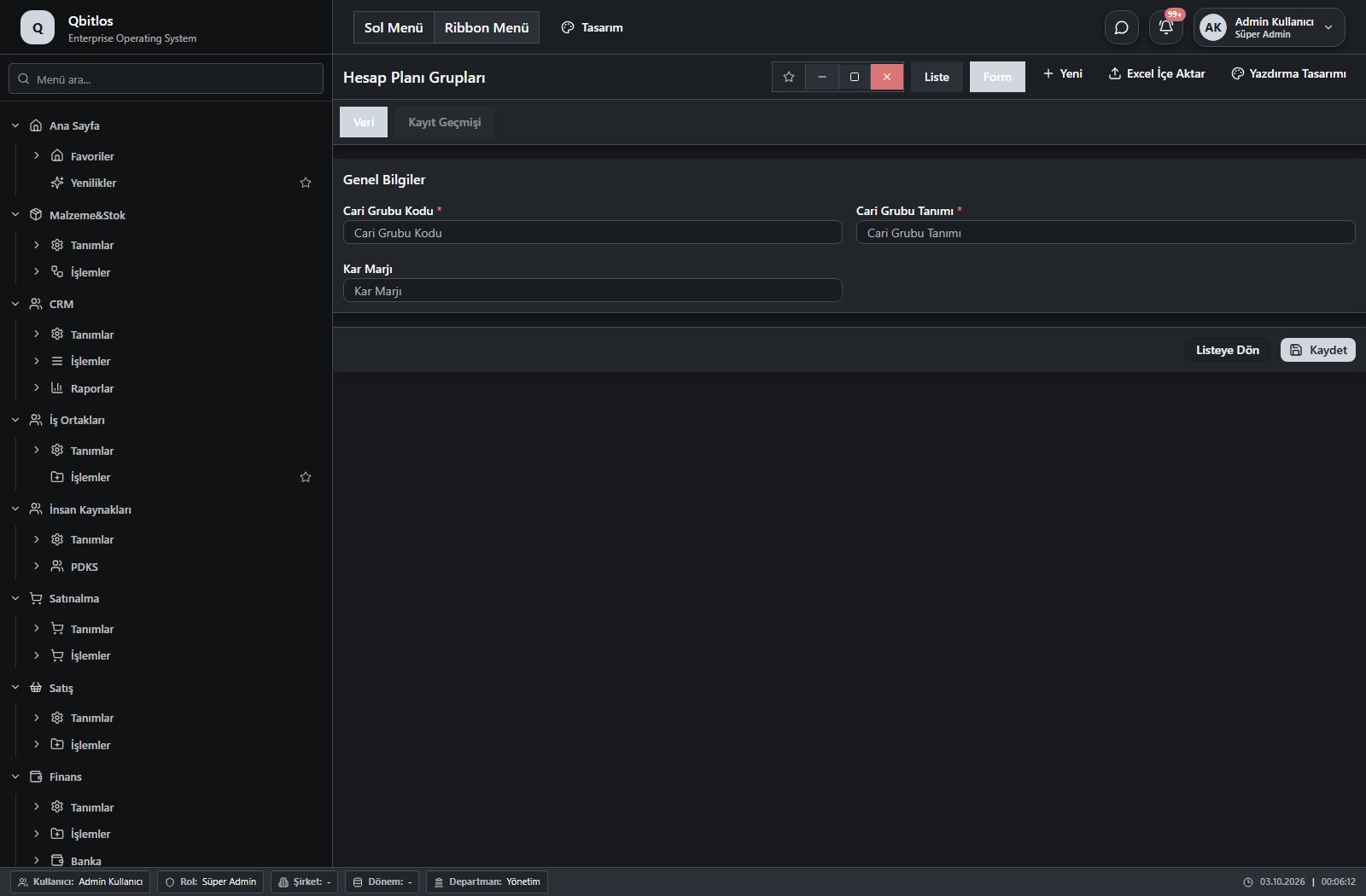
Hesap Planı Grupları · 3 field guide
| Field | Type | Usage and rules |
|---|---|---|
| Cari Grubu Kodu | text | Cari Hesap Grupları alanı Required Shown in the list view. |
| Cari Grubu Tanımı | text | Cari Hesap Grupları alanı Required Shown in the list view. |
| Kar Marjı | text | Cari Hesap Grupları alanı Optional Shown in the list view. |
Muhasebe / Tanımlar / KDV Oranları
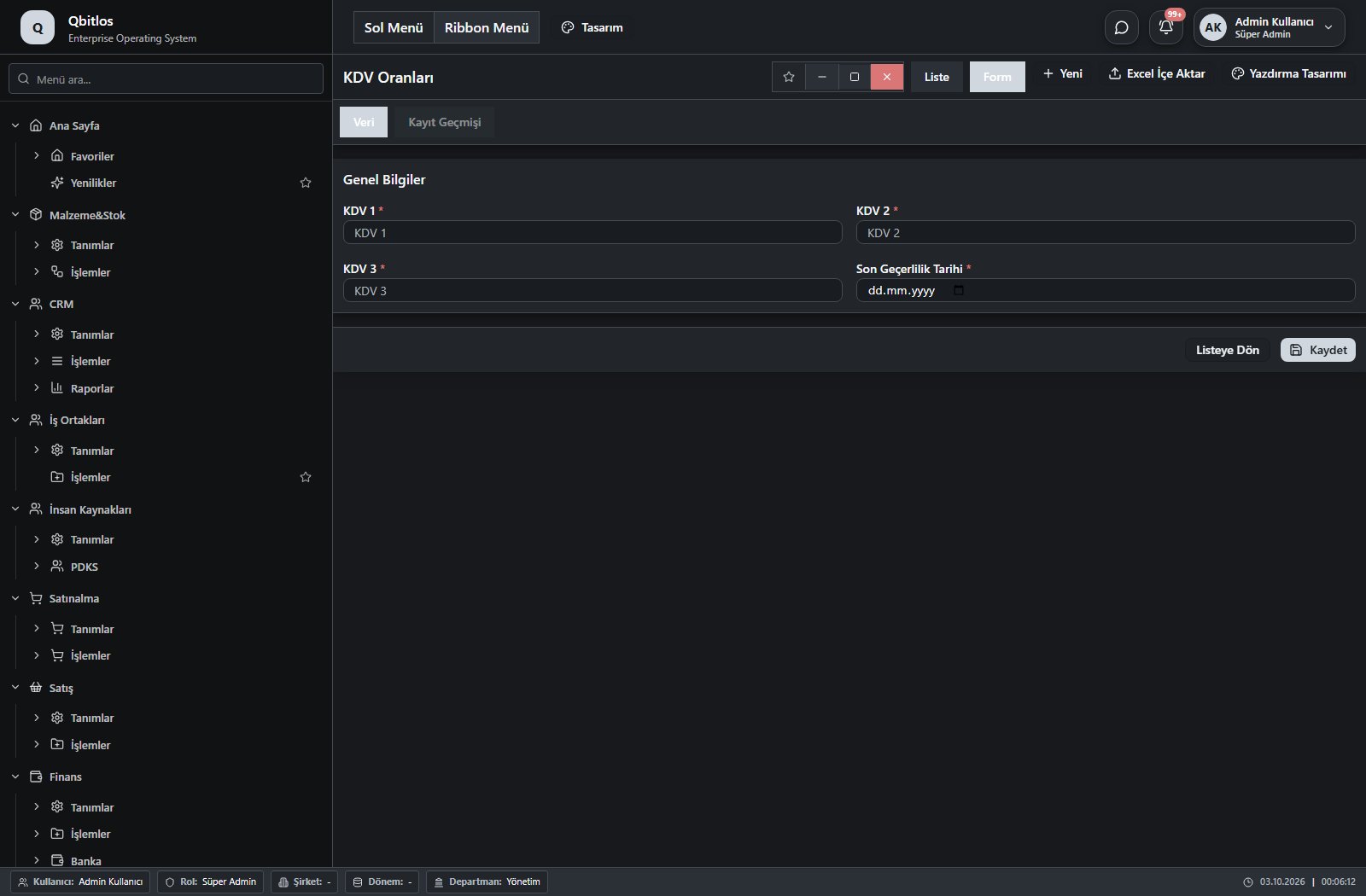
KDV Oranları · 4 field guide
| Field | Type | Usage and rules |
|---|---|---|
| KDV 1 | text | kdvler alanı Required Shown in the list view. |
| KDV 2 | text | kdvler alanı Required Shown in the list view. |
| KDV 3 | text | kdvler alanı Required Shown in the list view. |
| Son Geçerlilik Tarihi | date | kdvler alanı Required Shown in the list view. |
Muhasebe / Tanımlar / Dönemler
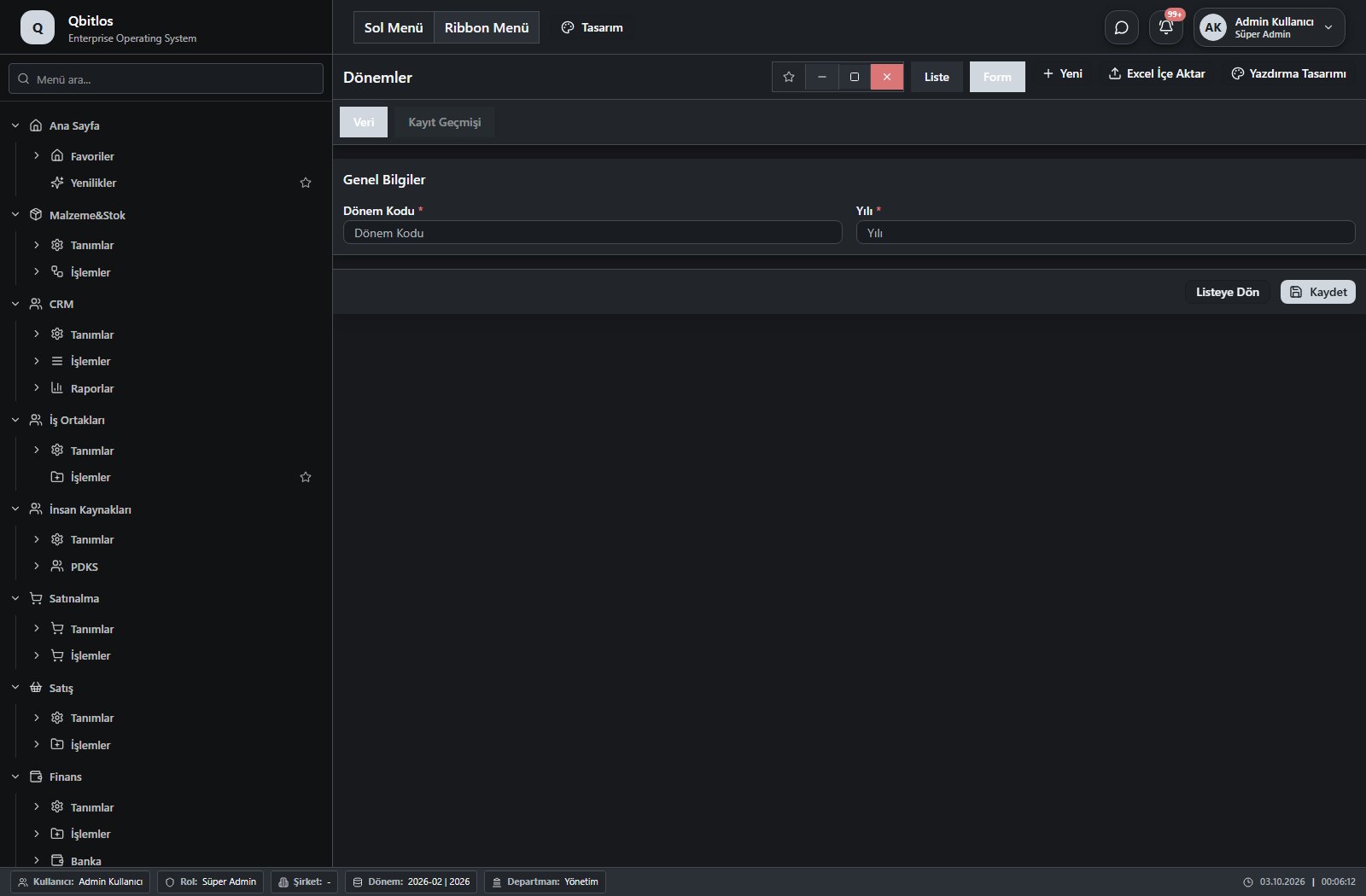
Dönemler · 2 field guide
| Field | Type | Usage and rules |
|---|---|---|
| Dönem Kodu | text | Dönemler alanı Required Shown in the list view. |
| Yılı | number | Dönemler alanı Required Shown in the list view. |
Muhasebe / Tanımlar / Ödeme Terimleri
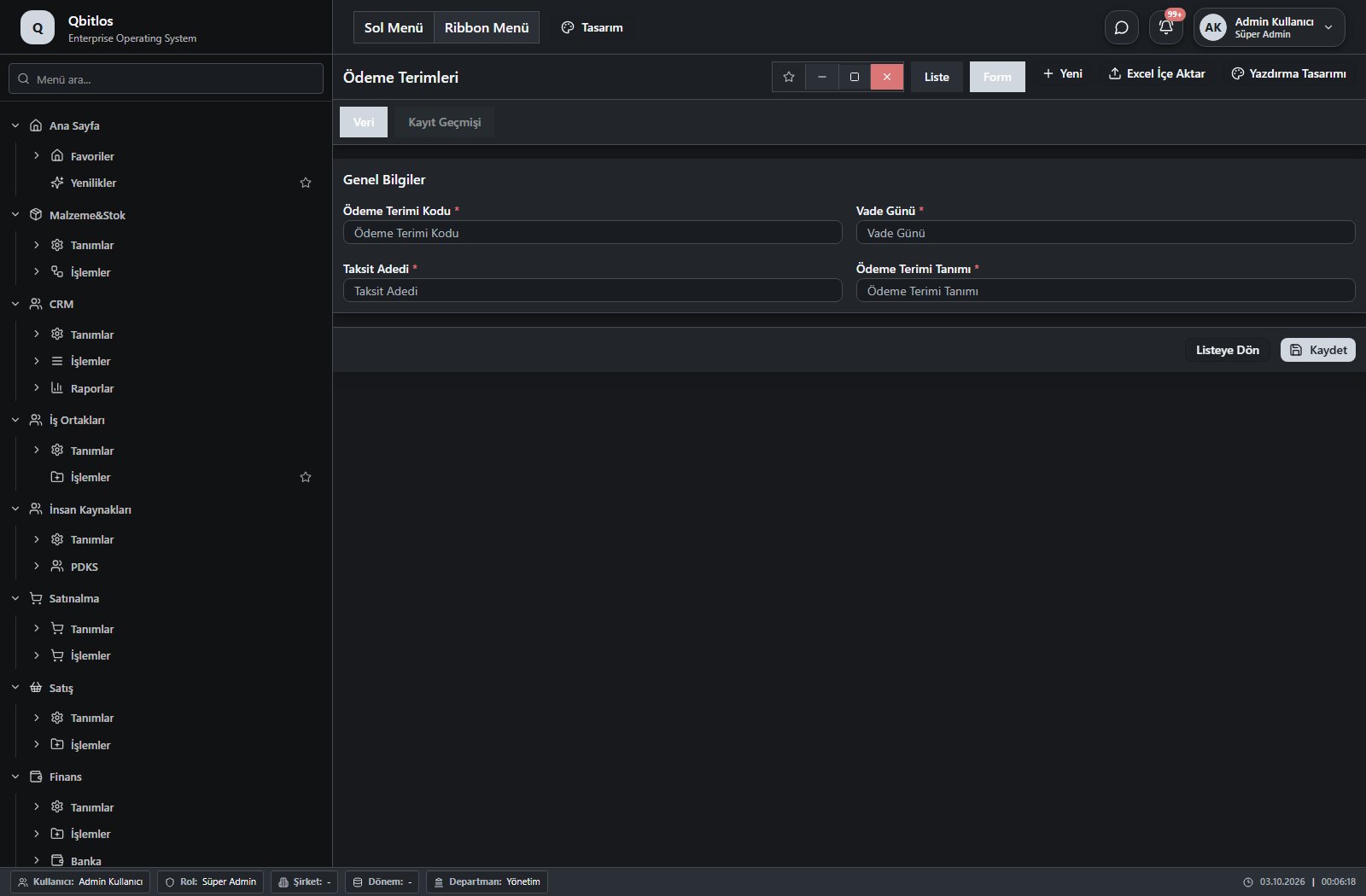
Ödeme Terimleri · 4 field guide
| Field | Type | Usage and rules |
|---|---|---|
| Ödeme Terimi Kodu | text | Ödeme Terimleri alanı Required Shown in the list view. |
| Vade Günü | number | Ödeme Terimleri alanı Required Shown in the list view. |
| Taksit Adedi | number | Ödeme Terimleri alanı Required Shown in the list view. |
| Ödeme Terimi Tanımı | text | Ödeme Terimleri alanı Required Shown in the list view. |
Muhasebe / Tanımlar / Kasa Hesapları
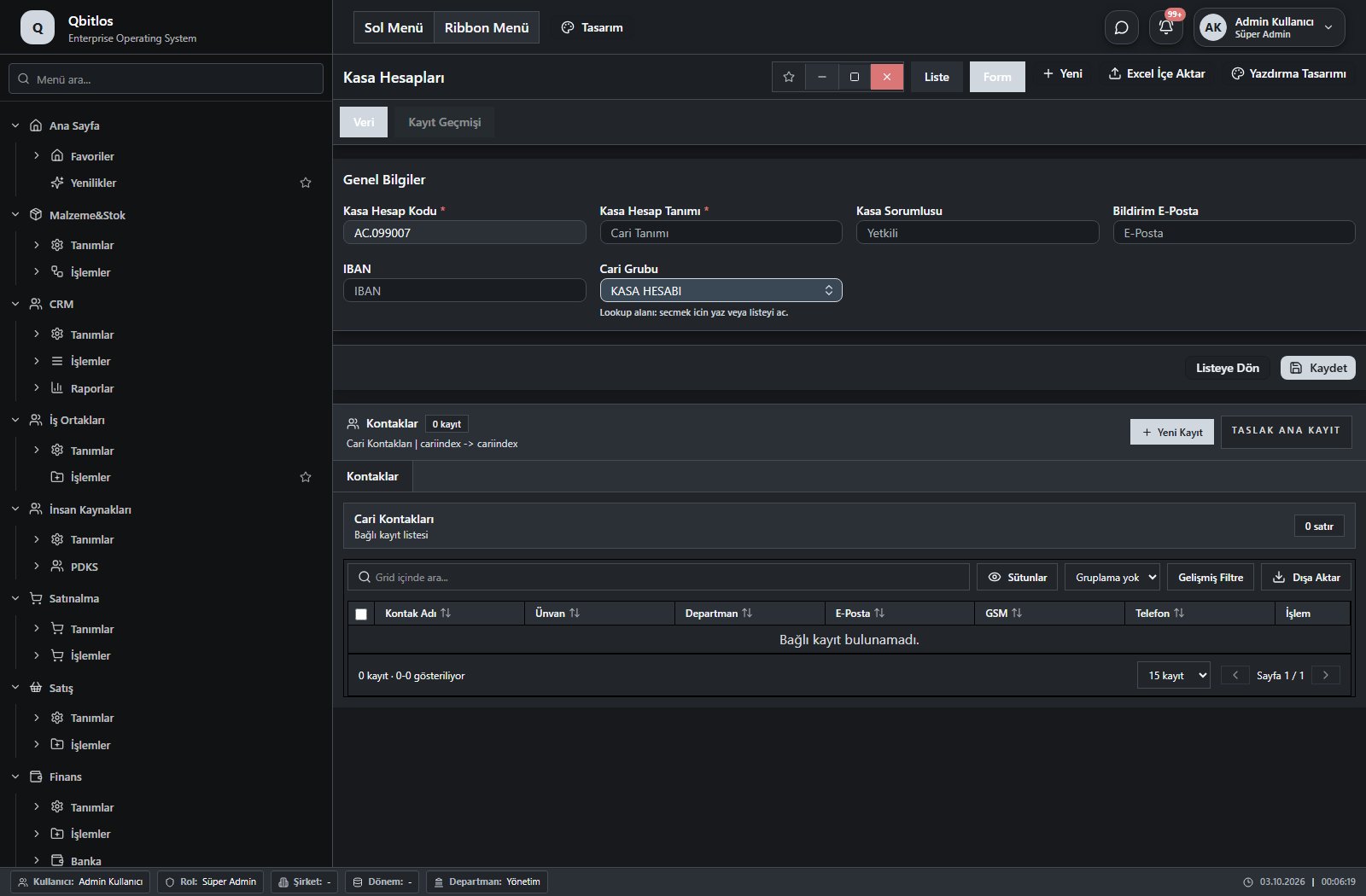
Kasa Hesapları · 6 field guide
| Field | Type | Usage and rules |
|---|---|---|
| Kasa Hesap Kodu | autofield | Cari Hesaplar alanı Required Automatic value generation is configured. Shown in the list view. |
| Kasa Hesap Tanımı | text | Cari Hesaplar alanı Required Shown in the list view. |
| Kasa Sorumlusu | text | Cari Hesaplar alanı Optional Shown in the list view. |
| Bildirim E-Posta | text | Cari Hesaplar alanı Optional Shown in the list view. |
| Cari Grubu | lookup | Cari Hesaplar alanı Optional Select from related records. Hesap Planı Grupları Shown in the list view. |
| IBAN | text | Optional Shown in the list view. |
Muhasebe / İşlemler
This menu opens navigation, a report or a custom screen; it has no standard form field binding. Explore its related screens in the menu.
Muhasebe / İşlemler / Günlük Kur
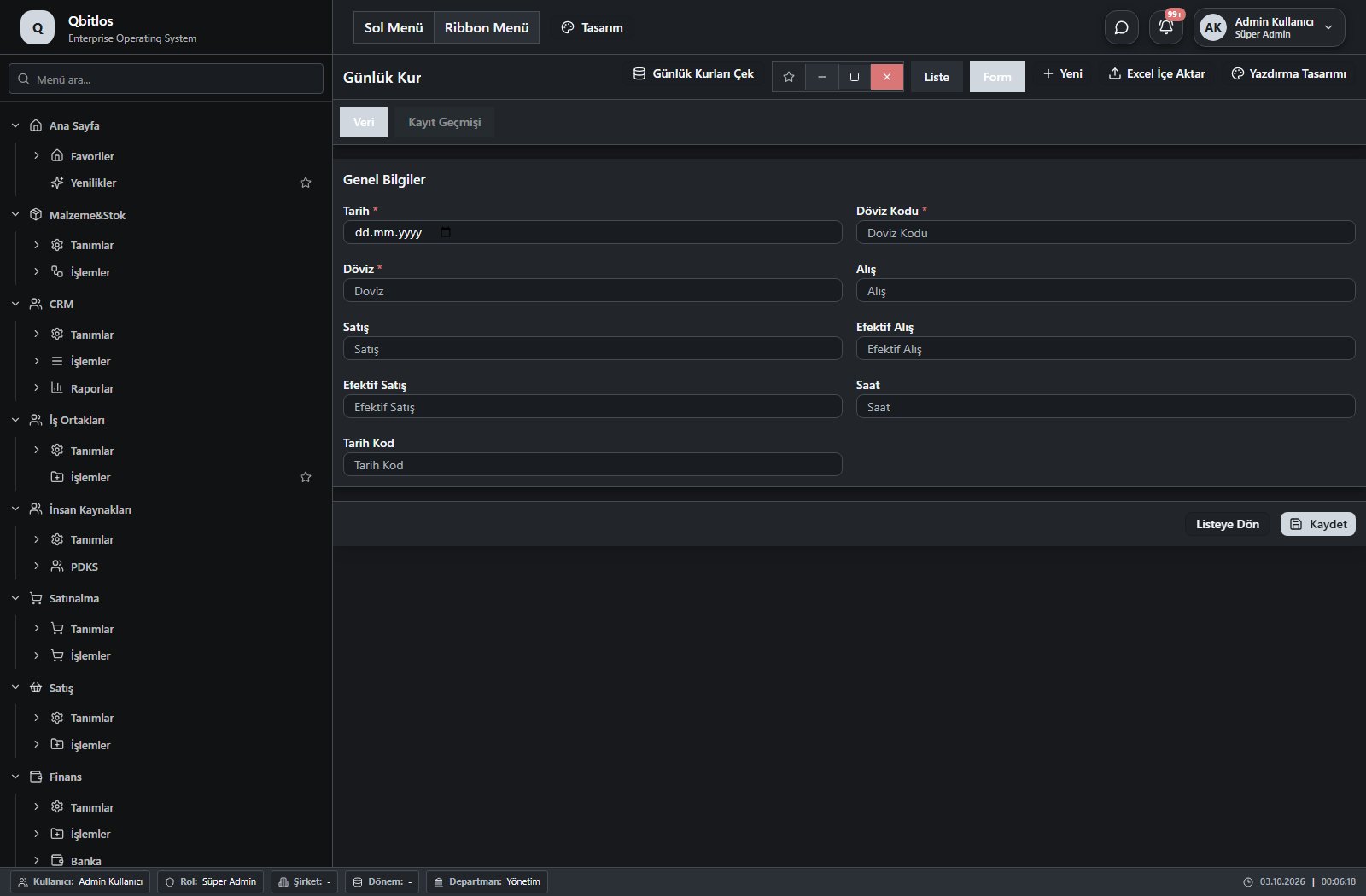
Günlük Kur · 9 field guide
| Field | Type | Usage and rules |
|---|---|---|
| Tarih | date | gunluk_kur alanı Required Shown in the list view. |
| Döviz Kodu | number | gunluk_kur alanı Required Shown in the list view. |
| Döviz | text | gunluk_kur alanı Required Shown in the list view. |
| Alış | text | gunluk_kur alanı Optional Shown in the list view. |
| Satış | text | gunluk_kur alanı Optional Shown in the list view. |
| Efektif Alış | text | gunluk_kur alanı Optional Shown in the list view. |
| Efektif Satış | text | gunluk_kur alanı Optional Shown in the list view. |
| Saat | text | gunluk_kur alanı Optional Shown in the list view. |
| Tarih Kod | text | gunluk_kur alanı Optional |
Muhasebe / Fatura
This menu opens navigation, a report or a custom screen; it has no standard form field binding. Explore its related screens in the menu.
Muhasebe / Fatura / Alım Faturaları
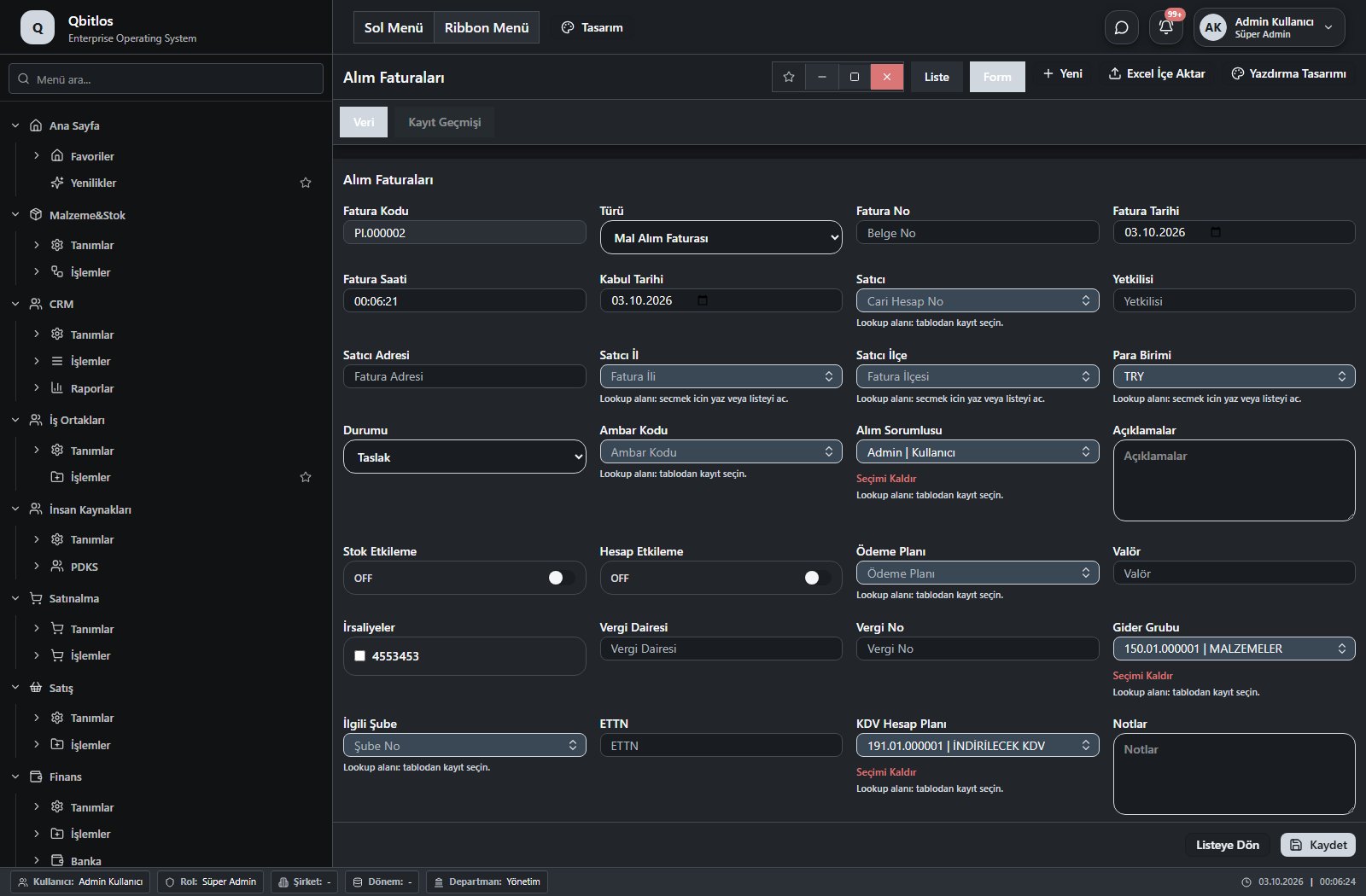
Alım Faturaları · 36 field guide
| Field | Type | Usage and rules |
|---|---|---|
| Fatura Kodu | autofield | Alım Faturaları alanı Optional Automatic value generation is configured. Shown in the list view. |
| Satıcı | lookup | Alım Faturaları alanı Optional Select from related records. Hesap Planı Fields populated by selection: Satıcı Adresi, Vergi Dairesi, Vergi No, Satıcı İl, Satıcı İlçe. Shown in the list view. |
| Satıcı Adresi | text | Alım Faturaları alanı Optional Shown in the list view. |
| Fatura Tarihi | date | Alım Faturaları alanı Optional Shown in the list view. |
| Kabul Tarihi | date | Alım Faturaları alanı Optional Shown in the list view. |
| Fatura No | text | Alım Faturaları alanı Optional Shown in the list view. |
| Fatura Saati | text | Alım Faturaları alanı Optional Shown in the list view. |
| Türü | select | Alım Faturaları alanı Optional Shown in the list view. Options: Mal Alım Faturası · Hizmet Alım Faturası · Satış İade Faturası · Diğer |
| Para Birimi | lookup | Alım Faturaları alanı Optional Select from related records. Para Birimleri Shown in the list view. |
| Genel Toplam | text | Alım Faturaları alanı Optional Shown in the list view. |
| İskonto | text | Alım Faturaları alanı Optional Shown in the list view. |
| Durumu | select | Alım Faturaları alanı Optional Options: Taslak · Onay Bekliyor · Kabul Edildi · İptal Edildi |
| Dönem No | number | Alım Faturaları alanı Optional |
| Ambar Kodu | lookup | Alım Faturaları alanı Optional Select from related records. Ambar Tanımları |
| Alım Sorumlusu | lookup | Alım Faturaları alanı Optional Select from related records. Kullanıcılar |
| Açıklamalar | textarea | Alım Faturaları alanı Optional |
| Stok Etkileme | checkbox | Alım Faturaları alanı Optional |
| Hesap Etkileme | checkbox | Alım Faturaları alanı Optional |
| Ödeme Planı | lookup | Alım Faturaları alanı Optional Select from related records. Ödeme Terimleri |
| Valör | text | Alım Faturaları alanı Optional |
| Dönem | hidden | Alım Faturaları alanı Optional |
| İrsaliyeler | multilookup | Alım Faturaları alanı Optional Select from related records. Alım İrsaliyeleri |
| Vergi Dairesi | text | Alım Faturaları alanı Optional |
| Vergi No | text | Alım Faturaları alanı Optional |
| Gider Grubu | lookup | Alım Faturaları alanı Optional Select from related records. Hesap Planı |
| KDV Toplamı | text | Alım Faturaları alanı Optional Shown in the list view. |
| Satıcı İl | lookup | Alım Faturaları alanı Optional Select from related records. İller |
| Satıcı İlçe | lookup | Alım Faturaları alanı Optional Select from related records. İlçeler Fields filtering available options: sehir, il, Satıcı İl. |
| İlgili Şube | lookup | Alım Faturaları alanı Optional Select from related records. Şube Tanımları |
| Yetkilisi | text | Alım Faturaları alanı Optional |
| Notlar | textarea | Alım Faturaları alanı Optional |
| Ara Toplam | number | Optional Shown in the list view. |
| ETTN | text | Optional Shown in the list view. |
| KDV Hesap Planı | lookup | Optional Select from related records. Hesap Planı |
| Kur | lookup | Optional Select from related records. Günlük Kur Fields filtering available options: Para Birimi, Fatura Tarihi. Shown according to a visibility rule. Shown in the list view. |
| Vade Tarihi | calculateddate | Optional Shown in the list view. |
Muhasebe / Fatura / Satış Faturaları
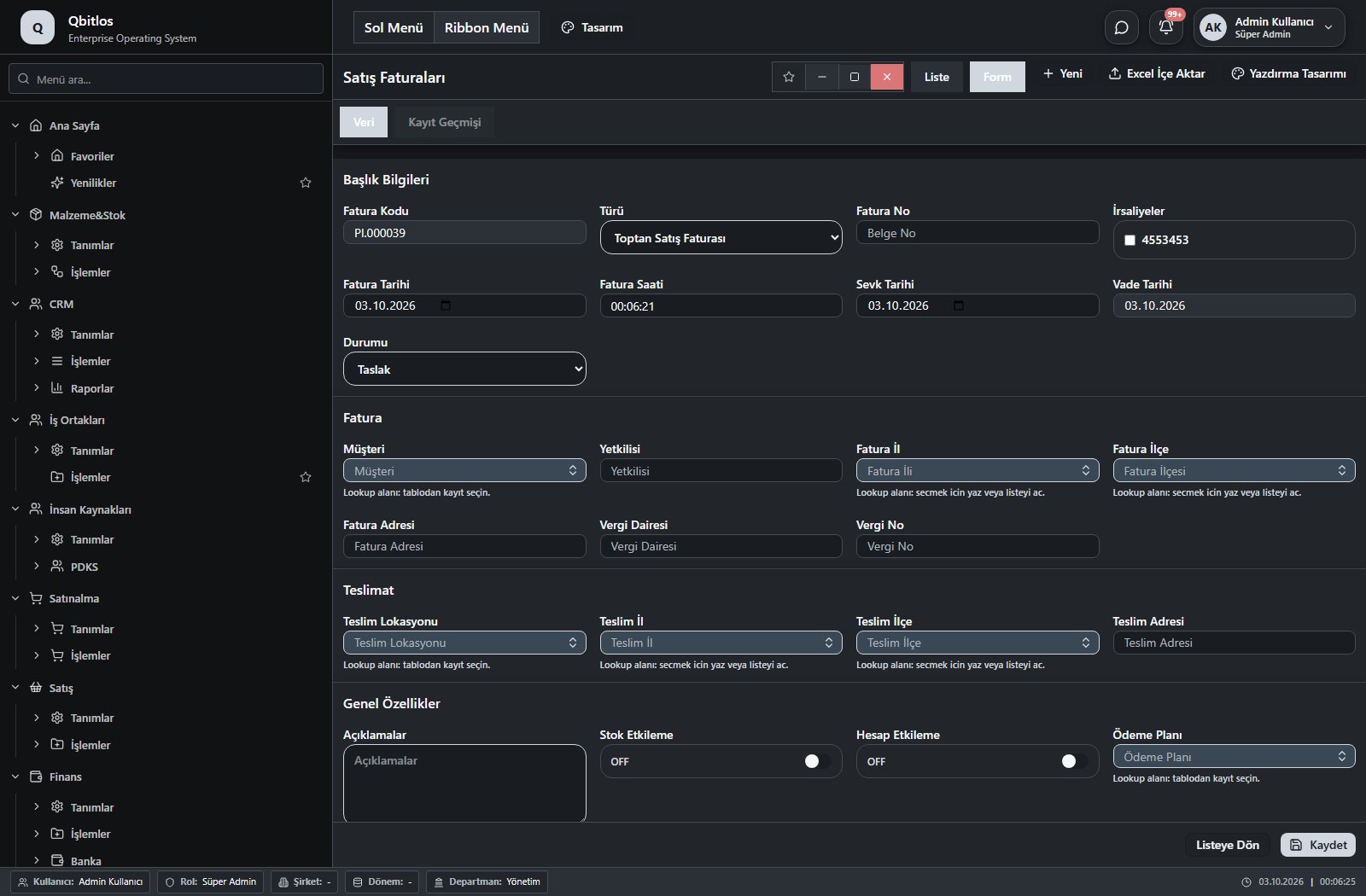
Satış Faturaları · 40 field guide
| Field | Type | Usage and rules |
|---|---|---|
| Fatura Kodu | autofield | Alım Faturaları alanı Optional Automatic value generation is configured. Shown in the list view. |
| Müşteri | lookup | Alım Faturaları alanı Optional Select from related records. Müşteriler Fields populated by selection: Fatura Adresi, Fatura İl, Fatura İlçe, Ödeme Planı, Vergi Dairesi, Vergi No, Yetkilisi. Shown in the list view. |
| Fatura Adresi | text | Alım Faturaları alanı Optional Shown in the list view. |
| Fatura Tarihi | date | Alım Faturaları alanı Optional Shown in the list view. |
| Sevk Tarihi | date | Satış Faturaları alanı Optional Shown in the list view. |
| Fatura No | text | Alım Faturaları alanı Optional Shown in the list view. |
| Fatura Saati | text | Alım Faturaları alanı Optional Shown in the list view. |
| Türü | select | Alım Faturaları alanı Optional Shown in the list view. Options: Toptan Satış Faturası · Perakende Satış Faturası · Hizmet Satış Faturası · Alış İade Faturası · Diğer |
| Para Birimi | lookup | Alım Faturaları alanı Optional Select from related records. Para Birimleri Shown in the list view. |
| Genel Toplam | text | Alım Faturaları alanı Optional Shown in the list view. |
| İskonto | text | Alım Faturaları alanı Optional Shown in the list view. |
| Durumu | select | Alım Faturaları alanı Optional Options: Taslak · Onay Bekliyor · Kabul Edildi · İptal Edildi |
| Dönem No | number | Alım Faturaları alanı Optional |
| Çıkış Deposu | lookup | Alım Faturaları alanı Optional Select from related records. Ambar Tanımları |
| Satış Sorumlusu | lookup | Satış Faturaları alanı Optional Select from related records. Kullanıcılar |
| Açıklamalar | textarea | Alım Faturaları alanı Optional |
| Stok Etkileme | checkbox | Alım Faturaları alanı Optional |
| Hesap Etkileme | checkbox | Alım Faturaları alanı Optional |
| Ödeme Planı | lookup | Alım Faturaları alanı Optional Select from related records. Ödeme Terimleri |
| Valör | text | Alım Faturaları alanı Optional |
| Dönem | hidden | Alım Faturaları alanı Optional |
| İrsaliyeler | multilookup | Alım Faturaları alanı Optional Select from related records. Alım İrsaliyeleri |
| Vergi Dairesi | text | Alım Faturaları alanı Optional |
| Vergi No | text | Alım Faturaları alanı Optional |
| Gelir Grubu | lookup | Alım Faturaları alanı Optional Select from related records. Hesap Planı |
| KDV Toplamı | text | Alım Faturaları alanı Optional Shown in the list view. |
| Fatura İl | lookup | Satış Faturaları alanı Optional Select from related records. İller |
| Fatura İlçe | lookup | Satış Faturaları alanı Optional Select from related records. İlçeler Fields filtering available options: sehir. |
| İlgili Şube | lookup | Alım Faturaları alanı Optional Select from related records. Şube Tanımları |
| Yetkilisi | text | Alım Faturaları alanı Optional |
| Notlar | textarea | Alım Faturaları alanı Optional |
| Ara Toplam | number | Optional Shown in the list view. |
| ETTN | text | Optional Shown in the list view. |
| KDV Hesap Planı | lookup | Optional Select from related records. Hesap Planı |
| Vade Tarihi | calculateddate | Optional Shown in the list view. |
| Kur | lookup | Optional Select from related records. Günlük Kur Fields filtering available options: Para Birimi, Fatura Tarihi. Shown according to a visibility rule. Shown in the list view. |
| Teslim Lokasyonu | lookup | Optional Select from related records. Müşteri Konumları Fields populated by selection: Teslim İl, Teslim İlçe, Teslim Adresi. Shown in the list view. |
| Teslim İl | lookup | Optional Select from related records. İller |
| Teslim İlçe | lookup | Optional Select from related records. İlçeler Fields filtering available options: Teslim İl. |
| Teslim Adresi | text | Optional |
Muhasebe / İrsaliye
This menu opens navigation, a report or a custom screen; it has no standard form field binding. Explore its related screens in the menu.
Muhasebe / İrsaliye / Alım İrsaliyeleri
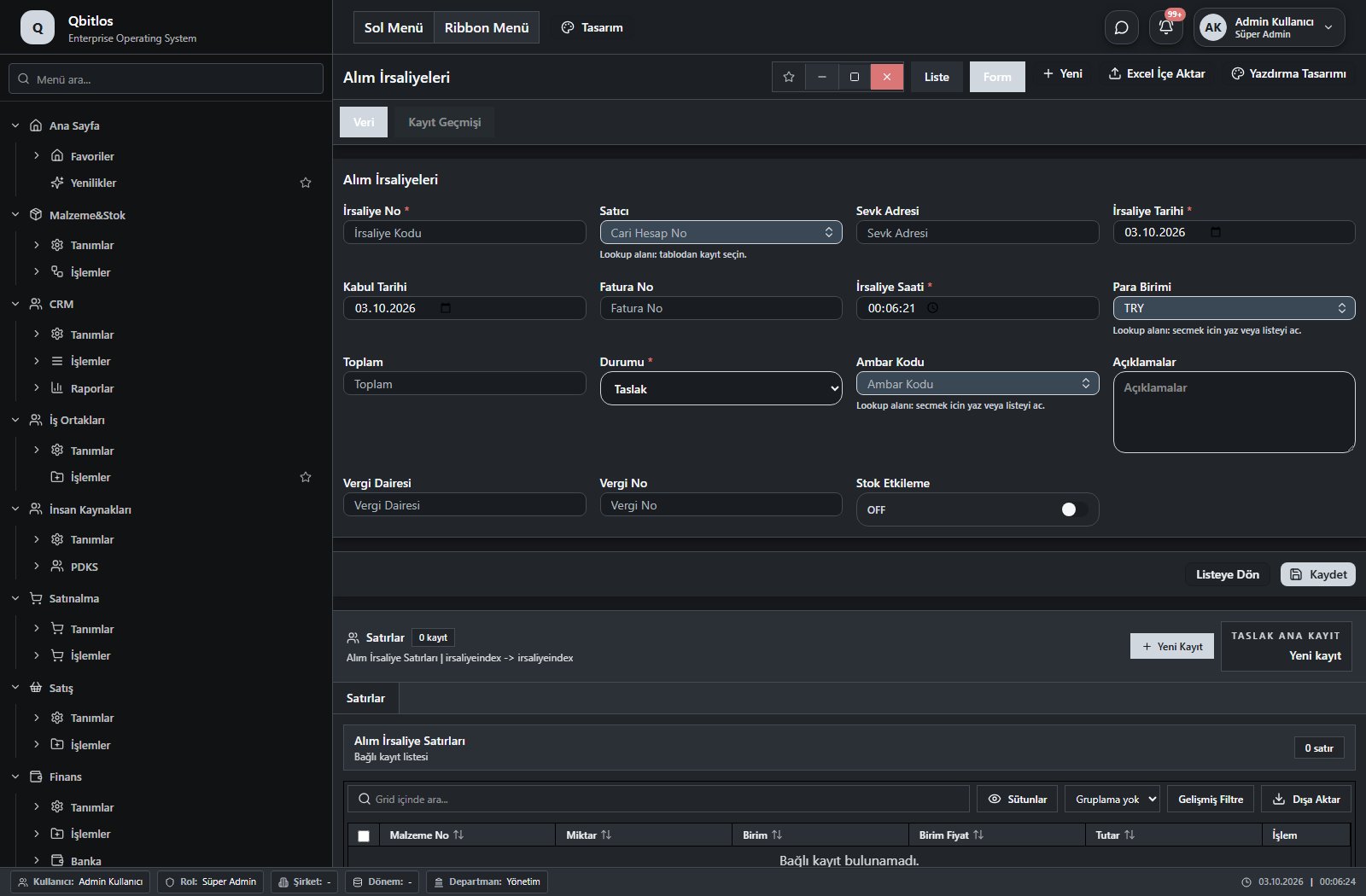
Alım İrsaliyeleri · 16 field guide
| Field | Type | Usage and rules |
|---|---|---|
| İrsaliye No | text | Alım İrsaliyeleri alanı Required Shown in the list view. |
| Satıcı | lookup | Alım İrsaliyeleri alanı Required Select from related records. Hesap Planı Fields populated by selection: Sevk Adresi, Vergi Dairesi, Vergi No. Shown in the list view. |
| Sevk Adresi | text | Alım İrsaliyeleri alanı Optional Shown in the list view. |
| İrsaliye Tarihi | date | Alım İrsaliyeleri alanı Required Shown in the list view. |
| Kabul Tarihi | date | Alım İrsaliyeleri alanı Optional Shown in the list view. |
| Fatura No | text | Alım İrsaliyeleri alanı Optional Shown in the list view. |
| İrsaliye Saati | time | Alım İrsaliyeleri alanı Required Shown in the list view. |
| Para Birimi | lookup | Alım İrsaliyeleri alanı Required Select from related records. Para Birimleri |
| Toplam | text | Alım İrsaliyeleri alanı Optional Shown in the list view. |
| Durumu | select | Alım İrsaliyeleri alanı Required Shown in the list view. Options: Taslak · Onay Bekliyor · Kabul Edildi · İptal Edildi |
| Dönem No | hidden | Alım İrsaliyeleri alanı Optional |
| Ambar Kodu | lookup | Alım İrsaliyeleri alanı Required Select from related records. Ambar Tanımları Shown in the list view. |
| Açıklamalar | textarea | Alım İrsaliyeleri alanı Optional |
| Vergi Dairesi | text | Alım İrsaliyeleri alanı Optional |
| Vergi No | text | Alım İrsaliyeleri alanı Optional |
| Stok Etkileme | checkbox | Alım İrsaliyeleri alanı Optional Shown in the list view. |
Muhasebe / İrsaliye / Satış İrsaliyeleri
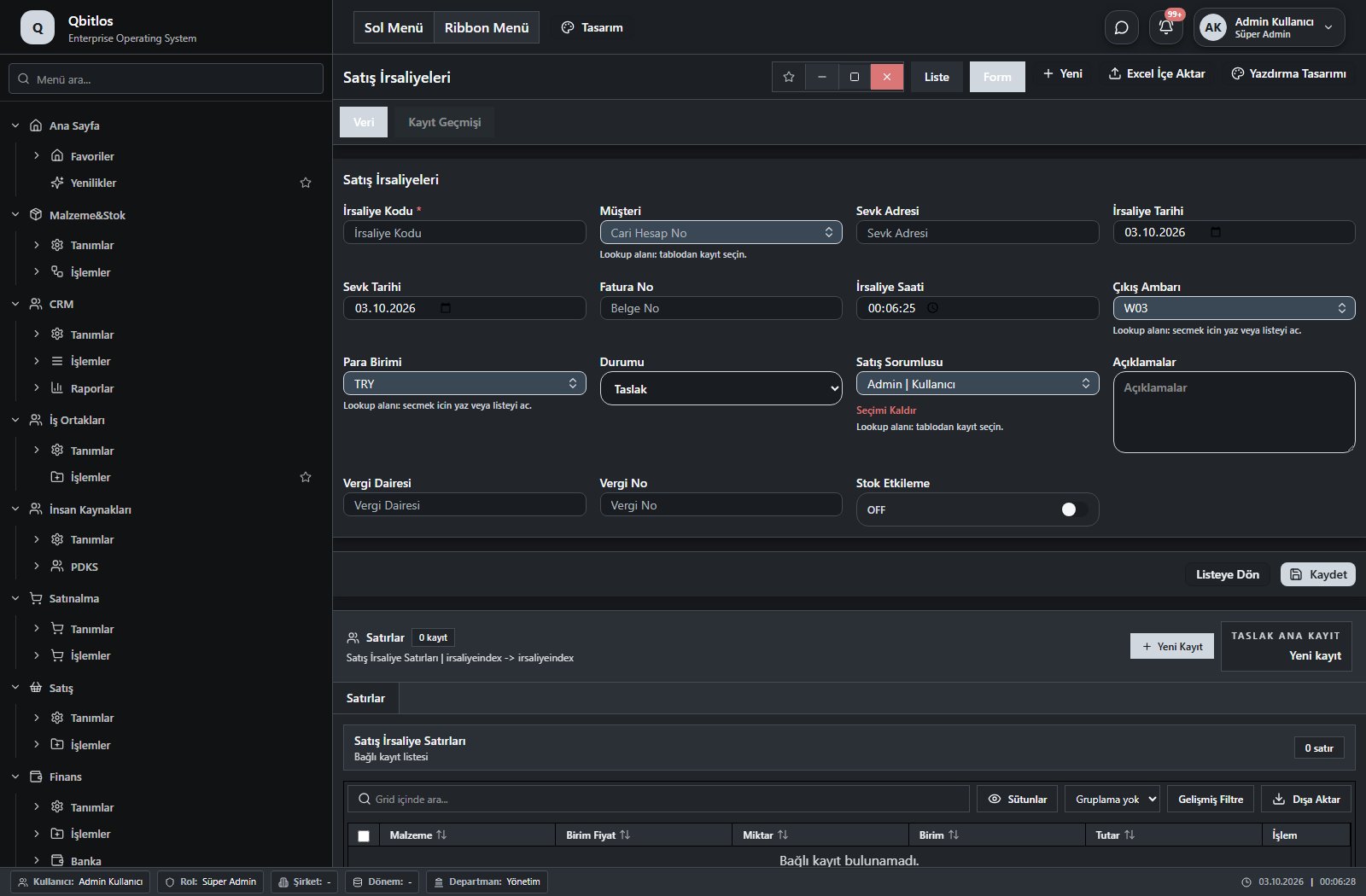
Satış İrsaliyeleri · 17 field guide
| Field | Type | Usage and rules |
|---|---|---|
| İrsaliye Kodu | text | Satış İrsaliyeleri alanı Required Shown in the list view. |
| Müşteri | lookup | Satış İrsaliyeleri alanı Optional Select from related records. Hesap Planı Fields populated by selection: Sevk Adresi. Shown in the list view. |
| Sevk Adresi | text | Satış İrsaliyeleri alanı Optional Shown in the list view. |
| İrsaliye Tarihi | date | Satış İrsaliyeleri alanı Optional Shown in the list view. |
| Sevk Tarihi | date | Satış İrsaliyeleri alanı Optional Shown in the list view. |
| Fatura No | text | Satış İrsaliyeleri alanı Optional Shown in the list view. |
| İrsaliye Saati | time | Satış İrsaliyeleri alanı Optional Shown in the list view. |
| Para Birimi | lookup | Satış İrsaliyeleri alanı Optional Select from related records. Para Birimleri |
| Toplam | text | Satış İrsaliyeleri alanı Optional |
| Durumu | select | Satış İrsaliyeleri alanı Optional Options: Taslak · Onay Bekliyor · Kabul Edildi · İptal Edildi |
| Dönem No | hidden | Satış İrsaliyeleri alanı Optional |
| Çıkış Ambarı | lookup | Satış İrsaliyeleri alanı Optional Select from related records. Ambar Tanımları |
| Satış Sorumlusu | lookup | Satış İrsaliyeleri alanı Optional Select from related records. Kullanıcılar |
| Açıklamalar | textarea | Satış İrsaliyeleri alanı Optional |
| Vergi Dairesi | text | Satış İrsaliyeleri alanı Optional |
| Vergi No | text | Satış İrsaliyeleri alanı Optional |
| Stok Etkileme | checkbox | Satış İrsaliyeleri alanı Optional |
Device and equipment records identify factory assets and connections. IoT logs retain channel, raw/calculated value, unit, quality and formula. UWB tags link personnel/equipment with locations. Maintenance plans track intervals and due dates; faults record root cause, downtime, production loss and cost. Predictive measurements capture thresholds, risk and recommended action.
Fabrigate / Tanımlar
This menu opens navigation, a report or a custom screen; it has no standard form field binding. Explore its related screens in the menu.
Fabrigate / Tanımlar / Binalar
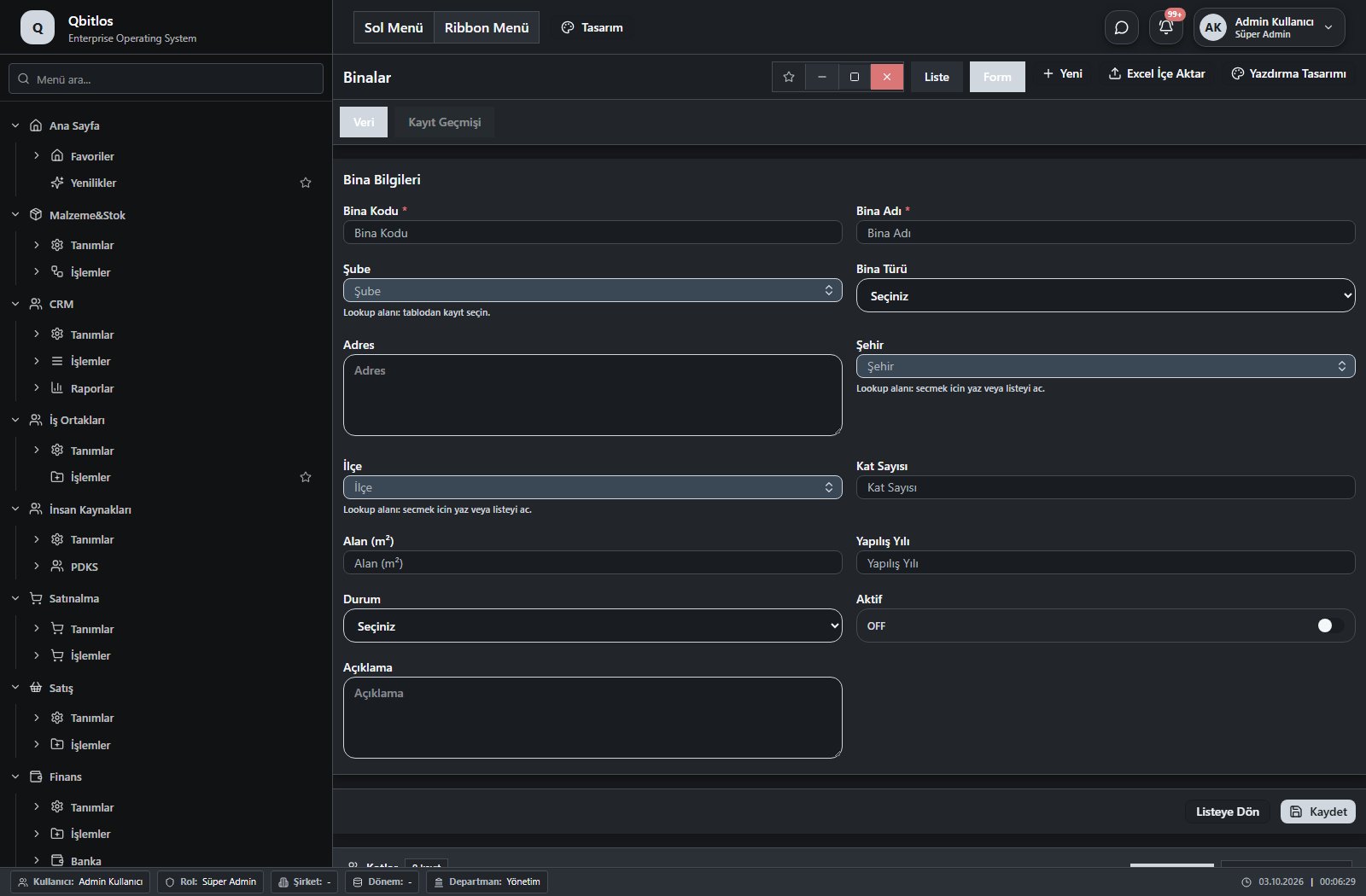
Binalar · 13 field guide
| Field | Type | Usage and rules |
|---|---|---|
| Bina Kodu | text | Required Shown in the list view. |
| Bina Adı | text | Required Shown in the list view. |
| Şube | lookup | Required Select from related records. Şube Tanımları Shown in the list view. |
| Bina Türü | select | Optional Shown in the list view. Options: Üretim · Depo · İdari Ofis · Servis · Sosyal Tesis · Diğer |
| Adres | textarea | Optional |
| Şehir | lookup | Optional Select from related records. İller Shown in the list view. |
| İlçe | lookup | Optional Select from related records. İlçeler Fields filtering available options: Şehir. Shown in the list view. |
| Kat Sayısı | number | Optional Shown in the list view. |
| Alan (m²) | number | Optional Shown in the list view. |
| Yapılış Yılı | number | Optional |
| Durum | select | Optional Shown in the list view. Options: Aktif · Pasif · İnşaatta · Tadilatta |
| Aktif | checkbox | Optional Shown in the list view. |
| Açıklama | textarea | Optional |
Fabrigate / Tanımlar / Bölgeler
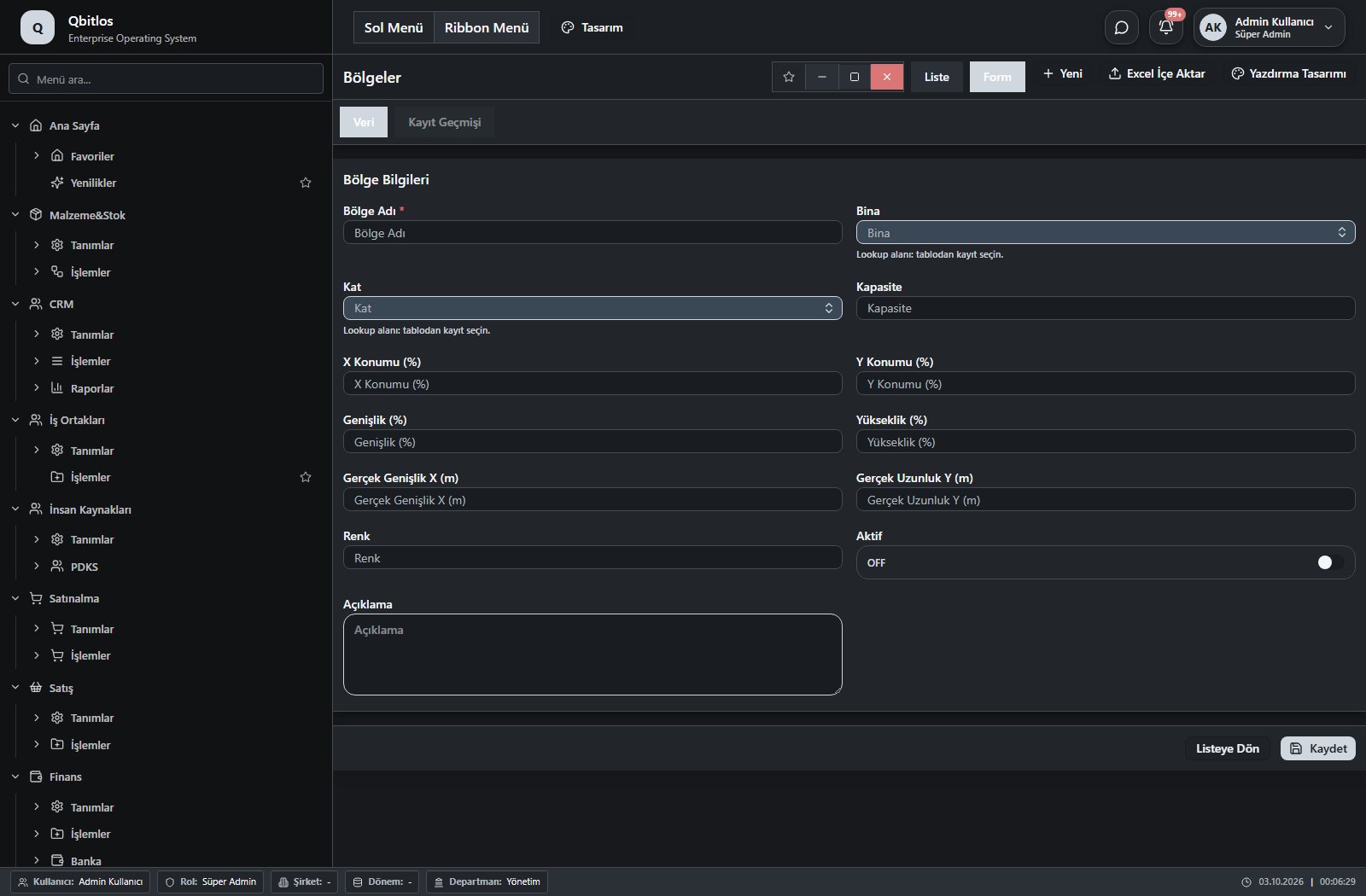
Bölgeler · 13 field guide
| Field | Type | Usage and rules |
|---|---|---|
| Bölge Adı | text | Required Shown in the list view. |
| Bina | lookup | Required Select from related records. Binalar Shown in the list view. |
| Kat | lookup | Optional Select from related records. Katlar Fields filtering available options: Bina. Shown in the list view. |
| Kapasite | number | Optional Shown in the list view. |
| X Konumu (%) | number | Optional |
| Y Konumu (%) | number | Optional |
| Genişlik (%) | number | Optional |
| Yükseklik (%) | number | Optional |
| Gerçek Genişlik X (m) | number | Optional Shown in the list view. |
| Gerçek Uzunluk Y (m) | number | Optional Shown in the list view. |
| Renk | text | Optional Shown in the list view. |
| Aktif | checkbox | Optional Shown in the list view. |
| Açıklama | textarea | Optional |
Fabrigate / Tanımlar / IoT Cihaz Modelleri
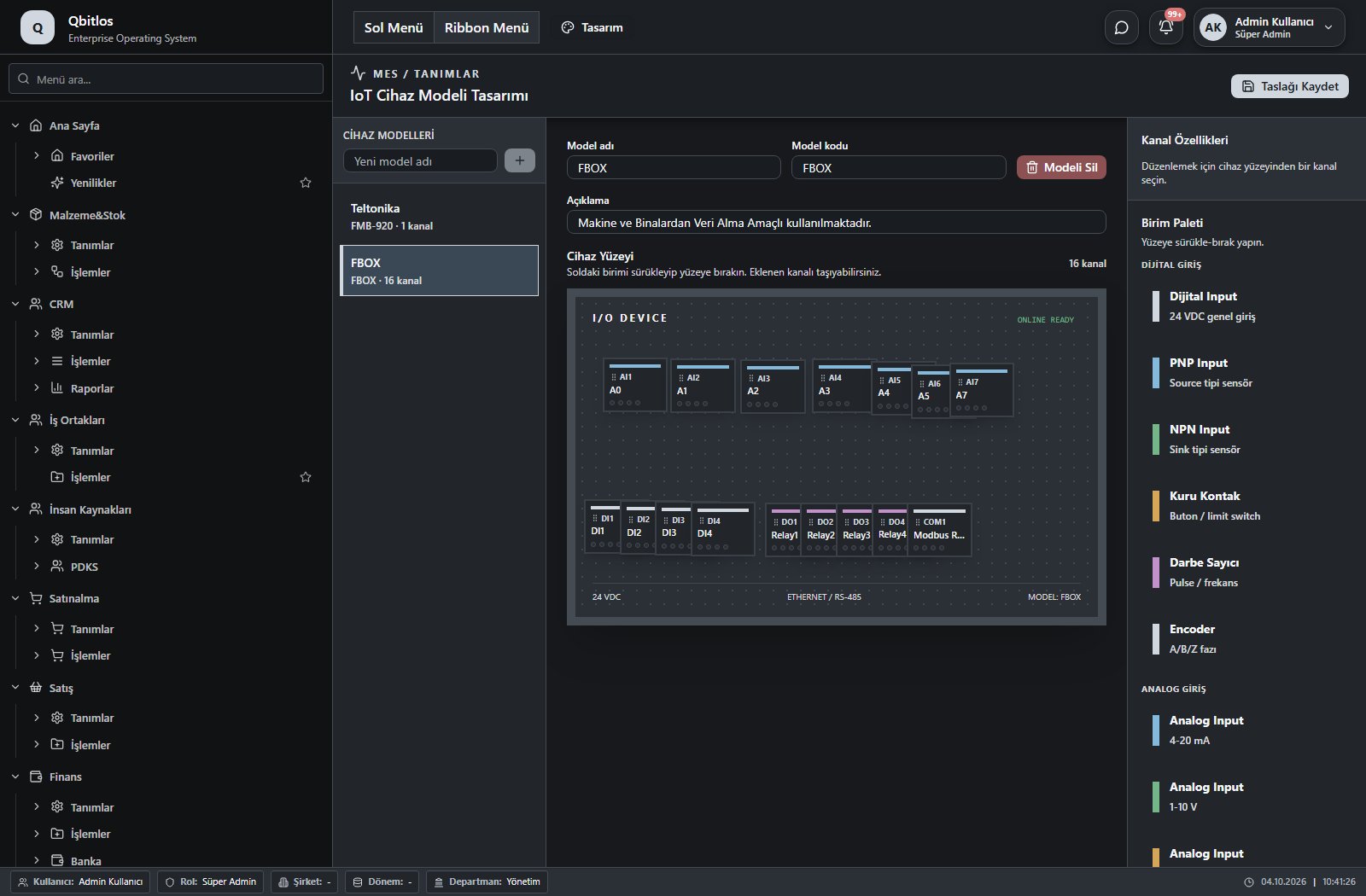
Select a model from the left-hand list. The middle panel shows its name, code and description, followed by channel count and visual device surface.
The palette includes digital inputs, PNP/NPN, dry contact, pulse counter, encoder, analog inputs and outputs. Drag or click a unit to add it. Select a channel to edit its label and code, then save the draft.
Fabrigate / Tanımlar / IoT Cihazları
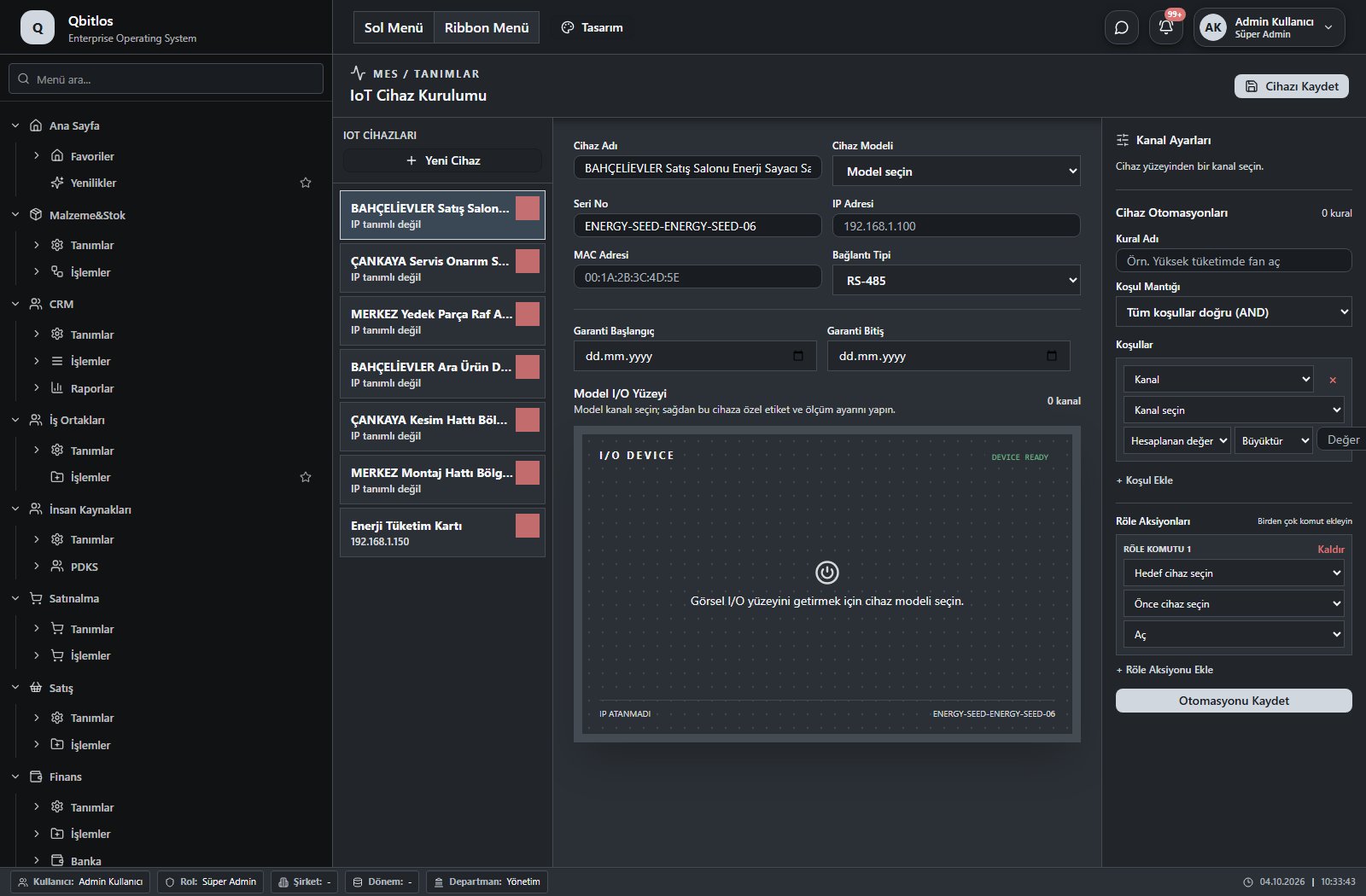
Select an existing device or create a new draft. Configure name, model, serial number, IP/MAC address, connection type and warranty dates. Model channels appear on the I/O surface.
Select a channel to inspect its label, measurement purpose, unit, asset and scale. Automation rules combine conditions with AND/OR and support multiple relay actions targeting device outputs.
IoT Cihazları · 10 field guide
| Field | Type | Usage and rules |
|---|---|---|
| Cihaz Adı | text | Cihaz Adı Required Shown in the list view. |
| Cihaz Modeli | lookup | Cihaz Modeli Required Select from related records. IoT Cihaz Modelleri Shown in the list view. |
| Seri No | text | Seri No Optional Unique value Shown in the list view. |
| IP Adresi | text | IP Adresi Optional Shown in the list view. |
| MAC Adresi | text | MAC Adresi Optional Unique value Shown in the list view. |
| Bağlantı Tipi | select | Bağlantı Tipi Optional Shown in the list view. Options: Ethernet · Wi-Fi · RS-485 · LoRaWAN · 4G/5G |
| Garanti Başlangıç Tarihi | date | Garanti Başlangıç Tarihi Optional Shown in the list view. |
| Garanti Bitiş Tarihi | date | Garanti Bitiş Tarihi Optional Shown in the list view. |
| Açıklama | textarea | Açıklama Optional |
| Aktif | checkbox | Aktif Optional Shown in the list view. |
Fabrigate / Tanımlar / Ekipmanlar
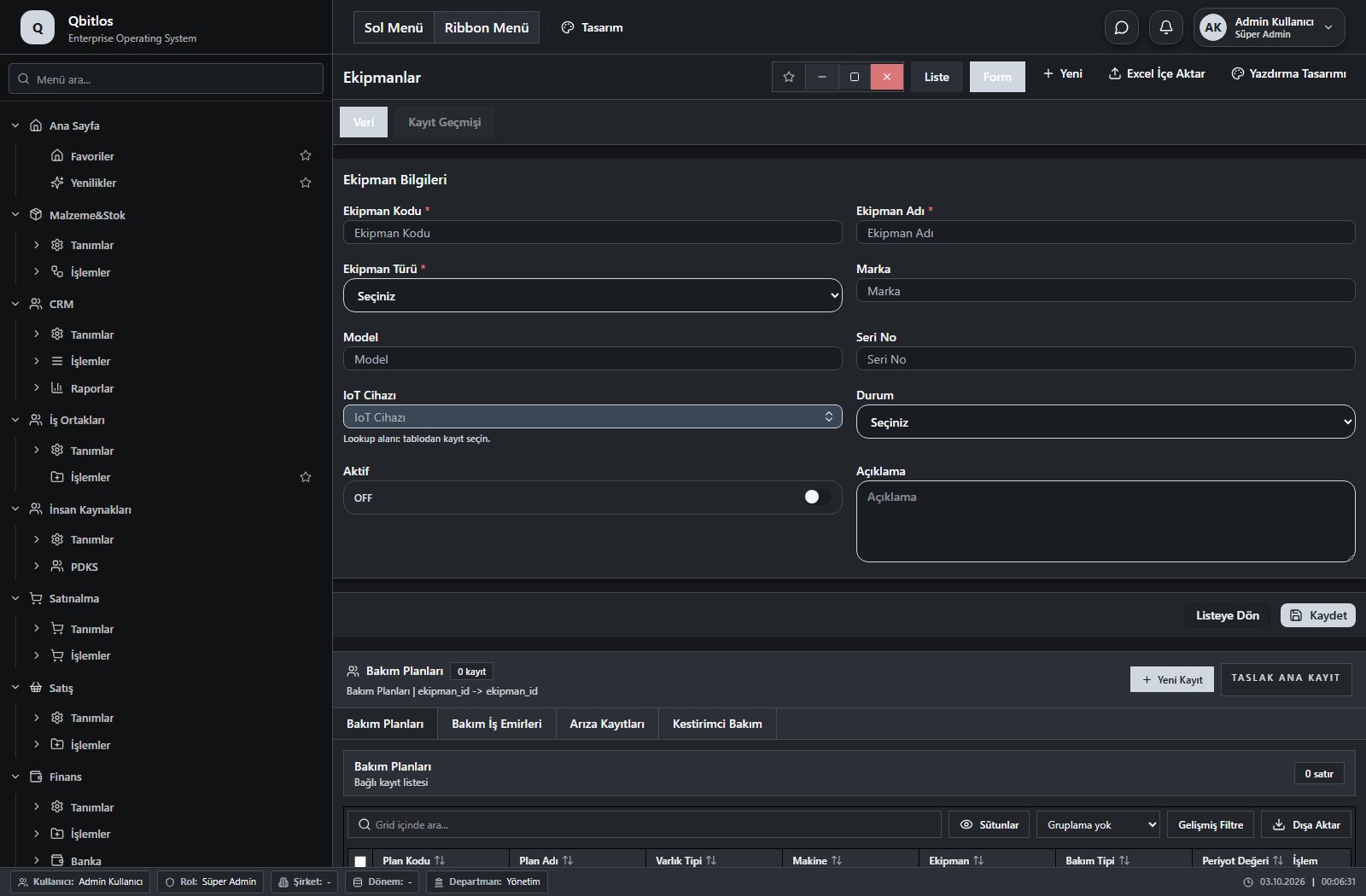
Ekipmanlar · 10 field guide
| Field | Type | Usage and rules |
|---|---|---|
| Ekipman Kodu | text | Ekipman Kodu Required Unique value Shown in the list view. |
| Ekipman Adı | text | Ekipman Adı Required Shown in the list view. |
| Ekipman Türü | select | Ekipman Türü Required Shown in the list view. Options: Forklift · Vinç · Ekipman · EKG · Jeneratör · Kompresör · Diğer |
| Marka | text | Marka Optional Shown in the list view. |
| Model | text | Model Optional Shown in the list view. |
| Seri No | text | Seri No Optional Unique value Shown in the list view. |
| IoT Cihazı | lookup | IoT Cihazı Optional Select from related records. IoT Cihazları Shown in the list view. |
| Durum | select | Durum Optional Shown in the list view. Options: Aktif · Bakımda · Arızalı · Pasif |
| Aktif | checkbox | Aktif Optional Shown in the list view. |
| Açıklama | textarea | Açıklama Optional |
Fabrigate / Tanımlar / UWB Tagler
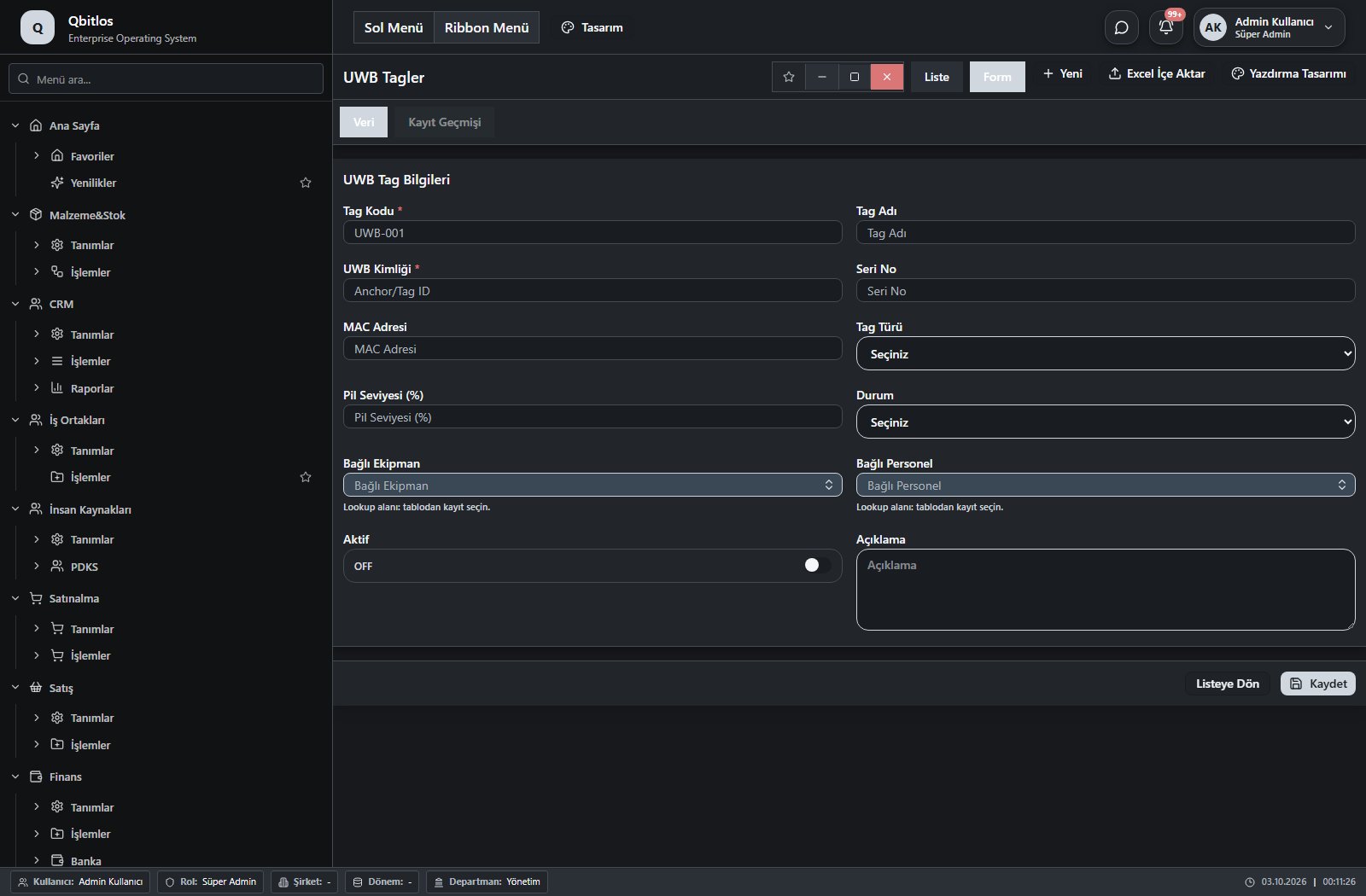
UWB Tagler · 16 field guide
| Field | Type | Usage and rules |
|---|---|---|
| Tag Kodu | text | Tag Kodu Required Unique value Shown in the list view. |
| Tag Adı | text | Tag Adı Optional Shown in the list view. |
| UWB Kimliği | text | UWB Kimliği Required Unique value Shown in the list view. |
| Seri No | text | Seri No Optional Shown in the list view. |
| MAC Adresi | text | MAC Adresi Optional Unique value Shown in the list view. |
| Tag Türü | select | Tag Türü Optional Shown in the list view. Options: UWB Tag · UWB Anchor · UWB Gateway · BLE Tag · Diğer |
| Pil Seviyesi (%) | number | Pil Seviyesi (%) Optional Shown in the list view. |
| Durum | select | Durum Optional Shown in the list view. Options: Aktif · Düşük Pil · Kayıp · Bakımda · Pasif |
| Bağlı Ekipman | lookup | Bağlı Ekipman Optional Select from related records. Ekipmanlar Shown in the list view. |
| Bağlı Personel | lookup | Bağlı Personel Optional Select from related records. Personel Özlük Bilgileri Shown in the list view. |
| Montaj Binası | lookup | Gateway Binası Optional Select from related records. Binalar Shown according to a visibility rule. Shown in the list view. |
| Montaj Bölgesi | lookup | Gateway Bölgesi Optional Select from related records. Bölgeler Fields filtering available options: Montaj Binası. Shown according to a visibility rule. Shown in the list view. |
| Montaj X Konumu (%) | number | X Konumu (%) Optional Shown according to a visibility rule. Shown in the list view. |
| Montaj Y Konumu (%) | number | Y Konumu (%) Optional Shown according to a visibility rule. Shown in the list view. |
| Aktif | checkbox | Aktif Optional Shown in the list view. |
| Açıklama | textarea | Açıklama Optional |
Fabrigate / DTWIN
This menu opens navigation, a report or a custom screen; it has no standard form field binding. Explore its related screens in the menu.
Fabrigate / DTWIN / Tesis Yönetimi
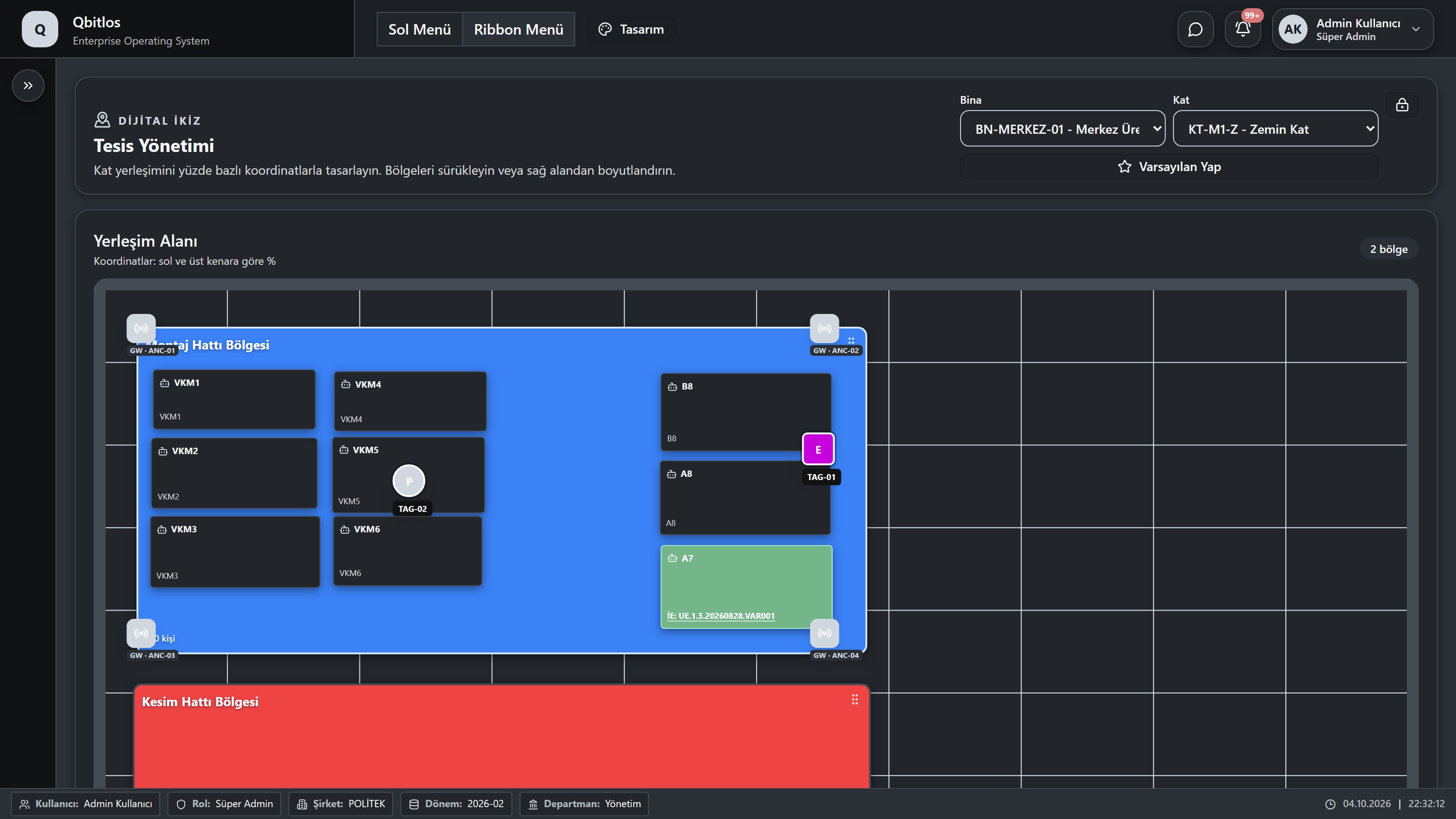
Select a building and floor to open its layout. Regions use percentage-based X/Y coordinates, width and height, with color, capacity and physical dimensions.
Inspect machines, equipment and UWB tags on the layout. Select a region to inspect its properties; unlock editing to move and resize it. The default selection determines the initial building and floor.
Fabrigate / DTWIN / IoT Cihaz Logları
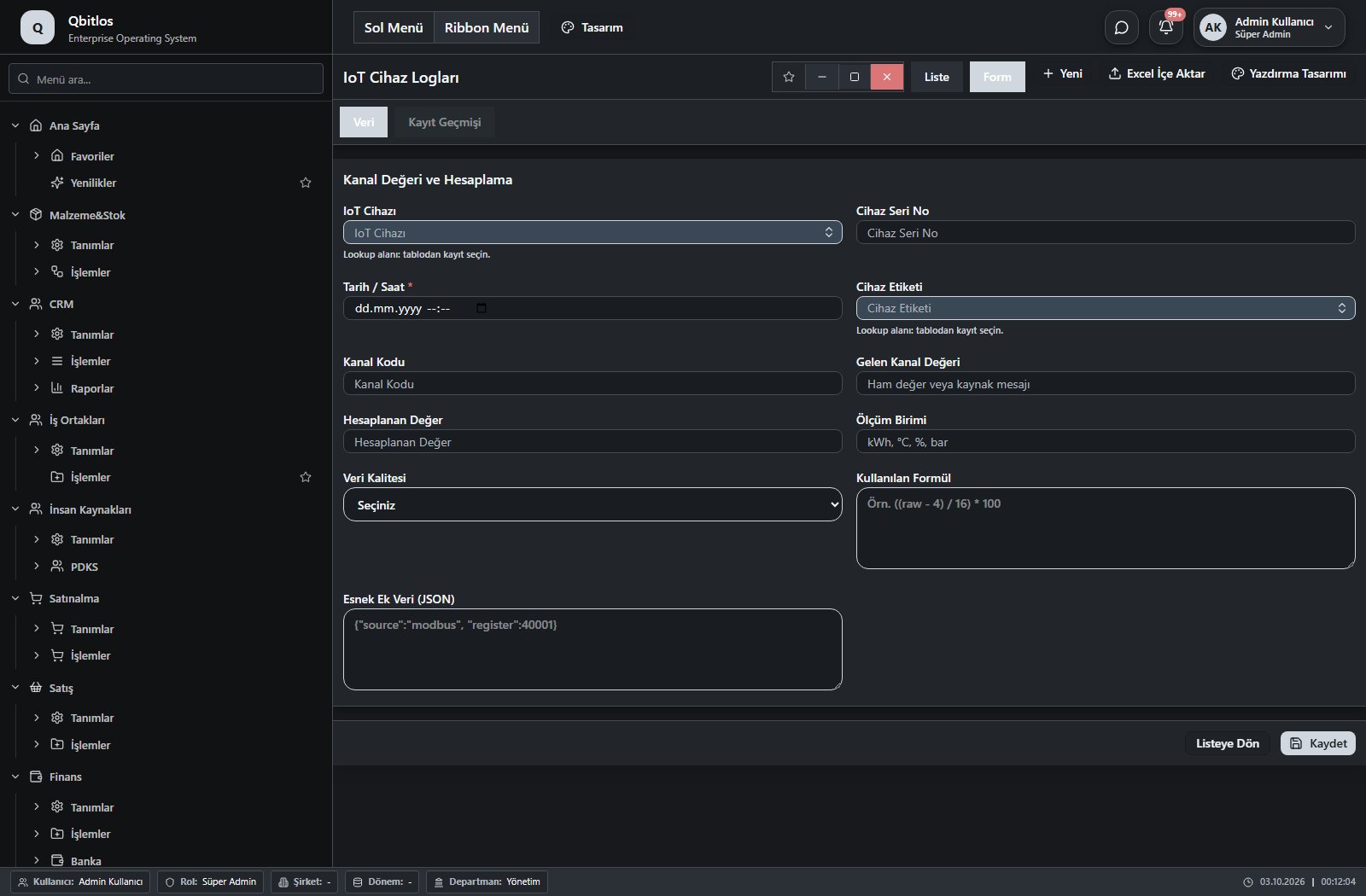
IoT Cihaz Logları · 11 field guide
| Field | Type | Usage and rules |
|---|---|---|
| IoT Cihazı | lookup | IoT Cihazı Optional Select from related records. IoT Cihazları Shown in the list view. |
| Cihaz Seri No | text | Cihaz Seri No Optional Shown in the list view. |
| Tarih / Saat | datetime | Tarih / Saat Required Shown in the list view. |
| Cihaz Etiketi | lookup | Cihaz Etiketi Optional Select from related records. IoT Cihaz Etiketleri Shown in the list view. |
| Kanal Kodu | text | Kanal Kodu Optional Shown in the list view. |
| Gelen Kanal Değeri | text | Gelen Kanal Değeri Optional Shown in the list view. |
| Hesaplanan Değer | number | Hesaplanan Değer Optional Shown in the list view. |
| Ölçüm Birimi | text | Ölçüm Birimi Optional Shown in the list view. |
| Veri Kalitesi | select | Veri Kalitesi Optional Shown in the list view. Options: Geçerli · Şüpheli · Hatalı · Bağlantı Kesik |
| Kullanılan Formül | textarea | Kullanılan Formül Optional |
| Esnek Ek Veri (JSON) | textarea | Esnek Ek Veri (JSON) Optional |
Fabrigate / DTWIN / UWB Tag Logları
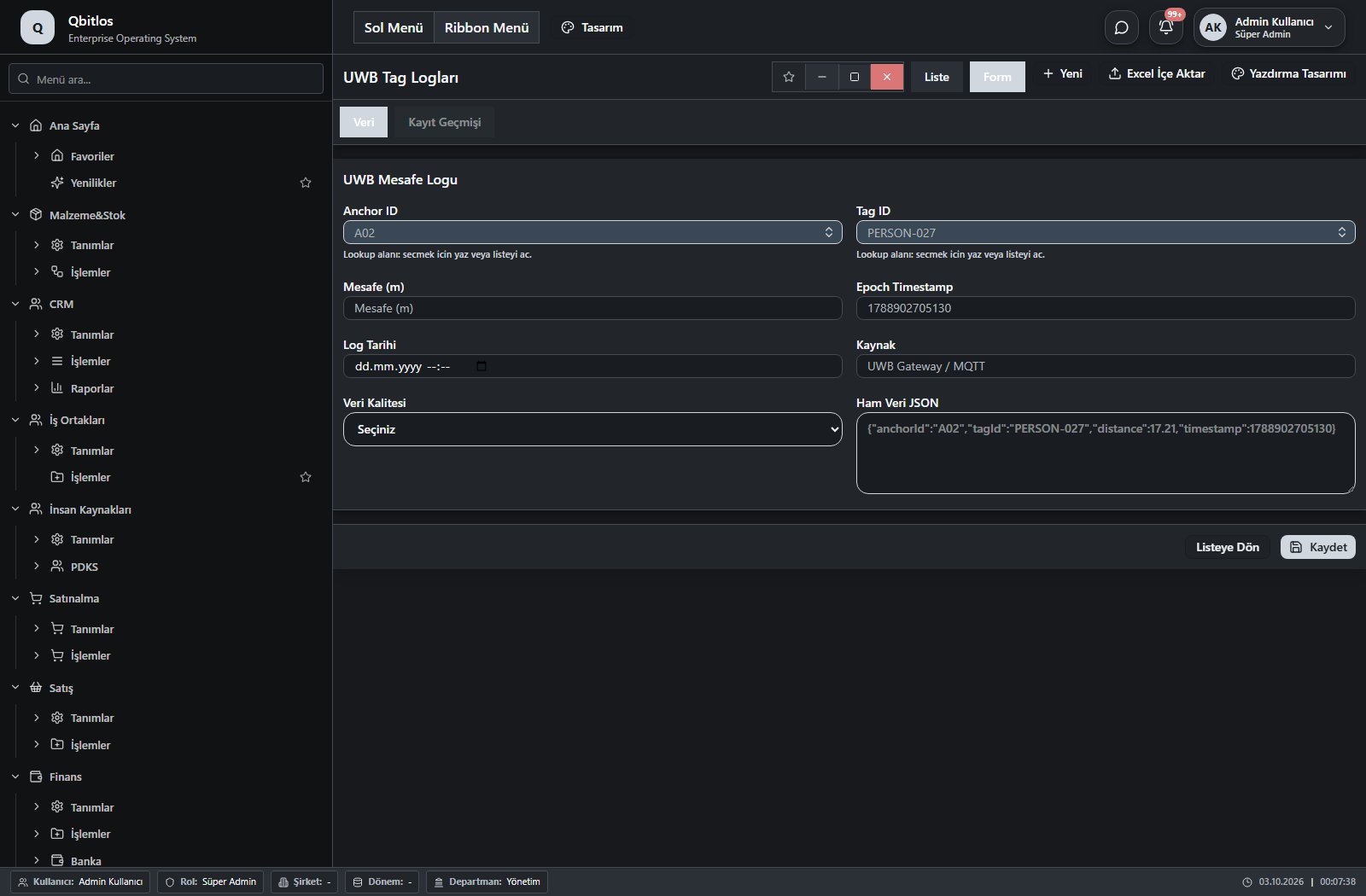
UWB Tag Logları · 8 field guide
| Field | Type | Usage and rules |
|---|---|---|
| Anchor ID | lookup | Anchor ID Required Select from related records. UWB Tagler Shown in the list view. |
| Tag ID | lookup | Tag ID Required Select from related records. UWB Tagler Shown in the list view. |
| Mesafe (m) | number | Mesafe (m) Optional Shown in the list view. |
| Epoch Timestamp | number | Epoch Timestamp Optional Shown in the list view. |
| Log Tarihi | datetime | Log Tarihi Optional Shown in the list view. |
| Kaynak | text | Kaynak Optional Shown in the list view. |
| Veri Kalitesi | select | Veri Kalitesi Optional Shown in the list view. Options: Geçerli · Şüpheli · Hatalı · Geçersiz |
| Ham Veri JSON | textarea | Ham Veri JSON Optional |
Fabrigate / Bakım Yönetimi
This menu opens navigation, a report or a custom screen; it has no standard form field binding. Explore its related screens in the menu.
Fabrigate / Bakım Yönetimi / Bakım Takvimi
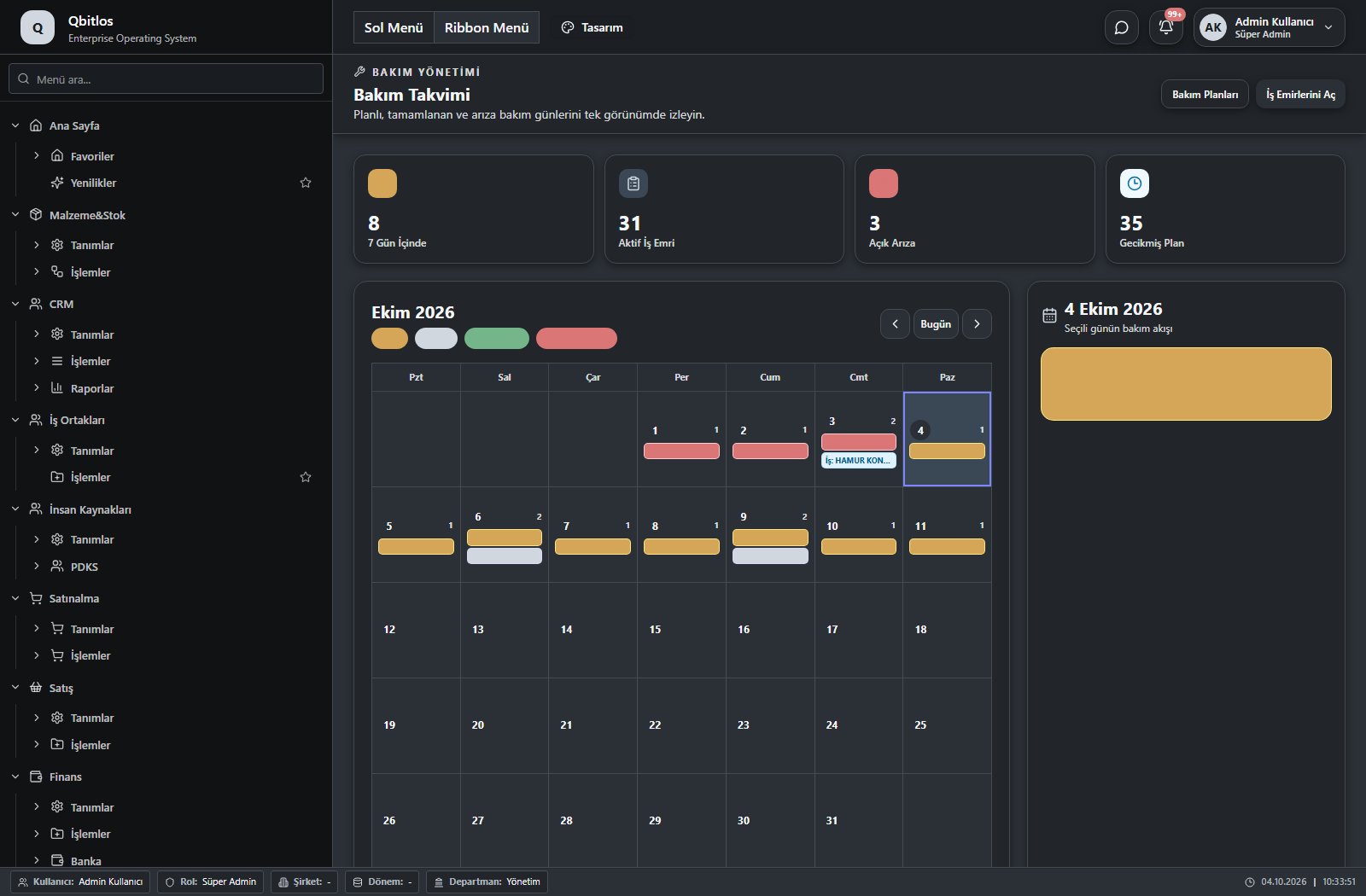
This menu opens navigation, a report or a custom screen; it has no standard form field binding. Explore its related screens in the menu.
Fabrigate / Bakım Yönetimi / Bakım Planları
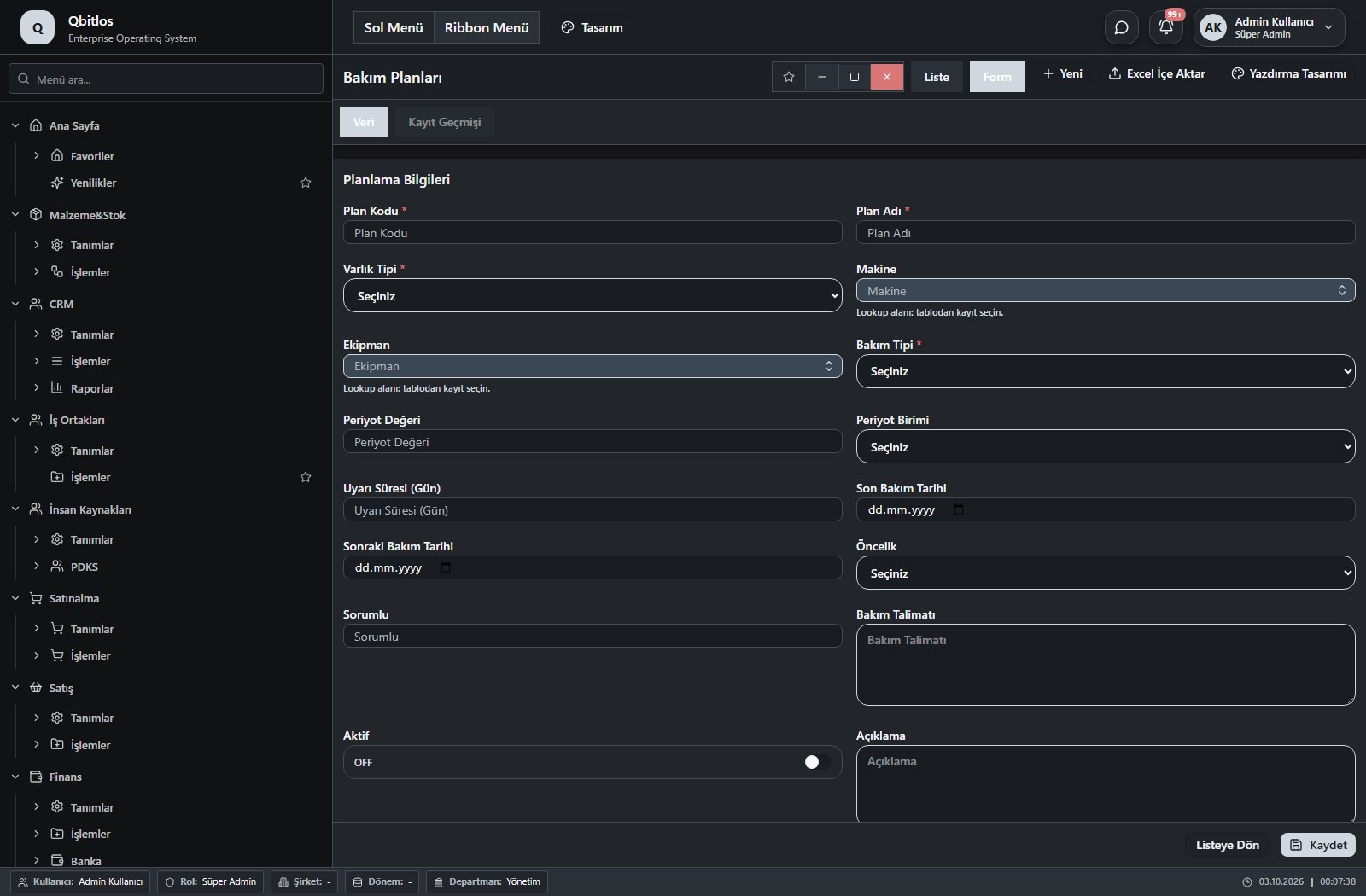
Bakım Planları · 16 field guide
| Field | Type | Usage and rules |
|---|---|---|
| Plan Kodu | text | Required Unique value Shown in the list view. |
| Plan Adı | text | Required Shown in the list view. |
| Varlık Tipi | select | Required Shown in the list view. Options: Makine · Ekipman |
| Makine | lookup | Optional Select from related records. Makineler Shown in the list view. |
| Ekipman | lookup | Optional Select from related records. Ekipmanlar Shown in the list view. |
| Bakım Tipi | select | Required Shown in the list view. Options: Periyodik Bakım · Kestirimci Bakım |
| Periyot Değeri | number | Optional Shown in the list view. |
| Periyot Birimi | select | Optional Shown in the list view. Options: Gün · Hafta · Ay · Çalışma Saati · Çevrim |
| Uyarı Süresi (Gün) | number | Optional Shown in the list view. |
| Son Bakım Tarihi | date | Optional Shown in the list view. |
| Sonraki Bakım Tarihi | date | Optional Shown in the list view. |
| Öncelik | select | Optional Shown in the list view. Options: Düşük · Normal · Yüksek · Kritik |
| Sorumlu | text | Optional Shown in the list view. |
| Bakım Talimatı | textarea | Optional |
| Aktif | checkbox | Optional Shown in the list view. |
| Açıklama | textarea | Optional |
Fabrigate / Bakım Yönetimi / Bakım İş Emirleri
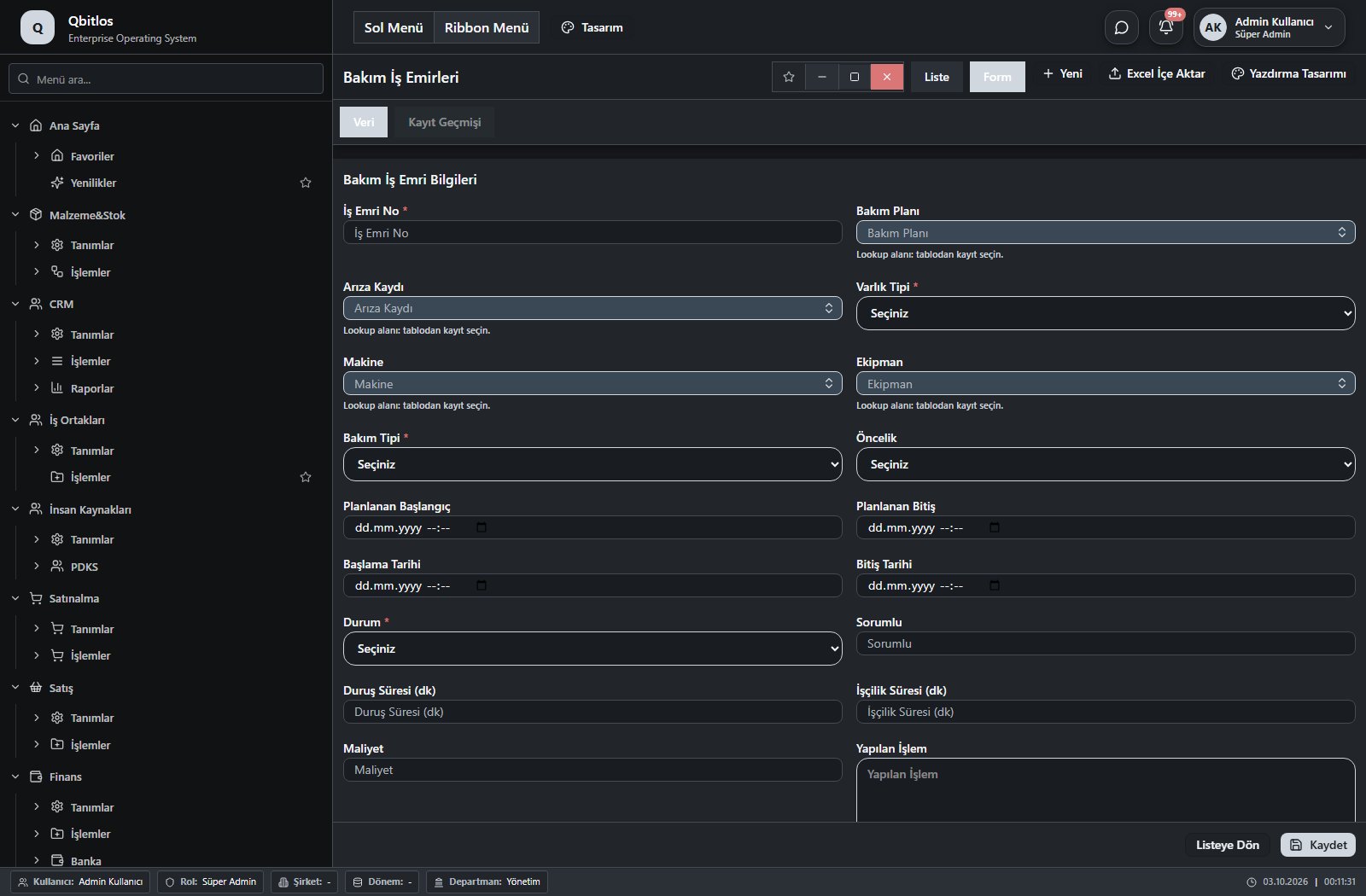
Bakım İş Emirleri · 21 field guide
| Field | Type | Usage and rules |
|---|---|---|
| İş Emri No | text | Required Unique value Shown in the list view. |
| Bakım Planı | lookup | Optional Select from related records. Bakım Planları Shown in the list view. |
| Arıza Kaydı | lookup | Optional Select from related records. Arıza Kayıtları Shown in the list view. |
| Varlık Tipi | select | Required Shown in the list view. Options: Makine · Ekipman |
| Makine | lookup | Optional Select from related records. Makineler Shown in the list view. |
| Ekipman | lookup | Optional Select from related records. Ekipmanlar Shown in the list view. |
| Bakım Tipi | select | Required Shown in the list view. Options: Planlı Bakım · Kestirimci Bakım · Arıza Bakımı · İyileştirme |
| Öncelik | select | Optional Shown in the list view. Options: Düşük · Normal · Yüksek · Kritik |
| Planlanan Başlangıç | datetime | Optional Shown in the list view. |
| Planlanan Bitiş | datetime | Optional Shown in the list view. |
| Başlama Tarihi | datetime | Optional Shown in the list view. |
| Bitiş Tarihi | datetime | Optional Shown in the list view. |
| Durum | select | Required Shown in the list view. Options: Planlandı · Atandı · Devam Ediyor · Beklemede · Tamamlandı · İptal |
| Sorumlu | text | Optional Shown in the list view. |
| Duruş Süresi (dk) | number | Optional Shown in the list view. |
| İşçilik Süresi (dk) | number | Optional Shown in the list view. |
| Maliyet | number | Optional Shown in the list view. |
| Yapılan İşlem | textarea | Optional |
| Kullanılan Malzeme | textarea | Optional |
| Kontrol Notu | textarea | Optional |
| Sonraki Bakım Tarihi | date | Optional Shown in the list view. |
Fabrigate / Bakım Yönetimi / Arıza Kayıtları
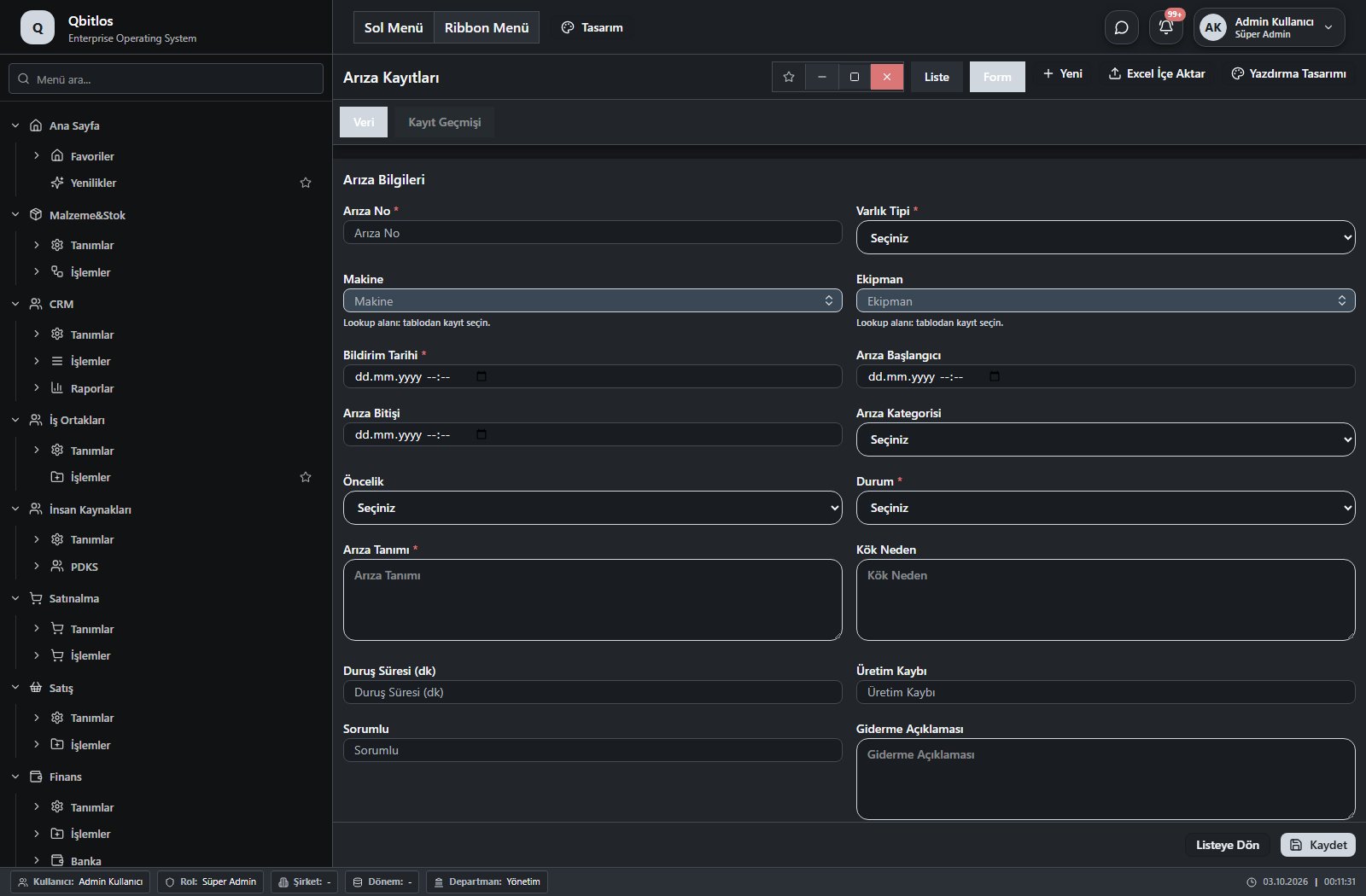
Arıza Kayıtları · 19 field guide
| Field | Type | Usage and rules |
|---|---|---|
| Arıza No | text | Required Unique value Shown in the list view. |
| Varlık Tipi | select | Required Shown in the list view. Options: Makine · Ekipman |
| Makine | lookup | Optional Select from related records. Makineler Shown in the list view. |
| Ekipman | lookup | Optional Select from related records. Ekipmanlar Shown in the list view. |
| Bildirim Tarihi | datetime | Required Shown in the list view. |
| Arıza Başlangıcı | datetime | Optional Shown in the list view. |
| Arıza Bitişi | datetime | Optional Shown in the list view. |
| Arıza Kategorisi | select | Optional Shown in the list view. Options: Mekanik · Elektrik · Elektronik · Hidrolik · Pnömatik · Yazılım · Güvenlik · Diğer |
| Öncelik | select | Optional Shown in the list view. Options: Düşük · Normal · Yüksek · Kritik |
| Durum | select | Required Shown in the list view. Options: Açık · Atandı · Devam Ediyor · Giderildi · Kapatıldı |
| Arıza Tanımı | textarea | Required Shown in the list view. |
| Kök Neden | textarea | Optional |
| Duruş Süresi (dk) | number | Optional Shown in the list view. |
| Üretim Kaybı | number | Optional Shown in the list view. |
| Sorumlu | text | Optional Shown in the list view. |
| Giderme Açıklaması | textarea | Optional |
| Maliyet | number | Optional Shown in the list view. |
| Tekrarlandı | checkbox | Optional Shown in the list view. |
| Açıklama | textarea | Optional |
Fabrigate / Bakım Yönetimi / Kestirimci Bakım
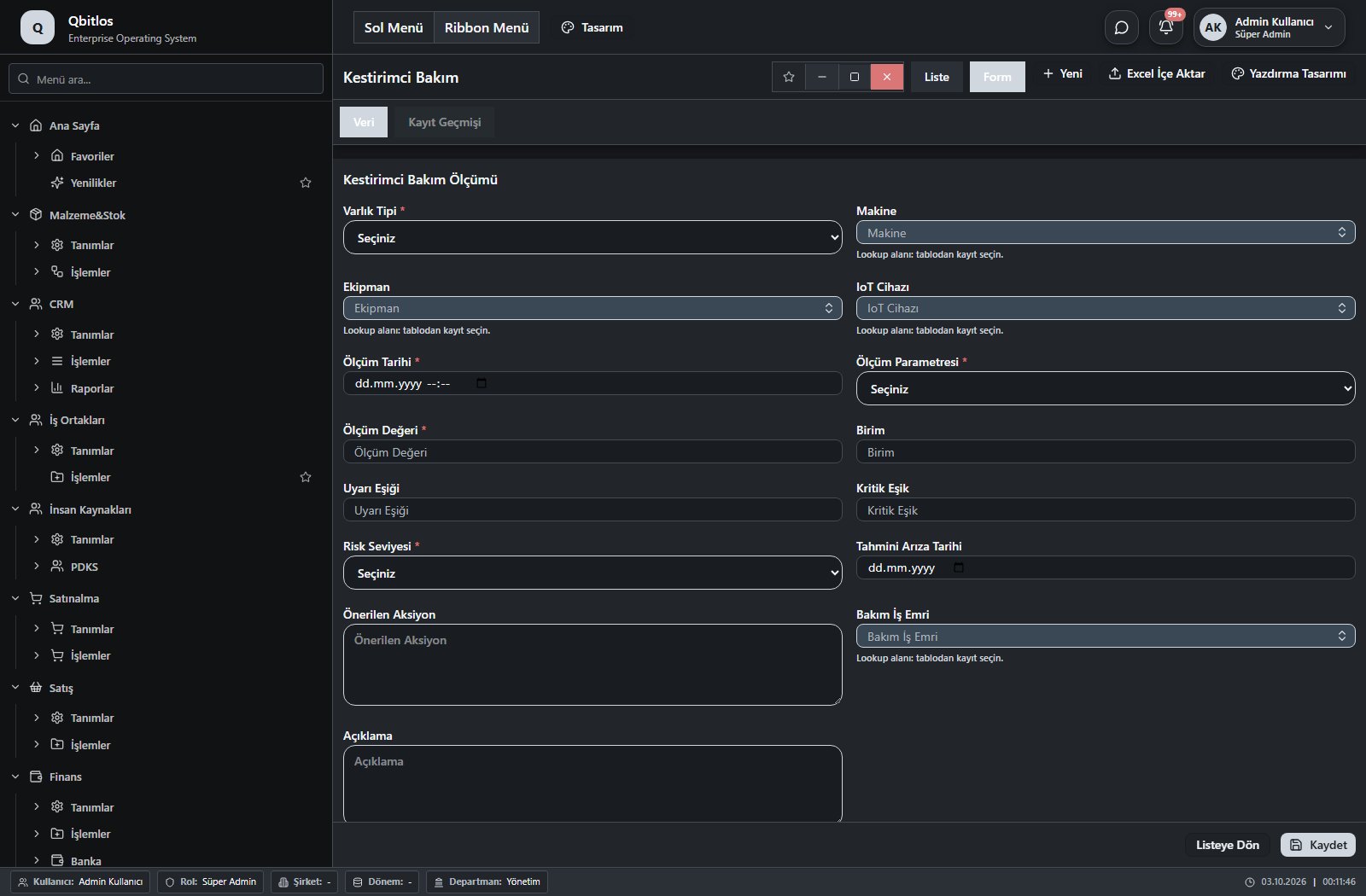
Kestirimci Bakım Ölçümleri · 15 field guide
| Field | Type | Usage and rules |
|---|---|---|
| Varlık Tipi | select | Required Shown in the list view. Options: Makine · Ekipman |
| Makine | lookup | Optional Select from related records. Makineler Shown in the list view. |
| Ekipman | lookup | Optional Select from related records. Ekipmanlar Shown in the list view. |
| IoT Cihazı | lookup | Optional Select from related records. IoT Cihazları Shown in the list view. |
| Ölçüm Tarihi | datetime | Required Shown in the list view. |
| Ölçüm Parametresi | select | Required Shown in the list view. Options: Titreşim · Sıcaklık · Akım · Gerilim · Basınç · Debi · Gürültü · Enerji Tüketimi · Diğer |
| Ölçüm Değeri | number | Required Shown in the list view. |
| Birim | text | Optional Shown in the list view. |
| Uyarı Eşiği | number | Optional Shown in the list view. |
| Kritik Eşik | number | Optional Shown in the list view. |
| Risk Seviyesi | select | Required Shown in the list view. Options: Normal · Dikkat · Yüksek · Kritik |
| Tahmini Arıza Tarihi | date | Optional Shown in the list view. |
| Önerilen Aksiyon | textarea | Optional |
| Bakım İş Emri | lookup | Optional Select from related records. Bakım İş Emirleri Shown in the list view. |
| Açıklama | textarea | Optional |
Fabrigate / Enerjimatik
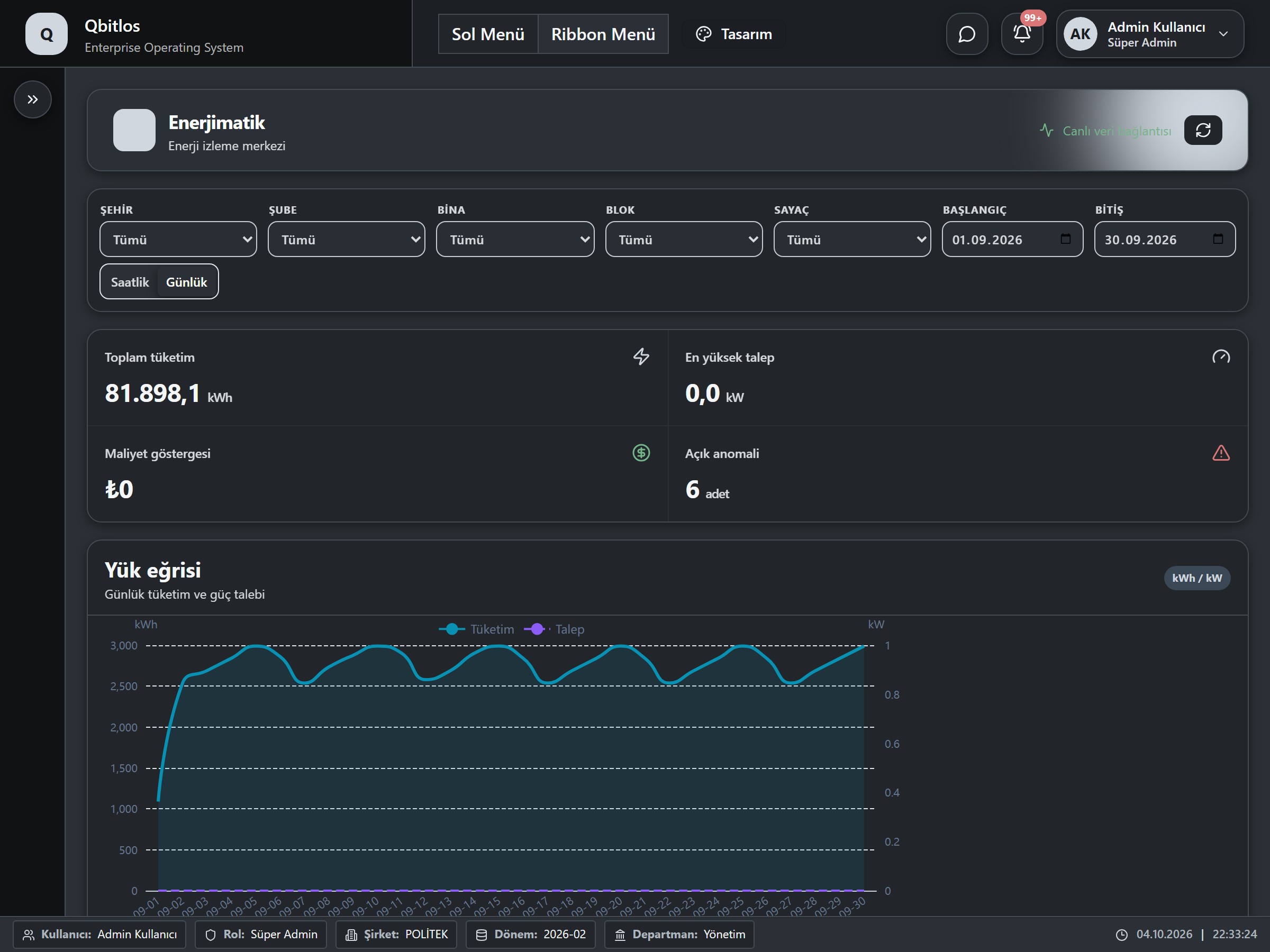
This menu opens navigation, a report or a custom screen; it has no standard form field binding. Explore its related screens in the menu.
Control plans define product, inspection type, revision and validity. Incoming inspection tracks supplier/order, lots and sample quantity. Production inspection preserves work-order and shift context. Final inspection records physical, chemical, visual and packaging checks plus stock decision. Nonconformities, CAPA and calibration forms track cause, action, effectiveness, tolerances and certificates.
Kalite / Belge
This menu opens navigation, a report or a custom screen; it has no standard form field binding. Explore its related screens in the menu.
Kalite / Belge / Döküman Yönetimi
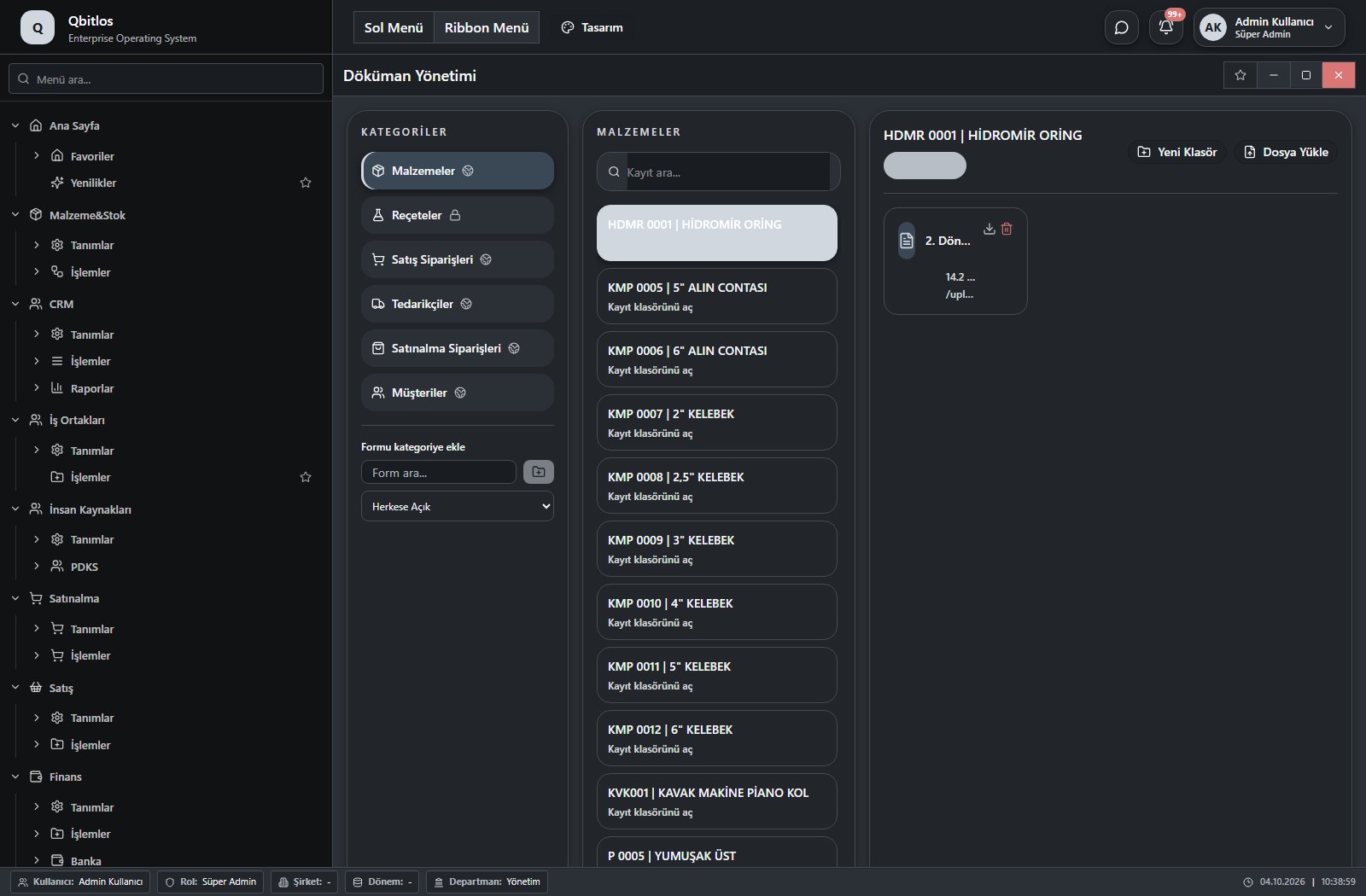
Döküman Öğeleri · 13 field guide
| Field | Type | Usage and rules |
|---|---|---|
| Öğe Tipi | select | Optional Shown in the list view. Options: folder · file |
| Ad | text | Optional Shown in the list view. |
| Üst Klasör | number | Optional |
| Kategori | text | Optional Shown in the list view. |
| Bağlı Form | number | Optional |
| Bağlı Kayıt | text | Optional |
| Bağlı Kayıt Adı | text | Optional Shown in the list view. |
| Dosya | file | Optional Shown in the list view. |
| Dosya Türü | text | Optional |
| Dosya Boyutu | number | Optional |
| Açıklama | textarea | Optional |
| Sıra | number | Optional |
| Aktif | checkbox | Optional Shown in the list view. |
Kalite / DÖF/CAPA
This menu opens navigation, a report or a custom screen; it has no standard form field binding. Explore its related screens in the menu.
Kalite / DÖF/CAPA / Hata Kodları
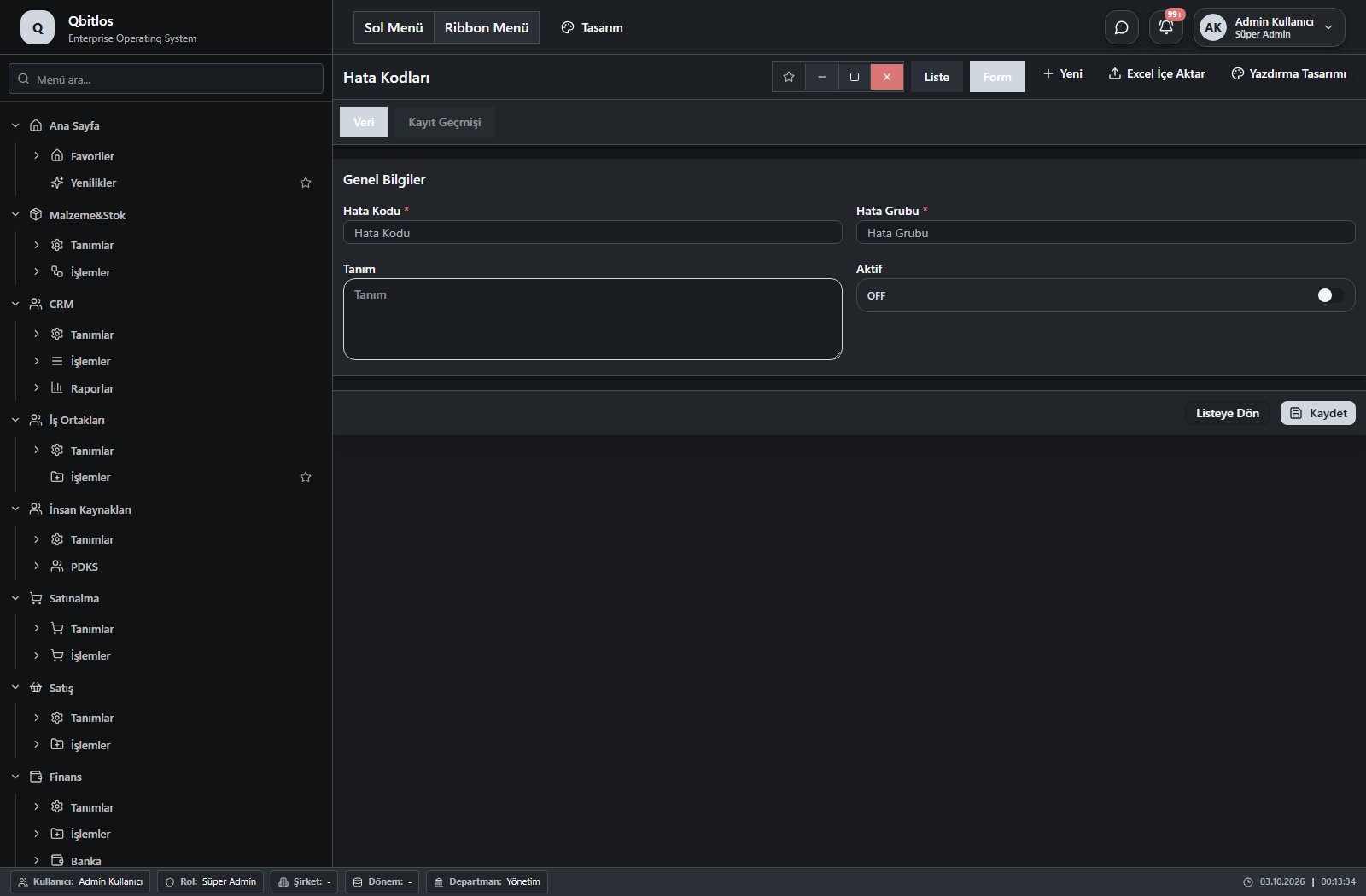
Hata Kodları · 4 field guide
| Field | Type | Usage and rules |
|---|---|---|
| Hata Kodu | text | Required Unique value Shown in the list view. |
| Hata Grubu | text | Required Shown in the list view. |
| Tanım | textarea | Optional |
| Aktif | checkbox | Optional Shown in the list view. |
Kalite / DÖF/CAPA / Uygunsuzluk Formu
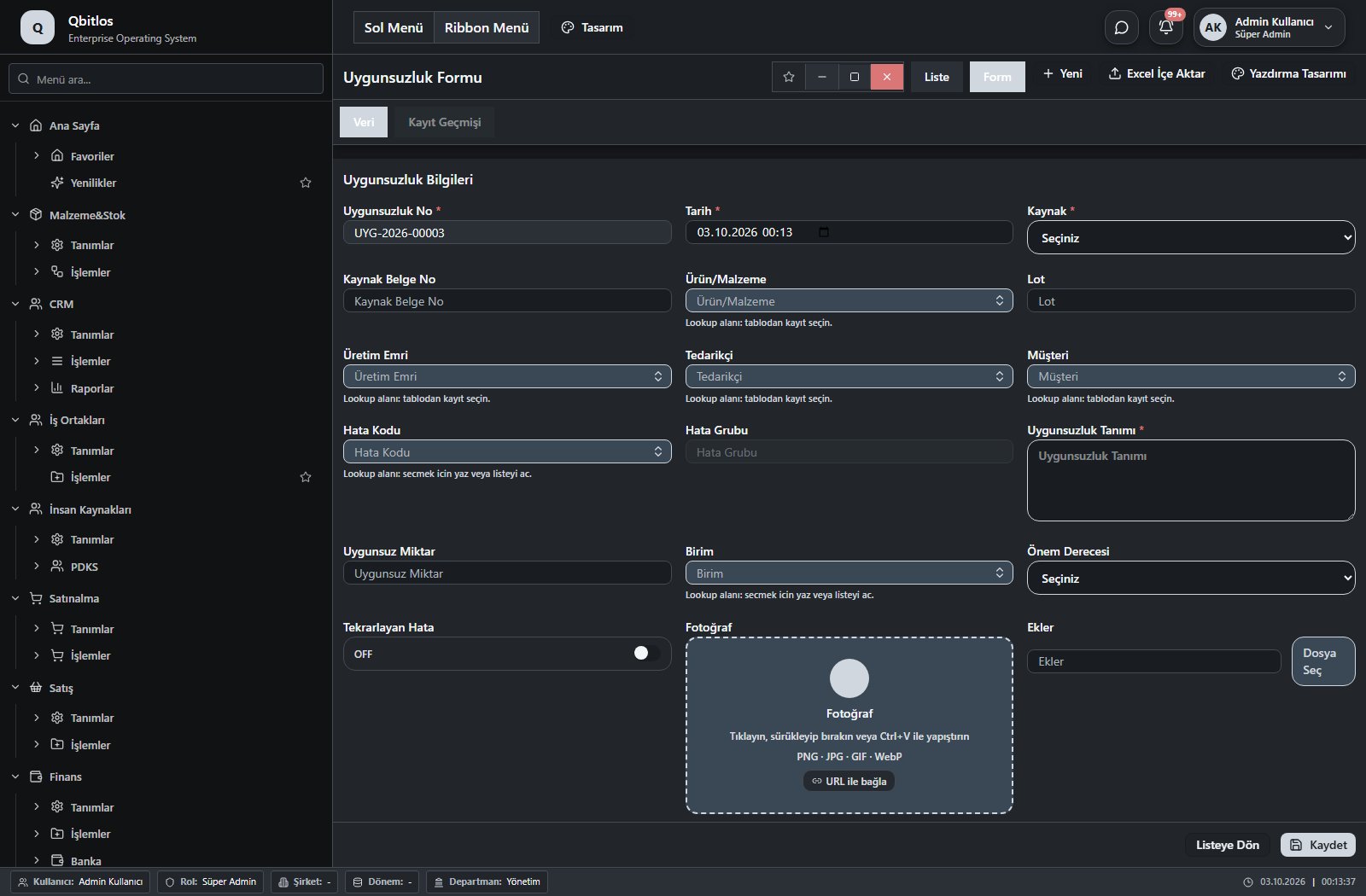
Uygunsuzluk Formu · 21 field guide
| Field | Type | Usage and rules |
|---|---|---|
| Uygunsuzluk No | autofield | Required Unique value Automatic value generation is configured. Shown in the list view. |
| Tarih | datetime | Required Shown in the list view. |
| Kaynak | select | Required Shown in the list view. Options: Girdi · Üretim · Final · Depo · Sevkiyat · Müşteri · Tedarikçi · Denetim |
| Kaynak Belge No | text | Optional Shown in the list view. |
| Ürün/Malzeme | lookup | Optional Select from related records. Malzemeler Fields populated by selection: mamul_tanimi, malzeme_tanimi, malzeme_grubu, Birim, kontrol_plani, skt_gun. Shown in the list view. |
| Lot | text | Optional Shown in the list view. |
| Üretim Emri | lookup | Optional Select from related records. Üretim Emirleri Fields populated by selection: mamul_kodu, makine, operasyon, vardiya. Shown in the list view. |
| Tedarikçi | lookup | Optional Select from related records. Tedarikçiler Shown in the list view. |
| Müşteri | lookup | Optional Select from related records. Müşteriler Shown in the list view. |
| Hata Kodu | lookup | Optional Select from related records. Hata Kodları Fields populated by selection: Hata Grubu. Shown in the list view. |
| Hata Grubu | disabled | Optional Shown in the list view. |
| Uygunsuzluk Tanımı | textarea | Required Shown in the list view. |
| Uygunsuz Miktar | number | Optional Shown in the list view. |
| Birim | lookup | Optional Select from related records. Stok Birimleri Shown in the list view. |
| Önem Derecesi | select | Optional Shown in the list view. Options: Düşük · Orta · Yüksek · Kritik |
| Tekrarlayan Hata | checkbox | Optional Shown in the list view. |
| Fotoğraf | image | Optional |
| Ekler | file | Optional |
| Bildiren | lookup | Optional Select from related records. Kullanıcılar Shown in the list view. |
| Sorumlu | lookup | Optional Select from related records. Kullanıcılar Shown in the list view. |
| Durum | select | Optional Shown in the list view. Options: Açık · İncelemede · Aksiyon · Kapalı |
Kalite / DÖF/CAPA / DÖF / CAPA
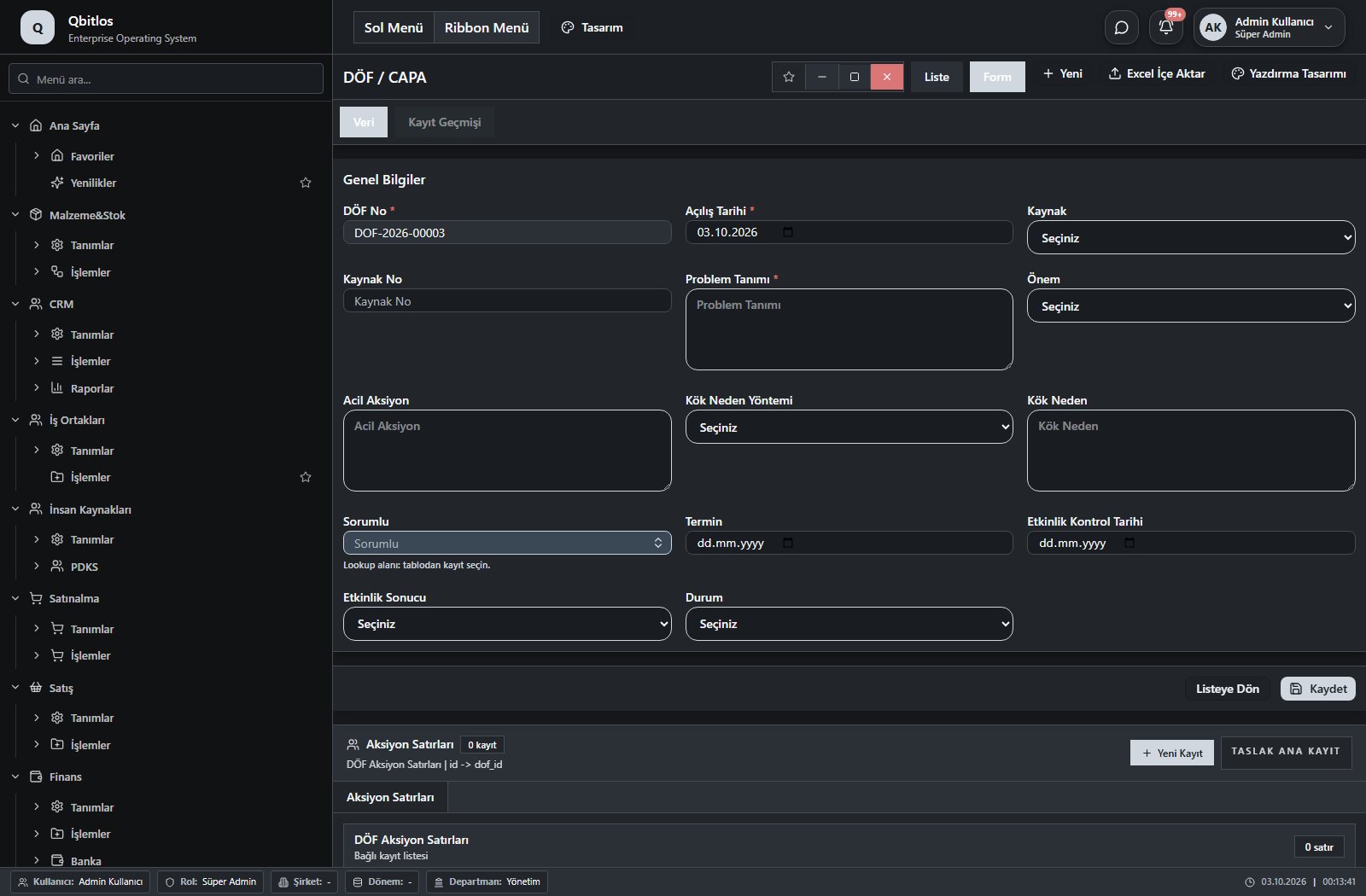
DÖF / CAPA · 14 field guide
| Field | Type | Usage and rules |
|---|---|---|
| DÖF No | autofield | Required Unique value Automatic value generation is configured. Shown in the list view. |
| Açılış Tarihi | date | Required Shown in the list view. |
| Kaynak | select | Optional Shown in the list view. Options: Uygunsuzluk · Şikâyet · Denetim · Tedarikçi · İç |
| Kaynak No | text | Optional Shown in the list view. |
| Problem Tanımı | textarea | Required Shown in the list view. |
| Önem | select | Optional Shown in the list view. Options: Düşük · Orta · Yüksek · Kritik |
| Acil Aksiyon | textarea | Optional |
| Kök Neden Yöntemi | select | Optional Shown in the list view. Options: 5 Neden · 6M · Ishikawa |
| Kök Neden | textarea | Optional |
| Sorumlu | lookup | Optional Select from related records. Kullanıcılar Shown in the list view. |
| Termin | date | Optional Shown in the list view. |
| Etkinlik Kontrol Tarihi | date | Optional Shown in the list view. |
| Etkinlik Sonucu | select | Optional Shown in the list view. Options: Başarılı · Başarısız |
| Durum | select | Optional Shown in the list view. Options: Açık · Analiz · Aksiyon · Doğrulama · Kapalı |
Kalite / DÖF/CAPA / Müşteri Şikâyetleri
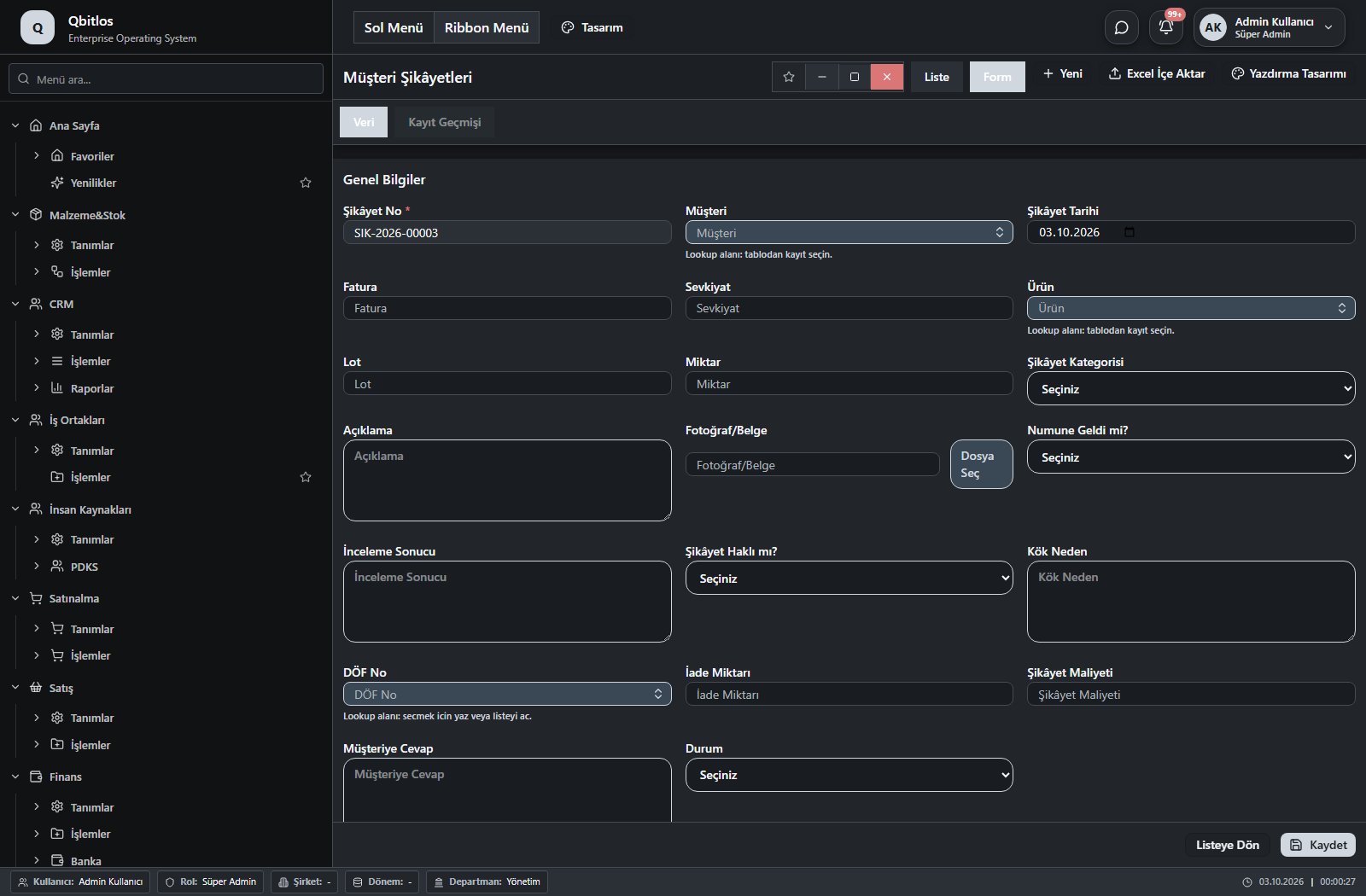
Müşteri Şikâyetleri · 20 field guide
| Field | Type | Usage and rules |
|---|---|---|
| Şikâyet No | autofield | Required Unique value Automatic value generation is configured. Shown in the list view. |
| Müşteri | lookup | Required Select from related records. Müşteriler Shown in the list view. |
| Şikâyet Tarihi | date | Optional Shown in the list view. |
| Fatura | text | Optional Shown in the list view. |
| Sevkiyat | text | Optional Shown in the list view. |
| Ürün | lookup | Optional Select from related records. Malzemeler Fields populated by selection: mamul_tanimi, malzeme_tanimi, malzeme_grubu, birim, kontrol_plani, skt_gun. Shown in the list view. |
| Lot | text | Optional Shown in the list view. |
| Miktar | number | Optional Shown in the list view. |
| Şikâyet Kategorisi | select | Optional Shown in the list view. Options: Kalite · Ambalaj · Etiket · Miktar · Teslimat · Diğer |
| Açıklama | textarea | Optional Shown in the list view. |
| Fotoğraf/Belge | file | Optional |
| Numune Geldi mi? | select | Optional Shown in the list view. Options: Evet · Hayır |
| İnceleme Sonucu | textarea | Optional |
| Şikâyet Haklı mı? | select | Optional Shown in the list view. Options: Evet · Hayır · Kısmen |
| Kök Neden | textarea | Optional |
| DÖF No | lookup | Optional Select from related records. DÖF / CAPA Shown in the list view. |
| İade Miktarı | number | Optional Shown in the list view. |
| Şikâyet Maliyeti | number | Optional Shown in the list view. |
| Müşteriye Cevap | textarea | Optional |
| Durum | select | Optional Shown in the list view. Options: Açık · İncelemede · Cevaplandı · Kapalı |
Kalite / Kontrol
This menu opens navigation, a report or a custom screen; it has no standard form field binding. Explore its related screens in the menu.
Kalite / Kontrol / Kontrol Planları
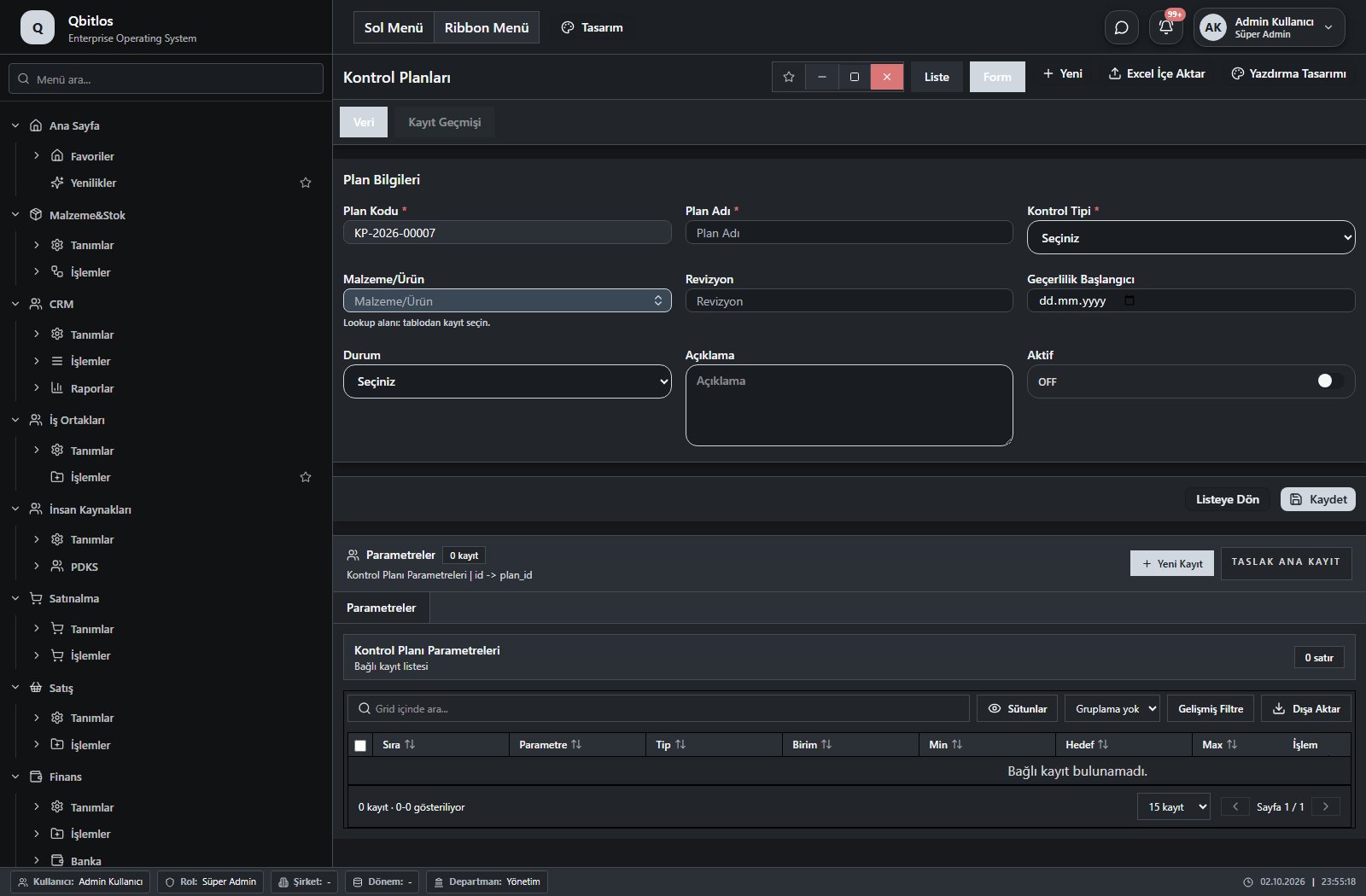
Kontrol Planları · 9 field guide
| Field | Type | Usage and rules |
|---|---|---|
| Plan Kodu | autofield | Required Unique value Automatic value generation is configured. Shown in the list view. |
| Plan Adı | text | Required Shown in the list view. |
| Kontrol Tipi | select | Required Shown in the list view. Options: Girdi · Üretim · Final |
| Malzeme/Ürün | lookup | Optional Select from related records. Malzemeler Shown in the list view. |
| Revizyon | text | Optional Shown in the list view. |
| Geçerlilik Başlangıcı | date | Optional Shown in the list view. |
| Durum | select | Optional Shown in the list view. Options: Aktif · Pasif |
| Açıklama | textarea | Optional |
| Aktif | checkbox | Optional Shown in the list view. |
Kalite / Kontrol / Girdi Kalite
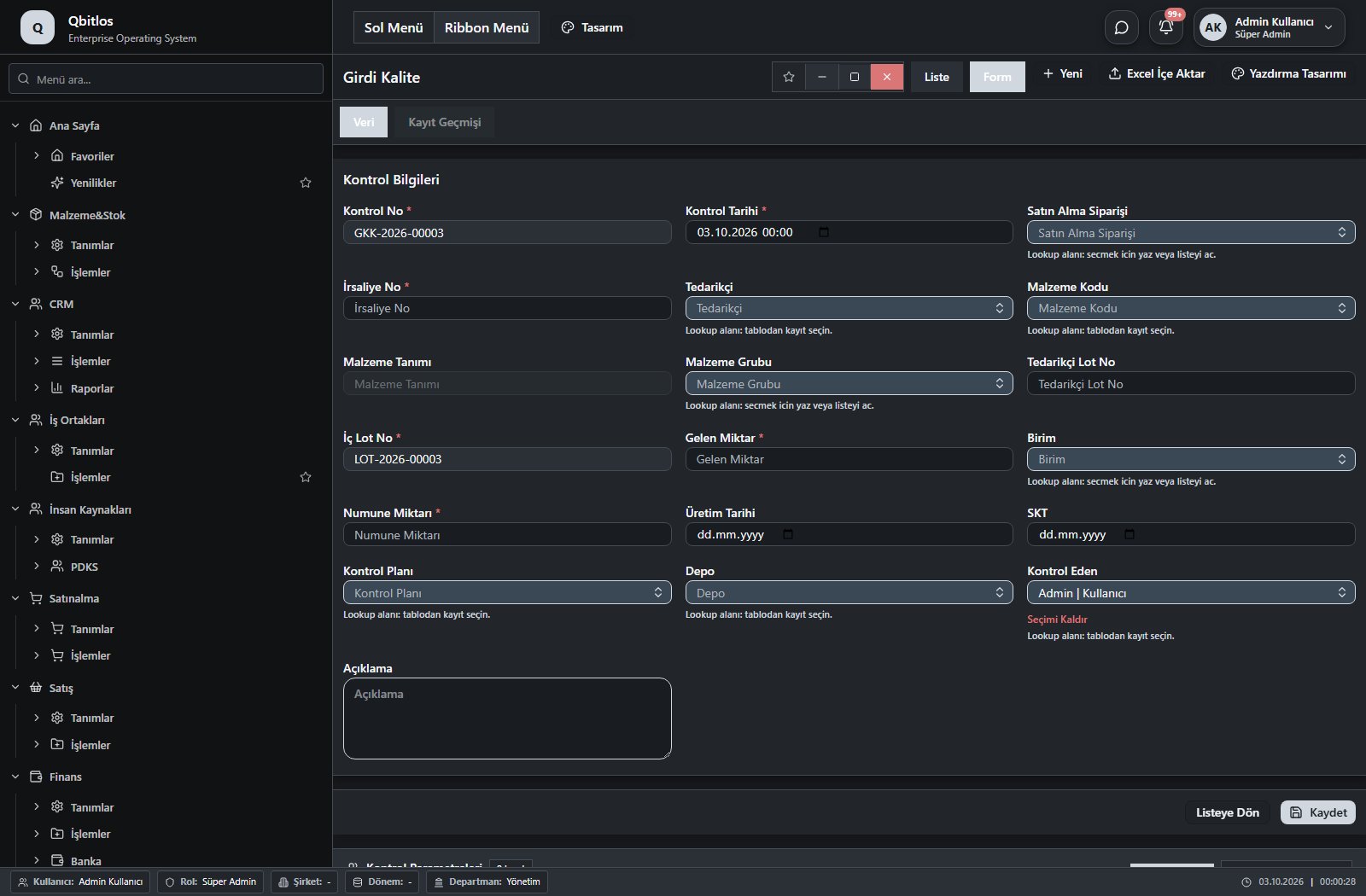
Girdi Kalite Kontrol · 19 field guide
| Field | Type | Usage and rules |
|---|---|---|
| Kontrol No | autofield | Required Unique value Automatic value generation is configured. Shown in the list view. |
| Kontrol Tarihi | datetime | Required Shown in the list view. |
| Satın Alma Siparişi | lookup | Required Select from related records. Satınalma Siparişleri Fields populated by selection: Tedarikçi. Shown in the list view. |
| İrsaliye No | text | Required Shown in the list view. |
| Tedarikçi | lookup | Required Select from related records. Tedarikçiler Shown in the list view. |
| Malzeme Kodu | lookup | Required Select from related records. Malzemeler Fields populated by selection: Malzeme Tanımı, Malzeme Grubu, Birim, Kontrol Planı. Shown in the list view. |
| Malzeme Tanımı | disabled | Optional Shown in the list view. |
| Malzeme Grubu | lookup | Optional Select from related records. Malzeme Grupları Shown in the list view. |
| Tedarikçi Lot No | text | Optional Shown in the list view. |
| İç Lot No | autofield | Required Unique value Automatic value generation is configured. Shown in the list view. |
| Gelen Miktar | number | Required Shown in the list view. |
| Birim | lookup | Required Select from related records. Stok Birimleri Shown in the list view. |
| Numune Miktarı | number | Required Shown in the list view. |
| Üretim Tarihi | date | Optional Shown in the list view. |
| SKT | date | Optional Shown in the list view. |
| Kontrol Planı | lookup | Required Select from related records. Kontrol Planları Shown in the list view. |
| Depo | lookup | Required Select from related records. Ambar Tanımları Shown in the list view. |
| Kontrol Eden | lookup | Required Select from related records. Kullanıcılar Shown in the list view. |
| Açıklama | textarea | Optional |
Kalite / Kontrol / Üretim Kalite Kontrol
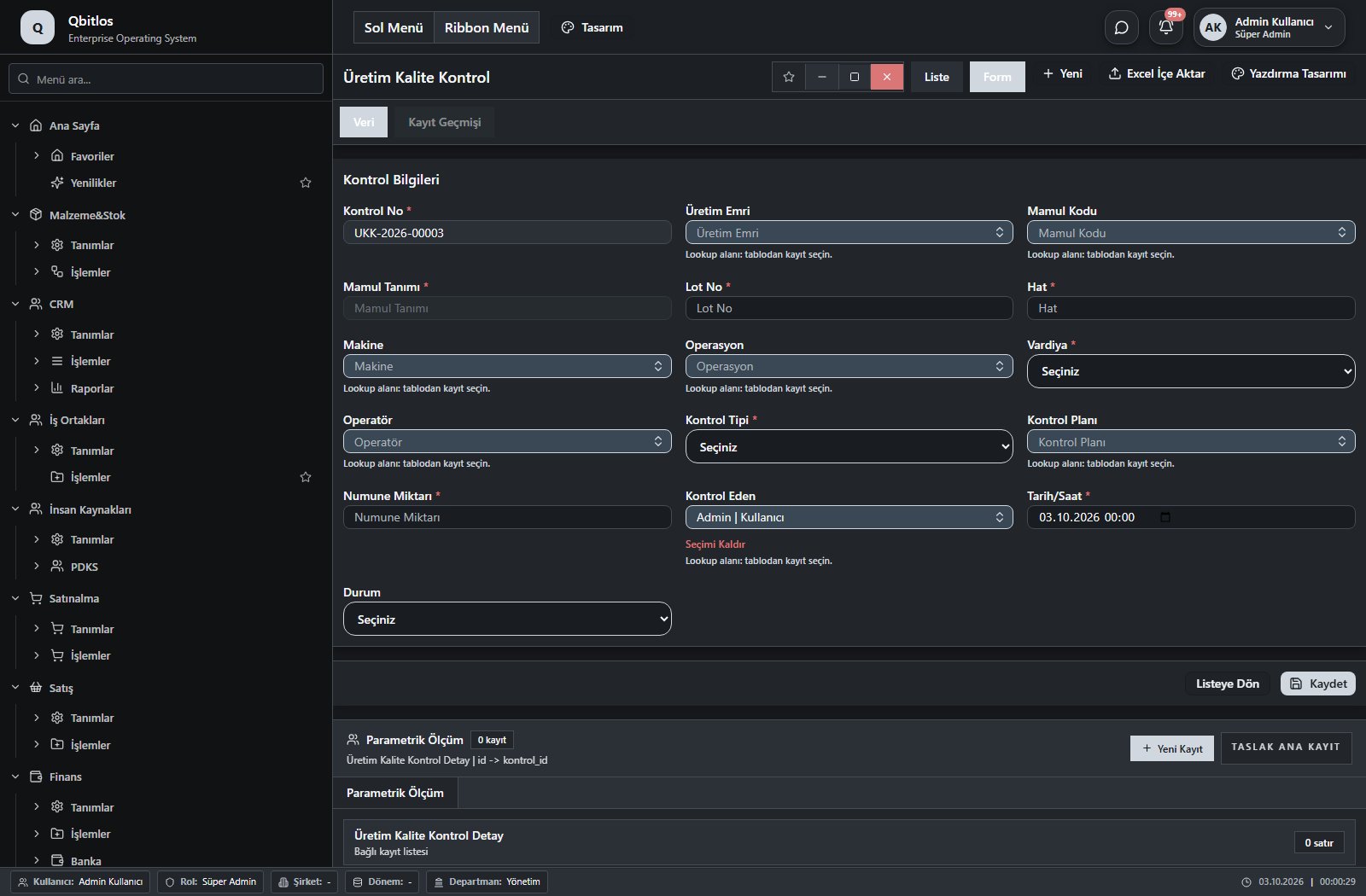
Üretim Kalite Kontrol · 16 field guide
| Field | Type | Usage and rules |
|---|---|---|
| Kontrol No | autofield | Required Unique value Automatic value generation is configured. Shown in the list view. |
| Üretim Emri | lookup | Required Select from related records. Üretim Emirleri Fields populated by selection: Mamul Kodu, Makine, Operasyon, Vardiya. Shown in the list view. |
| Mamul Kodu | lookup | Required Select from related records. Malzemeler Fields populated by selection: Mamul Tanımı, malzeme_tanimi, malzeme_grubu, birim, Kontrol Planı, skt_gun. Shown in the list view. |
| Mamul Tanımı | disabled | Required Shown in the list view. |
| Lot No | text | Required Shown in the list view. |
| Hat | text | Required Shown in the list view. |
| Makine | lookup | Optional Select from related records. Makineler Shown in the list view. |
| Operasyon | lookup | Required Select from related records. Üretim Prosesleri Shown in the list view. |
| Vardiya | select | Required Shown in the list view. Options: VAR001 · VAR002 · VAR003 |
| Operatör | lookup | Optional Select from related records. Kullanıcılar Shown in the list view. |
| Kontrol Tipi | select | Required Shown in the list view. Options: İlk Ürün · Ara · Son |
| Kontrol Planı | lookup | Required Select from related records. Kontrol Planları Shown in the list view. |
| Numune Miktarı | number | Required Shown in the list view. |
| Kontrol Eden | lookup | Required Select from related records. Kullanıcılar Shown in the list view. |
| Tarih/Saat | datetime | Required Shown in the list view. |
| Durum | select | Optional Shown in the list view. Options: Taslak · Uygun · Uygunsuz · Üretimi Durdur · Karantinaya Al · DÖF Açıldı |
Kalite / Kontrol / Final Kalite Kontrol
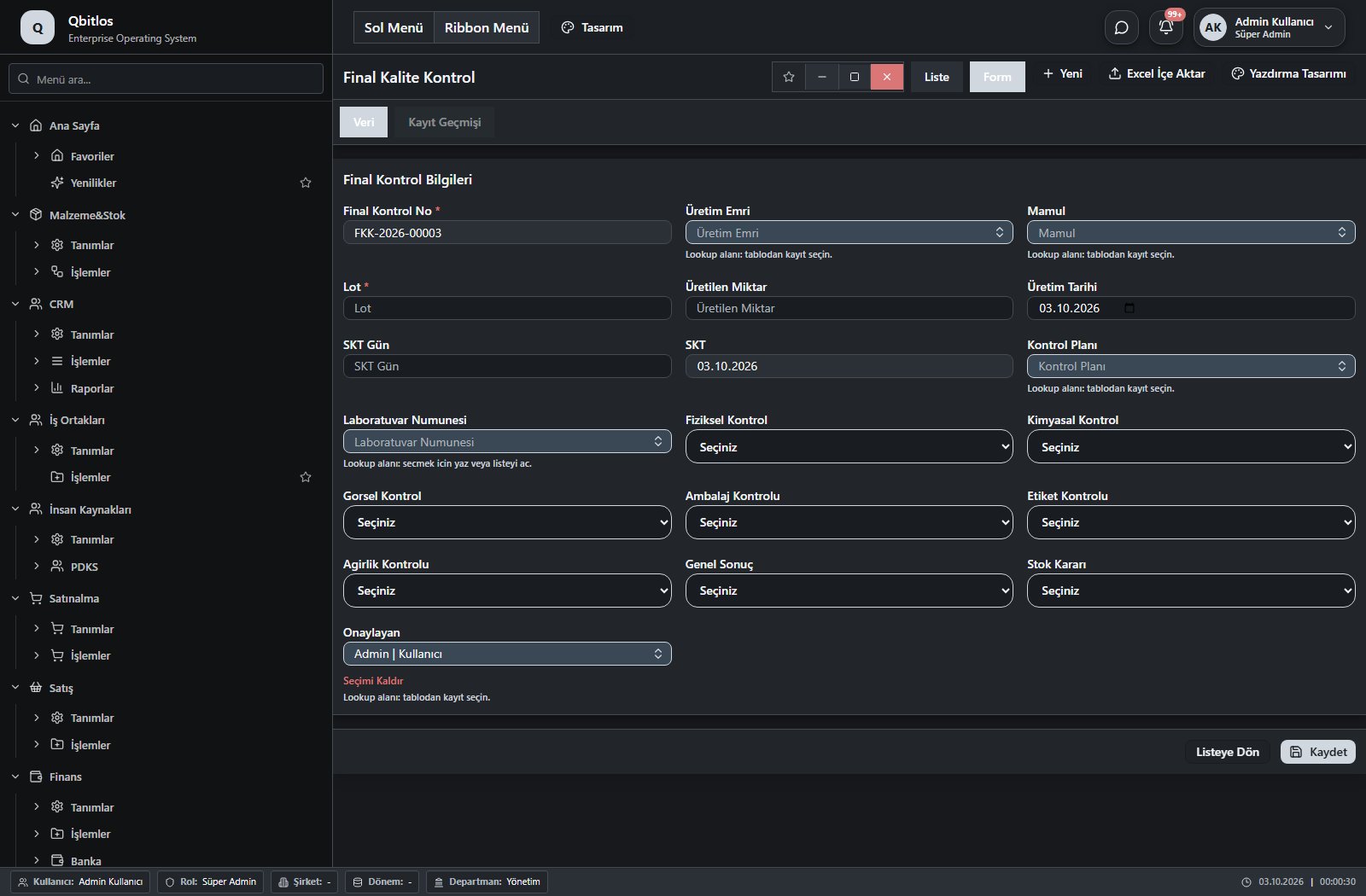
Final Kalite Kontrol · 19 field guide
| Field | Type | Usage and rules |
|---|---|---|
| Final Kontrol No | autofield | Required Unique value Automatic value generation is configured. Shown in the list view. |
| Üretim Emri | lookup | Required Select from related records. Üretim Emirleri Fields populated by selection: mamul_kodu, makine, operasyon, vardiya. Shown in the list view. |
| Mamul | lookup | Required Select from related records. Malzemeler Fields populated by selection: mamul_tanimi, malzeme_tanimi, malzeme_grubu, birim, Kontrol Planı, SKT Gün. Shown in the list view. |
| Lot | text | Required Shown in the list view. |
| Üretilen Miktar | number | Optional Shown in the list view. |
| Üretim Tarihi | date | Optional Shown in the list view. |
| SKT Gün | number | Optional |
| SKT | calculateddate | Optional Shown in the list view. |
| Kontrol Planı | lookup | Required Select from related records. Kontrol Planları Shown in the list view. |
| Laboratuvar Numunesi | lookup | Optional Select from related records. Girdi Kalite Kontrol Shown in the list view. |
| Fiziksel Kontrol | select | Optional Shown in the list view. Options: Uygun · Uygunsuz |
| Kimyasal Kontrol | select | Optional Shown in the list view. Options: Uygun · Uygunsuz |
| Gorsel Kontrol | select | Optional Shown in the list view. Options: Uygun · Uygunsuz |
| Ambalaj Kontrolu | select | Optional Shown in the list view. Options: Uygun · Uygunsuz |
| Etiket Kontrolu | select | Optional Shown in the list view. Options: Uygun · Uygunsuz |
| Agirlik Kontrolu | select | Optional Shown in the list view. Options: Uygun · Uygunsuz |
| Genel Sonuç | select | Optional Shown in the list view. Options: Uygun · Uygunsuz |
| Stok Kararı | select | Optional Shown in the list view. Options: Serbest · Karantina · Bloke · Red |
| Onaylayan | lookup | Optional Select from related records. Kullanıcılar Shown in the list view. |
Kalite / Ölçüm
This menu opens navigation, a report or a custom screen; it has no standard form field binding. Explore its related screens in the menu.
Kalite / Ölçüm / Ölçüm Cihazı Kartları
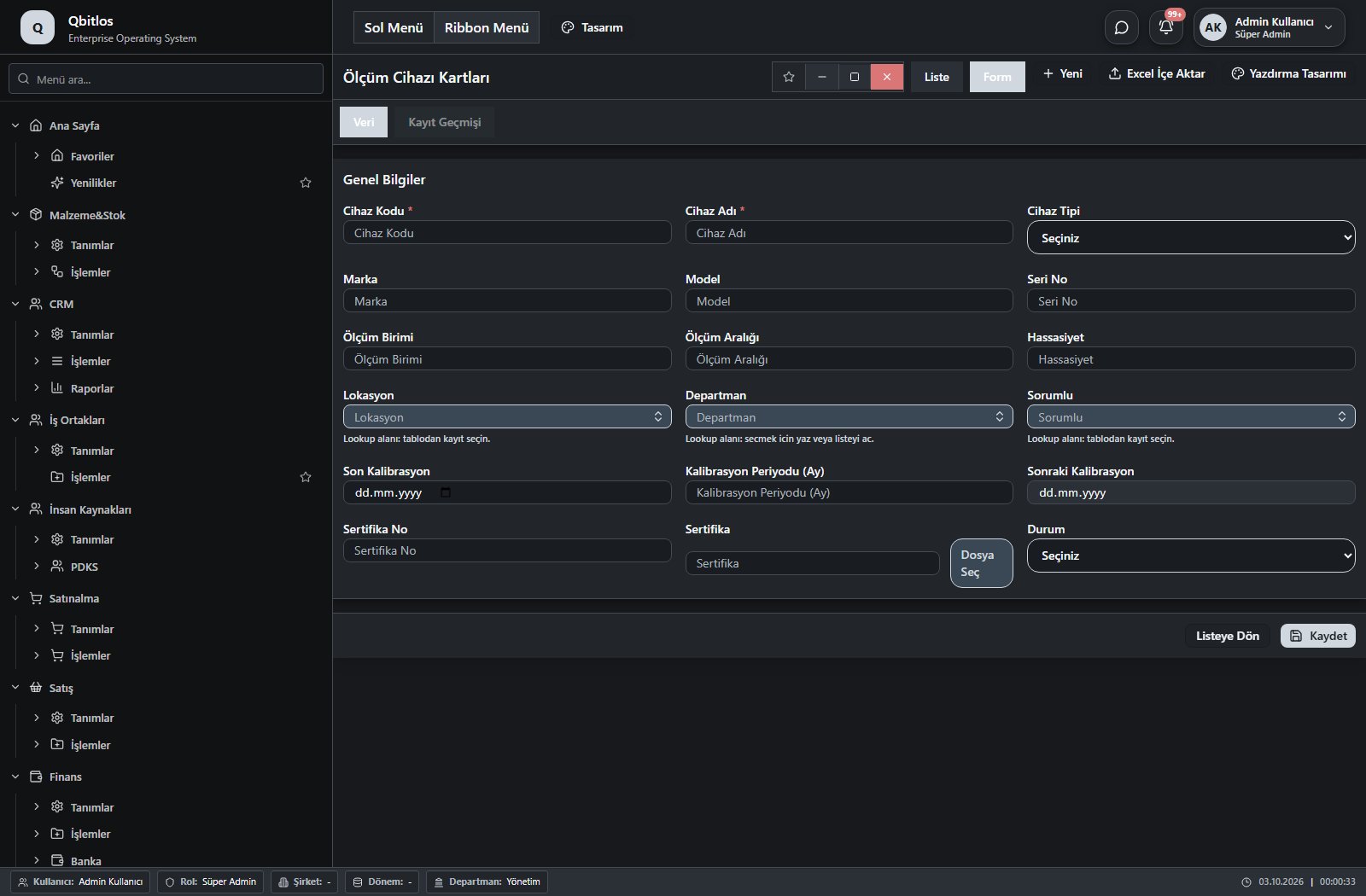
Ölçüm Cihazı Kartları · 18 field guide
| Field | Type | Usage and rules |
|---|---|---|
| Cihaz Kodu | text | Required Unique value Shown in the list view. |
| Cihaz Adı | text | Required Shown in the list view. |
| Cihaz Tipi | select | Optional Shown in the list view. Options: Terazi · Nem Ölçer · Kumpas · Mikrometre · Basınç Ölçer · Diğer |
| Marka | text | Optional Shown in the list view. |
| Model | text | Optional Shown in the list view. |
| Seri No | text | Optional Shown in the list view. |
| Ölçüm Birimi | text | Optional Shown in the list view. |
| Ölçüm Aralığı | text | Optional Shown in the list view. |
| Hassasiyet | number | Optional Shown in the list view. |
| Lokasyon | lookup | Optional Select from related records. Ambar Tanımları Shown in the list view. |
| Departman | lookup | Optional Select from related records. Departmanlar Shown in the list view. |
| Sorumlu | lookup | Optional Select from related records. Kullanıcılar Shown in the list view. |
| Son Kalibrasyon | date | Optional Shown in the list view. |
| Kalibrasyon Periyodu (Ay) | number | Optional Shown in the list view. |
| Sonraki Kalibrasyon | calculateddate | Optional Shown in the list view. |
| Sertifika No | text | Optional Shown in the list view. |
| Sertifika | Optional | |
| Durum | select | Optional Shown in the list view. Options: Aktif · Pasif · Kalibrasyonda · Kullanılamaz |
Kalite / Ölçüm / Kalibrasyon Formu
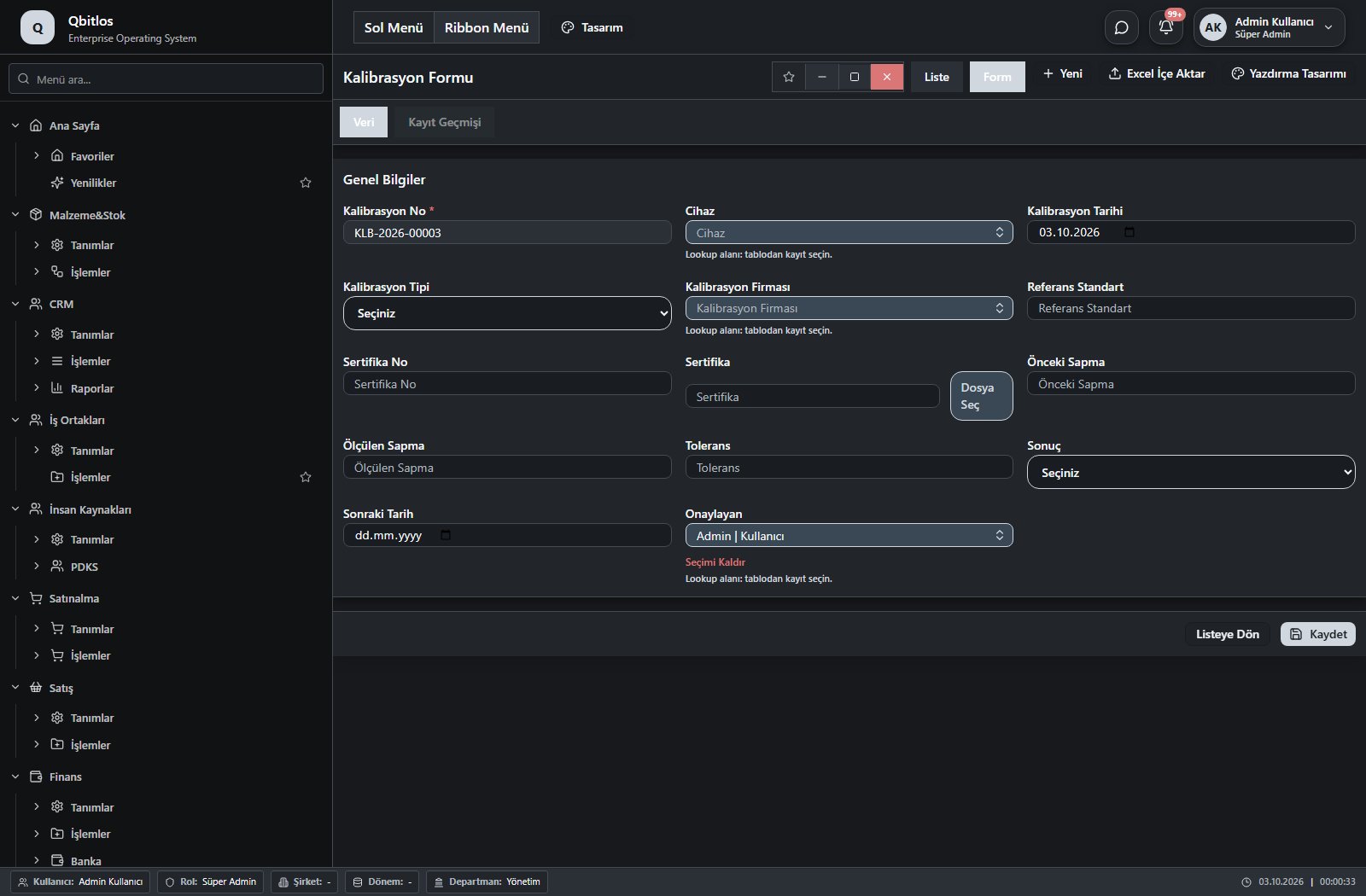
Kalibrasyon Formu · 14 field guide
| Field | Type | Usage and rules |
|---|---|---|
| Kalibrasyon No | autofield | Required Unique value Automatic value generation is configured. Shown in the list view. |
| Cihaz | lookup | Required Select from related records. Ölçüm Cihazı Kartları Shown in the list view. |
| Kalibrasyon Tarihi | date | Optional Shown in the list view. |
| Kalibrasyon Tipi | select | Optional Shown in the list view. Options: İç · Dış |
| Kalibrasyon Firması | lookup | Optional Select from related records. Tedarikçiler Shown in the list view. |
| Referans Standart | text | Optional Shown in the list view. |
| Sertifika No | text | Optional Shown in the list view. |
| Sertifika | Optional | |
| Önceki Sapma | number | Optional Shown in the list view. |
| Ölçülen Sapma | number | Optional Shown in the list view. |
| Tolerans | number | Optional Shown in the list view. |
| Sonuç | select | Optional Shown in the list view. Options: Uygun · Uygunsuz |
| Sonraki Tarih | date | Optional Shown in the list view. |
| Onaylayan | lookup | Optional Select from related records. Kullanıcılar Shown in the list view. |
Reports cover customer turnover, invoice counts, average invoices and groups; product views compare quantity, sales, cost, profit and purchase averages. Personnel views track sales and customer counts. Finance reports include payment channel, debit/credit, maturity and document references. Stock purchase analysis compares average, minimum and latest cost.
Raporlar / Finans
This menu opens navigation, a report or a custom screen; it has no standard form field binding. Explore its related screens in the menu.
Raporlar / Finans / Cari Hesap Ekstresi
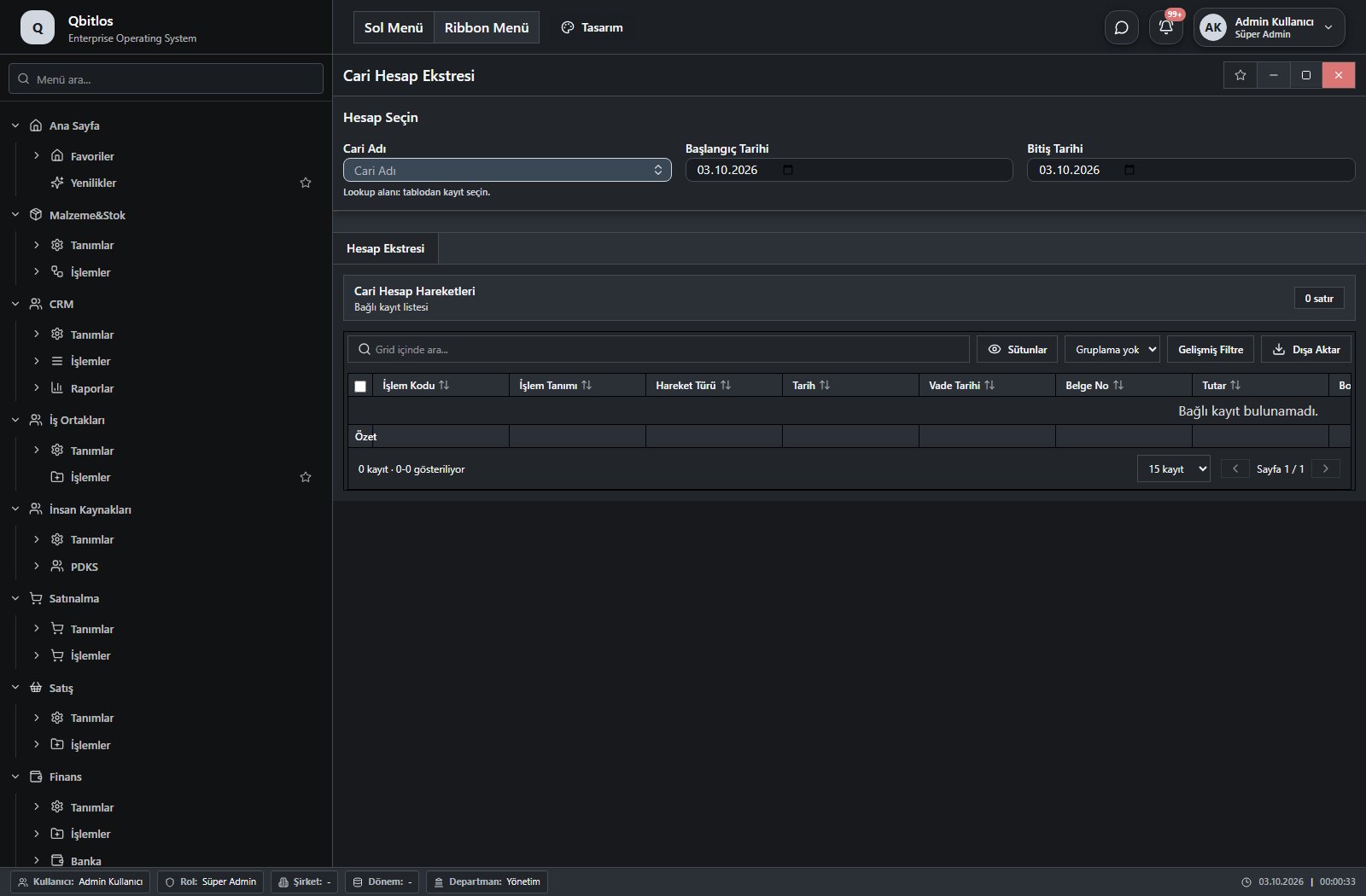
Cari Ekstre · 3 field guide
| Field | Type | Usage and rules |
|---|---|---|
| Cari Adı | lookup | Optional Select from related records. Hesap Planı Shown in the list view. |
| Başlangıç Tarihi | date | Optional Shown in the list view. |
| Bitiş Tarihi | date | Optional Shown in the list view. |
Raporlar / Müşteri Raporları
This menu opens navigation, a report or a custom screen; it has no standard form field binding. Explore its related screens in the menu.
Raporlar / Müşteri Raporları / Müşteri Ciro Raporu
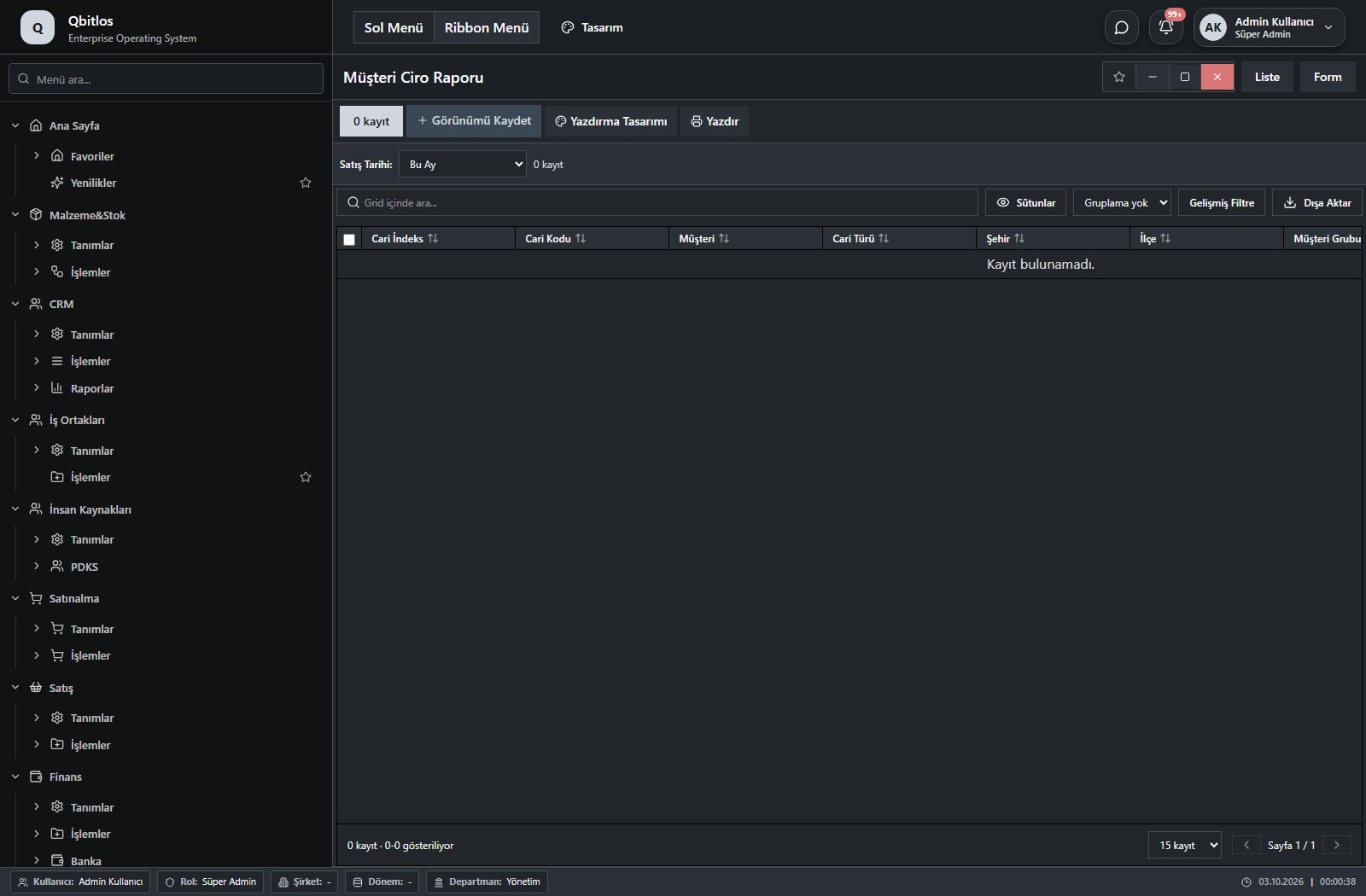
Müşteri Ciro Raporu · 9 field guide
| Field | Type | Usage and rules |
|---|---|---|
| Cari İndeks | text | Optional Shown in the list view. |
| Cari Kodu | text | Optional Shown in the list view. |
| Müşteri | text | Optional Shown in the list view. |
| Cari Türü | text | Optional Shown in the list view. |
| Şehir | text | Optional Shown in the list view. |
| İlçe | text | Optional Shown in the list view. |
| Müşteri Grubu | text | Optional Shown in the list view. |
| Fatura Sayısı | number | Optional Shown in the list view. |
| Toplam Ciro | number | Optional Shown in the list view. |
Raporlar / Müşteri Raporları / Müşteri Yaş Durumu
Müşteri Yaş Durumu · 6 field guide
| Field | Type | Usage and rules |
|---|---|---|
| Cari Kodu | text | Optional Shown in the list view. |
| Müşteri | text | Optional Shown in the list view. |
| Müşteri Grubu | text | Optional Shown in the list view. |
| Doğum Tarihi | text | Optional Shown in the list view. |
| Kayıt Tarihi | text | Optional Shown in the list view. |
| Yaş | number | Optional Shown in the list view. |
Raporlar / Müşteri Raporları / Yeni Müşteri Takip
Yeni Müşteri Takip · 7 field guide
| Field | Type | Usage and rules |
|---|---|---|
| Cari Kodu | text | Optional Shown in the list view. |
| Müşteri | text | Optional Shown in the list view. |
| Kayıt Tarihi | text | Optional Shown in the list view. |
| Cari Türü | text | Optional Shown in the list view. |
| Şehir | text | Optional Shown in the list view. |
| İlçe | text | Optional Shown in the list view. |
| Müşteri Grubu | text | Optional Shown in the list view. |
Raporlar / Müşteri Raporları / Aylık Müşteri Analiz
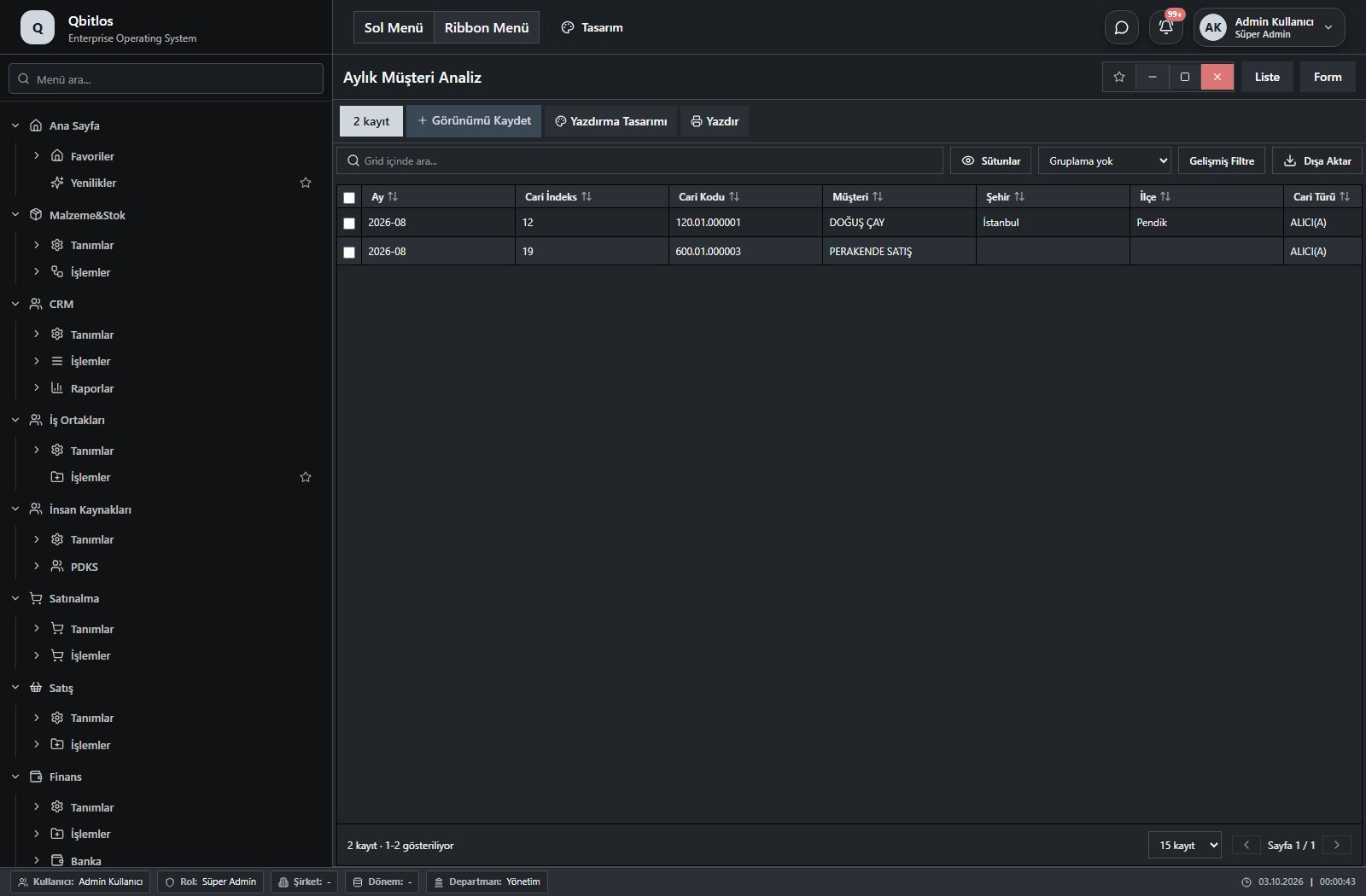
Aylık Müşteri Analiz · 12 field guide
| Field | Type | Usage and rules |
|---|---|---|
| Ay | text | Optional Shown in the list view. |
| Cari İndeks | text | Optional Shown in the list view. |
| Cari Kodu | text | Optional Shown in the list view. |
| Müşteri | text | Optional Shown in the list view. |
| Şehir | text | Optional Shown in the list view. |
| İlçe | text | Optional Shown in the list view. |
| Cari Türü | text | Optional Shown in the list view. |
| Müşteri Grubu | text | Optional Shown in the list view. |
| Satış Sorumlusu | text | Optional Select from related records. Personel Özlük Bilgileri Shown in the list view. |
| Fatura Sayısı | number | Optional Shown in the list view. |
| Toplam Ciro | number | Optional Shown in the list view. |
| Ortalama Fatura Tutarı | number | Optional Shown in the list view. |
Raporlar / Müşteri Raporları / Müşteri Hizmet İstatistikleri
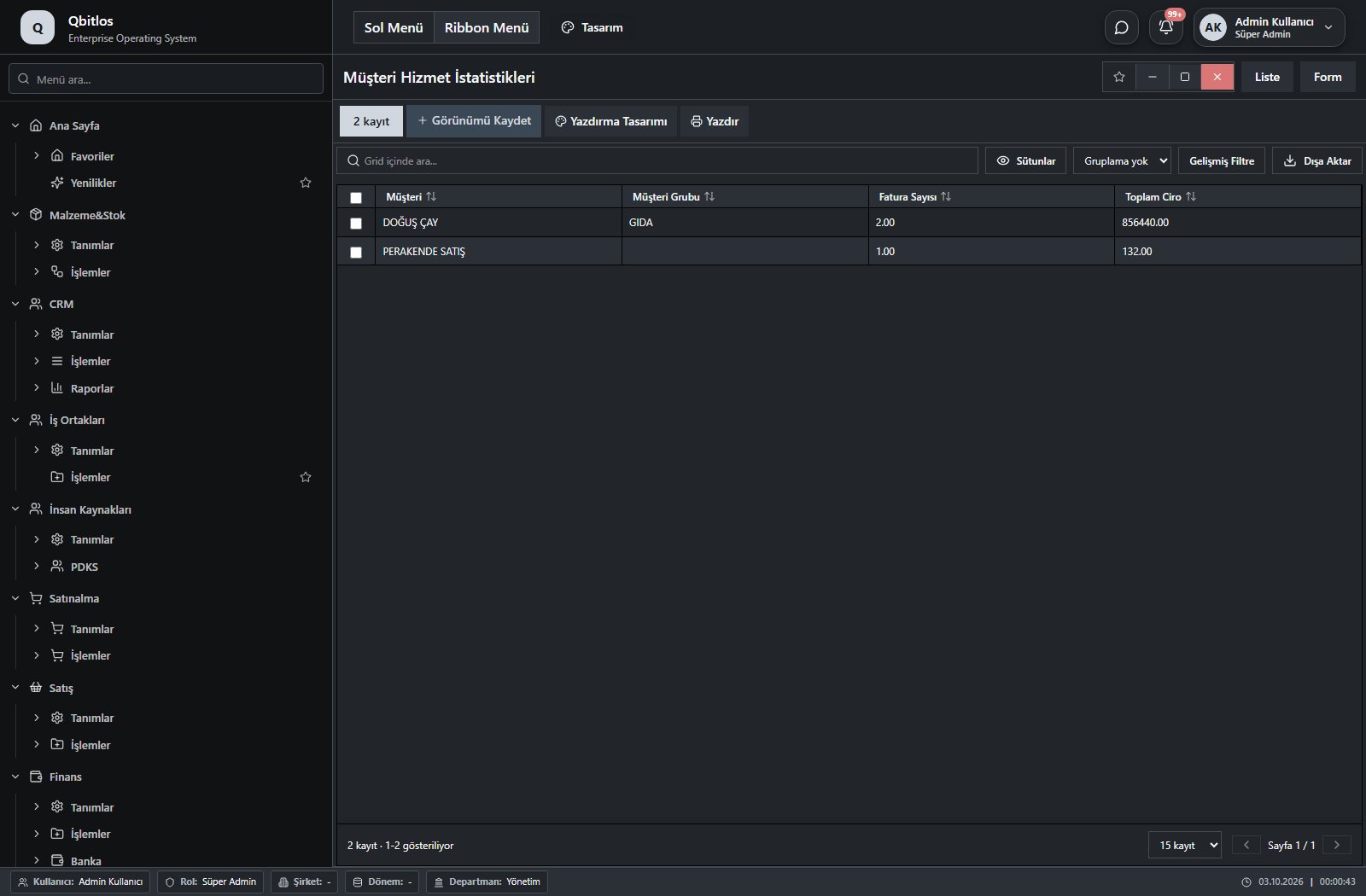
Müşteri Hizmet İstatistikleri · 4 field guide
| Field | Type | Usage and rules |
|---|---|---|
| Müşteri | text | Optional Shown in the list view. |
| Müşteri Grubu | text | Optional Shown in the list view. |
| Fatura Sayısı | number | Optional Shown in the list view. |
| Toplam Ciro | number | Optional Shown in the list view. |
Raporlar / Müşteri Raporları / Ödeme Yapan Müşteriler
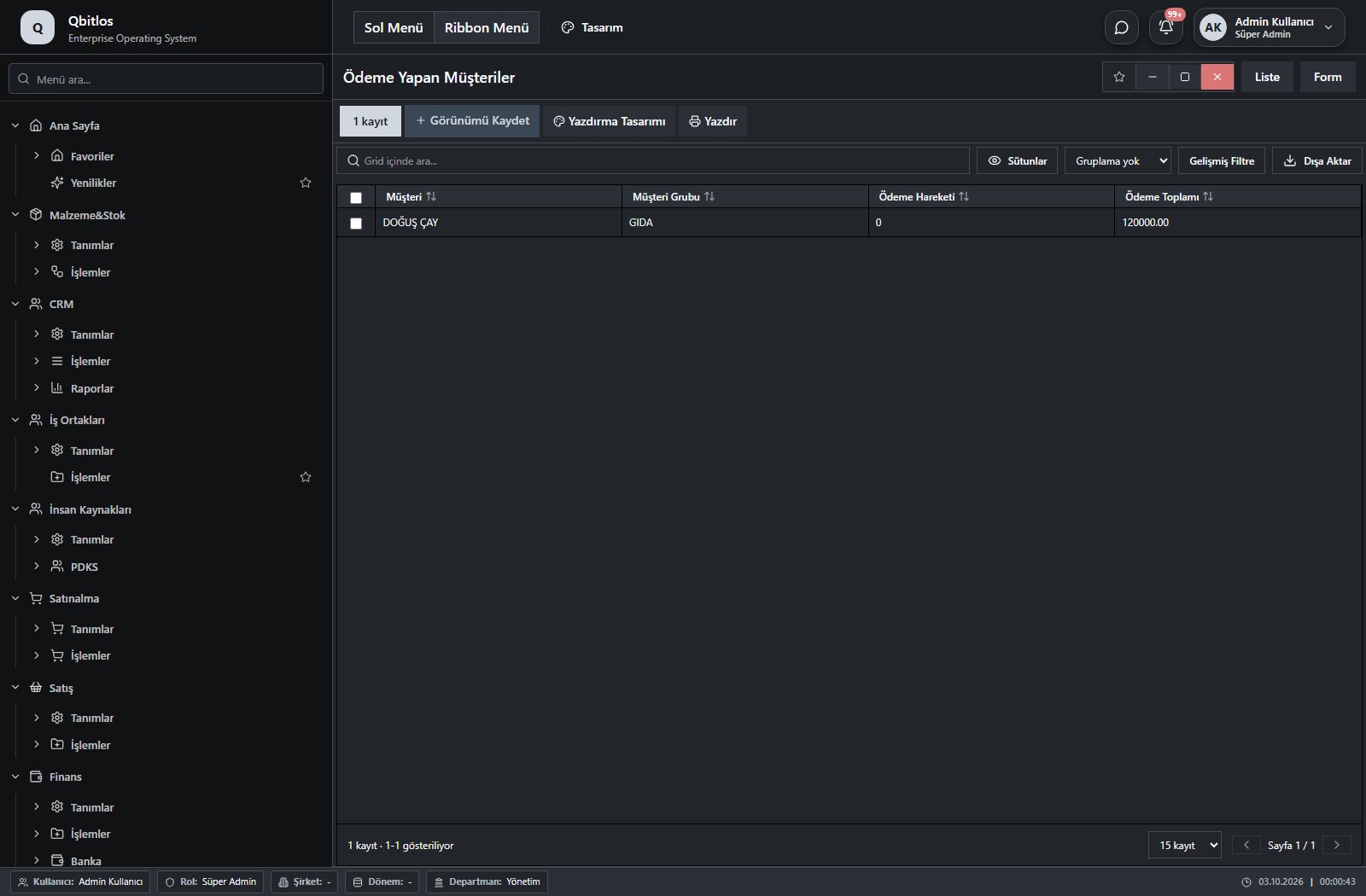
Ödeme Yapan Müşteriler · 4 field guide
| Field | Type | Usage and rules |
|---|---|---|
| Müşteri | text | Optional Shown in the list view. |
| Müşteri Grubu | text | Optional Shown in the list view. |
| Ödeme Hareketi | text | Optional Shown in the list view. |
| Ödeme Toplamı | number | Optional Shown in the list view. |
Raporlar / Stok
This menu opens navigation, a report or a custom screen; it has no standard form field binding. Explore its related screens in the menu.
Raporlar / Stok / Ambar Stokları
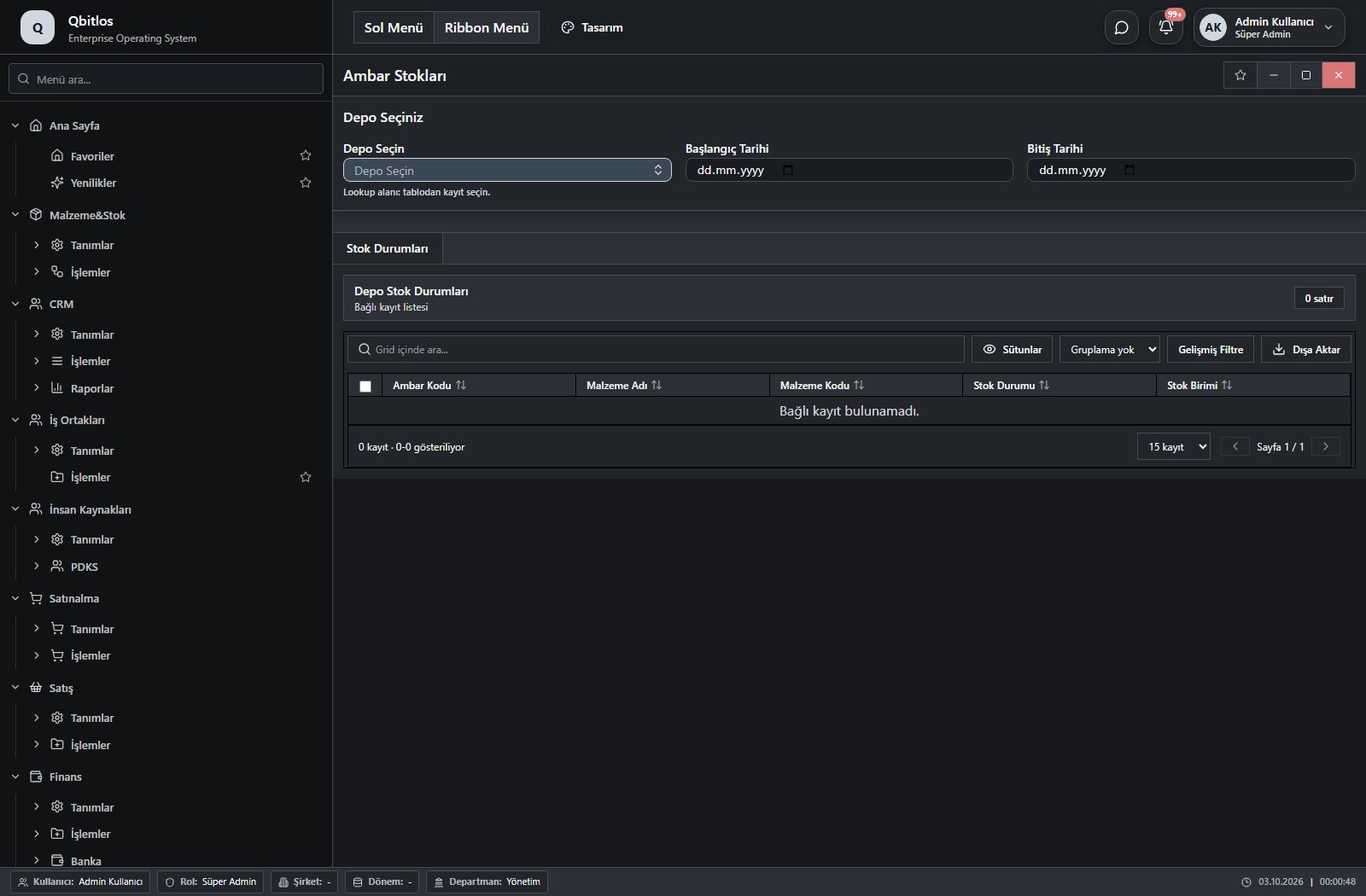
Ambar Stok Durumları · 3 field guide
| Field | Type | Usage and rules |
|---|---|---|
| Depo Seçin | lookup | Optional Select from related records. Ambar Tanımları Shown in the list view. |
| Başlangıç Tarihi | date | Optional Shown in the list view. |
| Bitiş Tarihi | date | Optional Shown in the list view. |
Raporlar / Stok / Kritik Stoklar
Kritik Stok · 8 field guide
| Field | Type | Usage and rules |
|---|---|---|
| Malzeme Adı | text | Ambar Tanımları alanı Required Shown in the list view. |
| Malzeme Kodu | text | Ambar Tanımları alanı Optional Shown in the list view. |
| Stok Durumu | text | Optional Shown in the list view. |
| Stok Birimi | text | Optional Shown in the list view. |
| Malzeme Alt Grubu | lookup | Optional Select from related records. Malzeme Alt Grupları Shown in the list view. |
| Malzeme Grubu | lookup | Optional Select from related records. Malzeme Grupları Shown in the list view. |
| Marka | lookup | Optional Select from related records. Marka Tanımları Shown in the list view. |
| Minimum Stok Seviyesi | text | Optional Shown in the list view. |
Raporlar / Ürün Raporları
This menu opens navigation, a report or a custom screen; it has no standard form field binding. Explore its related screens in the menu.
Raporlar / Ürün Raporları / Ürün Satış Raporu
Ürün Satış Raporu · 6 field guide
| Field | Type | Usage and rules |
|---|---|---|
| Malzeme Kodu | text | Optional Shown in the list view. |
| Ürün | text | Optional Shown in the list view. |
| Malzeme Grubu | text | Malzemegrubu alanı Optional Shown in the list view. |
| Stok Birimi | text | Optional Shown in the list view. |
| Miktar | number | Optional Shown in the list view. |
| Toplam | number | Optional Shown in the list view. |
Raporlar / Ürün Raporları / Stok Alım Raporu
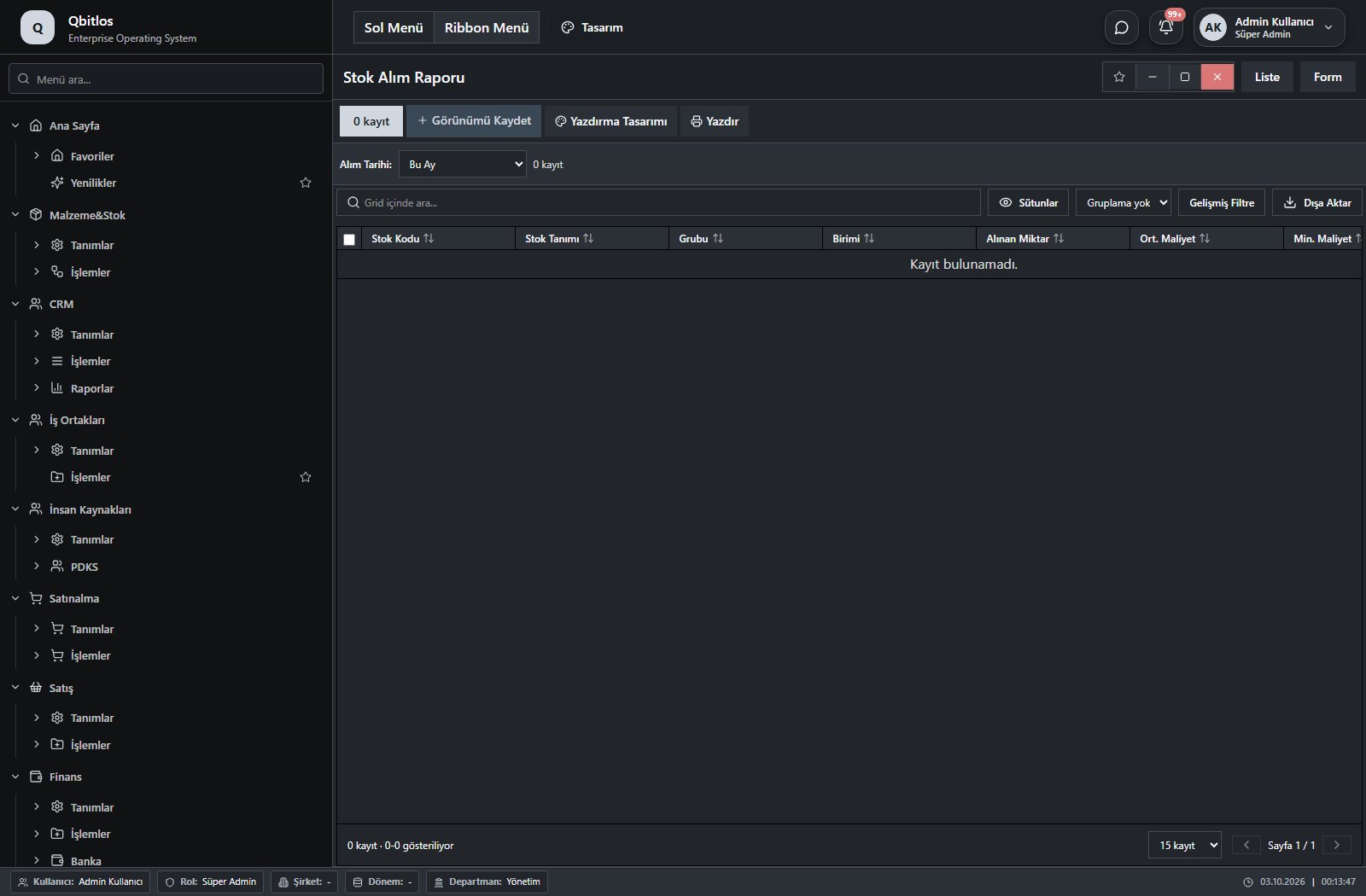
Stok Alım Raporu · 8 field guide
| Field | Type | Usage and rules |
|---|---|---|
| Stok Kodu | text | Malzemekodu alanı Optional Shown in the list view. |
| Stok Tanımı | text | Malzemetanimi alanı Optional Shown in the list view. |
| Grubu | text | Malzemegrubu alanı Optional Shown in the list view. |
| Birimi | text | Stokbirimi alanı Optional Shown in the list view. |
| Alınan Miktar | number | Toplamalimmiktari alanı Optional Shown in the list view. |
| Ort. Maliyet | number | Ortalamamaliyet alanı Optional Shown in the list view. |
| Min. Maliyet | number | Minimummaliyet alanı Optional Shown in the list view. |
| Son Maliyet | number | Sonmaliyet alanı Optional Shown in the list view. |
Raporlar / Ürün Raporları / Ürün Kar Analizi
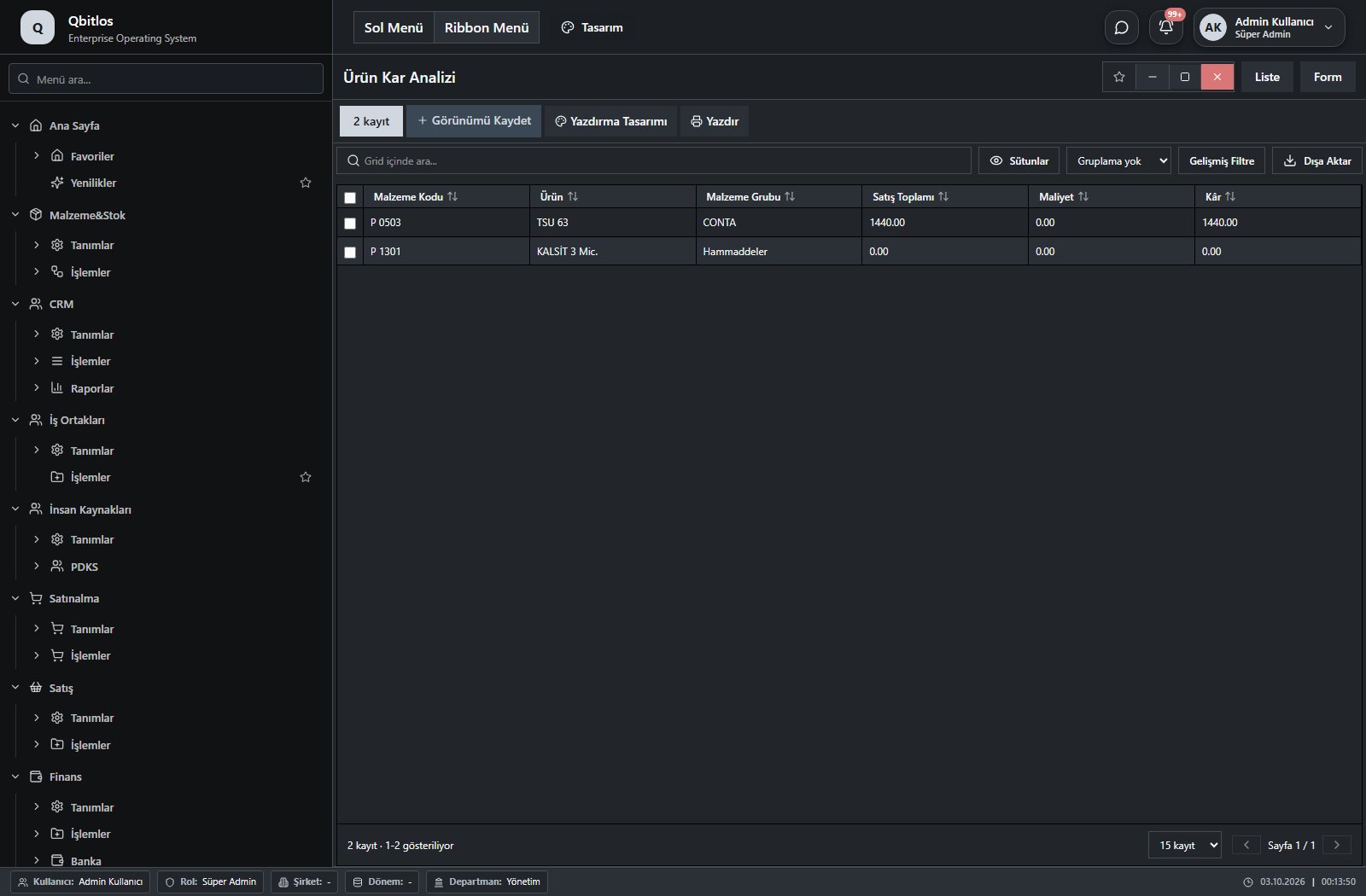
Ürün Kar Analizi · 6 field guide
| Field | Type | Usage and rules |
|---|---|---|
| Malzeme Kodu | text | Optional Shown in the list view. |
| Ürün | text | Optional Shown in the list view. |
| Malzeme Grubu | text | Malzemegrubu alanı Optional Shown in the list view. |
| Satış Toplamı | number | Satis Toplami alanı Optional Shown in the list view. |
| Maliyet | number | Optional Shown in the list view. |
| Kâr | number | Kar alanı Optional Shown in the list view. |
Raporlar / Ürün Raporları / Marka Satış Raporu
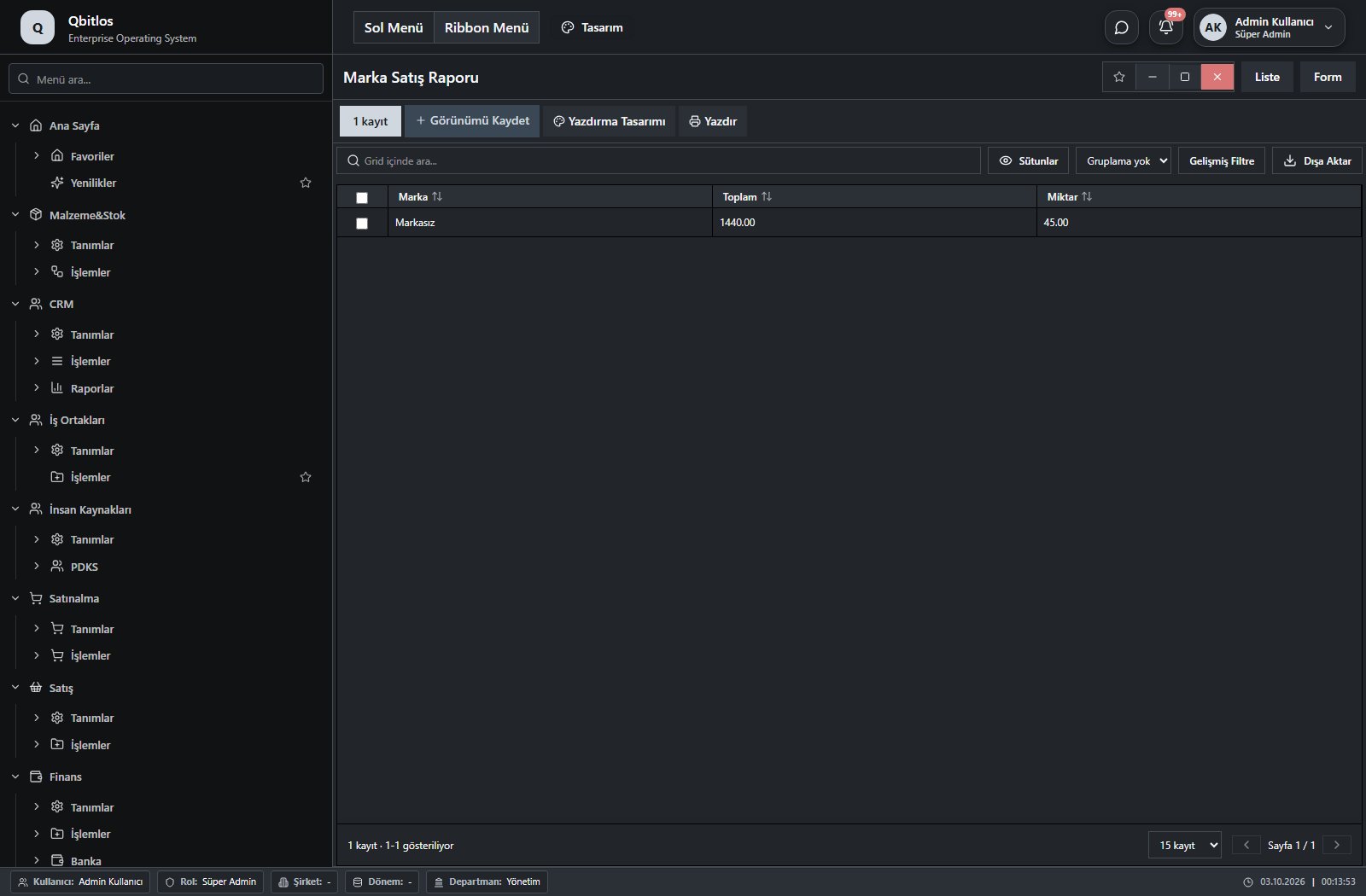
Marka Satış Raporu · 3 field guide
| Field | Type | Usage and rules |
|---|---|---|
| Marka | text | Optional Shown in the list view. |
| Toplam | number | Optional Shown in the list view. |
| Miktar | number | Optional Shown in the list view. |
Raporlar / Ürün Raporları / Ürün Alış Ortalamaları
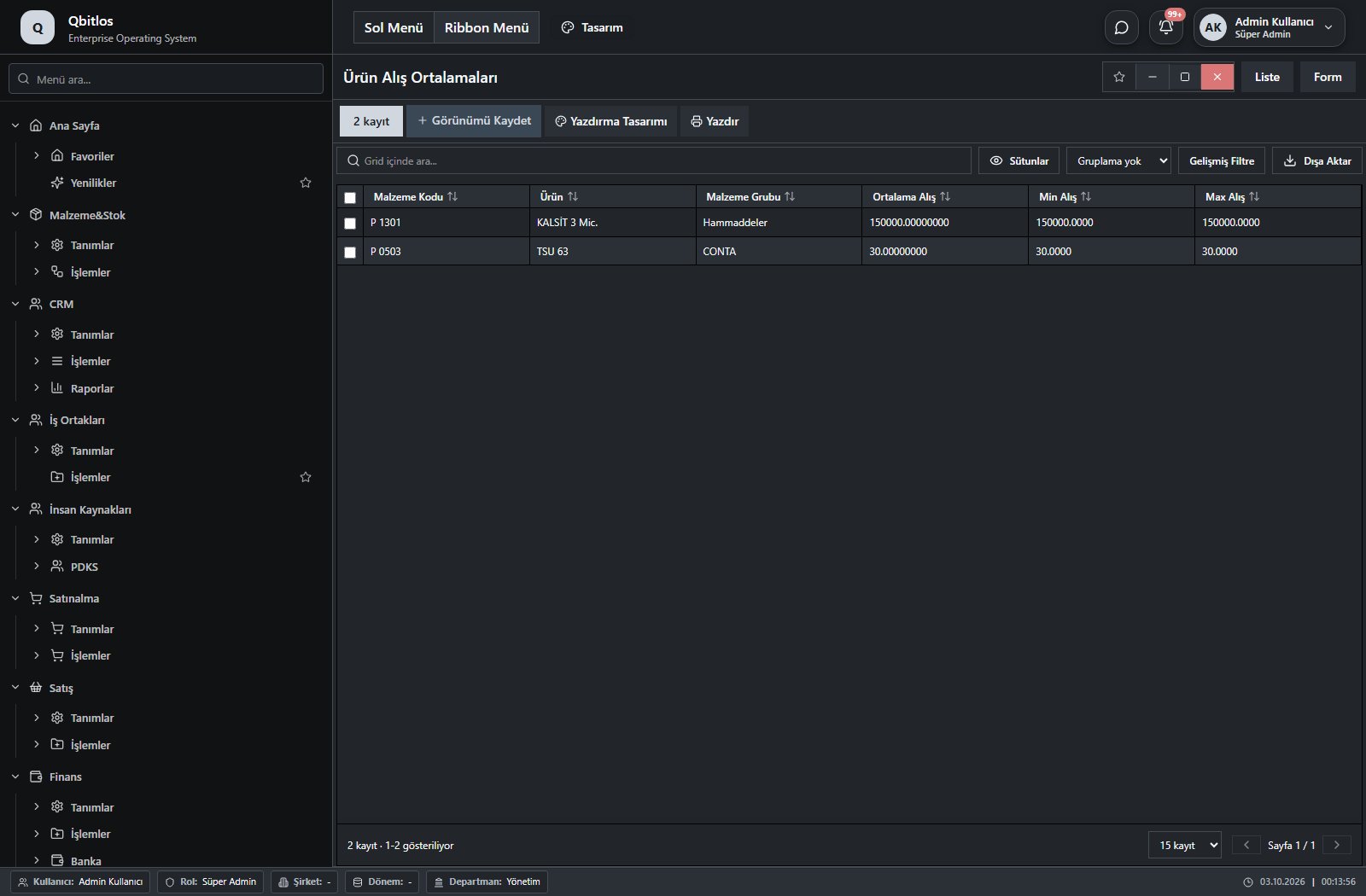
Ürün Alış Ortalamaları · 6 field guide
| Field | Type | Usage and rules |
|---|---|---|
| Malzeme Kodu | text | Optional Shown in the list view. |
| Ürün | text | Optional Shown in the list view. |
| Malzeme Grubu | text | Malzemegrubu alanı Optional Shown in the list view. |
| Ortalama Alış | text | Optional Shown in the list view. |
| Min Alış | text | Optional Shown in the list view. |
| Max Alış | text | Optional Shown in the list view. |
Raporlar / Personel Raporları
This menu opens navigation, a report or a custom screen; it has no standard form field binding. Explore its related screens in the menu.
Raporlar / Personel Raporları / Personel Satış Raporu
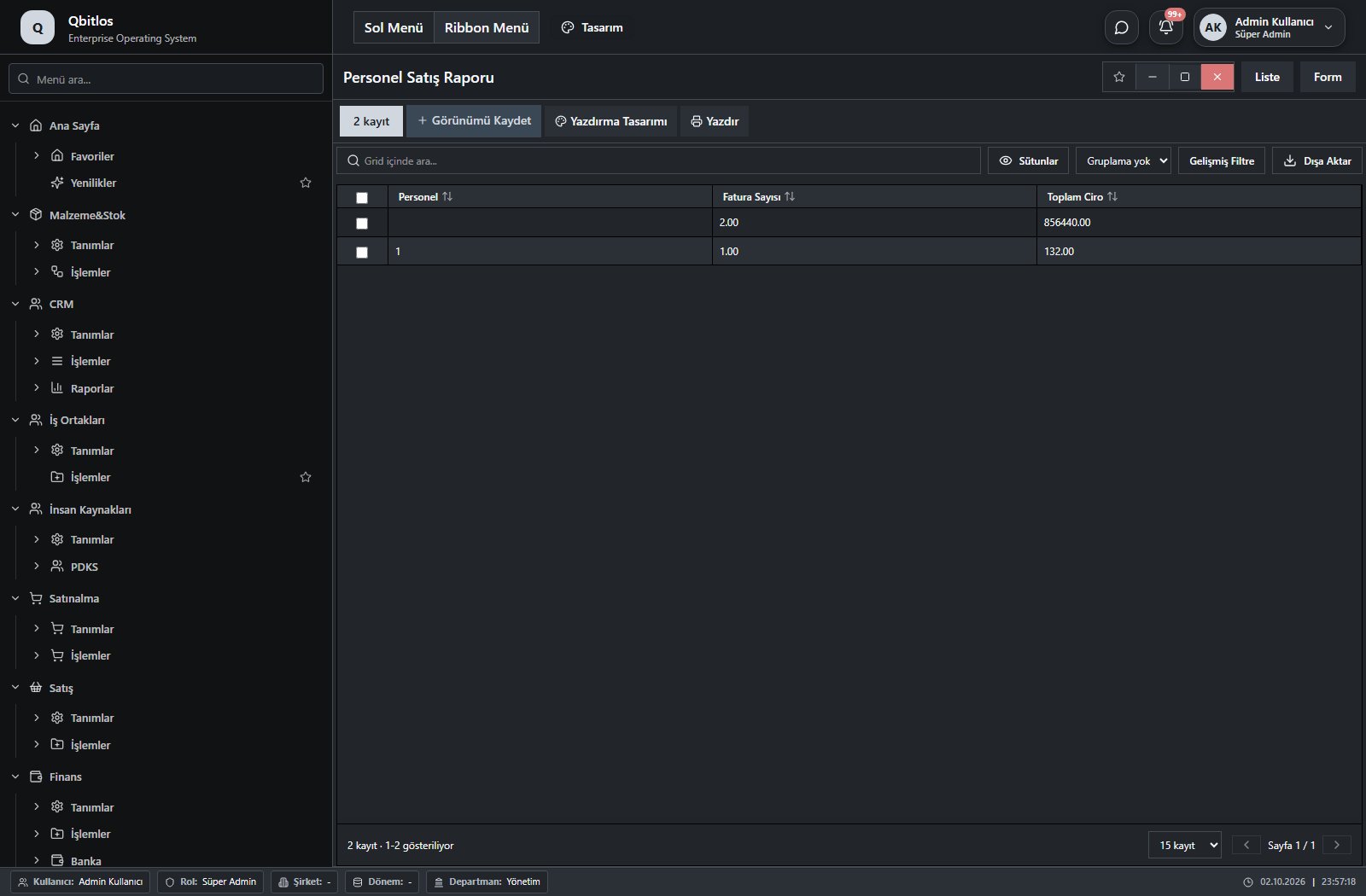
Personel Satış Raporu · 3 field guide
| Field | Type | Usage and rules |
|---|---|---|
| Personel | text | Optional Shown in the list view. |
| Fatura Sayısı | number | Optional Shown in the list view. |
| Toplam Ciro | number | Optional Shown in the list view. |
Raporlar / Personel Raporları / Personel Müşteri Sayıları
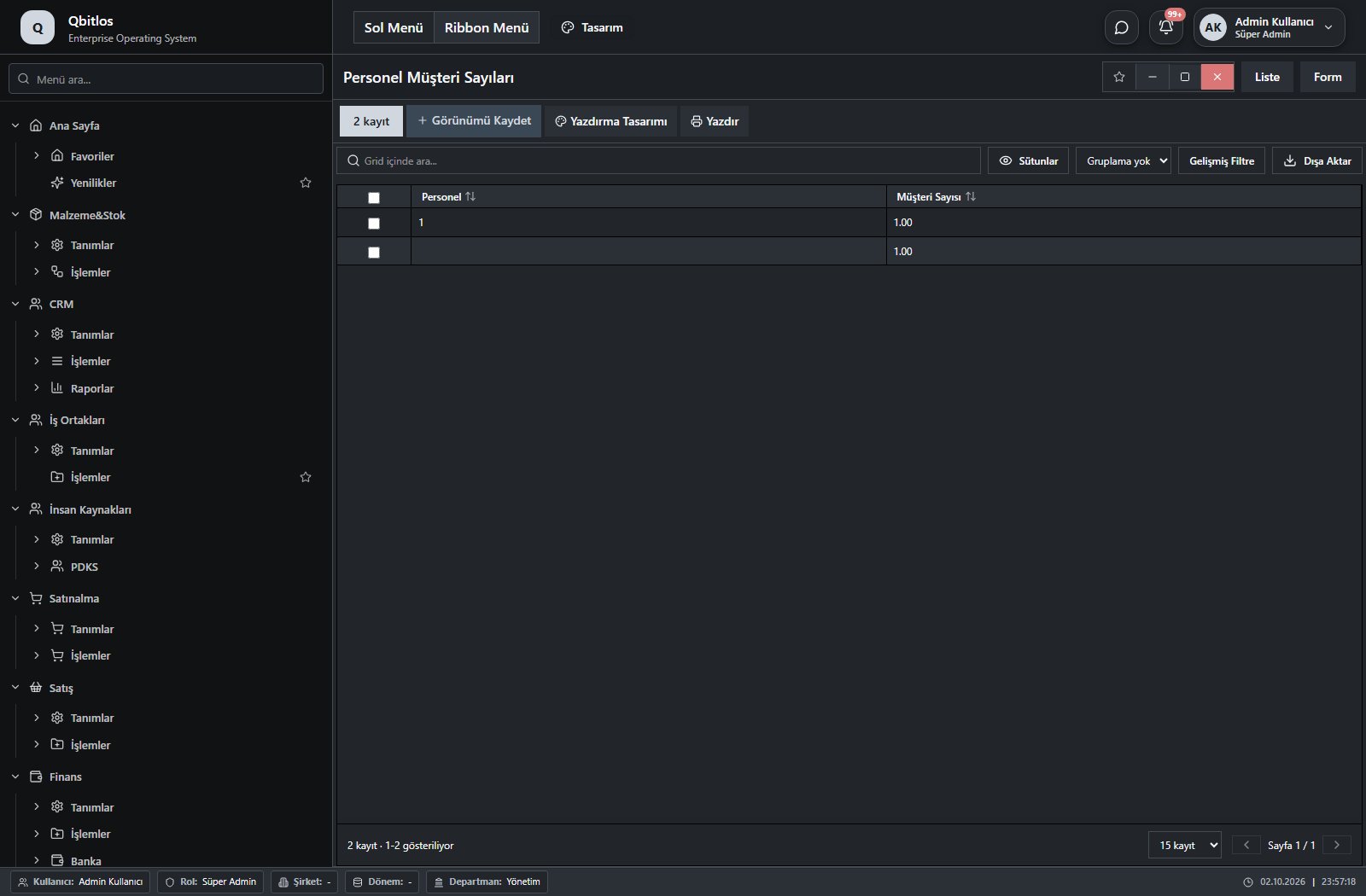
Personel Müşteri Sayıları · 2 field guide
| Field | Type | Usage and rules |
|---|---|---|
| Personel | text | Optional Shown in the list view. |
| Müşteri Sayısı | number | Optional Shown in the list view. |
Raporlar / Personel Raporları / Giriş Çıkış Raporu
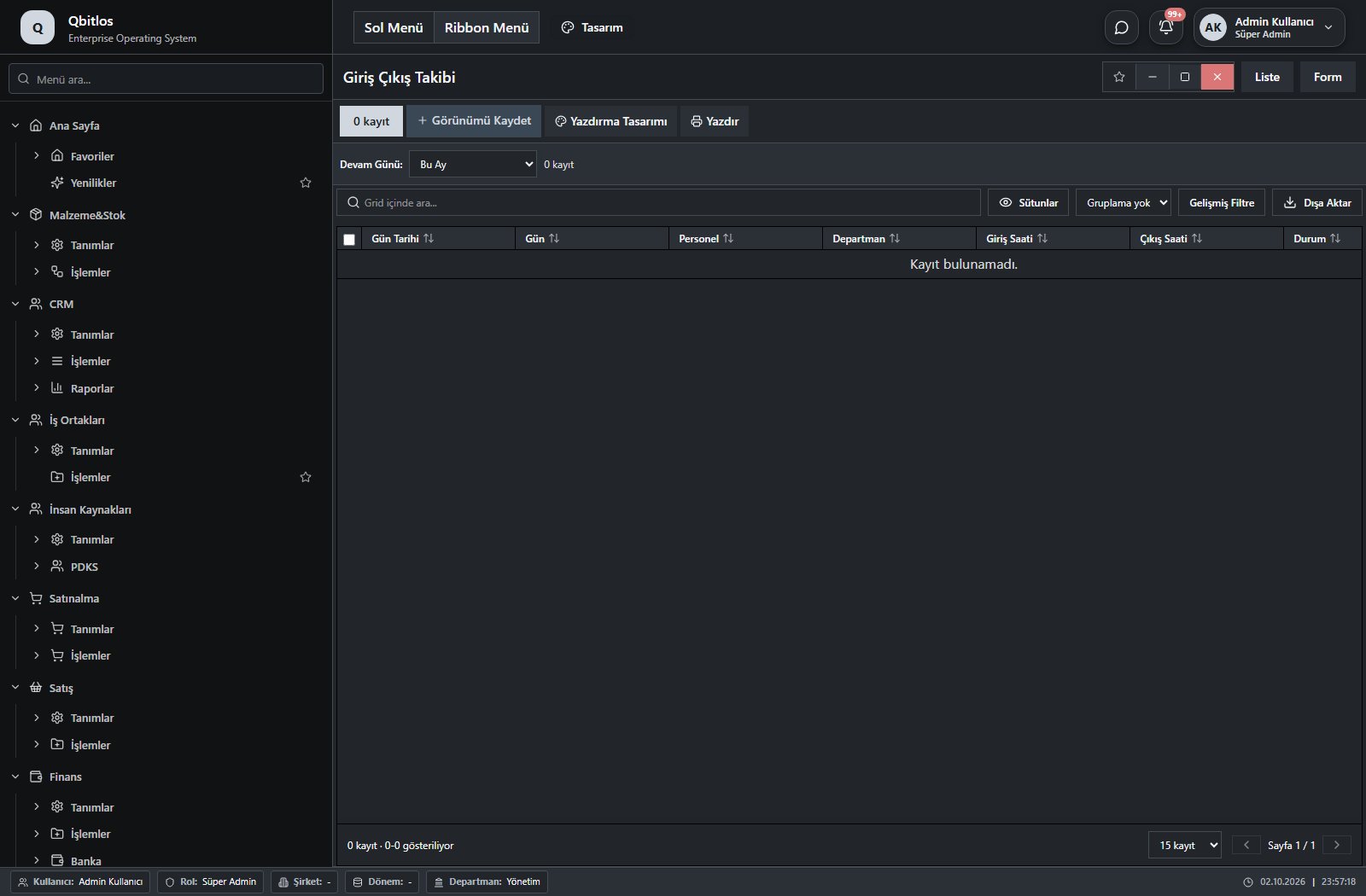
Giriş Çıkış Takibi · 8 field guide
| Field | Type | Usage and rules |
|---|---|---|
| Gün Tarihi | text | Optional Shown in the list view. |
| Gün | text | Optional Shown in the list view. |
| Personel | text | Optional Shown in the list view. |
| Departman | text | Optional Shown in the list view. |
| Giriş Saati | text | Optional Shown in the list view. |
| Çıkış Saati | text | Optional Shown in the list view. |
| Durum | text | Optional Shown in the list view. |
| Açıklama | text | Optional Shown in the list view. |
Raporlar / Hizmet Raporları
This menu opens navigation, a report or a custom screen; it has no standard form field binding. Explore its related screens in the menu.
Raporlar / Hizmet Raporları / Günlük Hizmet Satış
Günlük Hizmet Satış · 3 field guide
| Field | Type | Usage and rules |
|---|---|---|
| Tarih | text | Optional Shown in the list view. |
| Hizmet Satır Sayısı | number | Optional Shown in the list view. |
| Toplam | number | Optional Shown in the list view. |
Raporlar / Hizmet Raporları / Branş Bazlı Hizmetler
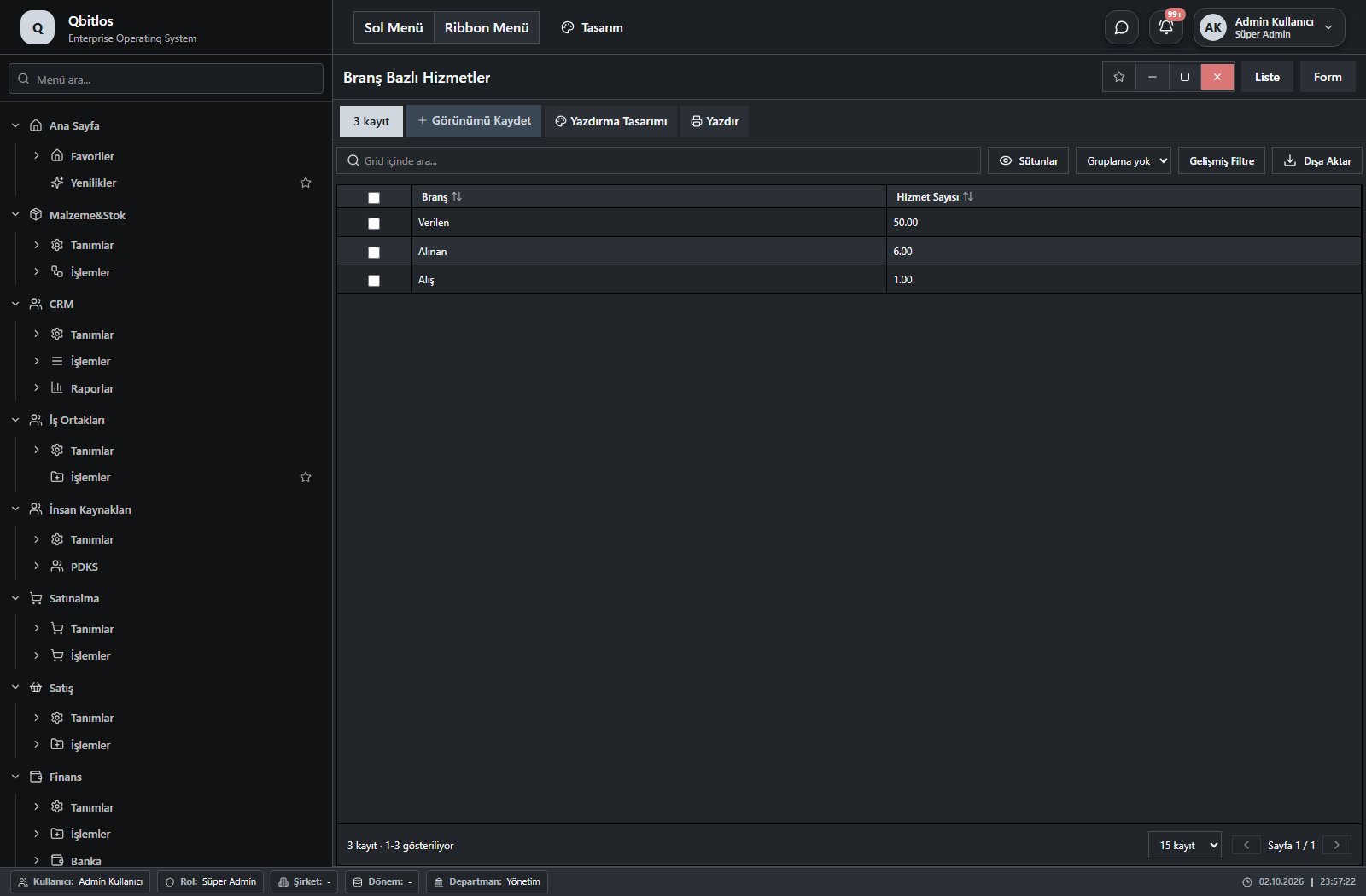
Branş Bazlı Hizmetler · 2 field guide
| Field | Type | Usage and rules |
|---|---|---|
| Branş | text | Optional Shown in the list view. |
| Hizmet Sayısı | number | Optional Shown in the list view. |
Raporlar / Hizmet Raporları / İndirimli Adisyonlar
İndirimli Adisyonlar · 6 field guide
| Field | Type | Usage and rules |
|---|---|---|
| Müşteri | text | Optional Shown in the list view. |
| Tarih | text | Optional Shown in the list view. |
| Hareket Türü | text | Optional Shown in the list view. |
| Belgeno | text | Optional Shown in the list view. |
| İskonto | text | Optional Shown in the list view. |
| Tutar | number | Optional Shown in the list view. |
Raporlar / Hizmet Raporları / Hizmet ve Ürün Karşılaştırma
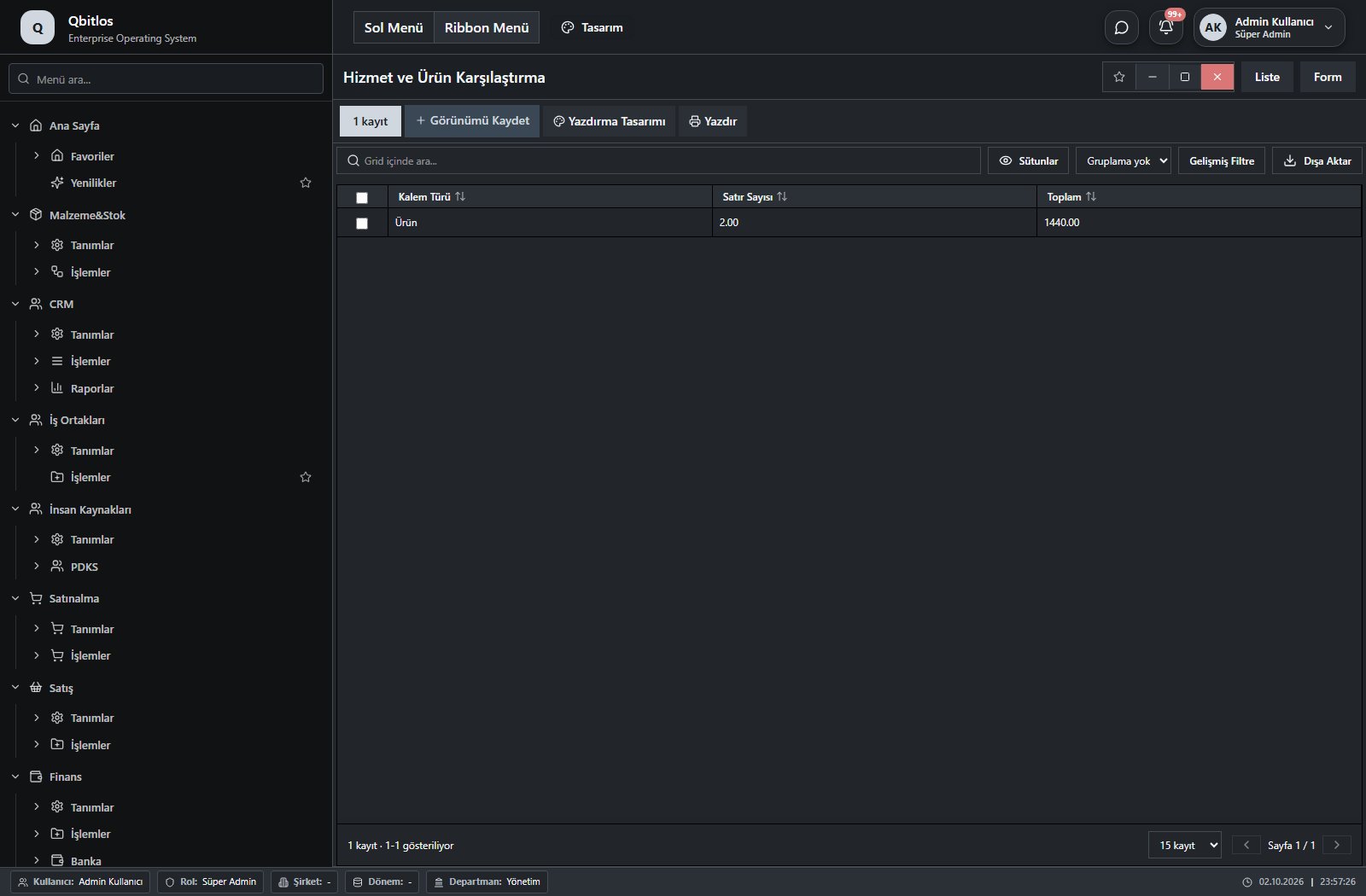
Hizmet ve Ürün Karşılaştırma · 3 field guide
| Field | Type | Usage and rules |
|---|---|---|
| Kalem Türü | text | Optional Shown in the list view. |
| Satır Sayısı | number | Optional Shown in the list view. |
| Toplam | number | Optional Shown in the list view. |
Raporlar / Finans Raporları
This menu opens navigation, a report or a custom screen; it has no standard form field binding. Explore its related screens in the menu.
Raporlar / Finans Raporları / Günlük/Tarih Arası Ciro
Günlük/Tarih Arası Ciro · 2 field guide
| Field | Type | Usage and rules |
|---|---|---|
| Tarih | text | Optional Shown in the list view. |
| Ciro | number | Optional Shown in the list view. |
Raporlar / Finans Raporları / Veresiye Adisyonlar
Veresiye Adisyonlar · 7 field guide
| Field | Type | Usage and rules |
|---|---|---|
| Müşteri | text | Optional Shown in the list view. |
| Tarih | text | Optional Shown in the list view. |
| Borç | text | Optional Shown in the list view. |
| Alacak | text | Optional Shown in the list view. |
| Tutarı | number | Optional Shown in the list view. |
| Vade Tarihi | text | Optional Shown in the list view. |
| Hareket Türü | text | Optional Shown in the list view. |
Raporlar / Finans Raporları / Nakit, KK, Banka Hareketi
Nakit, KK, Banka Hareketi · 8 field guide
| Field | Type | Usage and rules |
|---|---|---|
| Tarih | text | Optional Shown in the list view. |
| Hareket Türü | text | Optional Shown in the list view. |
| Ödeme Türü | text | Optional Shown in the list view. |
| Hesap | text | Optional Shown in the list view. |
| Borç | text | Optional Shown in the list view. |
| Alacak | text | Optional Shown in the list view. |
| Tutarı | number | Optional Shown in the list view. |
| Ödeme Kanalı | text | Odeme Kanali alanı Optional Shown in the list view. |
Raporlar / Finans Raporları / Maliyet Analiz Raporu
Maliyet Analiz Raporu · 6 field guide
| Field | Type | Usage and rules |
|---|---|---|
| Ay | text | Optional Shown in the list view. |
| Şube Kodu | text | Optional Shown in the list view. |
| Şube | text | Optional Shown in the list view. |
| Gider Kodu | text | Optional Shown in the list view. |
| Gider Kalemi | text | Optional Shown in the list view. |
| Gider Tutarı | number | Optional Shown in the list view. |
Raporlar / Finans Raporları / Banka Hesap Bakiyeleri
Banka Hesap Bakiyeleri · 6 field guide
| Field | Type | Usage and rules |
|---|---|---|
| Tarih | text | Optional Shown in the list view. |
| Hesap | text | Optional Shown in the list view. |
| Hareket Türü | text | Optional Shown in the list view. |
| Borç | text | Optional Shown in the list view. |
| Alacak | text | Optional Shown in the list view. |
| Belgeno | text | Optional Shown in the list view. |
Raporlar / Finans Raporları / Banka Hesap Ekstresi
Banka Hesap Ekstresi · 8 field guide
| Field | Type | Usage and rules |
|---|---|---|
| Tarih | text | Optional Shown in the list view. |
| Hesap | text | Optional Shown in the list view. |
| Hareket Türü | text | Optional Shown in the list view. |
| Borç | text | Optional Shown in the list view. |
| Alacak | text | Optional Shown in the list view. |
| Tutarı | number | Optional Shown in the list view. |
| Vade Tarihi | text | Optional Shown in the list view. |
| Belgeno | text | Optional Shown in the list view. |
Raporlar / Finans Raporları / Firma Gider Hareketleri
Salon Gider Hareketleri · 6 field guide
| Field | Type | Usage and rules |
|---|---|---|
| Tarih | text | Optional Shown in the list view. |
| Hareket Türü | text | Optional Shown in the list view. |
| Gider Hesabı | text | Optional Shown in the list view. |
| Borç | text | Optional Shown in the list view. |
| Alacak | text | Optional Shown in the list view. |
| Belge No | text | Optional Shown in the list view. |
Raporlar / Finans Raporları / Günlük Kasa Özeti
Günlük Kasa Özeti · 4 field guide
| Field | Type | Usage and rules |
|---|---|---|
| Tarih | text | Optional Shown in the list view. |
| Tahsilat | text | Optional Shown in the list view. |
| Ödeme | text | Odeme alanı Optional Shown in the list view. |
| Net | text | Optional Shown in the list view. |
Shipment orders link order lines to material, quantity, warehouse, lot/serial and delivery point. Dispatch plans identify loading location, fleet/spot vehicle, trailer, driver and tracking reference. Capacity and used volume/weight are separate fields. Assignments track dates; gate records retain entry/exit, weights and mileage.
Lojistik / Tanımlar
This menu opens navigation, a report or a custom screen; it has no standard form field binding. Explore its related screens in the menu.
Lojistik / Tanımlar / Lojistik Yöntemleri
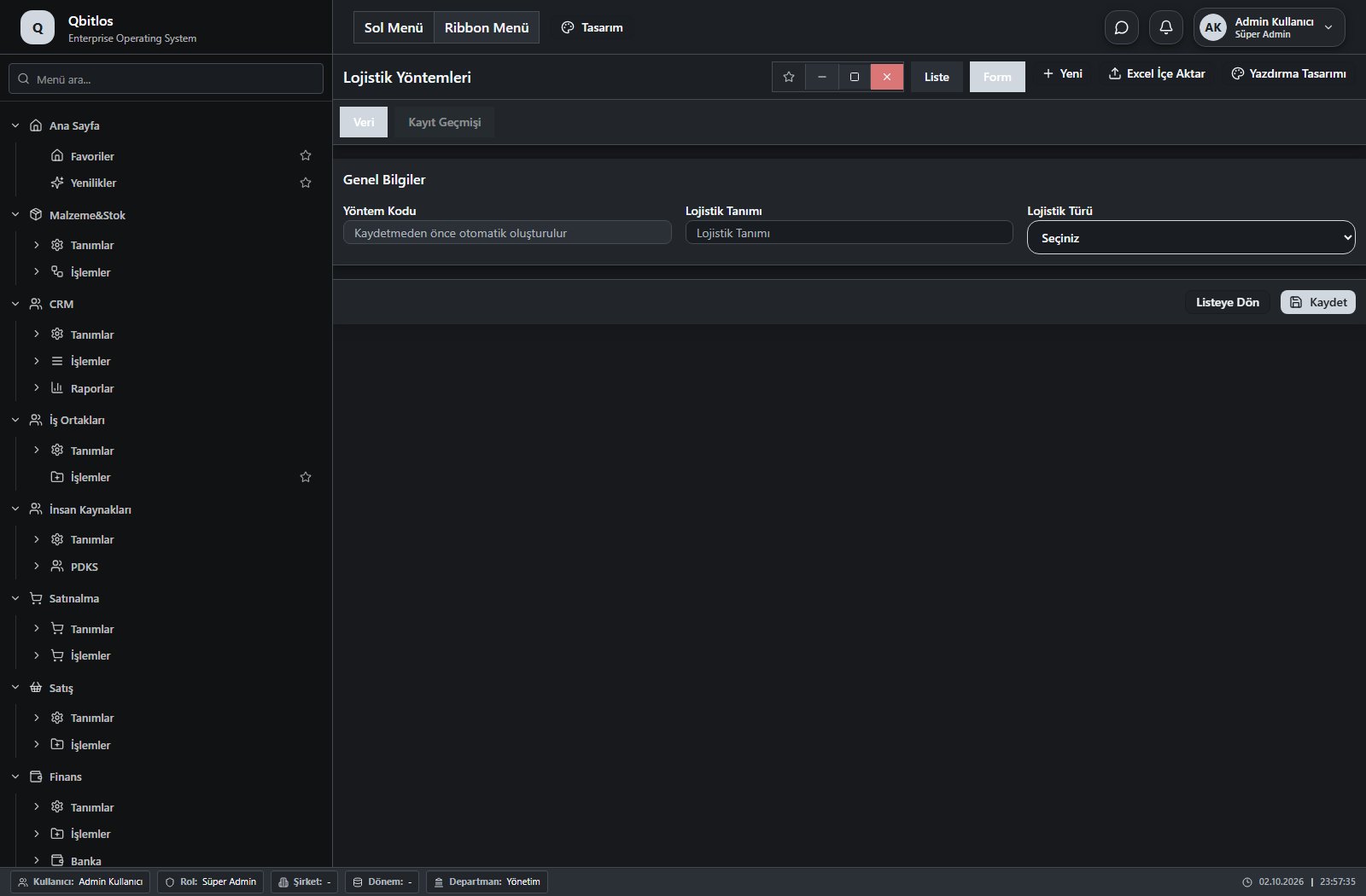
Lojistik Yöntemi · 3 field guide
| Field | Type | Usage and rules |
|---|---|---|
| Lojistik Tanımı | text | Optional Shown in the list view. |
| Lojistik Türü | select | Optional Shown in the list view. Options: Filo Tedarik · Spot Tedarik · Kargo |
| Yöntem Kodu | autofield | Optional Automatic value generation is configured. Shown in the list view. |
Lojistik / Tanımlar / Filo Araçları
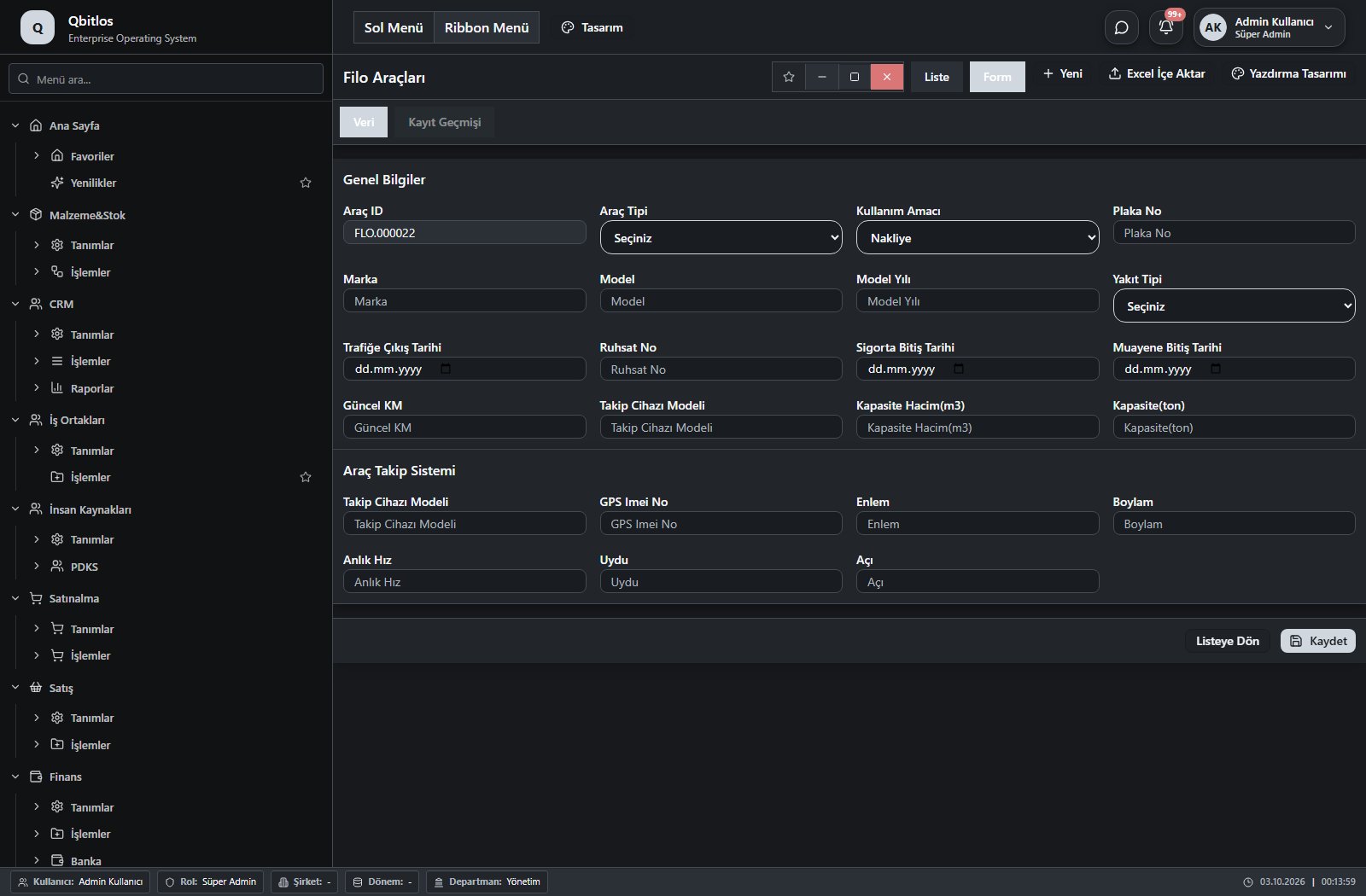
Filo Araçları · 23 field guide
| Field | Type | Usage and rules |
|---|---|---|
| Araç ID | autofield | Optional Automatic value generation is configured. Shown in the list view. |
| Araç Tipi | select | Optional Shown in the list view. Options: Çekici · Kamyon · Kamyonet · Van · Pikap · Otomobil |
| Plaka No | text | Optional Shown in the list view. |
| Marka | text | Optional Shown in the list view. |
| Model | text | Optional Shown in the list view. |
| Model Yılı | text | Optional Shown in the list view. |
| Yakıt Tipi | select | Optional Shown in the list view. Options: Benzin;Dizel;Elektrik;Hibrit |
| Trafiğe Çıkış Tarihi | date | Optional Shown in the list view. |
| Ruhsat No | text | Optional Shown in the list view. |
| Sigorta Bitiş Tarihi | date | Optional Shown in the list view. |
| Muayene Bitiş Tarihi | date | Optional Shown in the list view. |
| Güncel KM | number | Optional Shown in the list view. |
| Takip Cihazı Modeli | text | Optional Shown in the list view. |
| Dorse Plaka No | lookup | Optional Select from related records. Dorseler Fields populated by selection: Kapasite Hacim(m3), Kapasite(ton). Shown according to a visibility rule. Shown in the list view. |
| Kapasite Hacim(m3) | number | Optional Shown in the list view. |
| Kapasite(ton) | number | Optional Shown in the list view. |
| Enlem | text | Optional Shown in the list view. |
| Boylam | text | Optional Shown in the list view. |
| Anlık Hız | number | Optional Shown in the list view. |
| Uydu | number | Optional Shown in the list view. |
| Açı | text | Optional Shown in the list view. |
| GPS Imei No | text | Optional Shown in the list view. |
| Kullanım Amacı | select | Optional Shown in the list view. Options: Nakliye · Kiralama |
Lojistik / Tanımlar / Dorseler
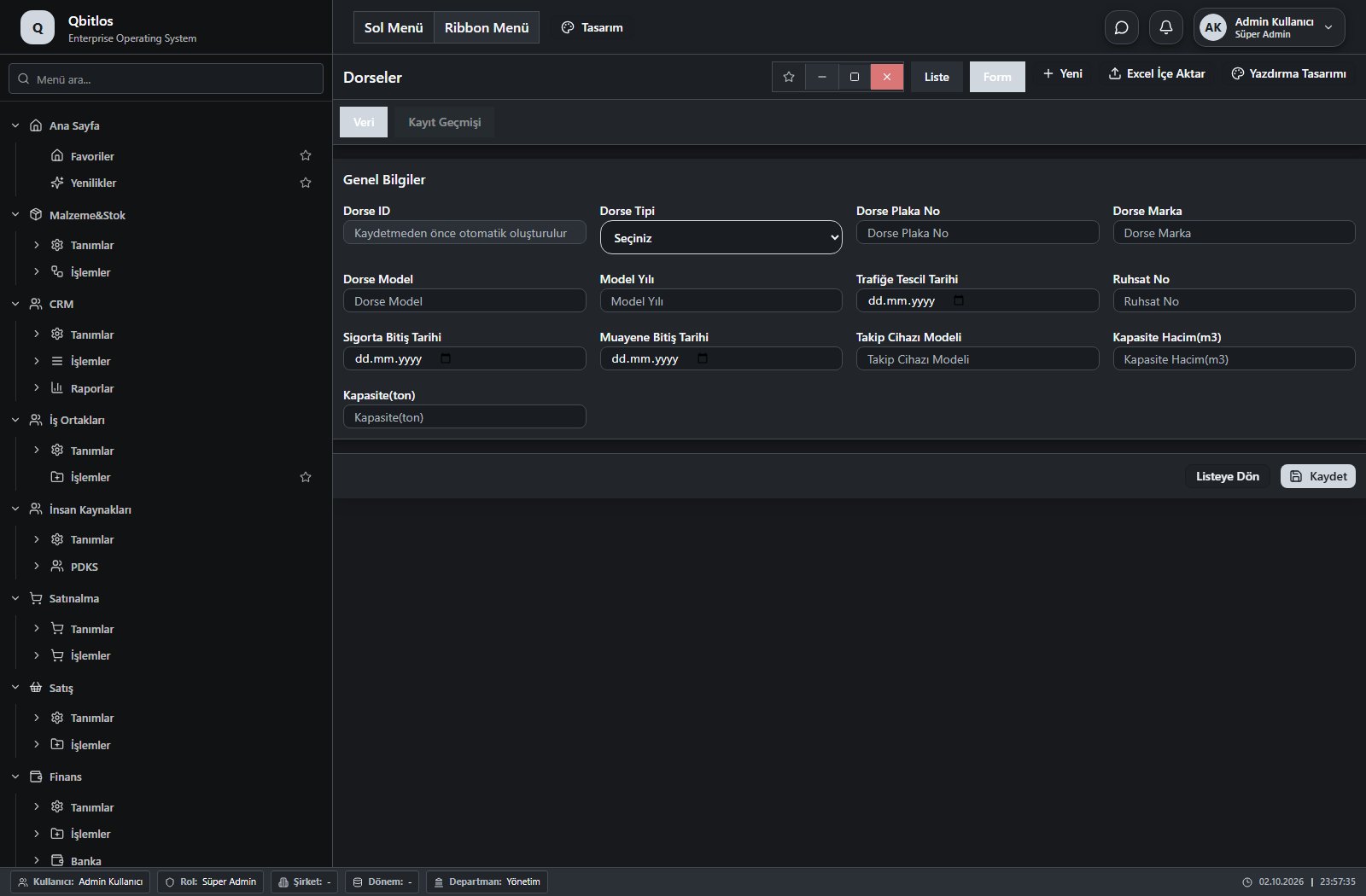
Dorseler · 13 field guide
| Field | Type | Usage and rules |
|---|---|---|
| Dorse ID | autofield | Optional Automatic value generation is configured. Shown in the list view. |
| Dorse Tipi | select | Optional Shown in the list view. Options: Tenteli · Mega · KayarÇatılı · KapalıKasa · Frigorifik · İzole · Platform · Lowbed · UzayabilirLowbed · HavuzDorse · Damper · Silobas · Tanker · KonteynerŞasi · OtoTaşıyıcı · BobinDorse · Diğer |
| Dorse Plaka No | text | Optional Unique value Shown in the list view. |
| Dorse Marka | text | Optional Shown in the list view. |
| Dorse Model | text | Optional Shown in the list view. |
| Model Yılı | text | Optional Shown in the list view. |
| Trafiğe Tescil Tarihi | date | Optional Shown in the list view. |
| Ruhsat No | text | Optional Shown in the list view. |
| Sigorta Bitiş Tarihi | date | Optional Shown in the list view. |
| Muayene Bitiş Tarihi | date | Optional Shown in the list view. |
| Takip Cihazı Modeli | text | Optional Shown in the list view. |
| Kapasite Hacim(m3) | number | Optional Shown in the list view. |
| Kapasite(ton) | number | Optional Shown in the list view. |
Lojistik / Tanımlar / Spot Araçlar
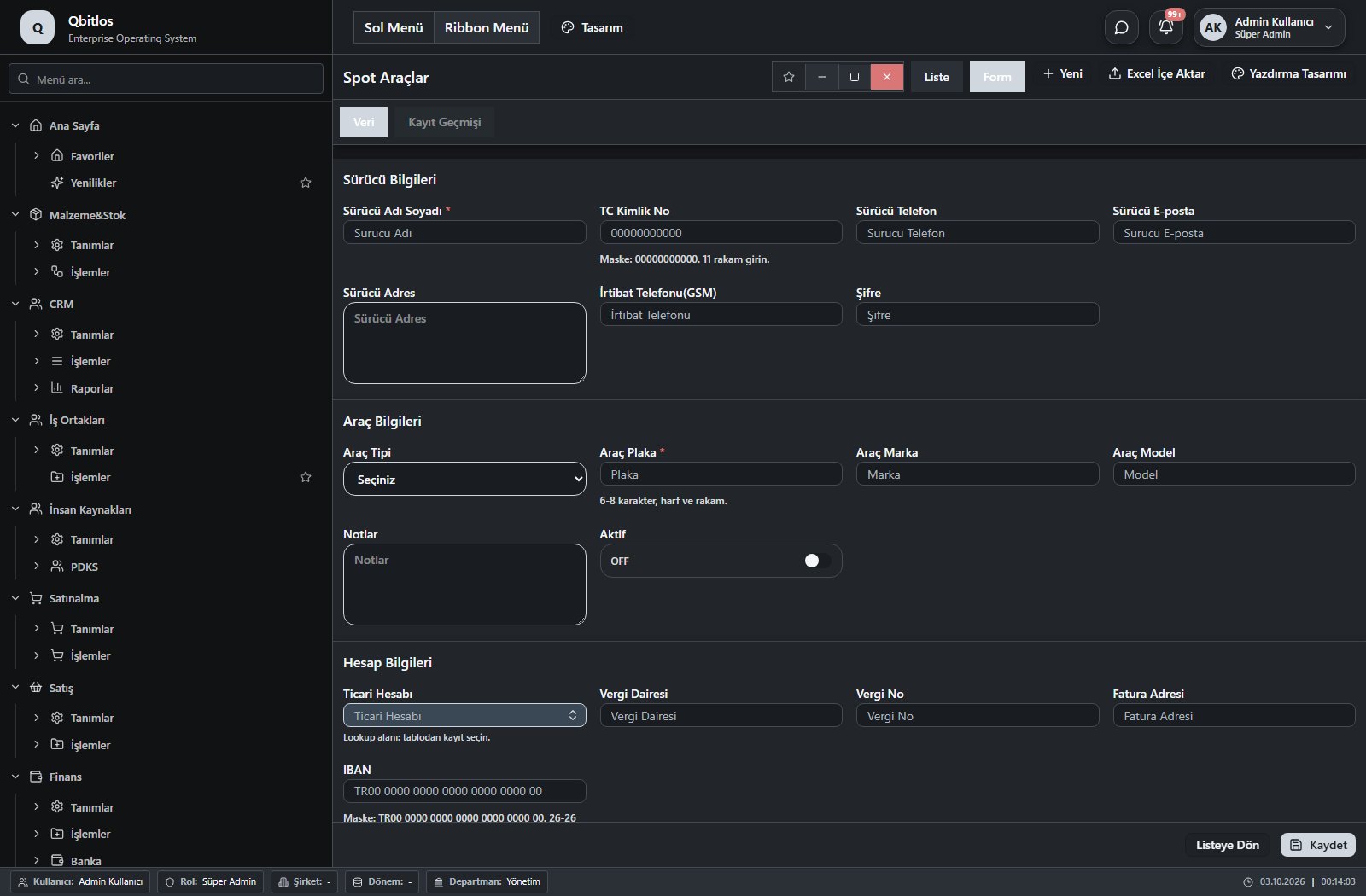
Spot Araçlar · 21 field guide
| Field | Type | Usage and rules |
|---|---|---|
| Araç Plaka | text | Plaka No(Boşluksuz, büyük harf) Required Shown in the list view. |
| Araç Marka | text | Marka Optional Shown in the list view. |
| Araç Model | text | Model Optional Shown in the list view. |
| Dorse Plaka | text | Dorse Plaka Optional Shown according to a visibility rule. Shown in the list view. |
| Dorse Marka | text | Dorse Marka Optional Shown according to a visibility rule. |
| Dorse Tipi | select | Dorse Tipi Optional Shown according to a visibility rule. Options: Tenteli · Mega · KayarÇatılı · KapalıKasa · Frigorifik · İzole · Platform · Lowbed · UzayabilirLowbed · HavuzDorse · Damper · Silobas · Tanker · KonteynerŞasi · OtoTaşıyıcı · BobinDorse · Diğer |
| Sürücü Adı Soyadı | text | Sürücü Adı Required Shown in the list view. |
| Sürücü Telefon | tel | Sürücü Telefon Optional Shown in the list view. |
| Sürücü E-posta | Sürücü E-posta Optional | |
| Sürücü Adres | textarea | Sürücü Adres Optional |
| İrtibat Telefonu(GSM) | tel | İrtibat Telefonu Optional |
| Şifre | text | Şifre Optional |
| Notlar | textarea | Notlar Optional |
| Aktif | checkbox | Aktif Optional Shown in the list view. |
| TC Kimlik No | text | Optional Unique value Shown in the list view. |
| Vergi Dairesi | text | Optional Shown in the list view. |
| Vergi No | text | Optional Shown in the list view. |
| Ticari Hesabı | lookup | Optional Select from related records. Tedarikçiler Fields populated by selection: Vergi Dairesi, Vergi No, Fatura Adresi. Shown in the list view. |
| Fatura Adresi | text | Optional Shown in the list view. |
| Araç Tipi | select | Optional Shown in the list view. Options: Çekici · Kamyon · Kamyonet · Van · Pikap · Otomobil |
| IBAN | text | Optional Shown in the list view. |
Lojistik / Tanımlar / Palet Türleri
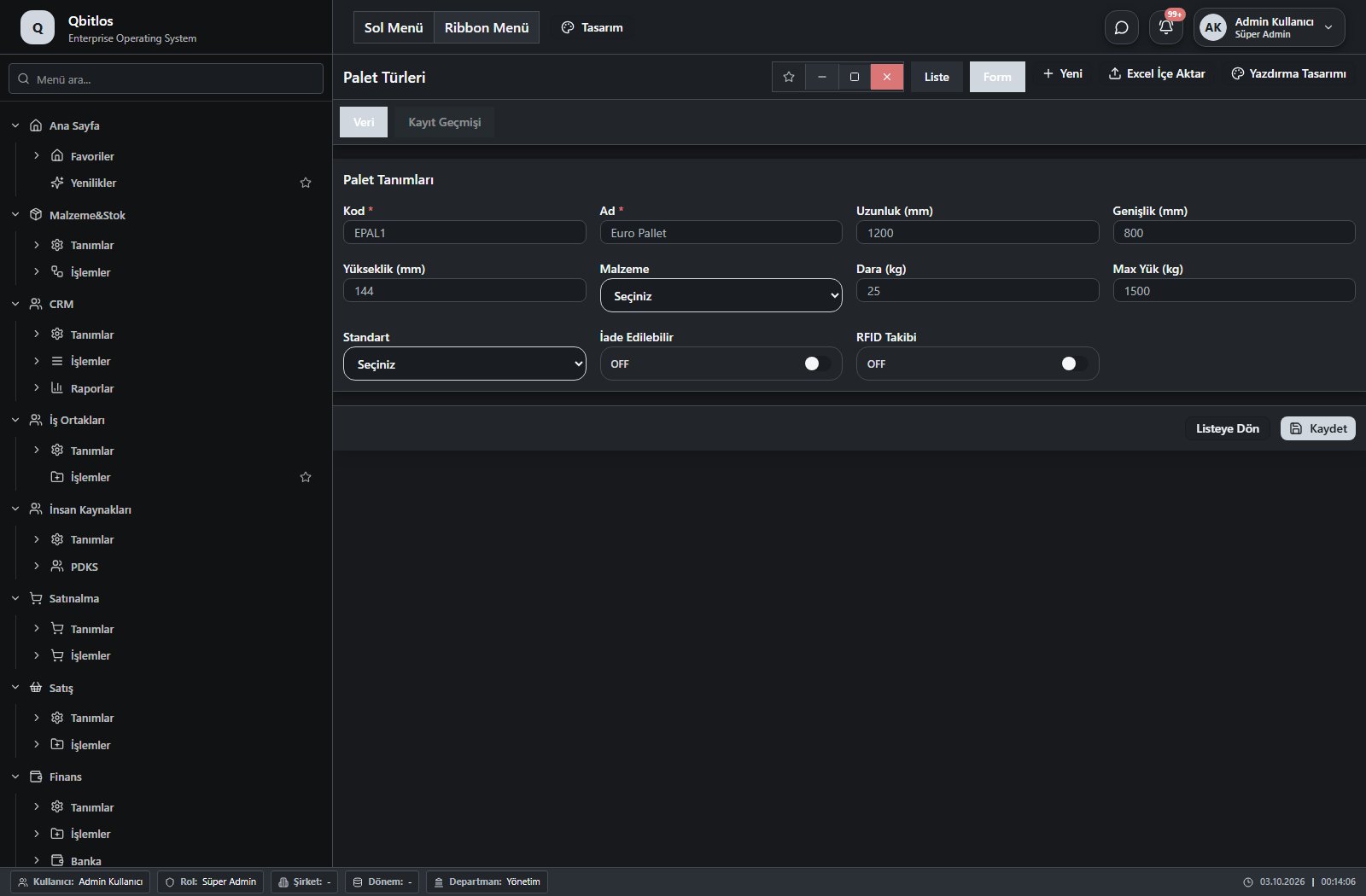
Palet Türleri · 11 field guide
| Field | Type | Usage and rules |
|---|---|---|
| Kod | text | Required Unique value Shown in the list view. |
| Ad | text | Required Shown in the list view. |
| Uzunluk (mm) | number | Optional Shown in the list view. |
| Genişlik (mm) | number | Optional Shown in the list view. |
| Yükseklik (mm) | number | Optional Shown in the list view. |
| Malzeme | select | Optional Shown in the list view. Options: Ahşap · Plastik · Metal · Karton · Diğer |
| Dara (kg) | number | Optional Shown in the list view. |
| Max Yük (kg) | number | Optional Shown in the list view. |
| Standart | select | Optional Shown in the list view. Options: EPAL · EUR · ISPM 15 · Diğer |
| İade Edilebilir | checkbox | Optional Shown in the list view. |
| RFID Takibi | checkbox | Optional Shown in the list view. |
Lojistik / İşlemler
This menu opens navigation, a report or a custom screen; it has no standard form field binding. Explore its related screens in the menu.
Lojistik / İşlemler / Sevk Sipariş Emirleri
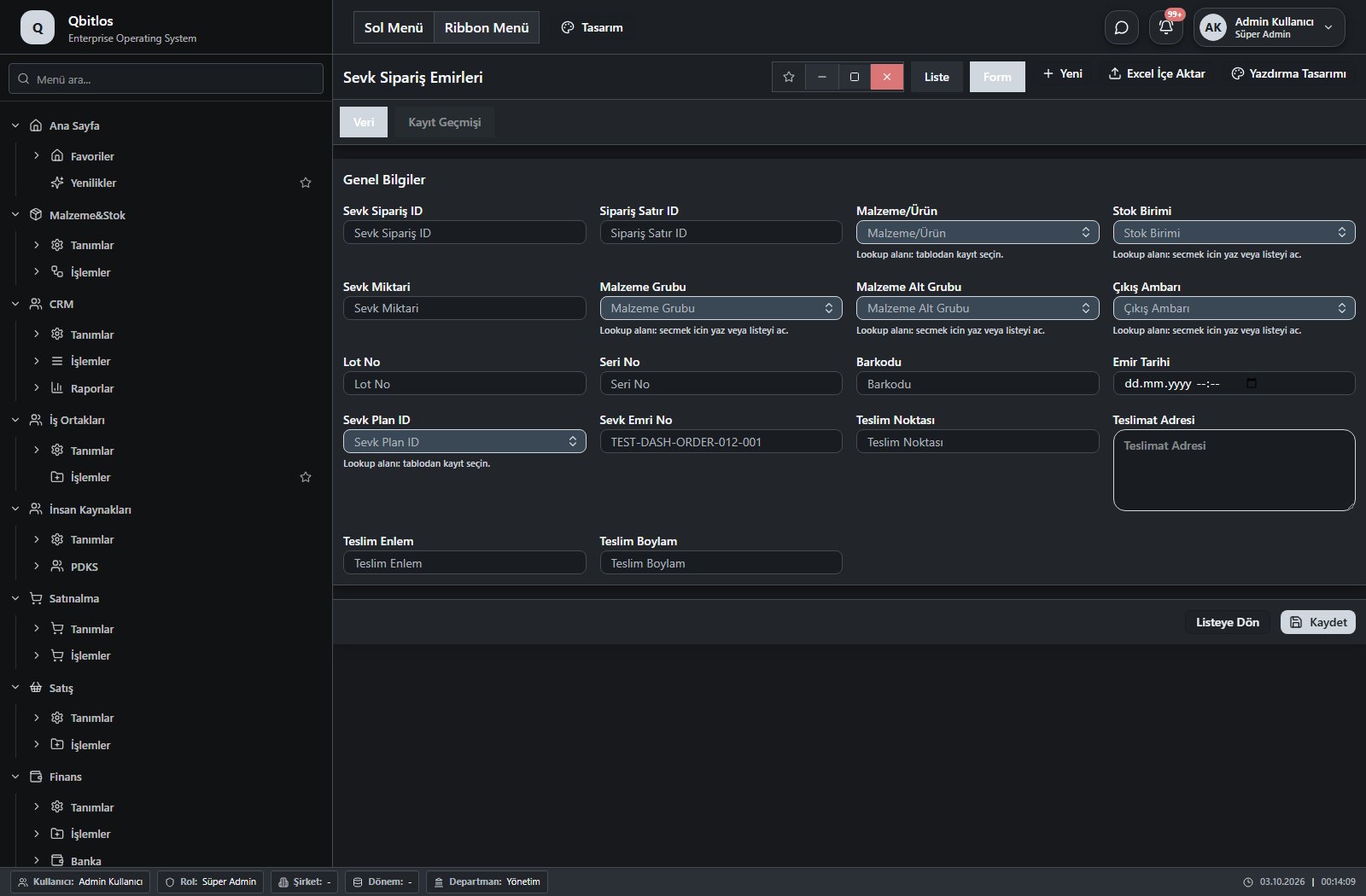
Sevk Sipariş Emirleri · 19 field guide
| Field | Type | Usage and rules |
|---|---|---|
| Sevk Sipariş ID | number | Optional Unique value |
| Sipariş Satır ID | number | Optional Shown in the list view. |
| Malzeme/Ürün | lookup | Optional Select from related records. Malzemeler Fields populated by selection: Stok Birimi, Malzeme Grubu, Malzeme Alt Grubu, Barkodu. Shown in the list view. |
| Stok Birimi | lookup | Optional Select from related records. Stok Birimleri Shown in the list view. Options: Üretim · Tüketim · Satınalma · Satış · Depoya Giren · Depodan Çıkan · Iskarta · Dönem Başı Stok |
| Sevk Miktari | number | Optional Shown in the list view. |
| Malzeme Grubu | lookup | Optional Select from related records. Malzeme Grupları Shown in the list view. |
| Malzeme Alt Grubu | lookup | Optional Select from related records. Malzeme Alt Grupları Shown in the list view. |
| Çıkış Ambarı | lookup | Optional Select from related records. Ambar Tanımları Shown in the list view. |
| Lot No | text | Optional Shown in the list view. |
| Seri No | text | Optional Shown in the list view. |
| Barkodu | text | Optional Shown in the list view. |
| Emir Tarihi | datetime | Optional Shown in the list view. |
| Sevk Plan ID | lookup | Optional Select from related records. Sevk Planları Shown in the list view. |
| Durumu | select | Optional Shown in the list view. Options: Planlandı · Yüklendi · Sevk Edildi · Teslim Edildi |
| Sevk Emri No | text | Siparis koduna bagli artan sevk emri numarasi Optional Unique value Shown in the list view. |
| Teslim Noktası | text | Teslim Noktası Optional Shown in the list view. |
| Teslimat Adresi | textarea | Teslimat Adresi Optional Shown in the list view. |
| Teslim Enlem | text | Teslim Enlem Optional Shown in the list view. |
| Teslim Boylam | text | Teslim Boylam Optional Shown in the list view. |
Lojistik / İşlemler / Sevk Planları
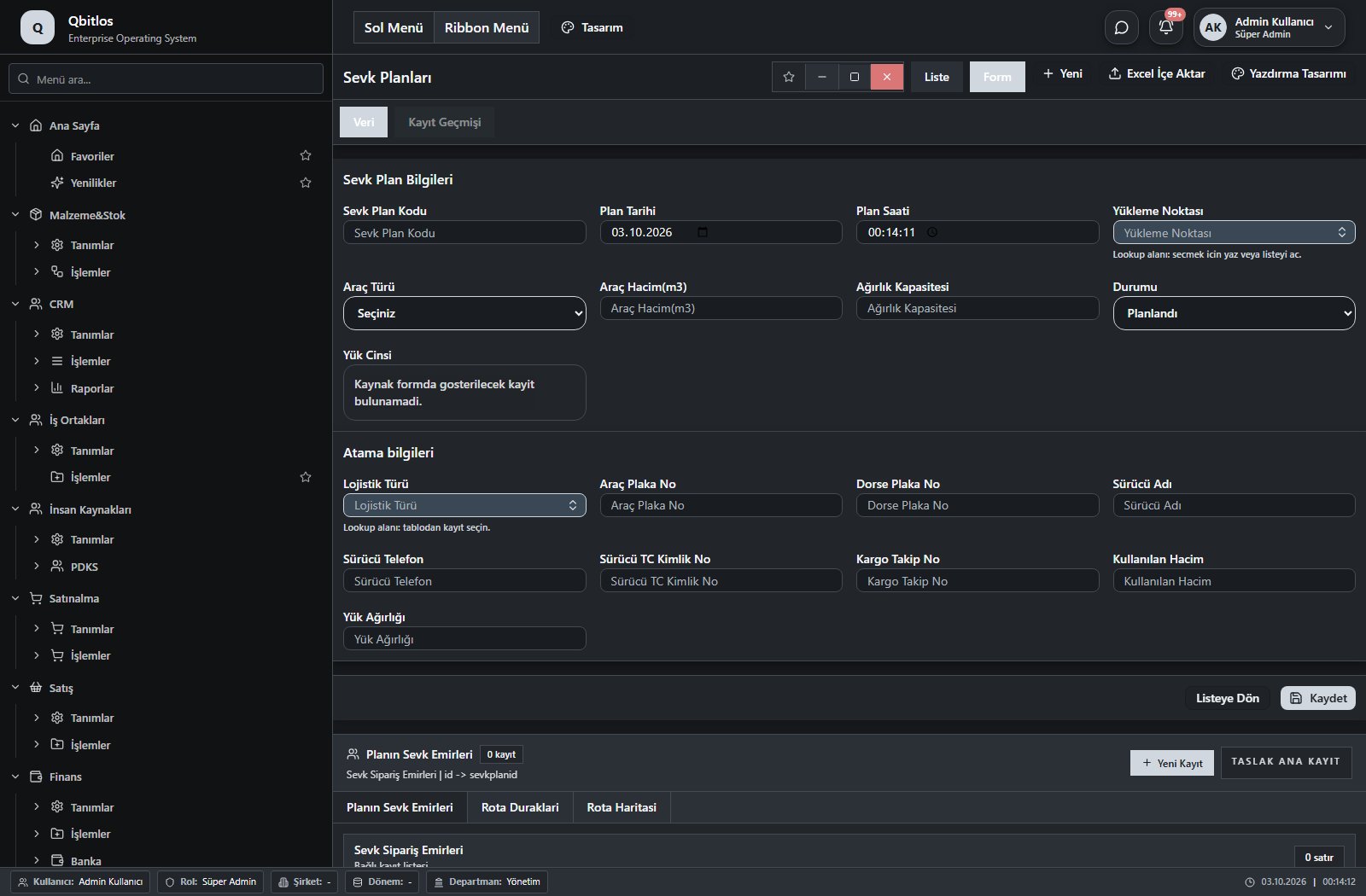
Sevk Planları · 23 field guide
| Field | Type | Usage and rules |
|---|---|---|
| Sevk Plan Kodu | text | Optional Shown in the list view. |
| Plan Tarihi | date | Optional Shown in the list view. |
| Plan Saati | time | Optional Shown in the list view. |
| Yükleme Noktası | lookup | Optional Select from related records. Ambar Tanımları Shown in the list view. |
| Araç Türü | select | Optional Shown in the list view. Options: Çekici · Kamyon · Kamyonet · Van · Pikap · Otomobil |
| Dorse Tipi | multiselect | Optional Shown according to a visibility rule. Shown in the list view. Options: Tenteli · Mega · KayarÇatılı · KapalıKasa · Frigorifik · İzole · Platform · Lowbed · UzayabilirLowbed · HavuzDorse · Damper · Silobas · Tanker · KonteynerŞasi · OtoTaşıyıcı · BobinDorse · Diğer |
| Araç Hacim(m3) | number | Optional Shown in the list view. |
| Ağırlık Kapasitesi | number | Optional Shown in the list view. |
| Durumu | select | Optional Shown in the list view. Options: Planlandı · Yüklendi · Sevk Edildi · Teslim Edildi |
| Lojistik Türü | lookup | Optional Select from related records. Lojistik Yöntemi Shown in the list view. |
| Araç Plaka No | text | Optional Shown in the list view. |
| Dorse Plaka No | text | Optional Shown in the list view. |
| Sürücü Adı | text | Optional Shown in the list view. |
| Sürücü Telefon | text | Optional Shown in the list view. |
| Sürücü TC Kimlik No | text | Optional Shown in the list view. |
| Kargo Takip No | text | Optional Shown in the list view. |
| Filo Araç Seç | lookup | Optional Select from related records. Araç-Sürücü-Dorse Atamaları Fields populated by selection: Araç Plaka No, Dorse Plaka No, Sürücü Adı. Shown according to a visibility rule. Shown in the list view. |
| Spot Araç Seç | lookup | Optional Select from related records. Spot Araçlar Fields populated by selection: Araç Plaka No, Dorse Plaka No, Sürücü Adı, Sürücü Telefon, Sürücü TC Kimlik No. Shown according to a visibility rule. Shown in the list view. |
| Kullanılan Hacim | number | Optional Shown in the list view. |
| Yük Ağırlığı | number | Optional Shown in the list view. |
| Yük Cinsi | multilookup | Optional Select from related records. Malzeme Grupları Shown in the list view. |
| Sevk Plan ID | number | Optional Unique value |
| Toplam KM | number | Optional Shown in the list view. |
Lojistik / İşlemler / Araç Sürücü Atama
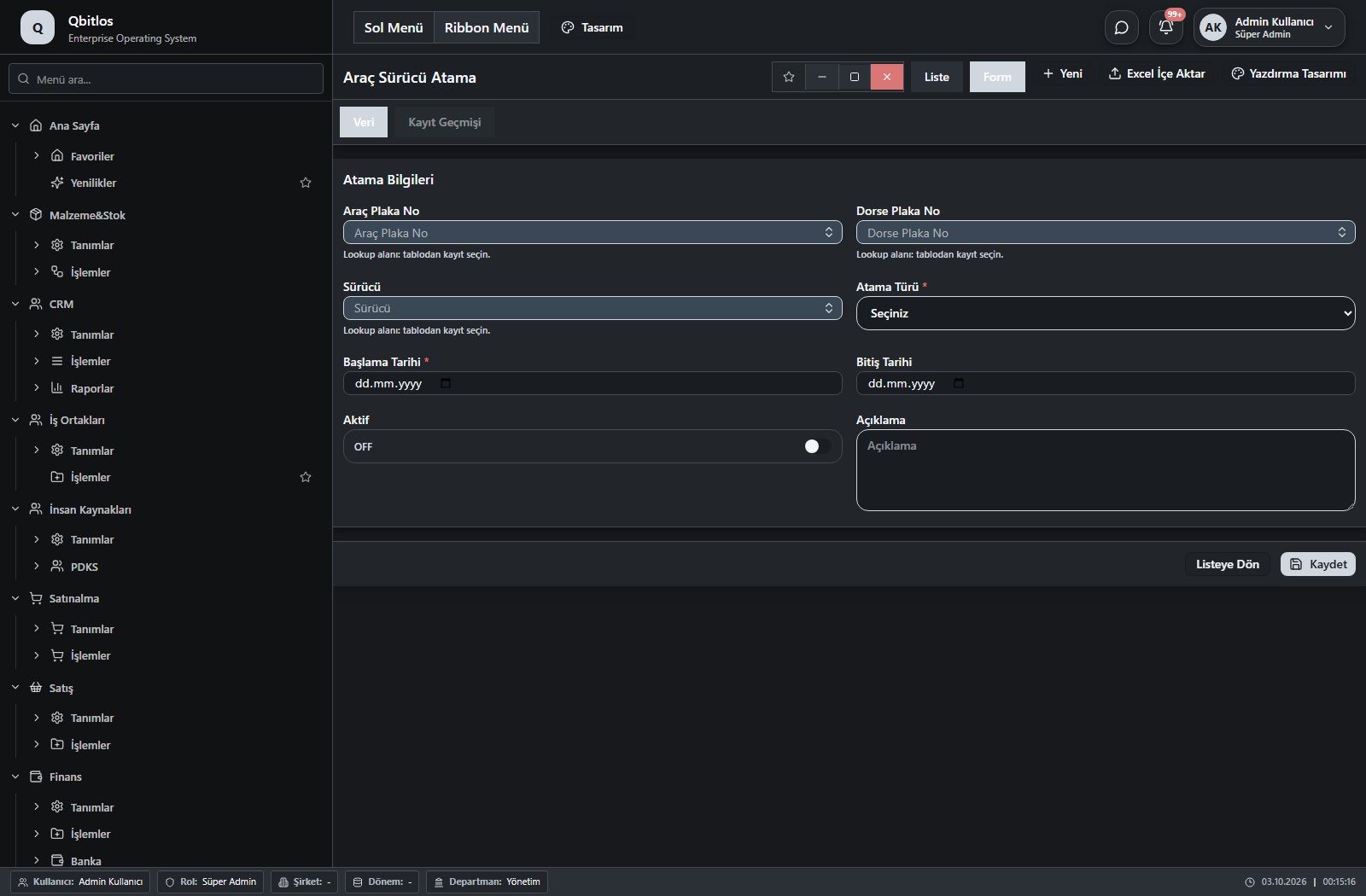
Araç-Sürücü-Dorse Atamaları · 8 field guide
| Field | Type | Usage and rules |
|---|---|---|
| Araç Plaka No | lookup | Araç Plaka No Required Select from related records. Filo Araçları Shown in the list view. |
| Dorse Plaka No | lookup | Dorse Plaka No Optional Select from related records. Dorseler Shown in the list view. |
| Sürücü | lookup | Sürücü Required Select from related records. Personel Özlük Bilgileri Shown in the list view. |
| Atama Türü | select | Atama Türü Required Shown in the list view. Options: Sürekli · Geçici |
| Başlama Tarihi | date | Başlama Tarihi Required Shown in the list view. |
| Bitiş Tarihi | date | Bitiş Tarihi Optional Shown in the list view. |
| Aktif | checkbox | Aktif Optional Shown in the list view. |
| Açıklama | textarea | Açıklama Optional |
Lojistik / İşlemler / Nizamiye Kayıtları
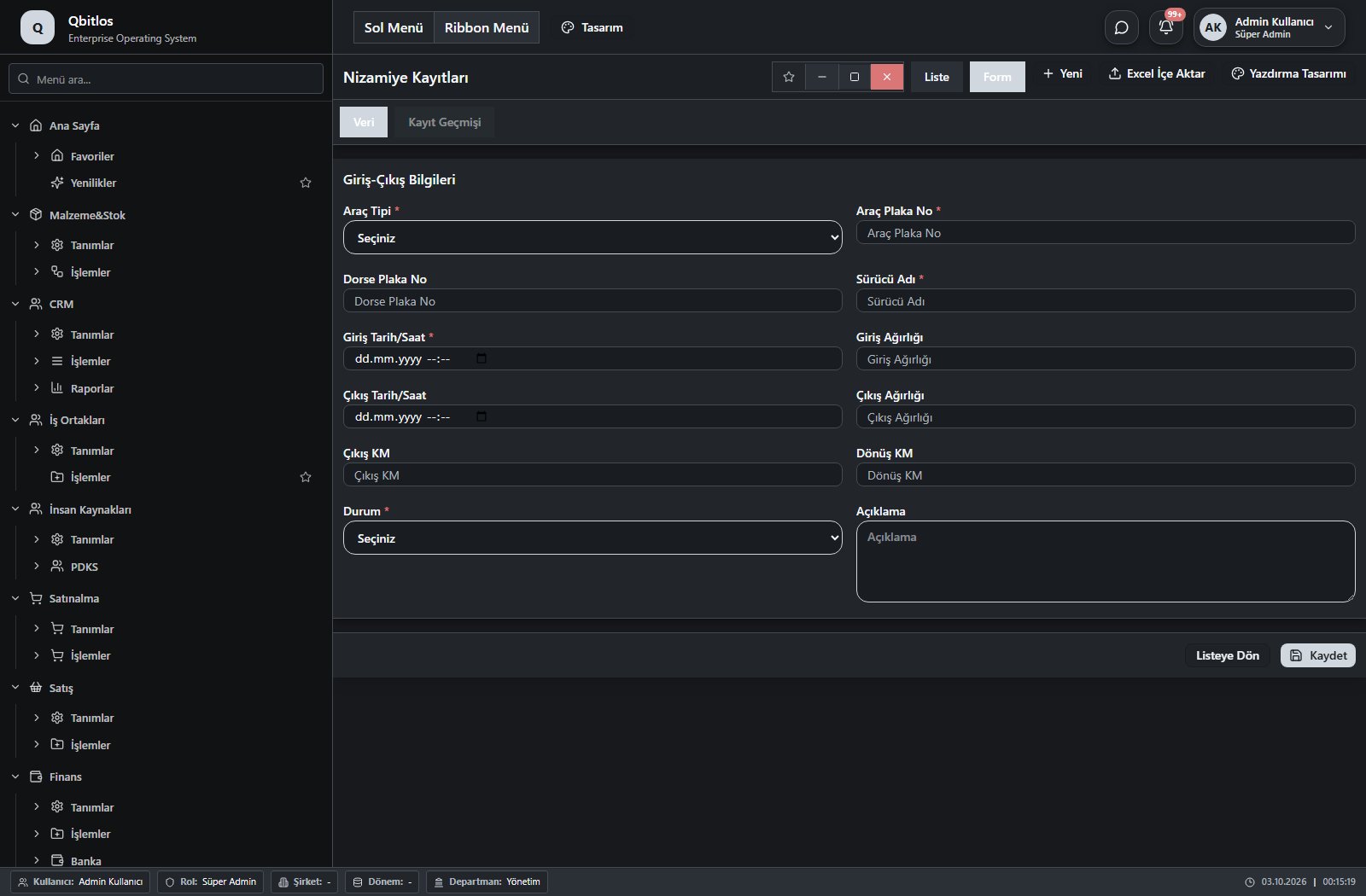
Nizamiye Kayıtları · 16 field guide
| Field | Type | Usage and rules |
|---|---|---|
| Araç Tipi | select | Araç Tipi Required Shown in the list view. Options: Filo · Spot · Misafir · Personel |
| Araç Plaka No | lookup | Araç Plaka No Required Select from related records. Filo Araçları Fields populated by selection: Araç Plaka No, Dorse Plaka No, Dorse Plaka No. Shown according to a visibility rule. |
| Araç Plaka No | text | Araç Plaka No Required Shown according to a visibility rule. Shown in the list view. |
| Dorse Plaka No | lookup | Dorse Plaka No Optional Select from related records. Dorseler Fields populated by selection: Dorse Plaka No. Shown according to a visibility rule. |
| Dorse Plaka No | text | Dorse Plaka No Optional Shown according to a visibility rule. Shown in the list view. |
| Sürücü Adı | lookup | Sürücü Adı Required Select from related records. Personel Özlük Bilgileri Fields populated by selection: surucu_id. Shown according to a visibility rule. |
| Sürücü Adı | lookup | Sürücü Adı Required Select from related records. Personel Özlük Bilgileri Fields populated by selection: surucu_id. Shown according to a visibility rule. |
| Sürücü Adı | text | Sürücü Adı Required Shown according to a visibility rule. Shown in the list view. |
| Giriş Tarih/Saat | datetime | Giriş Tarih/Saat Required Shown in the list view. |
| Giriş Ağırlığı | number | Giriş Ağırlığı Optional Shown in the list view. |
| Çıkış Tarih/Saat | datetime | Çıkış Tarih/Saat Optional Shown in the list view. |
| Çıkış Ağırlığı | number | Çıkış Ağırlığı Optional Shown in the list view. |
| Çıkış KM | number | Çıkış KM Optional Shown in the list view. |
| Dönüş KM | number | Dönüş KM Optional Shown in the list view. |
| Durum | select | Durum Required Shown in the list view. Options: İçeride · Çıkış Yaptı · İptal |
| Açıklama | textarea | Açıklama Optional |
Lojistik / Filo Takip
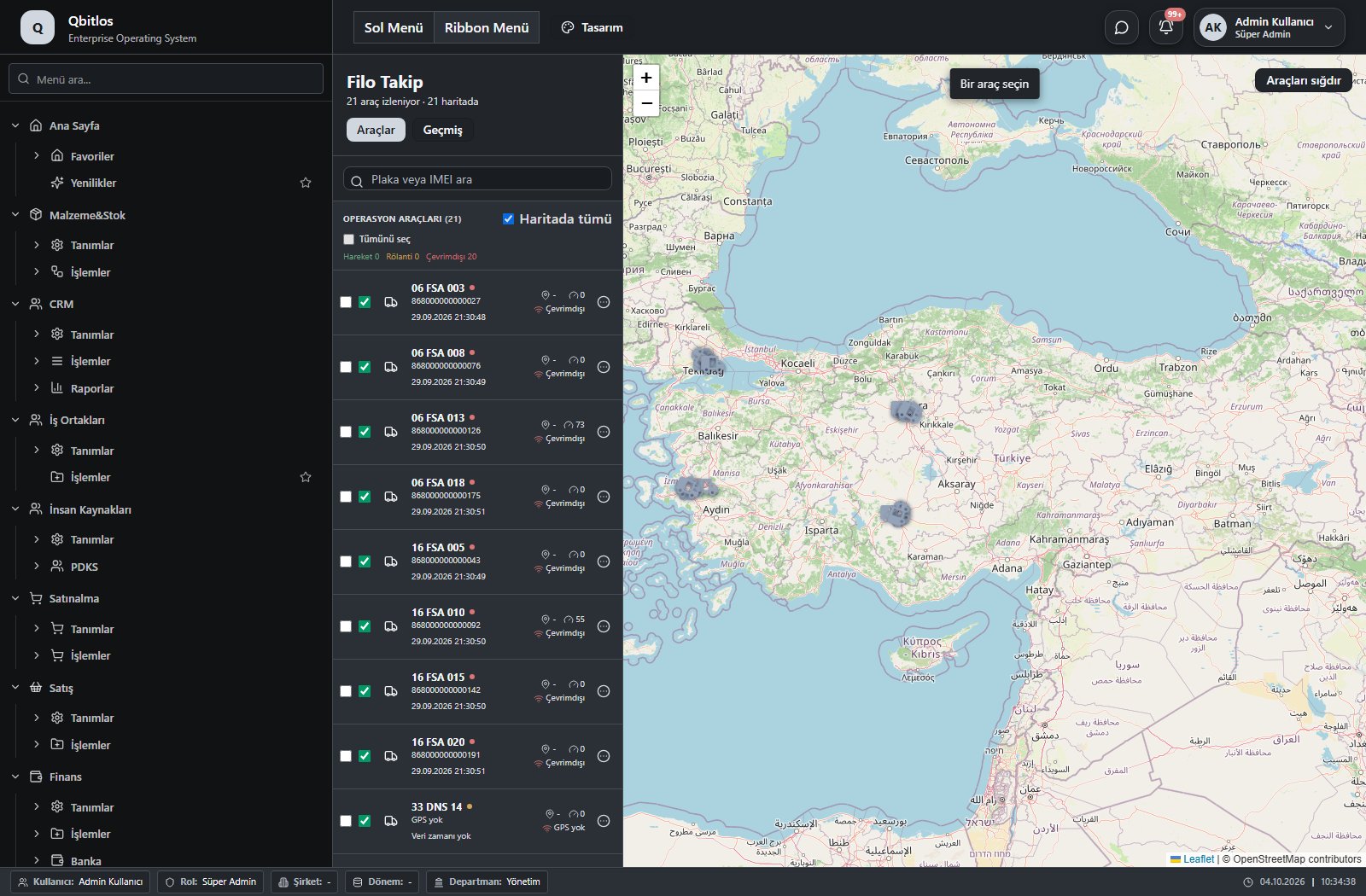
This menu opens navigation, a report or a custom screen; it has no standard form field binding. Explore its related screens in the menu.
Lojistik / Raporlar
This menu opens navigation, a report or a custom screen; it has no standard form field binding. Explore its related screens in the menu.
RFID tags record identity, serial, type, status, linked package and production lot. Packaging records link barcode, package/carton/pallet type, count and tag. Antennas define purpose, building location, reader, port and range. Read logs connect tag and antenna to time, operation, product, package, pallet and lot.
RFID / Tanımlar
This menu opens navigation, a report or a custom screen; it has no standard form field binding. Explore its related screens in the menu.
RFID / Tanımlar / RFID Antenler
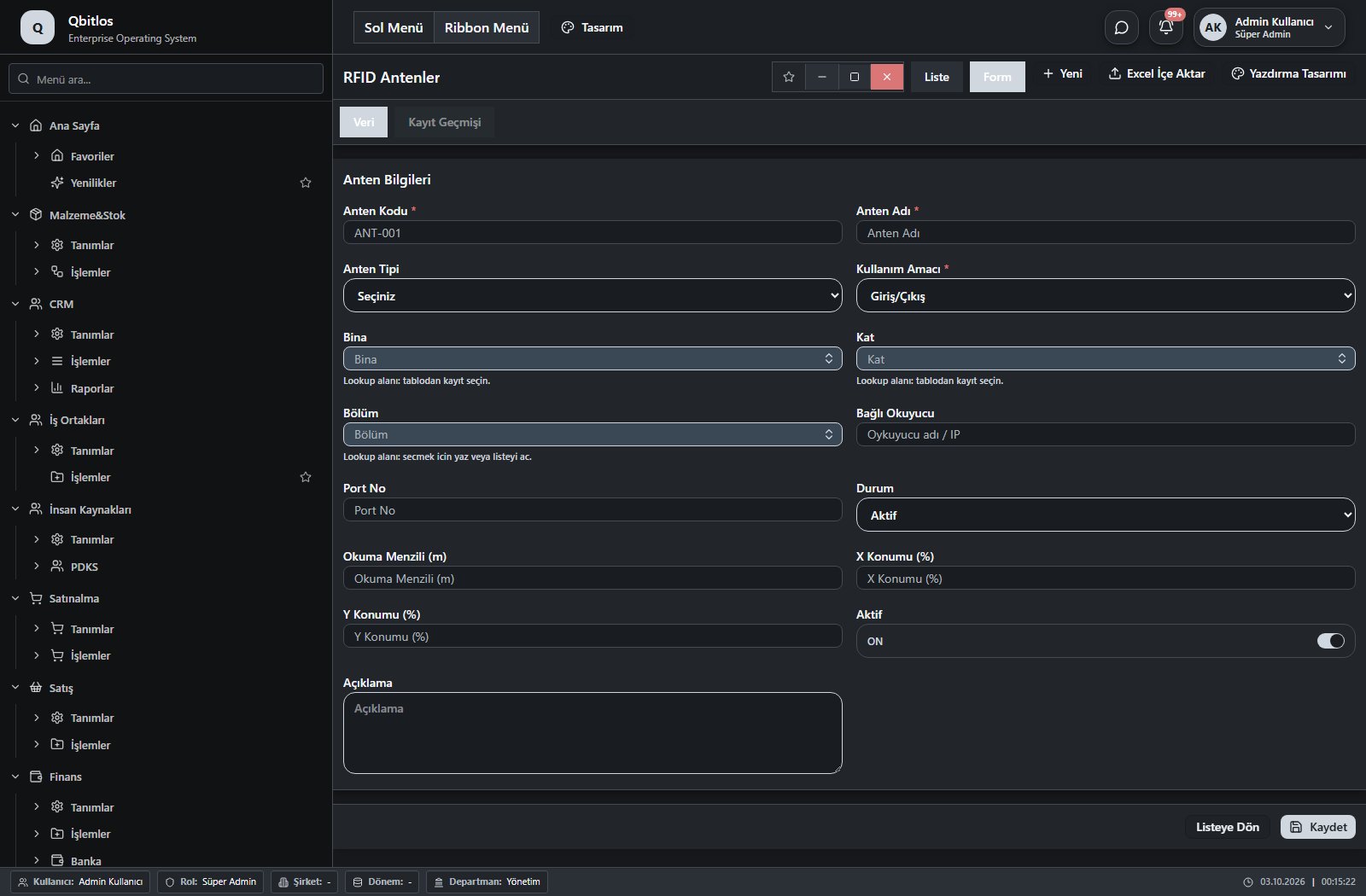
RFID Antenler · 15 field guide
| Field | Type | Usage and rules |
|---|---|---|
| Anten Kodu | text | Required Unique value Shown in the list view. |
| Anten Adı | text | Required Shown in the list view. |
| Anten Tipi | select | Optional Shown in the list view. Options: UHF (865-868 MHz) · HF/NFC (13.56 MHz) · Çift Bant (UHF + HF) |
| Kullanım Amacı | select | Required Shown in the list view. Options: Giriş · Çıkış · Giriş/Çıkış |
| Bina | lookup | Required Select from related records. Binalar Shown in the list view. |
| Kat | lookup | Optional Select from related records. Katlar Fields filtering available options: Bina. Shown in the list view. |
| Bölüm | lookup | Optional Select from related records. Bölgeler Fields filtering available options: Bina, Kat. Shown in the list view. |
| Bağlı Okuyucu | text | Optional Shown in the list view. |
| Port No | text | Optional Shown in the list view. |
| Durum | select | Optional Shown in the list view. Options: Aktif · Pasif · Bakımda · Arızalı |
| Okuma Menzili (m) | number | Optional Shown in the list view. |
| X Konumu (%) | number | Optional |
| Y Konumu (%) | number | Optional |
| Aktif | checkbox | Optional Shown in the list view. |
| Açıklama | textarea | Optional |
RFID / Tanımlar / RFID Etiketler
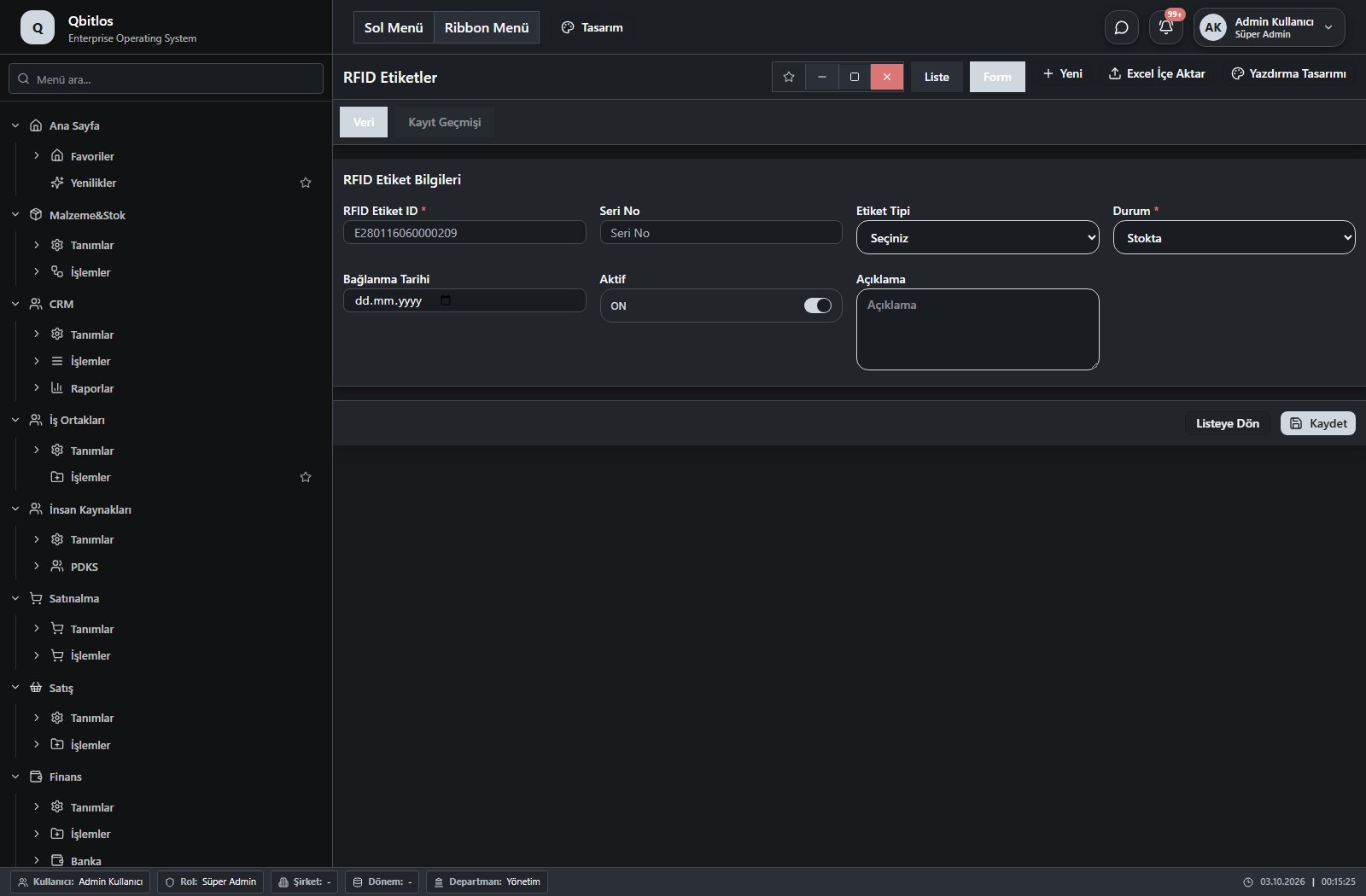
RFID Etiketler · 9 field guide
| Field | Type | Usage and rules |
|---|---|---|
| RFID Etiket ID | text | Required Unique value Shown in the list view. |
| Seri No | text | Optional Shown in the list view. |
| Etiket Tipi | select | Optional Shown in the list view. Options: UHF (EPC Gen2) · NFC (HF) · LF (125 kHz) |
| Durum | select | Required Shown in the list view. Options: Stokta · Pakete Bağlı · Üretim Partisine Bağlı · Hurda · Kayıp |
| Bağlı Paket | lookup | Optional Select from related records. Paketler (Paketleme) Shown according to a visibility rule. Shown in the list view. |
| Üretim Partisi No | text | Optional Shown according to a visibility rule. Shown in the list view. |
| Bağlanma Tarihi | date | Optional Shown in the list view. |
| Aktif | checkbox | Optional Shown in the list view. |
| Açıklama | textarea | Optional |
RFID / İşlemler
This menu opens navigation, a report or a custom screen; it has no standard form field binding. Explore its related screens in the menu.
RFID / İşlemler / RFID Etiket Anten Logları
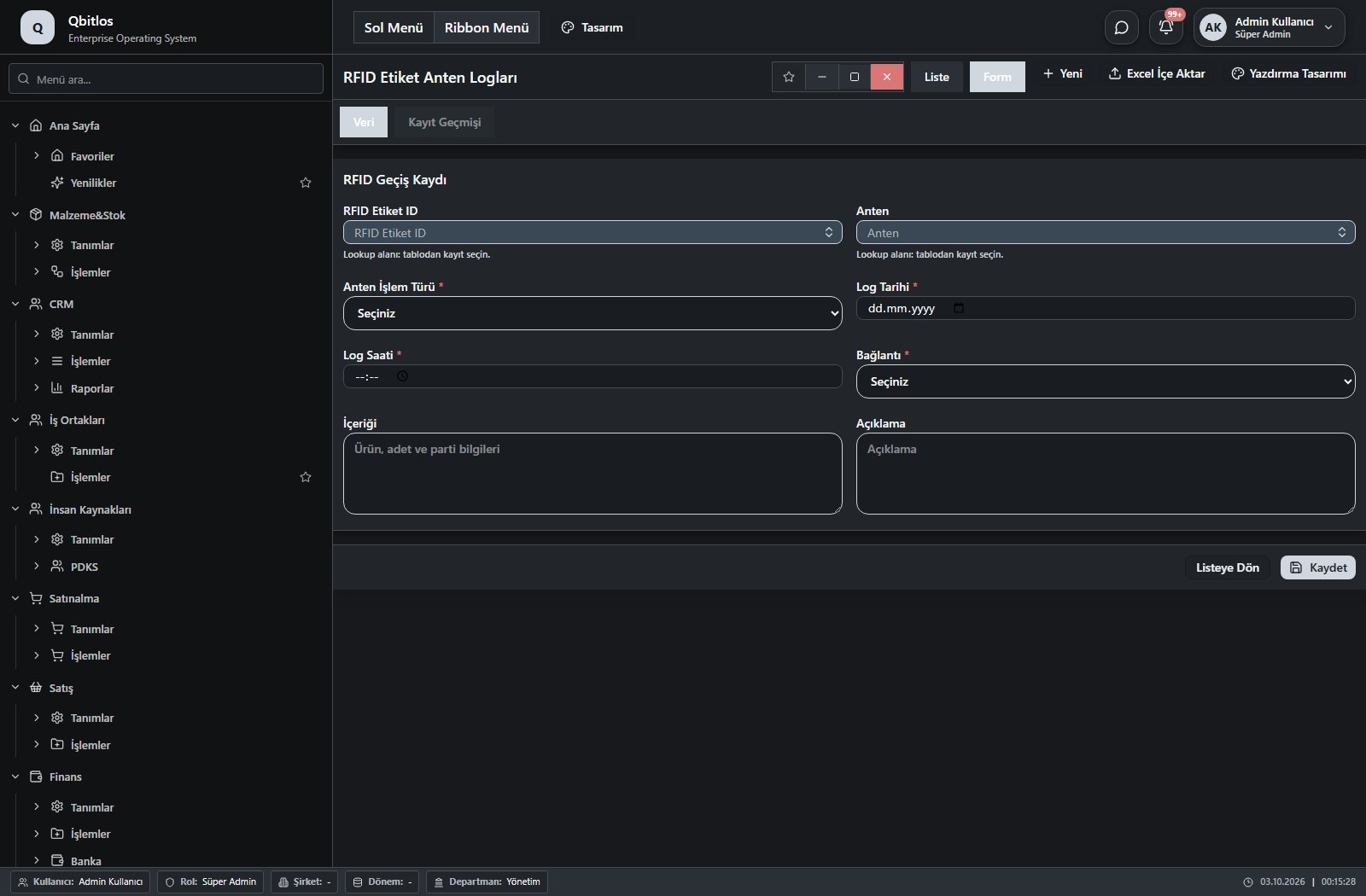
RFID Etiket Anten Logları · 14 field guide
| Field | Type | Usage and rules |
|---|---|---|
| RFID Etiket ID | lookup | Required Select from related records. RFID Etiketler Shown in the list view. |
| Anten | lookup | Required Select from related records. RFID Antenler Fields populated by selection: Anten İşlem Türü. Shown in the list view. |
| Anten İşlem Türü | select | Required Shown in the list view. Options: Giriş · Çıkış · Giriş/Çıkış |
| Log Tarihi | date | Required Shown in the list view. |
| Log Saati | time | Required Shown in the list view. |
| Bağlantı | select | Required Shown in the list view. Options: Ürün · Paket · Palet |
| Ürün | lookup | Required Select from related records. Malzemeler Fields populated by selection: Ürün Kodu, Ürün Adı. Shown according to a visibility rule. Shown in the list view. |
| Paket | lookup | Required Select from related records. Paketler (Paketleme) Shown according to a visibility rule. Shown in the list view. |
| Palet | lookup | Required Select from related records. Paketler (Paketleme) Shown according to a visibility rule. Shown in the list view. |
| Ürün Kodu | text | Optional Shown according to a visibility rule. Shown in the list view. |
| Ürün Adı | text | Optional Shown according to a visibility rule. Shown in the list view. |
| Parti No | text | Optional Shown according to a visibility rule. Shown in the list view. |
| İçeriği | textarea | Optional Shown in the list view. |
| Açıklama | textarea | Optional |
Service assets connect customers and products with brand/model, serial/chassis/plate, warranty and maintenance dates. Work orders capture complaint, contact, priority, scheduling, technician and warranty coverage. Fault description, performed work and inspection notes stay separate, as do parts and labor totals.
Servis / Tanımlar
This menu opens navigation, a report or a custom screen; it has no standard form field binding. Explore its related screens in the menu.
Servis / Tanımlar / Servis Varlıkları
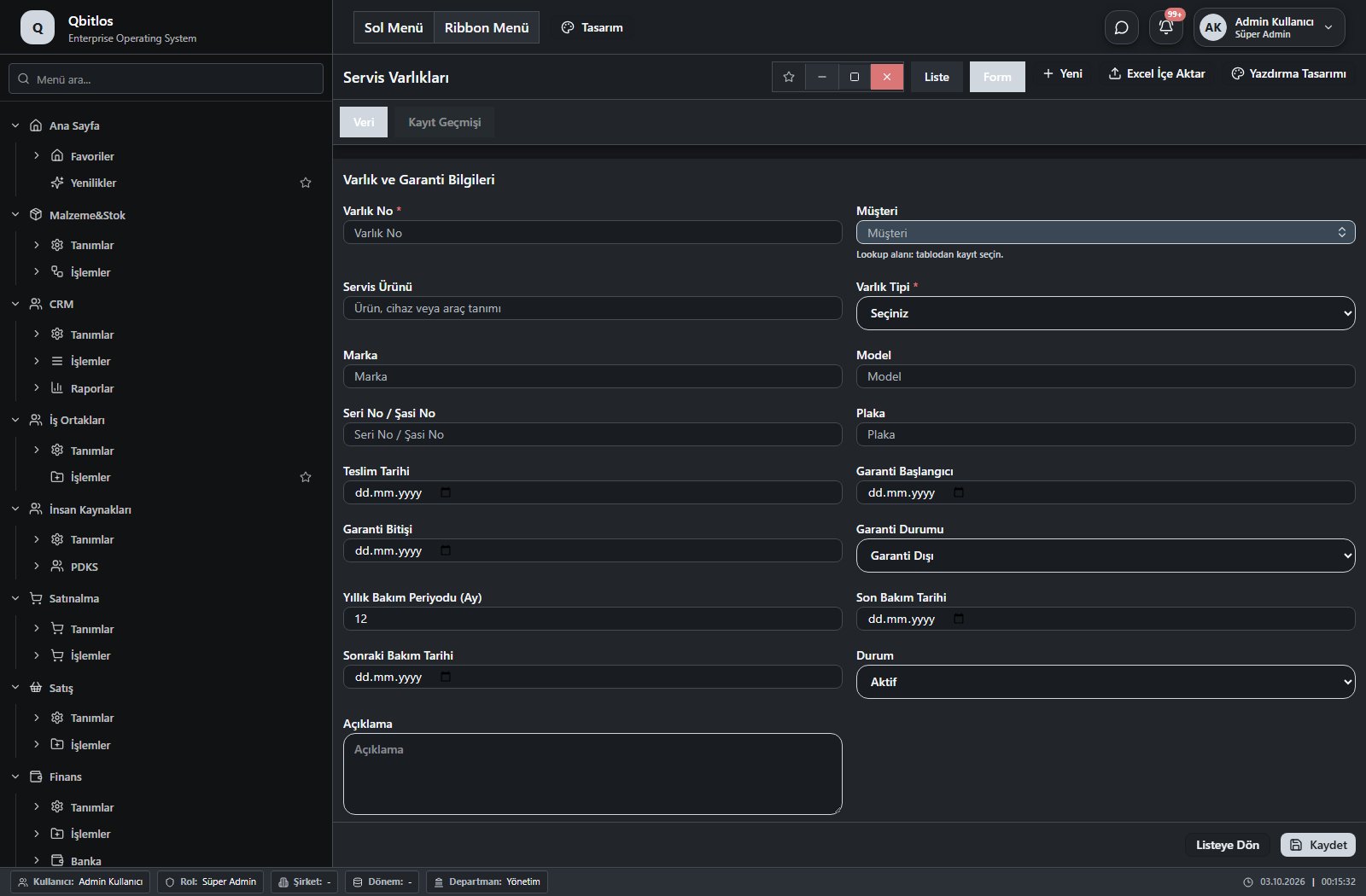
Servis Varlıkları · 17 field guide
| Field | Type | Usage and rules |
|---|---|---|
| Varlık No | text | Required Unique value Automatic value generation is configured. Shown in the list view. |
| Müşteri | lookup | Required Select from related records. Hesap Planı Shown in the list view. |
| Servis Ürünü | text | Optional Shown in the list view. |
| Varlık Tipi | select | Required Shown in the list view. Options: Otomobil · Traktör · İş Makinesi · Elektronik Cihaz · Endüstriyel Ekipman · Diğer |
| Marka | text | Optional Shown in the list view. |
| Model | text | Optional Shown in the list view. |
| Seri No / Şasi No | text | Optional Shown in the list view. |
| Plaka | text | Optional Shown in the list view. |
| Teslim Tarihi | date | Optional Shown in the list view. |
| Garanti Başlangıcı | date | Optional Shown in the list view. |
| Garanti Bitişi | date | Optional Shown in the list view. |
| Garanti Durumu | select | Optional Shown in the list view. Options: Garanti Kapsamında · Garanti Dışı · Uzatılmış Garanti · Kontrol Edilecek |
| Yıllık Bakım Periyodu (Ay) | number | Optional Shown in the list view. |
| Son Bakım Tarihi | date | Optional Shown in the list view. |
| Sonraki Bakım Tarihi | date | Optional Shown in the list view. |
| Durum | select | Optional Shown in the list view. Options: Aktif · Pasif · Hurda |
| Açıklama | textarea | Optional |
Servis / İşlemler
This menu opens navigation, a report or a custom screen; it has no standard form field binding. Explore its related screens in the menu.
Servis / İşlemler / Servis İş Emirleri
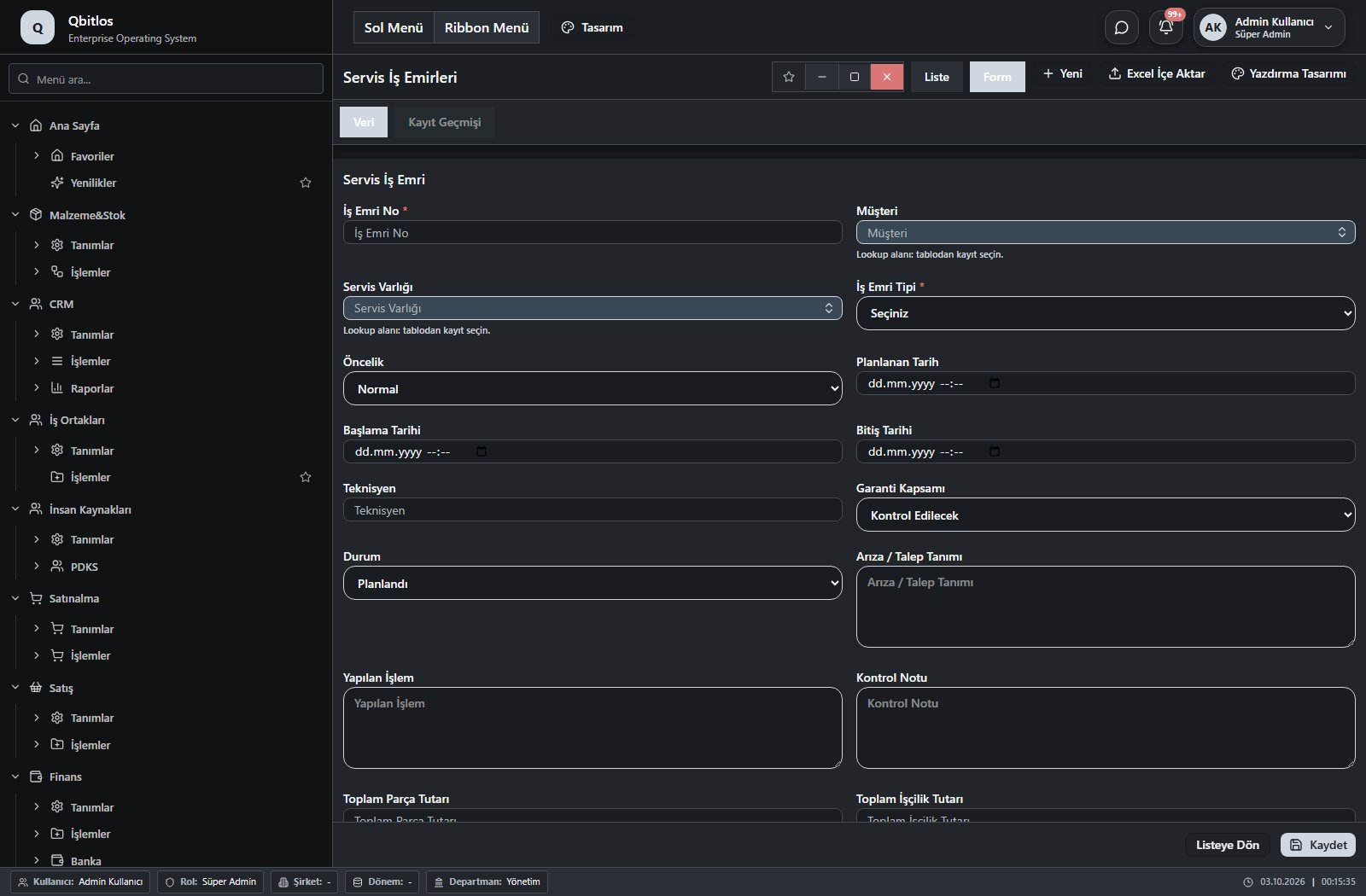
Servis İş Emirleri · 22 field guide
| Field | Type | Usage and rules |
|---|---|---|
| Talep Tarihi | datetime | Optional Shown in the list view. |
| İş Emri No | text | Required Unique value Automatic value generation is configured. Shown in the list view. |
| Talep Tipi | select | Optional Shown in the list view. Options: Şikayet · Servis Talebi · Yıllık Bakım · Garanti Talebi · Onarım · Keşif |
| Müşteri | lookup | Required Select from related records. Hesap Planı Shown in the list view. |
| Talep Konusu | text | Optional Shown in the list view. |
| Servis Varlığı | lookup | Optional Select from related records. Servis Varlıkları Shown in the list view. |
| Müşteri Şikayeti / İsteği | textarea | Optional |
| İş Emri Tipi | select | Required Shown in the list view. Options: Arıza Onarımı · Yıllık Bakım · Garanti İşlemi · Kurulum · Kontrol |
| İletişim Kişisi | text | Optional Shown in the list view. |
| Öncelik | select | Optional Shown in the list view. Options: Düşük · Normal · Yüksek · Kritik |
| İletişim Telefonu | text | Optional Shown in the list view. |
| Planlanan Tarih | datetime | Optional Shown in the list view. |
| Başlama Tarihi | datetime | Optional Shown in the list view. |
| Bitiş Tarihi | datetime | Optional Shown in the list view. |
| Teknisyen | text | Optional Shown in the list view. |
| Garanti Kapsamı | select | Optional Shown in the list view. Options: Kontrol Edilecek · Garanti Kapsamında · Garanti Dışı |
| Durum | select | Optional Shown in the list view. Options: Planlandı · Atandı · Devam Ediyor · Beklemede · Tamamlandı · İptal |
| Arıza / Talep Tanımı | textarea | Optional |
| Yapılan İşlem | textarea | Optional |
| Kontrol Notu | textarea | Optional |
| Toplam Parça Tutarı | number | Optional Shown in the list view. |
| Toplam İşçilik Tutarı | number | Optional Shown in the list view. |
Software support tickets include title, description, category, affected module, customer, requester and assignee. Priority and status show handling order and progress. Resolution text and date preserve the outcome. These application support records are distinct from the Help Center documentation pages.
Ticket Sistemi / Ticket Panosu (Kanban)
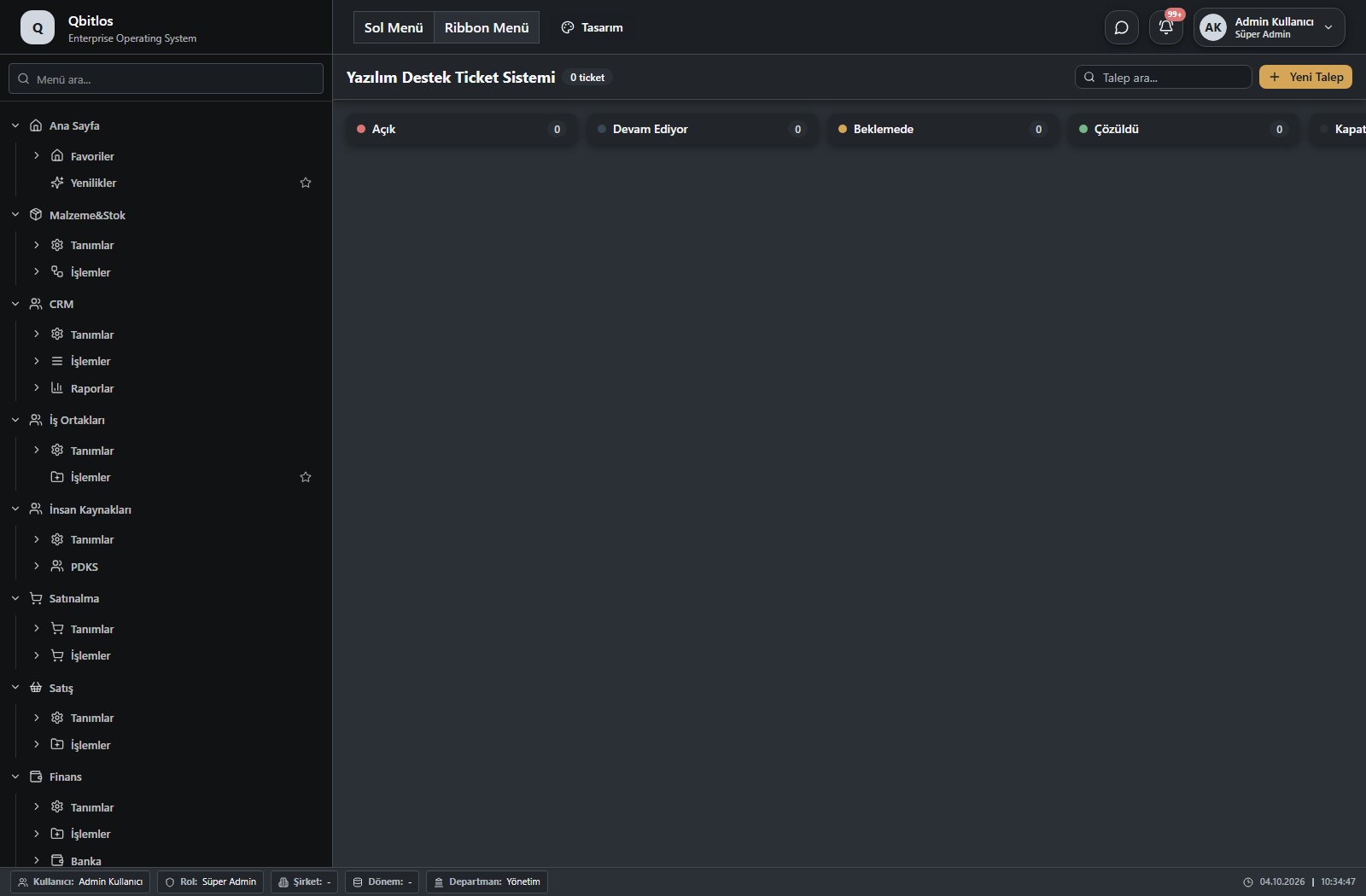
This menu opens navigation, a report or a custom screen; it has no standard form field binding. Explore its related screens in the menu.
Ticket Sistemi / Yazılım Destek Ticketları
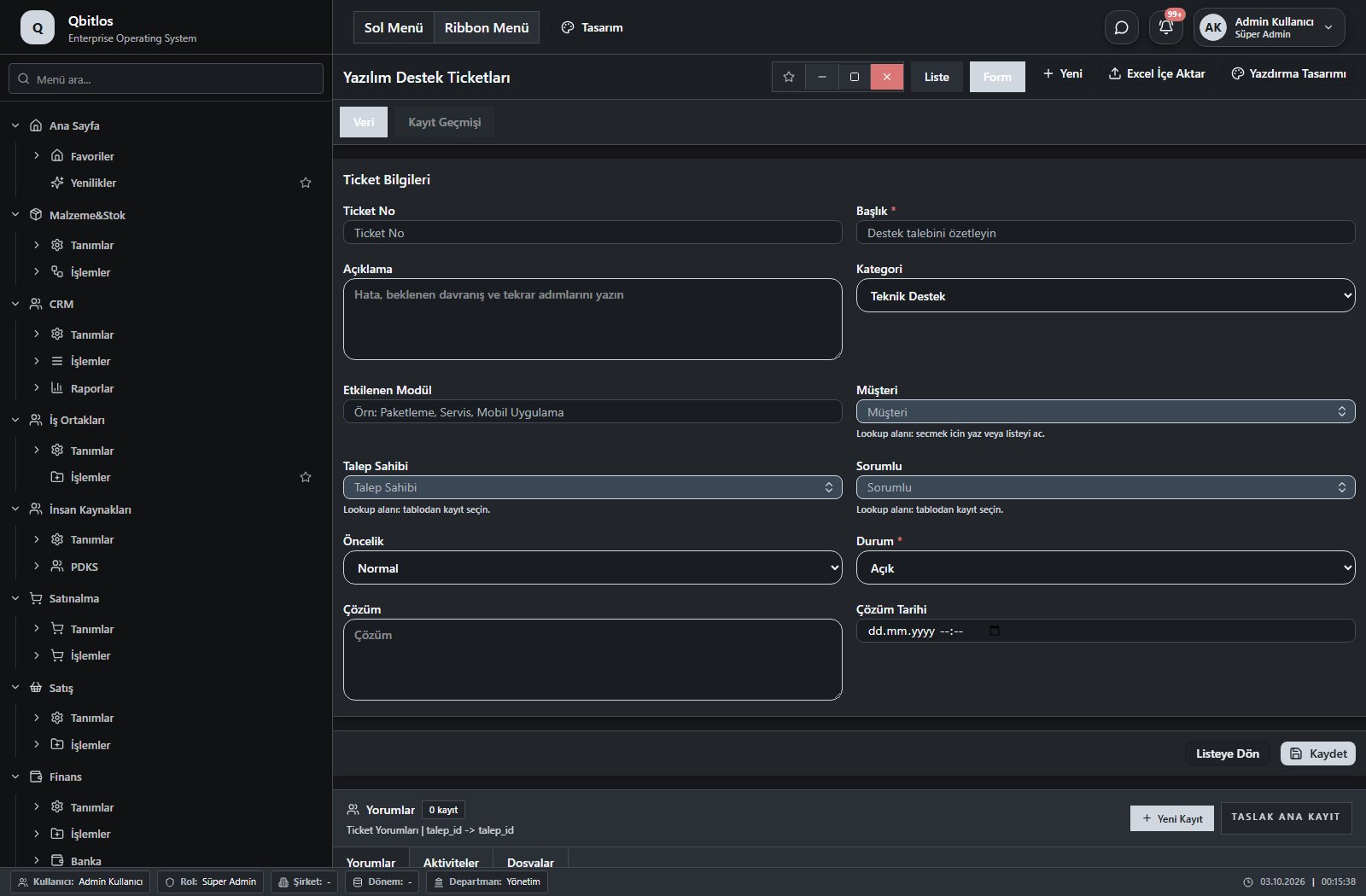
Yazılım Destek Ticketları · 12 field guide
| Field | Type | Usage and rules |
|---|---|---|
| Ticket No | text | Optional Unique value Automatic value generation is configured. Shown in the list view. |
| Başlık | text | Required Shown in the list view. |
| Açıklama | textarea | Optional |
| Kategori | select | Optional Shown in the list view. Options: Hata / Bug · Teknik Destek · Yeni Özellik · İyileştirme · Bilgi Talebi |
| Etkilenen Modül | text | Optional Shown in the list view. |
| Müşteri | lookup | Optional Select from related records. Hesap Planı |
| Talep Sahibi | lookup | Optional Select from related records. Kullanıcılar Shown in the list view. |
| Sorumlu | lookup | Optional Select from related records. Kullanıcılar Shown in the list view. |
| Öncelik | select | Optional Shown in the list view. Options: Düşük · Normal · Yüksek · Kritik |
| Durum | select | Required Shown in the list view. Options: Açık · Devam Ediyor · Beklemede · Çözüldü · Kapatıldı |
| Çözüm | textarea | Optional |
| Çözüm Tarihi | datetime | Optional |
Vehicle groups define SIPP, driver/license age, deposit, luggage, seating, fuel and transmission. Rates depend on group, location and period, with weekday/weekend prices and minimum days. Reservations track pickup/return, driver, vehicle, mileage, fuel, extras, protection packages and rental/drop-off charges.
Rent A Car / Tanımlar
This menu opens navigation, a report or a custom screen; it has no standard form field binding. Explore its related screens in the menu.
Rent A Car / Tanımlar / Lokasyonlar
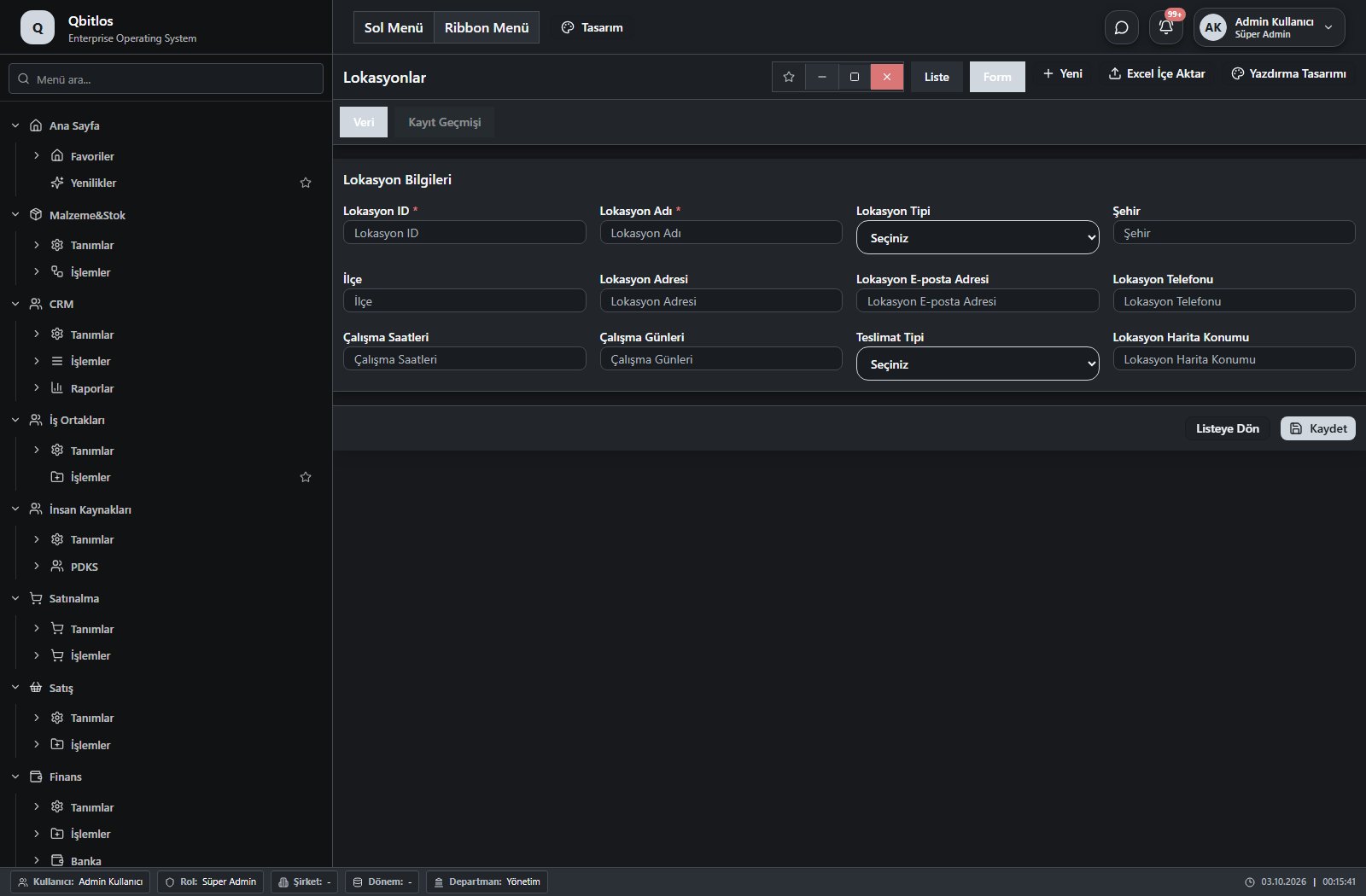
Lokasyonlar · 12 field guide
| Field | Type | Usage and rules |
|---|---|---|
| Lokasyon ID | text | Lokasyon ID Required Shown in the list view. |
| Lokasyon Adı | text | Lokasyon Adı Required Shown in the list view. |
| Lokasyon Tipi | select | Lokasyon Tipi Optional Shown in the list view. Options: Havalimanı · Merkez Ofis · Kiralama Noktası |
| Şehir | text | Şehir Optional Shown in the list view. |
| İlçe | text | İlçe Optional Shown in the list view. |
| Lokasyon Adresi | text | Lokasyon Adresi Optional Shown in the list view. |
| Lokasyon E-posta Adresi | Lokasyon E-posta Adresi Optional | |
| Lokasyon Telefonu | tel | Lokasyon Telefonu Optional Shown in the list view. |
| Çalışma Saatleri | text | Çalışma Saatleri Optional |
| Çalışma Günleri | text | Çalışma Günleri Optional |
| Teslimat Tipi | select | Teslimat Tipi Optional Options: Teslim Noktası · Belirtilen Adres · Havalimanı |
| Lokasyon Harita Konumu | text | Lokasyon Harita Konumu Optional |
Rent A Car / Tanımlar / Araç Grupları
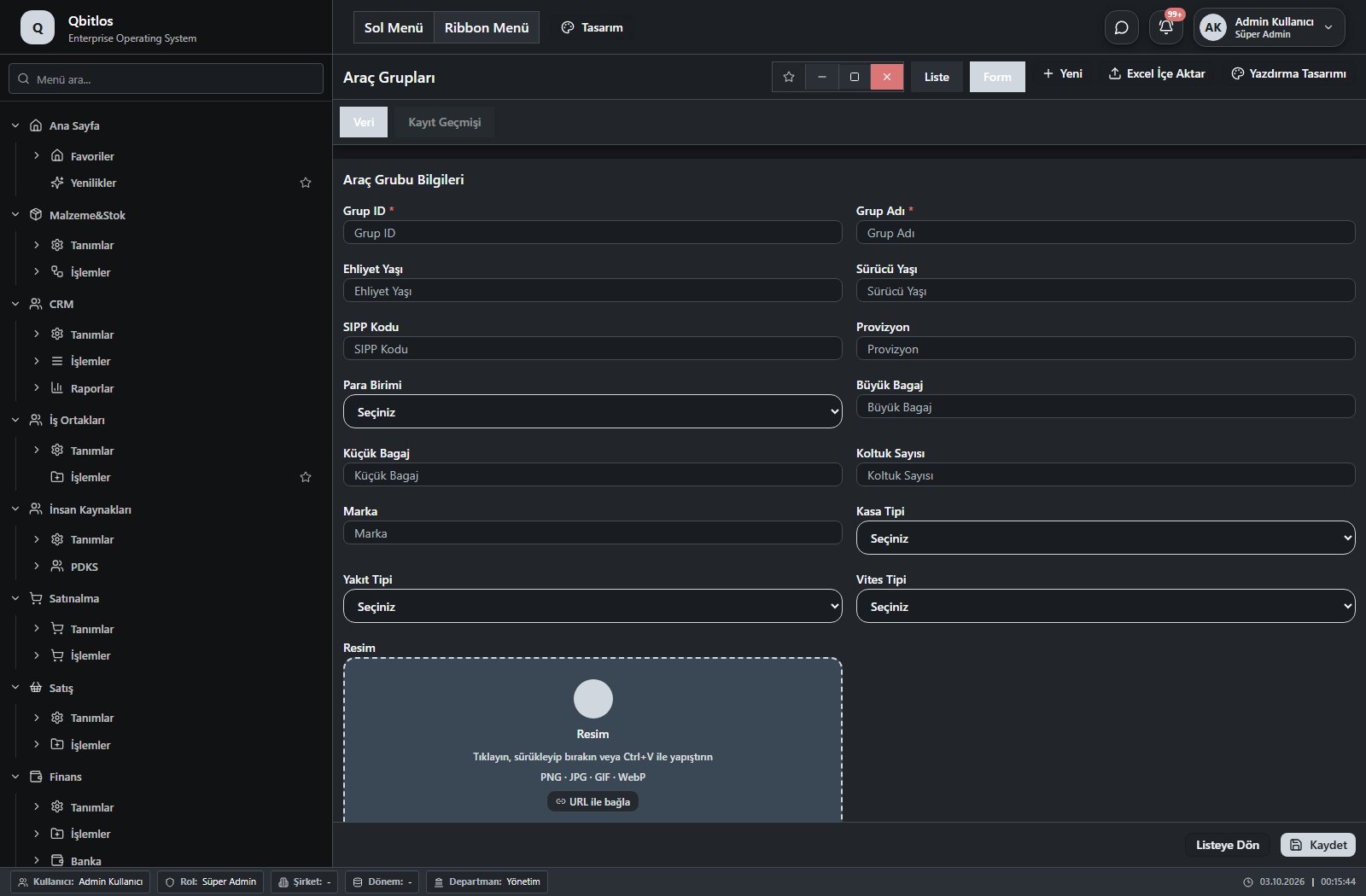
Araç Grupları · 15 field guide
| Field | Type | Usage and rules |
|---|---|---|
| Grup ID | text | Grup ID Required Shown in the list view. |
| Grup Adı | text | Grup Adı Required Shown in the list view. |
| Ehliyet Yaşı | number | Ehliyet Yaşı Optional Shown in the list view. |
| Sürücü Yaşı | number | Sürücü Yaşı Optional Shown in the list view. |
| SIPP Kodu | text | SIPP Kodu Optional Shown in the list view. |
| Provizyon | number | Provizyon Optional Shown in the list view. |
| Para Birimi | select | Para Birimi Optional Shown in the list view. Options: TRY · USD · EUR · GBP |
| Büyük Bagaj | number | Büyük Bagaj Optional Shown in the list view. |
| Küçük Bagaj | number | Küçük Bagaj Optional Shown in the list view. |
| Koltuk Sayısı | number | Koltuk Sayısı Optional Shown in the list view. |
| Marka | text | Marka Optional Shown in the list view. |
| Kasa Tipi | select | Kasa Tipi Optional Shown in the list view. Options: Sedan · Hatchback · SUV · Station Wagon · Van · Pickup · Coupe · Cabrio |
| Yakıt Tipi | select | Yakıt Tipi Optional Shown in the list view. Options: Benzin · Dizel · Elektrik · Hibrit · LPG |
| Vites Tipi | select | Vites Tipi Optional Shown in the list view. Options: Otomatik · Manuel |
| Resim | image | Resim Optional |
Rent A Car / Tanımlar / Fiyat Tarifeleri
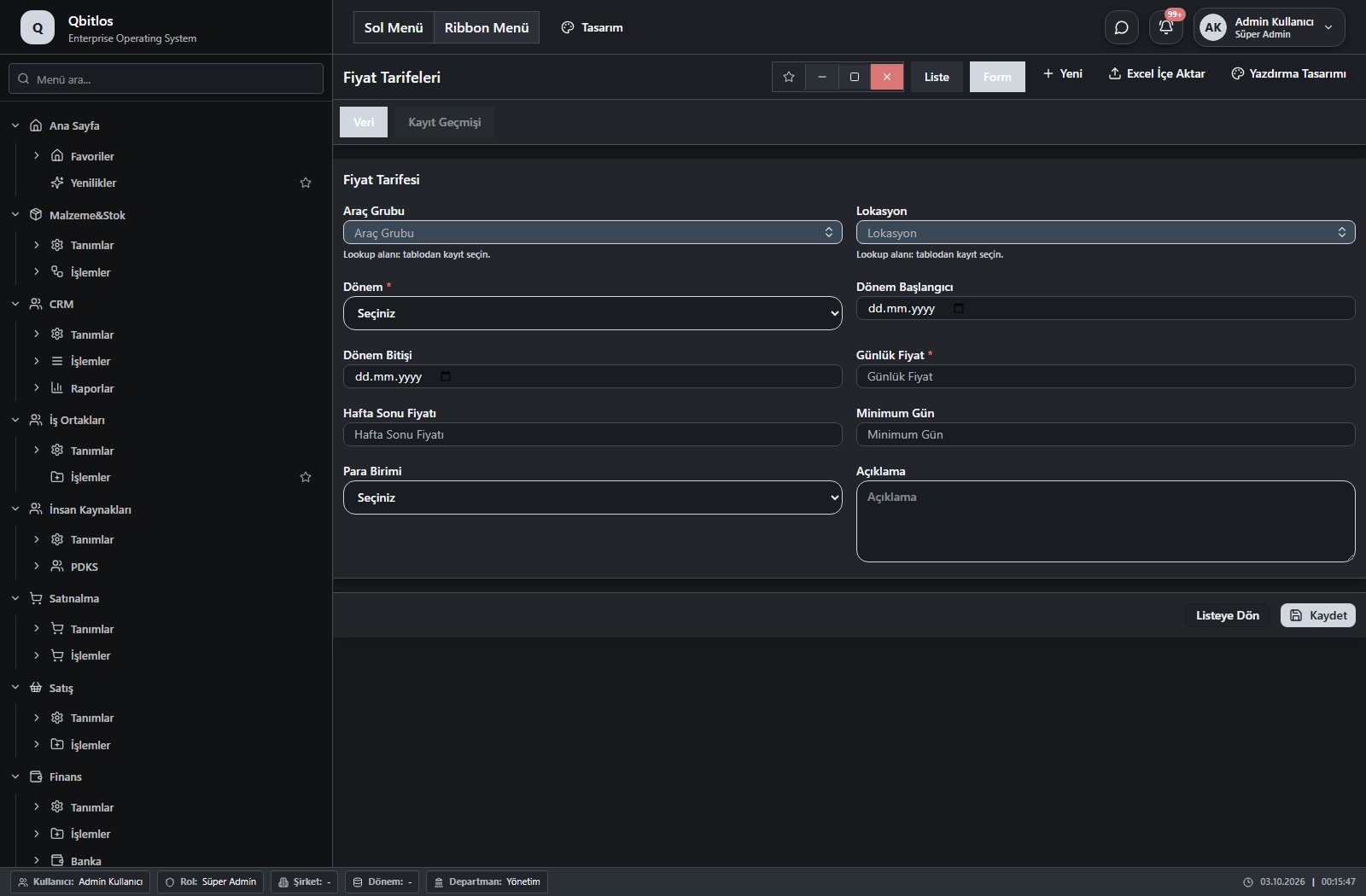
Fiyat Tarifeleri · 10 field guide
| Field | Type | Usage and rules |
|---|---|---|
| Araç Grubu | lookup | Araç Grubu Required Select from related records. Araç Grupları Shown in the list view. |
| Lokasyon | lookup | Lokasyon Required Select from related records. Lokasyonlar Shown in the list view. |
| Dönem | select | Dönem Required Shown in the list view. Options: Normal · Düşük Sezon · Yüksek Sezon · Hafta Sonu · Özel Gün |
| Dönem Başlangıcı | date | Dönem Başlangıcı Optional Shown in the list view. |
| Dönem Bitişi | date | Dönem Bitişi Optional |
| Günlük Fiyat | number | Günlük Fiyat Required Shown in the list view. |
| Hafta Sonu Fiyatı | number | Hafta Sonu Fiyatı Optional |
| Minimum Gün | number | Minimum Gün Optional Shown in the list view. |
| Para Birimi | select | Para Birimi Optional Shown in the list view. Options: TRY · USD · EUR · GBP |
| Açıklama | textarea | Açıklama Optional |
Rent A Car / Tanımlar / Ekstralar
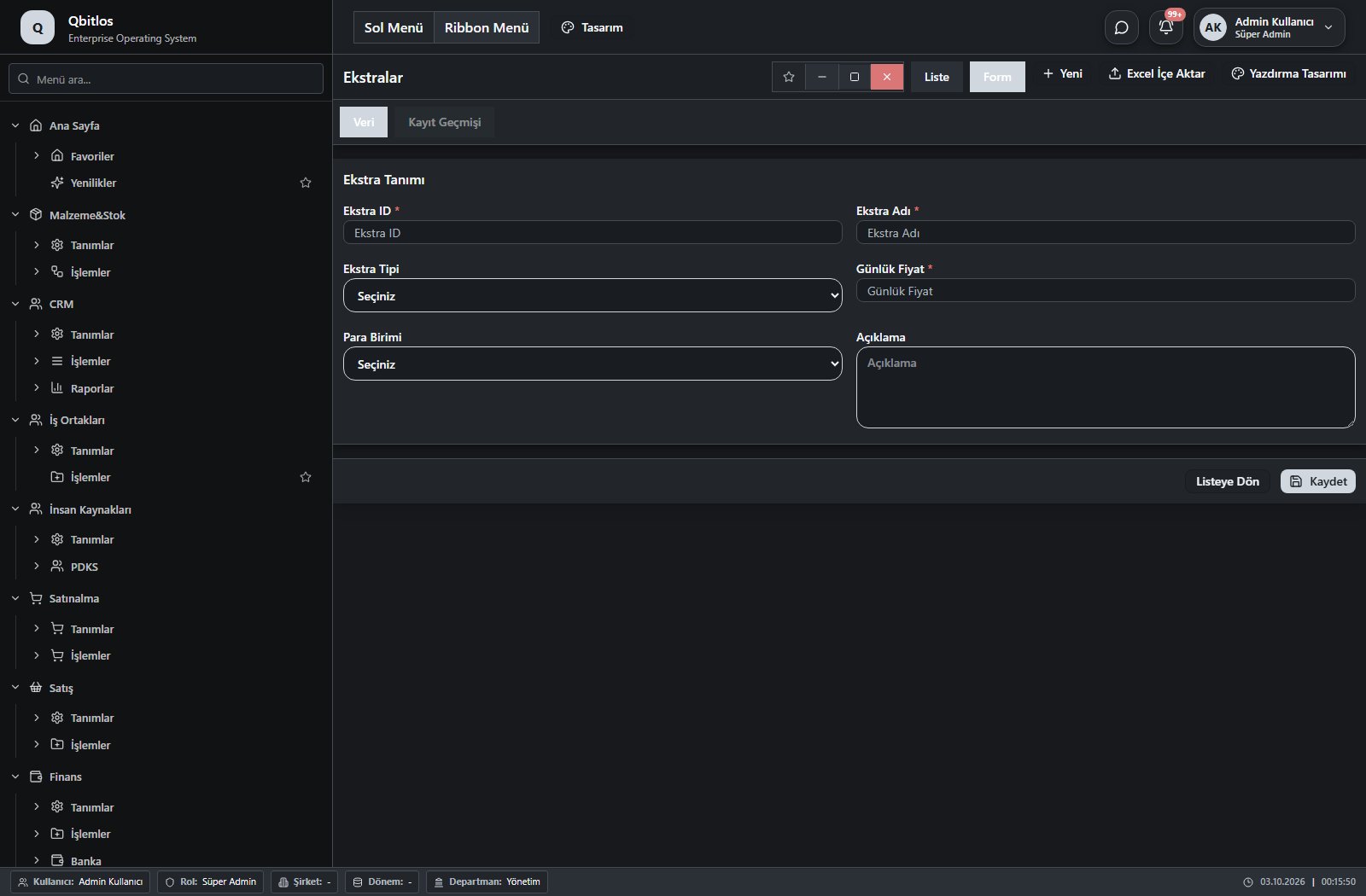
Ekstralar · 6 field guide
| Field | Type | Usage and rules |
|---|---|---|
| Ekstra ID | text | Ekstra ID Required Shown in the list view. |
| Ekstra Adı | text | Ekstra Adı Required Shown in the list view. |
| Ekstra Tipi | select | Ekstra Tipi Optional Shown in the list view. Options: Bebek Koltuğu · Navigasyon · Ek Sürücü · CDW · SCDW · LCF · GPS Takip · Wi-Fi Cihazı · Kış Lastiği · Yakıt Paketi · Diğer |
| Günlük Fiyat | number | Günlük Fiyat Required Shown in the list view. |
| Para Birimi | select | Para Birimi Optional Shown in the list view. Options: TRY · USD · EUR · GBP |
| Açıklama | textarea | Açıklama Optional |
Rent A Car / Tanımlar / API Keys
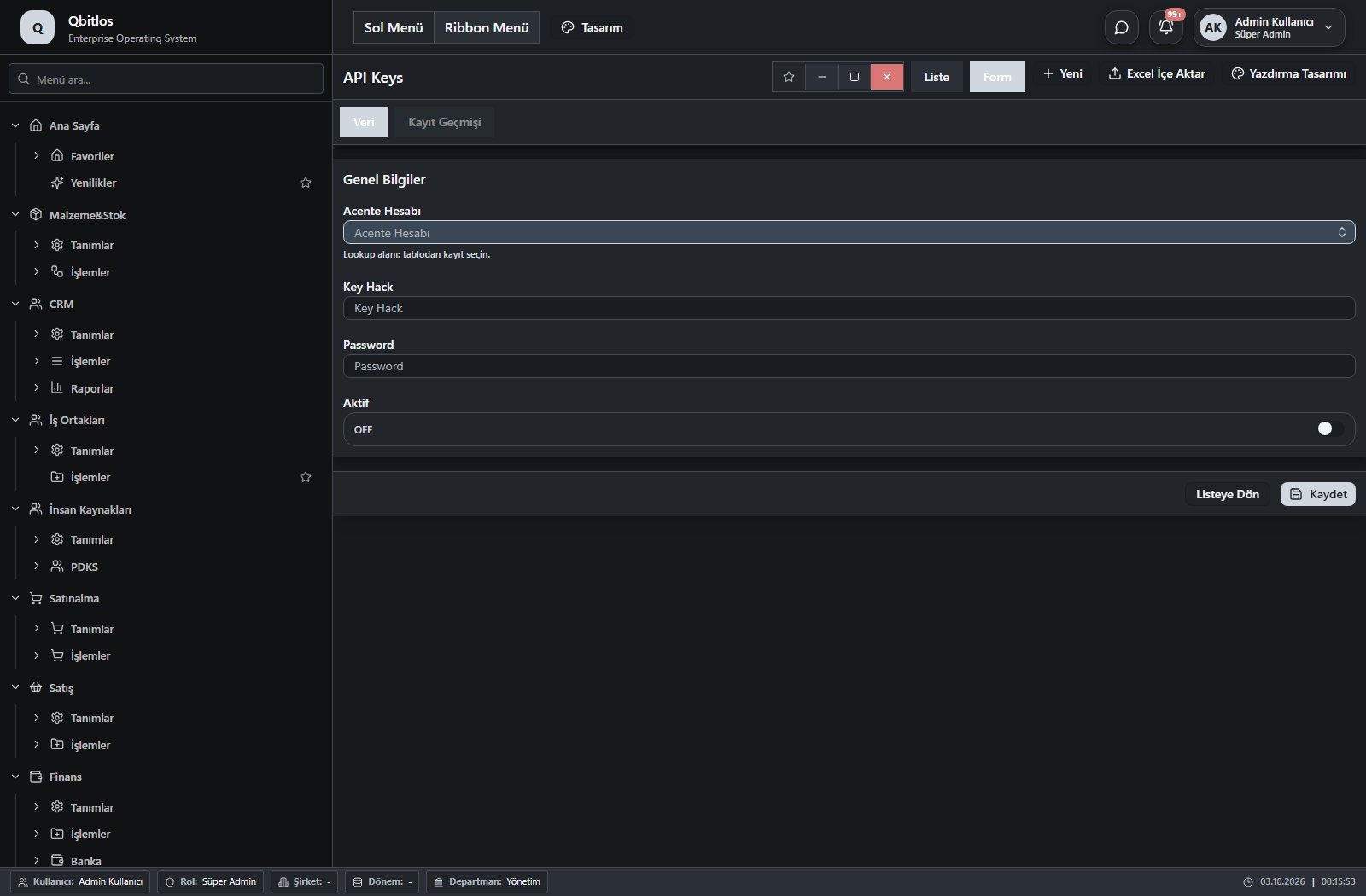
API Keys · 4 field guide
| Field | Type | Usage and rules |
|---|---|---|
| Acente Hesabı | linkedlookup | Optional Select from related records. Bayiler Shown in the list view. |
| Key Hack | text | Optional Shown in the list view. |
| Password | password | Optional Shown in the list view. |
| Aktif | checkbox | Optional Shown in the list view. |
Rent A Car / İşlemler
This menu opens navigation, a report or a custom screen; it has no standard form field binding. Explore its related screens in the menu.
Rent A Car / İşlemler / Rezervasyonlar
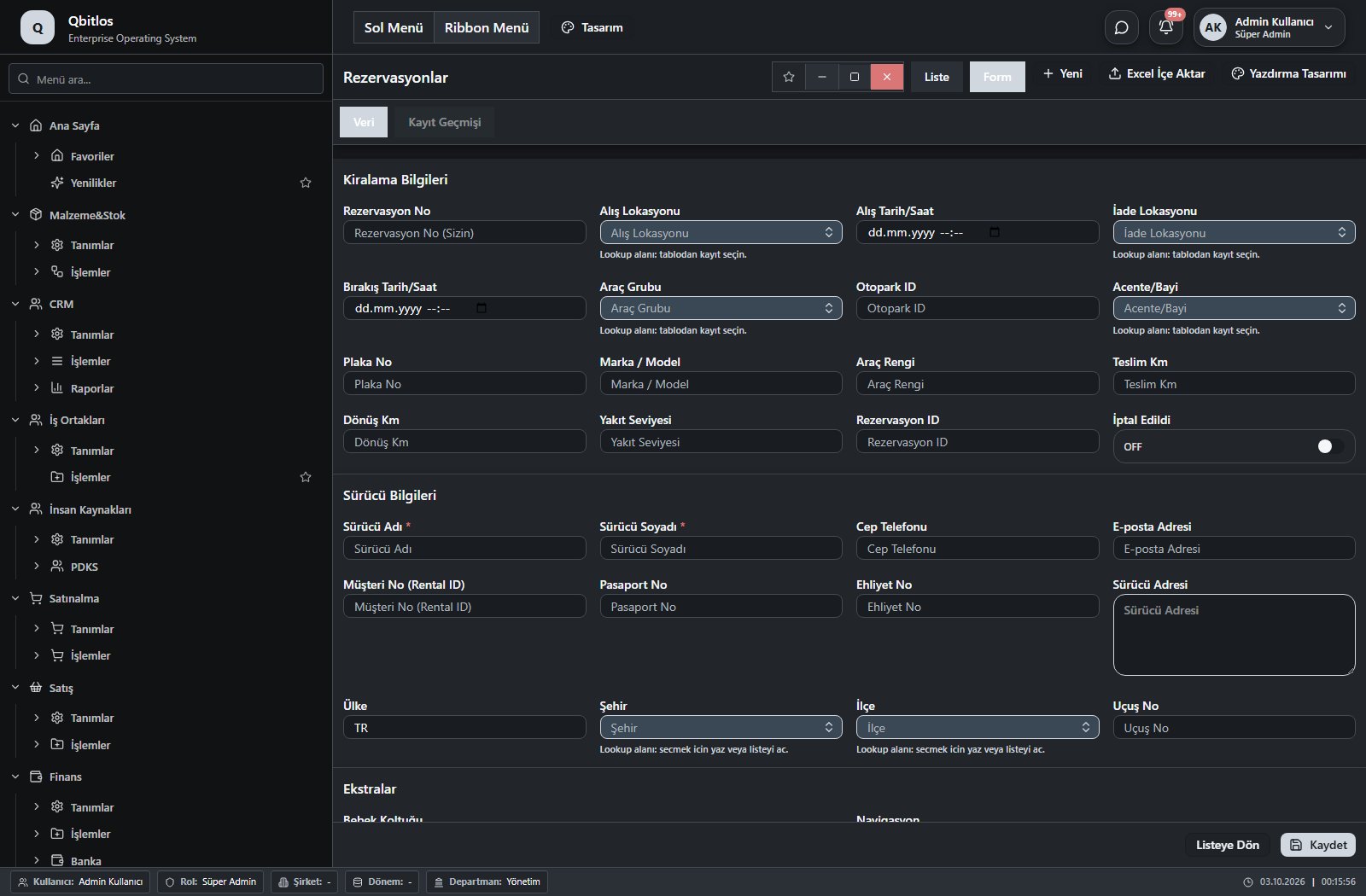
Rezervasyonlar · 40 field guide
| Field | Type | Usage and rules |
|---|---|---|
| Alış Lokasyonu | lookup | Alış Lokasyonu Required Select from related records. Lokasyonlar Shown in the list view. |
| Sürücü Adı | text | Sürücü Adı Required Shown in the list view. |
| Bebek Koltuğu | checkbox | Bebek Koltuğu Optional Shown in the list view. |
| Kiralama Bedeli | number | Kiralama Bedeli Optional Shown in the list view. |
| İade Lokasyonu | lookup | İade Lokasyonu Required Select from related records. Lokasyonlar Shown in the list view. |
| Sürücü Soyadı | text | Sürücü Soyadı Required Shown in the list view. |
| Navigasyon | checkbox | Navigasyon Optional |
| Ek Ücretler Toplamı | calculated | Ek Ücretler Toplamı Optional A calculation rule is configured; review the calculated result. |
| Araç Grubu | lookup | Araç Grubu Required Select from related records. Araç Grupları Shown in the list view. |
| Cep Telefonu | tel | Cep Telefonu Optional Shown in the list view. |
| Ek Sürücü | checkbox | Ek Sürücü Optional Shown in the list view. |
| Drop Ücreti | number | İade Ücreti Optional |
| Otopark ID | text | Otopark ID Optional |
| E-posta Adresi | E-posta Adresi Optional | |
| CDW (Çarpışma Hasar Muafiyeti) | checkbox | CDW (Çarpışma Hasar Muafiyeti) Optional |
| Para Birimi | select | Para Birimi Optional Shown in the list view. Options: TRY · EUR · USD · GBP |
| Müşteri No (Rental ID) | number | Müşteri No (Rental ID) Optional |
| SCDW (Süper Çarpışma Hasar Muafiyeti) | checkbox | SCDW (Süper Çarpışma Hasar Muafiyeti) Optional |
| Ödeme Tipi | select | Ödeme Tipi Optional Shown in the list view. Options: 0 · 1 · 2 · 3 |
| Plaka No | text | Plaka No Optional |
| Pasaport No | text | Pasaport No Optional |
| LCF (Lastik-Cam Koruma) | checkbox | LCF (Lastik-Cam Koruma) Optional |
| Ödeme Tipi Açıklaması | disabled | Ödeme Tipi Açıklaması Optional |
| Marka / Model | text | Marka / Model Optional |
| Araç Rengi | text | Araç Rengi Optional |
| Ehliyet No | text | Ehliyet No Optional |
| Sürücü Adresi | textarea | Sürücü Adresi Optional |
| Teslim Km | number | Teslim Km Optional |
| İlçe | lookup | İlçe Optional Select from related records. İlçeler Fields filtering available options: Şehir. |
| Dönüş Km | number | Dönüş Km Optional |
| Şehir | lookup | Şehir Optional Select from related records. İller |
| Yakıt Seviyesi | text | Yakıt Seviyesi Optional |
| Rezervasyon ID | text | Rezervasyon ID Optional Shown in the list view. |
| Ülke | text | Ülke Optional |
| Rezervasyon No | text | Rezervasyon No (Sizin) Optional Shown in the list view. |
| Uçuş No | text | Uçuş No Optional |
| Alış Tarih/Saat | datetime | Optional Shown in the list view. |
| Bırakış Tarih/Saat | datetime | Optional Shown in the list view. |
| Acente/Bayi | lookup | Optional Select from related records. Bayiler Shown in the list view. |
| İptal Edildi | checkbox | Optional Shown in the list view. |
Shared definitions provide companies, branches, warehouses, users, roles and departments. Currencies define codes, symbols and defaults; payment terms define maturity and installments; daily rates record buying/selling rates. Units, taxes, brands and groups supply consistent choices to transaction forms.
Genel Tanımlar / Sistem
This menu opens navigation, a report or a custom screen; it has no standard form field binding. Explore its related screens in the menu.
Genel Tanımlar / Sistem / Roller
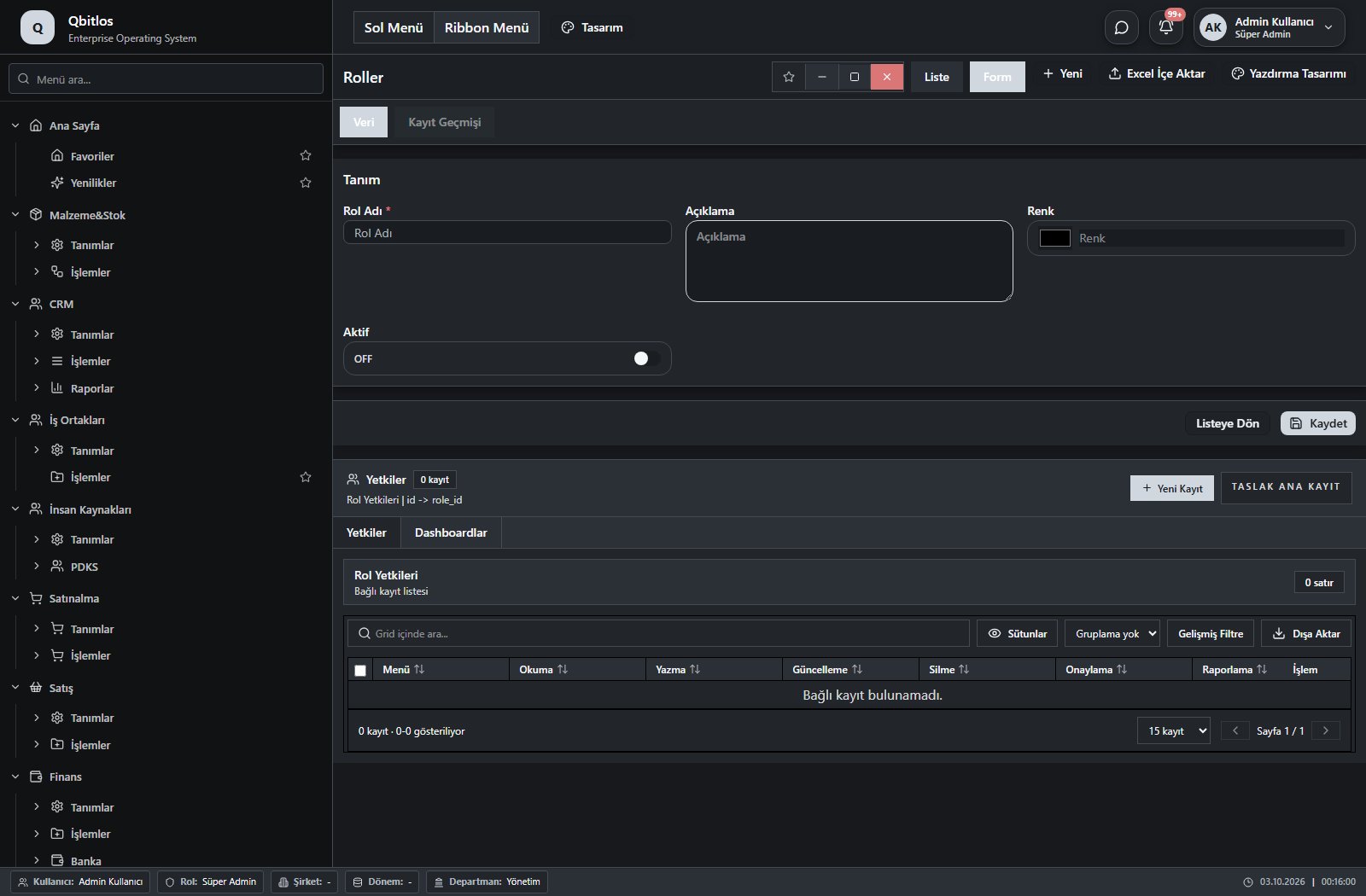
Roller · 4 field guide
| Field | Type | Usage and rules |
|---|---|---|
| Rol Adı | text | Rol alanı Required Shown in the list view. |
| Renk | color | Rol alanı Optional Shown in the list view. |
| Aktif | checkbox | Rol alanı Optional Shown in the list view. |
| Açıklama | textarea | Optional Shown in the list view. |
Genel Tanımlar / Sistem / Kullanıcılar
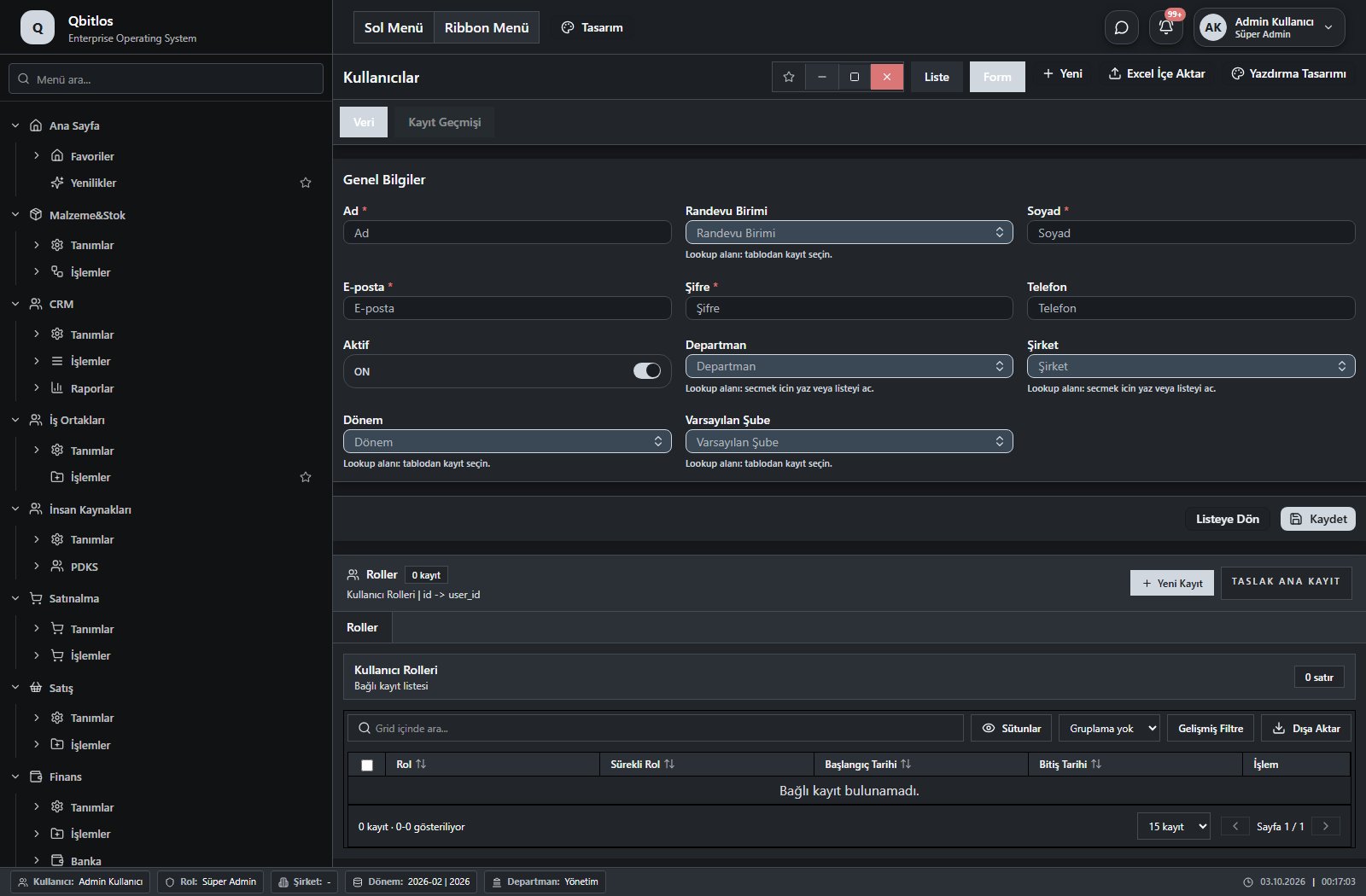
Kullanıcılar · 13 field guide
| Field | Type | Usage and rules |
|---|---|---|
| Ad | text | Required Shown in the list view. |
| Soyad | text | Required Shown in the list view. |
| E-posta | Required Shown in the list view. | |
| Telefon | tel | Optional Shown in the list view. |
| Departman | lookup | Optional Select from related records. Departmanlar Shown in the list view. |
| Aktif | checkbox | Optional Shown in the list view. |
| Oluşturma Tarihi | date | Optional |
| Son Giriş | date | Optional |
| Şifre | password | Required |
| Şirket | lookup | Optional Select from related records. Firma Bilgileri Shown in the list view. |
| Dönem | lookup | Optional Select from related records. Dönemler Shown in the list view. Options: donem |
| Varsayılan Şube | lookup | Optional Select from related records. Şube Tanımları Shown in the list view. |
| Randevu Birimi | lookup | Optional Select from related records. Randevu Birimleri Shown in the list view. |
Genel Tanımlar / Sistem / İl/İlçe
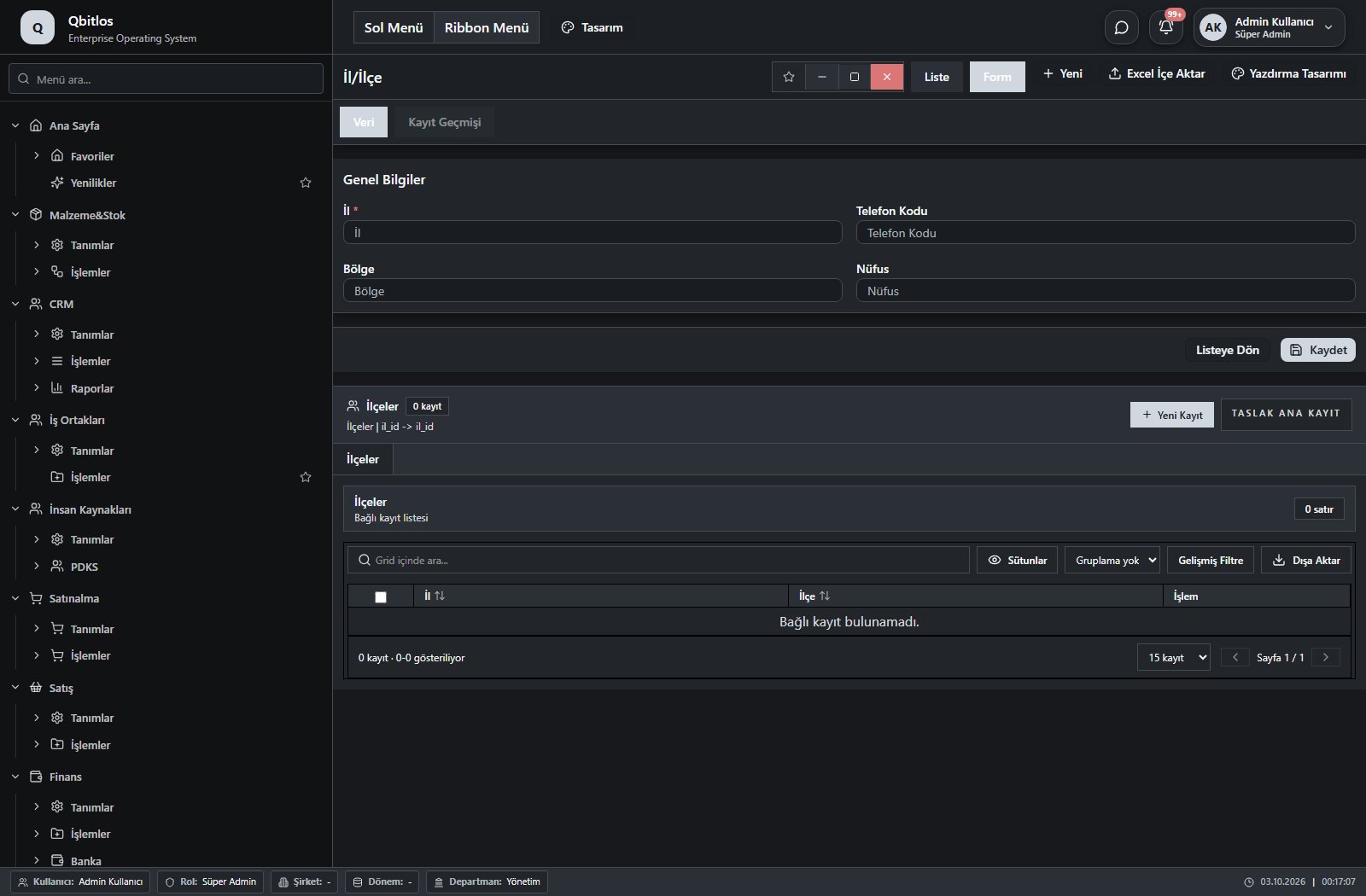
İller · 4 field guide
| Field | Type | Usage and rules |
|---|---|---|
| İl | text | İller alanı Required Shown in the list view. |
| Telefon Kodu | text | İller alanı Optional Shown in the list view. |
| Bölge | text | İller alanı Optional Shown in the list view. |
| Nüfus | number | İller alanı Optional |
Genel Tanımlar / Sistem / Aylar
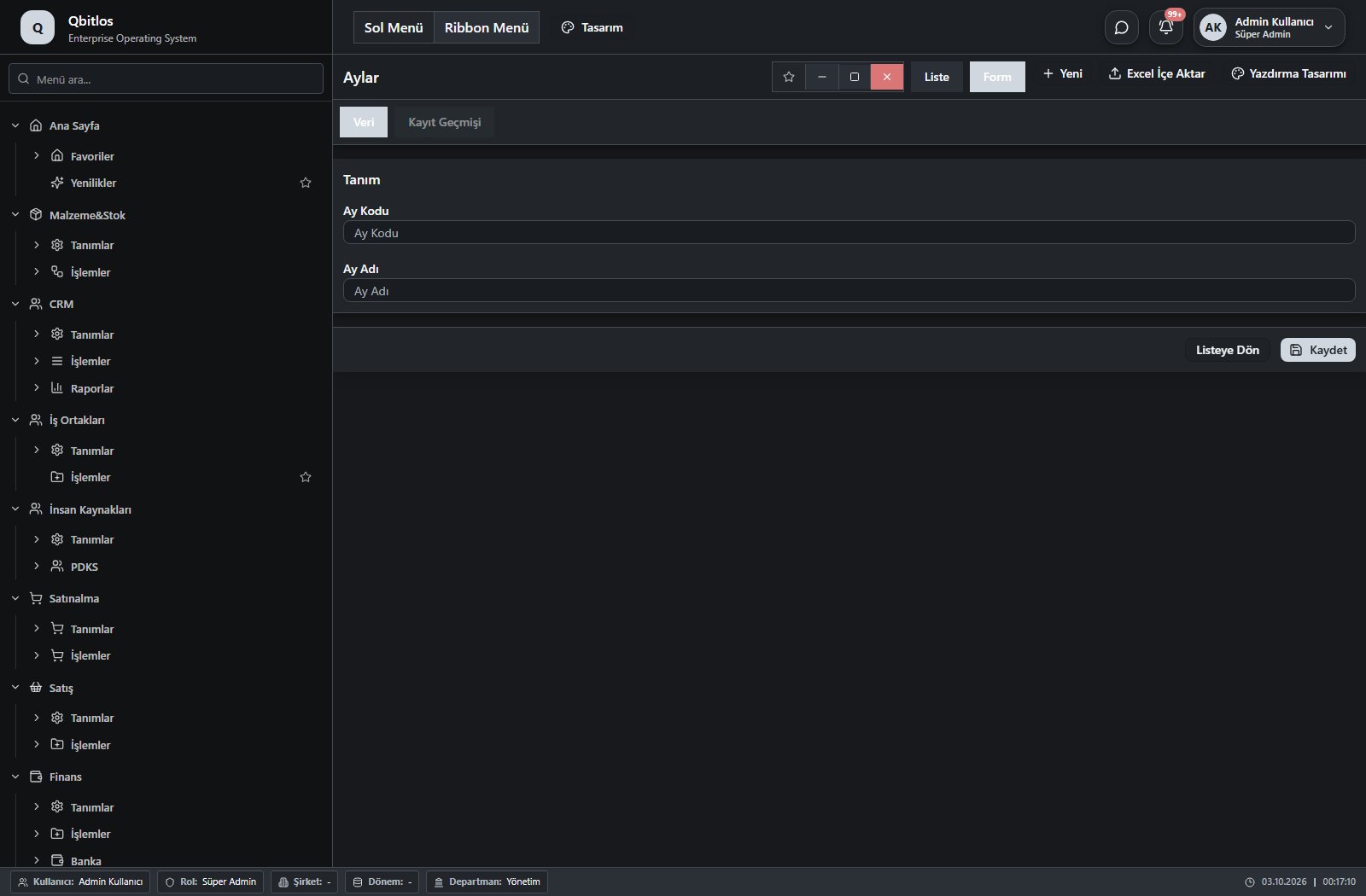
Aylar · 2 field guide
| Field | Type | Usage and rules |
|---|---|---|
| Ay Adı | text | Optional Shown in the list view. |
| Ay Kodu | text | Optional Shown in the list view. |
Genel Tanımlar / Sistem / Widget Grupları
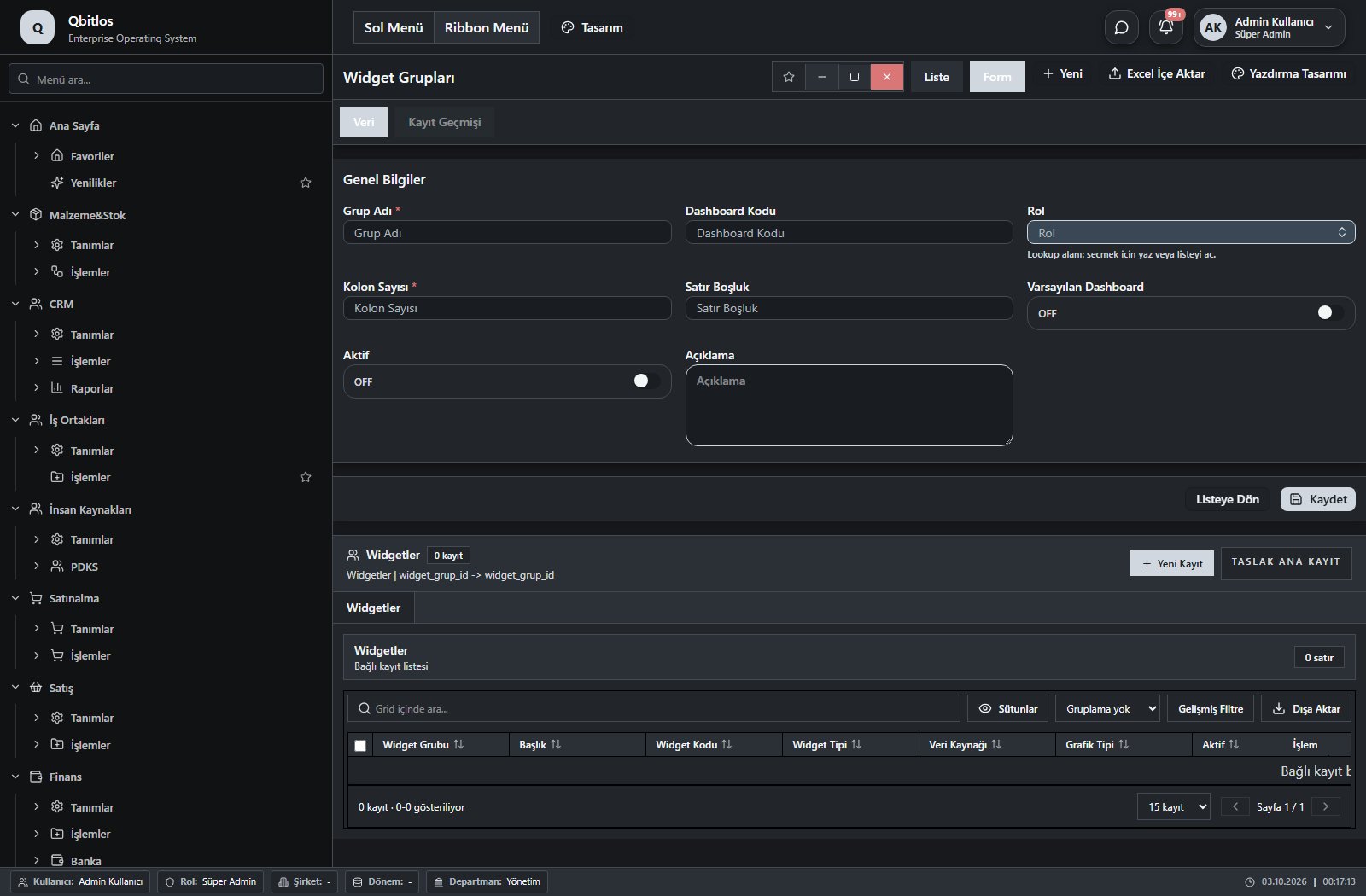
Widget Grupları · 8 field guide
| Field | Type | Usage and rules |
|---|---|---|
| Grup Adı | text | Required Shown in the list view. |
| Dashboard Kodu | text | Optional Shown in the list view. |
| Rol | lookup | Optional Select from related records. Roller Shown in the list view. |
| Kolon Sayısı | number | Required Shown in the list view. |
| Satır Boşluk | number | Optional Shown in the list view. |
| Varsayılan Dashboard | checkbox | Optional Shown in the list view. |
| Aktif | checkbox | Optional Shown in the list view. |
| Açıklama | textarea | Optional |
Genel Tanımlar / Sistem / Widgetler
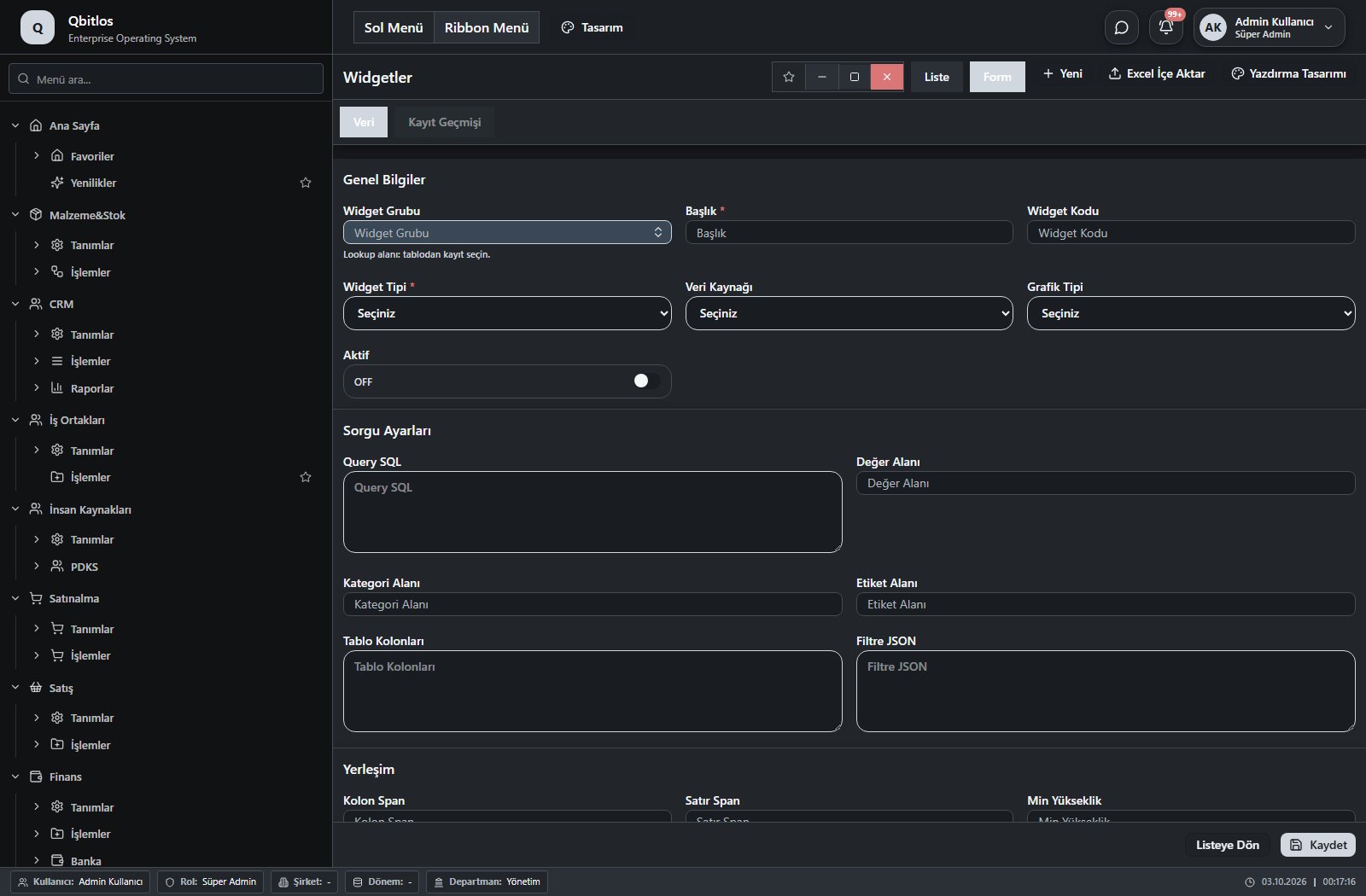
Widgetler · 21 field guide
| Field | Type | Usage and rules |
|---|---|---|
| Widget Grubu | lookup | Required Select from related records. Widget Grupları Shown in the list view. |
| Başlık | text | Required Shown in the list view. |
| Widget Kodu | text | Optional Shown in the list view. |
| Widget Tipi | select | Required Shown in the list view. Options: number · summary-table · table · bar-chart · line-chart · pie-chart · kpi · list |
| Veri Kaynağı | select | Optional Shown in the list view. Options: query · manual · api |
| Grafik Tipi | select | Optional Shown in the list view. Options: none · bar · line · pie · area · donut |
| Aktif | checkbox | Optional Shown in the list view. |
| Query SQL | textarea | Optional |
| Değer Alanı | text | Optional |
| Kategori Alanı | text | Optional |
| Etiket Alanı | text | Optional |
| Tablo Kolonları | textarea | Optional |
| Filtre JSON | textarea | Optional |
| Kolon Span | number | Optional Shown in the list view. |
| Satır Span | number | Optional Shown in the list view. |
| Min Yükseklik | number | Optional Shown in the list view. |
| Sıra | number | Optional Shown in the list view. |
| Yenileme Saniye | number | Optional Shown in the list view. |
| Renk | color | Optional Shown in the list view. |
| İkon Adı | text | Optional Shown in the list view. |
| Açıklama | textarea | Optional |
Genel Tanımlar / Sistem / RPA Kuralları
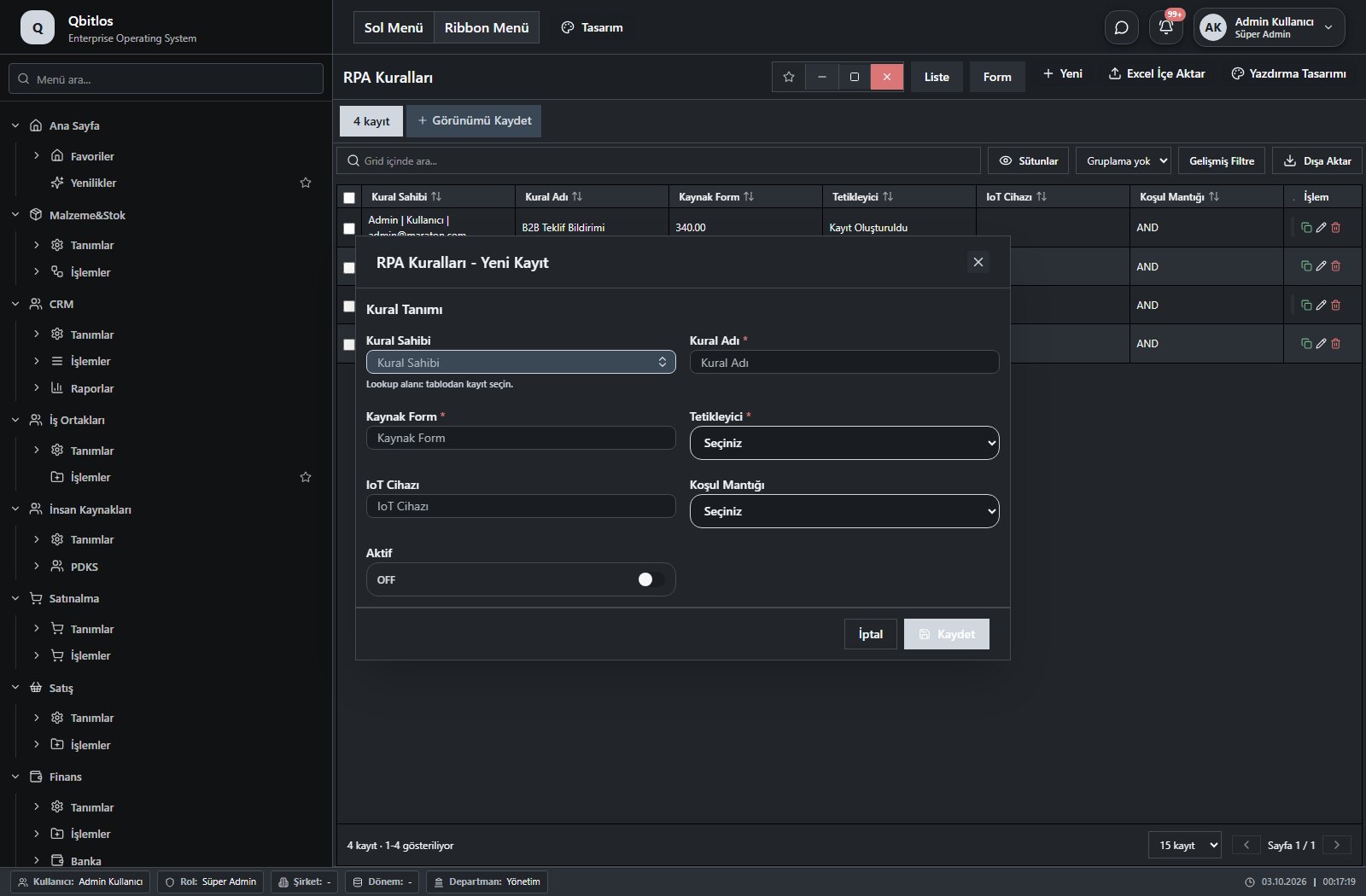
RPA Kuralları · 7 field guide
| Field | Type | Usage and rules |
|---|---|---|
| Kural Sahibi | lookup | Kural Sahibi Required Select from related records. Kullanıcılar Shown in the list view. |
| Kural Adı | text | Kural Adı Required Shown in the list view. |
| Kaynak Form | number | Kaynak Form Required Shown in the list view. |
| IoT Cihazı | number | IoT Cihazı Optional Shown in the list view. |
| Tetikleyici | select | Tetikleyici Required Shown in the list view. Options: Kayıt Oluşturuldu · Kayıt Güncellendi · Kayıt Silindi |
| Koşul Mantığı | select | Koşul Mantığı Optional Shown in the list view. Options: AND · OR |
| Aktif | checkbox | Aktif Optional Shown in the list view. |
Genel Tanımlar / Sistem / Mail Hesapları
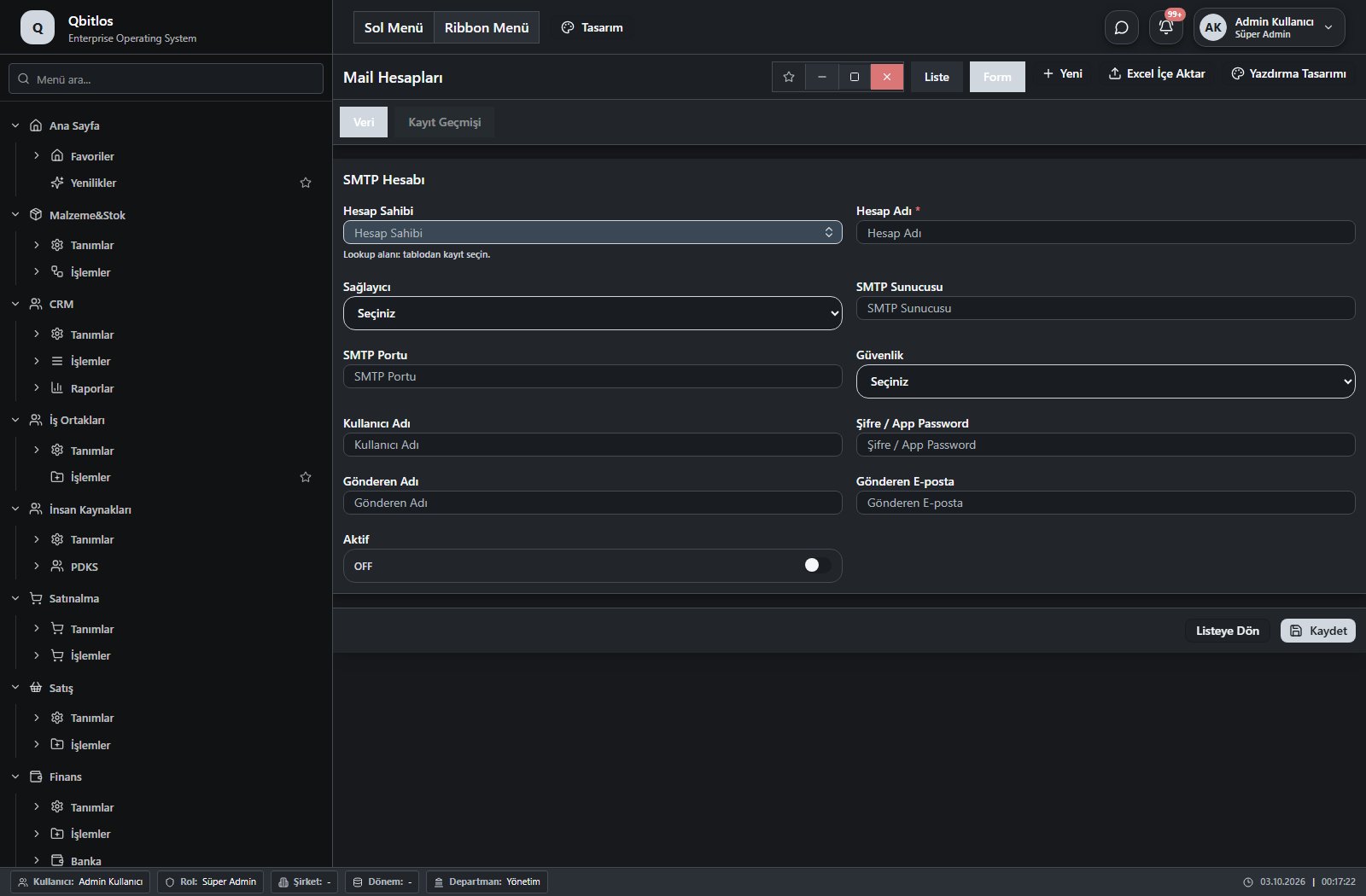
Mail Hesapları · 11 field guide
| Field | Type | Usage and rules |
|---|---|---|
| Hesap Sahibi | lookup | Hesap Sahibi Required Select from related records. Kullanıcılar Shown in the list view. |
| Hesap Adı | text | Hesap Adı Required Shown in the list view. |
| Sağlayıcı | select | Sağlayıcı Optional Shown in the list view. Options: Gmail · Microsoft 365 · Kurumsal SMTP · SMTP |
| SMTP Sunucusu | text | SMTP Sunucusu Optional Shown in the list view. |
| SMTP Portu | number | SMTP Portu Optional Shown in the list view. |
| Güvenlik | select | Güvenlik Optional Shown in the list view. Options: TLS · SSL · Yok |
| Kullanıcı Adı | text | Kullanıcı Adı Optional Shown in the list view. |
| Şifre / App Password | password | Şifre / App Password Optional |
| Gönderen Adı | text | Gönderen Adı Optional Shown in the list view. |
| Gönderen E-posta | Gönderen E-posta Optional Shown in the list view. | |
| Aktif | checkbox | Aktif Optional Shown in the list view. |
Genel Tanımlar / Sistem / RPA Çalışma Logları
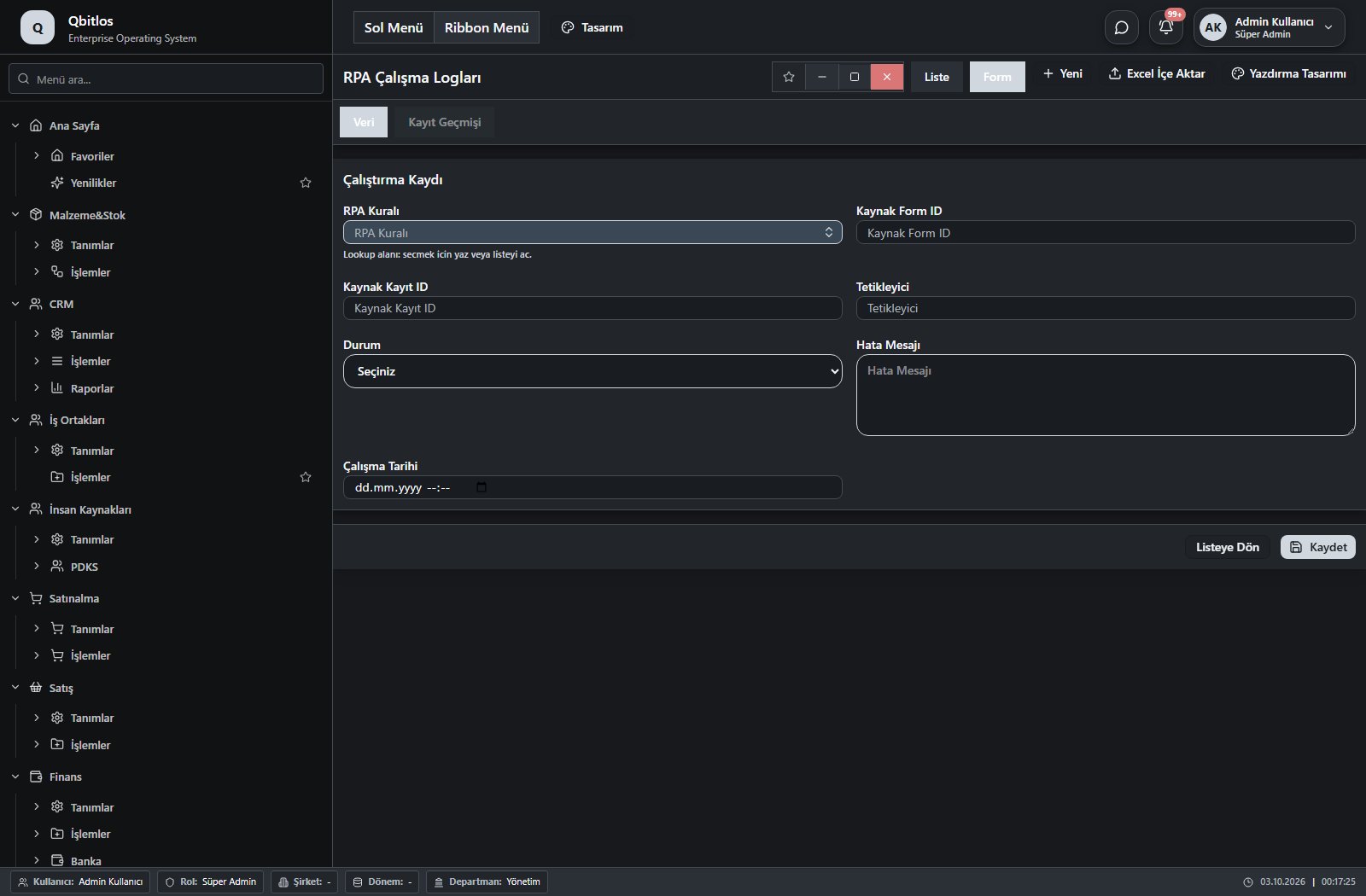
RPA Çalışma Logları · 7 field guide
| Field | Type | Usage and rules |
|---|---|---|
| RPA Kuralı | lookup | RPA Kuralı Optional Select from related records. RPA Kuralları Shown in the list view. |
| Kaynak Form ID | number | Kaynak Form ID Optional Shown in the list view. |
| Kaynak Kayıt ID | text | Kaynak Kayıt ID Optional Shown in the list view. |
| Tetikleyici | text | Tetikleyici Optional Shown in the list view. |
| Durum | select | Durum Optional Shown in the list view. Options: Başarılı · Başarısız · Atlandı |
| Hata Mesajı | textarea | Hata Mesajı Optional |
| Çalışma Tarihi | datetime | Çalışma Tarihi Optional Shown in the list view. |
Genel Tanımlar / Sistem / Sistem Ayarları
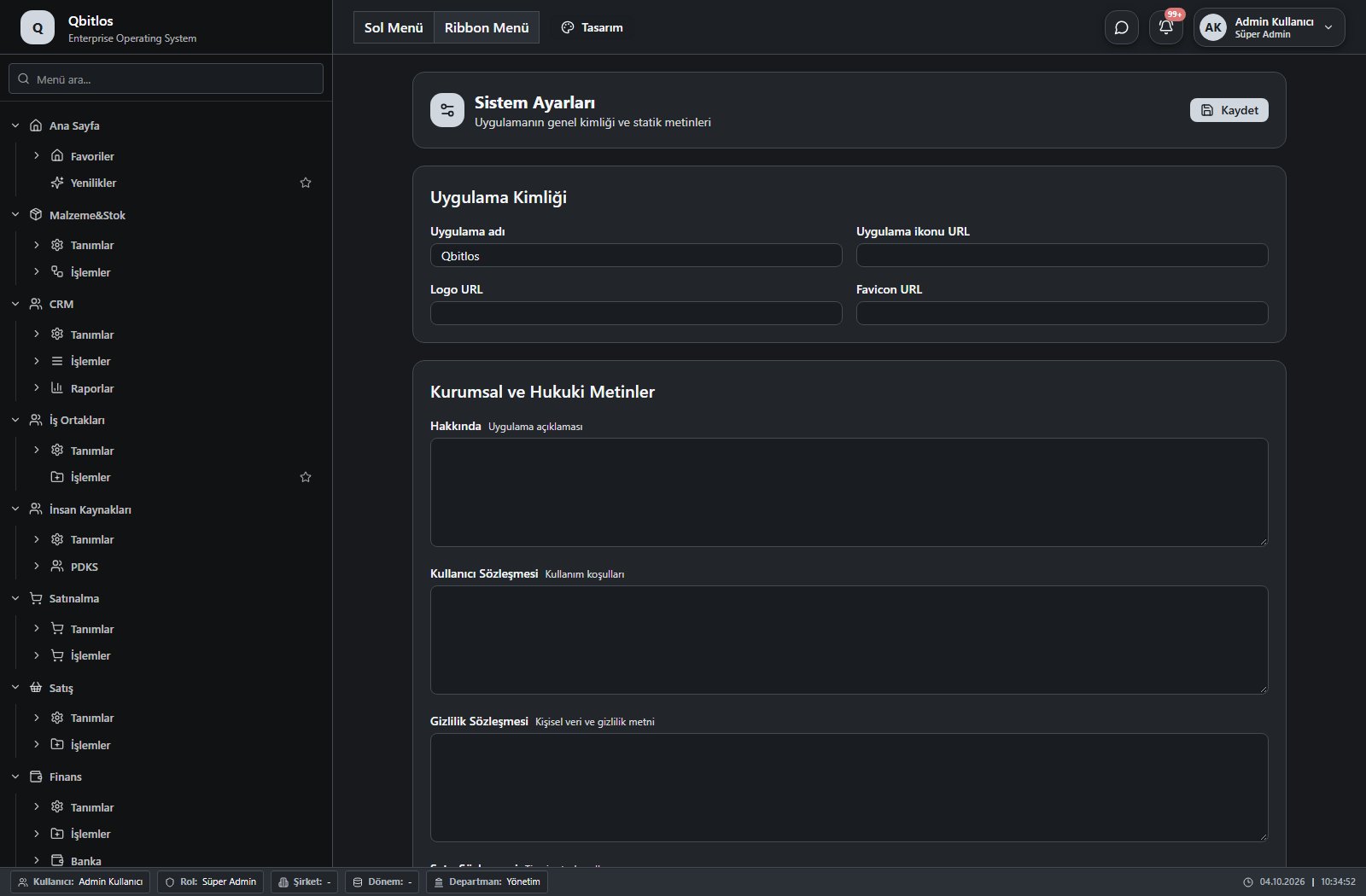
This menu opens navigation, a report or a custom screen; it has no standard form field binding. Explore its related screens in the menu.
Genel Tanımlar / Sistem / Gelişim Günlüğü
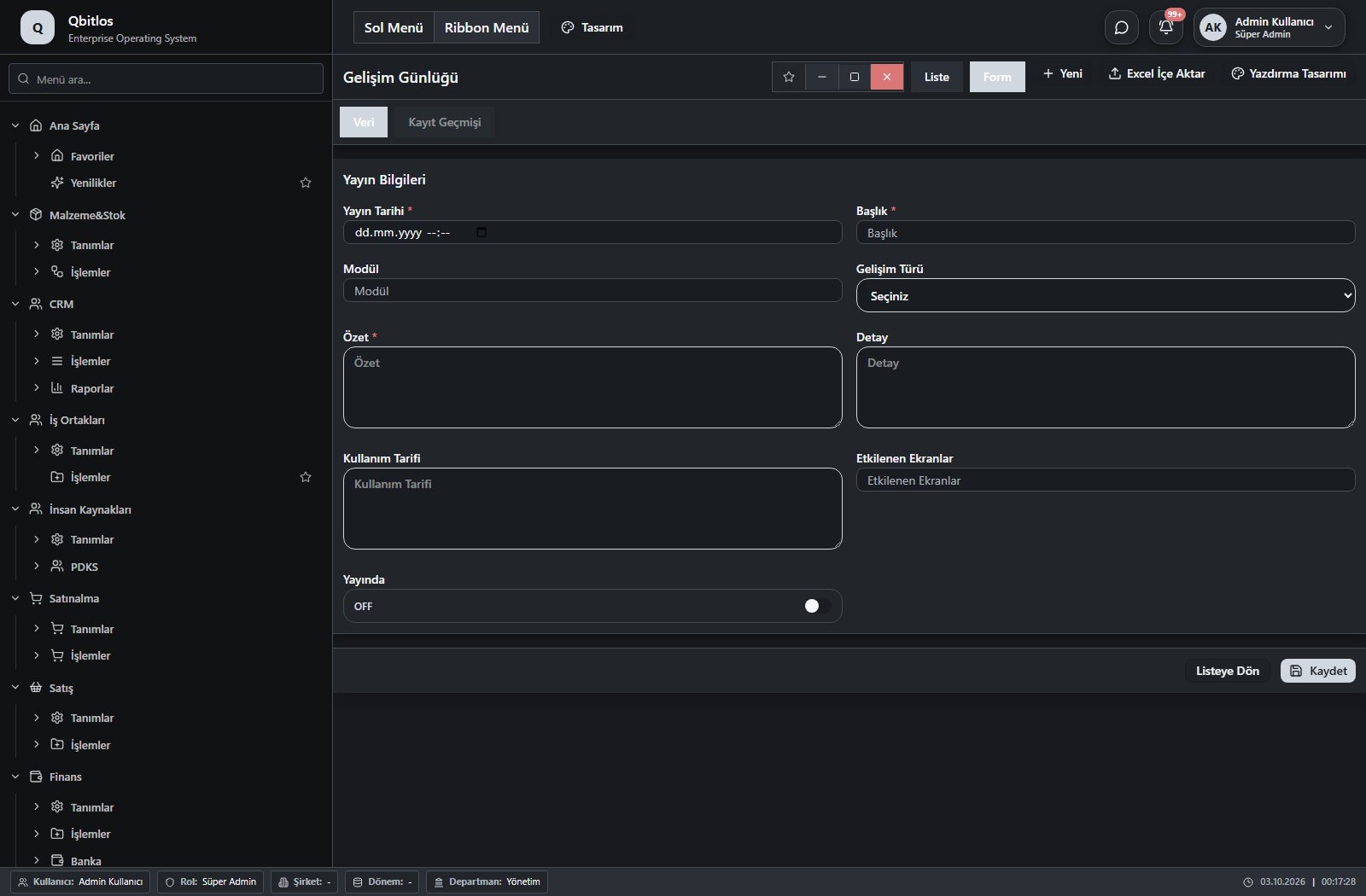
Gelişim Günlüğü Yönetimi · 9 field guide
| Field | Type | Usage and rules |
|---|---|---|
| Yayın Tarihi | datetime | Yayın Tarihi Required Shown in the list view. |
| Başlık | text | Başlık Required Shown in the list view. |
| Modül | text | Modül Optional Shown in the list view. |
| Gelişim Türü | select | Gelişim Türü Optional Shown in the list view. Options: Yeni Özellik · İyileştirme · Hata Düzeltme · Duyuru |
| Özet | textarea | Özet Required |
| Detay | textarea | Detay Optional |
| Kullanım Tarifi | textarea | Kullanım Tarifi Optional |
| Etkilenen Ekranlar | text | Etkilenen Ekranlar Optional Shown in the list view. |
| Yayında | checkbox | Yayında Optional Shown in the list view. |
Genel Tanımlar / Firma
This menu opens navigation, a report or a custom screen; it has no standard form field binding. Explore its related screens in the menu.
Genel Tanımlar / Firma / Şirketler
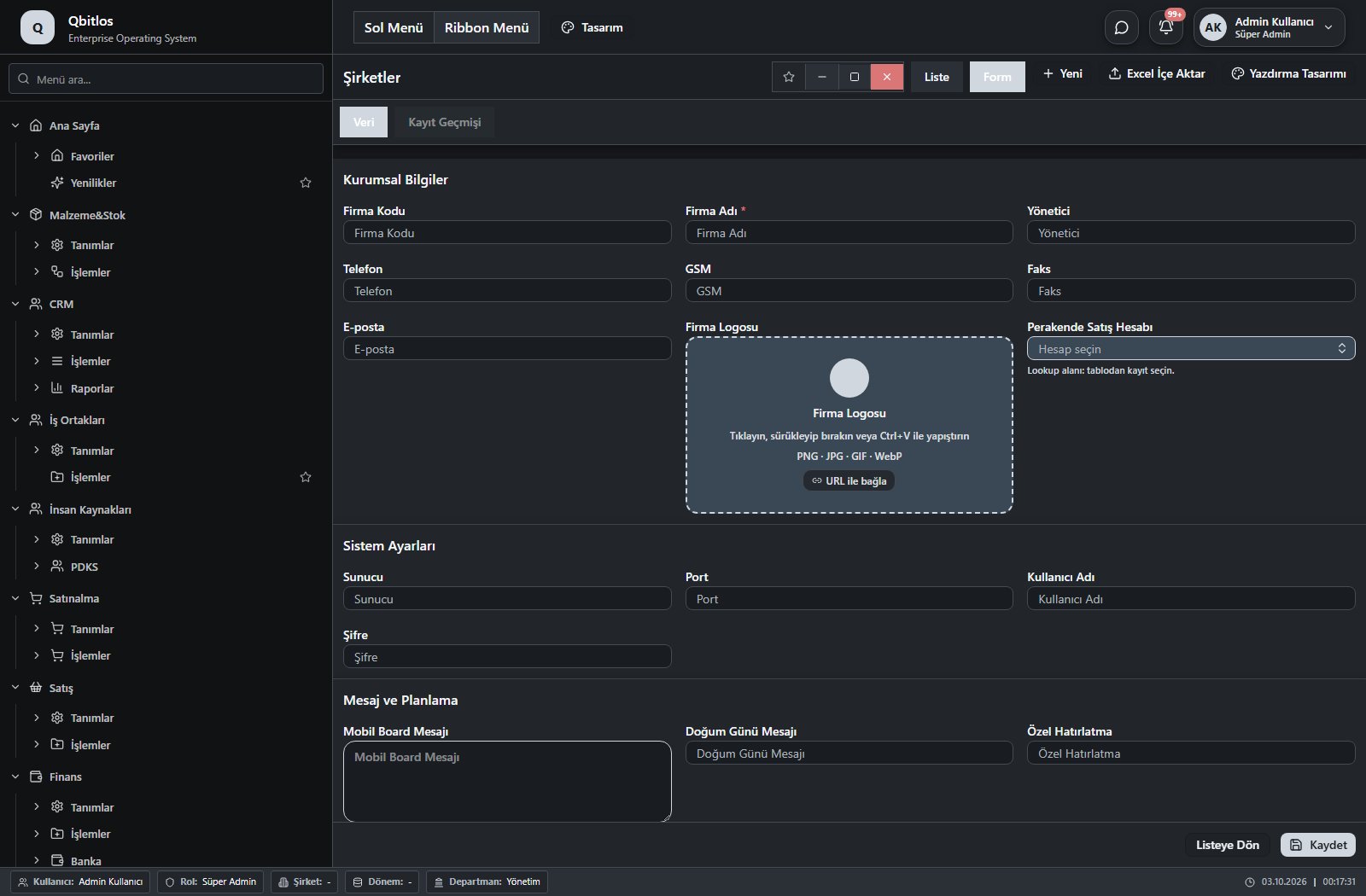
Firma Bilgileri · 29 field guide
| Field | Type | Usage and rules |
|---|---|---|
| Firma Adı | text | Firma bilgileri alanı Required Shown in the list view. |
| Yönetici | text | Firma bilgileri alanı Optional |
| Adres | textarea | Firma bilgileri alanı Optional Shown in the list view. |
| Telefon | tel | Firma bilgileri alanı Optional Shown in the list view. |
| GSM | tel | Firma bilgileri alanı Optional Shown in the list view. |
| Faks | text | Firma bilgileri alanı Optional |
| E-posta | Firma bilgileri alanı Optional | |
| Sunucu | text | Firma bilgileri alanı Optional |
| Port | number | Firma bilgileri alanı Optional |
| Kullanıcı Adı | text | Firma bilgileri alanı Optional |
| Şifre | text | Firma bilgileri alanı Optional |
| Veritabanı Klasörü | file | Firma bilgileri alanı Optional |
| Yedek Klasörü | file | Firma bilgileri alanı Optional |
| Resim Klasörü | file | Firma bilgileri alanı Optional |
| Mobil Board Mesajı | textarea | Firma bilgileri alanı Optional |
| Doğum Günü Mesajı | text | Firma bilgileri alanı Optional |
| Özel Hatırlatma | text | Firma bilgileri alanı Optional |
| Hoş Geldin Mesajı | text | Firma bilgileri alanı Optional |
| Randevu Başlama | text | Firma bilgileri alanı Optional |
| Randevu Bitiş | text | Firma bilgileri alanı Optional |
| Yenileme Aralığı | number | Firma bilgileri alanı Optional |
| Ondalık Ayıracı | text | Firma bilgileri alanı Optional |
| Teklif Tipi | number | Firma bilgileri alanı Optional |
| Ekstre Negatif | checkbox | Firma bilgileri alanı Optional |
| Hızlı Perakende | checkbox | Firma bilgileri alanı Optional |
| Değiştirme Notu | text | Firma bilgileri alanı Optional |
| Firma Logosu | image | Firma bilgileri alanı Optional |
| Firma Kodu | text | Optional Shown in the list view. |
| Perakende Satış Hesabı | lookup | Cari hesap planından perakende satış hesabı Optional Select from related records. Hesap Planı Shown in the list view. |
Genel Tanımlar / Firma / Şubeler
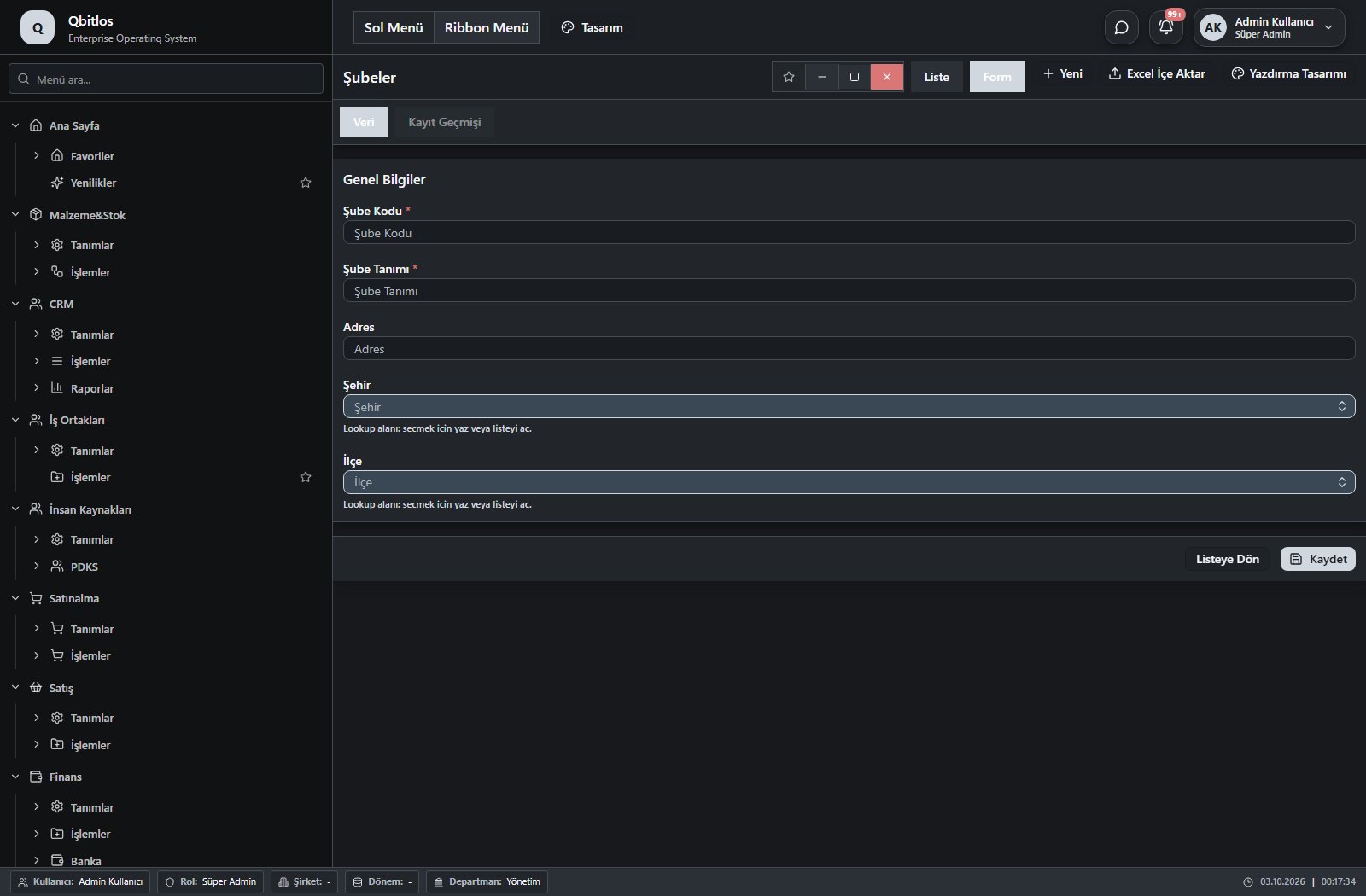
Şube Tanımları · 5 field guide
| Field | Type | Usage and rules |
|---|---|---|
| Şube Kodu | text | Şube Tanımları alanı Required Shown in the list view. |
| Şube Tanımı | text | Şube Tanımları alanı Required Shown in the list view. |
| Adres | text | Şube Tanımları alanı Optional Shown in the list view. |
| Şehir | lookup | Şube Tanımları alanı Optional Select from related records. İller Shown in the list view. |
| İlçe | lookup | Şube Tanımları alanı Optional Select from related records. İlçeler Fields filtering available options: Şehir, il, faturail. Shown in the list view. |
Genel Tanımlar / Firma / Bankalar
Banka Tanımları · 2 field guide
| Field | Type | Usage and rules |
|---|---|---|
| Banka Kodu | text | Banka Tanımları alanı Required Shown in the list view. |
| Banka Tanımı | text | Banka Tanımları alanı Required Shown in the list view. |
Genel Tanımlar / Firma / Para Birimleri
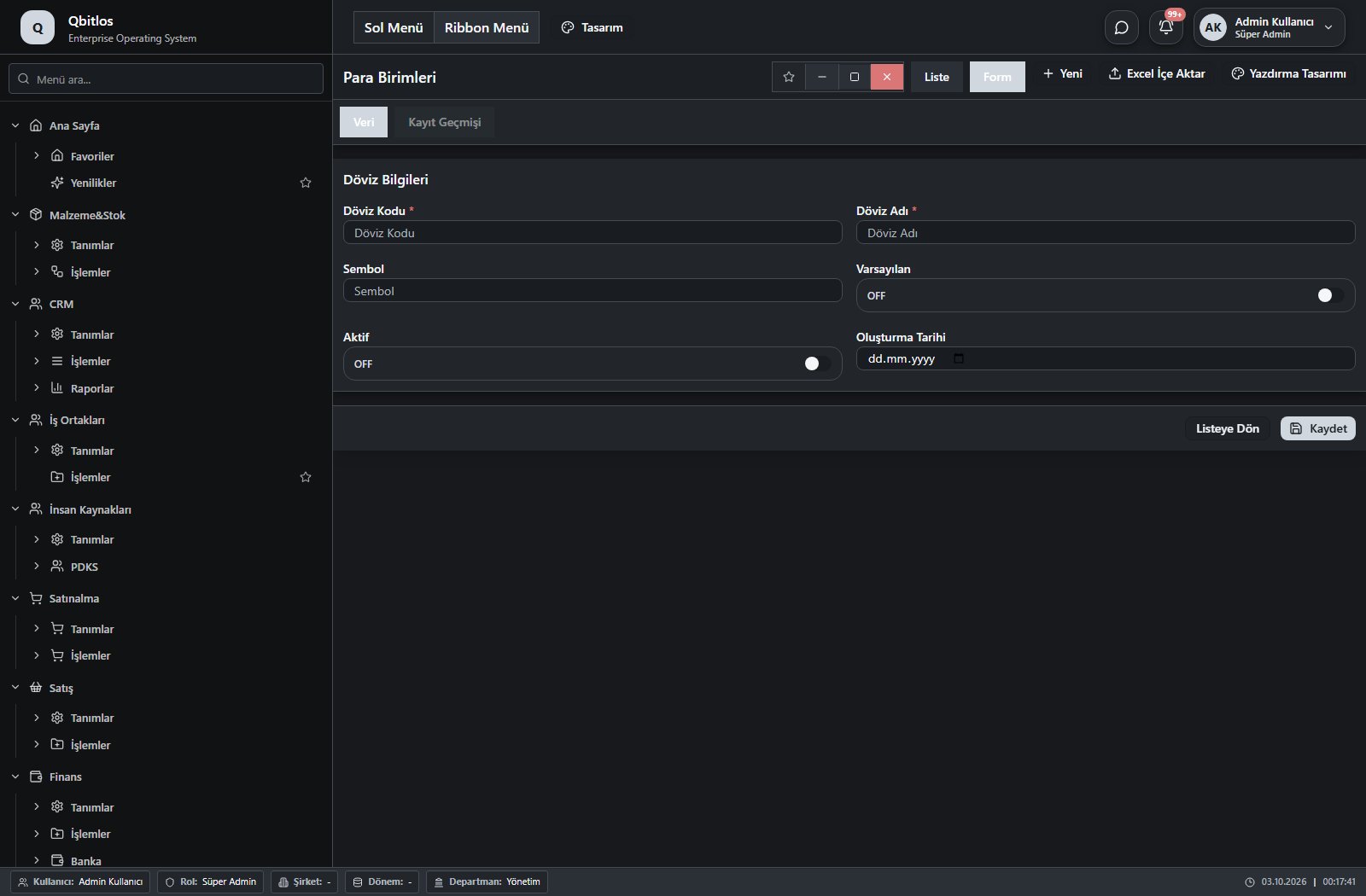
Para Birimleri · 6 field guide
| Field | Type | Usage and rules |
|---|---|---|
| Döviz Kodu | text | Required Shown in the list view. |
| Döviz Adı | text | Required Shown in the list view. |
| Sembol | text | Optional Shown in the list view. |
| Varsayılan | checkbox | Optional Shown in the list view. |
| Aktif | checkbox | Optional Shown in the list view. |
| Oluşturma Tarihi | date | Optional |
Tracking devices record IMEI, model, GSM, vehicle and customer. Telemetry fields include last connection, coordinates, speed, heading, ignition, altitude, mileage and idle time. Logs retain timestamped readings; daily mileage includes start/end odometer. Warranty and billing fields are separate. Live data depends on provider integration.
Araç Takip / Tanımlar
This menu opens navigation, a report or a custom screen; it has no standard form field binding. Explore its related screens in the menu.
Araç Takip / Tanımlar / Araç Takip Cihazları
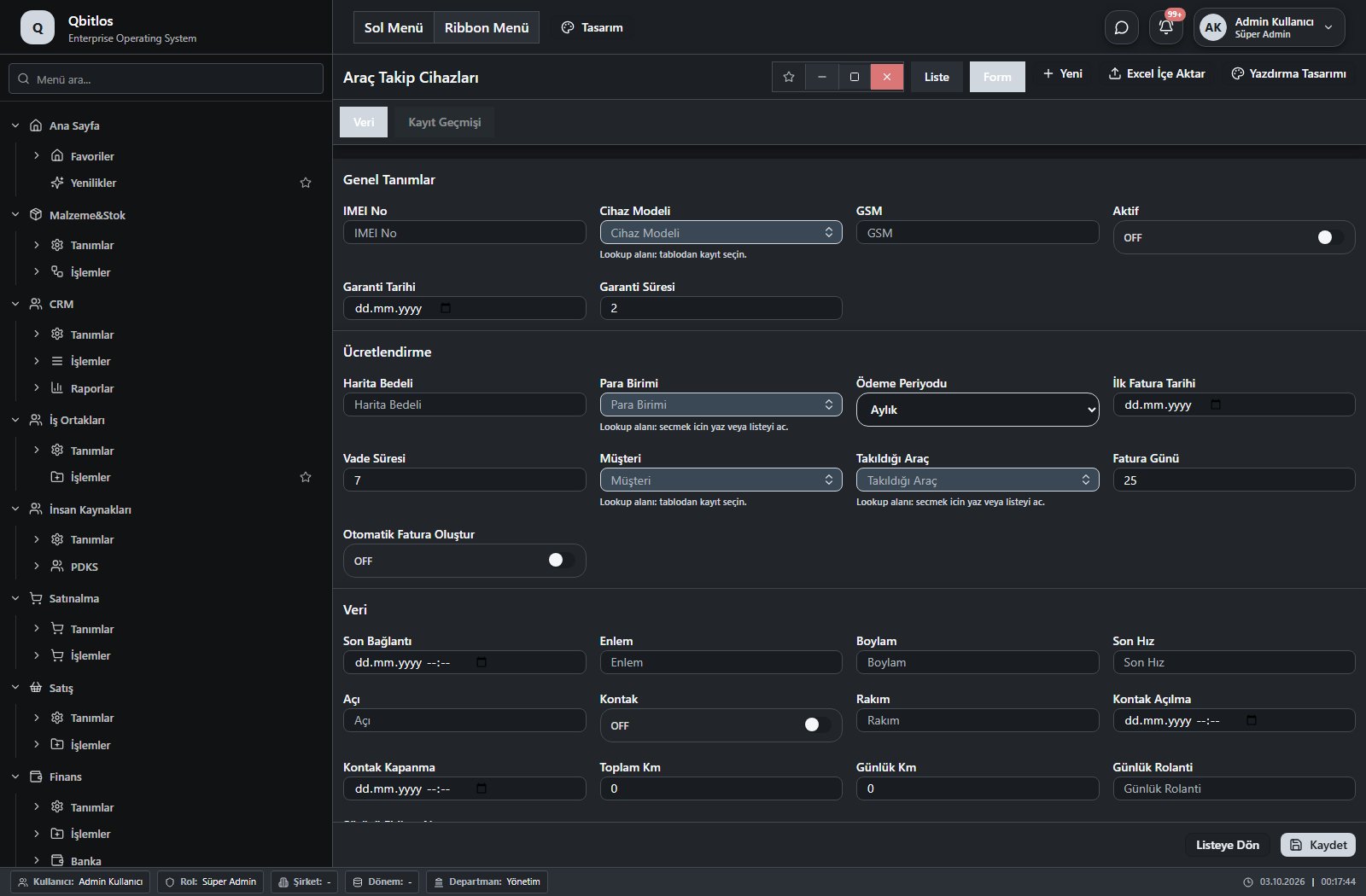
Araç Takip Cihazları · 28 field guide
| Field | Type | Usage and rules |
|---|---|---|
| IMEI No | text | Optional Shown in the list view. |
| Cihaz Modeli | lookup | Optional Select from related records. IoT Cihaz Modelleri Shown in the list view. |
| GSM | text | Optional Shown in the list view. |
| Aktif | checkbox | Optional Shown in the list view. |
| Garanti Tarihi | date | Optional Shown in the list view. |
| Garanti Süresi | number | Optional Shown in the list view. |
| Harita Bedeli | number | Optional Shown in the list view. |
| Para Birimi | lookup | Optional Select from related records. Para Birimleri Shown in the list view. |
| Ödeme Periyodu | select | Optional Shown in the list view. Options: Aylık · Yıllık |
| İlk Fatura Tarihi | date | Optional Shown in the list view. |
| Vade Süresi | number | Optional Shown in the list view. |
| Takıldığı Araç | lookup | Optional Select from related records. Filo Araçları Shown in the list view. |
| Müşteri | lookup | Optional Select from related records. Müşteriler Shown in the list view. |
| Fatura Günü | number | Optional Shown in the list view. |
| Otomatik Fatura Oluştur | checkbox | Optional Shown in the list view. |
| Son Bağlantı | datetime | Optional Shown in the list view. |
| Enlem | text | Optional Shown in the list view. |
| Boylam | text | Optional Shown in the list view. |
| Son Hız | number | Optional Shown in the list view. |
| Açı | number | Optional Shown in the list view. |
| Kontak | checkbox | Optional Shown in the list view. |
| Rakım | text | Optional Shown in the list view. |
| Kontak Açılma | datetime | Optional Shown in the list view. |
| Kontak Kapanma | datetime | Optional Shown in the list view. |
| Toplam Km | number | Optional Shown in the list view. |
| Günlük Km | number | Optional Shown in the list view. |
| Günlük Rolanti | text | Optional Shown in the list view. |
| Sürücü Ehliyet No | text | Optional Shown in the list view. |
Araç Takip / İşlemler
This menu opens navigation, a report or a custom screen; it has no standard form field binding. Explore its related screens in the menu.
Araç Takip / İşlemler / Araç Takip Logları
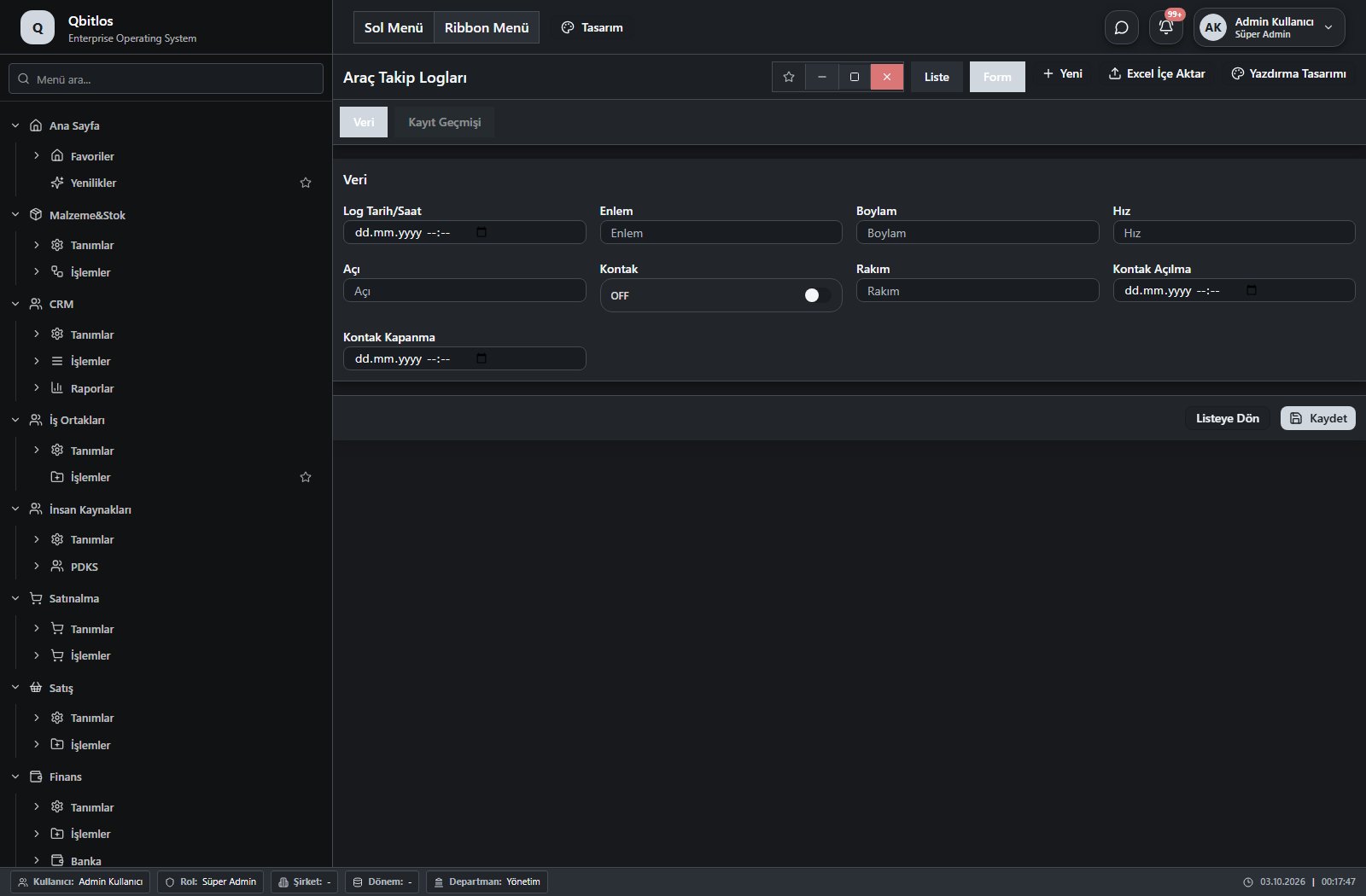
Araç Takip Logları · 13 field guide
| Field | Type | Usage and rules |
|---|---|---|
| IMEI No | text | Optional Shown in the list view. |
| Plaka No | lookup | Optional Select from related records. Filo Araçları Shown in the list view. |
| Log Tarih/Saat | datetime | Optional Shown in the list view. |
| Enlem | text | Optional Shown in the list view. |
| Boylam | text | Optional Shown in the list view. |
| Hız | number | Optional Shown in the list view. |
| Açı | number | Optional Shown in the list view. |
| Kontak | checkbox | Optional Shown in the list view. |
| Rakım | text | Optional Shown in the list view. |
| Kontak Açılma | datetime | Optional Shown in the list view. |
| Kontak Kapanma | datetime | Optional Shown in the list view. |
| Fark Km | number | Optional Shown in the list view. |
| Sürücü Ehliyet No | text | Optional Shown in the list view. |
Araç Takip / İşlemler / Harita
This menu opens navigation, a report or a custom screen; it has no standard form field binding. Explore its related screens in the menu.
Araç Takip / Raporlar
This menu opens navigation, a report or a custom screen; it has no standard form field binding. Explore its related screens in the menu.
Araç Takip / Raporlar / Günlük KM
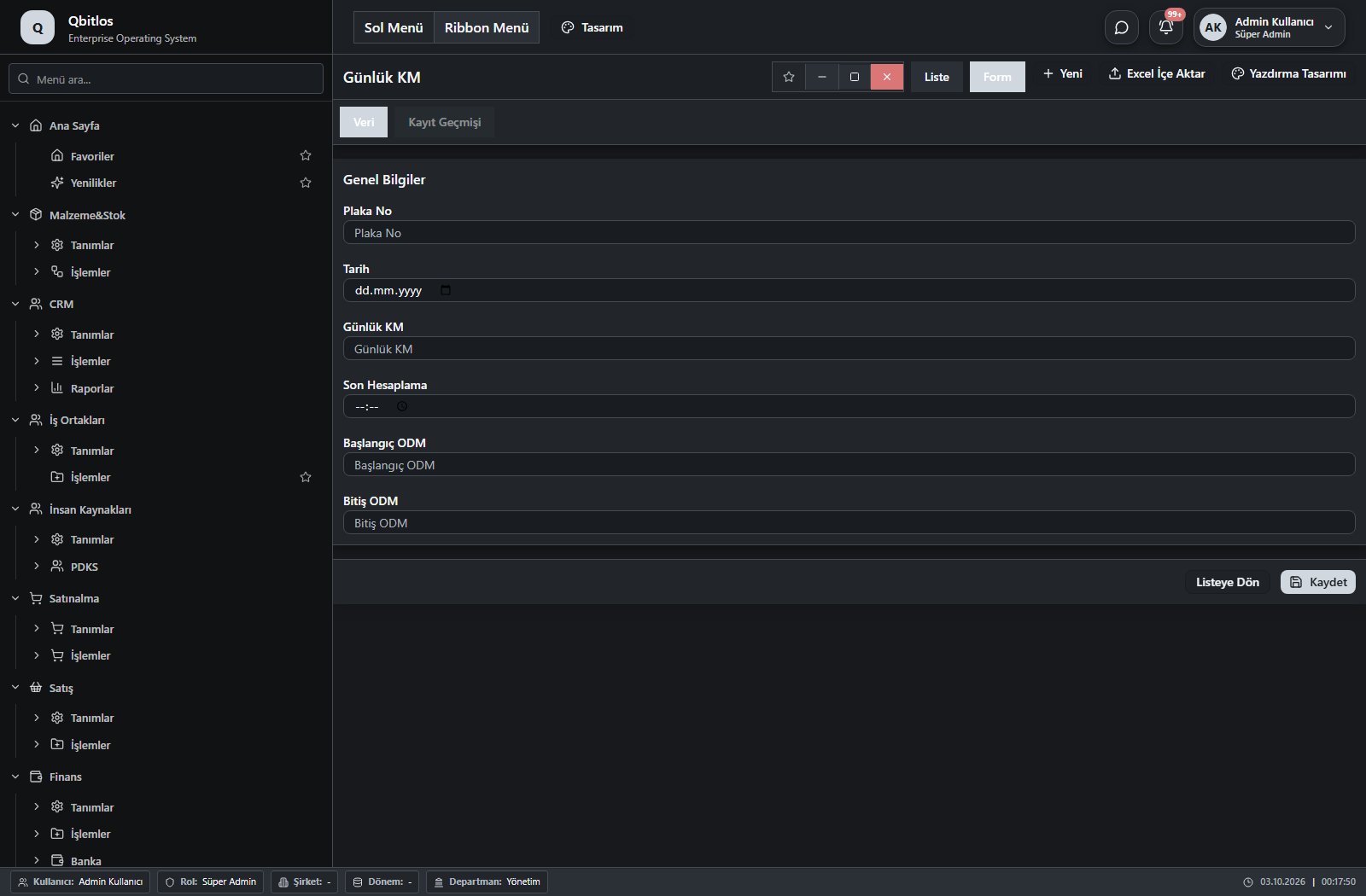
Günlük KM · 6 field guide
| Field | Type | Usage and rules |
|---|---|---|
| Plaka No | text | Optional Shown in the list view. |
| Tarih | date | Optional Shown in the list view. |
| Günlük KM | number | Optional Shown in the list view. |
| Son Hesaplama | time | Optional Shown in the list view. |
| Başlangıç ODM | number | Optional Shown in the list view. |
| Bitiş ODM | number | Optional Shown in the list view. |
Supplier portal accounts link user/account type, supplier and contact. Order screens show number, date, amount, due date and status; invoice/statement records include document type, value and currency. Quality notifications capture action plans, while documents track files, validity and status.
B2B Portal / Tedarikçi Yönetimi
This menu opens navigation, a report or a custom screen; it has no standard form field binding. Explore its related screens in the menu.
B2B Portal / Tedarikçi Yönetimi / Tedarikçi Portal Hesapları
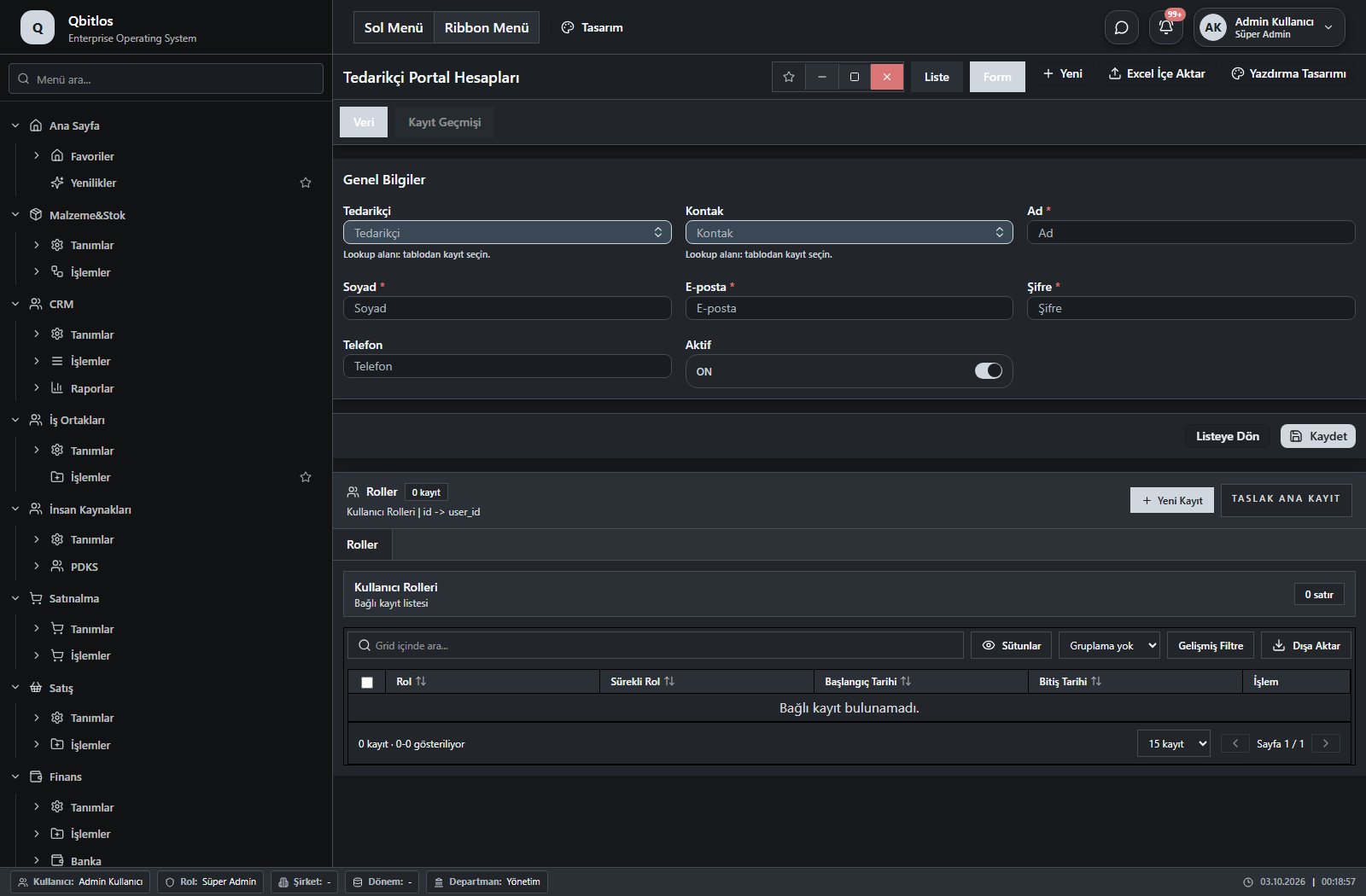
Tedarikçi Portal Hesapları · 12 field guide
| Field | Type | Usage and rules |
|---|---|---|
| Ad | text | Required Shown in the list view. |
| Soyad | text | Required Shown in the list view. |
| E-posta | Required Shown in the list view. | |
| Telefon | tel | Optional Shown in the list view. |
| Aktif | checkbox | Optional Shown in the list view. |
| Oluşturma Tarihi | date | Optional |
| Son Giriş | date | Optional |
| Şifre | password | Required |
| Kullanıcı Tipi | hidden | Optional |
| Hesap Türü | hidden | Optional |
| Tedarikçi | lookup | Optional Select from related records. Tedarikçiler Shown in the list view. |
| Kontak | lookup | Optional Select from related records. Cari Kontakları Fields populated by selection: Telefon, E-posta, Ad. Fields filtering available options: Tedarikçi. Shown in the list view. |
B2B Portal / Tedarikçi Yönetimi / Tedarikçi Paneli
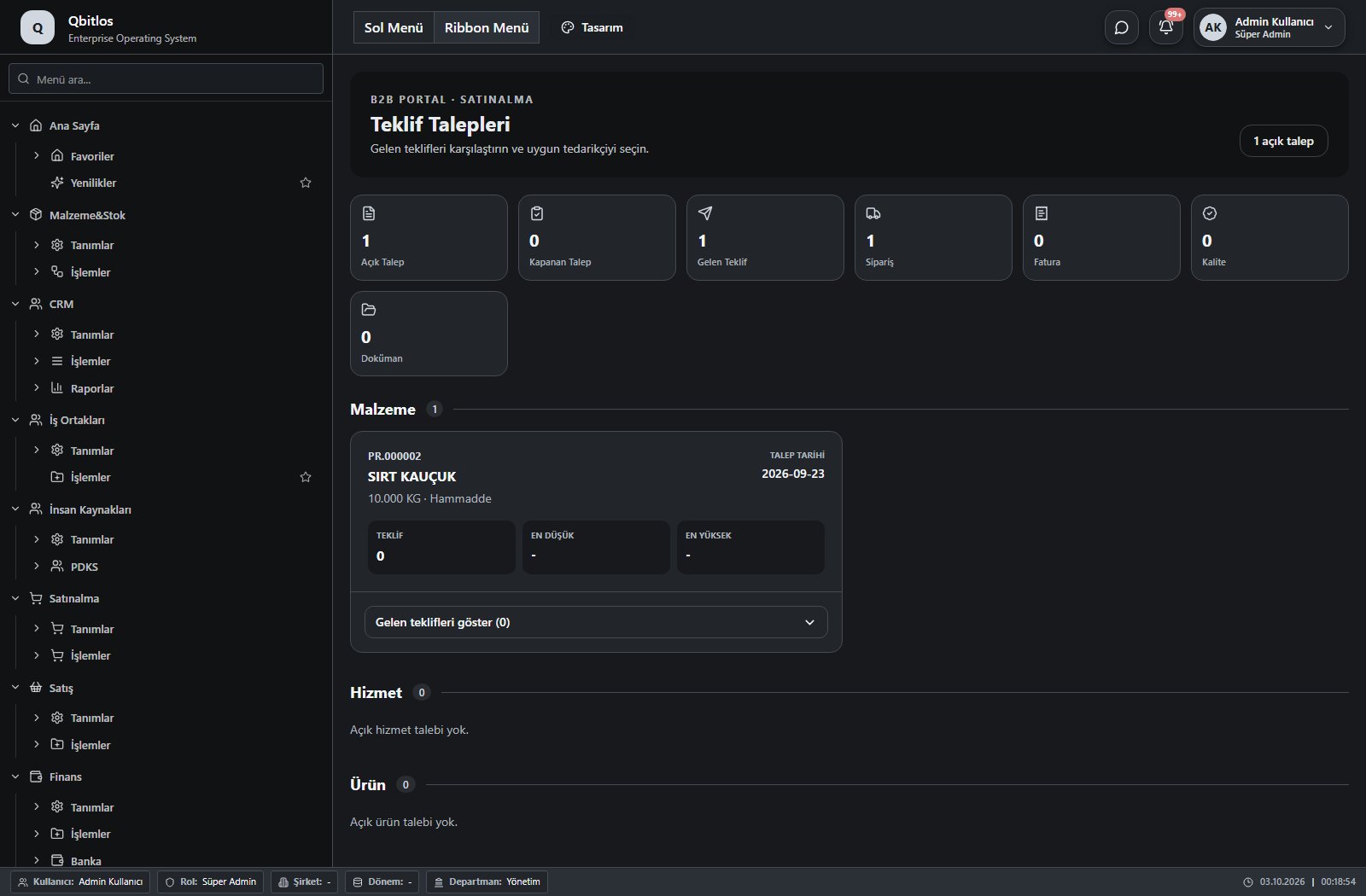
This menu opens navigation, a report or a custom screen; it has no standard form field binding. Explore its related screens in the menu.
B2B Portal / Tedarikçi Yönetimi / Tedarikçi Siparişleri
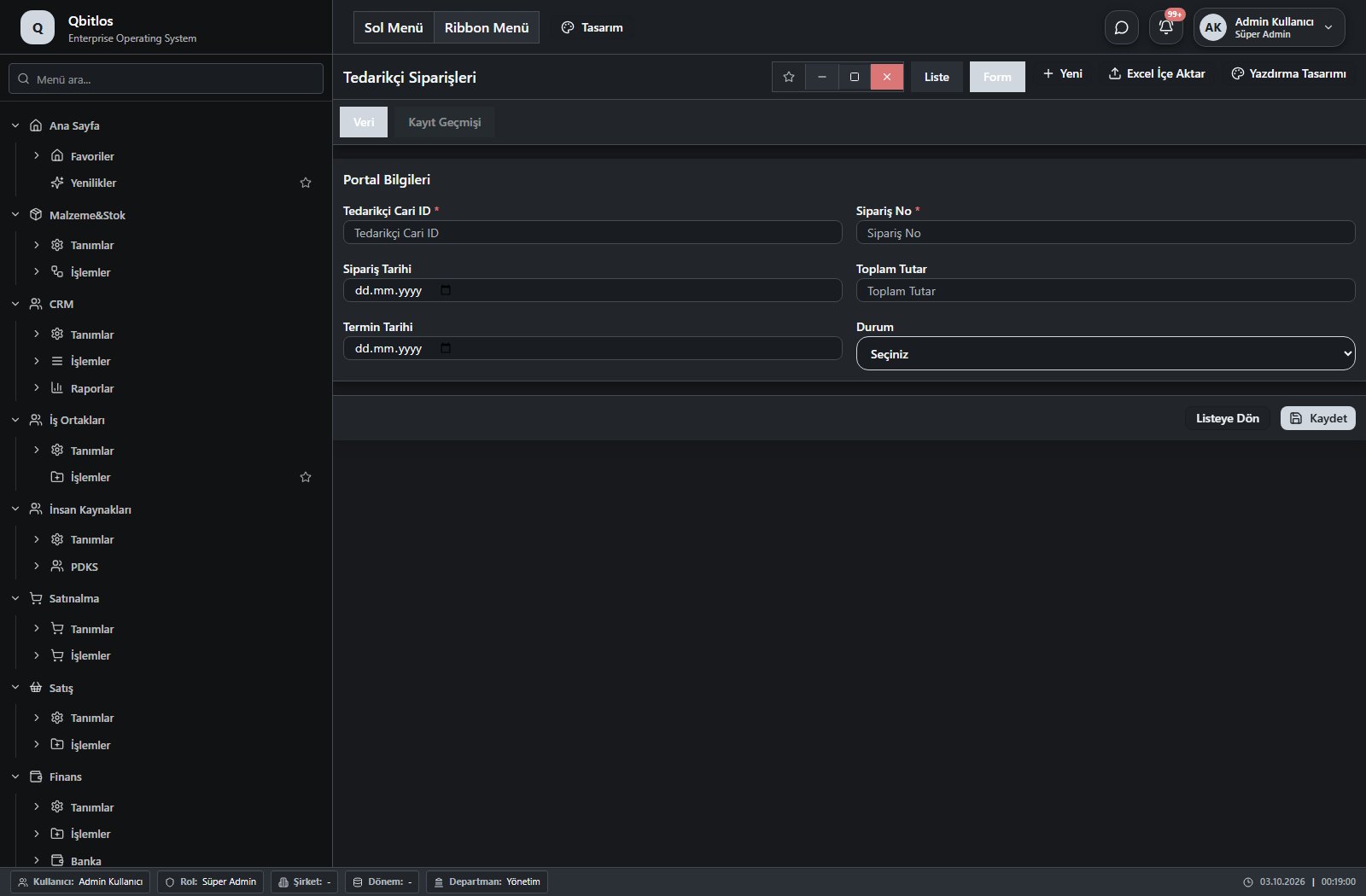
Tedarikçi Siparişleri · 6 field guide
| Field | Type | Usage and rules |
|---|---|---|
| Tedarikçi Cari ID | number | Tedarikçi Cari ID Required Shown in the list view. |
| Sipariş No | text | Sipariş No Required Shown in the list view. |
| Sipariş Tarihi | date | Sipariş Tarihi Optional Shown in the list view. |
| Toplam Tutar | number | Toplam Tutar Optional Shown in the list view. |
| Termin Tarihi | date | Termin Tarihi Optional Shown in the list view. |
| Durum | select | Durum Optional Shown in the list view. Options: Bekliyor · Onaylandı · Hazırlanıyor · Sevk Edildi · Tamamlandı |
B2B Portal / Tedarikçi Yönetimi / Tedarikçi Fatura ve Ekstre
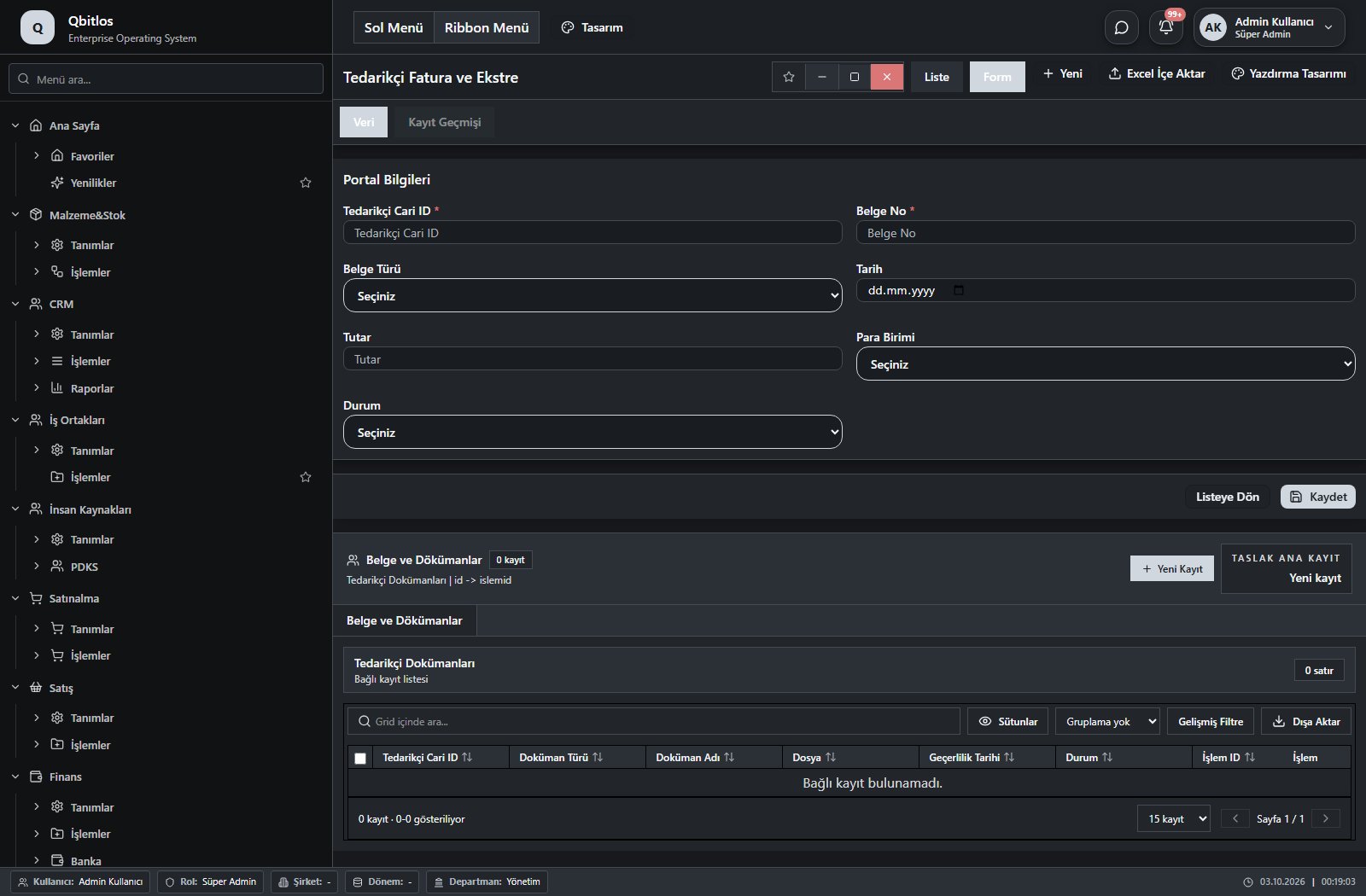
Tedarikçi Fatura ve Ekstre · 7 field guide
| Field | Type | Usage and rules |
|---|---|---|
| Tedarikçi Cari ID | number | Tedarikçi Cari ID Required Shown in the list view. |
| Belge No | text | Belge No Required Shown in the list view. |
| Belge Türü | select | Belge Türü Optional Shown in the list view. Options: Alış Faturası · Ödeme · Cari Hareket |
| Tarih | date | Tarih Optional Shown in the list view. |
| Tutar | number | Tutar Optional Shown in the list view. |
| Para Birimi | select | Para Birimi Optional Shown in the list view. Options: TRY · USD · EUR |
| Durum | select | Durum Optional Shown in the list view. Options: Açık · Ödendi · Vadesi Geçti |
B2B Portal / Tedarikçi Yönetimi / Tedarikçi Kalite Bildirimleri
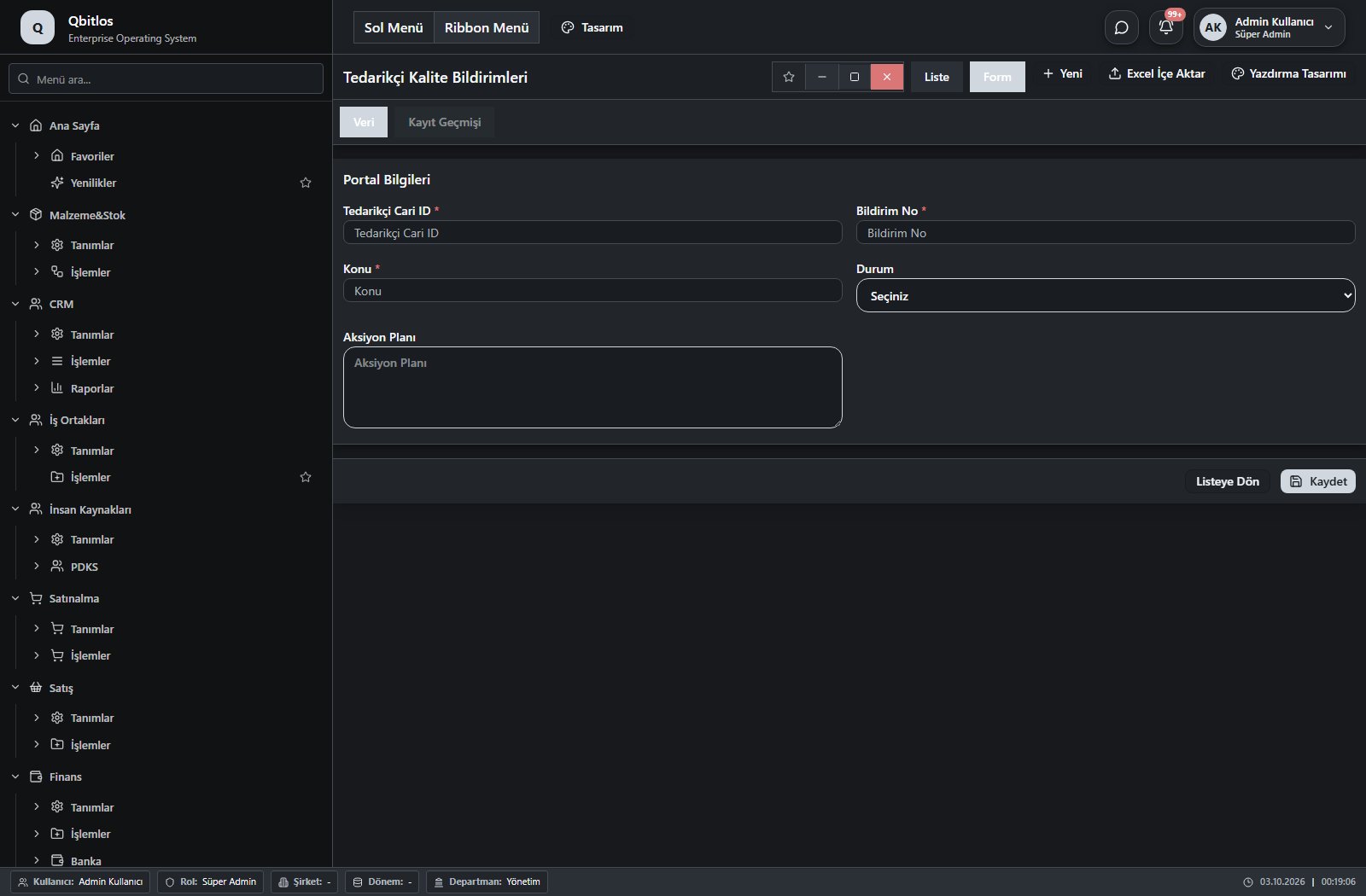
Tedarikçi Kalite Bildirimleri · 5 field guide
| Field | Type | Usage and rules |
|---|---|---|
| Tedarikçi Cari ID | number | Tedarikçi Cari ID Required Shown in the list view. |
| Bildirim No | text | Bildirim No Required Shown in the list view. |
| Konu | text | Konu Required Shown in the list view. |
| Durum | select | Durum Optional Shown in the list view. Options: Açık · İnceleniyor · Aksiyon Bekliyor · Kapandı |
| Aksiyon Planı | textarea | Aksiyon Planı Optional |
B2B Portal / Tedarikçi Yönetimi / Tedarikçi Dokümanları
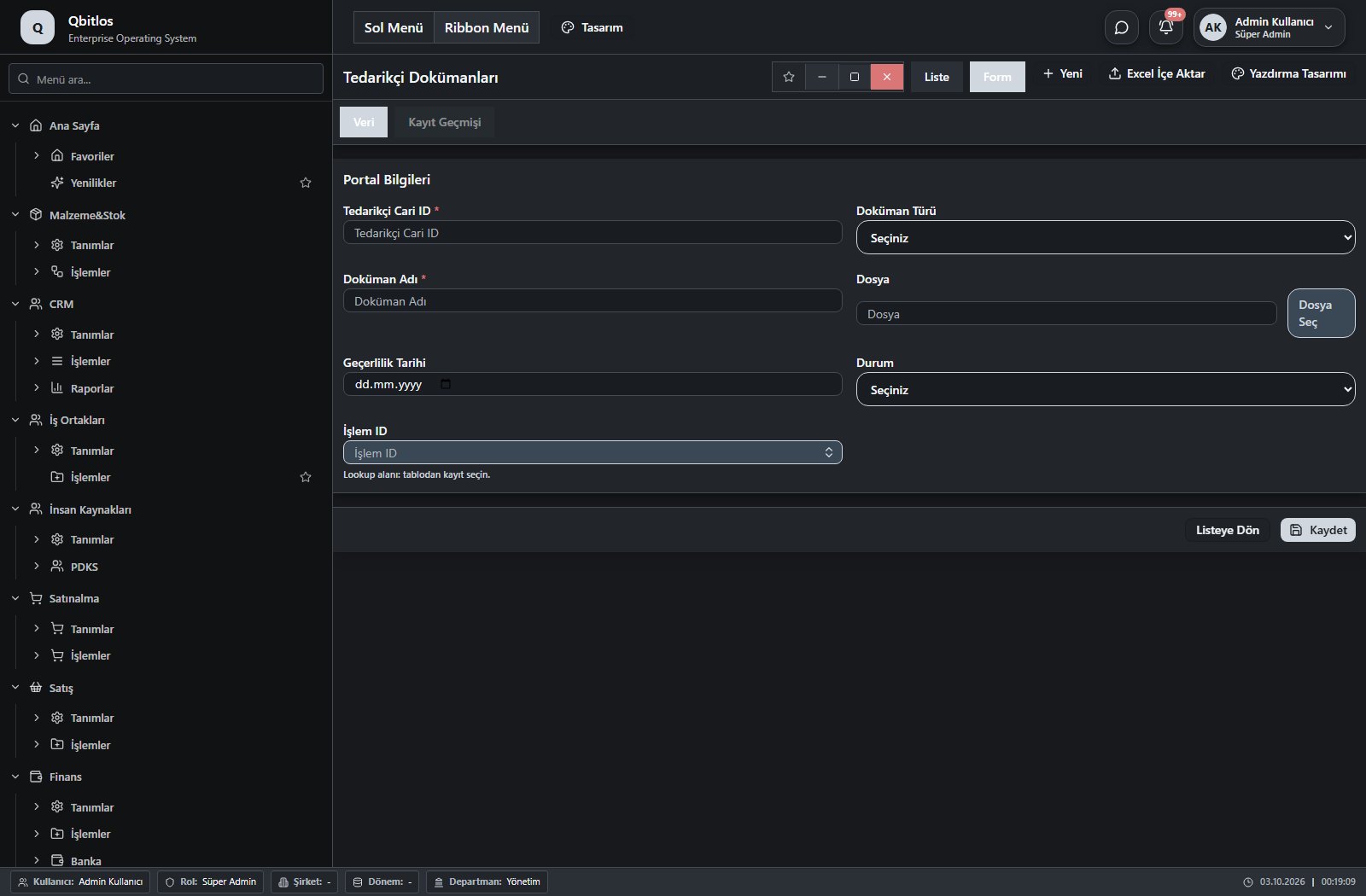
Tedarikçi Dokümanları · 7 field guide
| Field | Type | Usage and rules |
|---|---|---|
| Tedarikçi Cari ID | number | Tedarikçi Cari ID Required Shown in the list view. |
| Doküman Türü | select | Doküman Türü Optional Shown in the list view. Options: Sertifika · Teknik Doküman · Sözleşme · Fatura · Diğer |
| Doküman Adı | text | Doküman Adı Required Shown in the list view. |
| Dosya | file | Dosya Optional Shown in the list view. |
| Geçerlilik Tarihi | date | Geçerlilik Tarihi Optional Shown in the list view. |
| Durum | select | Durum Optional Shown in the list view. Options: Bekliyor · Onaylandı · Revizyon İstendi · Süresi Doldu |
| İşlem ID | linkedlookup | Optional Select from related records. Tedarikçi Fatura ve Ekstre Shown in the list view. |
B2B Portal / Müşteri Yönetimi
This menu opens navigation, a report or a custom screen; it has no standard form field binding. Explore its related screens in the menu.
B2B Portal / Müşteri Yönetimi / Müşteri Portal Hesapları
Müşteri Portal Hesapları · 12 field guide
| Field | Type | Usage and rules |
|---|---|---|
| Ad | text | Required Shown in the list view. |
| Soyad | text | Required Shown in the list view. |
| E-posta | Required Shown in the list view. | |
| Telefon | tel | Optional Shown in the list view. |
| Aktif | checkbox | Optional Shown in the list view. |
| Oluşturma Tarihi | date | Optional |
| Son Giriş | date | Optional |
| Şifre | password | Required |
| Kullanıcı Tipi | hidden | Optional |
| Hesap Türü | hidden | Optional |
| Müşteri | lookup | Optional Select from related records. Tedarikçiler Shown in the list view. |
| Kontak | lookup | Optional Select from related records. Cari Kontakları Fields populated by selection: Telefon, E-posta, Ad. Fields filtering available options: Müşteri. Shown in the list view. |
B2B Portal / Müşteri Yönetimi / Müşteri Paneli
This menu opens navigation, a report or a custom screen; it has no standard form field binding. Explore its related screens in the menu.
B2B Portal / Müşteri Yönetimi / POS
This menu opens navigation, a report or a custom screen; it has no standard form field binding. Explore its related screens in the menu.
B2B Portal / Müşteri Yönetimi / Araç Rezervasyon
This menu opens navigation, a report or a custom screen; it has no standard form field binding. Explore its related screens in the menu.
B2B Portal / Müşteri Yönetimi / Müşteri Sipariş Takip
This menu opens navigation, a report or a custom screen; it has no standard form field binding. Explore its related screens in the menu.
B2B Portal / Müşteri Yönetimi / Müşteri Teklif Talepleri
This menu opens navigation, a report or a custom screen; it has no standard form field binding. Explore its related screens in the menu.
B2B Portal / Müşteri Yönetimi / Hesap Kartım
This menu opens navigation, a report or a custom screen; it has no standard form field binding. Explore its related screens in the menu.
B2B Portal / Müşteri Paneli
This menu opens navigation, a report or a custom screen; it has no standard form field binding. Explore its related screens in the menu.
B2B Portal / Müşteri Portal Hesapları
Müşteri Portal Hesapları · 3 field guide
| Field | Type | Usage and rules |
|---|---|---|
| Müşteri Cari ID | number | Müşteri Cari ID Required Shown in the list view. |
| Sistem Kullanıcı ID | number | Sistem Kullanıcı ID Required Shown in the list view. |
| Durum | select | Durum Required Shown in the list view. Options: Aktif · Pasif |
A project card keeps scope, budget, start/end dates, owner and stakeholders together. Tasks and subtasks are broken down with priority, assignee, dependencies and progress; milestones mark key dates. The timeline offers a Gantt view with dependencies and the critical path so delay impact is visible instantly. Team and resource assignments balance per-person load, and progress and status are tracked from a single board.
Proje Yönetimi / Tanımlar
This menu opens navigation, a report or a custom screen; it has no standard form field binding. Explore its related screens in the menu.
Proje Yönetimi / Tanımlar / Portföyler
Portföyler · 5 field guide
| Field | Type | Usage and rules |
|---|---|---|
| Portföy Kodu | text | Portfolio Code alanı Required Shown in the list view. |
| Portföy Adı | text | Portfolio Name alanı Required Shown in the list view. |
| Portföy Sahibi | lookup | Portfolio Owner alanı Optional Shown in the list view. |
| Durumu | select | Status alanı Optional Shown in the list view. Options: Active · On Hold · Closed |
| Açıklama | textarea | Description alanı Optional |
Proje Yönetimi / Tanımlar / Programlar
Programlar · 8 field guide
| Field | Type | Usage and rules |
|---|---|---|
| Portföy | lookup | Portfolio alanı Optional Select from related records. Portföyler Shown in the list view. |
| Program Kodu | text | Program Code alanı Required Shown in the list view. |
| Program Adı | text | Program Name alanı Required Shown in the list view. |
| Program Yöneticisi | lookup | Program Manager alanı Optional Shown in the list view. |
| Durumu | select | Status alanı Optional Shown in the list view. Options: Planned · Active · On Hold · Completed · Cancelled |
| Başlangıç Tarihi | date | Start Date alanı Optional Shown in the list view. |
| Bitiş Tarihi | date | End Date alanı Optional Shown in the list view. |
| Açıklama | textarea | Description alanı Optional |
Proje Yönetimi / İşlemler
This menu opens navigation, a report or a custom screen; it has no standard form field binding. Explore its related screens in the menu.
Proje Yönetimi / İşlemler / Projeler
Projeler · 15 field guide
| Field | Type | Usage and rules |
|---|---|---|
| Proje Kodu | text | Project Code alanı Required Shown in the list view. |
| Proje Adı | text | Project Name alanı Required Shown in the list view. |
| Portföy | lookup | Portfolio alanı Optional Select from related records. Portföyler Shown in the list view. |
| Program | lookup | Optional Select from related records. Programlar Shown in the list view. |
| Müşteri | lookup | Customer alanı Optional Select from related records. Hesap Planı Shown in the list view. |
| Proje Yöneticisi | lookup | Project Manager alanı Optional Shown in the list view. |
| Metodoloji | select | Methodology alanı Optional Shown in the list view. Options: Traditional · Agile · Hybrid |
| Öncelik | select | Priority alanı Optional Shown in the list view. Options: Low · Normal · High · Critical |
| Başlangıç Tarihi | date | Start Date alanı Optional Shown in the list view. |
| Bitiş Tarihi | date | End Date alanı Optional Shown in the list view. |
| Durumu | select | Status alanı Optional Shown in the list view. Options: Planned · Active · On Hold · Completed · Cancelled |
| Bütçe | number | Budget alanı Optional Shown in the list view. |
| Para Birimi | select | Currency alanı Optional Shown in the list view. Options: TRY · USD · EUR · GBP · CHF · CNY |
| Maliyet Merkezi | text | Cost Center alanı Optional Shown in the list view. |
| Açıklama | textarea | Description alanı Optional |
Proje Yönetimi / İşlemler / Proje Ekipleri
Proje Ekipleri · 8 field guide
| Field | Type | Usage and rules |
|---|---|---|
| Proje | lookup | Project alanı Required Select from related records. Projeler Shown in the list view. |
| User | lookup | Optional Shown in the list view. |
| Ekip Üyesi Adı | text | Member Name alanı Optional Shown in the list view. |
| Proje Rolü | select | Project Role alanı Required Shown in the list view. Options: Project Manager · Team Lead · Team Member · Observer |
| Allocation Oran | number | Allocation Percentage alanı Optional Shown in the list view. |
| Başlangıç Tarihi | date | Start Date alanı Optional Shown in the list view. |
| Bitiş Tarihi | date | End Date alanı Optional Shown in the list view. |
| Durumu | select | Status alanı Optional Shown in the list view. Options: Active · Inactive |
Proje Yönetimi / İşlemler / İş Paketleri ve Görevler
İş Paketleri ve Görevler · 16 field guide
| Field | Type | Usage and rules |
|---|---|---|
| Proje | lookup | Project alanı Required Select from related records. Projeler Shown in the list view. |
| Parent Görev ID | number | Parent Task ID alanı Optional |
| WBS Kodu | text | WBS Code alanı Optional Shown in the list view. |
| Görev Adı | text | Task Name alanı Required Shown in the list view. |
| Görev Durumu | select | Task Status alanı Optional Shown in the list view. Options: Not Started · In Progress · Blocked · Completed · Cancelled |
| Öncelik | select | Priority alanı Optional Shown in the list view. Options: Low · Normal · High · Critical |
| Dependency Task ID | number | Optional |
| Atanan | lookup | Assignee alanı Optional Shown in the list view. |
| Başlangıç Tarihi | date | Start Date alanı Required Shown in the list view. |
| Bitiş Tarihi | date | End Date alanı Required Shown in the list view. |
| Tahmini Saat | number | Estimated Hours alanı Optional Shown in the list view. |
| Gerçekleşen Saat | number | Actual Hours alanı Optional Shown in the list view. |
| Progress Oran | number | Progress Percentage alanı Optional Shown in the list view. |
| Kilometre Taşı | checkbox | Milestone alanı Optional Shown in the list view. |
| Sort Order | number | Optional |
| Açıklama | textarea | Description alanı Optional |
Proje Yönetimi / İşlemler / Görev Bağımlılıkları
Görev Bağımlılıkları · 5 field guide
| Field | Type | Usage and rules |
|---|---|---|
| Proje | lookup | Project alanı Required Select from related records. Projeler Shown in the list view. |
| Önceki Görev | lookup | Predecessor Task alanı Required Select from related records. İş Paketleri ve Görevler Shown in the list view. |
| Sonraki Görev | lookup | Successor Task alanı Required Select from related records. İş Paketleri ve Görevler Shown in the list view. |
| Bağımlılık Türü | select | Dependency Type alanı Optional Shown in the list view. Options: Finish-to-Start · Start-to-Start · Finish-to-Finish · Start-to-Finish |
| Gecikme Günü | number | Lag Days alanı Optional Shown in the list view. |
Proje Yönetimi / İşlemler / Zaman Kayıtları
Zaman Kayıtları · 8 field guide
| Field | Type | Usage and rules |
|---|---|---|
| Proje | lookup | Project alanı Required Select from related records. Projeler Shown in the list view. |
| Görev | lookup | Task alanı Optional Select from related records. İş Paketleri ve Görevler Shown in the list view. |
| User | lookup | Optional Shown in the list view. |
| Çalışma Tarihi | date | Work Date alanı Required Shown in the list view. |
| Saat | number | Hours alanı Required Shown in the list view. |
| Faturalandırılabilir | checkbox | Billable alanı Optional Shown in the list view. |
| Onay Durumu | select | Approval Status alanı Optional Shown in the list view. Options: Draft · Submitted · Approved · Rejected |
| Notlar | textarea | Notes alanı Optional |
Proje Yönetimi / İşlemler / Proje Bütçeleri
Proje Bütçeleri · 8 field guide
| Field | Type | Usage and rules |
|---|---|---|
| Proje | lookup | Project alanı Required Select from related records. Projeler Shown in the list view. |
| Maliyet Kategori | select | Cost Category alanı Required Shown in the list view. Options: İşçilik · Malzeme · Ekipman · Alt Yüklenici · Seyahat · Genel Gider · Diğer |
| Açıklama | text | Description alanı Optional Shown in the list view. |
| Planlanan Tutar | number | Planned Amount alanı Required Shown in the list view. |
| Taahhüt Tutar | number | Committed Amount alanı Optional Shown in the list view. |
| Gerçekleşen Tutar | number | Actual Amount alanı Optional Shown in the list view. |
| Para Birimi | select | Currency alanı Optional Shown in the list view. Options: TRY · USD · EUR · GBP · CHF · CNY |
| Maliyet Merkezi | text | Cost Center alanı Optional Shown in the list view. |
Proje Yönetimi / İşlemler / Proje Maliyetleri
Proje Maliyetleri · 9 field guide
| Field | Type | Usage and rules |
|---|---|---|
| Proje | lookup | Project alanı Required Select from related records. Projeler Shown in the list view. |
| Bütçe Line ID | number | Budget Line ID alanı Optional |
| Maliyet Tarihi | date | Cost Date alanı Required Shown in the list view. |
| Maliyet Kategori | select | Cost Category alanı Required Shown in the list view. Options: İşçilik · Malzeme · Ekipman · Alt Yüklenici · Seyahat · Genel Gider · Diğer |
| Tutar | number | Amount alanı Required Shown in the list view. |
| Para Birimi | select | Currency alanı Optional Shown in the list view. Options: TRY · USD · EUR · GBP · CHF · CNY |
| Maliyet Merkezi | text | Cost Center alanı Optional Shown in the list view. |
| Kaynak Referans | text | Source Reference alanı Optional Shown in the list view. |
| Açıklama | textarea | Description alanı Optional |
Proje Yönetimi / İşlemler / Proje Riskleri
Proje Riskleri · 9 field guide
| Field | Type | Usage and rules |
|---|---|---|
| Proje | lookup | Project alanı Required Select from related records. Projeler Shown in the list view. |
| Risk Kodu | text | Risk Code alanı Required Shown in the list view. |
| Başlık | text | Title alanı Required Shown in the list view. |
| Durumu | select | Status alanı Optional Shown in the list view. Options: Open · Mitigating · Accepted · Closed |
| Olasılık | select | Probability alanı Optional Shown in the list view. Options: Low · Medium · High |
| Etki | select | Impact alanı Optional Shown in the list view. Options: Low · Medium · High |
| Sahibi | lookup | Owner alanı Optional Shown in the list view. |
| Hedef Tarih | date | Due Date alanı Optional Shown in the list view. |
| Yanıt Planı | textarea | Response Plan alanı Optional |
Proje Yönetimi / İşlemler / Proje Sorunları
Proje Sorunları · 8 field guide
| Field | Type | Usage and rules |
|---|---|---|
| Proje | lookup | Project alanı Required Select from related records. Projeler Shown in the list view. |
| Sorun Kodu | text | Issue Code alanı Required Shown in the list view. |
| Başlık | text | Title alanı Required Shown in the list view. |
| Durumu | select | Status alanı Optional Shown in the list view. Options: Open · In Progress · Resolved · Closed |
| Öncelik | select | Priority alanı Optional Shown in the list view. Options: Low · Normal · High · Critical |
| Sahibi | lookup | Owner alanı Optional Shown in the list view. |
| Hedef Tarih | date | Due Date alanı Optional Shown in the list view. |
| Çözüm | textarea | Resolution alanı Optional |
Proje Yönetimi / İşlemler / Değişiklik Talepleri
Değişiklik Talepleri · 12 field guide
| Field | Type | Usage and rules |
|---|---|---|
| Proje | lookup | Project alanı Required Select from related records. Projeler Shown in the list view. |
| Request Kodu | text | Request Code alanı Required Shown in the list view. |
| Başlık | text | Title alanı Required Shown in the list view. |
| Durumu | select | Status alanı Optional Shown in the list view. Options: Draft · Submitted · Approved · Rejected · Implemented |
| Öncelik | select | Priority alanı Optional Shown in the list view. Options: Low · Normal · High · Critical |
| Talep Eden | lookup | Requested By alanı Optional Shown in the list view. |
| Talep Tarihi | date | Requested Date alanı Optional Shown in the list view. |
| Karar Tarihi | date | Decision Date alanı Optional Shown in the list view. |
| Takvim Etkisi (Gün) | number | Schedule Impact Days alanı Optional Shown in the list view. |
| Maliyet Etki | number | Cost Impact alanı Optional Shown in the list view. |
| Para Birimi | select | Currency alanı Optional Shown in the list view. Options: TRY · USD · EUR · GBP · CHF · CNY |
| Açıklama | textarea | Description alanı Optional |
Proje Yönetimi / İşlemler / Kaynak Eforları
Kaynak Eforları · 8 field guide
| Field | Type | Usage and rules |
|---|---|---|
| Proje | lookup | Project alanı Required Select from related records. Projeler Shown in the list view. |
| Kaynak Türü | select | Resource Type alanı Required Shown in the list view. Options: Person · Equipment |
| Kişi | text | Person alanı Optional Shown in the list view. |
| Ekipman | lookup | Equipment alanı Optional Select from related records. Ekipmanlar Shown in the list view. |
| Tarih | date | Date alanı Required Shown in the list view. |
| Efor Oran | number | Effort Percentage alanı Optional Shown in the list view. |
| Efor Saat | number | Effort Hours alanı Optional Shown in the list view. |
| Açıklama | textarea | Description alanı Optional |
Proje Yönetimi / İşlemler / Aksiyon Planları
Aksiyon Planları · 9 field guide
| Field | Type | Usage and rules |
|---|---|---|
| Proje | lookup | Project alanı Required Select from related records. Projeler Shown in the list view. |
| Action Başlık | text | Action Title alanı Required Shown in the list view. |
| Sorumlu Kişi | text | Responsible Person alanı Optional Shown in the list view. |
| Başlangıç Tarihi | date | Start Date alanı Optional Shown in the list view. |
| Hedef Tarih | date | Due Date alanı Optional Shown in the list view. |
| Completion Tarih | date | Completion Date alanı Optional Shown in the list view. |
| Durumu | select | Status alanı Optional Shown in the list view. Options: Open · In Progress · Completed · Cancelled |
| Öncelik | select | Priority alanı Optional Shown in the list view. Options: Low · Normal · High · Critical |
| Açıklama | textarea | Description alanı Optional |
Proje Yönetimi / İşlemler / Proje Ödemeleri
Proje Ödemeleri · 8 field guide
| Field | Type | Usage and rules |
|---|---|---|
| Proje | lookup | Project alanı Required Select from related records. Projeler Shown in the list view. |
| Payee | lookup | Optional Select from related records. Hesap Planı Shown in the list view. |
| Ödeme Tarihi | date | Payment Date alanı Required Shown in the list view. |
| Tutar | number | Amount alanı Required Shown in the list view. |
| Para Birimi | select | Currency alanı Optional Shown in the list view. Options: TRY · USD · EUR · GBP · CHF · CNY |
| Ödeme Method | select | Payment Method alanı Optional Shown in the list view. Options: NAKİT · KREDİ KARTI · HAVALE · ÇEK · SENET · Banka Havalesi |
| Referans No | text | Reference No alanı Optional Shown in the list view. |
| Açıklama | textarea | Description alanı Optional |
Proje Yönetimi / İşlemler / Proje Alım Faturaları
Proje Alım Faturaları · 9 field guide
| Field | Type | Usage and rules |
|---|---|---|
| Proje | lookup | Project alanı Required Select from related records. Projeler Shown in the list view. |
| Tedarikçi | lookup | Supplier alanı Optional Select from related records. Hesap Planı Shown in the list view. |
| Invoice No | text | Required Shown in the list view. |
| Fatura Tarihi | date | Invoice Date alanı Required Shown in the list view. |
| Tutar | number | Amount alanı Required Shown in the list view. |
| Para Birimi | select | Currency alanı Optional Shown in the list view. Options: TRY · USD · EUR · GBP · CHF · CNY |
| Hedef Tarih | date | Due Date alanı Optional Shown in the list view. |
| Durumu | select | Status alanı Optional Shown in the list view. Options: Open · Paid · Cancelled |
| Açıklama | textarea | Description alanı Optional |
Proje Yönetimi / İşlemler / Proje Tahsilatları
Proje Tahsilatları · 8 field guide
| Field | Type | Usage and rules |
|---|---|---|
| Proje | lookup | Project alanı Required Select from related records. Projeler Shown in the list view. |
| Müşteri | lookup | Customer alanı Optional Select from related records. Hesap Planı Shown in the list view. |
| Tahsilat Tarihi | date | Collection Date alanı Required Shown in the list view. |
| Tutar | number | Amount alanı Required Shown in the list view. |
| Para Birimi | select | Currency alanı Optional Shown in the list view. Options: TRY · USD · EUR · GBP · CHF · CNY |
| Collection Method | select | Optional Shown in the list view. Options: NAKİT · KREDİ KARTI · HAVALE · ÇEK · SENET · Banka Havalesi |
| Referans No | text | Reference No alanı Optional Shown in the list view. |
| Açıklama | textarea | Description alanı Optional |
Proje Yönetimi / İşlemler / Proje Satışları ve Hakedişler
Proje Satışları ve Hakedişler · 8 field guide
| Field | Type | Usage and rules |
|---|---|---|
| Proje | lookup | Project alanı Required Select from related records. Projeler Shown in the list view. |
| Müşteri | lookup | Customer alanı Optional Select from related records. Hesap Planı Shown in the list view. |
| Sale No | text | Required Shown in the list view. |
| Satış Tarihi | date | Sale Date alanı Required Shown in the list view. |
| Tutar | number | Amount alanı Required Shown in the list view. |
| Para Birimi | select | Currency alanı Optional Shown in the list view. Options: TRY · USD · EUR · GBP · CHF · CNY |
| Durumu | select | Status alanı Optional Shown in the list view. Options: Open · Invoiced · Cancelled |
| Açıklama | textarea | Description alanı Optional |
Proje Yönetimi / İşlemler / İmalat Birimleri
İmalat Birimleri · 8 field guide
| Field | Type | Usage and rules |
|---|---|---|
| Proje | lookup | Project alanı Required Select from related records. Projeler Shown in the list view. |
| Birim Kodu | text | Unit Code alanı Optional Shown in the list view. |
| Birim Adı | text | Unit Name alanı Required Shown in the list view. |
| Birim Türü | select | Unit Type alanı Optional Shown in the list view. Options: İmalat · Montaj · Hizmet · Malzeme · İşçilik · Ekipman · Diğer · Metrekare · Metre · Adet |
| Planlanan Quantity | number | Planned Quantity alanı Optional Shown in the list view. |
| Tamamlanan Quantity | number | Completed Quantity alanı Optional Shown in the list view. |
| Birim Price | number | Unit Price alanı Optional Shown in the list view. |
| Açıklama | textarea | Description alanı Optional |
Proje Yönetimi / Raporlar
This menu opens navigation, a report or a custom screen; it has no standard form field binding. Explore its related screens in the menu.
Proje Yönetimi / Raporlar / Proje Dashboard
This menu opens navigation, a report or a custom screen; it has no standard form field binding. Explore its related screens in the menu.
Proje Yönetimi / Raporlar / Proje Kontrol Merkezi
This menu opens navigation, a report or a custom screen; it has no standard form field binding. Explore its related screens in the menu.
The e-Invoicing module collects outgoing and incoming documents in one place: a draft invoice is first validated against GİB rules, passes the approval flow and is sent to the selected integrator (e.g. Hızlı Bilişim); the status history of each step is retained. The integrator record holds environment (test/live), user, password and API key; credentials are stored encrypted. The taxpayer directory queries a VKN/TCKN to bring the buyer title, tax office and address so the buyer is verified while preparing the document. Incoming documents are fetched from the integrator and re-runs do not create duplicates. Document numbers are generated per series; cancellation and status queries also run through the integrator. Sent documents are matched with accounting.
e-Belge / Tanımlar
This menu opens navigation, a report or a custom screen; it has no standard form field binding. Explore its related screens in the menu.
e-Belge / Tanımlar / e-Belge Operasyon
This menu opens navigation, a report or a custom screen; it has no standard form field binding. Explore its related screens in the menu.
e-Belge / Tanımlar / Entegratörler
e-Belge Entegratörleri · 12 field guide
| Field | Type | Usage and rules |
|---|---|---|
| Sağlayıcı Adı | text | Sağlayıcı Adı Required Shown in the list view. |
| Tür | select | Tür Required Shown in the list view. Options: mock · custom · gib_direct |
| Base URL | text | Base URL Optional |
| Kullanıcı Adı | text | Kullanıcı Adı Optional |
| e-Fatura | checkbox | e-Fatura Optional Shown in the list view. |
| e-Arşiv | checkbox | e-Arşiv Optional Shown in the list view. |
| e-İrsaliye | checkbox | e-İrsaliye Optional |
| e-SMM | checkbox | e-SMM Optional |
| Test Modu | checkbox | Test Modu Optional Shown in the list view. |
| Aktif | checkbox | Aktif Required Shown in the list view. |
| Son Sağlık Kontrolü | datetime | Son Sağlık Kontrolü Optional |
| Sağlık Durumu | number | Sağlık Durumu Optional Shown in the list view. |
e-Belge / Tanımlar / Mükellef Rehberi
e-Belge Mükellef Rehberi · 7 field guide
| Field | Type | Usage and rules |
|---|---|---|
| VKN/TCKN | text | VKN/TCKN Required Shown in the list view. |
| Numara Türü | select | Numara Türü Optional Shown in the list view. Options: vkn · tckn |
| Unvan | text | Unvan Required Shown in the list view. |
| Vergi Dairesi | text | Vergi Dairesi Optional Shown in the list view. |
| Adres | textarea | Adres Optional |
| Aktif | checkbox | Aktif Optional Shown in the list view. |
| Son Doğrulama | datetime | Son Doğrulama Optional Shown in the list view. |
e-Belge / İşlemler
This menu opens navigation, a report or a custom screen; it has no standard form field binding. Explore its related screens in the menu.
e-Belge / İşlemler / Belgeler
e-Belge Belgeleri · 28 field guide
| Field | Type | Usage and rules |
|---|---|---|
| Fatura No | text | Fatura No Optional Shown in the list view. |
| Belge Türü | select | Belge Türü Required Shown in the list view. Options: efatura · earsiv · ticari_fatura · temel_fatura · iade_fatura · irsaliye · smm · mustahsil · gider_pusulasi |
| Senaryo | select | Senaryo Required Shown in the list view. Options: temel · ticari · iade · istisna · tevkifat |
| Yön | select | Yön Required Shown in the list view. Options: outgoing · incoming |
| Durum | select | Durum Required Shown in the list view. Options: draft · validated · approved · queued · sent · delivered · accepted · rejected · cancelled · error · manual_review |
| UBL Profili | select | UBL Profili Optional Options: EARL · EARS · FAT · FTR · SAT · TIC · IAD |
| Düzenleme Tarihi | date | Düzenleme Tarihi Required Shown in the list view. |
| Düzenleme Saati | text | Düzenleme Saati Optional |
| Vade Tarihi | date | Vade Tarihi Optional Shown in the list view. |
| Para Birimi | select | Para Birimi Required Options: TRY · USD · EUR · GBP |
| Döviz Kuru | number | Döviz Kuru Optional |
| Satıcı VKN | text | Satıcı VKN Required |
| Satıcı Unvanı | text | Satıcı Unvanı Required Shown in the list view. |
| Satıcı Vergi Dairesi | text | Satıcı Vergi Dairesi Optional |
| Satıcı Adresi | textarea | Satıcı Adresi Optional |
| Satıcı Telefon | text | Satıcı Telefon Optional |
| Satıcı E-posta | text | Satıcı E-posta Optional |
| Alıcı VKN/TCKN | text | Alıcı VKN/TCKN Required |
| Alıcı Unvanı | text | Alıcı Unvanı Required Shown in the list view. |
| Alıcı Vergi Dairesi | text | Alıcı Vergi Dairesi Optional |
| Alıcı Adresi | textarea | Alıcı Adresi Optional |
| Alıcı Telefon | text | Alıcı Telefon Optional |
| Alıcı E-posta | text | Alıcı E-posta Optional |
| Sipariş Referansı | text | Sipariş Referansı Optional |
| Sevk Referansı | text | Sevk Referansı Optional |
| Not | textarea | Not Optional |
| Genel Toplam | number | Genel Toplam Optional Shown in the list view. |
| Muhasebeleşti | checkbox | Muhasebeleşti Optional Shown in the list view. |
Create a channel by choosing its platform in the Marketplace Cockpit. Pazarama uses API Key (Client ID) and API Secret (Client Secret); PttAVM uses web-service username, password and ShopId. Test the connection, fetch products and match SKU/barcodes to EOPS stock. Fetch orders in the Orders tab and transfer them to EOPS sales orders. Run stock, price and return operations supported by the channel and review queues, insights and sync logs in Monitoring. Provider capabilities and access conditions differ; live operations require API permission for the seller account.
Pazaryeri Entegrasyonu / Pazaryeri Dashboard
This menu opens navigation, a report or a custom screen; it has no standard form field binding. Explore its related screens in the menu.
Pazaryeri Entegrasyonu / İşlemler
This menu opens navigation, a report or a custom screen; it has no standard form field binding. Explore its related screens in the menu.
Pazaryeri Entegrasyonu / İşlemler / Siparişler
Pazaryeri Siparişleri · 23 field guide
| Field | Type | Usage and rules |
|---|---|---|
| Alıcı VKN/TCKN | text | Alıcı VKN/TCKN Optional Shown in the list view. |
| Platform Sipariş No | text | Platform Sipariş No Required Shown in the list view. |
| Alıcı Vergi Dairesi | text | Alıcı Vergi Dairesi Optional |
| Sipariş No | text | Sipariş No Optional Shown in the list view. |
| Fatura Adresi | textarea | Fatura Adresi Optional |
| Paket No | text | Paket No Optional |
| Durum | select | Durum Required Shown in the list view. Options: created · approved · picking · shipped · delivered · cancelled · returned · unfulfilled · error · unpacked |
| Platform Durumu | text | Platform Durumu Optional |
| Müşteri | text | Müşteri Optional Shown in the list view. |
| E-posta | text | E-posta Optional |
| Telefon | text | Telefon Optional |
| İl | text | İl Optional Shown in the list view. |
| İlçe | text | İlçe Optional |
| Kargo Firması | select | Kargo Firması Optional Shown in the list view. Options: Yurtiçi · Aras · MNG · PTT · Sürat · Sendeo · DHL · UPS · Kolay Gelsin · Horoz · Trendyol Express · HepsiJET |
| Kargo Takip No | text | Kargo Takip No Optional Shown in the list view. |
| Para Birimi | select | Para Birimi Optional Options: TRY · USD · EUR · GBP · CHF · CNY |
| Net Toplam | number | Net Toplam Optional |
| İskonto | number | İskonto Optional |
| KDV | number | KDV Optional |
| Genel Toplam | number | Genel Toplam Optional Shown in the list view. |
| Komisyon | number | Komisyon Optional Shown in the list view. |
| Sipariş Tarihi | datetime | Sipariş Tarihi Optional Shown in the list view. |
| ERP Sipariş No | number | ERP Sipariş No Optional Shown in the list view. |
Pazaryeri Entegrasyonu / İşlemler / İadeler
Pazaryeri İadeleri · 9 field guide
| Field | Type | Usage and rules |
|---|---|---|
| Platform İade No | text | Platform İade No Required Shown in the list view. |
| Sipariş No | text | Sipariş No Optional Shown in the list view. |
| Durum | select | Durum Required Shown in the list view. Options: requested · approved · rejected · in_transit · received · refunded · cancelled |
| İade Nedeni | text | İade Nedeni Optional Shown in the list view. |
| Müşteri | text | Müşteri Optional |
| İade Tutarı | number | İade Tutarı Optional Shown in the list view. |
| Para Birimi | select | Para Birimi Optional Options: TRY · USD · EUR · GBP · CHF · CNY |
| Kargo Takip No | text | Kargo Takip No Optional |
| İade Tarihi | datetime | İade Tarihi Optional Shown in the list view. |
Pazaryeri Entegrasyonu / Tanımlar
This menu opens navigation, a report or a custom screen; it has no standard form field binding. Explore its related screens in the menu.
Pazaryeri Entegrasyonu / Tanımlar / Kanallar
Pazaryeri Kanalları · 23 field guide
| Field | Type | Usage and rules |
|---|---|---|
| Kanal Adı | text | Kanal Adı Required Shown in the list view. |
| Platform | select | Platform Required Shown in the list view. Options: trendyol · hepsiburada · amazon · n11 · mock · pazarama · pttavm · ciceksepeti · gittigidiyor |
| Satıcı ID | text | Satıcı ID Optional Shown in the list view. |
| Base URL | text | Base URL Optional |
| Sipariş Çekim | select | Sipariş Çekim Optional Options: created · approval_accepted · cargo_ready |
| Kullanıcı Adı | text | Kullanıcı Adı Optional |
| Komisyon (%) | number | Komisyon (%) Optional Shown in the list view. |
| Sipariş | checkbox | Sipariş Optional Shown in the list view. |
| Para Birimi | select | Para Birimi Optional Options: TRY · USD · EUR · GBP · CHF · CNY |
| Ürün | checkbox | Ürün Optional |
| Test Modu | checkbox | Test Modu Optional Shown in the list view. |
| Fiyat | checkbox | Fiyat Optional |
| Aktif | checkbox | Aktif Optional Shown in the list view. |
| Stok | checkbox | Stok Optional |
| Son Senkron | datetime | Son Senkron Optional |
| İade | checkbox | İade Optional Shown in the list view. |
| Son Sağlık Kontrolü | datetime | Son Sağlık Kontrolü Optional |
| Fatura | checkbox | Fatura Optional |
| Sağlık Durumu | select | Sağlık Durumu Optional Shown in the list view. Options: 0 · 1 |
| Webhook | checkbox | Webhook Optional |
| Otomatik Sipariş | checkbox | Otomatik Sipariş Optional Shown in the list view. |
| Otomatik Stok | checkbox | Otomatik Stok Optional Shown in the list view. |
| Otomatik Fiyat | checkbox | Otomatik Fiyat Optional |
Pazaryeri Entegrasyonu / Tanımlar / Ürünler
Pazaryeri Ürünleri · 13 field guide
| Field | Type | Usage and rules |
|---|---|---|
| Platform Ürün ID | text | Platform Ürün ID Optional |
| Satıcı SKU | text | Satıcı SKU Required Shown in the list view. |
| Barkod | text | Barkod Optional Shown in the list view. |
| Ürün Adı | text | Ürün Adı Required Shown in the list view. |
| Kategori | text | Kategori Optional Shown in the list view. |
| Marka | text | Marka Optional Shown in the list view. |
| Liste Fiyatı | number | Liste Fiyatı Optional |
| Satış Fiyatı | number | Satış Fiyatı Optional Shown in the list view. |
| Stok | number | Stok Optional Shown in the list view. |
| Kullanılabilir Stok | number | Kullanılabilir Stok Optional |
| KDV Oranı | number | KDV Oranı Optional |
| Durum | select | Durum Optional Shown in the list view. Options: active · passive · rejected · locked · archived · unknown |
| Senkron Tarihi | datetime | Senkron Tarihi Optional Shown in the list view. |
Pazaryeri Entegrasyonu / Tanımlar / Ürün Eşleştirme
Pazaryeri Ürün Eşleştirme · 9 field guide
| Field | Type | Usage and rules |
|---|---|---|
| Satıcı SKU | text | Satıcı SKU Required Shown in the list view. |
| Platform Ürün ID | text | Platform Ürün ID Optional |
| ERP Stok Kodu | text | ERP Stok Kodu Optional Shown in the list view. |
| ERP Barkod | text | ERP Barkod Optional Shown in the list view. |
| Eşleşme Türü | select | Eşleşme Türü Optional Shown in the list view. Options: manual · barcode · sku · ai · auto |
| Güven | number | Güven Optional Shown in the list view. |
| Durum | select | Durum Optional Shown in the list view. Options: matched · pending · ignored · conflict |
| Not | textarea | Not Optional |
| Eşleşme Tarihi | datetime | Eşleşme Tarihi Optional Shown in the list view. |
Pazaryeri Entegrasyonu / Tanımlar / Fiyat Listeleri
Pazaryeri Fiyat Listeleri · 8 field guide
| Field | Type | Usage and rules |
|---|---|---|
| Liste Adı | text | Liste Adı Required Shown in the list view. |
| Kural Türü | select | Kural Türü Required Shown in the list view. Options: markup_percent · markup_fixed · margin_percent · fixed_price · manual |
| Değer | number | Değer Optional Shown in the list view. |
| Min Fiyat | number | Min Fiyat Optional |
| Max Fiyat | number | Max Fiyat Optional |
| Yuvarlama | number | Yuvarlama Optional |
| KDV Dahil | checkbox | KDV Dahil Optional Shown in the list view. |
| Aktif | checkbox | Aktif Required Shown in the list view. |
A foreign trade dossier opens with import or export direction, parties, country, currency and delivery terms; dossier lines record goods, quantity, unit price and foreign-currency amount. Shipment records track transport mode, departure/arrival, container and waybill; the customs declaration screen links declaration number, customs office, date and amount to the dossier. Cost and expense items (freight, customs, insurance, handling) are allocated to the dossier and reflected in unit cost. On the financing side, payment plans, letters of credit and maturity are tracked; integration records match foreign trade transactions with accounting and inventory. Document tracking shows the status and validity of export/import paperwork.
Dış Ticaret / Dış Ticaret Dosyaları
Dış Ticaret Dosyaları · 40 field guide
| Field | Type | Usage and rules |
|---|---|---|
| Dosya No | text | Required Unique value Shown in the list view. |
| İşlem Tipi | select | Required Shown in the list view. Options: İthalat · İhracat |
| Cari | lookup | Required Select from related records. Hesap Planı Shown in the list view. |
| Cari Adı | text | Optional Shown in the list view. |
| Alıcı / Buyer | text | Optional Shown in the list view. |
| Teslim Alıcı / Consignee | text | Optional Shown in the list view. |
| Satış Sipariş ID | number | Optional Shown in the list view. |
| Satınalma Sipariş ID | number | Optional Shown in the list view. |
| Sevk Planı ID | number | Optional Shown in the list view. |
| Proforma No | text | Optional Shown in the list view. |
| Ticari Fatura No | text | Optional Shown in the list view. |
| Gümrük Beyanname No | text | Optional Shown in the list view. |
| Para Birimi | select | Required Shown in the list view. Options: TRY · USD · EUR · GBP · CHF · CNY |
| Döviz Kuru | number | Optional Shown in the list view. |
| Incoterm | select | Optional Shown in the list view. Options: EXW · FCA · FAS · FOB · CFR · CIF · CPT · CIP · DAP · DPU · DDP |
| Ödeme Şekli | select | Optional Shown in the list view. Options: Peşin · Mal Mukabili · Vesaik Mukabili · Akreditif · Kabul Kredili |
| Çıkış Ülkesi | text | Optional Shown in the list view. |
| Varış Ülkesi | text | Optional Shown in the list view. |
| Yükleme Limanı | text | Optional Shown in the list view. |
| Varış Limanı | text | Optional Shown in the list view. |
| Gümrük Müdürlüğü | text | Optional Shown in the list view. |
| Gümrük Müşaviri | text | Optional Shown in the list view. |
| Açılış Tarihi | date | Required Shown in the list view. |
| ETA Tarihi | date | Optional Shown in the list view. |
| Ödeme Vadesi | date | Optional Shown in the list view. |
| Fiili İhracat / Varış | date | Optional Shown in the list view. |
| Kapanış Tarihi | date | Optional Shown in the list view. |
| Durum | select | Required Shown in the list view. Options: Taslak · Teklif / Sipariş · Evrak Bekliyor · Yüklemeye Hazır · Yolda · Gümrükte · Mal Kabul · Gümrük Tamamlandı · Tahsilat Bekliyor · Kapandı · İptal |
| Belge Kontrolü | select | Optional Shown in the list view. Options: Bekleniyor · Eksik · Tamamlandı |
| Tahsilat / Ödeme Durumu | select | Optional Shown in the list view. Options: Bekliyor · Kısmi · Tamamlandı · Gecikmiş |
| Mal Bedeli | number | Optional Shown in the list view. |
| Navlun | number | Optional Shown in the list view. |
| Sigorta | number | Optional Shown in the list view. |
| Gümrük Vergisi | number | Optional Shown in the list view. |
| KDV | number | Optional Shown in the list view. |
| Diğer Masraflar | number | Optional Shown in the list view. |
| Toplam Maliyet | number | Optional Shown in the list view. |
| Gelir / Fatura Tutarı | number | Optional Shown in the list view. |
| Kâr | number | Optional Shown in the list view. |
| Açıklama | textarea | Optional |
Dış Ticaret / Dosya Kalemleri
Dış Ticaret Dosya Kalemleri · 18 field guide
| Field | Type | Usage and rules |
|---|---|---|
| Dış Ticaret Dosyası | lookup | Required Select from related records. Dış Ticaret Dosyaları Shown in the list view. |
| Sıra | number | Required Shown in the list view. |
| Malzeme | lookup | Optional Select from related records. Malzemeler Shown in the list view. |
| Malzeme Kodu | text | Optional Shown in the list view. |
| Malzeme Adı | text | Required Shown in the list view. |
| GTİP / HS Kodu | text | Optional Shown in the list view. |
| Menşei | text | Optional Shown in the list view. |
| Miktar | number | Required Shown in the list view. |
| Birim | select | Optional Shown in the list view. Options: Adet · Metre · Metrekare · Metreküp · Kilogram · Ton · Litre · Saat · Gün · Set |
| Birim Fiyat | number | Optional Shown in the list view. |
| Mal Bedeli | number | Optional Shown in the list view. |
| Navlun Payı | number | Optional Shown in the list view. |
| Sigorta Payı | number | Optional Shown in the list view. |
| Gümrük Vergisi | number | Optional Shown in the list view. |
| KDV | number | Optional Shown in the list view. |
| Diğer Gider | number | Optional Shown in the list view. |
| Birim Maliyet | number | Optional Shown in the list view. |
| Açıklama | textarea | Optional |
Dış Ticaret / Sevkiyat ve Lojistik
Dış Ticaret Sevkiyatları · 11 field guide
| Field | Type | Usage and rules |
|---|---|---|
| Dış Ticaret Dosyası | lookup | Required Select from related records. Dış Ticaret Dosyaları Shown in the list view. |
| Sevkiyat No | text | Required Shown in the list view. |
| Taşıma Türü | select | Required Shown in the list view. Options: Deniz · Kara · Hava · Demir Yolu · Multimodal |
| Forwarder / Taşıyıcı | text | Optional Shown in the list view. |
| Booking No | text | Optional Shown in the list view. |
| B/L, CMR veya AWB No | text | Optional Shown in the list view. |
| ETD | date | Optional Shown in the list view. |
| ETA | date | Optional Shown in the list view. |
| Gerçekleşen Varış | date | Optional Shown in the list view. |
| Durum | select | Required Shown in the list view. Options: Planlandı · Yüklendi · Yolda · Varış Yaptı · Teslim Edildi · Gecikti |
| Açıklama | textarea | Optional |
Dış Ticaret / Gümrük Beyannameleri
Gümrük Beyannameleri · 10 field guide
| Field | Type | Usage and rules |
|---|---|---|
| Dış Ticaret Dosyası | lookup | Required Select from related records. Dış Ticaret Dosyaları Shown in the list view. |
| Beyanname No | text | Required Shown in the list view. |
| Rejim Kodu | text | Optional Shown in the list view. |
| Gümrük Müdürlüğü | text | Optional Shown in the list view. |
| Tescil Tarihi | date | Optional Shown in the list view. |
| Muayene Durumu | select | Optional Shown in the list view. Options: Bekliyor · Muayenede · Tamamlandı |
| Kapanış Tarihi | date | Optional Shown in the list view. |
| Vergi Tutarı | number | Optional Shown in the list view. |
| Durum | select | Required Shown in the list view. Options: Taslak · Tescilli · Muayenede · Kapandı |
| Açıklama | textarea | Optional |
Dış Ticaret / Belge Takibi
Dış Ticaret Belgeleri · 11 field guide
| Field | Type | Usage and rules |
|---|---|---|
| Dış Ticaret Dosyası | lookup | Required Select from related records. Dış Ticaret Dosyaları Shown in the list view. |
| Belge Türü | select | Required Shown in the list view. Options: Proforma Fatura · Ticari Fatura · Packing List · Menşe Şahadetnamesi · A.TR · EUR.1 · EUR-MED · Konşimento / B/L · CMR · AWB · Sigorta Poliçesi · Gözetim / Muayene · Gümrük Beyannamesi · Akreditif Belgesi · Uygunluk Belgesi · Sağlık / Bitki Sağlık · Diğer |
| Belge No | text | Optional Shown in the list view. |
| Versiyon | number | Optional Shown in the list view. |
| Zorunlu Belge | checkbox | Optional Shown in the list view. |
| Belge Tarihi | date | Optional Shown in the list view. |
| Geçerlilik Tarihi | date | Optional Shown in the list view. |
| Dosya | file | Optional Shown in the list view. |
| Belge Kaynağı | select | Optional Shown in the list view. Options: Manuel · Şablon · E-Fatura / Entegrasyon |
| Durum | select | Required Shown in the list view. Options: Bekleniyor · Yüklendi · Onaylandı · Revizyon İstendi · Süresi Doldu |
| Açıklama | textarea | Optional |
Dış Ticaret / Maliyet ve Masraflar
Dış Ticaret Masrafları · 12 field guide
| Field | Type | Usage and rules |
|---|---|---|
| Dış Ticaret Dosyası | lookup | Required Select from related records. Dış Ticaret Dosyaları Shown in the list view. |
| Masraf Türü | select | Required Shown in the list view. Options: Navlun · Sigorta · Gümrük Vergisi · Antrepo · Ardiye · Müşavirlik · Liman · Banka · Diğer |
| Cari | lookup | Optional Select from related records. Hesap Planı Shown in the list view. |
| Belge No | text | Optional Shown in the list view. |
| Masraf Tarihi | date | Required Shown in the list view. |
| Para Birimi | select | Required Shown in the list view. Options: TRY · USD · EUR · GBP · CHF · CNY |
| Döviz Kuru | number | Optional Shown in the list view. |
| Tutar | number | Required Shown in the list view. |
| TL Tutar | number | Optional Shown in the list view. |
| Dağıtım Anahtarı | select | Optional Shown in the list view. Options: Tutar · Miktar · Ağırlık · Hacim · Özel |
| Durum | select | Required Shown in the list view. Options: Bekliyor · Onaylandı · Ödendi · İptal |
| Açıklama | textarea | Optional |
Dış Ticaret / Finansman ve Tahsilat
Dış Ticaret Ödeme ve Tahsilatları · 11 field guide
| Field | Type | Usage and rules |
|---|---|---|
| Dış Ticaret Dosyası | lookup | Required Select from related records. Dış Ticaret Dosyaları Shown in the list view. |
| Ödeme Tipi | select | Required Shown in the list view. Options: Peşin · Mal Mukabili · Vesaik Mukabili · Akreditif · Teminat · Kredi |
| Yön | select | Required Shown in the list view. Options: Tahsilat · Ödeme |
| Banka | text | Optional Shown in the list view. |
| SWIFT / Referans | text | Optional Shown in the list view. |
| Vade Tarihi | date | Optional Shown in the list view. |
| Gerçekleşme Tarihi | date | Optional Shown in the list view. |
| Para Birimi | select | Required Shown in the list view. Options: TRY · USD · EUR · GBP · CHF · CNY |
| Tutar | number | Required Shown in the list view. |
| Durum | select | Required Shown in the list view. Options: Planlandı · Kısmi · Tamamlandı · Gecikmiş · İptal |
| Açıklama | textarea | Optional |
Dış Ticaret / Konteyner Takibi
Konteynerler · 8 field guide
| Field | Type | Usage and rules |
|---|---|---|
| Sevkiyat ID | number | Required Shown in the list view. |
| Konteyner No | text | Required Shown in the list view. |
| Konteyner Tipi | select | Optional Shown in the list view. Options: 20DC · 40DC · 40HC · Reefer · LCL |
| Mühür No | text | Optional Shown in the list view. |
| Brüt Ağırlık | number | Optional Shown in the list view. |
| Net Ağırlık | number | Optional Shown in the list view. |
| Hacim | number | Optional Shown in the list view. |
| Durum | select | Optional Shown in the list view. Options: Planlandı · Yüklendi · Yolda · Boşaltıldı |
Dış Ticaret / Entegrasyon Kayıtları
Dış Ticaret Entegrasyon Kayıtları · 10 field guide
| Field | Type | Usage and rules |
|---|---|---|
| Dış Ticaret Dosyası | lookup | Required Select from related records. Dış Ticaret Dosyaları Shown in the list view. |
| Olay Tipi | select | Required Shown in the list view. Options: İthalat Mal Kabul · İhracat Sevk Onayı · Masraf Borç Kaydı · Ters Kayıt |
| Kaynak Tablo | text | Required Shown in the list view. |
| Kaynak ID | number | Required Shown in the list view. |
| Tekil Kayıt Anahtarı | text | Required Unique value Shown in the list view. |
| Durum | select | Required Shown in the list view. Options: Bekliyor · Gönderildi · Başarılı · Hatalı · Ters Kayıt |
| Stok Hareket Referansı | text | Optional Shown in the list view. |
| Cari Hareket Referansı | text | Optional Shown in the list view. |
| Hata Detayı | textarea | Optional |
| Kayıt Tarihi | datetime | Optional Shown in the list view. |