
Sign in
Role-based session loads your personal panel.
Daily overview with live counters, quick menus and operation summaries on one screen.
The home page provides entry to modules and dashboards. Widget groups define dashboard code, role, column layout and default dashboard. Individual widgets specify data source, chart type, value/category/label fields, table columns and refresh interval.
Counters and latest status flow live on the main screen.
Every user arranges their own shortcuts and layout.
Pending approvals, tasks and anomaly alerts collected in one list.
Role-based session loads your personal panel.
Each counter drills into the relevant module.
Run the day from the attention list.
Visit the Help Center for the complete list of screens, the field guide and usage steps.
Ana Sayfa / Favoriler
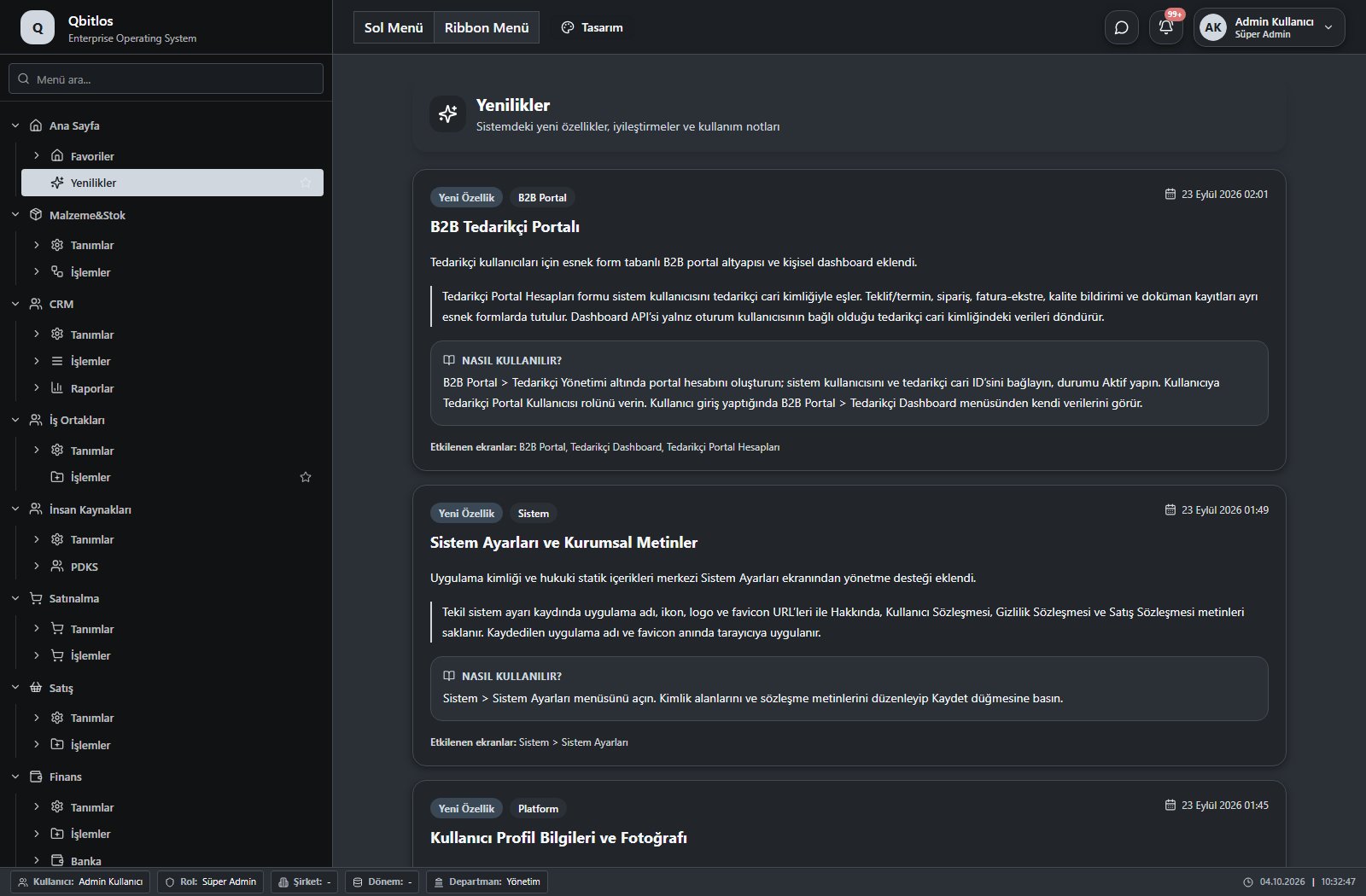
Ana Sayfa / Yenilikler
 Open screen guide →
See it live in a demo: real data, real workflow.
Thank you! Our team will reach out shortly.