
Prepare quote
Lines, totals and validity are entered.
Quotation, order, shipment distribution and sales reports end to end.
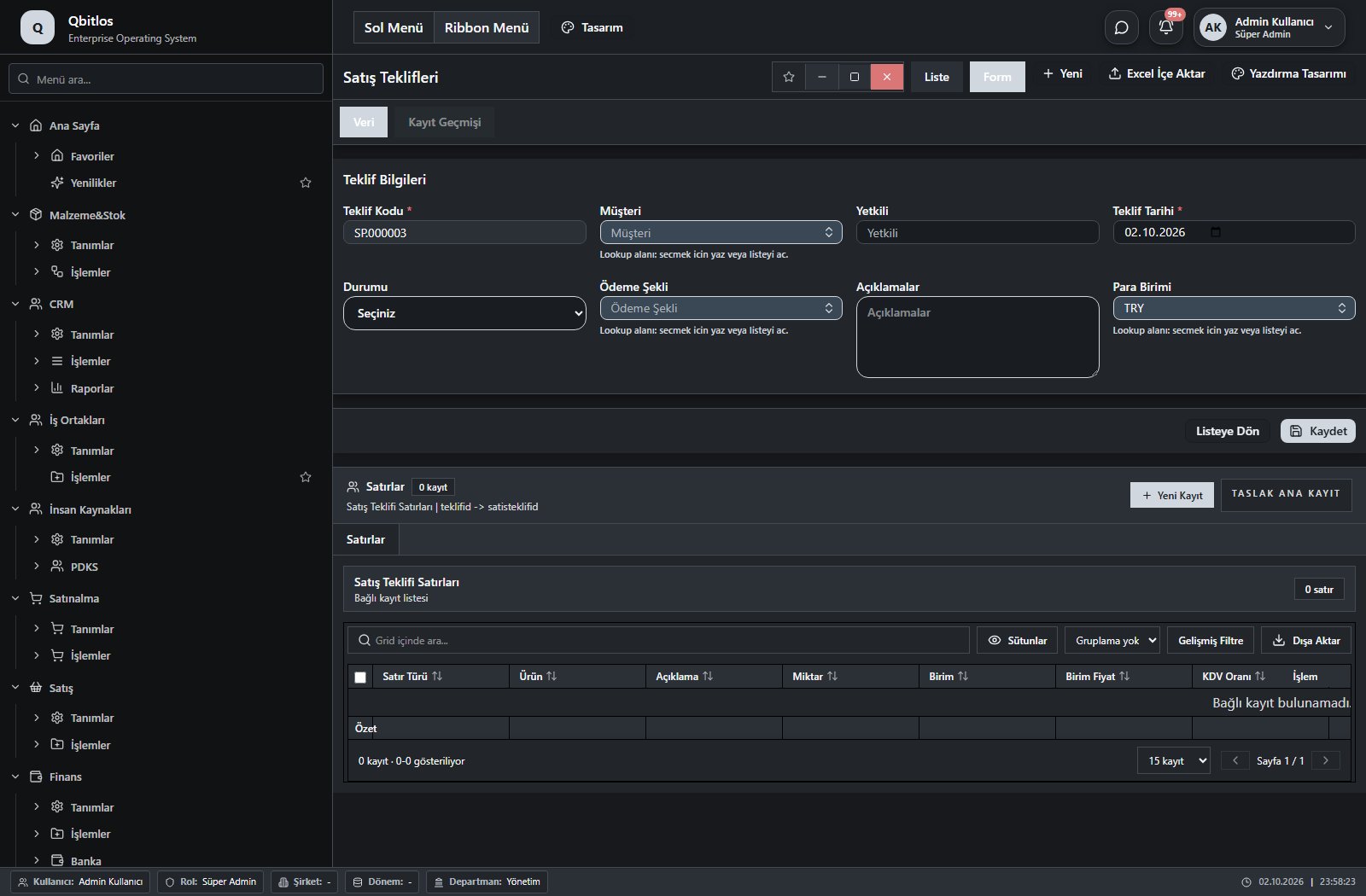
Quotes and orders capture customer, contact, date, payment terms and currency, with separate subtotal, discount, VAT and total. Selecting a customer populates contact/payment fields; delivery locations depend on that customer. Order tracking compares ordered, invoiced, outstanding and planned shipment quantities against available stock.
Line-based quote, totals and approval process.
Orders, status and delivery tracking.
Regional and channel distribution view.
Lines, totals and validity are entered.
An order opens after approval.
Distribution and delivery are monitored.
Visit the Help Center for the complete list of screens, the field guide and usage steps.
Satış / Tanımlar
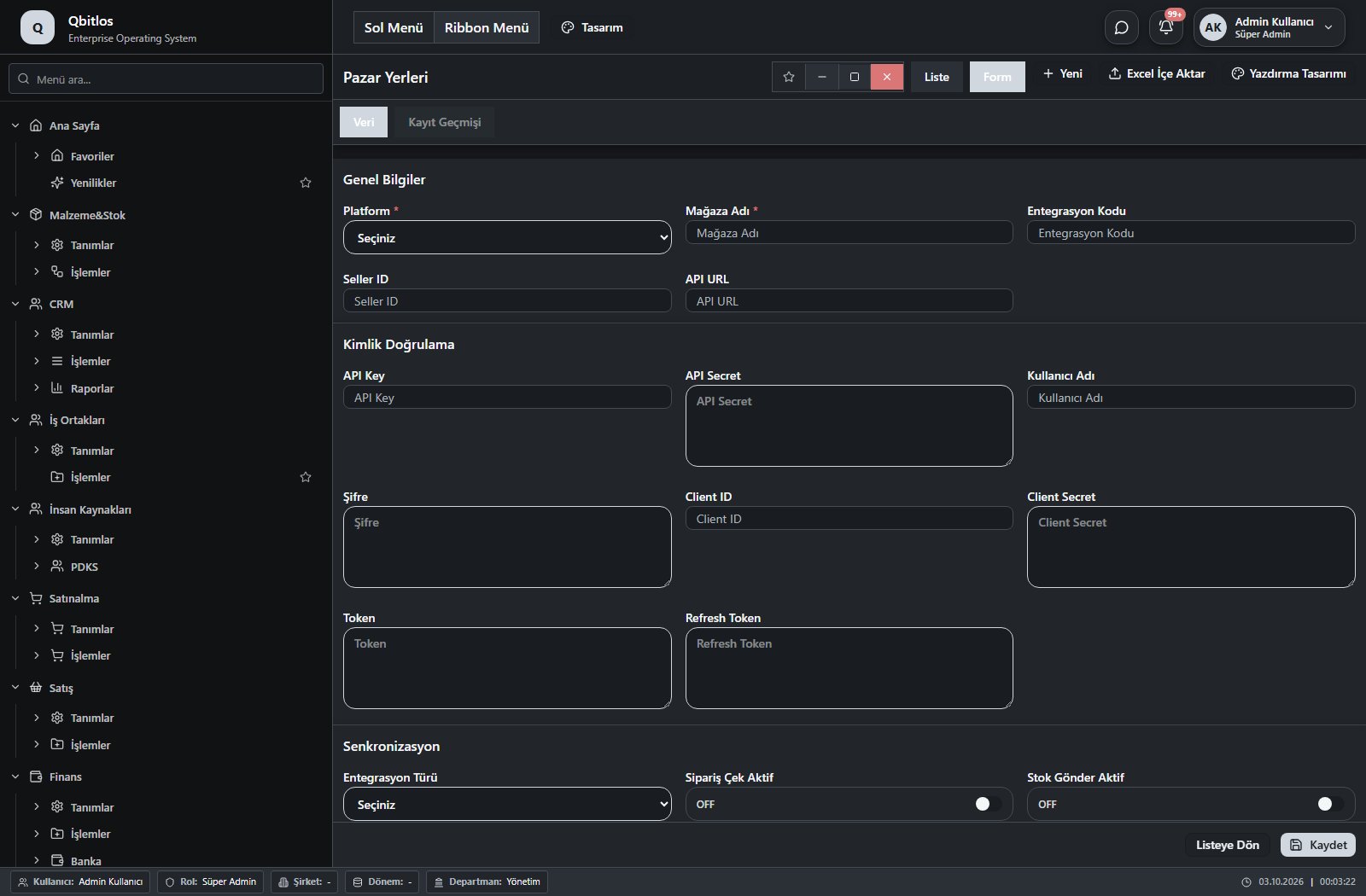
Satış / Tanımlar / Pazar Yerleri
 Open screen guide →
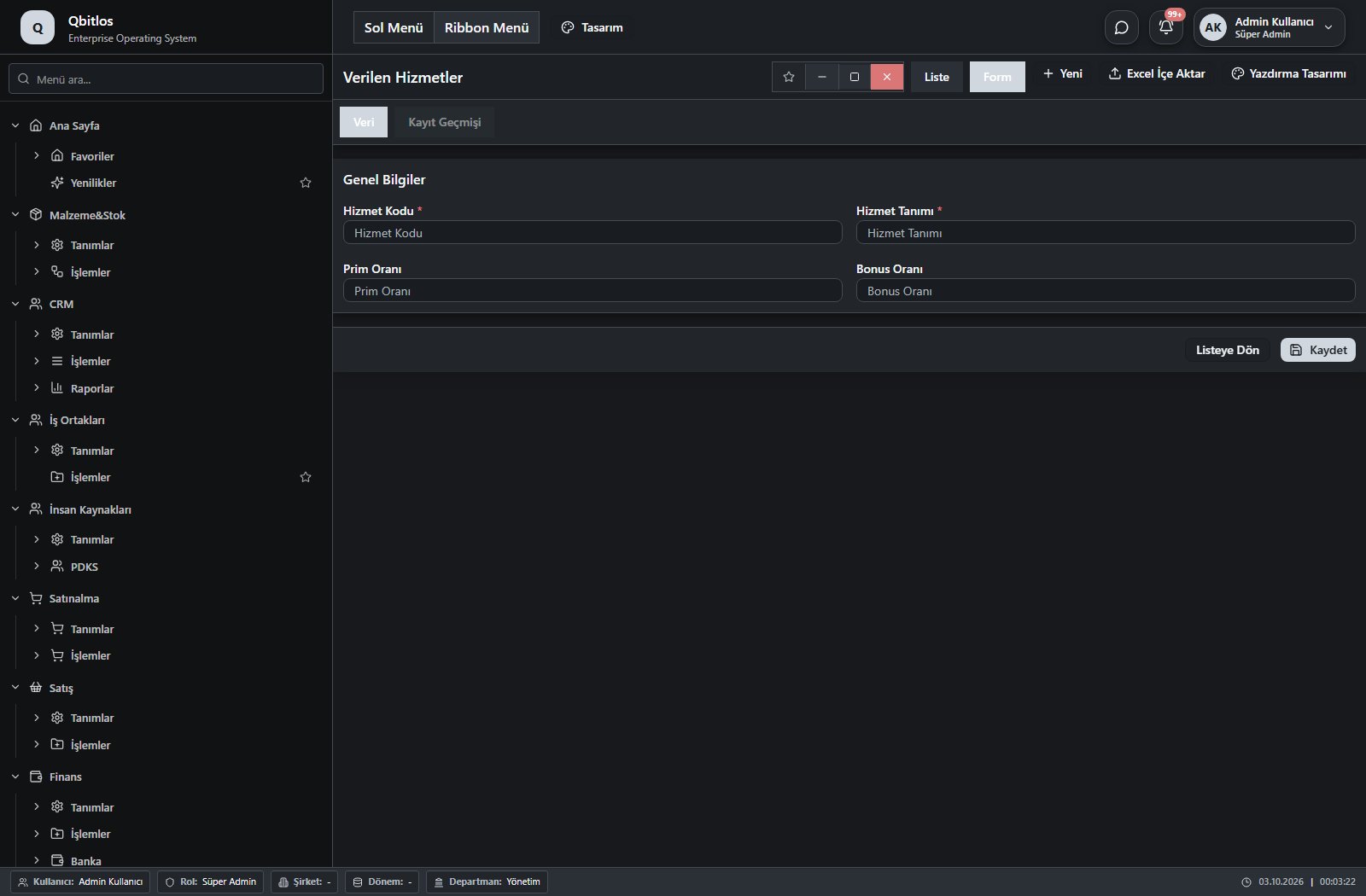
Satış / Tanımlar / Verilen Hizmetler
 Open screen guide →
Satış / İşlemler
Satış / İşlemler / Satış Teklifleri
 Open screen guide →
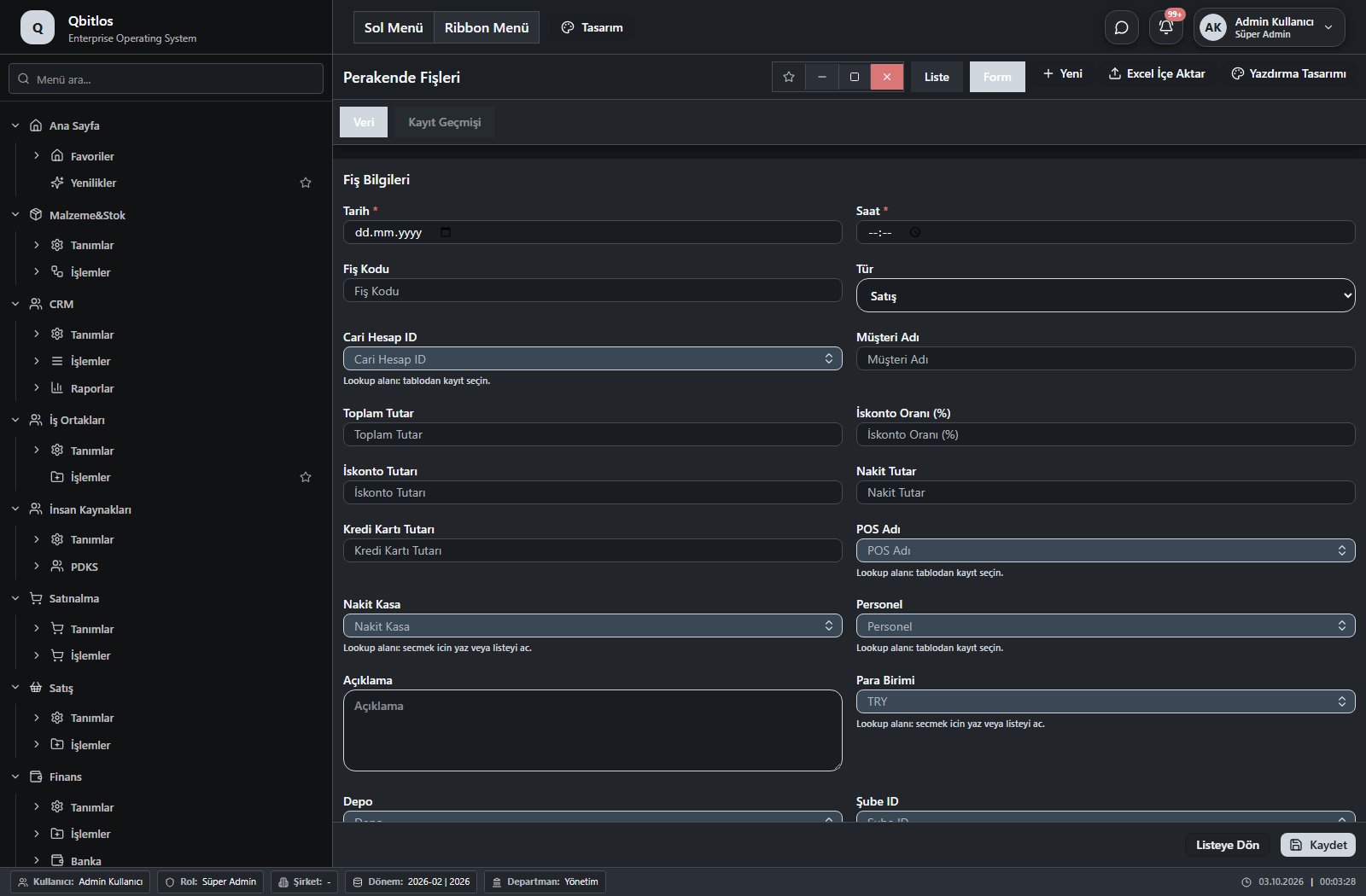
Satış / İşlemler / Perakende Fişleri
 Open screen guide →
Satış / İşlemler / Satış Siparişleri
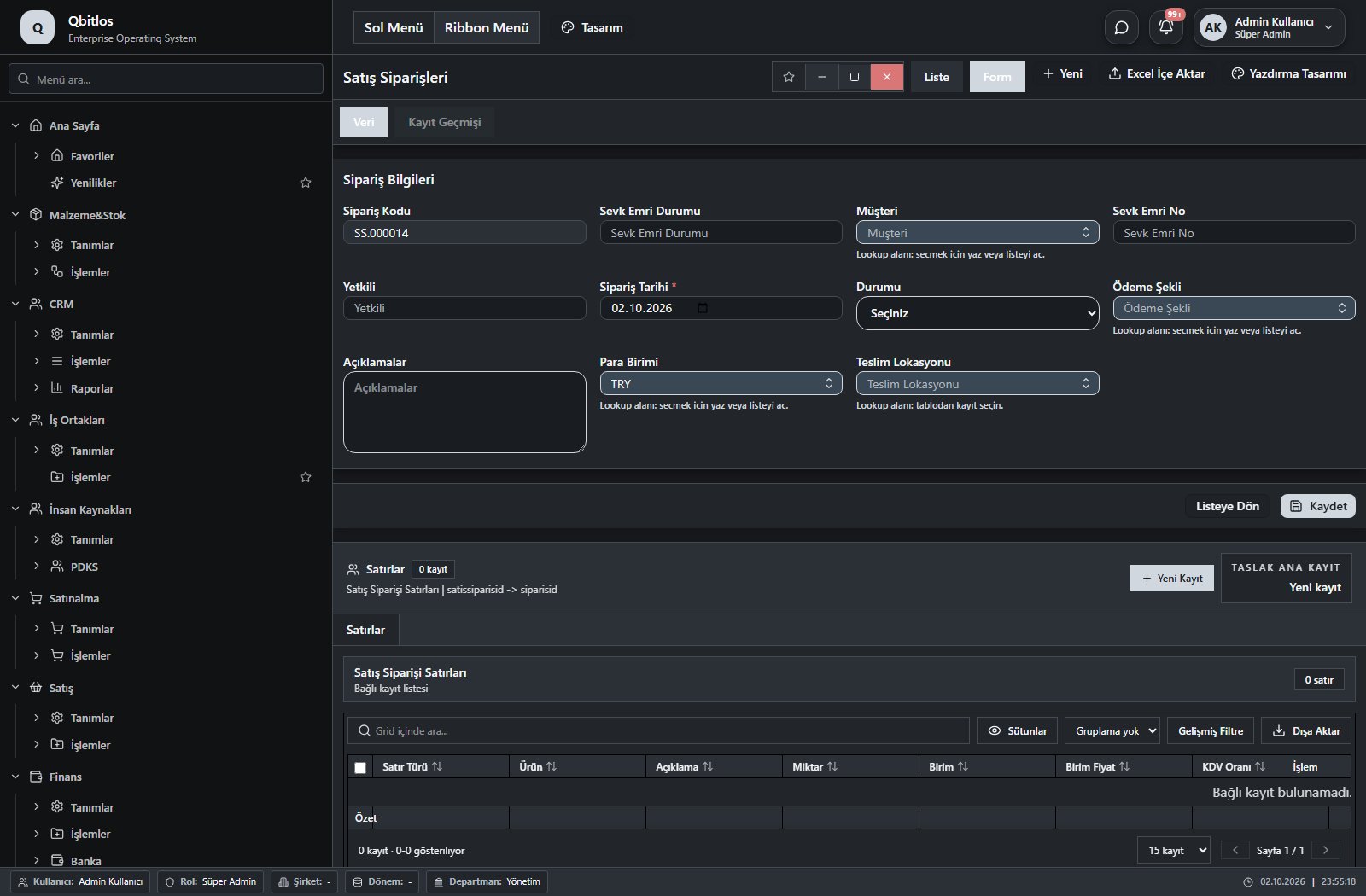 Open screen guide →
Satış / İşlemler / Satış Teklif Takibi
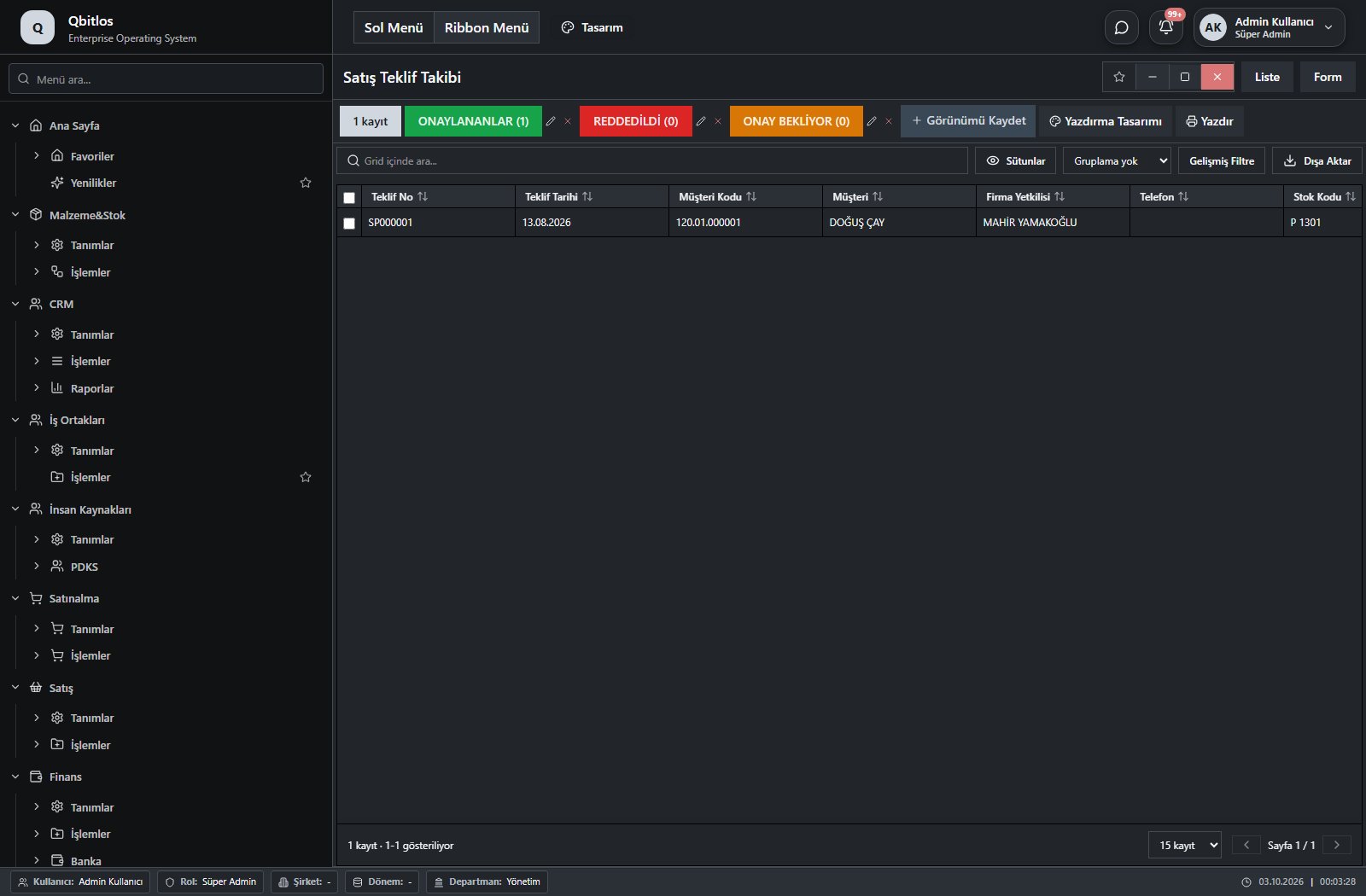 Open screen guide →
Satış / İşlemler / Sıcak Satış
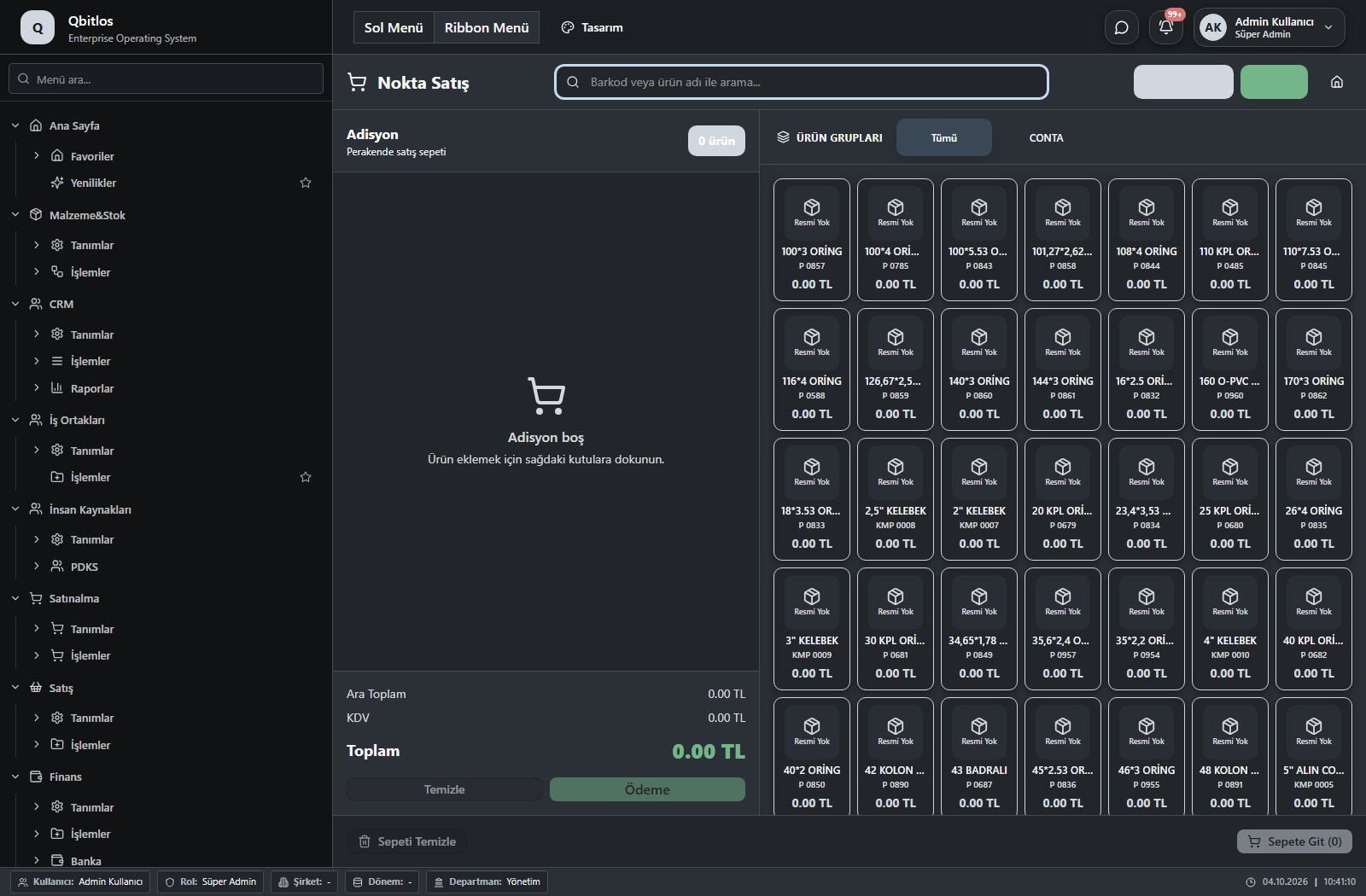 Open screen guide →
Satış / İşlemler / Sipariş Takibi
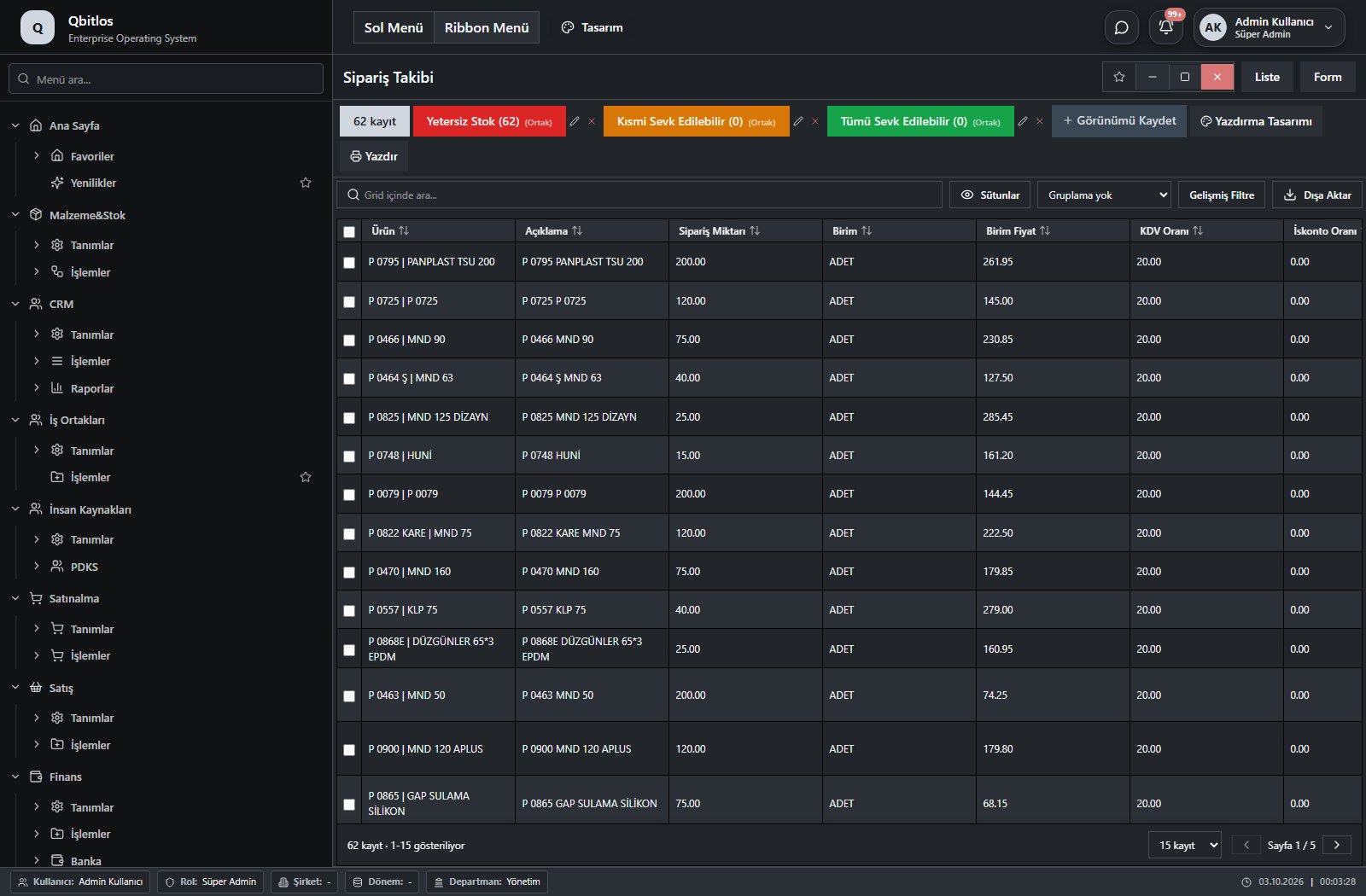 Open screen guide →
Satış / İşlemler / Sözleşmeler
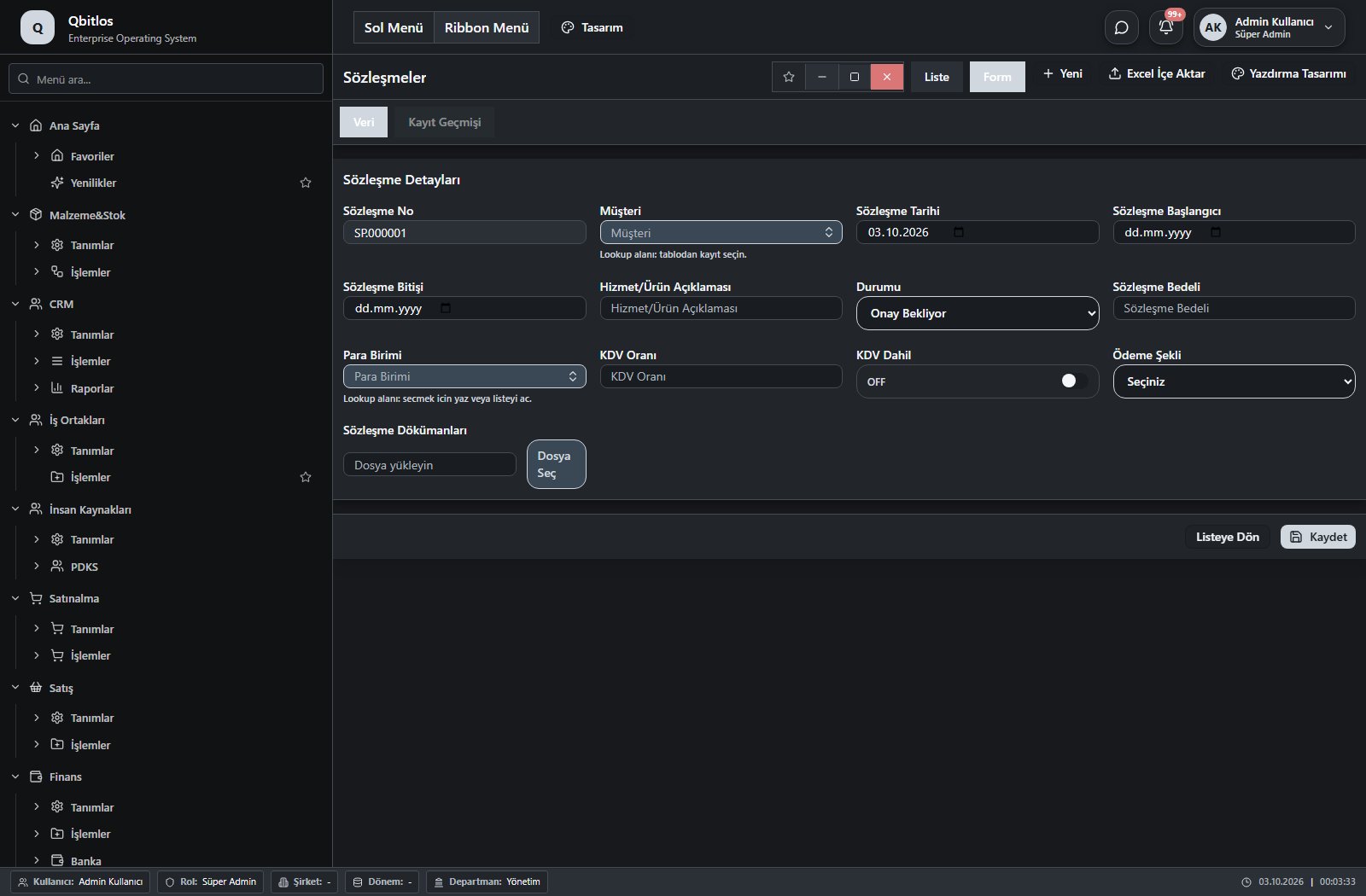 Open screen guide →
See it live in a demo: real data, real workflow.
Thank you! Our team will reach out shortly.